A photo edit, a painting, a video and a song do not begin with the same creative tools. Choose around the project and the device you own: can the software open the original, keep your work editable and export a finished version? Make a small piece of real work before committing to the learning curve.
Start with the project you want to make
What do you want to have when you’re done? A cleaned-up photograph, a scalable logo, a short film, and a drum track each point toward a different class of software. Describe the result and the material you’ll edit in one sentence. “I want to turn three phone clips into a video with music” is specific enough to pick a starting category.
| What you want to make | Software category | What it must let you work with | Skip an app if… |
|---|---|---|---|
| Retouched photograph | Raster image editor | Pixels, selections, image layers | It can’t do pixel-level fixes |
| Developed camera photos | RAW developer | Camera RAW files and photographic adjustments | It can’t open your camera’s RAW files |
| Painted illustration | Digital painting software | Brushes and editable paint layers | It can’t keep the artwork’s layers |
| Scalable logo or icon | Vector graphics editor | Editable paths, shapes, and objects | You need to change shapes later and it only makes flat pixels |
| Invitation or social graphic from a layout | Template-based design tool | Layouts, text, and placed images | The next person needs an editable file and the tool can’t provide one |
| Edited video from several clips | Timeline video editor | Clips, titles, sound, and edit decisions | It can’t assemble your sequence |
| Beat or instrumental track | Music-production software or DAW | Notes, MIDI, instruments, and tracks | It lacks the composing controls you need |
| Edited interview or podcast | Recording and audio editor | Recorded waveforms, cuts, and effects | It can’t make the edits your recording needs |
If an app can’t open your files or keep your work editable, skip it, however long its feature list is. Check system requirements and licensing after you’ve picked a category. Picking a DAW? See how to make the choice you can keep using.
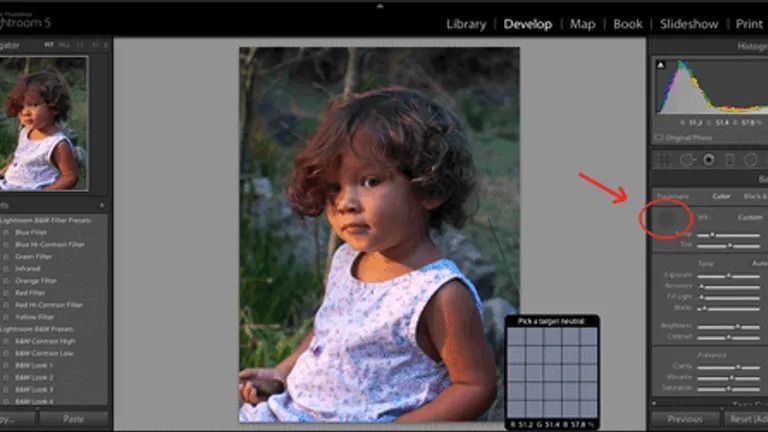
Some projects cross categories. You might develop a camera RAW file, then move the image to a pixel editor for detailed compositing. Each tool has its own job in that workflow.
Photos, painting, and vector design need different editing models
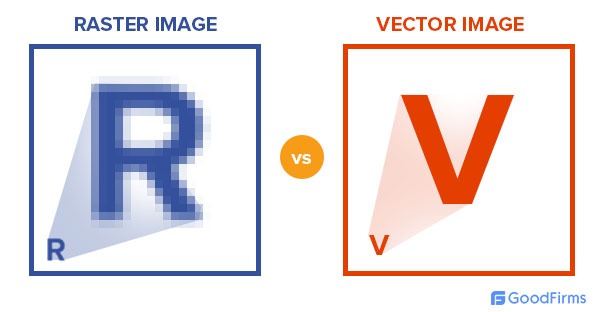
Two apps can both open an image and still preserve different kinds of work. What you need to adjust later decides whether raster, RAW, painting, or vector tools fit best.
| Editing model | Typical job | Example software | What stays editable |
|---|---|---|---|
| Raster editing | Retouch a portrait or combine photographs | GIMP | Pixels, selections, and supported layers |
| RAW development | Adjust camera images and photographic characteristics | darktable | RAW-processing adjustments |
| Digital painting | Draw a character or layered illustration | Krita | Paint layers and other supported artwork elements |
| Vector editing | Create a logo or an icon made from shapes | Inkscape | Paths, objects, and scalable shapes |
Vector editing matters when the object itself must stay adjustable. A logo built from paths can be reshaped independently of its exported image. Not every app reads every vector format.
Template-first software covers a different job: building a quick invitation, presentation graphic, or social post from a layout. It’s convenient when the finished design is all that matters. If another person will take over the work, you also need a portable, editable source file.
Video editing needs a timeline and a separate finished video
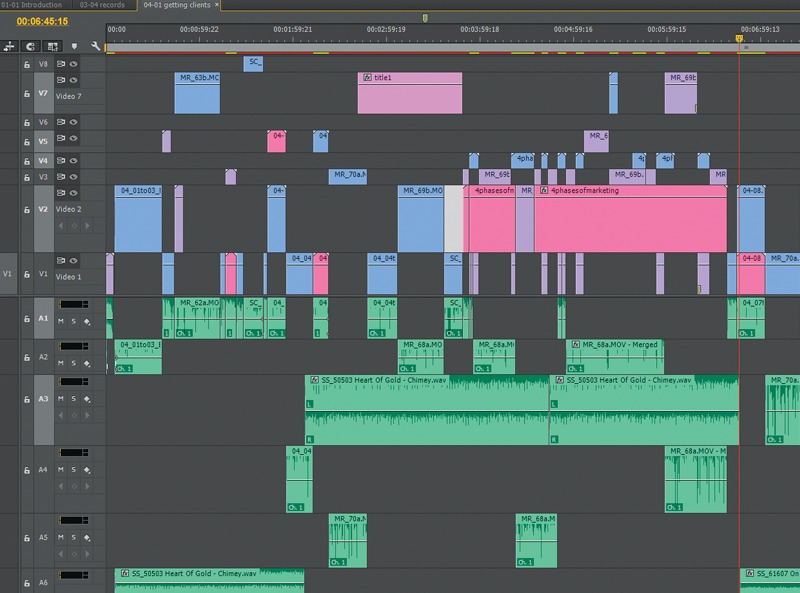
If you need to trim, arrange, title, and combine clips, look for a timeline video editor. Kdenlive saves your editable project in one file and renders the finished video, such as an MP4, separately. The MP4 doesn’t contain your multitrack edit. DaVinci Resolve comes in Free and Studio editions with different capabilities. A short vacation montage fits this category, while a simple one-off format conversion needs only a narrower utility.
Music production and recorded-audio editing follow different workflows
An interview recording and an instrumental beat are both audio projects. The interview starts with recorded sound. The beat can start with notes, patterns, and software instruments.
For a spoken recording, the main work is cutting mistakes, adjusting sound, and producing a file to share. Audacity is a free, open-source example of recording and waveform editing software. Its official FAQ also acknowledges music production, while distinguishing parts of its workflow from a traditional DAW.
A digital audio workstation, or DAW, is the tool for building and arranging musical parts. MIDI represents performance information such as notes and timing, which compatible applications and instruments can interpret. LMMS is an example of beat and MIDI-focused music-making. GarageBand, FL Studio, and REAPER are other music-production environments, each with its own workflow and licensing terms.
What free software, limited editions, and trials permit
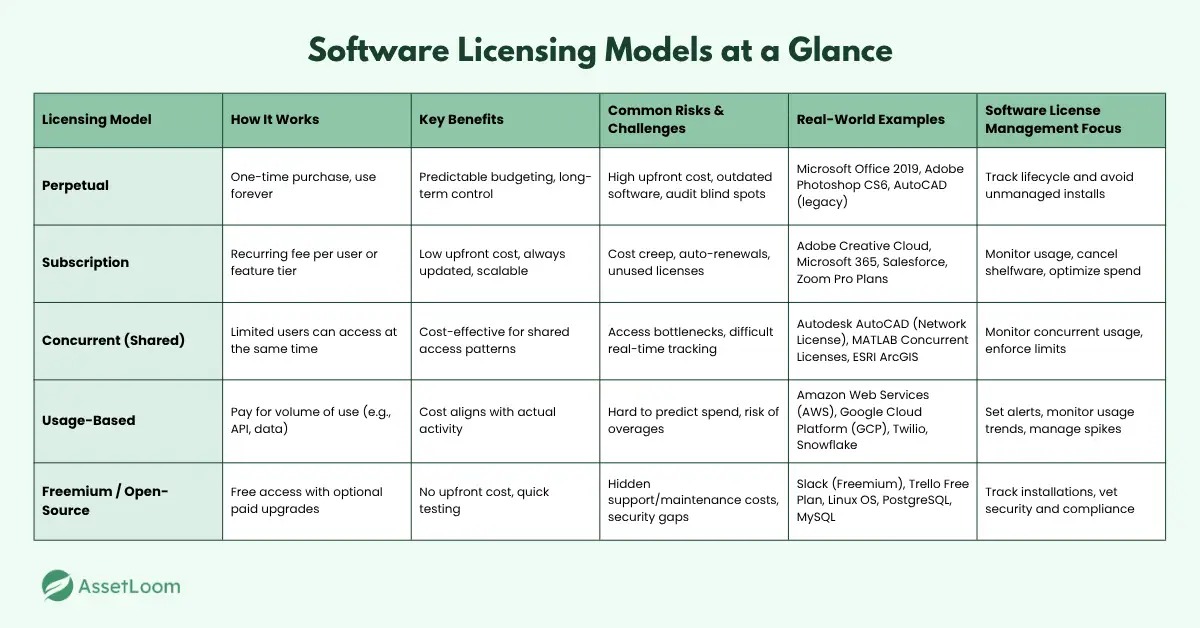
“Free” is about price. “Open source” is about the rights the license grants. A program can cost nothing without being open source, and open-source terms don’t require every distributor to charge nothing.
| Model | What it tells you | What still needs attention |
|---|---|---|
| Free to use | You can use the app without paying, within the stated limits | Whether features, services, or assets have separate terms |
| Open source | The license sets what you may do with the source code and copies | The price of a particular copy or service, and the exact license |
| Free edition | One edition is available without buying the paid edition | Which tools and exports belong to that edition |
| Freemium or limited free plan | Some features or usage are available without payment | Plan limits and paid-only capabilities |
| Time-limited evaluation | You can assess the software during a set period | Duration and the license you need afterward |
| Paid license | The purchased terms govern use | Edition, renewal, and any separately licensed components |
REAPER shows the difference. Its purchase page describes a 60-day full-featured evaluation followed by licensing. DaVinci Resolve has separate Free and Studio editions. Neither one gives you every feature for free forever.
Usage rights for the finished work are a separate question. GIMP’s FAQ says the project does not restrict commercial use of images made with GIMP. Rights to an imported stock photo, a font, a music sample, or a template come from that asset’s own terms.
Before you buy, read the official US terms for the edition you plan to use, including renewal and third-party material.
Check your device, source files, and migration requirements
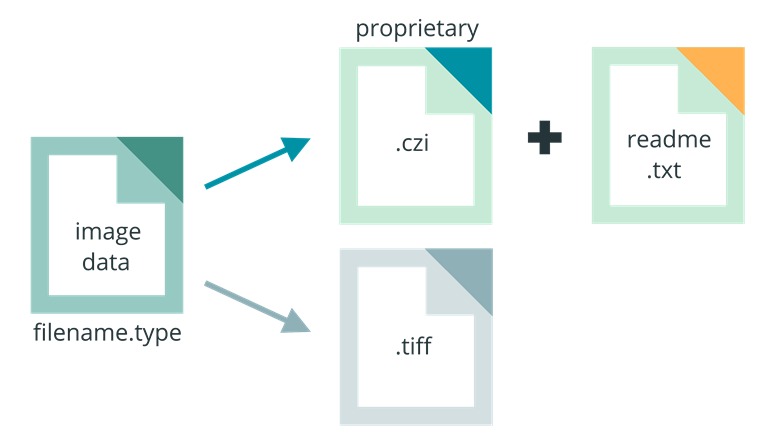
Compatibility goes beyond whether the installer launches. The program must handle your source material, run on your hardware, and carry across any project you’re bringing from another tool.
An older laptop may open a video editor and still struggle to preview demanding footage. Kdenlive documents optional proxy clips, which let you edit with lighter versions of your source media.
Kdenlive’s proxy settings include configurable encoding profiles. Try them when demanding footage strains a modest computer. For a full check of your setup, see how to check your computer and footage.
Moving a photo library is a different problem. The photographs may open while your tags, hierarchical keywords, earlier editing instructions, or library organization need separate handling. A file that opens doesn’t mean its earlier edits and metadata transferred in a usable form.
Compare the application’s operating-system requirements, storage needs, and supported file types with your computer. Open a test file or media batch. For an existing library, inspect a sample of its metadata and saved edits before you migrate everything.
Choose software you can enjoy learning
Advanced controls are worth having only when you’ll use them. For a first song or illustration, getting to the next creative decision without losing momentum matters as much as the feature count.
One producer coming from GarageBand found FL Studio’s many controls distracting.
Some people say that they got overwhelmed when they opened a DAW for the first time. This was not the case for me at all because I had a little bit of what a DAW was from iOS GarageBand. So a few tutorial videos for FL Studio got me on the track easily. The problem was it was so much easier to be creative in GarageBand. It was like I had so much freedom. FL Studio has sooo many things that I feel like I need to know every single button in every VST, effect and editor. I get a little idea and try to make it kinda work on FL but I either get distracted or I just don’t feel like doing anything. And I see everyone making beautiful beats and keep comparing myself to people that are doing this thing for years and have professional equipment while I only have a JBL 520 headphones.
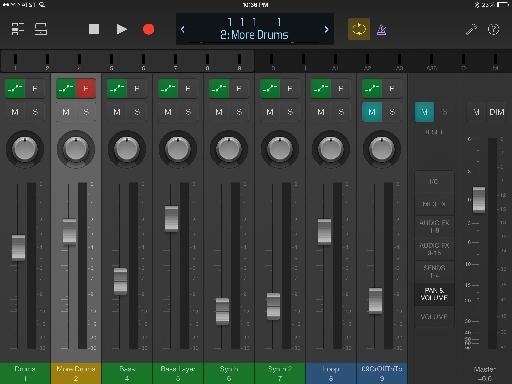
Some work justifies a more demanding tool: precise adjustment, elaborate arrangements, or repeatable production steps. Once you know the workflow, deeper features pay off. How much complexity suits you depends on what those controls do for your work, how often you do the task, and how familiar the environment becomes.
Preserve your editable project and prepare for recovery
Your exported image, audio track, or movie is what someone else can view or play. Your working project holds the layers, tracks, edit decisions, or other information you need to revise it.
One Krita user lost hours of work to a flattened save.
I don’t have a PC of my own. I use Krita on my boyfriend’s PC. I left it running mid-project to attend to our daughter and didn’t have time to go back to it. He got home from work and said his coworker invited him to play a video game, and I gad forgotten about my drawing, so I just told him to have fun. Later in the day, I heard the PC shutting down and remembered my drawing. I asked him about it, and he said, “Don’t worry, I saved it before I switched users.” Today I logged back on. He saved it as a .jpg file. All of my layers have flattened into a single image and the top layer was a bright cyan sketch that I was using as a guide for my otherwise grayish-brown color blocking practice, and I don’t save as I’m working because this is the first time I’ve ever been unable to finish a drawing in one sitting. 7+ hours of work gone. I have to restart the drawing altogether. Sobbing.
The JPG kept the picture and lost the layers. Krita’s native .kra format keeps the working painting.
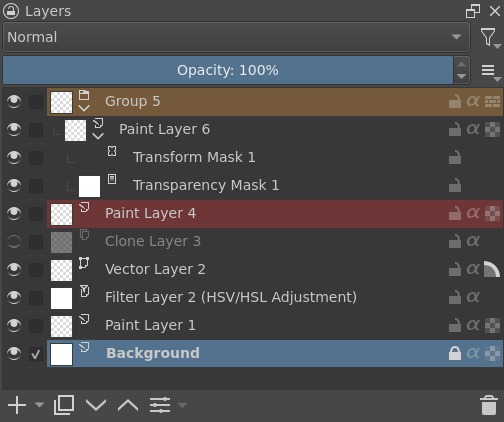
Krita’s save documentation separates three operations: explicitly saving the working project, creating emergency autosave files, and keeping backup copies. Normal closing can remove an autosave, and backup availability depends on saving history and configuration. An autosave protects you differently from a deliberately saved project and its backup.
Try a save, reopen, and export exercise
- Create editable parts. Add two drawing layers, several video cuts, or separate audio tracks in a disposable practice project.
- Save the native project. Use the application’s working format and keep any source files it depends on.
- Close and reopen it. Check that the layers, cuts, or tracks are still editable.
- Export a finished copy. Make an image, video, or sound file for your audience and inspect it.
- Find the recovery files. Locate the application’s autosave and backup options so you know what you can recover after an interruption.
Finish one small project before committing
Once you’ve found the right kind of software, try finishing something with it. Exploring every menu is less revealing than working through a small project from an original file to a saved, editable result.
A beginning video creator might assemble two clips and add a title. Someone making beats could enter a few notes and arrange a short drum pattern. Notice how easily you reach the controls for the main task and whether you can finish without detours.
The better creative app is the one in which you can finish a small project, reopen it and make a change without fighting the interface. Advanced features can wait until a project actually needs them.
Speak Your Mind