When salespeople cannot see who owns a lead or what happened in the last conversation, customer management has become a workflow problem. A CRM can help; a shared spreadsheet that already works does not need replacing. Put two or three suitable editions through the same daily sales tasks and account for the ongoing administrative cost.
When a CRM is worth replacing your spreadsheet
A CRM is worth buying when customer information is too hard to coordinate with the tools your team already uses. One salesperson updates a lead, another misses the change, and the manager has no dependable record of who owns the next conversation. If the spreadsheet is the sticking point, see how to fix the spreadsheet process before buying a CRM.
Customer relationship management software organizes contacts, companies, opportunities, sales activities, and reports in a shared system. It assigns responsibility and makes follow-ups visible across the team.
That structure comes with setup and upkeep. A solo consultant with a few active prospects can be well served by a spreadsheet and calendar, as long as the records stay accurate and the next actions get done.
One small-business owner looked at CRM options and came to that conclusion:
I looked at a few CRMs, but for where I’m at they felt like more overhead than help.
Recognize the point where a shared sheet becomes unreliable
| Current process | Warning signal | What CRM could solve | Reason to defer |
|---|---|---|---|
| One spreadsheet and calendar | Follow-ups disappear between records | Assigned tasks linked to customer history | One person already tracks each action reliably |
| Shared lead spreadsheet | Overlapping edits or disputed ownership | Shared records with defined owners | Editing controls and handoffs already work |
| Separate employee inboxes | Colleagues cannot reconstruct the last conversation | Accessible activity history | Existing tools provide a complete shared view |
| Manual pipeline reports | Totals disagree with underlying opportunities | Reporting tied to deal records | Existing reporting is accurate and maintainable |
A user on a larger team described the same problem:
~12 person team. pipeline still lives in a google sheet with broken vlookup and three people editing the wrong tab.
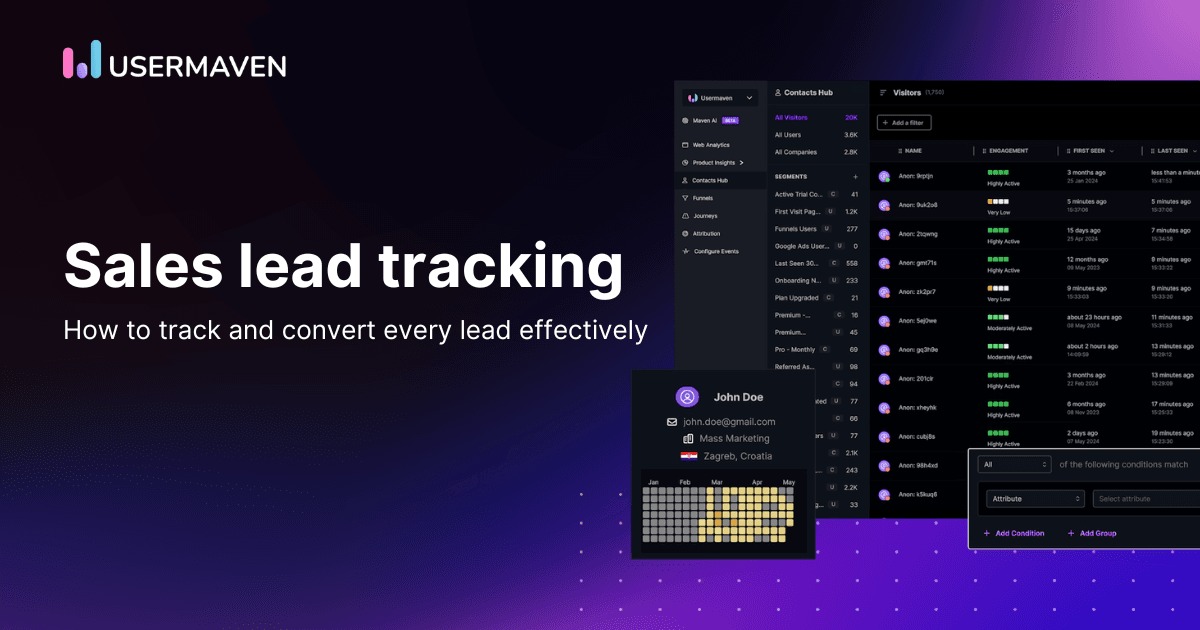
Before shopping for software, name a specific failure that costs the team time, information, or a customer action: overlapping edits, missing history, unassigned leads, or a report nobody trusts.
A better calendar routine can fix an isolated reminder problem. Repeated ownership disputes or broken handoffs make a shared CRM workflow more attractive. There’s no headcount at which a CRM becomes necessary.
Which type of CRM fits the way you sell?
Start with the customer relationships your business has to manage. A team working a sales pipeline needs dependable deals and follow-ups. A company focused on renewals, shared account history, or customer analysis needs a different mix of capabilities. For the wider software picture, see which type of business software fits the job.
CRM products fall into three broad categories:
- Operational CRM: Supports day-to-day sales and relationship work: managing leads, advancing deals, logging activities, and assigning tasks.
- Analytical CRM: Covers reporting, pipeline analysis, and forecasting, the numbers managers use to judge performance.
- Collaborative CRM: Gives sales, customer-success, and service teams a shared view of customer activity and account history.
These categories overlap in commercial products. A sales-oriented system may include dashboards and shared customer history, and a broad platform may combine several functions.
The record model matters before the feature list
Consider a B2B supplier that deals with three buyers at one customer company. It needs one company record, three contact records, and several opportunities tied to that company.
Most CRMs distinguish:
- Lead: A potential customer or inquiry still being assessed. Some systems use a separate lead object; others manage early prospects differently.
- Contact: An individual involved in the relationship.
- Account or company: An organization linked to people and commercial activity.
- Deal or opportunity: A possible sale tracked through stages, usually with an owner and commercial details.
- Activity: A recorded or planned interaction, such as a call, meeting, email, note, or task.
The relationships between those records matter most. A manager opening one company should see its people and opportunities without piecing them together from unrelated entries.
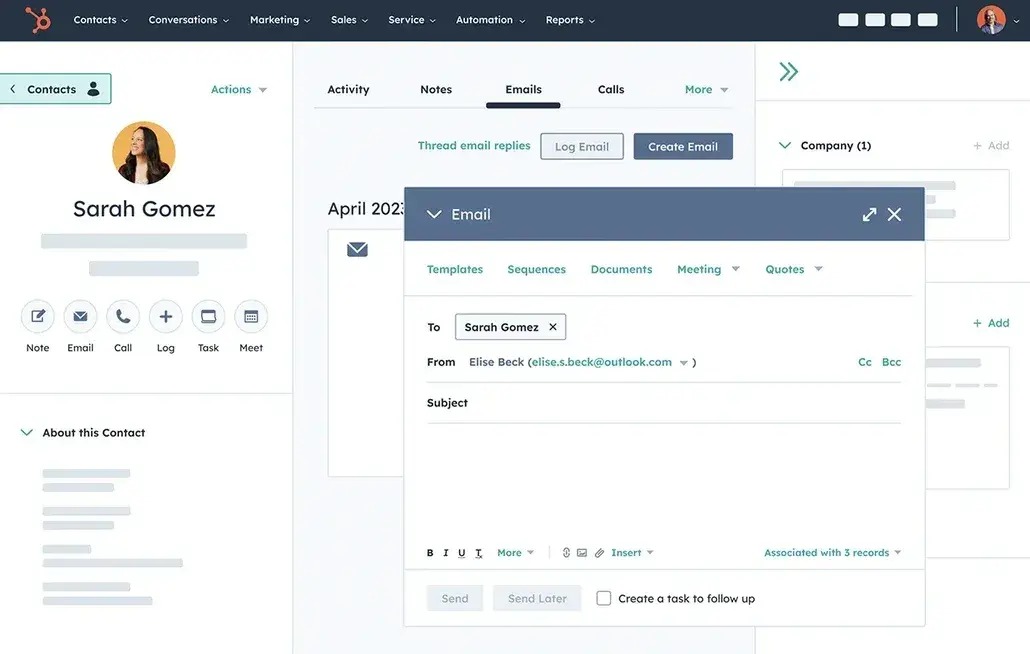
Repeat customers add cases. One account may have several open opportunities, recurring renewals, or different contacts at different branches. A nonprofit may organize relationships around people and households. Settle these data-model questions for the edition you plan to buy.
Sketch the essential relationships in your business: person, organization, opportunity, stage, and owner. A candidate that can’t represent one of them is out.
HubSpot, Salesforce Sales Cloud, Zoho CRM, and Pipedrive are well-known CRMs to look at early. Their capabilities, configurations, and paid editions differ. For a direct comparison, see the HubSpot–Pipedrive comparison when those two systems make the shortlist.
What your CRM must help the team do
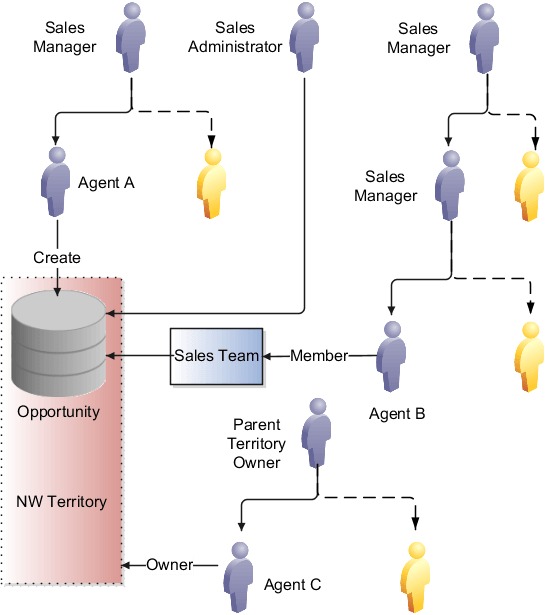
Every important opportunity needs a record of who owns it, what stage it has reached, what has happened so far, and what happens next.
Picture an inquiry arriving through a web form. An employee identifies the company, assigns a salesperson, and creates an opportunity. After speaking with the prospect, the salesperson logs the conversation and sets the next action. A colleague opening the record later sees the full context.
A founder writing about missed follow-ups put the failure in one sentence:
Prospect said “send me the proposal next Tuesday.” I forgot.
The post also pitched a software idea, and its claimed losses are unverified.
A reminder only works if someone owns it and acts on it.
Turn feature claims into task requirements
- Lead assignment: You can tell who owns each active lead and who takes over after reassignment.
- Customer history: Authorized employees can find the notes, calls, meetings, and messages they need.
- Pipeline reporting: A manager can check a dashboard count or value against the underlying opportunity records.
- Integrations: You know which data objects move, in which direction, how often, under which permissions, and what happens on errors.
- Access controls: Roles give each employee the records and administrative rights their job requires.
- Automation: Triggers, exclusions, customer opt-outs, approvals, and failure handling fit your communication process.
An integration listing is only a lead to investigate. A contact sync might import records, update them in one direction, or exchange them both ways, and each serves a different need.
Reporting needs the same precision. If a dashboard shows five open deals, your team should be able to name those deals and explain the stages and values behind the total.
For automated outreach, a missing exclusion rule can send an otherwise valid message to the wrong audience. Define the conditions for existing customers, unsubscribed contacts, and approvals in the workflow.
If you handle regulated medical, financial, or children’s information, you have additional requirements tied to your data and the rules that apply. Ordinary CRM feature descriptions give no sector-specific compliance assurance.
Write each must-have workflow as an action an employee completes, naming the required data and the result. Those tasks become the qualifications for your shortlist.
How to compare CRM candidates on the work that matters
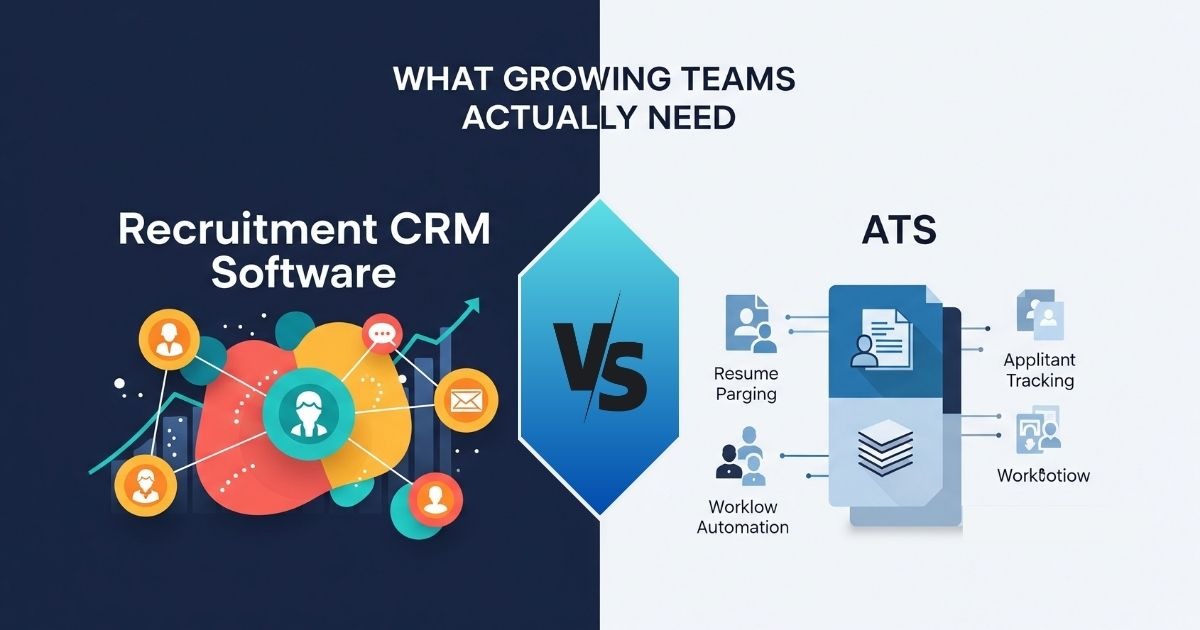
Separate must-haves from preferences before you assign scores. A product that can’t represent your customer relationships or run a necessary integration leaves the shortlist, whatever else it offers.
Use the same requirements for two or three candidates. Record a pass, fail, or pending result against the exact edition you’re considering.
A comparison record you can use
| Requirement | Must-have gate | CRM A | CRM B | CRM C | Evidence by candidate (A/B/C) |
|---|---|---|---|---|---|
| Contact, account, and deal relationships | Required record structure can be represented | ____ | ____ | ____ | A: ____; B: ____; C: ____ (edition and sample records) |
| Ownership and next action | Required workflow can be completed | ____ | ____ | ____ | A: ____; B: ____; C: ____ (task outcome) |
| Critical integration | Needed data transfers correctly | ____ | ____ | ____ | A: ____; B: ____; C: ____ (objects, direction, plan) |
| Permissions | Required access restrictions exist | ____ | ____ | ____ | A: ____; B: ____; C: ____ (role tested) |
| Data portability | Must-have records can be exported | ____ | ____ | ____ | A: ____; B: ____; C: ____ (export and exceptions) |
| Commercial terms | Required capabilities fit the commitment | ____ | ____ | ____ | A: ____; B: ____; C: ____ (quote and terms) |
Enter Pass, Fail, or Pending in each candidate cell. Prefix each note with A, B, or C so the evidence stays with the right product. Pending means you haven’t tested it yet. A failed gate disqualifies that edition, and a pending gate needs more investigation before you decide.
Once candidates meet every must-have, compare preferences such as everyday convenience, training effort, reporting flexibility, support, and ongoing administration.
A weighted comparison helps at this stage. Your team assigns importance to the criteria that matter for its work and records observations from the same tasks. Set the weights yourself.
A five-person sales team might value fast opportunity updates over sophisticated forecasting. A business coordinating several departments might weight permission controls and shared history more heavily.
Review sites such as G2’s CRM category and Capterra’s CRM listings help you find products and issues to investigate. A reviewer’s experience with onboarding or support can suggest a question for your own comparison.
How to test whether your team will use it
The people who will use the CRM daily should run the trial themselves, including the handoffs and record updates that take time in an ordinary week.
A customer-success professional looking back on a disappointing implementation wrote:
Now from my perspective a year later it looks like a total dud
That rollout involved administrative effort, management reports that were hard to reconcile, and pilot-user requirements the contributor felt had been overlooked.
Run a representative CRM pilot
Consider an illustrative five-person B2B service-sales team. New inquiries arrive through a web form and shared inbox. Each opportunity needs one owner, and the manager needs a reliable weekly pipeline view.
For a manageable first trial, the team could enter 15 fictional contacts and three sample deals. These quantities are example test inputs.
Ask the daily users to complete this sequence:
- Create the records. Enter the contacts, link them to companies, and connect the sample deals to the right accounts.
- Advance a deal. Log an interaction, change the pipeline stage, and set a next action with an owner.
- Hand off responsibility. Reassign an opportunity and ask its new owner to find the history unaided.
- Check the report. Generate a pipeline view and compare its entries and totals against the sample deals.
- Retrieve customer context. Have a second employee find a contact and the most recent relevant interaction.
Record a result for each task: completed, failed, or needs more configuration. Note who tested, the steps taken, any repeated data entry, missing information, permission problems, and report discrepancies.
Add mobile access to the trial when salespeople routinely work away from their desks.
Automation needs controlled trial records too. Test trigger rules, negative filters, customer opt-outs, manual overrides, and the response to a failed action. Use dummy recipients so a mistaken test can’t send unwanted customer messages.
Watch what staff do when the CRM becomes inconvenient. If they rebuild the old spreadsheet beside the new system, find the underlying problem: too many clicks, inaccessible information, unclear ownership, or an integration that doesn’t support the task.
What CRM software costs beyond the subscription
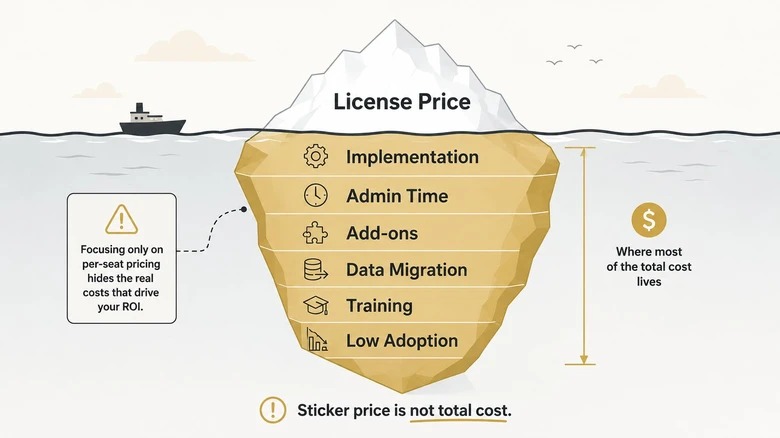
CRM ownership cost covers the license or subscription charges plus the work and services needed to run the system you require. A low introductory price can coexist with meaningful implementation or administration costs. See what a CRM costs beyond the starter plan for more.
HubSpot Sales Hub and Salesforce Sales Cloud, for example, each distinguish product editions and capabilities.
Build a 12-month and 24-month cost worksheet
| Cost component | What to enter | Months 1 to 12 | Months 13 to 24 |
|---|---|---|---|
| Licenses and seats | Edition, paid seats, billing schedule, seat changes | ____ | ____ |
| Onboarding and configuration | Required setup, data preparation, consulting | ____ | ____ |
| Internal labor | Training, administration, ongoing maintenance | ____ | ____ |
| Integrations | Connectors, API-related services, maintenance | ____ | ____ |
| Usage-based charges | Applicable contacts, actions, storage, AI or other metered units | ____ | ____ |
| Support and additional modules | Necessary support, services and add-ons | ____ | ____ |
Add the charges for every component in the first 12 months to get the first-year total. Then calculate months 13 through 24 using renewal prices, seat changes, and expected recurring costs. The 24-month total is the sum of both periods. Put one-time onboarding in the period when it occurs, and charge each item at its actual billing interval. The full method is in how to calculate 12- and 24-month CRM ownership cost.
If an organization adds paid seats in the second year, it should calculate the charge under the contract terms for the periods before and after the change. Multiplying one promotional per-seat price across two years can misstate the commitment. To compare HubSpot and Zoho, see how to compare 2, 5 and 10 paid seats.
Contact databases and marketing-contact allowances may be billed or limited differently from paid seats, automation actions, storage, and AI usage.
In March 2018, a nonprofit founder described receiving 10 Salesforce licenses without a license charge, then discovering that the necessary customization and support would exceed the organization’s budget.
The author later wrote:
The fact that I had to apply probably should have been my first warning sign.
A broader platform may save money by replacing separate subscriptions or cutting integration work. Count those savings only when you can find them in your existing expenses.
Get a written US quote that specifies the edition, required capabilities, seat arrangements, onboarding, support, add-ons, usage allowances, commitment, and renewal conditions. Prices and terms change, so base each calculation on the offer for your proposed purchase.
How to plan migration and avoid expensive surprises
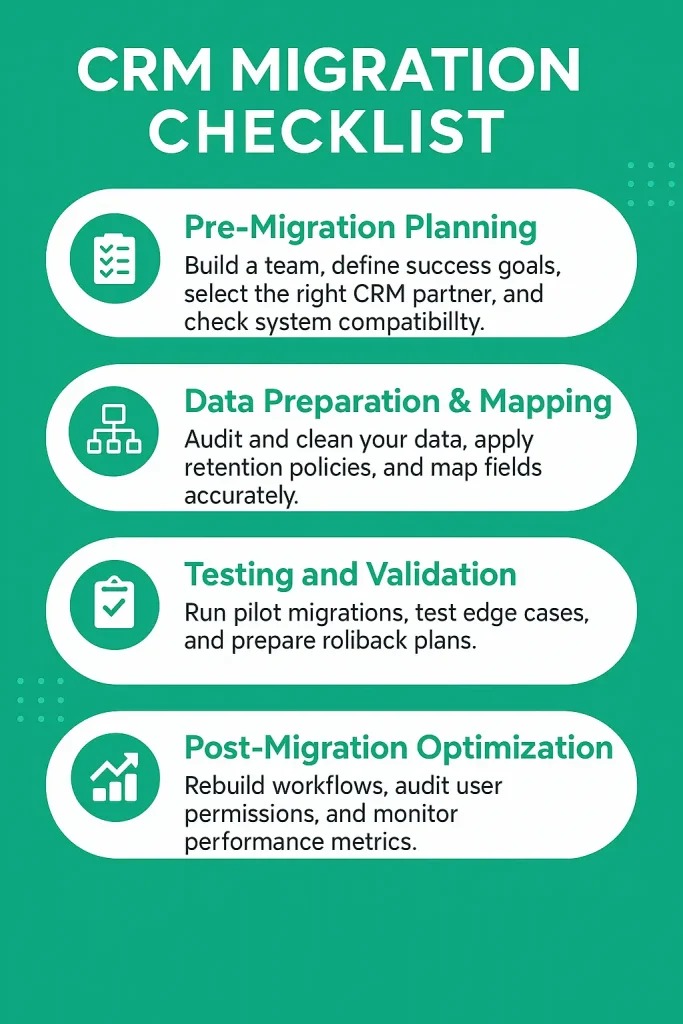
A working CRM migration preserves customer records together with the relationships, history, and ownership that make them useful.
A contact, its company, an open deal, its owner, and the last customer conversation are different pieces of information. They can need separate import paths and have different export options.
Identify the information that must survive
Sort the essential data into groups:
- Core records: Contacts, companies, leads, deals, and their required field values.
- Relationships: Links among people, accounts, opportunities, and custom records.
- Current work: Owners, stages, open tasks, next actions, and notes.
- History: Calls, meetings, email activity, engagement events, attachments, and anything else needed for continuity.
- Access and configuration: Role permissions, custom fields, and rules essential to daily work.
Vendor documentation draws this distinction. HubSpot’s contact import guidance, updated July 22, 2026, describes a quick contact-only spreadsheet import and points users who need other objects or associations to an advanced import workflow.
A HubSpot Community contributor described a harder case, with two portals, one used for sales and another for marketing:
We have a few years’ worth of deals in the Sales hub
In October 2022, the question was how to preserve sales records and marketing engagement history while considering a merger of the two portals.
Use a migration acceptance record
Before a full cutover, use fictional or properly anonymized sample data. Compare the original and imported records, then log the outcomes in a sign-off record.
| Data group | Source and destination check | Relationships or history | Pass/fail and exception |
|---|---|---|---|
| Contacts and companies | Counts, required fields, duplicates | Correct contact-to-company links | ____ |
| Deals and open tasks | Stages, owners, next actions | Deals linked to intended accounts | ____ |
| Notes and activity history | Representative interactions present | History connected to correct records | ____ |
| Export and access | Usable export files and permissions | Required data can be reconstructed | ____ |
For each data group, record a pass, fail, or unresolved exception. A migration fails the selection gate when deals, associations, or history don’t transfer, even if contact counts match. An exception is acceptable only when the business has a workable way to preserve the required information.
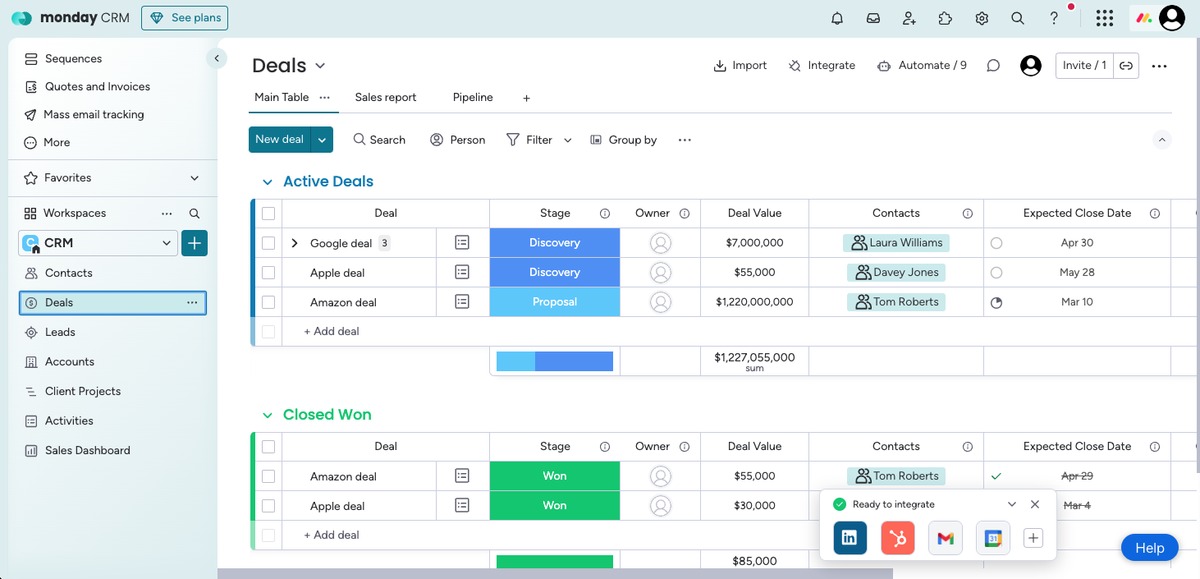
Check an outbound export as well as the inbound import. Inspect the file format and the fields included, and see whether a representative relationship can be rebuilt outside the system. Also confirm who has export permissions.
How to decide: buy, pilot longer, or keep what works
The approved CRM should have a demonstrated owner-and-follow-up process, usable exports and a quoted paid edition. For the budget comparison that belongs beside that evidence, use how to calculate the ownership cost.
Speak Your Mind