Buying another security console does little if nobody has responsibility for its alerts or recovery actions. Identify the control the business lacks and trial the relevant capability on its own environment. When the team cannot operate that protection, compare a properly scoped managed service with a subscription it would leave unattended.
An employee cannot access a customer record. A laptop has missed months of updates. A security dashboard lights up at midnight, and nobody knows who is supposed to answer.
The same administrator may receive a device-update problem, an access failure and an unanswered security alert. Those incidents require different controls and response responsibilities; a broad feature list does not make them interchangeable.
Identify the missing capability
Write down three things: the business process or asset at risk, the control you already have, and the capability that’s still missing. A 12-person company with managed cloud identities and MFA can still lack reliable third-party application patching, so fleet maintenance is its first concern. Those three lines set the scope of the buying decision. The NIST Cybersecurity Framework 2.0 Small Business Quick-Start Guide organizes cybersecurity work around six functions: Govern, Identify, Protect, Detect, Respond, and Recover.
Match the problem to a software category
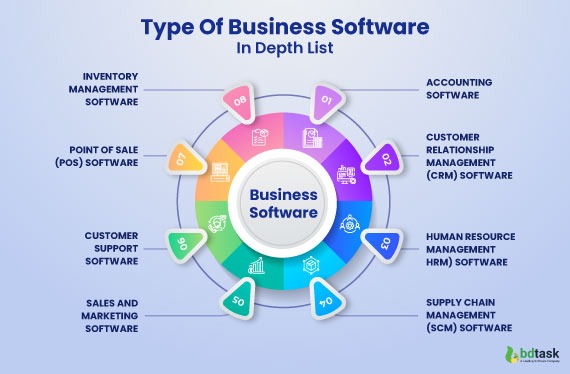
IT management tools support devices, maintenance and service operations. Security technologies and services cover access, protection, detection, response and recovery. Some products span several of these functions, with differences in features, operating systems and license editions. For patch management on Windows and macOS, read remote-support coverage options.
| Problem or need | Starting category | Primary function | Important boundary |
|---|---|---|---|
| Remote computers need maintenance and oversight | RMM | Remote monitoring, maintenance, administrative tasks and often patch deployment | Doesn’t include human security investigation. Cover that separately. |
| Company and personal devices need consistent enrollment and policy | UEM / MDM | Device enrollment, configuration, ownership and lifecycle management | Threat detection and incident response are separate capabilities |
| Support requests get lost between employees and technicians | ITSM / help desk | Tickets, incidents, requests and service workflows | Doesn’t protect endpoints |
| Technicians need controlled access to distant computers | Remote support | Authorized remote sessions and troubleshooting | Still needs permissions, audit records and a way to end access |
| Devices miss updates or vulnerability remediation is poorly coordinated | Patch / vulnerability management | Update deployment, exposure identification and remediation tracking | Patch availability, approval and recovery options differ by product |
| Endpoints need malware prevention and suspicious-activity investigation | EPP / EDR | Endpoint protection, detection, investigation and supported response actions | Someone must be assigned to investigate and respond |
| Events from several systems need correlation and investigation | SIEM software | Security-event collection, analysis, detection and investigation support | Installing it doesn’t give you staffed monitoring |
| The business needs contracted detection and response expertise | MDR service | Managed investigation and response within an agreed service scope | Covered systems, staffed hours and authority to act depend on the agreement |
| The business needs an organized security-operations capability | SOC function | People, processes and technology for security monitoring and incident handling | A SOC is an operating function, internal or outsourced |
| Account access and employee offboarding create security gaps | IAM / MFA / SSO | Authentication, authorization and identity lifecycle | Doesn’t make your data recoverable |
| Important files, cloud data or systems cannot be reliably restored | Backup / recovery | Retained data and procedures for restoring operations | You have to demonstrate actual coverage and restoration |
A team with ticket backlogs needs an ITSM workflow. A business that gets useful endpoint alerts but can’t investigate them after hours needs response coverage. Buying an unrelated category fixes neither.
Suites can overlap categories. RMM products may include patch management, and endpoint platforms may expose vulnerability information. Check which functions and admin rights come with the edition you’re quoted.
Personal devices need extra care. Microsoft Intune’s user guidance explains that what an administrator can see depends on the platform, device ownership and enrollment method. A BYOD policy has to cover both your administrative requirements and what the employee’s device arrangement permits. Before you settle enrollment, BYOD, and MDM, read privacy boundaries for employee-owned devices.
Mark each category as needed, already covered, or irrelevant to your requirement. Several categories can be necessary when each does a different essential job.
Who will handle alerts and after-hours incidents?
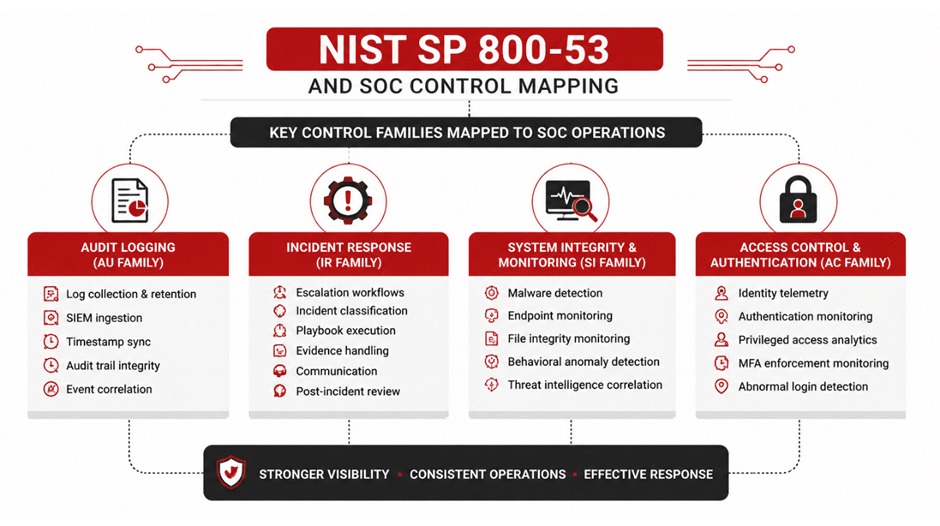
A detection tool produces signals and evidence. Someone authorized and capable still has to decide what they mean.
An endpoint alert can need investigation. A suspicious sign-in can call for account containment. During an evening incident, the person reviewing the alert may also need to reach a business representative who can authorize disruptive action. Before buying, ask ordinary staff to complete a real-user software trial in their own environment.
You can assign responsibility in several ways:
- Internal IT: A qualified employee or team owns investigation, escalation and approved actions, within the coverage and capacity it actually has.
- Managed service provider (MSP): The provider can maintain systems, deliver support and manage agreed security controls. Whether people investigate incidents depends on the service contract.
- Managed security or MDR provider: A contracted security operation can investigate alerts and respond. Supported systems, staffed hours, escalation procedure and authorized actions set what it really covers.
A Reddit user responsible for a business with fewer than 100 users asked whether to keep paying the MSP for security or move to a Microsoft-based setup:
We’re debating whether it makes sense to keep paying for the MSP’s security services or move in a different direction. The alternative we’re looking at is:
-Dropping the MSP security stack
-Upgrading to M365 E3 for Intune, Conditional Access, MFA
-Adding a standalone email security tool for phishing/BEC
For an org this size with no servers, is a full SOC + SIEM actually worth it, or is that overkill?
The poster was still weighing the move. Switching from contracted services to software licenses would also put the investigation and response work on your own team.
For every high-priority alert class, create one response-ownership record: alert source, primary and backup responder, staffed hours, escalation channel, authority to act and evidence of the agreed service terms.
Say a provider reviews activity overnight while the business keeps the authority to disable an employee account. That setup needs a reachable decision-maker, a working escalation channel and clear permission to act. If a contract promises continuous monitoring, read what it says about human investigation and remediation. A response step with no named owner is a gap.
How much control do you have over updates?
Patch management should let administrators make needed changes without an uncontrolled rollout hitting critical systems.
A routine security patch, a major operating-system upgrade, a third-party application update and a security agent’s content update can each follow a different approval and deployment process. A vendor’s general claim of automatic updates doesn’t answer how each one works. Endpoint security also requires endpoint protection tests with business applications, not just a successful agent installation.
A UK systems administrator arrived at work to find unexpected Windows Server upgrades:
Arriving at work this morning, an “SME” sized business in the UK, something seemed a little off. Further investigation showed that all of our Windows 2022 Servers had either upgraded themselves to 2025 overnight or were about to do so. This obviously came as a shock as we’re not at the point to do so for many reasons and the required licensing would not be present.
The administrator reported an unexpected change and licensing concerns. Microsoft later documented unintended Windows Server 2025 upgrades in some environments using third-party update-management products, and recorded the issue as resolved on April 14, 2026.
A management platform should give you enough control to classify the change, limit its rollout and respond to a failure.
| Update class | What to check | If it fails |
|---|---|---|
| Security or quality patch | Approval policy, affected-device groups and update reporting | A supported recovery procedure |
| Major OS or feature upgrade | Separate approval, scheduling and exclusions | A way to restore or recover affected systems |
| Third-party application update | Application coverage, exceptions and retry behavior | Repair or reversal, where the product supports it |
| Security-agent content update | Vendor deployment safeguards and operational communications | A documented recovery and support route |
A product may support reversal for one update type while others depend on system recovery or vendor action.
Exercise a benign update on a test device or isolated system. Record its approval classification, test-group behavior, restart handling, permitted deferral and the recovery procedure supported for that change. Keep observed behavior separate from the vendor’s description.
On July 19, 2024, a CrowdStrike Falcon content/configuration update disrupted Windows systems. CrowdStrike later published an August 2024 root-cause analysis explaining the incident.
That event involved a security-agent update, a different mechanism from the Windows Server upgrades the Reddit poster reported.
What happens when the system fails?
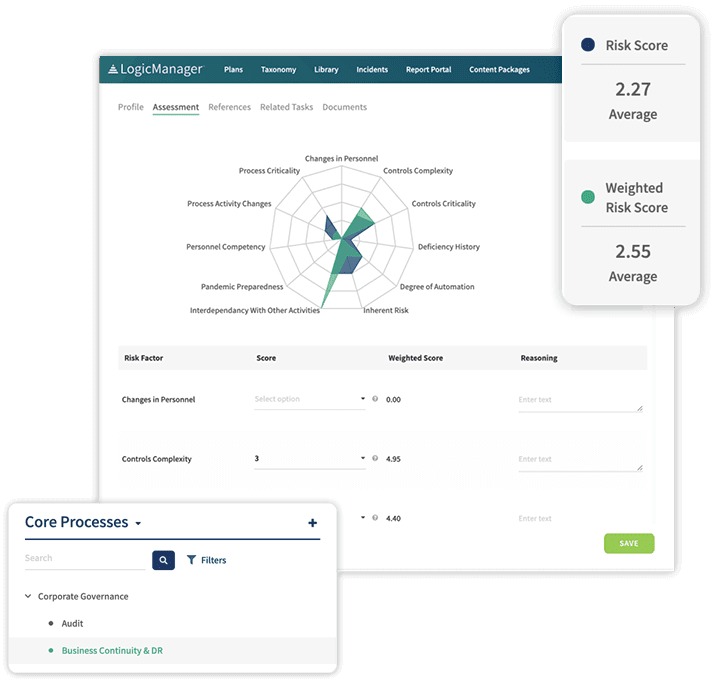
Recovery capability comes down to what you can restore, how usable the result is, and how fast critical operations resume.
A company can back up employee laptops while its operational records sit in Microsoft 365. Another protects a database but lacks the credentials or configuration needed to restore access. Cover the assets and dependencies that matter to the business.
Two terms make that requirement measurable:
- Recovery Time Objective (RTO): The time within which an affected system or business process must be restored to avoid unacceptable disruption.
- Recovery Point Objective (RPO): The point in time to which data must be recovered after a disruption. The gap between that point and the failure is the amount of recent data the business can lose.
Both targets depend on the business process. Tolerance for losing a few recently entered records differs sharply from tolerance for an inaccessible transaction system.
The FTC’s small-business cybersecurity guidance covers backups, recovery preparation, account protection and vendor-related safeguards.
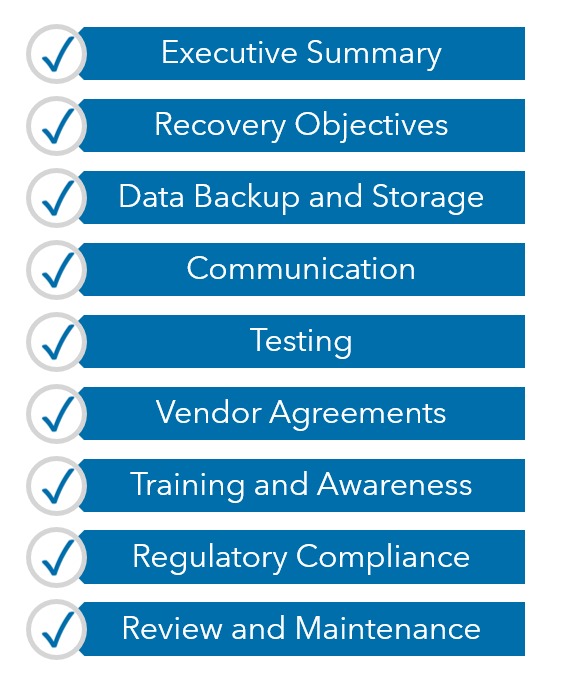
For a safe recovery exercise, use a non-sensitive data sample and a destination separate from production. It should answer five questions:
- Coverage: Which files, databases, SaaS accounts and configurations does the backup include, and which fall outside it?
- Restoration: Can you recover the sample without changing live business data?
- Integrity: Does the restored data open correctly with the right access permissions?
- Elapsed time: How long did it take compared with your required recovery window?
- Ownership: Who can perform the restoration, and where are the credentials, keys and instructions kept?
File synchronization can spread deletions or corruption to other synchronized locations. What you can recover depends on the retained copies and a restoration process you’ve actually demonstrated.
Security controls can also interrupt legitimate work. A false positive can block a business application or raise a misleading alert, leaving administrators to tell a genuine threat from a misclassification.
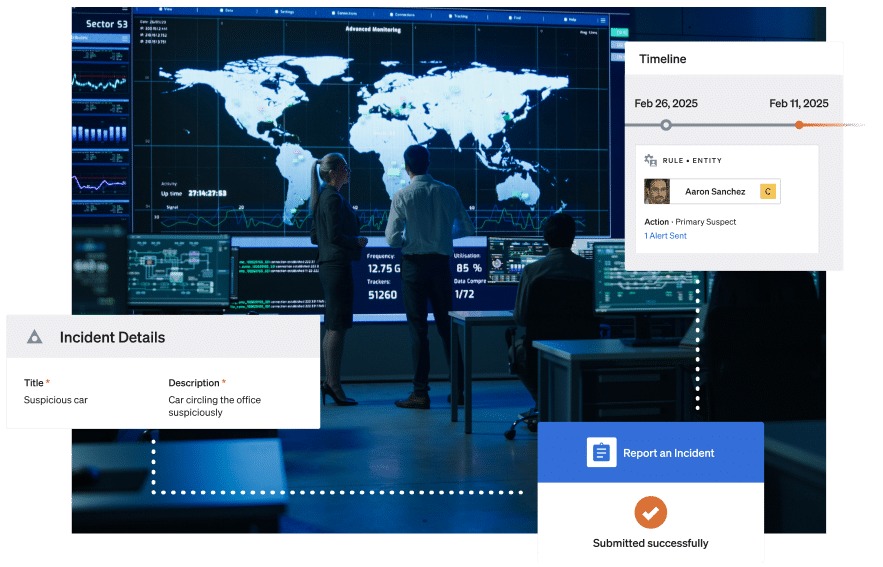
In a test, use a harmless, known-safe application or alert to check the exception workflow: preserve the detection details, get the right review, document the decision and confirm you can reverse an approved temporary exception. Never disable production protection just to silence an alert.
If a critical system can’t be restored within your tolerable window, fix the recovery arrangement before you rely on it.
What will the software cost to operate?
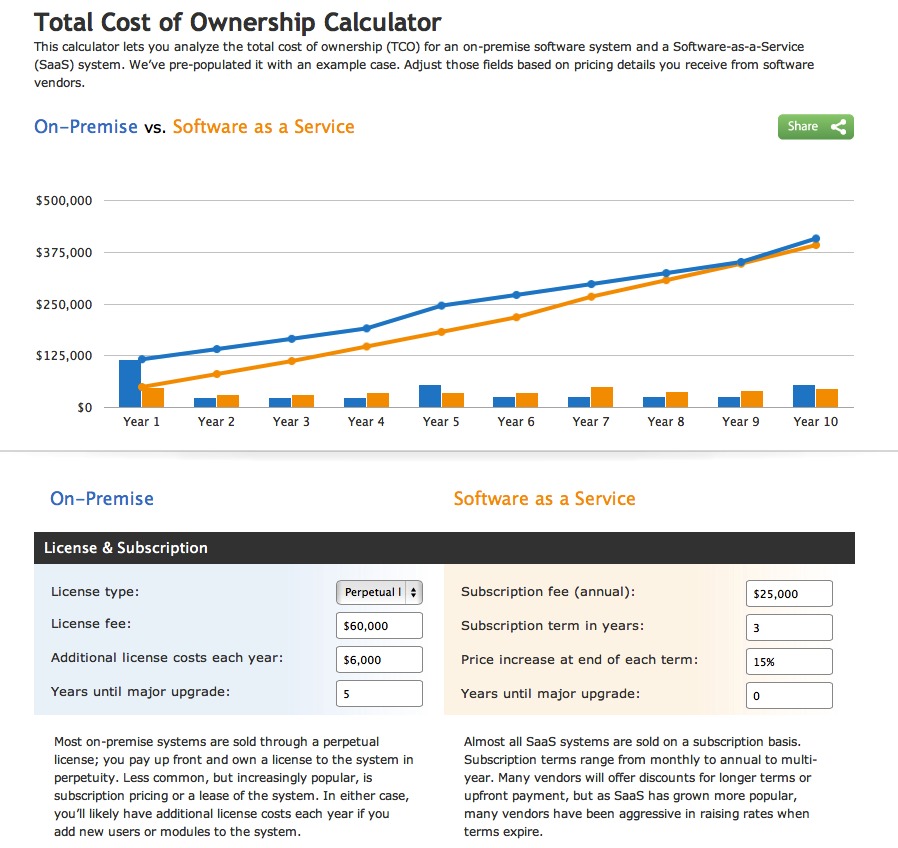
The cost of IT management and security software depends on what’s licensed and the work needed to run it. Two proposals can use different billing units and include very different levels of service.
Some products charge per user or endpoint. Others charge by servers, tenants, technicians, storage, log volume, support tiers or contracted monitoring coverage. Deployment, migration and extra modules can also change the total.
Microsoft’s Defender for Business FAQ describes a product aimed at organizations with up to 300 users, with up to five client devices per licensed user and separate licensing for servers.
Take an illustrative business with 25 employees, 32 workstations and two servers. Enter those quantities against each quoted rate in the table below.
| Cost component | Quantity or scope to enter | Quoted unit rate | Billing basis |
|---|---|---|---|
| Primary software | Licensed users, endpoints or other billable units | From vendor quote | Monthly, annual or contracted term |
| Servers | Servers needing separate coverage | From vendor quote | Per server and billing period |
| Setup and migration | Implementation work and fixed fees | From vendor quote | One-time |
| Required add-ons | Extra functions, integrations or modules | From vendor quote | Recurring or one-time, as specified |
| Monitoring and response | Covered systems, staffed hours and service scope | From written service proposal | Recurring contracted service |
| Storage and log retention | Data volume, storage or retention entitlement | From vendor quote | Recurring or usage-based |
| Support and renewal | Support tier, renewal terms or extra charges | From vendor quote | Contract-dependent |
For each candidate, multiply billable units by the quoted rate for the contract’s actual billing period. Then add required recurring services and one-time charges.
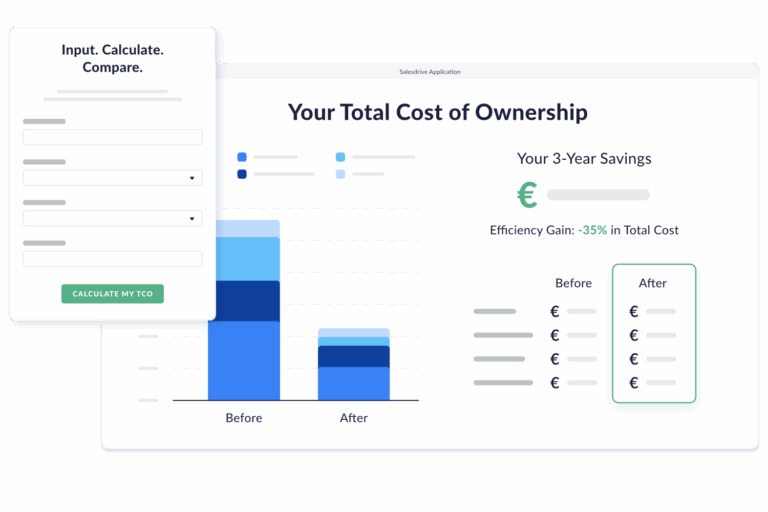
With unchanged rates and no additional variable charges, use your monthly recurring charges, annual recurring charges and one-time implementation and migration costs:
- 12-month total: 12 × monthly recurring charges + annual recurring charges + one-time costs.
- 24-month total: 24 × monthly recurring charges + 2 × annual recurring charges + one-time costs.
If renewal rates differ, or usage-based fees and other charges arrive at other times, calculate those periods separately from the written terms. Add internal admin labor or outsourced response costs wherever you incur them.
Get an itemized written offer from each candidate listing included functions, required server coverage, support hours, response responsibilities, contract duration and termination or data-export conditions.
Compare totals for the same required operating scope. The lowest advertised subscription may cover different duties than a proposal that includes staffed investigation and response.
Run a safe trial before signing
A security trial should reproduce the environment and controls the business actually has to operate. Start with the identified gap and compare candidates that can close it on the systems you own.
For a company running Windows and macOS laptops alongside Microsoft 365, the trial should cover those platforms, its identity system, ordinary applications and the permissions administrators need. Use authorized test accounts and non-critical devices.
Check the specific edition for role-based admin access, MFA, audit records, required integrations, authorized remote sessions and removal of access at offboarding. An unsupported business-critical system, or no control over privileged access, is a serious problem. To check access, SSO, and identity, read how to verify every access path after offboarding.
Put the evidence from your ownership, patch, recovery and cost evaluations in one decision record. Keep demonstrated behavior, contractual commitments and unresolved claims separate.
| Decision requirement | Evidence to record | Result |
|---|---|---|
| Required capability solves the identified problem | Observed result from the representative task | Pass / Fail / Unknown |
| Critical systems and permissions are supported | Platform, integration, identity and access results | Pass / Fail / Unknown |
| Operational responsibility is covered | Named internal or contracted response owner | Pass / Fail / Unknown |
| Changes and recovery are manageable | Earlier update and restoration exercise records | Pass / Fail / Unknown |
| Financial and contractual scope is understood | Itemized proposal, licensing terms and operating costs | Pass / Fail / Unknown |
Reject a candidate that fails an essential requirement. If an unknown can be resolved, get more evidence. If your existing arrangement already meets the requirement, don’t buy a replacement just to change products.
Record exactly what you tested and which responsibilities stay contractual.
The acceptance record should identify who receives alerts, who investigates and who restores service after a failure. That operating handoff matters as much as the product’s technical controls.
Speak Your Mind