A low monthly rate tells you surprisingly little about what business software will cost. For a US small business, compare what each usable configuration costs across the period you expect to run it: fees, commitments and the binding terms in writing. An unexplained charge belongs outside any claimed savings until the vendor accounts for it.
What counts in the total cost of business software?
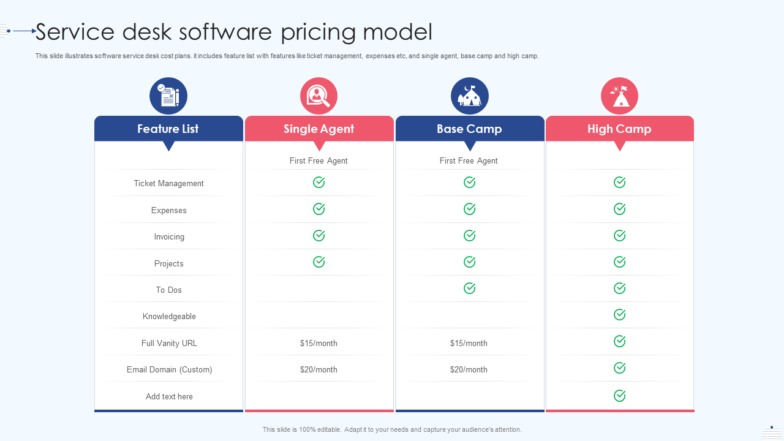
Total cost of ownership (TCO) is everything you pay to buy a system, get it running, operate it and eventually leave it. A fair comparison uses the same required workflow, the same users and the same evaluation period for every candidate.
Use one comparison period—typically 12, 24 or 36 months—for every proposal. Price the editions that can complete the same essential task; a lower tier that cannot do the job is not a cheaper equivalent.
The planning formula is:
TCO = vendor charges + one-time adoption costs + initial internal labor + recurring operations + relevant transition and exit costs.
These categories follow the lifecycle costs in Shopify’s software TCO guide.
| Cost category | What goes in | Where the number comes from |
|---|---|---|
| Vendor charges | Licenses, required add-ons, metered usage, paid support | Vendor quote or contract; monthly, annual or usage-based invoices |
| One-time adoption | Onboarding, integration, migration, outside consulting | Vendor proposal or outside-services estimate |
| Initial internal labor | Employee configuration, testing and training during implementation | Implementation hours and stated loaded hourly rate |
| Recurring operations | Ongoing administration labor, integration maintenance and hosting where required | Recurring vendor fee or ongoing staff-time estimate |
| Transition and exit | Parallel operation, data export and replacement effort | Contract terms and scenario estimate |
Assign each task and hour to one cost category so the implementation and operating totals don’t overlap.
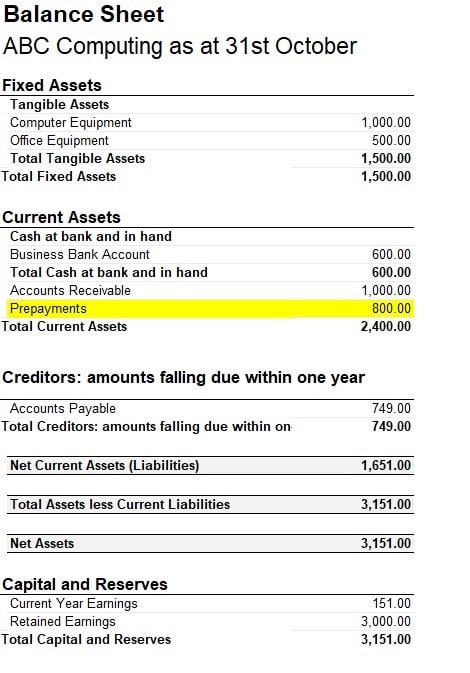
Cost and cash payments are different calculations
Say an annual agreement is advertised at a fictional $120 monthly equivalent but requires $1,440 upfront. The monthly figure is good for comparing offers. The cash schedule tells you when the $1,440 actually leaves your account.
A price quoted per month says nothing about cancellation terms. Those sit in the contract.
Keep two views: the total resource cost over your chosen horizon, and the amounts due on the actual payment dates.
US sales-tax treatment depends on jurisdiction and transaction details. Use the treatment shown in the proposal or invoice.
How billing units change the subscription total
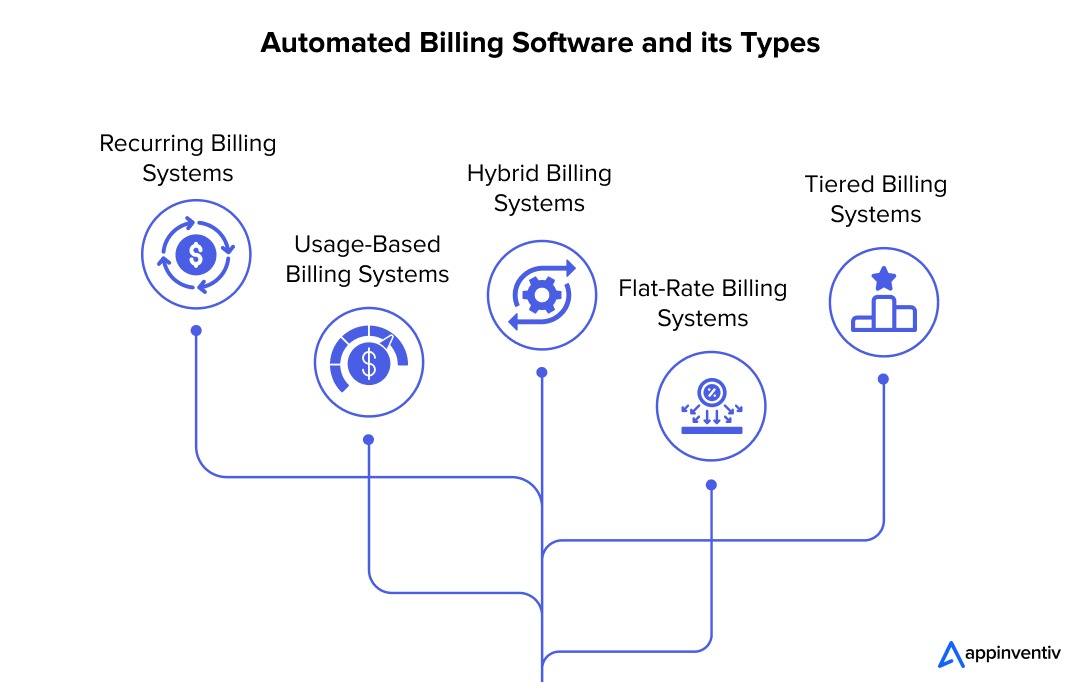
The license count on an invoice can differ from the number of employees using the software. A vendor might bill named users, agents, workspace members, devices, guests, transactions or metered consumption. Some offers add a platform fee to a per-unit price.
Imagine a ten-person business. Six employees need full access, two only view reports and outside contractors get invited into projects. What the vendor bills for each person depends on the plan’s rules for that role.
A Trello user ran into this:
I keep getting billed for additional users and I am a single business owner with only one user…me.
Atlassian’s Trello Premium and Standard billing guidance distinguishes workspace members and multi-board guests from single-board guests. In the documented arrangements, certain memberships use paid seats, while single-board guest access is non-billable. Centrally billed arrangements can follow different rules.
A Trello observer can be billable when their membership or guest arrangement requires a paid seat.
Make a billable-role roster
For each role, list the people or other units involved, exactly what the plan grants them, the number counted on the bill and the minimum that applies. Include external collaborators, administrators and any device or transaction quantities the proposal charges for.
Keep three numbers apart: employees, identities with access and billable units. An admin screen showing project participation can show a different count from the billing roster.
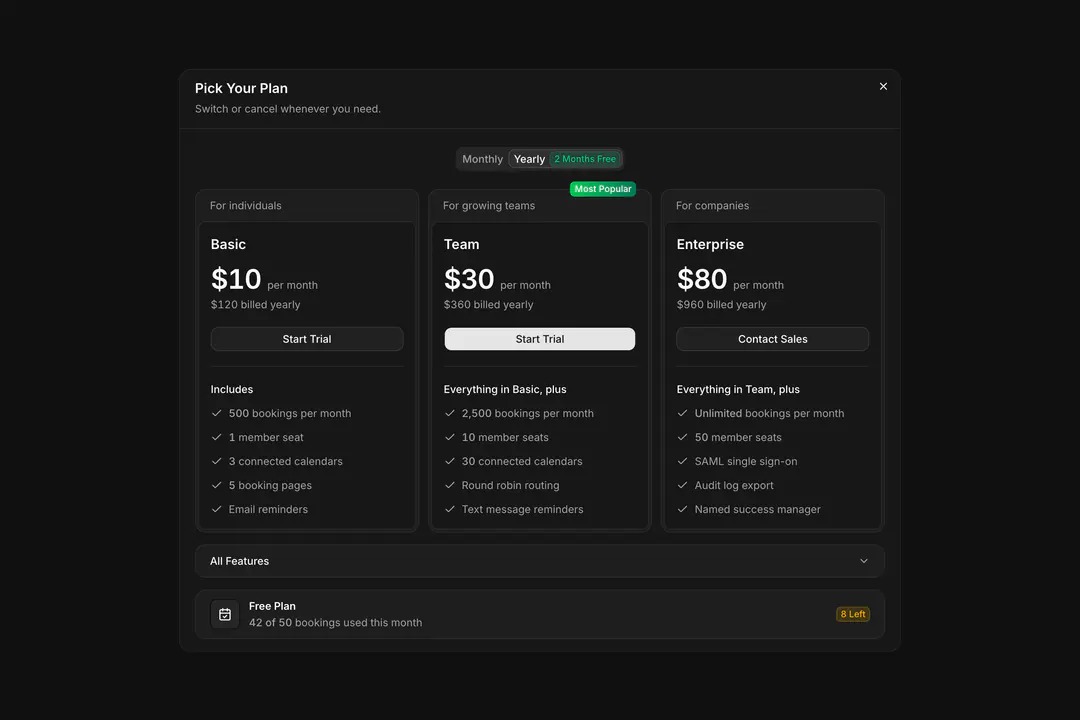
Take an invented subscription with eight billable seats for the first twelve months and twelve for the next twelve, each at $20 per month:
- Months 1 to 12: 8 × 12 × $20 = $1,920.
- Months 13 to 24: 12 × 12 × $20 = $2,880.
- Two-year supplier cost: $4,800 before other charges.
That math assumes the agreement allows those quantities and rates for those periods. Annual minimums, midterm additions, prorations or limits on reductions change the calculation. Seat reductions hit the invoice on the date the agreement sets, and removing project access can leave committed quantities unchanged.
How implementation and switching add to software cost
Two systems with the same subscription cost can demand very different amounts of work before your employees can use them.
A basic purchase might mean creating accounts and importing contacts. Replacing an established business process can also mean mapping data, rebuilding integrations, testing records and training staff while the old system keeps running. Include data portability and exit requirements in the cost comparison whenever the purchase involves a software move.
Count the work in four groups:
- Outside services: Paid onboarding, consulting, migration assistance and integration setup.
- Internal implementation: Staff hours spent on configuration, testing, training and data preparation.
- Ongoing operation: Administration, support and maintenance of integrations after launch.
- Switching work: Old-system overlap, export, replacement setup and any documented exit obligations.
For employee implementation time, calculate:
Internal labor = assigned hours × stated loaded hourly rate.
A loaded rate is the hourly cost you assign to staff time. State it in your model. For salaried employees you already have, count their assigned time as an allocated cost, and record incremental payroll expenses separately when they apply.
A reliable estimate names the person responsible for each task, the expected hours, whether the time is incremental spending or allocated effort, and whether outside consulting already covers the same work.
A one-time migration charge and recurring integration maintenance follow different time patterns.
If you’re replacing an existing system, you may need parallel subscriptions. The overlap lasts as long as you need your records, integrations and work in progress in both systems.
Setup and migration costs are covered in more detail here: what setup and migration may add.
How renewals and contract terms change the total

Evaluate a quote for the full contractual commitment and for the terms that apply when it changes or renews.
Monthly billing, monthly cancellation and an annual commitment are three different things.
- Month-to-month: Payment and cancellation follow the monthly agreement.
- Annual commitment billed monthly: You can receive twelve monthly invoices and still be committed for the full term.
- Annual prepaid: You pay the contracted annual amount on an upfront schedule.
A renewal can also change the monthly-equivalent charge and the features in the plan. One system administrator described a notice covering both:
Same for SaaS subscriptions. Just yesterday I receive a mail from one of our suppliers. Your current subscription is no longer an option we changed our subscription model. We will move you to our new license structure. OK fine. Next I read on, we will increase the price with 25% (low compared to other increases) but then I read further, and we will move you from tier x to tier y which is 33% lower.
Those percentages come from one poster. The lesson holds anyway: price the plan you’ll actually end up on, because the replacement edition might not cover the same workflow.
Another poster couldn’t reduce license quantities after missing a deadline:
We spend hundreds of thousands yearly in licensing and even after 3 escalations from our original ticket we made just 12 hours after the 7-day window expired, they still refuse to help us reduce the license count in the slightest.
Microsoft Partner Center guidance documents a seven-day cancellation and quantity-reduction window for applicable new commerce license-based subscriptions.
Create a contract calendar
Record these dates from the signed agreement: start and end, price-hold period, next renewal, latest notice date and earliest permitted quantity reduction. Note automatic-renewal terms and any change to the required feature tier. For renewal terms, contracts and cancellation, see who owns the renewal date when staff leave.
Schedule an internal review before the notice deadline so you have time to assess a revised quote or an alternative product.
When you project future costs, separate a rate already written into the contract from a hypothetical price increase.
How to identify unused seats and overlapping tools
Paid seats, assigned seats and actively used seats can differ. The FinOps Foundation’s SaaS licensing framework recognizes the distinction.
Say you pay for twelve seats and eight people use the application regularly. Find out whether the other four cover seasonal work, backups or administration. Then compare the result with your contractual minimum and the earliest date a reduction can take effect.
Also check whether another application you pay for duplicates the same required workflow. Necessary parallel running during a migration is a separate transition cost, not duplication.
How to compare two offers without hiding assumptions
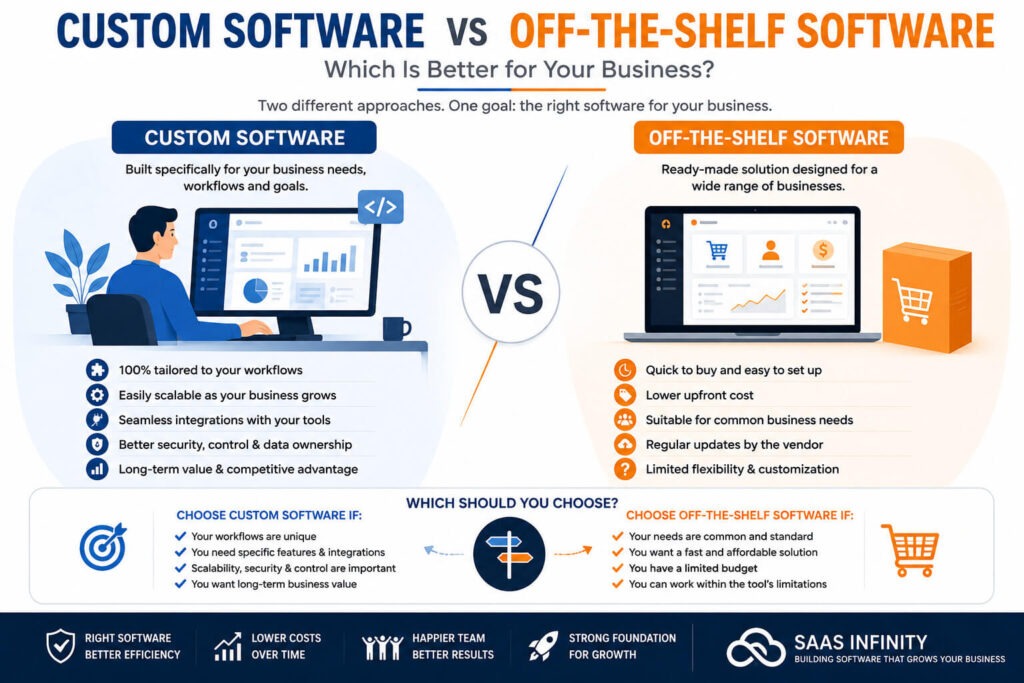
Compare offers with a documented calculation: the same workflow, a common evaluation horizon and the paid users each product needs for that workflow.
Log every cost item from both quotes in one sheet. Use this row header:
Cost item | Frequency/period | Offer A amount | Offer B amount | Evidence status | Source | Cash due | Owner
Mark evidence as DOCUMENTED for a written quote, agreement or invoice, ESTIMATED for a modeling assumption you state, or UNKNOWN when a necessary amount isn’t established. Record the source and the person responsible for each row.
Use the same fields for subscriptions, onboarding, migration, implementation labor, ongoing administration, parallel subscriptions and exit work.
A fictional 24-month comparison
The two offers below are invented. Both serve the same required workflow for ten billable users over 24 months, in US dollars.
Both have $240 in monthly-equivalent vendor charges. The example assumes no price increase and a hypothetical loaded labor rate of $45 per hour. It excludes sales tax, usage overages and other unlisted charges.
| Cost element | Fictional Offer A | Fictional Offer B |
|---|---|---|
| Vendor pricing model | $24 × 10 users/month | $140 base + $10 × 10 users/month |
| Subscription over 24 months | $5,760 | $5,760 |
| One-time onboarding | $800 | $150 |
| One-time data migration | $600 | $1,200 |
| Initial internal implementation | 30 hours × $45 = $1,350 | 45 hours × $45 = $2,025 |
| Recurring internal administration | 2 hours/month × $45 × 24 = $2,160 | 4 hours/month × $45 × 24 = $4,320 |
| Old-system overlap | 2 months × $100 = $200 | 2 months × $100 = $200 |
| Modeled exit allowance | $300 | $600 |
| 24-month TCO | $11,170 | $14,255 |
Offer A is $3,085 lower on the stated inputs. The gap comes from the assumed labor, migration and exit requirements. The two subscription subtotals are identical.
How the horizon changes the calculation
One-time costs, the two-month overlap and the exit allowances count once in every horizon. Subscription and recurring administration run for the number of months in that horizon.
| Horizon | Offer A TCO | Offer B TCO | B minus A |
|---|---|---|---|
| 12 months | $7,210 | $9,215 | $2,005 |
| 24 months | $11,170 | $14,255 | $3,085 |
| 36 months | $15,130 | $19,295 | $4,165 |
Offer B needs more administration hours every month, so its modeled disadvantage grows with the horizon.
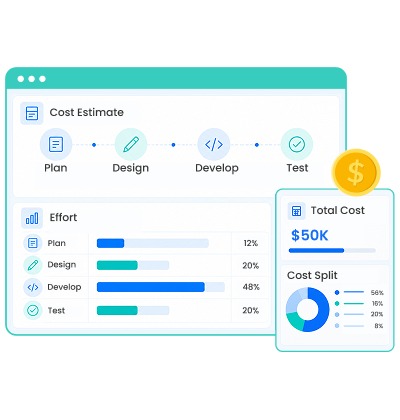
A missing cost can change the decision
Now suppose Offer A requires an integration the vendor hasn’t priced. Its priced subtotal stays at $11,170 against $14,255 for Offer B, but the integration has no price yet.
Unknown means unresolved. Enter the mandatory integration as UNKNOWN, name who must supply the written cost and keep the ranking provisional. Zero belongs in a cost field only when the item is genuinely absent or has a documented zero charge.
For items you can estimate but not confirm, use low, expected and high figures tied to the specific task. Head count, paid features, renewal terms and migration hours are all fair scenario variables.
You can also price keeping your current application, including the work switching would create. Expected revenue or productivity gains belong in a separate return-on-investment analysis, so a product that meets the required workflow at a higher TCO can still be the right buy if you can show the benefit there.
How to reconcile vendor quotes, contracts, and invoices
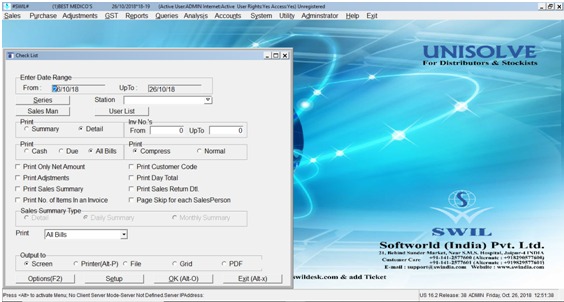
A pricing page describes an offer in general terms. The proposal states what the vendor offered you, the signed agreement governs the commitment and invoices show what you were charged for a service period.
A gap between the users shown in an application and the users on the bill is worth chasing. One Jira Service Management user wrote:
I have reduced it to 7 members now but I still see in our billing UI that there are 12 agents
The user cut the team to 7 members and still saw 12 agents on the bill. The gap can come from the billing setup, the roles that count, or the timing of the change.
Use this reconciliation to tie a discrepancy back to your financial model:
| Record to compare | Specific check | Evidence status or action |
|---|---|---|
| Product and edition | Quoted tier against contracted and invoiced tier | DOCUMENTED when the plan and its included access match |
| Quantity | Billable users, agents, guests or other units against the billable-role roster | UNKNOWN for an unexplained quantity or charge |
| Service period | Invoice dates, commitments, additions and prorations | Record the contracted period and any unverified adjustment |
| Charges and credits | Base fee, mandatory add-ons, usage, support, discounts and tax | Reconcile each amount to the quote or written explanation |
| Payment obligation | Invoice due date, renewal clause and adjustment eligibility | Record cash due separately from the modeled cost |
An unexplained quantity could come from access rights, invoice period, proration or an account-specific issue. Give the disputed amount its own line with a document reference and a cost estimate if you can, and mark it UNKNOWN until the vendor explains it.
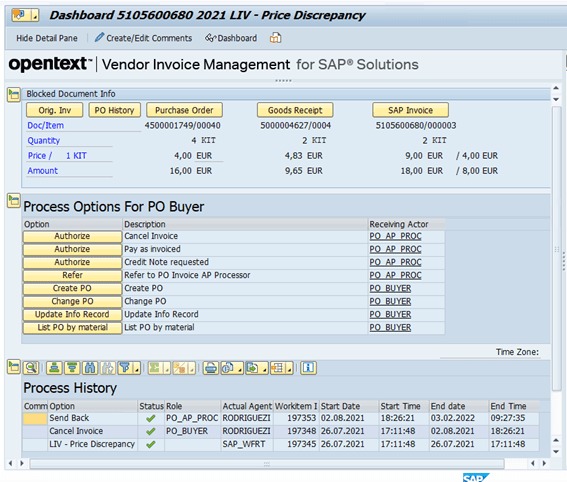
After the vendor resolves the disputed line item, put it back in the right cost category. The corrected 12- or 24-month model should agree with the contract and invoice record.
Speak Your Mind