Marketing software follows the work: a newsletter, a social calendar, search analysis and multi-channel campaigns do not need identical tools. Use specialized products where the gaps are narrow, and consider a suite where customer data genuinely needs to move between activities. A trial campaign and the combined bill reveal more than a category label.
Start with the marketing job, not a list of products
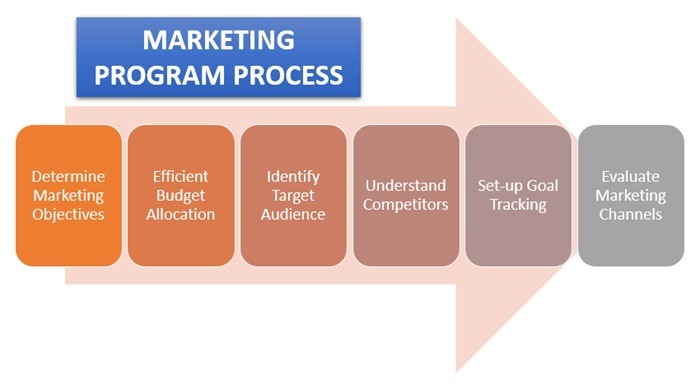
A marketing tool earns its place when it solves a specific problem in how you reach, follow up with, or learn from customers. If you can’t describe the job, product rankings give you plenty of features and no basis for choosing.
Take a small home-service company with a website, a contact form, and customer records in its CRM. The owner wants to send an occasional newsletter. If the CRM already does that, a second subscription adds nothing. Once the owner wants an automatic follow-up after each appointment, the requirements change.
Describe the job in five parts: the customer entering the process, what you know about that customer, the event that starts the work, the message or action that follows, and the outcome you record. Add who maintains the process. That matters most in a small company with no marketing operations team.
“Send a monthly newsletter” is a modest task. “Contact customers after a completed appointment, exclude those who opted out, and record whether they booked again” needs more data and more coordination.
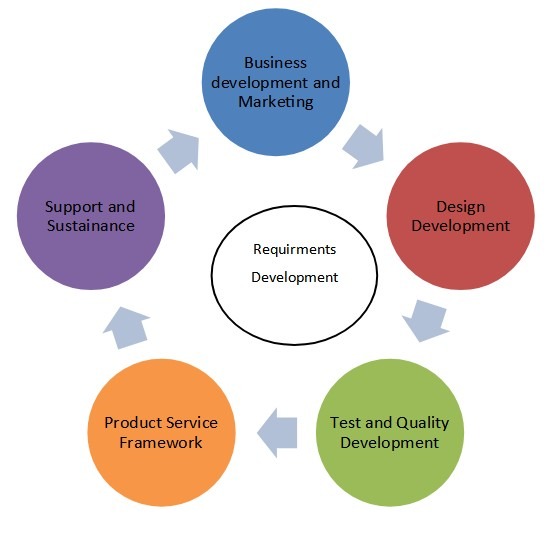
One Reddit user tried eight email tools in two weeks. The post is funny, and the requirements behind it are modest.
Week 1
– Mailchimp: Too expensive, keeps recommending features I don’t need
– SendGrid: Feels like I need a degree to set up
– Brevo: Why is the UI from 2012?
Week 2
– ConvertKit: “Made for creators” irony, missing basic features
– ActiveCampaign: Tried to set up automation, gave up after 40 minutes
– MailerLite: Actually not bad, but then hit the contact limit
– Klaviyo: Wants my firstborn child as payment
– HubSpot: Opened it, closed it, went back to Gmail
The worst part? They all do the SAME THING but somehow feel completely different.
I just want to:
1. Write an email
2. Send it to people
3. Not go bankrupt doing it
Why is this so hard in 2025? Tell me I’m not alone
The useful distinction is between an occasional email campaign and behavior-based marketing. The first needs basic sending and list management. The second depends on customer events, segments, and reliable handoffs between systems.
Write one sentence naming the marketing result you want and where your customer data lives now. Leave product names out. If an existing application can handle the whole job, keep it. For SEO, reporting, and keyword research, see how to start With Data From Your Website.
Match the marketing task to the right software category
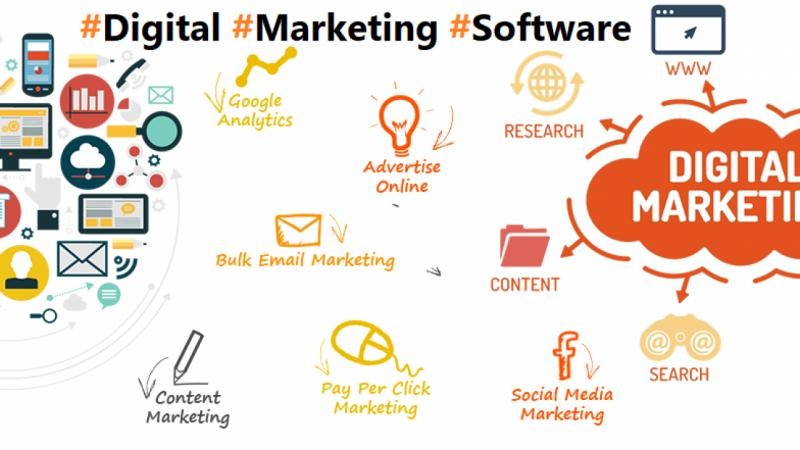
Marketing software falls into several overlapping categories. Start with the action that has to happen, then the data the software needs to do it. The workflow-first software selection method helps frame those marketing tasks before the product search.
| Marketing job | Primary software category | Needed capability | Data source | Reason to consider another category |
|---|---|---|---|---|
| Send newsletters and promotions | Email marketing platform or ESP | Contact list, templates, sending, campaign reports | CRM or subscriber records | You need complex purchase-triggered journeys |
| Respond to customer behavior | Marketing automation | Events, triggers, segments, workflow rules | Store, checkout, or CRM event records | Source events can’t reach the platform |
| Plan and publish social posts | Social media management | Supported networks, calendar, approvals, publishing | Connected social accounts and publishing calendar | The main task is customer records or direct email follow-up |
| Monitor organic search performance | SEO tools and website analytics | Search visibility, site data, technical reports | Website and available search performance data | Your goal is paid advertising, not organic search |
| Collect inquiries or subscribers | Forms and landing-page tools | Submission capture, field mapping, contact destination | Website or landing-page form submissions | Your website or CRM already covers it |
| Measure campaign outcomes | Marketing analytics and reporting | Connected events, campaign identifiers, outcomes | Campaign records and website or customer events | Source data is missing or incomplete |
These are functional categories, not product families. A CRM can include forms and email sends, and an email platform can include landing pages and automation. What matters is whether the feature works with your data and is included in your plan.
A lifecycle system needs access to events such as a purchase or an abandoned cart. Social management organizes publishing across supported channels. SEO reporting explains changes in search performance, but buying a tool does not improve your rankings.
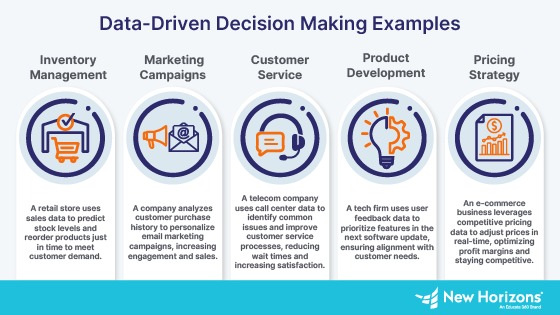
A service business posting occasionally to one social network can often rely on native publishing tools. A team scheduling posts across several accounts with approvals needs a more elaborate workflow. A retailer reacting to completed purchases needs access to order events.
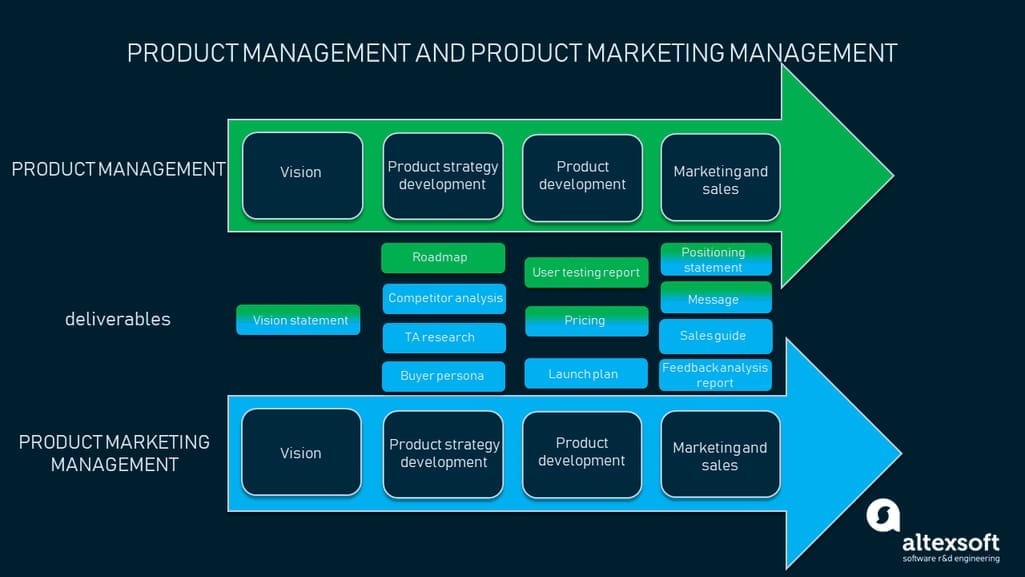
Marketing and sales software can share customer data without doing the same job. The CRM might own the contact record or opportunity, while a marketing application sends a campaign or reacts to a customer event. This matters most when the same person’s status appears in both systems.
Match your job to one primary category, name its essential data source, and list one missing capability that would rule out a candidate. Compare vendors after that.
Choose software by the workflow that earns its keep
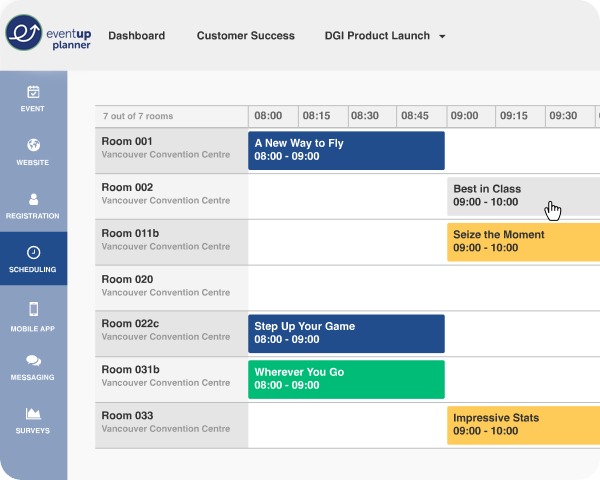
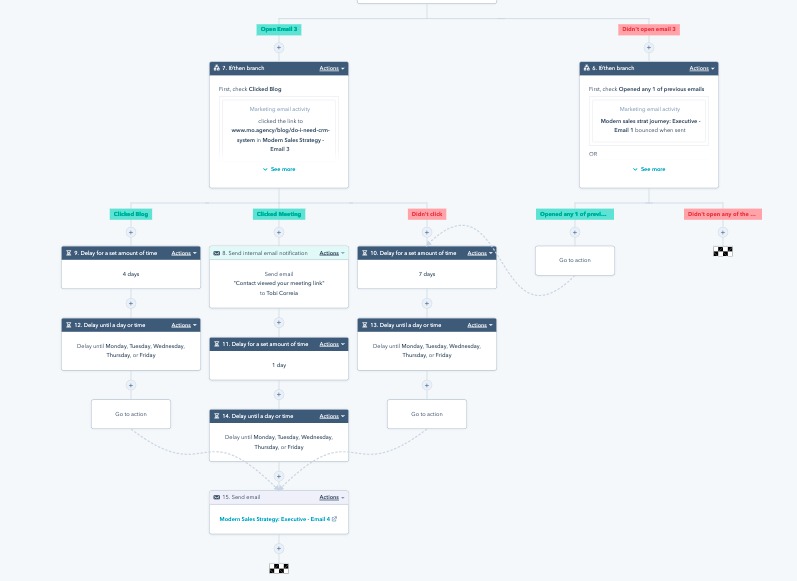
An automation matters when a usable customer event can trigger the correct action and leave a record of the outcome. Writing the data path as a sequence of events and conditions makes it easier to evaluate.
Take an online home-goods retailer that wants cart recovery, post-purchase messages, occasional SMS, and customer groups based on buying behavior. That is a different job from sending one newsletter to a whole eligible list.
One Reddit user in that position described the point where the company’s email setup stopped fitting its workflow:
Hey everyone, long-time lurker here. I work in marketing at a mid-sized e-commerce company (~30k contacts, selling home goods) and we’ve finally hit the wall with Mailchimp. The automation is too limited for what we need and the pricing keeps creeping up without us getting much more value.
Our main use cases are:
– Abandoned cart sequences
– Post-purchase flows
– Occasional SMS blasts to our best customers
– Segmenting by purchase behavior (frequency, AOV and product category)
I’ve been going down a rabbit hole these past few weeks and narrowed it down / doing more research on four platforms. Here’s where my head is at so far:
This writer needed several distinct data relationships. An abandoned cart records an unfinished purchase. A completed order starts a different post-purchase journey. Timing, audience, and message differ for each.
A purchase-based workflow runs like this: the store records an order, the marketing system receives the event, customer attributes decide the segment, a qualifying condition triggers a follow-up, and the platform records the send and the response.
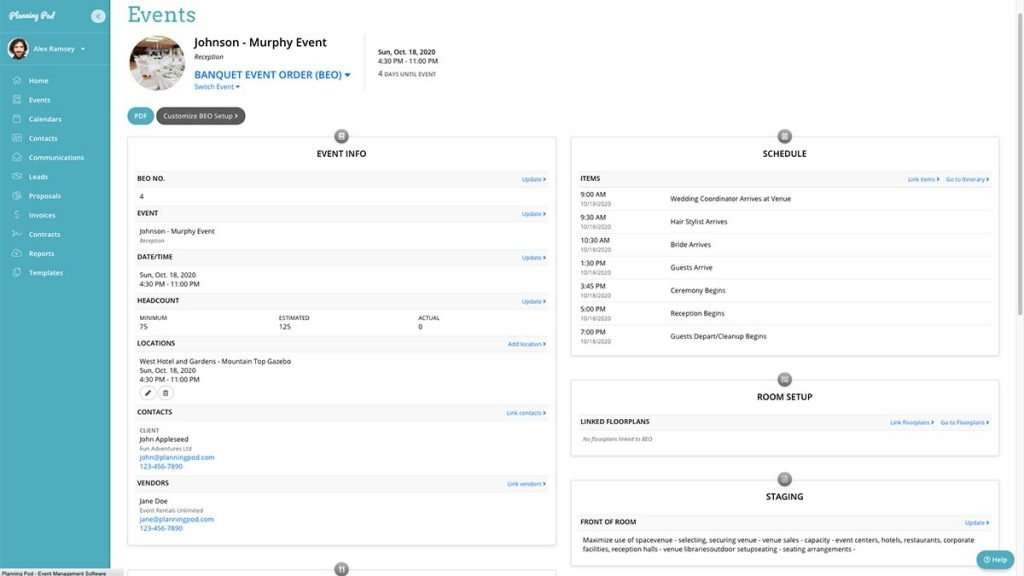
Purchase-frequency segments need usable order history. Average order value (AOV) needs purchase amounts tied to the right customer. Product-category segments need product information the system can use. A connector advertised as supporting e-commerce does not guarantee that every field you need is available in your plan.
SMS adds a channel with its own permission and usage requirements. A product overview that lists SMS does not tell you whether it is available to you or included in your price.
A local appointment follow-up uses a different source event, a completed service appointment, and the customer’s eligibility and booking status decide what follows.
Before any trial, write down the critical event, its source system, the fields required, the qualifying condition, the customer action, and the record that shows completion. That definition is the pass standard for your trial.
How to avoid paying twice for the same marketing job
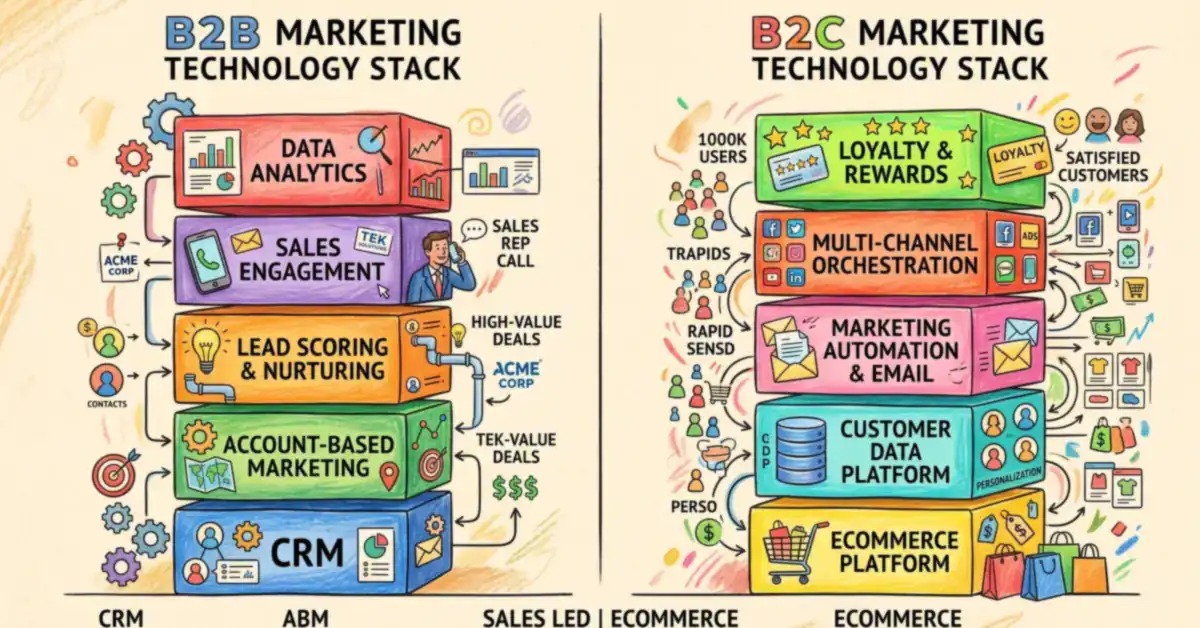
You pay twice when two tools do the same job, or when someone has to reconcile two versions of the same customer data. A broader suite can reduce integration work. Specialist tools can keep capabilities that a general platform handles less well.
| Architecture | When it fits | Operating burden | Trade-off |
|---|---|---|---|
| Keep existing tools | Your CRM, website, or store software already does the task | Maintain existing records and processes | A missing event or workflow can limit future use |
| Use a specialist or focused specialist stack | One channel or advanced feature dominates the requirement | Maintain connections, permissions, and reporting | More tools add synchronization and support work |
| Use an integrated suite | Several required workflows share customer data | Configure a broader product and train users | Higher commitment, unused capabilities, harder migration |
A multi-tool specialist stack is a variation of the second option. It makes sense when each product does a different job and the integrations stay manageable. Product count alone says little about simplicity.
One agency participant described paying for prospecting, enrichment, sending, and the connector joining those services before a campaign had begun.
honestly feel like the “”modern stack”” is just a way to burn cash.
just audited our cost per client pod:
apollo/zi ($$$)
clay (credits go brrr)
smartlead/sender
zapier to glue it all
we are dropping like $600+ just on infrastructure before we even launch the campaign.
for 90% of b2b campaigns do we actually need this complexity? or is everyone just copying what influencers say?
trying to simplify the stack to save margins but dont know what to cut.
The post shows the overhead of several subscriptions and connectors that must work together before anyone receives a message.
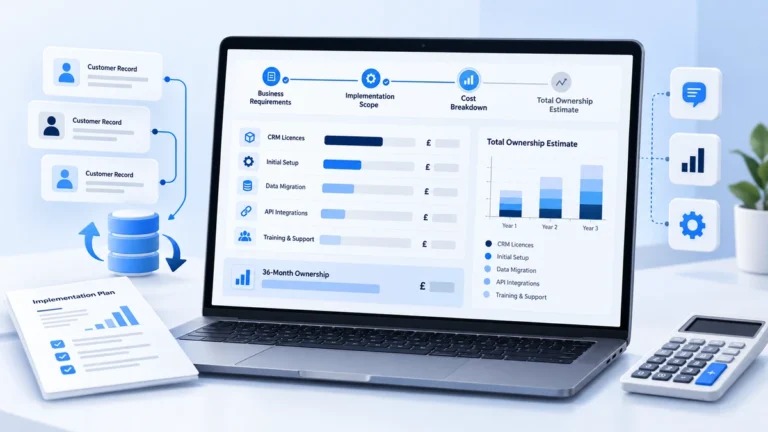
Take a local service company with a CRM, a website form, and an email function. Add another form provider, a separate email platform, and an automation connector, and a customer’s address or marketing eligibility can now live in several places. When someone opts out, that change must reach the system that sends.
Build an overlap map showing which current application handles forms, contacts, messages, events, and campaign results. Give each record type one owner, and count every connector and staff task the proposed setup needs. The map shows whether consolidation removes work or only moves it.
What drives your marketing software bill beyond the starter plan?
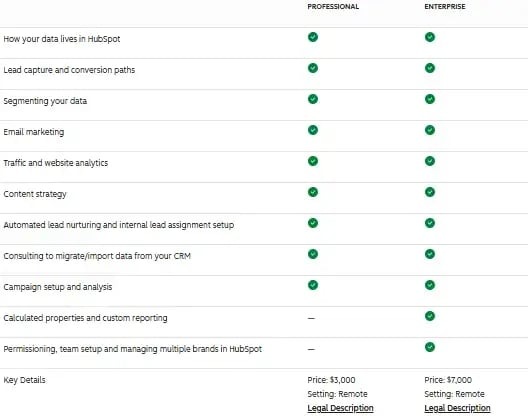
A plan’s price means something only alongside its billing units. Contact status, stored profiles, sending volume, seats, feature access, messaging credits, and add-ons all change what you owe.
Say a store keeps a large historical customer list but sends campaigns to a small engaged group. Saved records, contacts eligible to receive messages, and contacts that count toward your bill can be three different numbers. Providers define them differently, so a smaller mailing audience does not always mean a smaller subscription.
One retailer described paying roughly $325 per month while trying to tell inactive contacts, suppression, and a lower bill apart. The amount is that retailer’s own account expense, not a Klaviyo list price.
How contact status changes the count
Mailchimp’s paid-tier documentation counts subscribed, unsubscribed, and nonsubscribed contacts. Its additional-charges guidance excludes archived and cleaned contacts from that contact limit. A record’s ability to receive a campaign and its place in your paid contact count are separate things. Mailchimp also uses the highest contact count reached during a billing period to calculate additional charges, so lowering the count after that peak can leave the current-period charge unchanged.
Klaviyo’s Profiles and Email billing uses active email profiles and excludes email-suppressed profiles from the count. Lowering the active count makes a cheaper tier available, but the subscription does not always change on its own. You may need to downgrade manually or turn on automatic downgrade if your account is eligible.
Brevo’s plan documentation lists email-send allowances alongside stored-contact capacities, seats, and feature access. A plan that fits your monthly sending volume must also fit your database and workflow.
List cleanup is therefore a billing question as well as a data task. Suppression, archiving, and deletion have different effects on eligibility, records, and restoration. Check the provider’s account rules before you change real customer data.
Build a first-year cost worksheet
| Cost component | Relevant billing unit | What belongs in the estimate |
|---|---|---|
| Contact allowance | Billable or counted profiles under plan rules | Eligible statuses, allowance, next tier |
| Stored-contact capacity | Records retained in the account | Storage limits, excluded statuses, retention |
| Email sending | Messages in a billing period | Included sends, expected volume, overages |
| SMS or messaging | Credits, messages, or channel usage | Channel access and additional charges |
| Team access | Paid seats or eligible user roles | Included users and planned additions |
| Features and automation | Subscription edition or add-on | Required triggers, segments, flows, reports |
| Implementation | One-time and recurring expenses | Migration, connectors, configuration, support |
| Contract and excess use | Billing term and usage above allowances | Renewal rules, commitment, additional fees |
The most revealing comparison is often the next tier you reach as usage grows. Two platforms can have similar entry prices while billing different quantities or requiring different editions for the same workflow.
Estimate twelve months by adding subscription charges, additional usage, seats, add-ons, implementation, and transition costs. If you expect two more paid users, add them only when the plan charges for those roles. Fill in the worksheet with the provider’s actual billing units, included allowances, expected use, and contract terms, and leave any unspecified charge marked unresolved until a quote or the plan terms settle it.
Mailchimp defines these terms in its pricing-tier documentation. Brevo publishes the matching distinctions in its pricing-plan guidance.
When low sending volume still requires a higher plan
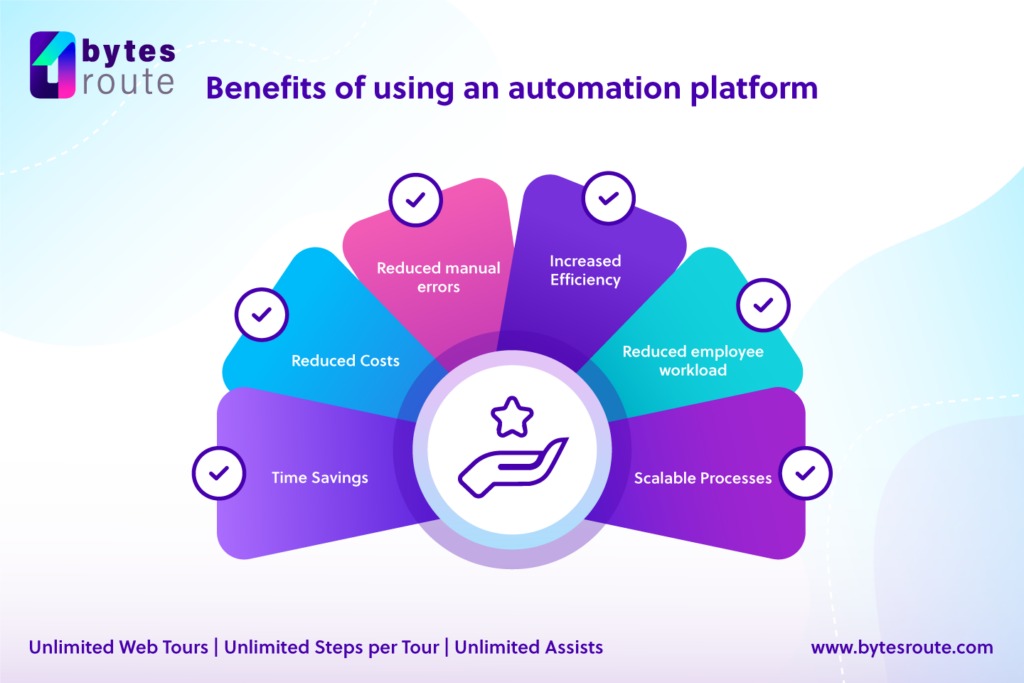
Low monthly email volume makes usage-based pricing attractive, but the features you need can sit in a higher edition. A band manager described roughly 3,300 profiles, infrequent campaigns, a welcome email and SMS sequence, website popups, landing-page capture, and ZIP-code targeting within 30 miles of Detroit.
Brevo lists its pop-up sign-up forms under Professional and Enterprise and advertises Professional starting at $499 per month in its US pricing guide. That starting figure is not a personalized quote for the poster’s account. Check the edition’s feature matrix against your must-have functions, and rule out any cheaper plan that cannot perform them.
Test your first complete automation before purchase
Your trial should run a complete customer journey, starting with the first event and ending with a result you can observe. A form that accepts an address, or an automation marked enabled, covers only one step.
Use permitted trial features and synthetic records you control. Start from a known customer state with an expected result, so a missing trigger, wrong field, or unwanted action shows up.
For a newsletter signup, the path starts with a form submission, continues to a correctly mapped contact record, and ends with a recorded welcome send. For an online store, the test needs a matching cart or purchase event.
Record the expected result at each stage
| Stage | Controlled input | Expected result | Failure signal |
|---|---|---|---|
| Capture | Test form submission or purchase event | Correct contact and event recorded | Missing or incorrect record |
| Data mapping | Known contact and segment fields | Required fields populated accurately | Blank, duplicated, or misassigned values |
| Trigger | Qualifying test event | Intended workflow starts | No execution or incorrect branch |
| Message action | Approved test address or channel | Expected send or action recorded | Wrong recipient, absent send, wrong channel |
| Suppression | Test opt-out or excluded contact | Ineligible record receives no campaign action | Suppressed record enters the send path |
| Reporting | Controlled event and result | Relevant status and outcome visible | Missing or inconsistent reporting |
| Record handoff | Sample output or export | Required fields can be reconciled | Essential information missing |
The test passes when every stage does what you expected, in order. If a stage fails, write down which one. “The interface felt easy” does not count as a pass.
Social media management needs its own scenario. Schedule one permitted post to a test or business account, run the approval step if there is one, and check the scheduled and published status. The decisive question is whether the product supports your team’s actual publishing permissions and workflow. A publishing-focused team should test social-media publishing requirements in a separate exercise.
For SEO reporting, connect an authorized site or a suitable sample dataset, open the expected report, and check whether the tool shows the search or website metrics you need. The observable result is the report appearing; better rankings are a separate outcome.
These tests also show whether your team can inspect execution records, spot a failed step, and fix the workflow. A controlled send verifies only the tested path. Deliverability under real sending conditions needs separate observation.
Run one representative full-path scenario for the shortlisted product and keep a record of its output, exceptions, and failed stages.
Check sending rules, permissions, and how you can leave
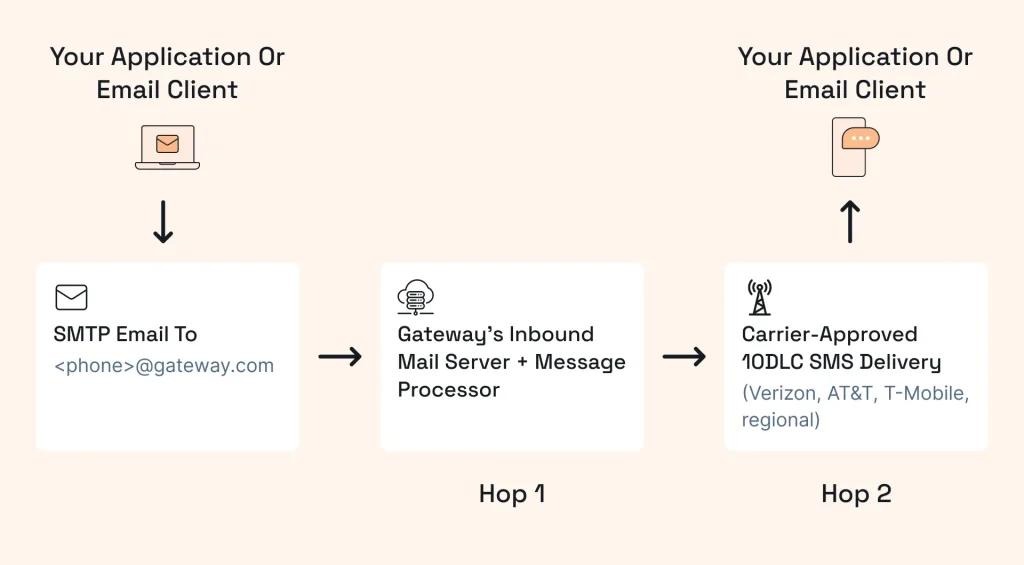
Email marketing carries obligations beyond subscription features. US commercial-email requirements, Google’s rules for mail sent to personal Gmail accounts, and the vendor’s export capabilities each govern a different part of the operation. Details are in Gmail sender requirements for email campaigns.
US commercial email
The Federal Trade Commission says the CAN-SPAM Act covers commercial email, including business-to-business messages. Its requirements include accurate sender information and subject lines, a valid physical postal address, clear identification of advertising, an effective opt-out mechanism, and honoring opt-out requests within 10 business days.
You stay responsible for compliant messaging even when your application provides templates, unsubscribe controls, or automatic suppression.
The FTC’s CAN-SPAM compliance guide lays out the US statutory framework.
Gmail sender requirements
Google introduced expanded sender requirements beginning February 1, 2024. Its guidance sets baseline obligations for senders to personal Gmail accounts and additional requirements for senders in the bulk-sender category.
Under Google’s definition, sending close to 5,000 or more messages to personal Gmail accounts within 24 hours can make you a bulk sender. Google aggregates traffic from the same primary domain, including its subdomains, and says bulk-sender status persists even if your volume later falls below that level.
The requirements include email authentication, with SPF, DKIM, and DMARC applying according to sender category, plus unsubscribe obligations for qualifying promotional or subscribed messages. Google’s one-click unsubscribe requirement refers to a specific header-based mechanism. A link in the email body does not automatically satisfy it.
Google documents the conditions in its email sender guidelines.

Data and exit conditions
Moving to another marketing platform takes more than downloading addresses. A usable transfer can require customer identifiers, segment fields, consent sources, suppression status, and event information. Some of those records sit in your CRM or commerce platform instead of the marketing tool.
A retailer switching email services, for example, must keep the line between eligible recipients and people who opted out. Sending from a freshly imported list without suppression information risks mailing people who have unsubscribed.
Check the sending domain’s authentication setup, unsubscribe handling, suppression rules, and a test export. Compare the exported fields with the records you need to keep, and decide which application owns each one after migration.
Make the purchase decision with an acceptance scorecard
A candidate is ready for a purchase decision when you have enough evidence on five points.
- Required workflow: You can demonstrate the complete customer action with your event data and integrations.
- Feature eligibility: The edition you chose includes every must-have trigger, segment, channel, permission, and reporting function.
- Total obligation: Billing units, expected usage, add-ons, implementation, and commitment terms add up to an acceptable first-year estimate.
- Operational controls: The right people can maintain the process and inspect failures, suppression, and outcomes.
- Data exit: You can keep or transfer essential contact, eligibility, and event data in a usable form.
Mark each condition passed, failed, or unresolved. A failed must-have or an unresolved material charge means the candidate does not clear the scorecard.
The campaign should show which handoffs between tools consume time or lose context. Use those observed problems, not the appeal of an all-in-one label, to justify a more expensive marketing stack.
Speak Your Mind