General-purpose software works until a specialized business task depends on records or handoffs it cannot represent reliably. That is when industry-specific tools deserve attention. Identify the operation that makes the difference, then compare products in that category before considering a larger suite.
Choose the industry software category that matches your work
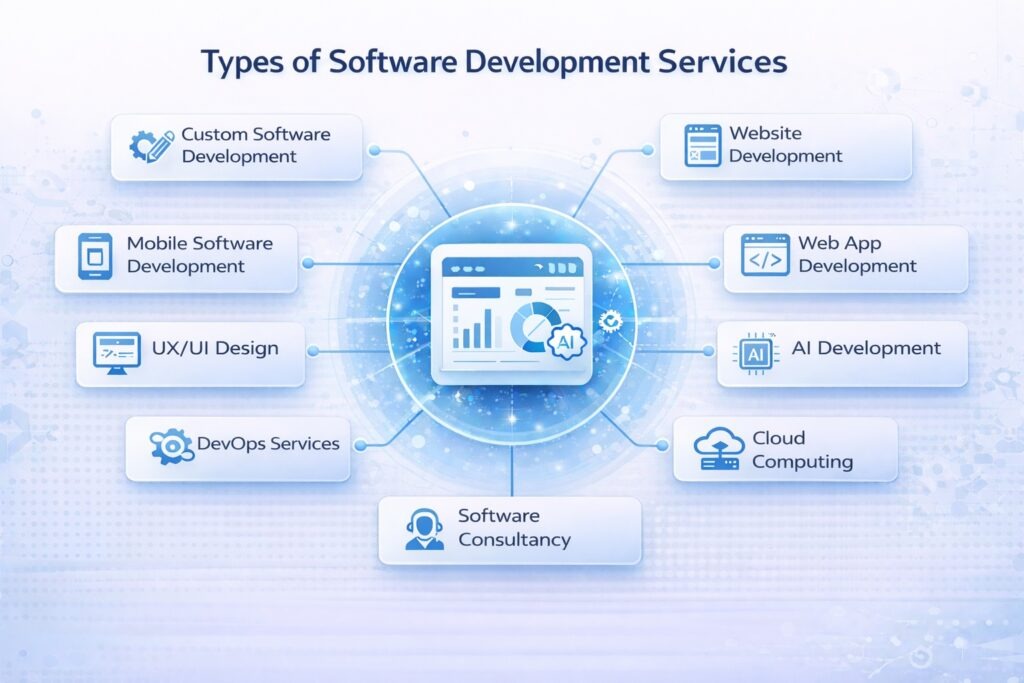
Different industries organize work around different records: legal matters and deadlines, leases and tenants, or shared building models. Those requirements should decide the software category before generic calendars and invoicing features enter the comparison.
| Industry | Essential record or workflow | Category to explore | What to compare next |
|---|---|---|---|
| Legal practice | Client matters, case deadlines, documents, time and billing | Legal practice management software | Matter lifecycle, document handling, confidentiality and billing |
| Construction design and BIM | Built-asset models, revisions and project handoffs | Building information modeling (BIM) software | Model collaboration and exchange between applications |
| Property management | Leases, tenants, rent and maintenance requests | Property management software | Lease records, tenant operations and accounting handoffs |
| Churches | Membership, volunteers, donations and programs | Church management systems (ChMS) | Membership workflows and the need for focused extensions |
| Schools | Student records, attendance, admissions and family communication | School administration or student information systems (SIS) | Student-data handling, user roles and administration workflows |
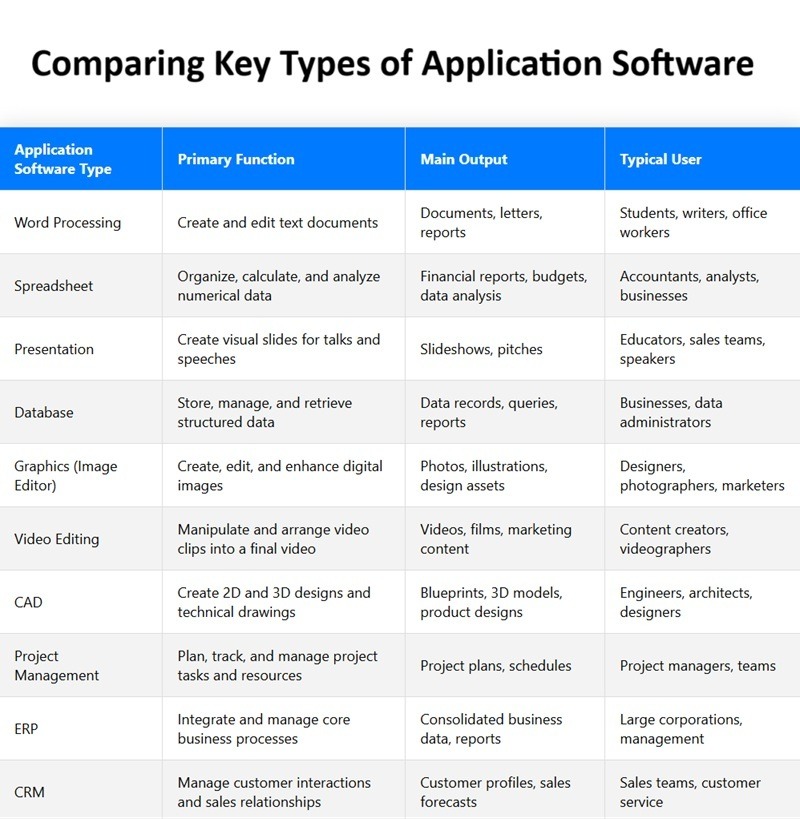
For an industry outside the table, use its essential record or handoff to find the closest software category.
Construction needs a clear distinction. BIM covers models and built-asset information. A contractor may also need separate estimating, purchasing, project management or dispatch tools. Industry Foundation Classes (IFC) is a vendor-neutral standard for exchanging built-asset information, maintained by buildingSMART.
Two products that advertise IFC support can still handle model properties or exchange procedures differently. Test what each app actually does with your models. For a representative model exchange, see the IFC/BCF model-exchange test.
A church’s membership and volunteer system can cover everyday administration, while an education program may need separate assignment or course tools. A school administration system centers on student records and user roles that differ from those in general office software. For churches, members and donations, see which church records will transfer when you switch.
Some industry needs belong in neighboring functional categories. Dispatching technicians and issuing service estimates point toward field service management. Restaurant checkout, payments, menus and kitchen printers point toward point-of-sale (POS) software. These paths still apply when the business also uses a broader industry platform.
When industry-specific software is worth it
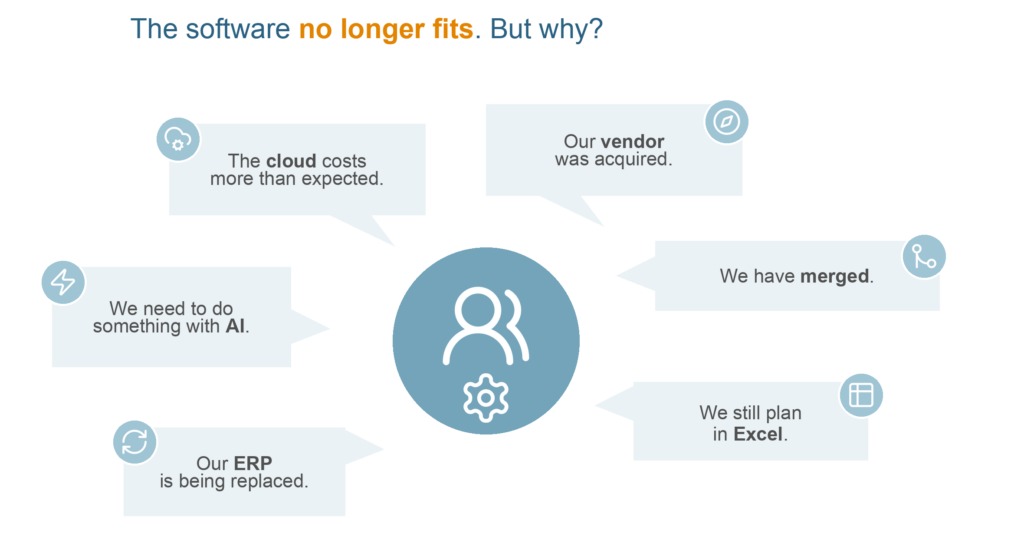
Specialized software is worth buying when it improves a task the business depends on and staff will actually use it. Horizontal tools handle work shared across industries: customer records, accounting, documents and project coordination. A vertical system structures the records and processes of one sector. For staff, documents and school administration, start with which everyday jobs must the system handle.
| Business situation | Direction to consider | Deciding condition |
|---|---|---|
| General-purpose tools already handle the critical work | Keep the current stack | Staff complete essential tasks without fragile manual workarounds |
| One specialist activity is missing | Add a focused tool or module | The extension fills the gap and fits the existing records |
| Core industry records or handoffs repeatedly cause problems | Evaluate a vertical suite | The required workflow works across the roles that will use it |
The trade-off shows up when a business has several ways to do the same job. A full case-management platform offers structured matters and deadlines. A small team may prefer its existing folders, time tracking and invoice process if those serve its work.
A five-lawyer litigation firm that handles about 60 substantial cases a year adopted an online case-management platform. The author now questions whether the extra administration was justified.
We’re a niche law firm of 5 senior lawyers doing mostly higher court litigation. We only do approximately 60 (big) cases per year. Two years ago our founder felt like we were lagging behind in digitization. We were only using Dropbox for files, an online service for time management and a Word template for billing. Of course, this solution was very low cost and since we were all senior lawyers (with only the occasional summer intern) we were working mostly independently anyway. After some market research we subscribed to web based case management software. One of our lawyers had been a knowledge management assistant in a previous career and warned that this would only be a good idea if we went all in. That was prophetic.
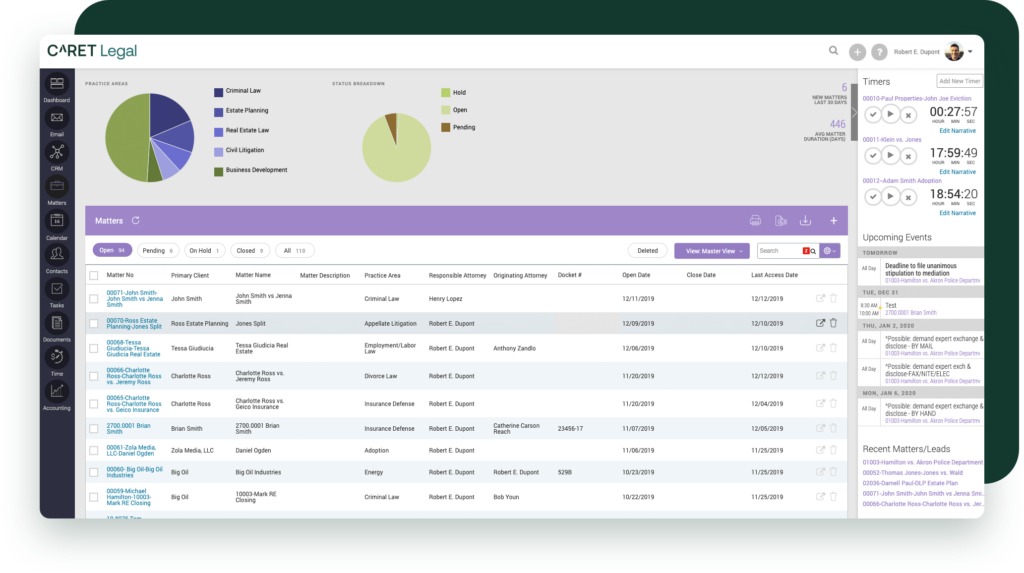
Elsewhere in the same account, the author says only three of the five lawyers really used the platform. Some colleagues still drafted in SharePoint folders and used only a portion of the case-management functions. Organized, shared records only pay off when staff maintain them.
Compare your current process with the proposed specialist system for one ordinary employee doing one ordinary task. Count data entry, document retrieval, training effort and the handoff to the next colleague. A system that improves the manager’s view but adds substantial work for everyone else is a different proposition from one the whole team can operate.
Check integrations before choosing your industry software
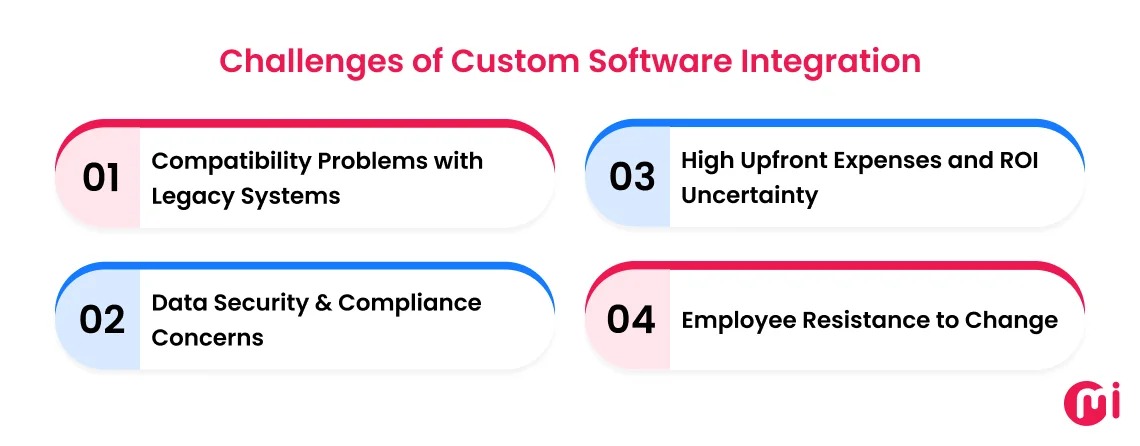
An integration claim needs an exact product, edition and data flow behind it. A connector that moves contact names may leave invoices, project costs, attachments or status changes untouched. Even a familiar accounting brand can have editions that use different integration methods.
A developer and general contractor bought Procore and ran into a substantial accounting-system problem during implementation. The post covers one company’s experience with QuickBooks Desktop.
We are a developer and GC. We purchased Procore about five months ago. Our salesperson was a disaster and misrepresented a few key things, one of which is that our current accounting software, QB Desktop, could not interface with Procore without a migration to QB Online. We had to stop the integration, back up and change software packages which required a mind-bending amount of work for our accounting team. We are back with the Procore implementation group. Their PM is not adding value and is selling at every session (and we are paying the hourly rate for the privilege of the pitch). The financials implementation guy knows his work and has been good, but I just cannot see us getting all the way through this process. I believe it’s time for a third party consultant who would be more likely to actively participate in getting us to full adoption. Any experiences to share or recommendations?

A construction software purchase created migration work for the accounting team.
For any required integration, write down the existing application and edition, the proposed application and edition, the connector or intermediary, and the records that must move in each direction. Then check whether the transfer creates, updates or only displays those records.
Get a written compatibility answer or a demonstration of the specific two-system workflow before you sign a contract or start migration. Where configuration, versions or permissions affect the connection, have the implementation partner include those conditions in the demonstration.
Test the workflow that keeps the business running
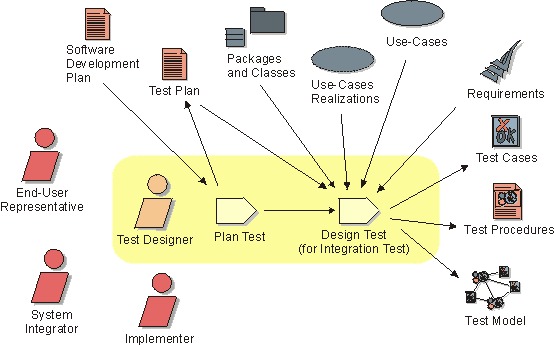
Run a realistic trial around the work that would cause trouble if it stopped. A restaurant needs its menu to agree across two locations, online ordering and kitchen printers. A law firm needs deadline assignments and documents to reach the correct matter. A church program needs staff and participants to see the right assignments.
A two-restaurant operator described a difficult move to Square, alleging synchronization, payment and printer problems.
We operate two restaurants and switched to Square earlier this year after being promised a system that could handle high-volume restaurant operations and support our growth to multiple locations. Unfortunately, our experience has been the opposite. Since implementation in January, we’ve experienced recurring issues nearly every week. Some examples: Customers being charged twice by Square Customer Service team, requiring manual refunds to be processed on my part Menu synchronization issues between locations and between online ordering and dining room Holiday menus that appeared configured correctly but failed on our busiest day because items suddenly showed as “not configured.” Receipt printers randomly printing pages of gibberish.
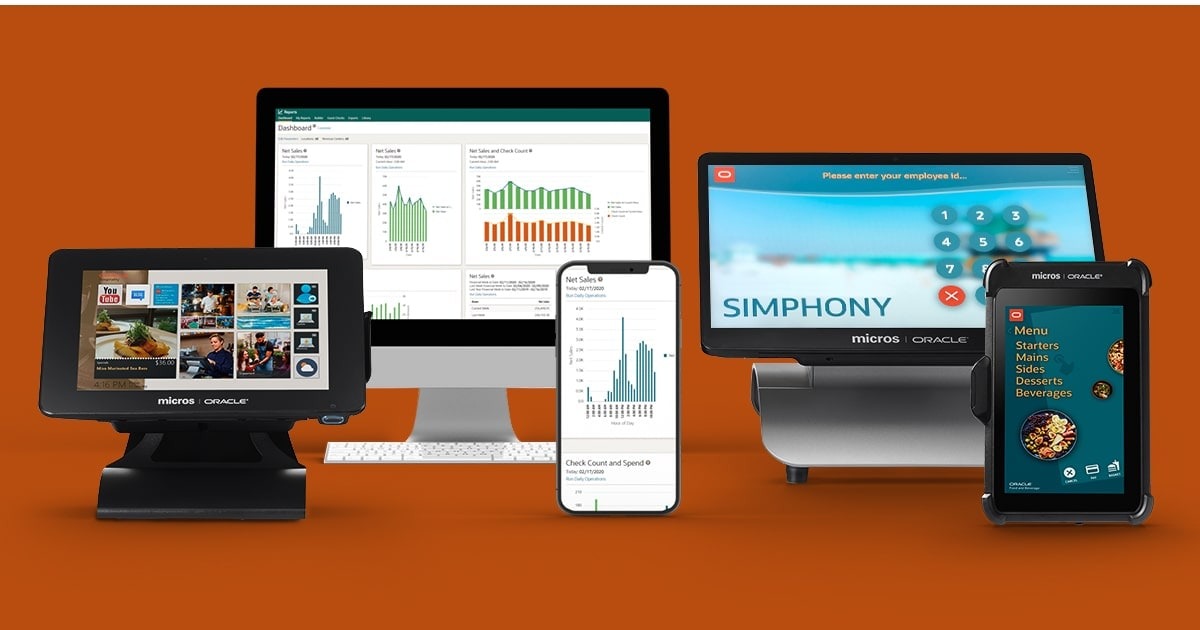
Give the trial to the people who will do the work. Have them complete one routine transaction, one busy-period variation and one recovery after a plausible failure. Record what succeeds, where records become inconsistent, how the team notices and who can restore operation.
For the restaurant, that means changing a holiday menu, sending orders through the relevant channels at both sites and confirming the kitchen receives them. A separate recovery exercise can cover a printer configuration failure. Unlike a polished screen demonstration, this shows the actual sequence of staff actions and system handoffs.
Keep sensitive records and user permissions in view
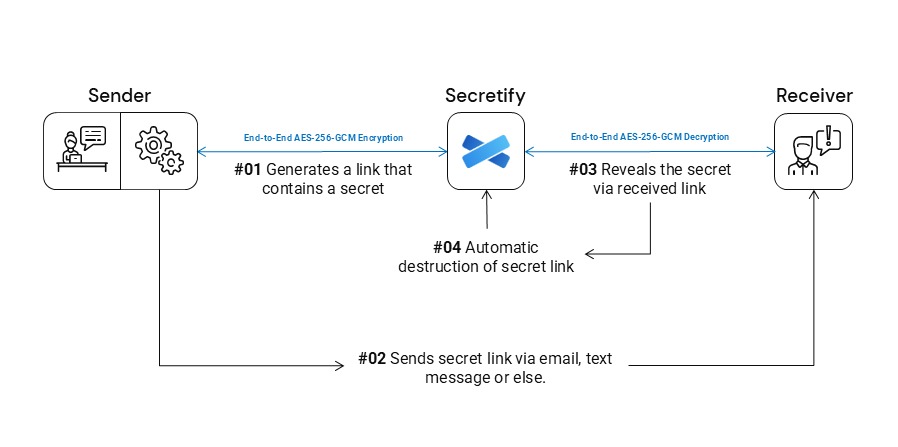
Industry software often handles records with access or confidentiality requirements.
| Setting | Records or relationship | Relevant control or obligation |
|---|---|---|
| School administration | Education records handled by an outside application | FERPA conditions for qualifying contractor relationships, including direct control and permitted uses |
| Legal practice | Client matters and documents shared with a vendor | Applicable confidentiality, competence and supervision duties |
| HIPAA-covered healthcare operations | Electronic protected health information handled by a cloud service provider | Business associate agreement and risk-analysis obligations when the covered relationship exists |
The U.S. Department of Education’s FERPA school-official guidance describes conditions under which a contractor can act for an educational agency or institution, including direct control over the use and maintenance of education records.
Law firms face a different set of professional questions. The American Bar Association’s attorney-vendor guidance covers confidentiality, professional competence and supervision when a firm uses outside services.
For HIPAA, the trigger is more specific. When a cloud provider creates, receives, maintains or transmits electronic protected health information on behalf of a covered entity or another business associate, it acts as a business associate and an appropriate business associate agreement is required. Qualifying services limited to transient transmission and incidental temporary storage may fall under the narrow conduit exception. HHS guidance on cloud computing also covers the risk-analysis duties that apply to the arrangement.
Make an access map showing which sensitive records enter the system, who can read or edit them, who can export them and what access the provider retains. A privacy, legal or IT specialist can then check the arrangement against the requirements that govern those records. For permissions, property management and tenants, use the property-record export and reconciliation checklist.
Look beyond the subscription price and plan the way out
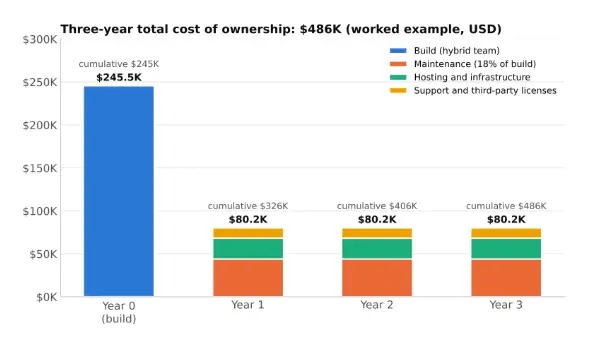
The subscription price is only one part of a software commitment. Configuration, training, migration, integrations and the effort of keeping records usable all change the value of the purchase. A system that looks inexpensive per seat can still force an expensive transition on the employees who depend on it. For client matters, practice management and documents, read how to test a migration before committing.
Request an itemized ownership and exit schedule covering the following:
- Users and growth: paid seats, administrators, extra locations, minimum commitments and additional users.
- Implementation: setup, configuration, training, migration and staff time spent correcting records.
- Dependencies: connectors, add-ons, support services and industry hardware where the workflow requires it.
- Contract: billing period, renewal terms, cancellation conditions and any equipment obligations.
- Departure: export formats, attachments, linked records, reporting history and the steps needed to restore access elsewhere.
Put the quoted charges and internal labor estimates into a 12-month and 24-month comparison. Keep one-time work separate from recurring charges and contract-exit obligations, so a lower license price does not hide a larger implementation cost.
Rehearse the exit too. Export sample records, open them outside the original service and confirm that clients, matters, leases or projects keep their attachments and history. Run a backup and restore test before you retire the old system.
Take the next step: build a shortlist in the right category
Bring the specialized record or handoff into the first product demonstration. Then use the keep-or-buy comparison to choose between adding a focused component and replacing more of the existing stack.
Speak Your Mind