A CRM’s advertised entry price does not always describe the configuration a growing team needs. First identify the edition and seats that cover essential sales work. Compare 12- and 24-month costs including usage, onboarding, commitments and any migration expense that could erase a lower subscription rate.
How much does CRM software cost for a small team?
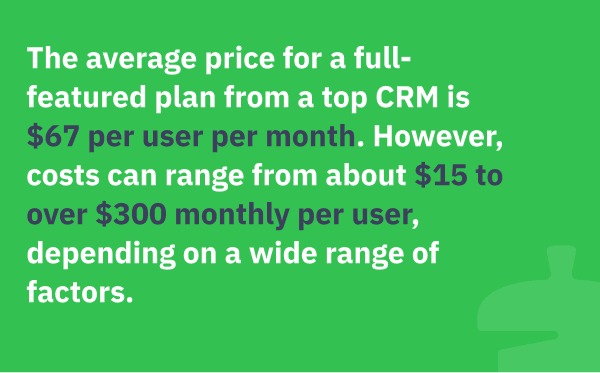
Zoho CRM Free covers up to three users, so a team that fits within its included features can pay $0 for the subscription. For a paid example, five HubSpot Sales Hub Professional Sales Seats at a $90 monthly equivalent under annual billing, plus required onboarding, come to a modeled first-year cost of $6,900. Your own budget depends on the plan’s features, the seat types you need, the contract terms and the setup work. If you’re weighing HubSpot against Zoho, see how to compare 2, 5 and 10 paid seats.
Find the least expensive CRM plan that does the work
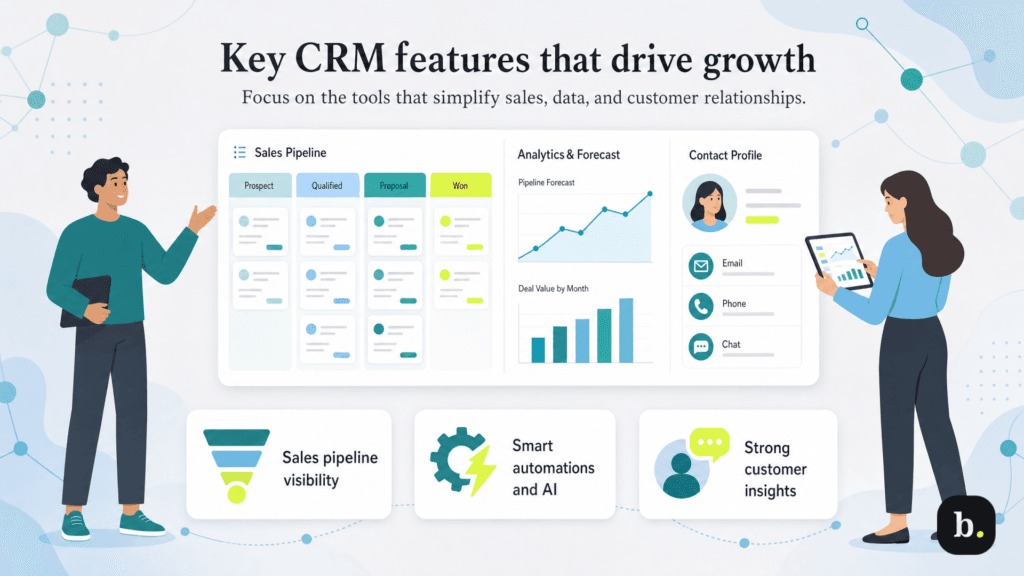
The cheapest suitable CRM is the lowest-priced plan that can do your company’s essential tasks. An entry plan might store every contact you have and still charge extra for the automated follow-up or integration that makes the system worth using.
A poster in r/CRMSoftware describes the problem:
Hubspot works fine for what we do, but every time I try to make our workflow a little easier, I seem to run into another upgrade screen.
We’re a small equipment rental business. People enquire through our website, we check availability, send quotes and follow up if they haven’t booked.
Some customers rent equipment for a weekend, others need it for several months.
HubSpot has been useful for keeping those conversations organised, but I’m struggling to justify paying significantly more just to access additional automation and email features.
The cost here comes from the specific work the owner wants to automate. A cheaper plan that makes an employee retype the follow-up by hand is a poor fit, even with a lower subscription price.
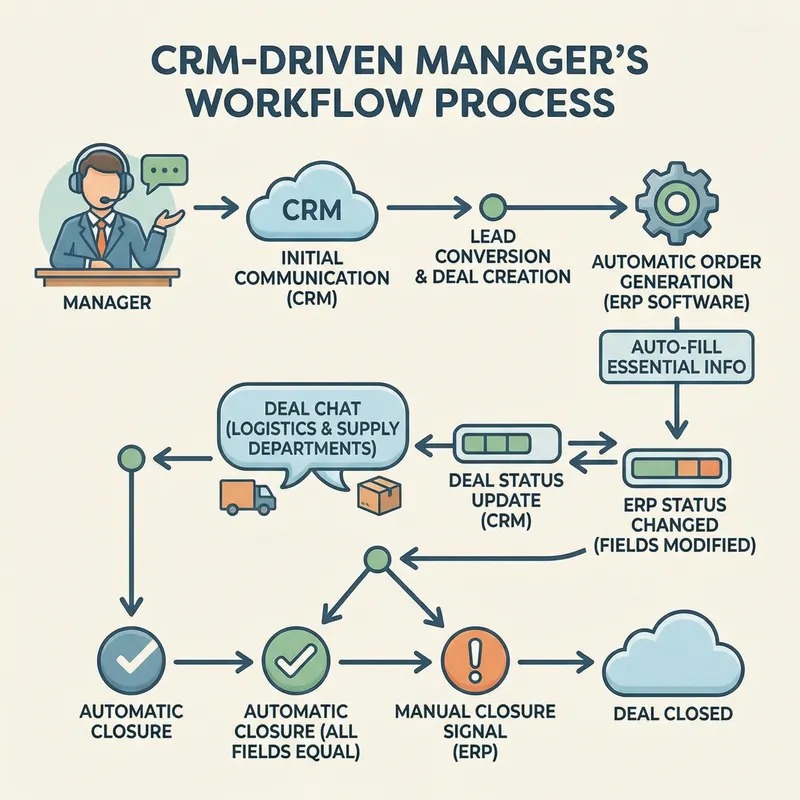
Pick three essential tasks that a salesperson or office manager could demonstrate. For the rental business, that’s capturing an inquiry, preparing a quote, and sending or scheduling a follow-up. Another company might need lead assignment, email logging, or sync with its booking system.
For each candidate, find the first plan that performs those tasks. Count feature limits, contact or automation allowances, required add-ons and permissions. Advanced forecasts and dashboards add nothing for a team that won’t use them.
Trials often unlock features from a pricier plan. Before you trust one, run your three tasks on the plan you’d actually buy, or ask the vendor to list exactly what’s included.
Match your team to billable CRM seats
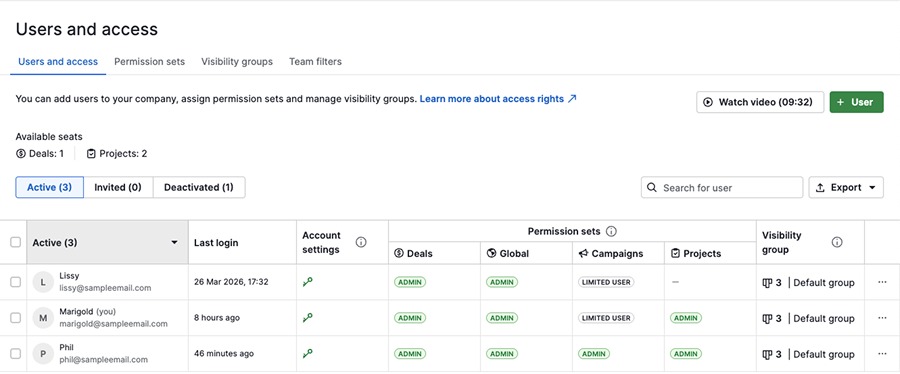
Someone who logs into a CRM and a seat on the invoice are two different things. A company might need editing access for salespeople, view access for a manager, and paid seats that stay on the bill after a user leaves.
Pipedrive separates purchased seats from assigned users, and empty purchased seats can remain billable. Zoho explains in its CRM billing FAQ that deleting a user doesn’t cancel the paid license.
HubSpot uses several seat types, including View-Only, Core, and specialist Sales, Service or Revenue Seats. On eligible paid subscriptions, View-Only access can be free, but it doesn’t include the editing and task permissions of paid access.
The HubSpot seat management guide also covers account-specific terms. Some legacy accounts that weren’t converted to the seat model introduced for new accounts on March 5, 2024, keep different rules.
| Team role | Work required | Licensing implication |
|---|---|---|
| Three sales employees | Update leads, manage opportunities, log sales activity | Paid seats with editing and sales permissions |
| Operations manager | Read pipeline information | View-Only access where eligible and sufficient |
| Departed employee | No longer needs access | The purchased seat can stay on your bill |
| Occasional contractor | Complete a defined temporary task | Depends on the exact task and the product’s rules |
A manager who only reads the pipeline may need a different seat from a salesperson who edits it. Assign permissions first; the license types they require set your payable seat mix.
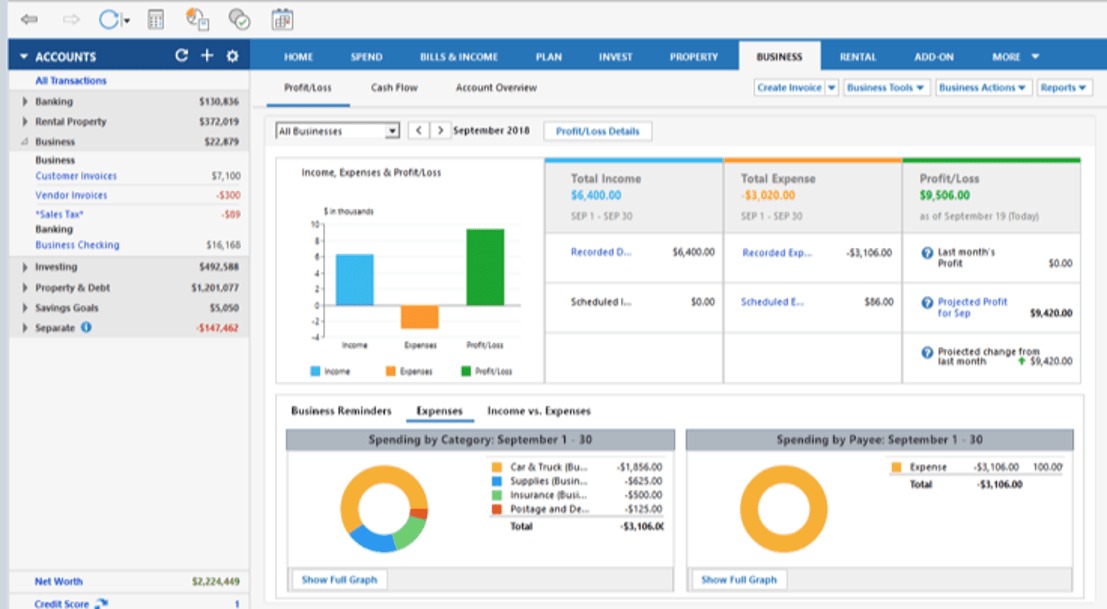
Build a role-to-license matrix with each person’s required actions, assigned access, purchased seat type and billable quantity. Separate an unused purchased seat from a person with no paid access. If the vendor also charges a flat organization fee, give it its own cost column.
Some CRM subscriptions don’t let you mix unrelated product editions freely. Seat types and product editions follow separate licensing rules, so a mixed-role estimate must use only the combinations the vendor permits.
Monthly vs annual pricing: compare the commitment and the cash
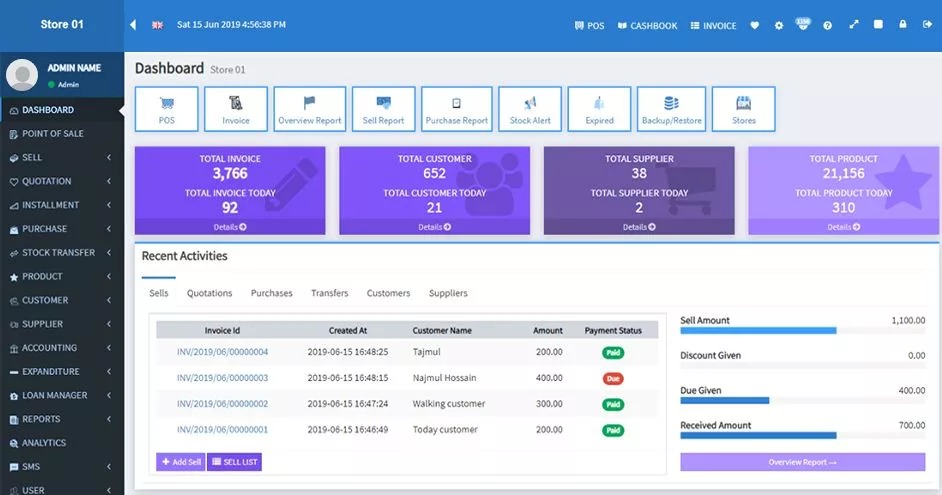
A monthly equivalent and a monthly invoice are different arrangements. A CRM can show a discounted per-seat price while requiring a longer commitment or a large prepaid balance.
Pipedrive describes monthly subscriptions and discounted annual plans that are prepaid. HubSpot’s displayed pricing can also change with the billing option and promotions. The order form sets how you pay and when the obligation ends.
| Billing arrangement | Price presentation | Cash and commitment effect |
|---|---|---|
| Monthly subscription | Rate charged each month | Payment and cancellation follow monthly terms |
| Annual subscription, prepaid | Monthly equivalent, paid for the year | Larger amount due at the start of the term |
| Annual commitment, periodic invoices | Monthly or periodic installments | Payment frequency can differ from commitment length |
Put each proposal in US dollars with the named plan, monthly equivalent, contracted 12-month charge, cash due at signing and renewal date. If your budget runs into year two, give a first-term discount its own renewal assumption.
Add the costs the subscription tile leaves out
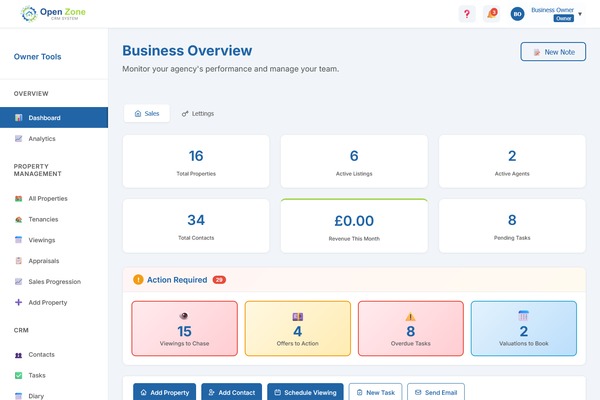
The subscription is only one line in the cost of running a CRM. Setting up customer records, connecting existing tools and training staff cost money and time before anyone uses the system routinely. For more on these costs, see what CRM software costs beyond the subscription.
Check five categories:
- Onboarding and configuration: Mandatory vendor services, professional setup, pipeline customization and outside implementation help.
- Data preparation: Contact cleanup, field mapping, record imports and verification of transferred history.
- Integrations: Connections to email, calling, website forms, quoting systems and other operating software.
- Usage and add-ons: Charges for optional modules, automation capacity, credits, storage or other plan limits.
- Employee time: Training, internal configuration, quality checks and running the old and new systems side by side.
HubSpot’s Sales Hub pricing lists a required one-time onboarding fee of $1,500 for Professional and $3,500 for Enterprise. Those figures apply to the specified Sales Hub editions.
Pipedrive offers optional add-ons and top-ups. Zoho also documents license-dependent extras. Budget each fee according to what your setup requires, using its actual unit and billing frequency.
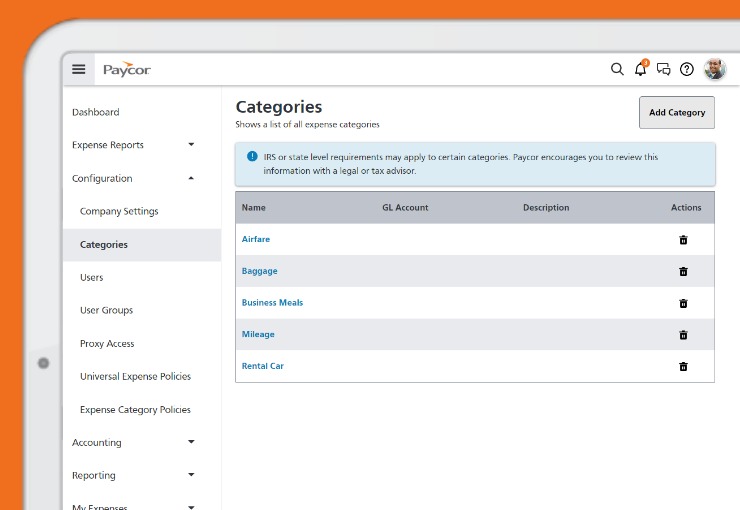
Separate mandatory from optional items and recurring from one-time charges. If an integration or implementation service has no set price, leave a placeholder and flag it. The work still costs something.
Record internal labor at your company’s planning rate, and keep it apart from money paid to the CRM vendor.
Calculate 12- and 24-month CRM ownership cost
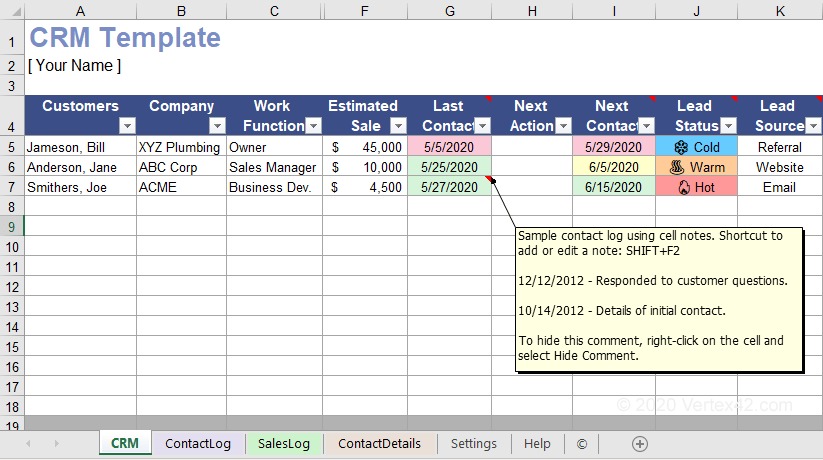
Calculate ownership cost by period, using the seat quantities and recurring charges that apply in each one. Add one-time expenses separately and keep the payment schedule visible next to the cost calculation.
For a seat-based plan, the formula is:
Period cost = sum of (billable seats in each permitted class × effective rate for that class) + flat charges + recurring add-ons + usage charges.
Some CRM products charge a flat organization fee or use another billing unit. In that case, use the vendor’s actual billing unit instead of inventing per-user prices.
A five-seat worked example
Suppose a business models five HubSpot Sales Hub Professional Sales Seats at a displayed $90 monthly equivalent per seat under annual billing, plus the required $1,500 Professional onboarding fee.
All five seats are Sales Seats for the whole period, and the rate stays constant for 24 months.
| Cost component | First 12 months | Cumulative 24 months |
|---|---|---|
| Five Sales Seats at $90/month equivalent | $5,400 | $10,800 |
| Required one-time Professional onboarding | $1,500 | $1,500 |
| Additional usage and add-ons | Excluded | Excluded |
| Migration, training, and taxes | Excluded | Excluded |
| Modeled total | $6,900 | $12,300 |
The first-year calculation is 5 × $90 × 12 + $1,500 = $6,900.
Across two years, 5 × $90 × 24 + $1,500 = $12,300.
This prices five Sales Seats only. A team with Core, View-Only or another eligible mix needs separate quantities and rates for each type. Other setup services, promotional changes and negotiated or legacy terms are also left out, so treat the total as an illustration, not a vendor quote. If migration or setup costs could change your decision, read what counts in the total cost of business software.
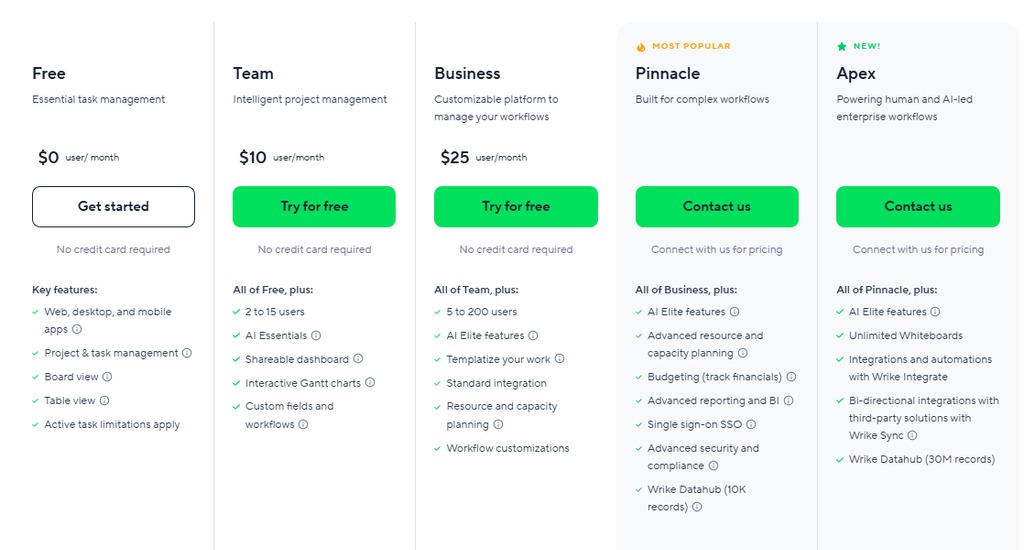
Model each month or change event
A usable worksheet has columns for period, seat type, billable quantity, rate, flat plan charges, add-ons, usage, one-time expenses and total cost. Record the contract payment due date separately.
Sum those costs over the first 12 and 24 months. Changes in headcount, plan, billing rate and renewals start new calculation periods. A seat added during an annual agreement follows the vendor’s own adjustment and proration rules.
If a figure is missing, write “unknown”, not $0. A zero makes the comparison look finished when the quote is absent.
You end up with three totals: recurring subscription cost, one-time implementation cost and cash due under the contract.
What changes for three, five, or ten users?
Growing teams need to model both who needs access and which features they’ll use. An extra employee changes the paid seat count; a new workflow can change the minimum plan you need.
| Team scenario | Licensing starting point | Budget decision |
|---|---|---|
| Three-person startup | Zoho CRM Free allows up to three users | Subscription can be $0 when the workflow fits its limits |
| Five-person business | Free-user or feature limits may require a paid edition | Price the qualifying plan and actual seat types |
| Team growing toward ten | New users and custom processes can change the setup you need | Model when you add seats and any plan upgrades |
A three-person team that fits Zoho’s Free plan pays nothing in subscription fees. Implementation effort and internal work still cost something.
One r/CRMSoftware participant describes a ten-person setup where new seats and custom client steps drove the decision:
We’re ten people now, and our HubSpot setup is getting harder to justify. Every time we need another seat or want to track a custom client step, I end up opening a pricing page or trying to figure out whether we can make the current setup bond far enough.
I don’t need a giant enterprise rollout.
A five-to-ten-seat growth illustration
Assume five Professional Sales Seats are billable in months one through six and ten in months seven through twenty-four, at the same $90 monthly equivalent per seat under an annual commitment, with $1,500 onboarding paid once.
The first-year modeled amount is (5 × 6 + 10 × 6) × $90 + $1,500 = $9,600.
The cumulative 24-month model is (5 × 6 + 10 × 18) × $90 + $1,500 = $20,400.
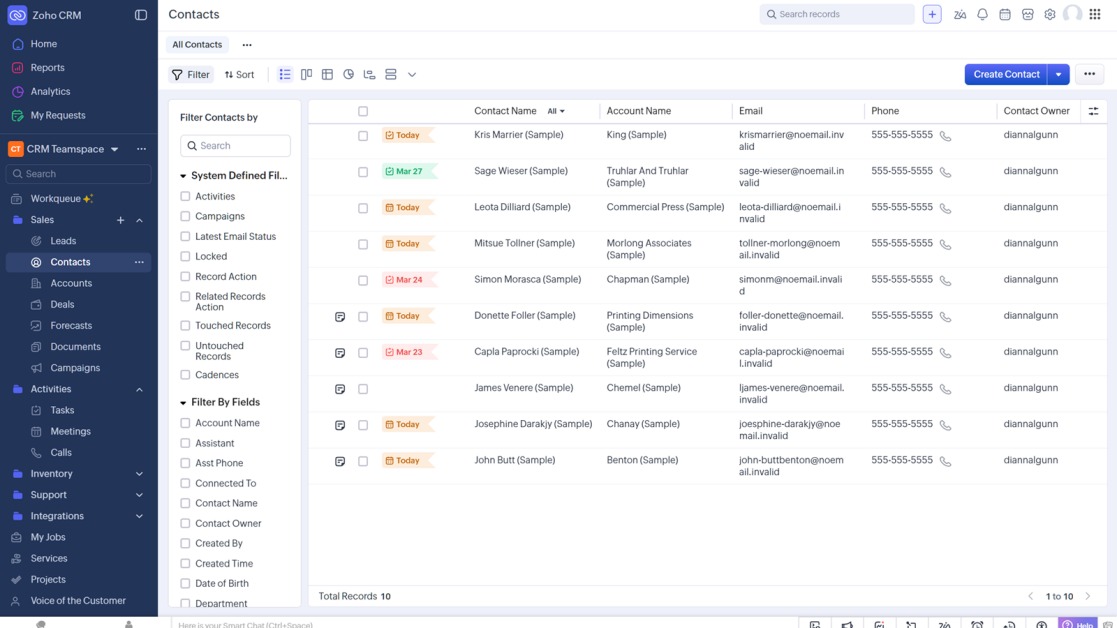
These figures assume each seat is billable for every modeled month at an unchanged rate. They don’t reflect HubSpot’s actual midterm proration, its renewal price, or whether that seat type suits every employee.
Stress-test the budget at months one, six, twelve and twenty-four. Add a second scenario if a required workflow forces a plan upgrade, even when headcount stays the same.
Will switching to a cheaper CRM save money?
A lower subscription price saves money when the replacement handles the required work and the recurring savings outweigh the switching cost within a useful planning horizon.
Say a small company uses website forms, email tracking, call records and a job-management integration in its current CRM. A cheaper alternative might need new connectors, record cleanup and staff retraining before those workflows run again.
Switching costs include data conversion, field mapping, import checks, rebuilding integrations, training, and the cost of running two systems for a while. Count any unused commitment on your current contract too.
When the capabilities match and recurring savings are positive, payback is:
Payback period in months = one-time switching cost ÷ monthly net recurring savings.
For illustration, a $1,200 migration with documented recurring savings of $100 per month pays back in 12 months. These values are hypothetical.
If your current agreement keeps running after the new one starts, overlapping subscriptions delay the savings. A paid connector can also shrink net monthly savings even when the new base plan is cheaper.
Map the workflows that must survive, estimate the one-time transition work and calculate net recurring savings after all necessary replacement charges. If the cost or timing of a critical integration is unknown, the payback is unknown too.
Keeping your current CRM can be the cheaper choice, especially when migration would eat much of the expected 24-month savings.
What happens to your bill when you remove seats or cancel?
Removing a user doesn’t automatically lower your bill. Seats and contracts follow their own adjustment rules.
In Pipedrive, an administrator who deactivates a user can keep or remove the purchased seat. According to the Pipedrive user and seat billing guide, removing the seat changes the bill at the start of the next billing cycle.
HubSpot says removing seats doesn’t change the current invoice, and minimum commitments and renewal rules can decide when a reduction takes effect. Some legacy HubSpot agreements follow older structures.
If an employee leaves in month four, your cost depends on whether the paid seat is removed, which billing period applies and what your signed agreement allows.
A participant in r/hubspot describes trying to cancel a one-year subscription early:
They increased prices and charged us for every basic function. We tried to cancel our subscription early on, but apparently we’re locked into a 1-year contract. Also, we have to wait for a manager to contact us a few months before our contract ends, feels like they are making cancellation intentionally hard for us.
That’s one customer’s account. What binds you is your own signed order form.

Check the order form for the current commitment, cancellation notice requirement, next billing date, minimum seat quantity and effective date of any reduction. Get written confirmation of any adjustment or credit before counting it as savings.
The CRM quote checklist to send before you sign
A written CRM proposal should give enough detail to price your exact setup and show what you’re committing to. Ask for the following:
- Product and edition: Exact CRM product family, edition, US offer, and USD currency.
- Rate: Standard or promotional price, billing basis, discount conditions, and offer expiry.
- Licenses: Purchased seat types, permissions, minimum quantity, contracted capacity, and the price of additions.
- Essential capabilities: Which of your required tasks the proposed edition supports.
- Usage limits: Contact, email, automation, API, AI-credit, storage or other quotas and charges.
- Add-ons: Necessary modules and connectors, with recurring and one-time prices identified.
- Implementation: Required onboarding, migration assistance, training, and optional professional services.
- Payments: Total contract value, cash due at signing, invoice schedule, and applicable taxes.
- Changes and renewal: Seat adjustments, billing-effective dates, promotional expiry, cancellation notice, and renewal pricing.
- Exit and data: Cancellation conditions, export methods, and any paid transition help.
Put each response in a comparison worksheet with one row per qualified proposal, and keep the vendor’s written answer next to the charge or feature it covers.
Give each proposal one of three statuses:
- Pass: Required workflows, permissions, costs, and contract conditions are acceptable.
- Hold: A material capability, charge, or contract condition still needs a firm answer.
- Reject: The proposed setup fails a nonnegotiable requirement.
A customized order may change published terms, so use the figures in the accepted written proposal for your final budget.
Stay free, upgrade, switch, or defer?
- Stay free or keep the existing CRM: The current setup meets your required tasks within its user, feature, and usage limits.
- Upgrade: A necessary task requires another edition, and the extra cost is acceptable.
- Switch: A replacement performs the essential work and still saves money after migration, training, integrations, and remaining commitments.
- Defer or continue the pilot: A critical feature, seat arrangement, integration, or contract term is still open.
Speak Your Mind