A cashier can finish a sale while inventory silently becomes wrong. Retail POS testing has to cover the full chain: receiving, checkout, returns and any online or multi-store synchronization on the actual hardware. Use the same stock-to-sale item and the complete subscription and processing quote to compare candidates.
Choose what the POS must do versus what should integrate
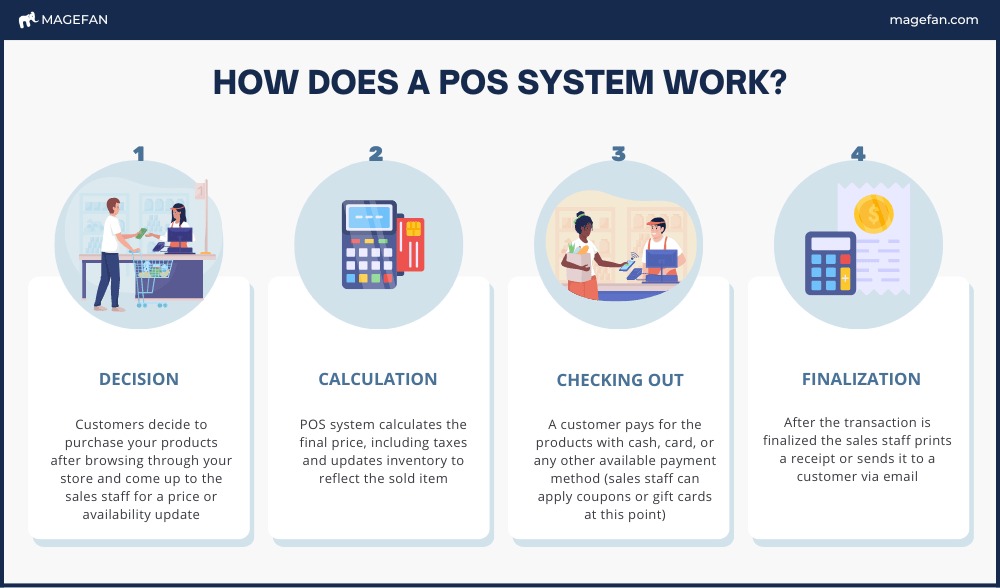
A retail point-of-sale system handles the transaction at the counter. Its inventory functions tell staff what you have, where it is, and whether it can be sold. The two jobs meet whenever someone scans an item, processes a refund, receives merchandise, or sells a product that is also listed online.
A POS and a separate inventory application need a clear system of record. Decide which one owns the official quantity and how each receipt, return and sale changes it before choosing between integrated and connected setups.
| Business function | What the system needs to handle | Buying consideration |
|---|---|---|
| Checkout | Item lookup, sales, payments, receipts, refunds | Can a cashier complete your usual sale? |
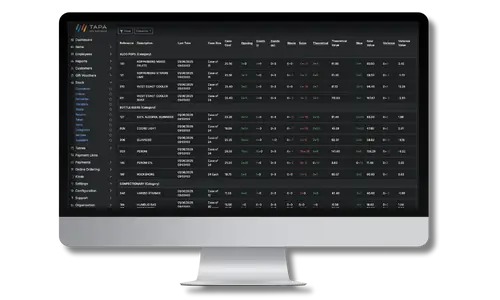
| Inventory | SKUs, quantities, adjustments, stock availability | Which record supplies the sellable count? |
| Replenishment | Supplier orders, receiving, transfers | Can stock arrive in stages and at different locations? |
| Connected operations | Ecommerce, bookkeeping, reporting | Which data moves automatically, and which system owns it? |
Integrated stock management keeps the flow between checkout and inventory simple. Consider specialized inventory software when the POS can’t handle a process you need, such as unusual ownership arrangements, complex allocation, or a large assortment with demanding replenishment rules.
A connected setup adds dependencies. Product IDs have to match, you need to know which way data syncs, and someone must be able to spot a failed transfer before staff rely on a wrong quantity.
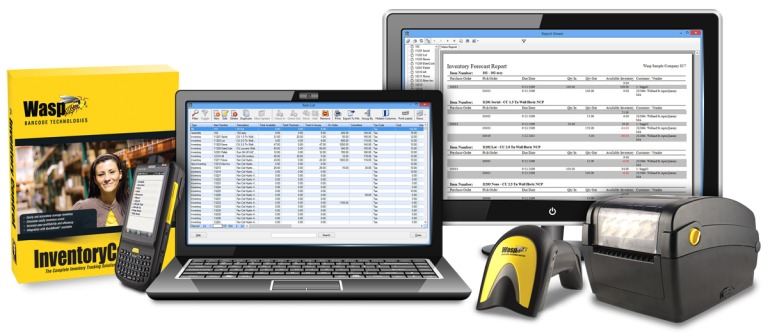
List your store’s essential work in two groups: what must happen at checkout and what must happen to inventory. Mark which tasks the POS must do natively and which an integration could handle. Then name the application that will own your stock count.
Match the POS to the kind of retailer you are
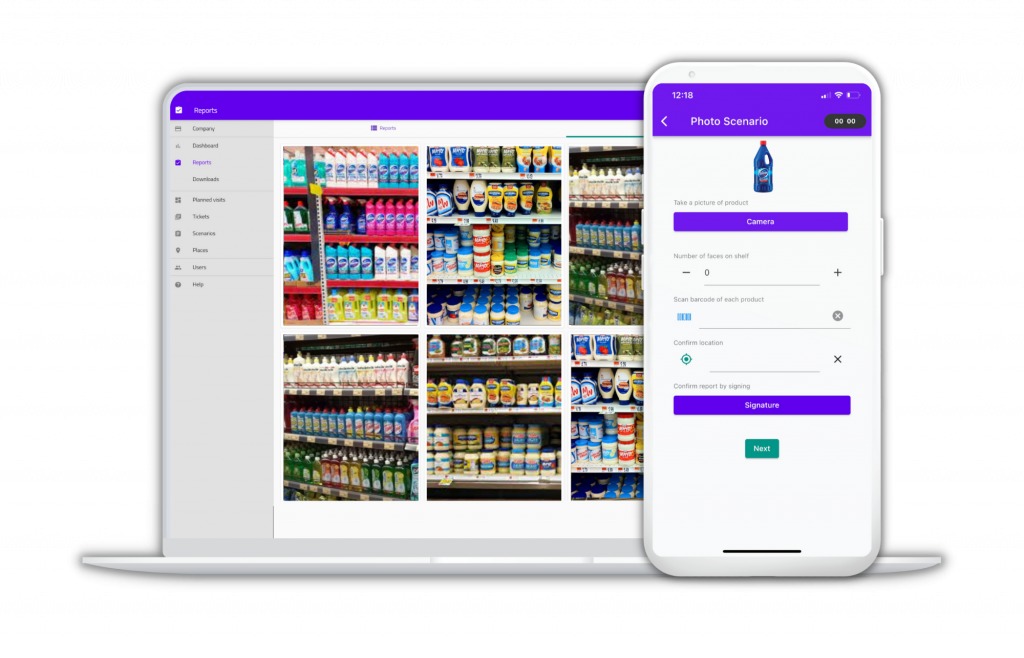
A small gift shop with one counter needs quick item lookup, reliable receipts, and straightforward stock counts. A plant shop that sells work from independent artisans also needs consignment ownership records, mobile checkout, and invoicing. A retailer with a physical store and an online storefront has to count sales against shared or location-specific inventory, including products already reserved for customers. Pick the scenario closest to your most demanding sale and use that workflow as the deciding test. Even a single-counter store can have complicated inventory requirements.
How to tell whether a POS can handle your inventory
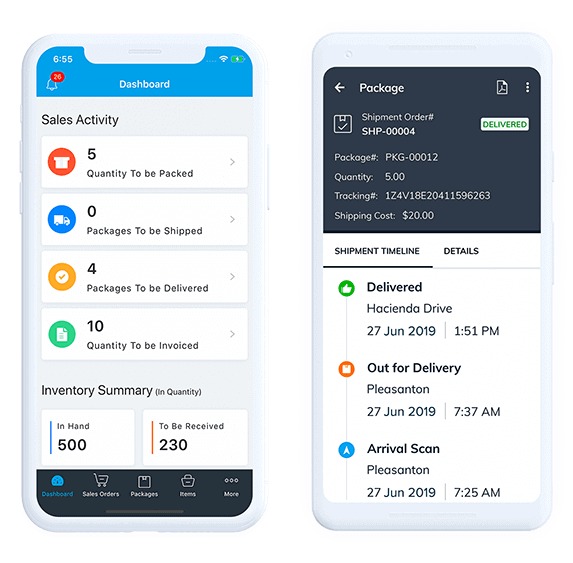
Start with three quantities. On hand is inventory recorded at a location. Reserved (or committed) is units allocated to orders or customers. Available to sell is what the system lets a new customer buy.
Say a store has ten red shirts in one size, and three are reserved for existing orders. Seven are available for new sales. Follow the same SKU through several events to see how the numbers move.
| Event | On hand | Reserved | Available to sell |
|---|---|---|---|
| Starting balance | 10 | 3 | 7 |
| Sell one unreserved shirt at the register | 9 | 3 | 6 |
| Customer returns that shirt, eligible for resale | 10 | 3 | 7 |
| Receive six more shirts at the same location | 16 | 3 | 13 |
| Sell one unreserved shirt online, once the stock change is recorded | 15 | 3 | 12 |
The balances assume one location, no other transactions, unchanged reservations, and a restocked return. For the online sale, the register and the storefront must reconcile the same stock movement under your sync rules.
A plant-shop owner in New York described a mismatch between inventory visible in the dashboard and items available at the register:
Hello. I own a plant shop in NY. We also have 120+ local artisans — most of which sell on consignment, a variety of services which require invoicing. etc. We have been open for 5 years and have been using Square for that period of time. I can’t say I ever was thrilled with it, but lately we have increased issues with disappearing stock quantities, items not appearing in the register (but still appearing on the dashboard), along with many issues — on top of that they keep increasing fees.
If the dashboard shows stock the register won’t sell, your cashier can’t tell whether a sale will go through.
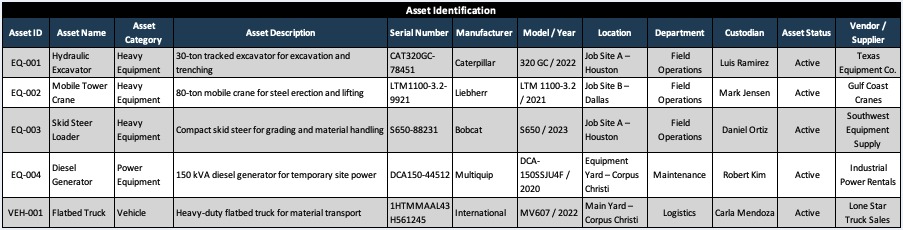
During a trial, on the plan and hardware you would actually buy, record the starting on-hand and available-to-sell counts in both the inventory dashboard and the register. Complete a sale with a test product, then compare the transaction, the location count, and the connected online quantity. Save the timestamps and the device and account configuration with the record. If a product is missing from cashier search but visible elsewhere, fix that before you call the setup a pass.
If you sell on consignment, the workflow also has to separate who owns an item from who receives the proceeds.
Build a clean product catalog before buying hardware
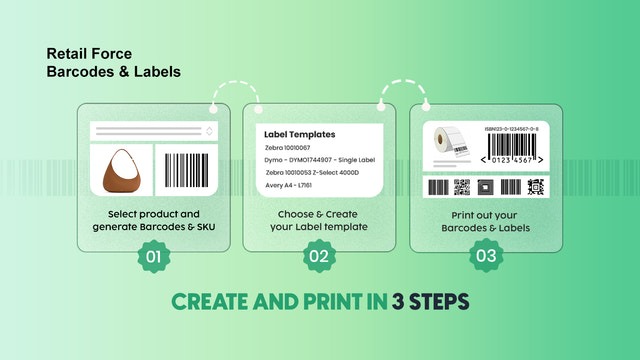
A fast scanner only helps when the catalog gives it one clear item to find. Every sellable product or variant needs an identity that your staff and connected systems recognize.
An internal SKU is a product identifier you assign yourself. A Global Trade Item Number (GTIN) is a standardized identifier under GS1, and GTIN-12 is commonly called a UPC number in US retail. A UPC-A barcode is the machine-readable symbol that carries GTIN-12. A handmade item can use an internal SKU and a label you create, with no GS1-assigned GTIN.
A product sold in three sizes is three sellable variants, each needing its own stock count. One shared quantity for all sizes hides which size sold and which one needs replenishing.
One prospective store owner described using a small payment reader at a farmers’ market while struggling to locate individual items:
My wife and I are opening a small retail store in our local downtown area. She makes a lot of items herself and we will be sourcing some merchandise as well. Currently we operate at the farmers market using square with a little reader that helps with tap to pay. We don’t have barcodes and the free inventory tools from square are agrevating since you have to locate each item on the app, so we just write it down and charge a lump fee instead of itimizing everything.
And we will want receipts for the customers as well. And I’m currently just using spreadsheets for finances and that is getting tedious too.
Ringing up a lump sum finishes the sale, but it leaves you without item-level sales data for replenishment.
For a trial, build a 20-item sample catalog: several ordinary products, three size or color variants, an item without a manufacturer UPC, and a packaged item with an existing barcode. Import it, print or assign labels where the system supports it, and scan or look up each product on the register and accessories you are considering.
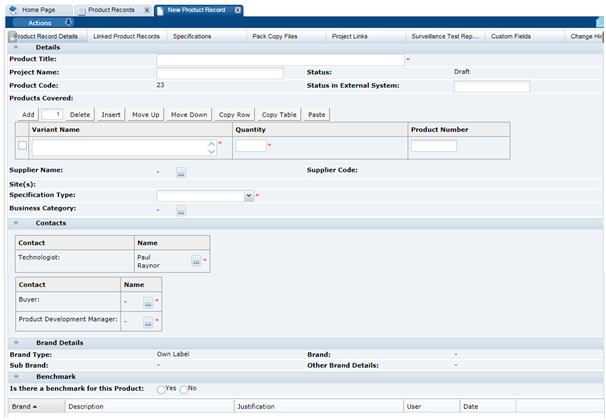
Check for duplicate identifiers, merged variants, failed scans, and descriptions so similar that staff can’t tell items apart. Scanners, label printers, receipt printers, cash drawers, tablets, operating systems, and card readers each have their own compatibility requirements.
GS1 US discusses two-dimensional barcode readiness. That matters for future scanner choices. It doesn’t mean every small retailer has to drop one-dimensional UPC barcodes now.
Test stock reservations, returns and unavailable-item paths
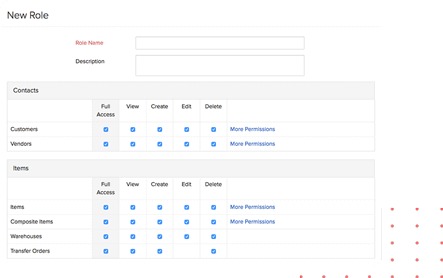
A product can sit on the shelf and still be unavailable to a new shopper because it’s reserved for someone else. That happens in stores that hold subscription merchandise, set aside paid orders, or allocate inventory through connected applications.
A periodicals retailer reported that its Shopify POS setup, which uses a draft-order app, began showing out-of-stock prompts during checkout:
I run a retail store with a physical storefront and Shopify POS as well as an online store with connected inventory. We mostly sell periodicals, and have hundreds of subscribers we hold and invoice orders for. There was a recent Shopify update that has resulted in pop ups after every item we scan that is “out of stock”. Previously, this pop up occurred at the very end of the checkout process. Now, it’s after every item scanned. The problem is, these items aren’t actually out of stock.
In the same 2025 report, the store said copies were reserved for subscribers and that draft orders moved into checkout through BentoSMB Draft Orders for POS. What you need to know is whether a held customer’s order can still go through the supported checkout process once unreserved shelf stock hits zero.
Returns add their own inventory decision. An unopened, resalable item can go back into sellable stock. Damaged goods should stay unavailable. An exchange changes the quantities of two variants. The refund entry and the inventory movement must both match what happened to the returned item.
Test the exception sequence with a reserved unit:
- Reservation: Reserve an item for a customer and check how it changes the shelf count available to other shoppers.
- Held-item sale: Sell the remaining unreserved stock, then complete the reserved customer’s order through the workflow the system intends.
- Normal return: Refund an eligible sale and note whether the item goes back into sellable inventory.
- Damaged return: Keep the item out of sellable inventory and log an adjustment you can identify later.
Record warnings, manual workarounds, and final stock values. If the supported reservation path can’t complete the sale, treat that as a real reason to question the configuration.
If you are weighing how much stock, location, and barcode depth you need, read the differences among basic inventory, WMS and ERP.
Check purchasing, receiving and store locations
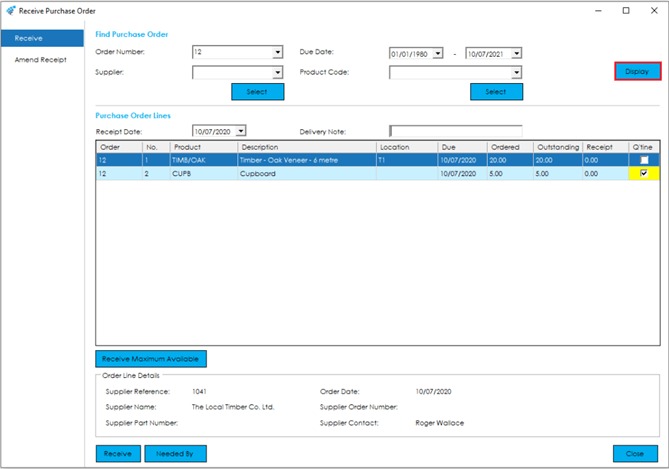
A POS can handle sales well and still lack the purchasing features you need. Supplier orders, partial deliveries, and store transfers change stock in ways ordinary checkout doesn’t.
Suppose you order ten units and receive six. The record should show six received and four outstanding, with the received six assigned to the right store. A later transfer between locations should leave a movement record you can explain.
Square ties purchase orders to subscription or advanced-inventory conditions and to user permissions. Its purchase-order support instructions describe partial receiving, whole-number quantities, and a maximum of 500 unique items on one purchase order.
The 500 limit counts unique items, not units. Fifty cartons of one product count as a single item, while an order listing hundreds of different products counts as hundreds.
Lightspeed Retail X-Series supports full and partial receiving. Its support instructions describe the newer partially received order workflow as still rolling out, so some accounts may not have it yet. R-Series and E-Series location behavior is documented separately, so evaluate those two on their own.
Ask the vendor to demo the ten-ordered, six-received case with the right manager permissions and an active store location. Watch what stays open, what enters on-hand stock, and how a later location transfer is recorded.
What works when the internet goes down?
A register can record a cash sale offline and still be unable to process an exchange, sync online stock, or accept a card on your particular reader.
Shopify’s offline POS feature documentation separates supported activity from functions that need a connection. Orders and inventory don’t sync to Shopify admin until the connection returns. Its matrix also lists voids and certain pickup or shipping fulfillment operations as unavailable offline.
With compatible configurations, Shopify stores offline card payments and processes them after you reconnect. A stored transaction can be declined later, which creates payment risk for the merchant. A separate POS Terminal Reader pathway can get real-time authorization while the POS app is in offline checkout, as long as the terminal itself stays connected to the internet and can reach the payment processor under Shopify’s setup requirements. A restaurant also needs to test restaurant POS continuity during outages, beyond payment processing alone.
| Task during an outage | Shopify-documented example | Requirement for a shortlisted POS |
|---|---|---|
| Cash or supported manual sale | Limited offline activity is documented | Confirm the register configuration |
| Card payment | Conditional delayed processing; separate POS Terminal real-time authorization requires a terminal still connected to the processor | Check the reader, payment setup, processor connectivity, permissions, and delayed-payment risk |
| Return or exchange | Unavailable offline | Define the supported customer-service procedure |
| Gift-card transaction | Unavailable offline | Determine whether the store relies on it |
| Inventory/admin synchronization | Pending until reconnection | Identify which records remain local |
| Reconnection | Queued activity must synchronize | Reconcile orders, payments, and stock |
Keep a device with unsynced orders powered on and signed in. Shopify says shutting down or signing out can lose queued records.
A customer paying cash and a customer who needs a card refund create different problems during the same Wi-Fi outage. In a vendor-approved test setup, simulate a disconnection and run the transactions your store depends on, including its supported card process. Restore the connection, check the resulting orders and stock movements, and write down which customer requests staff must postpone. Don’t disrupt a live register, and don’t run unauthorized production-payment tests.
What a retail POS costs over a year
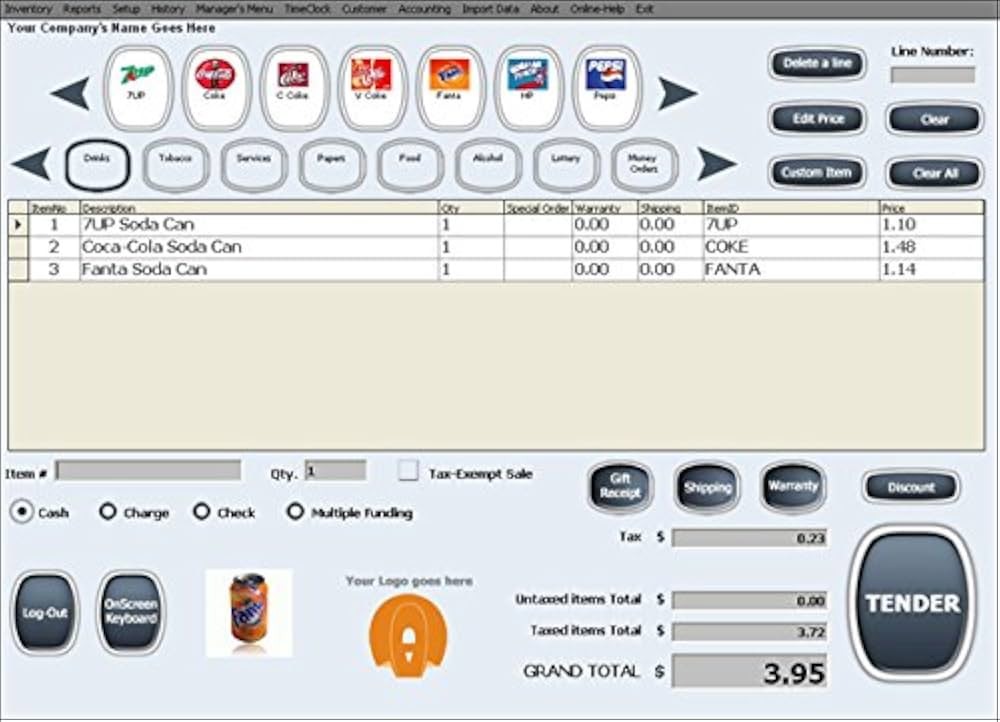
A low monthly software price can come with significant hardware or payment-processing costs. Compare the full configuration your store would use, including inventory capabilities and every selling location.
For a twelve-month quote, group the costs and obligations:
- Software: Subscription tier, locations or users, advanced inventory edition, and required add-ons.
- Hardware: Register, tablet, card reader, scanner, receipt printer, cash drawer, and financing or ownership conditions.
- Payments: Card-present and online transaction terms, expected ticket mix, refunds, chargebacks, and processor restrictions.
- Setup: Catalog migration, installation, integrations, staff training, support, and applicable quoted taxes.
- Commitment: Contract length, renewal, cancellation, and equipment obligations at exit.
To get the first-year total, add upfront hardware and setup charges, twelve months of software and location or add-on fees, processing charges estimated from your projected transactions and payment mix, and any other quoted charges due within the year. Use identical sales assumptions for every offer, and list renewal and cancellation obligations next to the total. The reasoning behind those assumptions is in how to use the same payment mix and contract assumptions.
Shopify separates its commerce plans from POS Pro features, which are charged per location. Square’s purchase-order and advanced inventory features depend on your plan or account configuration. Clover sells hardware, software, and processing packages, and contract terms vary by agreement or reseller.
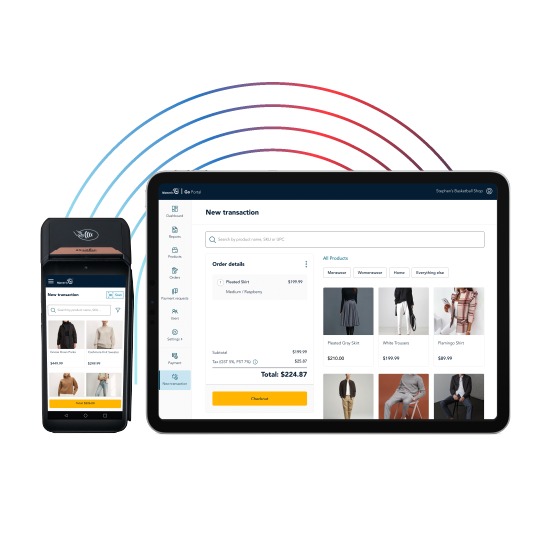
Give the payment processor its own line in the quote. Whether you can switch processors depends on the hardware, the software plan, and the merchant agreement.
A fixed counter with mobile checkout and online selling costs differently from a register-only setup, so compare itemized proposals built for your actual layout. Take processing rates and equipment obligations from the merchant agreement. The full fee breakdown is in how POS processing fees add up.
Inventory migration and catalog cleanup before choosing POS
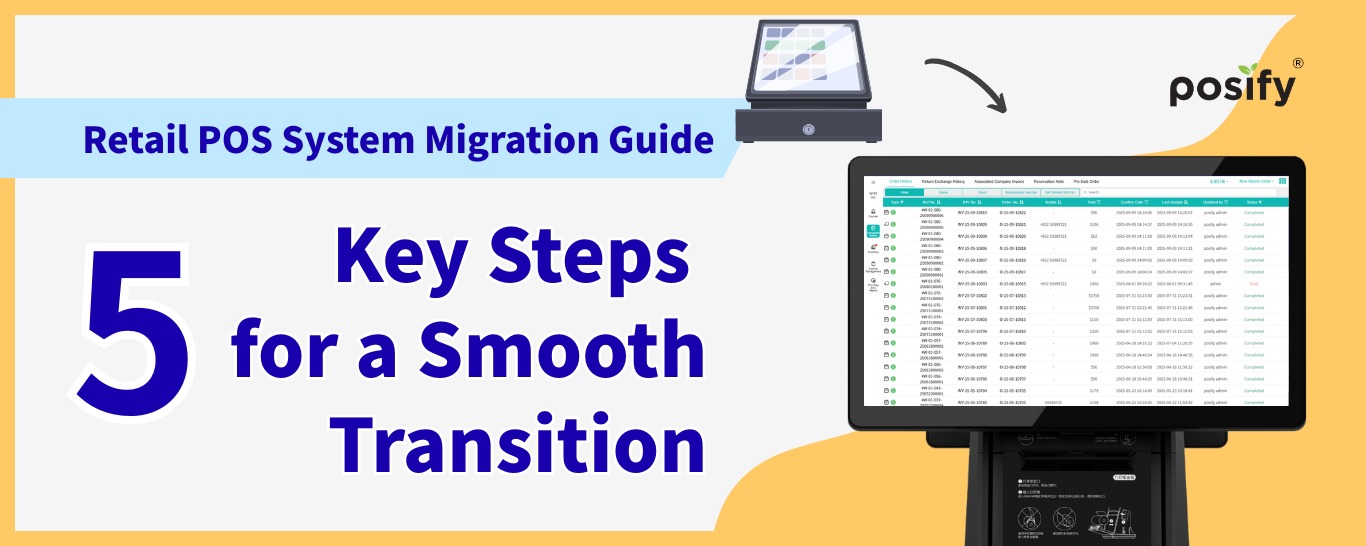
A CSV can import without errors and still map variants, location quantities, costs, or stock availability to the wrong fields.
A practitioner integrating Lightspeed POS with Shopify described the state of one client’s merchandise data:
I have a client who uses Lightspeed POS and we are rolling out eCommerce on Shopify. I’ve used Shopify for years and run a fairly large digital goods shop there already. I’m pretty familiar with Shopify at this point, have 20+ years experience on digital eCommerce, and thousands of projects in web dev over the years – but retail is fairly new to me.
Retail/brick and mortar is a different beast. They have tens of thousands of products living in Lightspeed that are barely organized. No structured matrices, attributes, etc. Items have little to no description, images, or other detail, and item titles are often completely wonky.
Start with a representative export. Map product IDs, variants, SKUs, barcodes, prices, costs, suppliers, and location counts to the destination. Handle committed inventory and transaction history separately if your business depends on them.
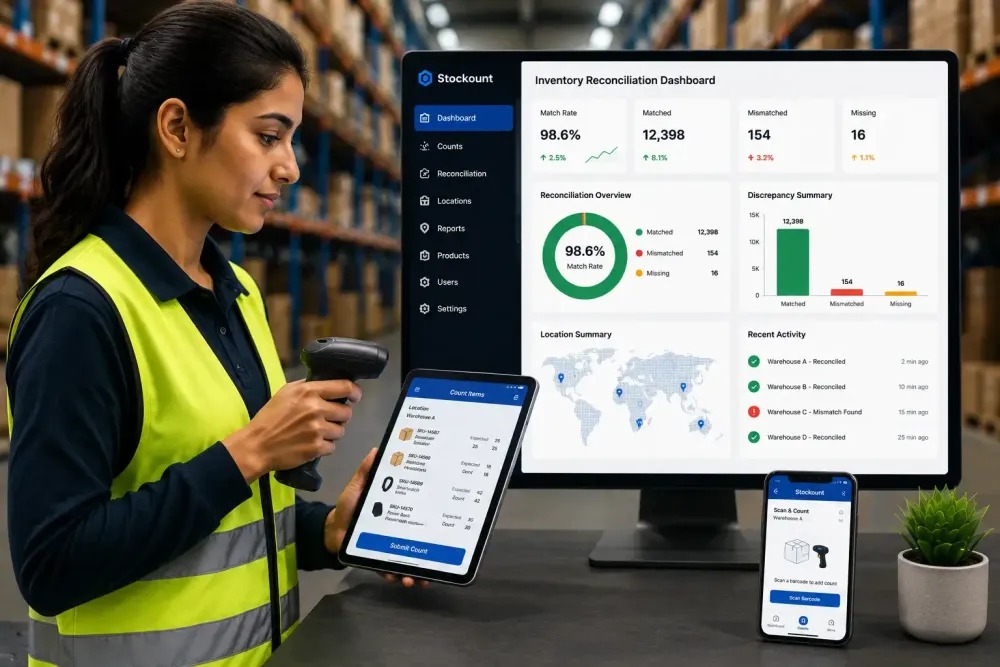
For each sample row, compare the legacy record, the intended destination record, and any exception. A product with three variants and inconsistent legacy names needs explicit confirmation that no variant was merged or duplicated.
Before you switch over, reconcile the sample and record any missing history, location discrepancies, and recovery steps. Keep a working fallback for transactions and records until the migration is validated. If the POS connects to ecommerce, apply the ownership and sync-direction decision you made earlier.
Make the final choice with a documented pilot
After the first screening, give each shortlisted system the same tasks with the same location, hardware, and payment setup. Record Pass, Conditional pass, Fail, or Not tested for each required result, with a specific observation or document.
| Decision area | Evidence required | Reason to hold or reject |
|---|---|---|
| Checkout and item identity | Working scan, sale, and receipt on specified hardware | Essential item or variant cannot be sold reliably |
| Stock and exceptions | Explainable sale, reservation, refund, and receiving records | Stock movement or held-customer sale cannot be reconciled |
| Connected and offline operations | Verified channel/location behavior and recovery procedure | Essential transaction fails in the expected environment |
| Commercial and migration readiness | Itemized quote, contract terms, and reconciled data sample | Unacceptable agreement or unresolved data movement |
Keep optional preferences separate from hard disqualifiers. Loyalty features and interface design can separate two suitable products. An unsupported scanner, an unexplained stock adjustment, an inaccessible export, or an unacceptable processing agreement rules one out.
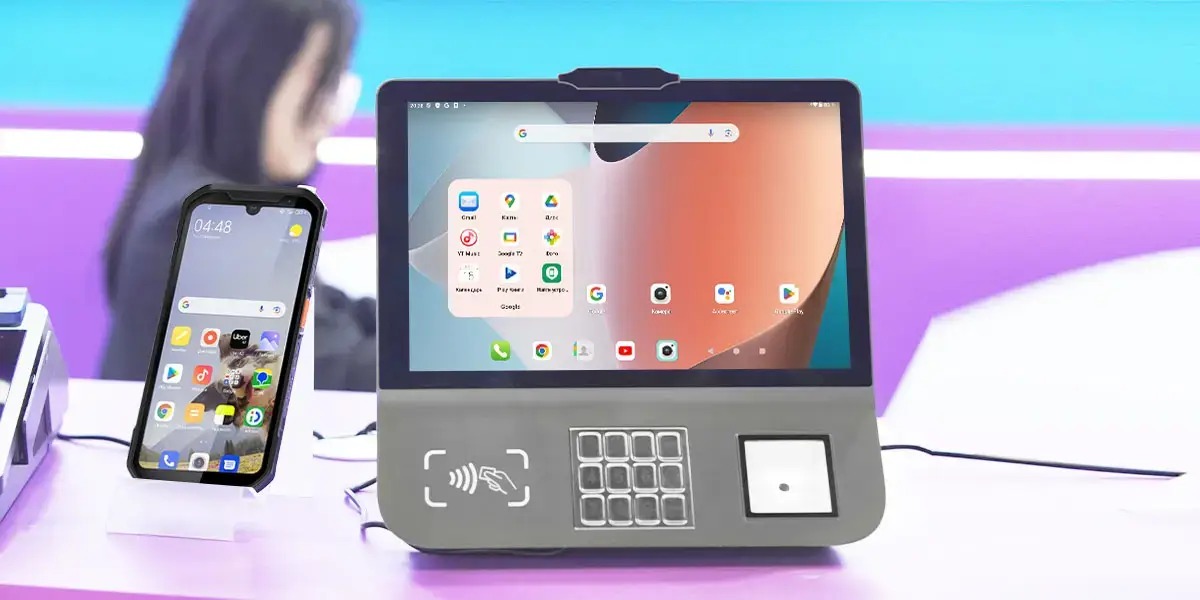
Does using a retail POS automatically settle payment-card security responsibilities?
No. PCI Security Standards Council guidance covers small merchants that handle payment-card data under PCI DSS. Outsourcing card processing doesn’t automatically remove all of your obligations, and which validation and responsibilities apply depends on your payment arrangement and the relevant payment organizations.
Checkout staff, inventory staff and managers should take part in a real-user software trial on the proposed hardware. Their results from returns and stock exceptions matter as much as a clean sale.
Speak Your Mind