Accounting software must produce books you can reconcile, not just invoices that look professional. A disciplined spreadsheet may work at low volume, but bank matching, recurring bills and formal reporting change the calculation. Use actual transaction scenarios to compare the edition you would buy, especially where inventory or migration is involved.
Choose accounting software by the work that needs doing
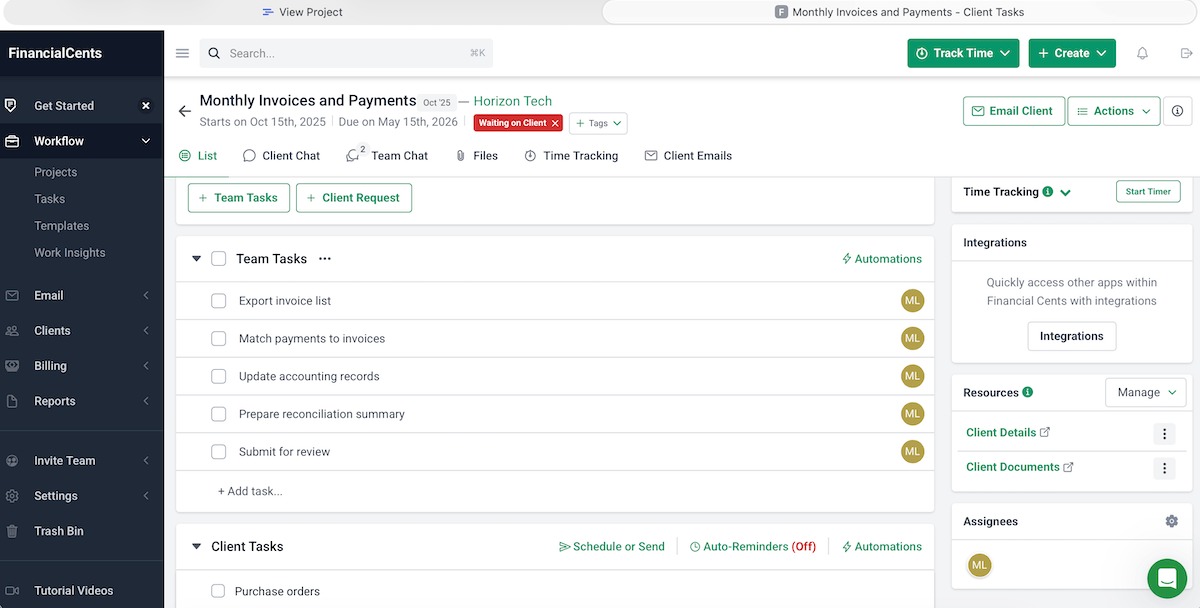
Start with the records you need at the end of a month. Picture paying for software, entering a month of transactions and finding out that you can’t produce a usable balance sheet or give your bookkeeper access to the entries. Running a nonprofit? See which kind of nonprofit accounting software do you need.
A solo consultant issuing a few invoices works differently from a retailer receiving stock, issuing refunds and paying several vendors. Write down four to six records or reports you can’t do without, and decide who approves them at month-end. For tax records and financial statements, read what tax records and financial reports must the software produce.
- Transaction records: income, expenses, transfers, customer payments and refunds, backed by bills, receipts or other documents
- General ledger: the organized accounts showing how each transaction affects the business
- Receivables and payables: customer invoices, unpaid supplier bills, receipts and payments
- Financial reports: profit and loss and balance-sheet figures that you or your accountant can review
- Bank reconciliation: a way to compare your entries with bank and credit-card statements
- Shared access: permissions that fit the people who enter, review or approve the books
Label each item must-have, nice-to-have or irrelevant. A plan that fails a must-have is off the list, whatever its headline price or rating.
The IRS recordkeeping guidance allows any system that suits your business, as long as it shows income and expenses adequately and preserves the supporting records.
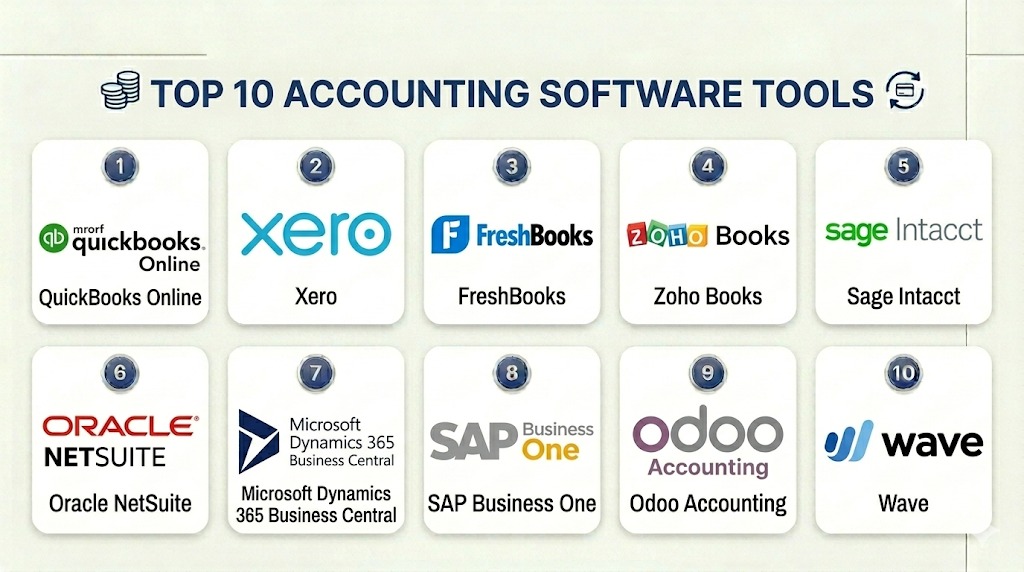
QuickBooks Online, Xero, Wave, Zoho Books and FreshBooks are the products to check against that list.
Accounting vs invoicing, spreadsheets and ERP
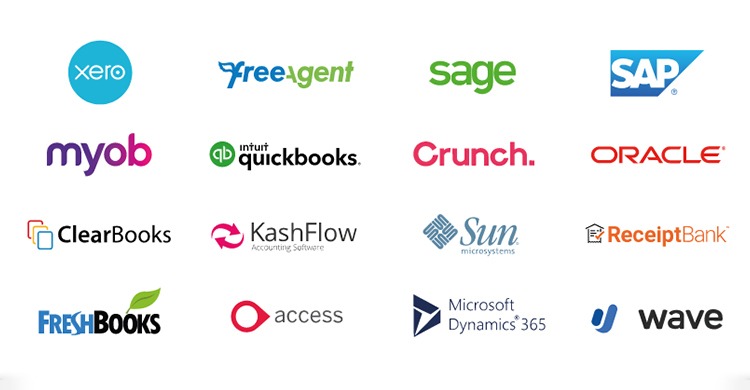
Pick the tool type by the job it has to do. Customer billing, keeping the general ledger and managing warehouse inventory are separate jobs, even when one product covers several of them. For inventory and the ledger together, use which inventory accounting setup fits your business.
| Approach | Best for | Check |
|---|---|---|
| Spreadsheet | Few transactions, stable categories and a disciplined review routine | Supporting documents, version control, usable reports and reconciliation |
| Invoicing application | Creating customer bills and recording customer payments | Whether your edition also handles vendor bills, ledger accounts and statements |
| Full accounting platform | Regular bank activity, payables, receivables and financial reporting | The edition’s reconciliation, reporting and permissions |
| Inventory-linked accounting or ERP | Stock valuation, warehouses, unit conversions or more elaborate fulfillment | How stock movements and accounting values stay consistent across systems |
An invoice records what a customer owes. Your accounting must also reflect the payment, the outstanding balance and the effect on the ledger. Some invoicing products provide these functions, and the edition you choose decides whether one can replace a full accounting system.
A small service business with orderly records can keep using a spreadsheet. A shop selling cases and individual units needs to settle the stock-to-ledger workflow before choosing a subscription category.
Which recurring bookkeeping tasks are worth automating?
Automation pays off when it cuts a task your business really does. A bank feed can import transactions while you still spend evenings hunting for receipts, assigning expense categories and resolving unmatched payments.
One small-business owner describes the work:
I swear I’m spending like 5+ hours just on the most mind-numbing stuff ,copying transactions from my bank, hunting down receipts in my email, matching invoices to payments. It’s 2025 and I’m still doing ctrl+c ctrl+v like it’s my full-time job.
The worst part? Even WITH software , I’m still manually categorizing everything.
I’ve tried everything, those receipt scanner apps, bank feeds, even hired a VA for a bit. But somehow I always end up back in Excel at 11pm on the last day of the month wondering where my life went wrong.Please tell me I’m not alone here. if you’ve actually cracked the code on this… HOW??
Seriously considering just becoming a cash-only business and keeping receipts in a shoebox at this point.
A bank feed saves you the copying, but an accurate month-end close still needs the matching, categorizing and review. The work runs in five steps: collect source evidence, import or enter activity, match existing items or categorize new ones, resolve exceptions, review the accounts. Find the steps that eat your time and who handles each one.
Wave shows how a plan gate works: Starter provides free basic accounting and invoicing, while automatic bank imports belong to paid Pro.
- Current task: the recurring activity and how it gets done
- Time and owner: the time your own process takes and who is responsible
- Trial result: whether the task disappears, speeds up or simply moves to another screen
For a low-volume business, a short manual review can stay economical and helps you understand each transaction.
Test the bank feed and reconciliation workflow
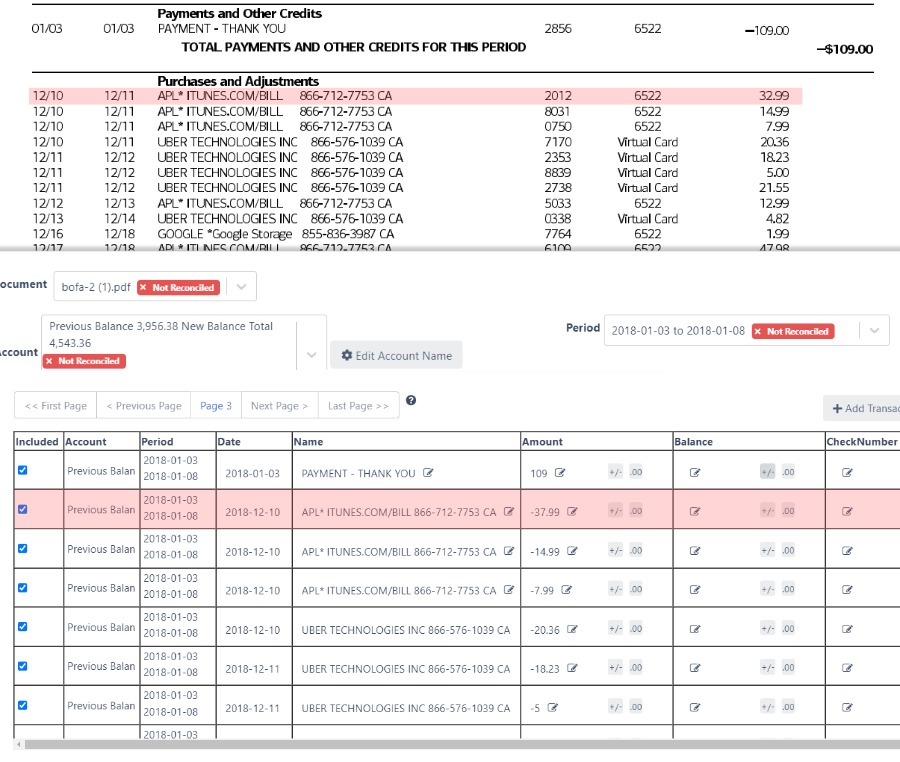
Run a controlled reconciliation trial. It shows what happens to money already recorded, money newly imported and any discrepancies.
Importing brings bank activity into the application. Matching ties an imported transaction to an existing accounting entry. Categorizing records an imported item that needs its own entry. Intuit documents the distinction in its QuickBooks Online matching instructions.
Say an invoice payment already exists in your books. Matching the bank deposit to that payment preserves the existing transaction. Posting the same receipt again as new income can distort the ledger. For the step-by-step version, see how to test matching with a known transaction.
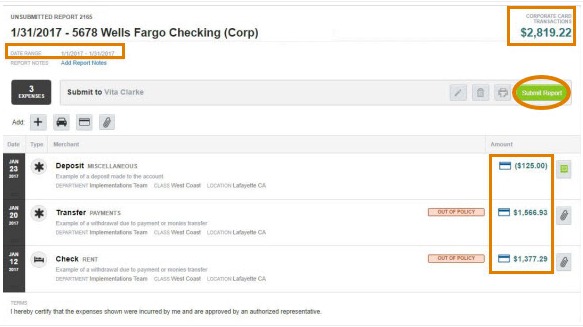
A bookkeeper describes finding a missing period while reviewing someone else’s catch-up records:
When I was first started using QuickBooks for a catch up and clean up work I would see that the bank balance was matching the QuickBooks balance and i thought “ well that account looks complete”. To top it off the previous bookkeeper had reconciled the last 3 months. The owner just said to me – “something’s wrong – the numbers make no sense”.
I undid all the bank reconciliations and redid them. What I discovered was the bank was connected 3 months into a 2 year catch up and the opening balance was posted. The first 3 months revenue and expenses were masked by QBO plugging the balance with an entry to opening balance equity. I downloaded the 3 months coded them and gave tge owner corrected financial statements.
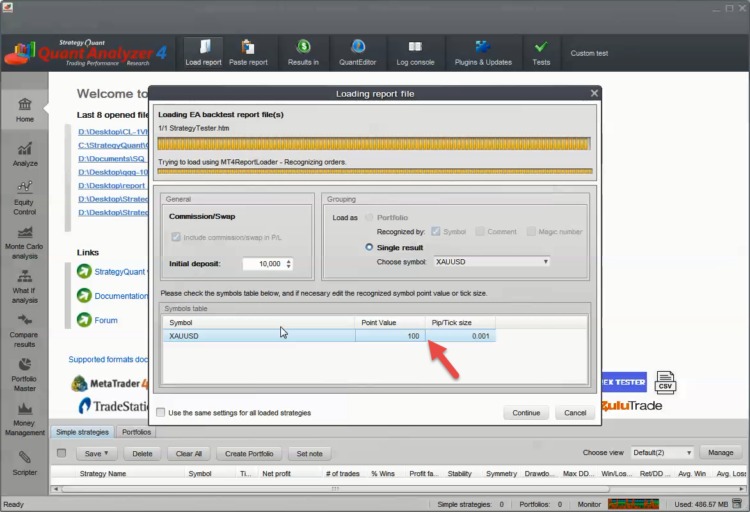
An opening-balance entry hid the earlier missing records. A zero reconciliation difference means something only when the statement period, starting balance and transaction history are also correct.
A small reconciliation trial
Use a typical bank statement and the source documents for an invoice payment, a vendor expense and a transfer. Include an imported item that should match an existing ledger entry.
| Test | Observe | Pass condition |
|---|---|---|
| Import | Statement period and imported items | Expected transactions all appear |
| Existing-payment match | Deposit already applied against an invoice | Existing entry is matched without an extra posting |
| New expense | Receipt and corresponding withdrawal | Correct expense account, entered once |
| Transfer | Movement between business accounts | Both sides appear without artificial income |
| Reconciliation | Starting and ending balances; differences | Discrepancies are explained and resolved |
| Reports | Ledger and financial statements | Test transactions appear in the right reports |
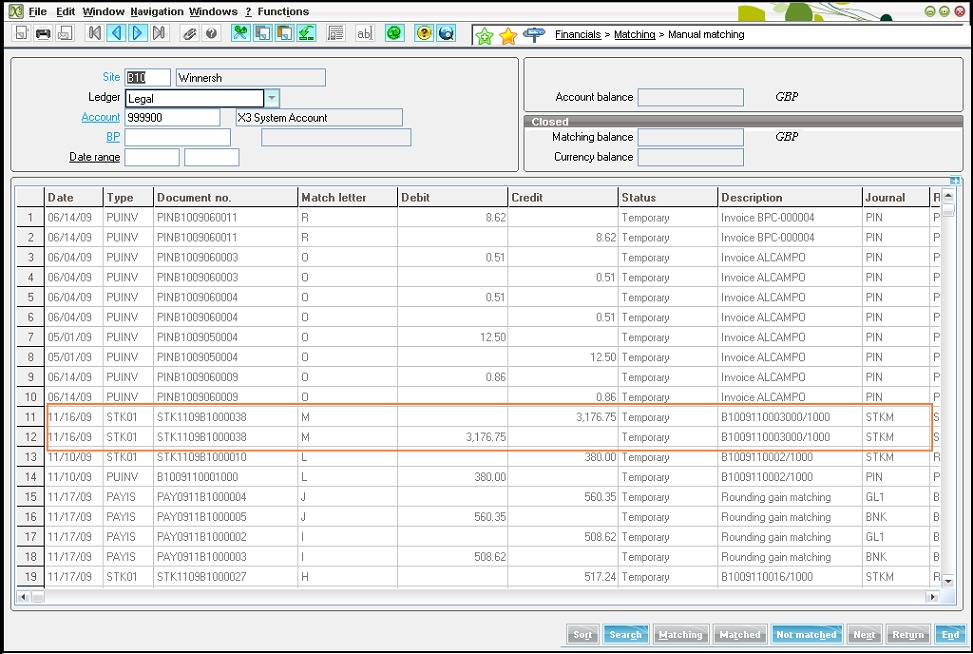
Test an overlapping import or a bank reconnection too. A second bank-feed suggestion is a different condition from a duplicate entry that has reached the ledger. Two legitimate payments can also share a date and amount, and source documents tell them apart.
Mark each test Pass, Fail or Unverified. A duplicate, a missing transaction or an unexplained difference means that setup stays unapproved until you’ve reviewed the records.
Who works with the books and what can they access?
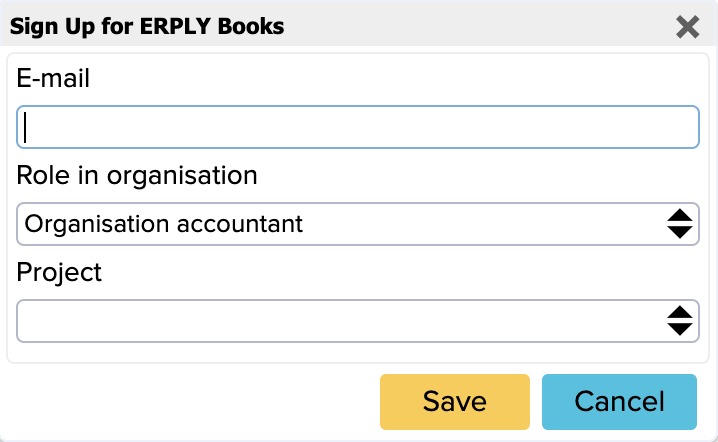
The owner, office assistant, bookkeeper and CPA often need different access to the same records. An employee entering receipts needs editing permissions. An accountant reviewing the figures needs report access and historical detail. Test the edition’s roles, audit history and account-removal controls, and check whether each extra user costs money. Even when one person does several jobs, assign someone to review the completed books.
Compare plan limits and renewal costs
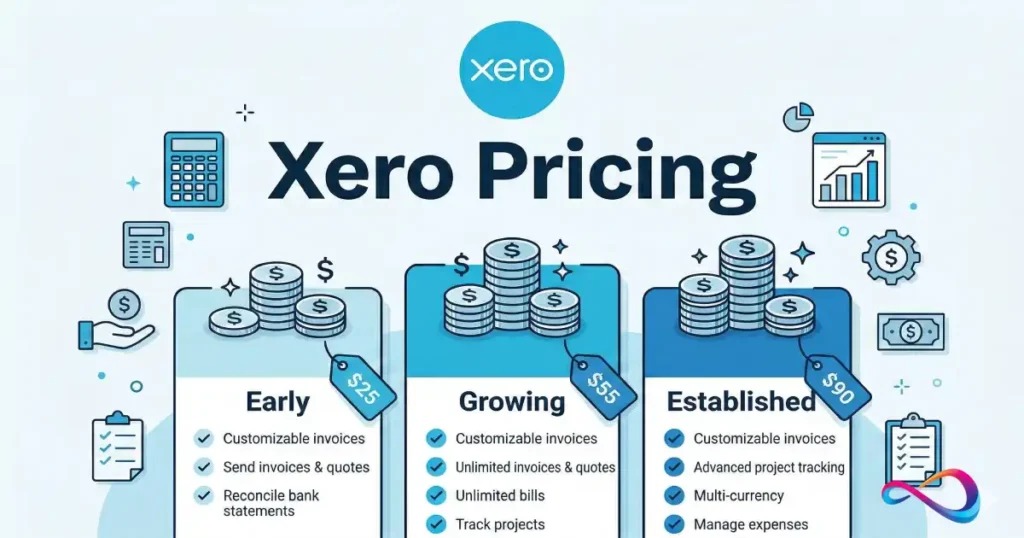
Subscription prices matter next to the features and transaction volumes they buy. A no-cost tier can work for a simple business, while a paid edition can still leave out a workflow you need.
Use the table to compare. The quote you get at checkout sets the price and terms for your account, so check the exact edition there.
| Product / edition | Limit or condition | Dealbreaker |
|---|---|---|
| Xero Early | US price-change notice effective October 1, 2026: $27/month; up to 20 invoices and five bills | Your monthly invoices or bills exceed the Early limits |
| Xero Growing / Established | Same notice: $59/month and $97/month, respectively, before optional charges and tax | A function you need, or the total cost, isn’t available in the quoted edition |
| Zoho Books Free | $50,000 financial-year revenue eligibility ceiling; up to 1,000 invoices and 1,000 expenses a year; bank reconciliation included, with connected bank feeds listed under Standard | Revenue or document limits are exceeded, or you need automatic connected bank feeds |
| Wave Starter / Pro | Starter: basic free accounting and invoicing; automatic bank imports belong to paid Pro | You need automatic importing and your plan lacks it |
| FreshBooks Lite / Plus / Premium | Lite supports five billable clients; Plus 50; Premium lists unlimited billable clients. Bank reconciliation, double-entry accounting reports and accountant access are in Plus or higher; some users and services cost extra. | Lite lacks a reconciliation, reporting or accountant-access function you need; client limits and paid add-ons also count |
| QuickBooks Online | Functions and user allowances differ by edition; Intuit announced selected 2026 renewal-price changes | The permissions or inventory function you need, or the full renewal quote, isn’t available |
The caps affect businesses differently. An invoicing-heavy consultancy can outgrow Xero Early’s 20-invoice allowance. A company near Zoho Books Free’s $50,000 revenue ceiling should check eligibility before spending time on setup.
Zoho Books Free’s $50,000 figure is a vendor eligibility limit for the plan. It has nothing to do with your US tax obligations.
Xero published its October 1, 2026 list-price change in its US pricing notice. Zoho lists Free-plan eligibility and volume caps on its US pricing page.
One owner who used QuickBooks Desktop for years describes a renewal and migration dilemma:
I have a small business, very small, just me. For the last 14 years I have used Quickbooks Desktop.
The price for the desktop version was about $1000 for the year. This is just too much for me now. I am now in read-only mode. So I need to figure out what is an affordable alternative.
QuickBooks online quoted a 75% discount or $81.35 per month/$976.20 for a year.
I was hoping I could use their stripped down online version “Simple Start” but I was getting the hard sell for “Advanced”.
I have no employees, I make stuff, sell via my website, and send stuff to customers. I file sales tax quarterly.
I am not very tech savvy but I have to figure this out.
Beyond the price, this owner had to weigh access to historical Desktop data and what the replacement tier includes.
Calculate the full 12-month cost
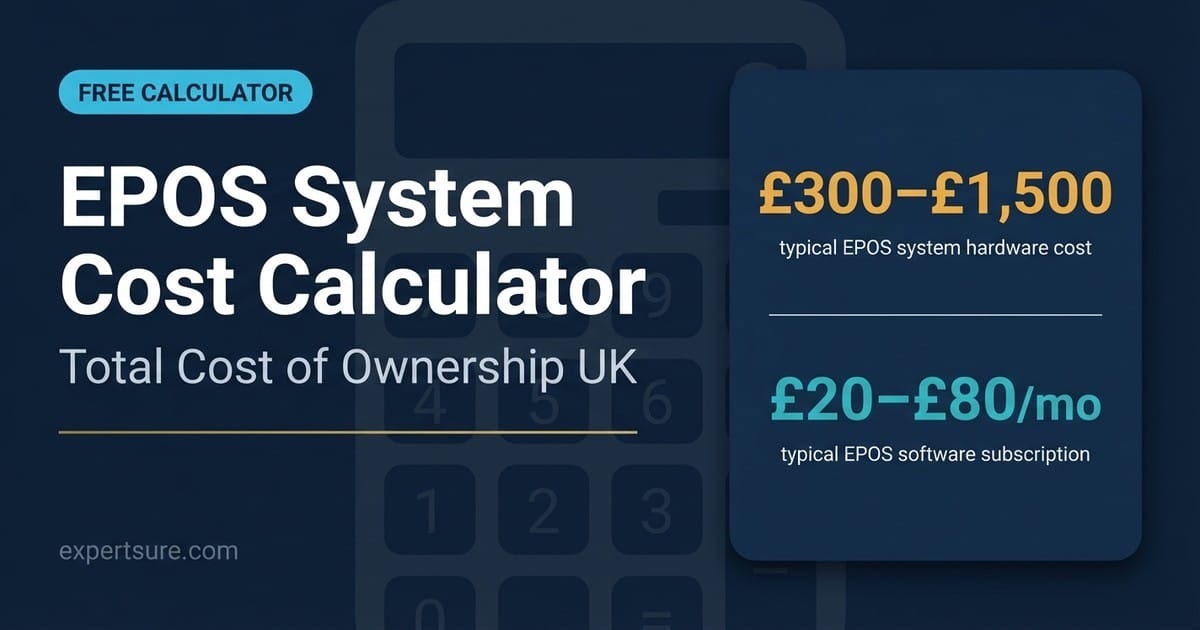
- Subscription: the billing period and the regular rate once any introductory discount ends
- People: paid seats and accountant access your workflow needs
- Features: bank automation, inventory, payroll or other add-ons you need
- Usage charges: payment fees and other transaction-based fees
- Transition: setup, training and migration costs for your case
Work out year one and year two separately when an introductory rate ends.
When bookkeeping software is not enough
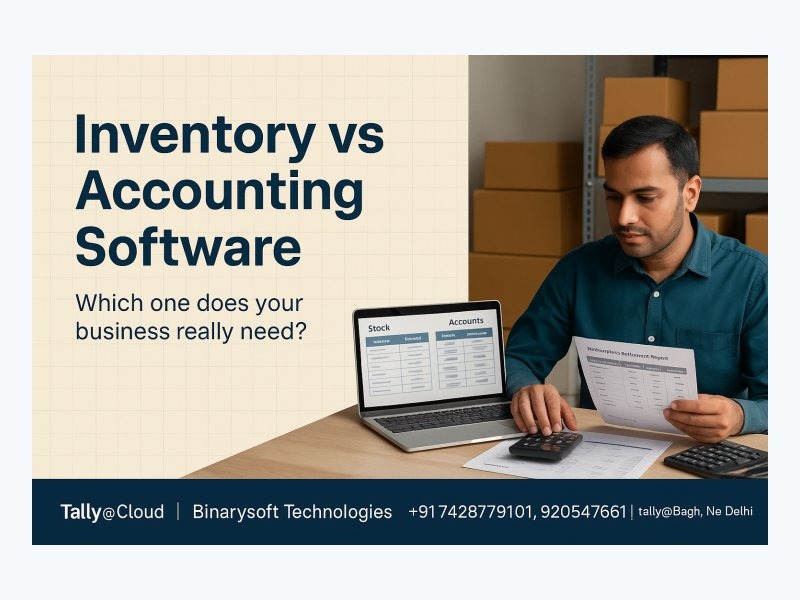
If you sell physical goods, you may need stock operations as well as financial accounting. Tracking the monetary value of inventory and organizing what workers pick, pack, return or ship usually means two connected systems.
An operations manager gives a concrete example:
I manage software and operations systems for a small/mid-sized import and distribution company with around 1,000 SKUs and multiple warehouse locations.
We currently use LaceUp Solutions for field sales reps to enter orders on mobile devices, and QuickBooks Desktop Enterprise Platinum handles the sales orders, invoicing, and accounting side. Picking, packing, routing, and delivery paperwork still involve a lot of manual steps, including printed pick lists and invoices.
The company also sells in cases and processes returns by individual units. That raises questions about unit conversions, warehouse movement and how inventory transactions reach the books.
- Receiving: How does incoming stock change quantity and cost?
- Unit conversion: Can cases and single items be accounted for consistently?
- Returns: Do refunds restore the right quantity and accounting value?
- Locations and lots: Do you need warehouse, batch or expiry details?
- Integration: Do sales, ecommerce, inventory and general-ledger values reconcile?
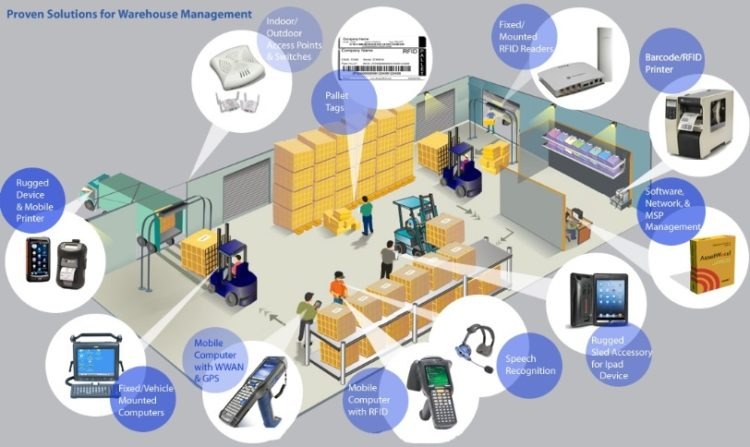
Use these questions to decide whether a verified integration is enough or a warehouse-oriented system needs its own evaluation. A modest shop with simple stock can still run on a supported accounting integration. Specialized ERP implementation brings its own cost and complexity.
Migration and opening balance checks
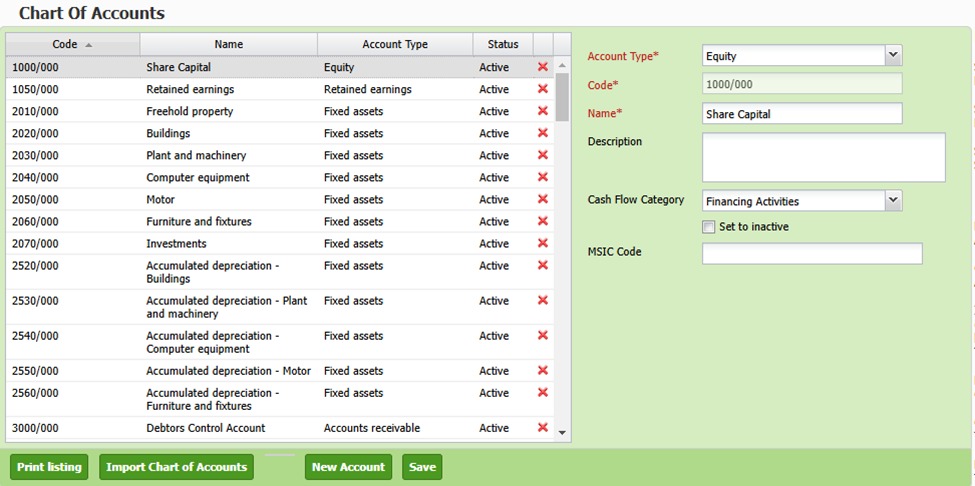
A software switch is an accounting cutover as well as a data transfer. Moving a contact list or invoice template is useful, but opening balances, unsettled transactions and supporting records decide whether the new books can continue from the old ones.
Before you end access to the previous system, assemble a short preflight:
- Account structure: chart of accounts, trial balance and approved closing figures
- Open items: unpaid invoices, outstanding bills, credits and transfers still in progress
- Reconciliation history: statement dates, earlier reconciliations and unexplained adjustments
- Supporting evidence: receipts, attachments, reports and transaction-level history you’ll need later
- Historical access: a read-only system you can still open, or exports detailed enough to recover the old records
Compare the approved closing balances in the old ledger with the opening balances in the new one, allowing for receivables and payables carried across. Have your bookkeeper or CPA resolve significant differences and sign off before you remove access to the original system.
Keep your records for the applicable retention periods. An export’s file name tells you little about the data and attachments inside, so open one historical report and one transaction before treating the export as a usable archive.
Verify a shortlist before paying
Build two or three candidate configurations that survived the category filter, then test each against the same essential transactions, user roles, costs and exit requirements.
- Solo service owner with few invoices: look at Wave Starter or Zoho Books Free within their limits. FreshBooks Lite is invoicing-focused. If you need FreshBooks bank reconciliation, double-entry reports or accountant access, evaluate Plus or higher.
- Service firm with recurring bills, connected feeds and several users: examine the relevant QuickBooks Online editions, Xero Growing or Wave Pro.
- Retailer or distributor with complex stock movements: begin with stock-integrated accounting or a dedicated inventory/ERP evaluation.
If bank reconciliation is deciding between QuickBooks and Xero for you, read the QuickBooks–Xero bank-reconciliation comparison.
| Finalist and exact edition | Core accounting and reconciliation | People and permissions | Full cost | Migration and records | Decision |
|---|---|---|---|---|---|
| Candidate 1: enter edition | Pass / Fail / Unverified | Pass / Fail / Unverified | Pass / Fail / Unverified | Pass / Fail / Unverified | Accept / Investigate / Reject |
| Candidate 2: enter edition | Pass / Fail / Unverified | Pass / Fail / Unverified | Pass / Fail / Unverified | Pass / Fail / Unverified | Accept / Investigate / Reject |
| Candidate 3: enter edition | Pass / Fail / Unverified | Pass / Fail / Unverified | Pass / Fail / Unverified | Pass / Fail / Unverified | Accept / Investigate / Reject |
Enter the observed result and evidence for each finalist, and run the same reconciliation exercise on every configuration. If a critical condition stays unverified, keep testing. If no candidate passes, staying with your current setup is a fine result.
An inventory or reconciliation failure can outweigh a familiar interface. Keep that evidence in the accounting comparison and use the software qualification checklist to rule out unsuitable editions early.
Speak Your Mind