The point of a free software plan is to finish the work without paying for capacity you do not need. When seats, storage, access or other limits interrupt that work, find the specific restriction before upgrading. A paid tier, another free product or a combination of tools can each be the economical answer.
When Is a Free Business Software Plan Enough?
A premium feature is not a reason to upgrade until it solves a task the free plan prevents. Write down that blocked task first. Whatever the subscription costs, permissions, offboarding and backups still have to satisfy the business’s security and reliability needs.
Which Free-Plan Limits Affect Your Team?
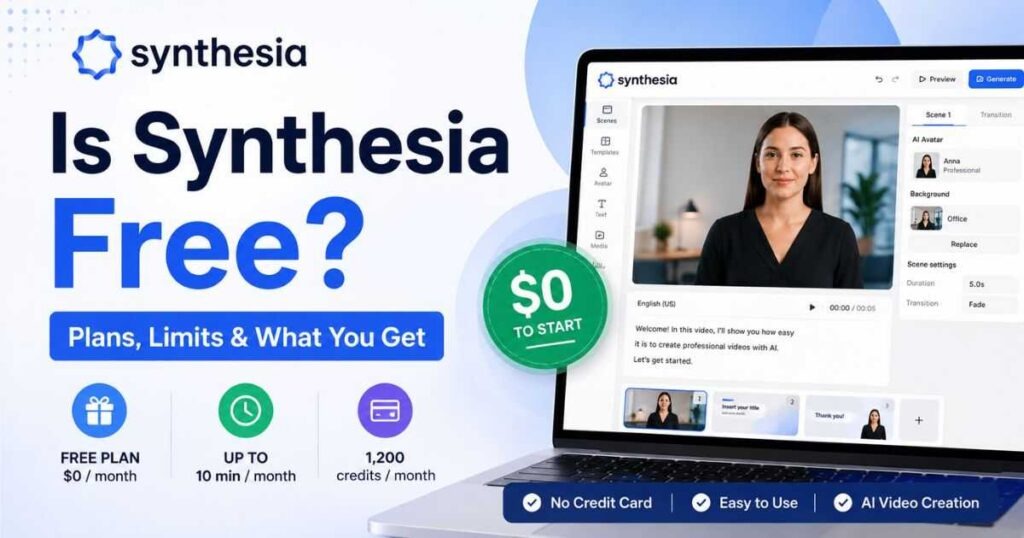
Free plans limit different things, so start by finding the unit being counted. One vendor caps workspace collaborators, another caps free users, and a third allows unlimited members but limits storage. Judge an upgrade by headcount alone and you can miss the real obstacle.
| Product and free tier | Documented restriction | Consequence for a small team |
|---|---|---|
| Trello Free Workspace | 10 workspace collaborators, counting relevant members, guests, and pending invitations | The limit covers the whole workspace, including other boards and invitations |
| Asana Personal | Up to 2 users; unlimited tasks and projects | Adding another collaborator can change which plan your team needs |
| ClickUp Free Forever | Unlimited members and tasks; 60 MB storage | Files or a restricted feature can become the limit while membership stays open |
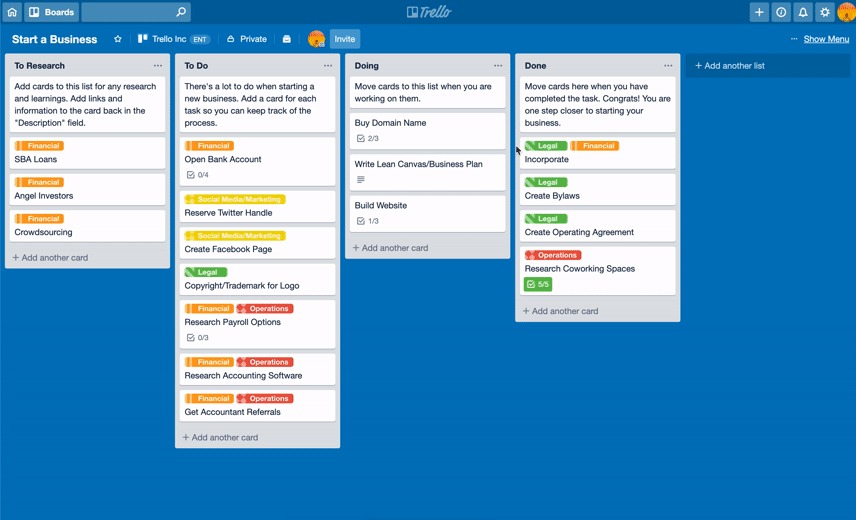
The Trello collaborator-limit documentation sets that limit at the workspace level. Once a workspace goes past ten collaborators, it turns view-only and automations on its boards stop running. Deactivated people and people tied only to closed boards aren’t counted.
Paid Trello billing counts differently. On Standard and Premium workspace billing, workspace members and multi-board guests are billable, and single-board guests are free. Centrally billed setups can have different rules. The free collaborator limit and the paid seat charge need separate calculations.
The Asana pricing page lists the Personal tier’s two-user limit. The ClickUp pricing page lists unlimited members alongside the Free Forever storage cap.
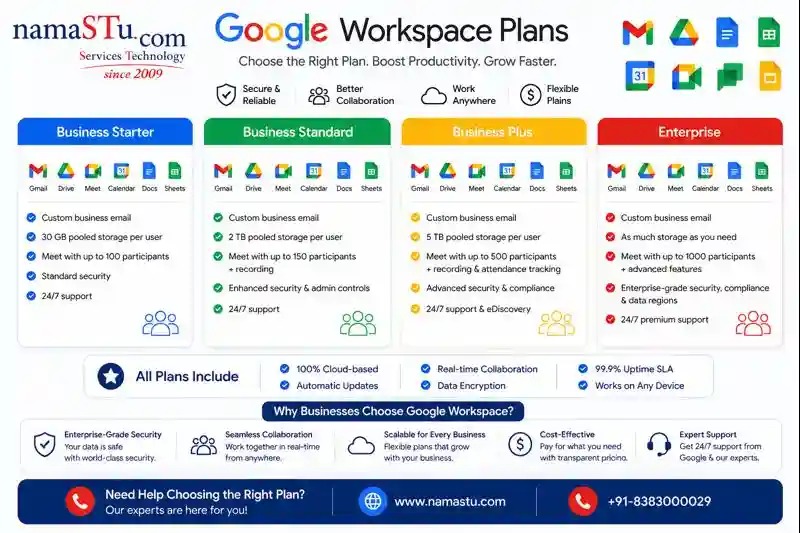
Some limits have nothing to do with headcount. A trial can unlock features for a while, an automation can come with a usage allowance, and AI tools can use credits under terms separate from the basic subscription.
A company testing Notion’s AI agents described moving its work over during a trial:
So we joined Notion in April with a 6-month business trial and moved everything from our company to Notion. Then we started using the custom agents to automate certain tasks as they were on the beta and free.
The poster later ran into unexpected limits on AI credits. If you’re building work around a trial feature, remember that temporary access and the allowance on your intended long-term plan are two different things.
Find the limit in the product’s plan description and account settings. Note what it counts (a person, board, workspace, storage, or a feature) and which paid tier lifts it.
When Does Paying for Software Make Financial Sense?
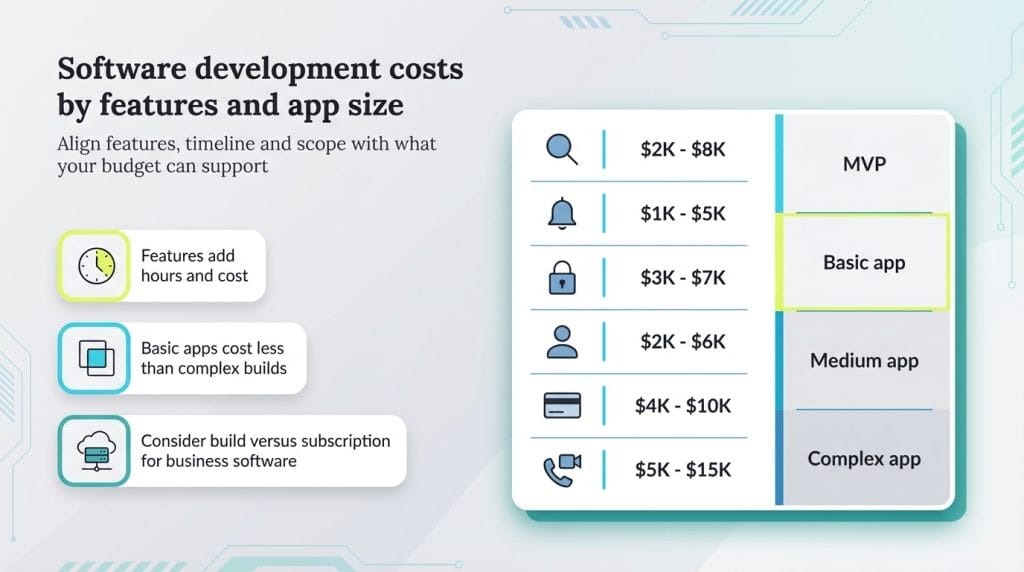
The price next to the plan name is only part of what you’ll pay. An upgrade makes sense when a specific business benefit or necessary control justifies the extra cost.
For a twelve-month estimate, add up billed seats or workspace charges, the billing term, required add-ons, usage fees, onboarding, and migration work. Subtract subscriptions you’ll actually retire. An annual commitment and a month-to-month plan carry different consequences if you leave early.
Take a five-person business. The $10 monthly seat price and $120 onboarding charge are invented for this calculation and aren’t quotes from any vendor discussed here.
| Component | Calculation | First-year amount |
|---|---|---|
| Five paid seats | 5 × $10 per month × 12 months | $600 |
| One-time onboarding | Flat charge | $120 |
| Total subscription plus setup | $600 + $120 | $720 |
| Gross value of time freed | 2 hours per month × $30 per hour × 12 months | $720 |
At $30 per staff hour, the $720 first-year cost needs 24 hours of saved time over the year to break even. That’s two hours a month. Extra charges raise that number. A subscription the upgrade lets you cancel lowers the net cost.
Those 24 hours are modeled labor value, not cash. Time saved may improve service or capacity without cutting payroll or adding revenue, so the example doesn’t prove a cash return. Plug in your own billable units, contract terms, and the benefit you actually see.
Some purchases are justified differently: an essential permission, a record your operations need, or a required admin control. Count the cost of going without it, even if you can’t put an exact dollar figure on it. Here’s how to make the decision and open the right guide.
Can an Upgrade Restore Your Messages, Files, or Project History?
An upgrade can make older records visible again if the service kept them behind a free-plan visibility limit. It can’t recover records already permanently deleted under the retention policy.
Slack Free shows the difference between those two states.
| History state | What happens | What payment can change |
|---|---|---|
| Within the last 90 days | Messages and files remain visible and searchable under the Free allowance | No history upgrade is needed for this visible window |
| Older than 90 days, still retained | Older material can be hidden from Free users | An eligible upgrade can make retained history accessible |
| Permanently deleted | Ordinary Free retention deletes material older than one year; a configured 90-day deletion rule can remove it sooner | Payment cannot restore deleted content |
The Slack Free workspace usage policy separates the 90-day visibility window from permanent deletion. Your configured retention setting decides whether older content is still there to recover. Slack makes an exception for Slack Connect channels sponsored by an Enterprise organization, so don’t assume the ordinary Free deletion rule applies to those channels.
A user at a very small company described needing one old detail from a conversation:
I work at a very small company that uses a free version of Slack and we all use our personal email addresses. There’s a phone number from one of my Slack conversations that I need to reference, but I can’t access it anymore because it’s past the 90 day history window.
The poster had no administrator access, and the post never says how it ended. The question for the workspace administrator is simple: was the message hidden, or had the retention settings already deleted it?
Slack began rolling out deletion of older Free-workspace data on August 26, 2024. Pinned or saved messages still fall under the retention policy. Marking something for quick access doesn’t preserve it outside those rules.
To track down a missing record, the administrator needs its approximate age, the retention setting for that conversation, and the permission required to access or export it.
Why an Upgrade or Downgrade Can Still Leave You Locked Out
Paying for a subscription and having a feature enabled in the right workspace are separate steps. A paid Trello subscription can cover one workspace while the feature you need stays restricted in another.
An Atlassian Community exchange shows how that happens:
Hello, we have upgraded our Trello account to a plan that allows unlimited collaborators. However, I still can’t add any new collaborators.
An Atlassian staff member said the customer belonged to two workspaces, one upgraded and one on Free, each with at least ten collaborators. The staff member suggested upgrading the Free workspace or moving its boards to the paid one. Here’s how to test a free plan before moving your work.
Another reply suggested checking workspace administrator permissions and refreshing the signed-in session if the upgraded interface still shows old restrictions.
Run a short preflight before you change accounts:
- Identify the destination. Note the sign-in account and the exact workspace or organization whose subscription is changing.
- Check the feature. Make sure the plan includes it for the user or role that needs it.
- Check the cost. Confirm which roles are billable, the effective date, the renewal terms, and any cancellation conditions.
- Back up your records. Export or back up important work with the administrator’s controls before a downgrade or migration.
- Test it and keep proof. Complete the previously blocked task in the intended account, and keep the receipt and any rollback or support details.
A downgrade can change permissions and available seats as well as features. Going back to Free can mean reconfiguring access, and the result may not match the setup you had before paying. Comparing help desk tools? Here’s when to stay free, upgrade, or leave.
When Should You Stay Free, Switch Tools, or Use a Hybrid Stack?
Once you understand the restriction, the recovery risk, and the cost, you have four options.
| Choice | When it fits | Condition that decides it |
|---|---|---|
| Stay free | The existing plan handles essential work and access | No real blocker justifies extra spending |
| Upgrade the current tool | A specific paid feature removes the confirmed restriction | The extra cost and exit risk are acceptable |
| Switch products | Even the available paid tier fails a required task or fits poorly | A replacement meets the need and a workable migration is available |
| Use a hybrid stack | One paid tool handles the critical capability while other free tools remain adequate | The benefit survives the added integration, administration, and scattered-record costs |
Free plans cost the companies that offer them, too. A SaaS founder described a surprising result from their infrastructure bill:
I ran the numbers last week and almost had a heart attack, our free tier is costing us more in infrastructure than our paying customers.
The founder said they tightened free usage after looking at those costs.
Record the limit that actually drove the choice—seats, usage, access or retention—and the point at which it will matter again. That gives the team a practical review trigger rather than a standing rule to upgrade.
Speak Your Mind