An MDM decision starts with the fleet, not the vendor list. Company phones, employee-owned devices and desktops have different enrollment routes, operating-system support and acceptable controls. Pilot the relevant policies from enrollment through offboarding on the licenses and devices you intend to manage.
Which device management model fits your fleet?
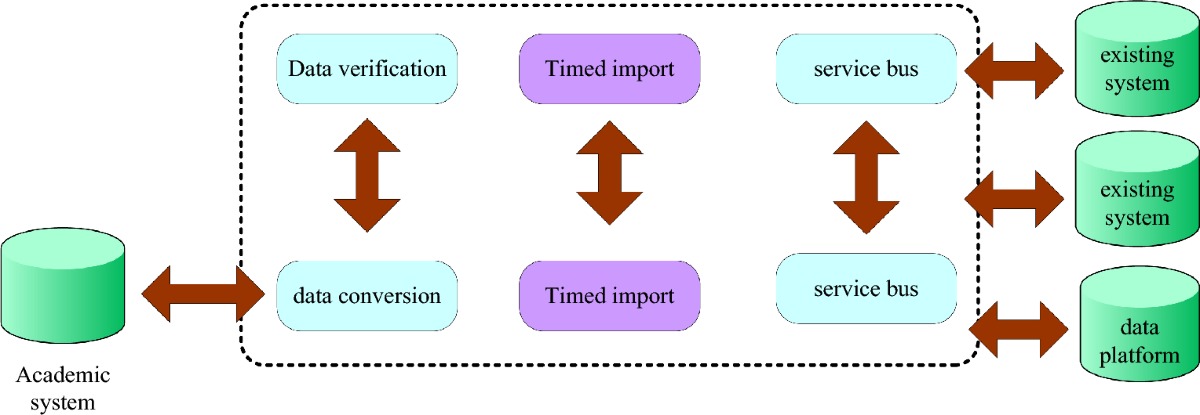
An employee-owned iPhone, company Samsung device and Windows laptop need different enrollment and administration decisions. Separate those cases before evaluating vendors; otherwise the proposal may assume controls the business neither needs nor should apply.
Three approaches cover different needs:
- Mobile device management (MDM): Enrolls devices and manages them with the controls their operating system, ownership, and enrollment method allow. Administrators deploy settings and apps, enforce restrictions, monitor device status, and run remote actions.
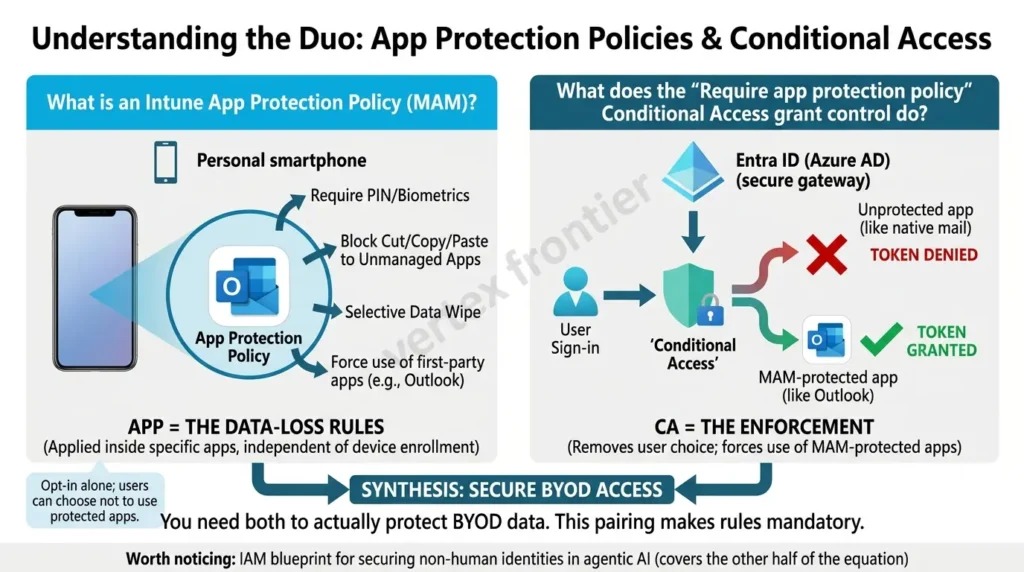
- Mobile application management (MAM): Protects company apps and their data. Microsoft Intune app protection policies work on supported apps without enrolling the device in Intune MDM, which makes app-level protection an option for personal phones that only need work apps.
- Unified endpoint management (UEM): Extends administration to a wider fleet, including Windows and macOS computers alongside phones and tablets. Coverage still varies by product, endpoint, and action.
You will also see the term enterprise mobility management (EMM), which covers device and app management together.
Say a company wants employees to open corporate email and documents on personal phones. If the requirement is access to supported work apps and removal of company data from them, MAM covers it. A business that must configure corporate phones, enforce device restrictions, or run dedicated kiosks needs more.
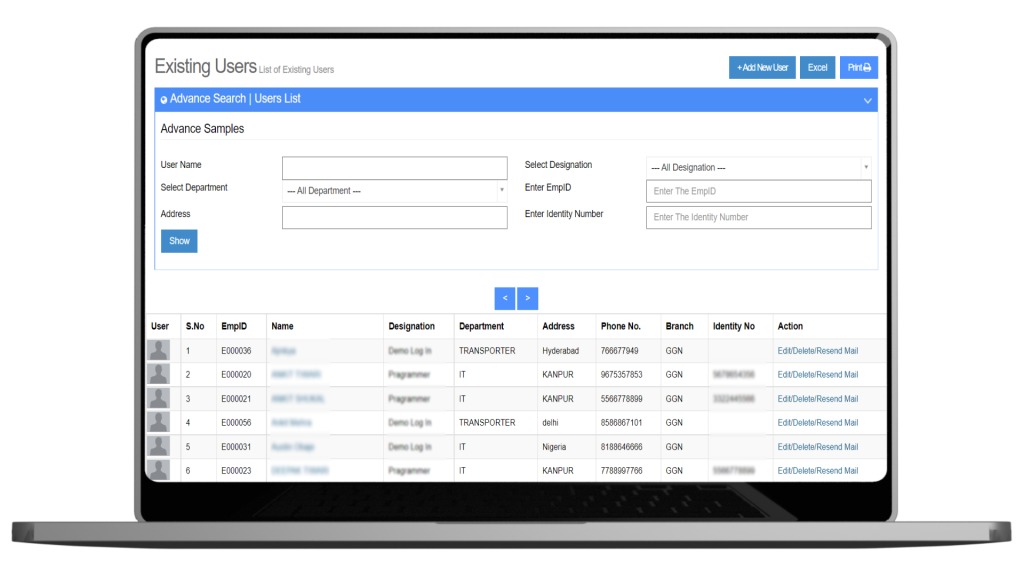
Start the buying process with a fleet inventory: device counts, operating systems, ownership, identity services, and the administrative tasks you plan to handle. Note whether employees sign in through Microsoft Entra ID, Google Workspace, or another service, since that affects licensing and deployment.
What can each enrollment mode control?
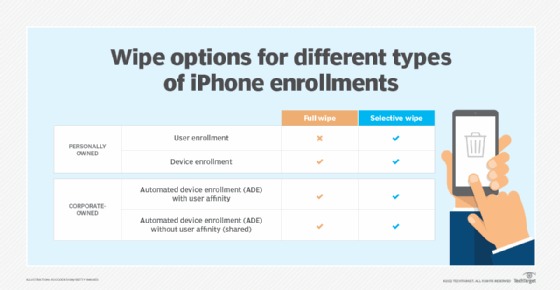
Ownership and enrollment mode decide which controls you get. A vendor’s iOS or Android compatibility claim means little unless it covers the actions your administrators need on that kind of device.
Apple distinguishes User Enrollment, Device Enrollment, and Automated Device Enrollment. Android Enterprise separates personally owned work profiles, company-owned work profiles, fully managed devices, and dedicated devices. The mode you pick affects app deployment, policy enforcement, the boundary around personal data, and how you remove a device.
| Device and ownership | Enrollment mode | What you can control | Limit |
|---|---|---|---|
| Personal iPhone or iPad | Apple User Enrollment | Organizational accounts, settings, and data within the User Enrollment model. | Narrower permissions apply to personal information and device-wide restrictions. |
| Company-owned Apple device | Device Enrollment | Broader management of the device. | Restrictions and removal behavior depend on OS and supervision status. |
| Organization-provisioned Apple device | Automated Device Enrollment | Ties eligible devices to company setup and supports supervised management. | Check the organizational assignment and enrollment settings when ownership transfers. |
| Personally owned Android phone | Android Enterprise work profile | Separates work from personal. Admins manage and remove work-profile data. | Fewer controls than a fully managed corporate device. |
| Company-owned Android phone with personal use | Company-owned work profile | Managed work space under company ownership. | Company-level restrictions and actions differ from personal work-profile enrollment. |
| Company-owned Android device | Fully managed or dedicated mode | Broader corporate management, or a single-purpose setup with restrictions and provisioning controls. | Capabilities depend on Android version, device, and management product. |
| Windows or macOS computer | Endpoint-management enrollment | Computer management, when your product and edition include it. | A mobile feature list says nothing about desktop coverage. |
The Apple enrollment guide describes the relationship each enrollment method sets up between the organization and the device. Google’s Android Enterprise requirements matrix compares capabilities across the Android management modes.
Removing a work profile from a personally owned Android phone and resetting a fully managed corporate phone are different operations, though marketing calls both remote management.
A small nonprofit’s administrator hit this difference while moving from older Samsung J6 phones to A13 models. The full-control mode they expected was missing from the new enrollment:
It’s been working well for about 3 or so years, until today. I enrolled a new device after clearing out the one it’s replacing. After enrollment (always Corporate/full control style MDM) I’m greeted by a phone that says it’s applying a ‘Work Profile’, this is the opposite of Corporate/full control style MDM.
The admin followed the normal steps and ended up with a work profile instead of full control.
So record each required control against the OS and version, ownership, enrollment method, software edition, and admin role. Name the exact restriction or operation the business needs, because two products on the same OS can permit different actions.
Which missing features rule out a product?
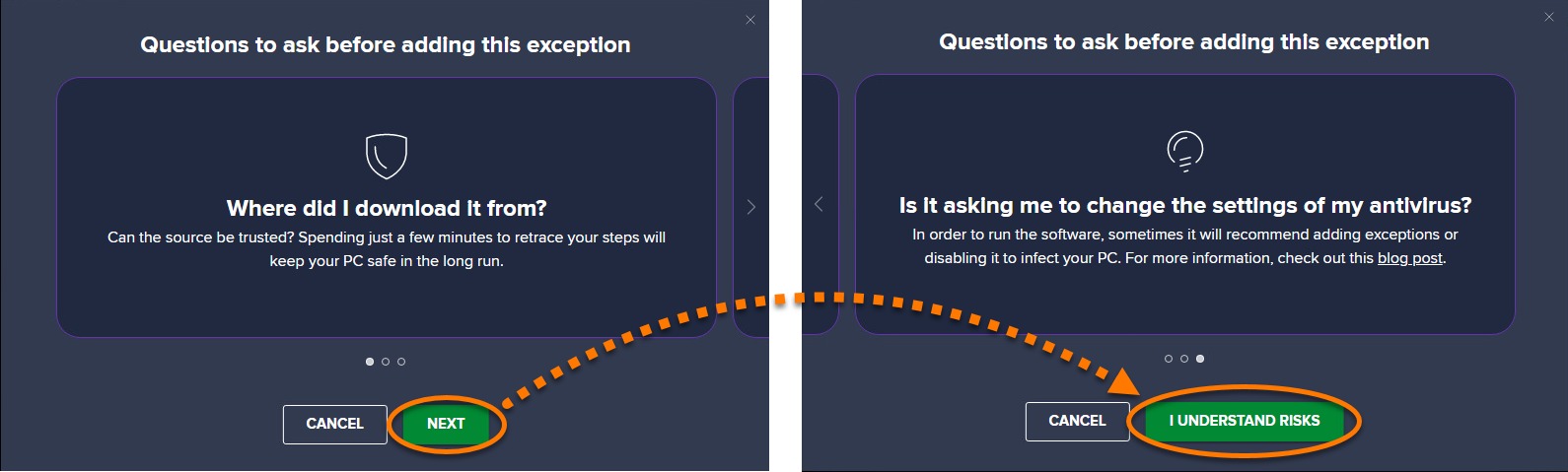
Drop any product that lacks a must-have function for your OS, enrollment mode, admin role, or paid edition. Build the exclusion sheet around these functions:
- Application deployment and updates
- Restrictions and device inventory
- Encryption or compliance reporting
- Role-based permissions and multifactor authentication
- Action logging
Treat endpoint detection and response, data loss prevention, location, VPN, web filtering, and remote control as separate requirements if you need them. They can depend on other services, agents, permissions, or subscriptions. A missing must-have control rules out the configuration, however good the vendor’s feature list looks.
Which MDM products deserve a trial?
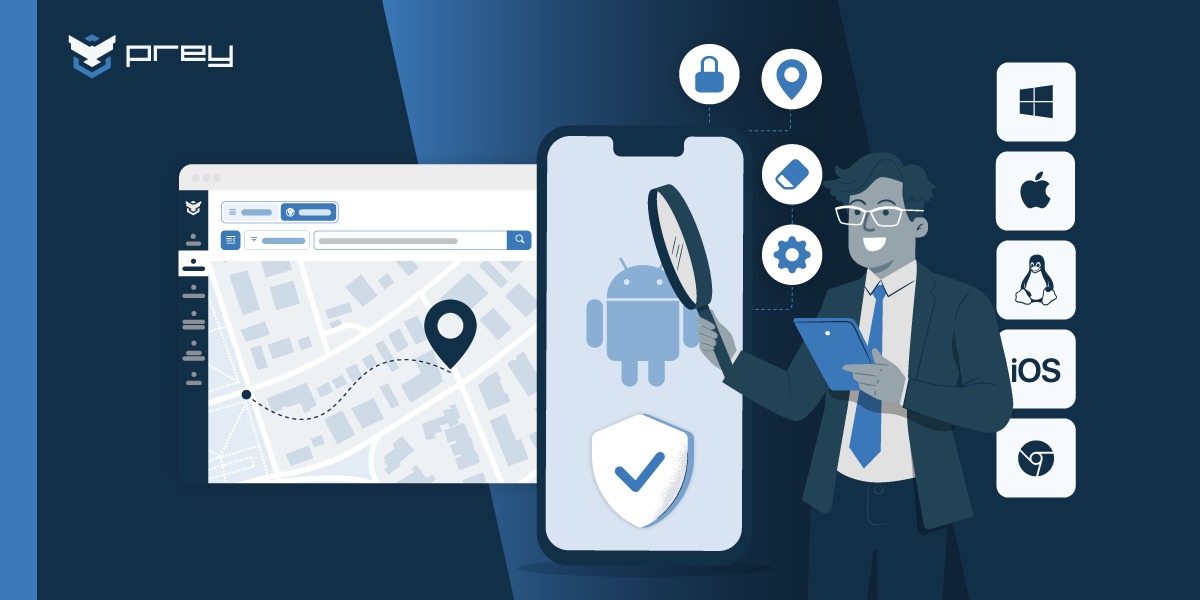
Start with products that fit your existing IT environment and the operating systems you must administer. Microsoft Intune, Jamf Pro, Hexnode, and ManageEngine Mobile Device Manager Plus give four different starting points.
| Product | Fits if you run | What it does | Check before buying |
|---|---|---|---|
| Microsoft Intune | Microsoft identity services, Microsoft 365, Windows, and managed mobile devices. | Brings endpoint management and app protection into the Microsoft management environment. | Whether Plan 1, additional entitlements, device-only licensing, and your enrollment mode cover the workflow. |
| Jamf Pro | Heavy Apple device administration. | Apple-focused management for teams built around Macs and eligible Apple mobile devices. | Apple provisioning, supervision, app deployment, restrictions, and identity integration in your proposed setup. |
| Hexnode | A mixed set of supported device platforms. | Published edition tiers split mobile app and kiosk management, basic desktop management, and advanced desktop controls. | Match your platforms and required actions to the right edition, including add-ons or services. |
| ManageEngine Mobile Device Manager Plus | A dedicated MDM product with free and paid editions. | Advertises a limited free tier. | Eligible device count, features, technician permissions, deployment model, and support, before you rely on a quote. |
If you already hold the right Intune functions, you avoid paying for overlapping subscriptions. An Apple-focused team gives more weight to its Mac and iPhone workflow. On a mixed fleet, platform coverage and edition-specific limits matter most.
A Mac team on Jamf Pro that is asked to consolidate onto Microsoft Intune should first list which Mac workflows the replacement can preserve, then weigh that against the cost of the change.
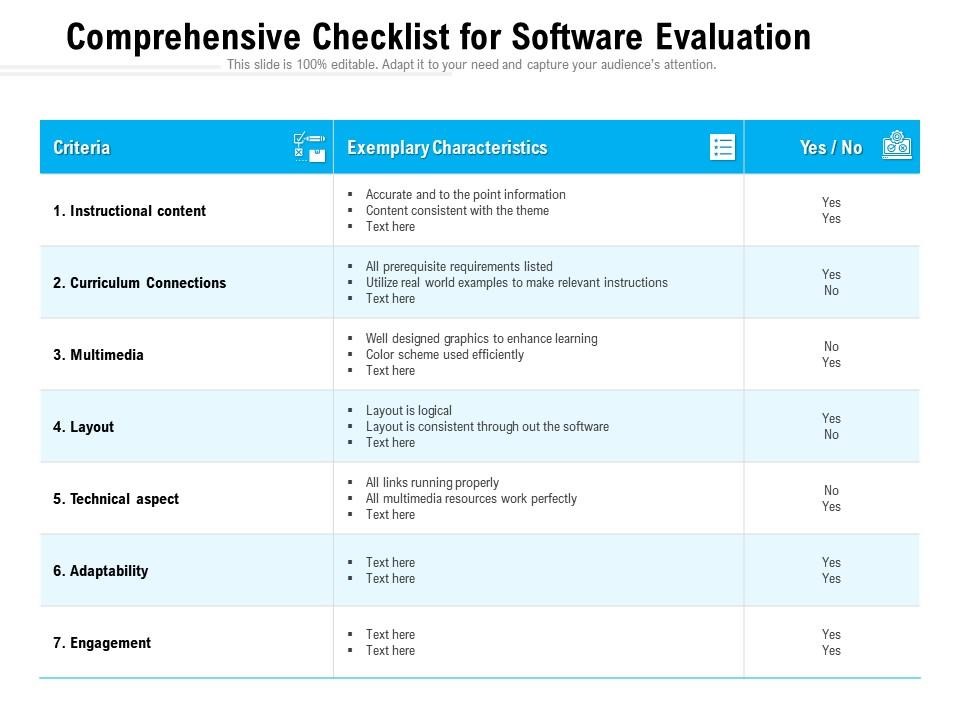
Shortlist two or three candidates that pass the exclusions. Compare their demos using the same business workflow, identity setup, enrollment type, and license edition.
What can IT see or remove on a personal device?
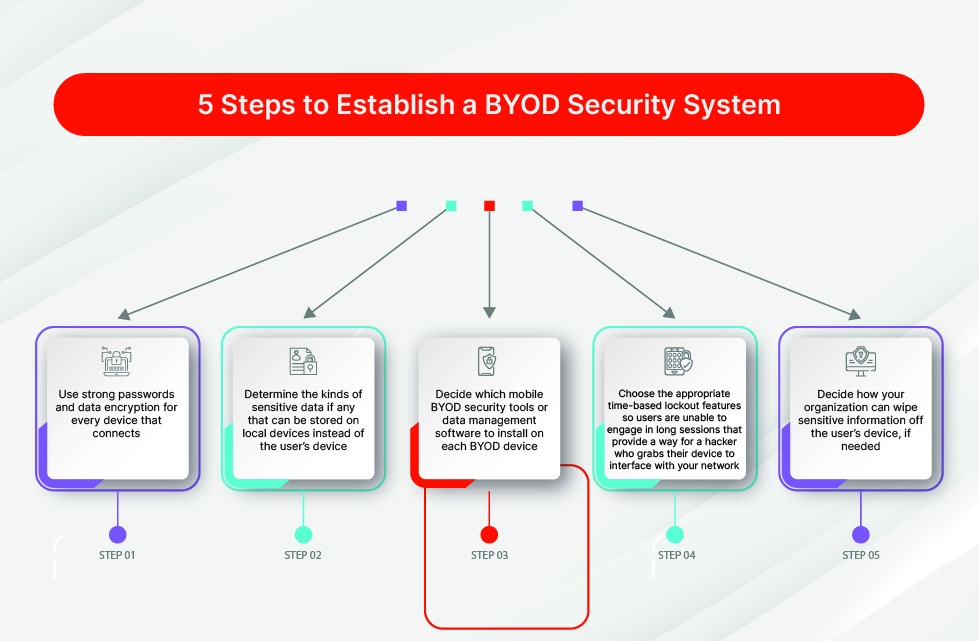
What IT can see depends on the OS, the management model, and the software installed. On personal devices, the line between managing work data and managing the whole phone shapes both employee trust and security policy. The NIST mobile device security guidance, SP 800-124 Revision 2, published in May 2023, covers enterprise mobile-device security from deployment through disposal, for company-owned and personal devices.
Microsoft’s Intune enrollment guidance lists personal information administrators cannot view under the documented enrollment setup, including private messages and personal photos. That boundary covers the management technology described; any extra monitoring software you deploy needs its own assessment.
Apple User Enrollment, Android’s personally owned work profile, and MAM policies each separate company data from personal use in a different way. Removing a managed work account or app data does not give you permission to reset an employee’s device.
Apple’s enrollment-method comparison says User Enrollment does not allow remote erasure of all device content, while Device Enrollment and Automated Device Enrollment can. So the enrollment method matters when an iPhone shows a management warning about a possible factory reset.
The same boundary comes up in several independent Microsoft technical-community threads. One organization described moving away from accidental BYOD enrollment, another administrator questioned an iOS privacy message, and a third reported app accounts disappearing after a password reset.
We mistakenly allowed BYOD android and IOS devices to be enrolled into Intune. We have since blocked enrollment while enabling MAM.
…
Is there a way to edit this message? It only show’s on iOS, Android devices don’t get it.
…
After a user account password reset, it causes Intune to remove the account configured from mobile applications like MS Outlook, Work, OneDrive, etc.
Three separate situations, one shared concern: people need to know what is enrolled, what company data can be removed, and what happens when credentials change. The password-reset case removes accounts from managed apps, which is a different operation from a factory reset.
An employee BYOD notice should state the management model, what administrators can see, which removal actions exist, the company policies that apply, and what happens when the employee leaves. It must describe what you actually deployed, including any separately installed monitoring or security tools.
What happens when you retire, delete, wipe, or transfer a device?
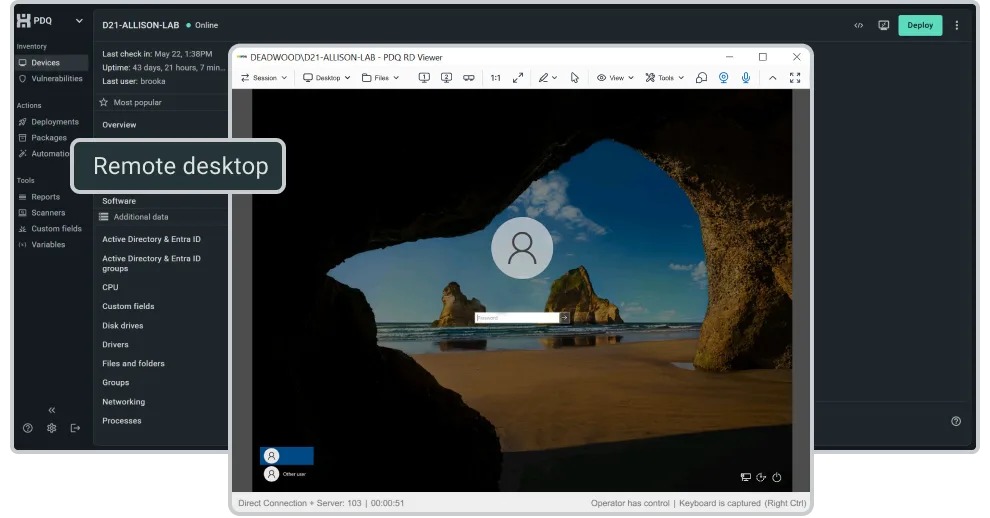
Remote actions with similar names can have very different effects. In Microsoft Intune, Delete triggers Retire on some platforms and Wipe on certain corporate-owned Android enrollments. The Microsoft Intune remote actions documentation lists the available actions and their conditions.
| Action or condition | Effect | Check before use |
|---|---|---|
| Wipe | Resets the device, normally to factory state, subject to platform options. | Ownership, authorization, backup, and reset options. |
| Retire | Removes company management and work data. Personal information stays. | Enrollment method, managed apps, OS behavior, and access recovery. |
| Intune Delete on Windows, iOS/iPadOS, or macOS | Microsoft documents Retire as the result of Delete. | The recorded device state and your offboarding procedure. |
| Intune Delete on Android Device Administrator or personally owned work-profile devices | Microsoft documents Retire behavior. | Ownership and the exact Android enrollment type. |
| Intune Delete on specified corporate-owned Android or AOSP configurations | Microsoft documents Wipe for company-owned fully managed, dedicated, and work-profile setups, and for listed AOSP configurations. | Delete can trigger a destructive action. Check permissions and data-loss consequences. |
| Release from organizational enrollment assignment | Removes the device assignment from a service such as Apple Business Manager or Android zero-touch, through the authorized process. | The provisioning-service record is separate from the MDM console record. |
Treat Delete on those Android configurations as destructive. The behavior described is specific to Intune, and other vendors’ actions can differ.
Intune can mark Delete as Completed once the server-side operation finishes, before the device confirms the resulting Retire. Check the device’s actual retirement state separately.
Removing a device from the MDM console also does not end its link to your provisioning system. Apple Business Manager and Android zero-touch keep enrollment assignments independently of any single management record. If something here goes wrong, see what the team can recover after a failure.
A former employee who kept a company Samsung phone ran into this. A reset sent the device back to a zero-touch enrollment screen for the old employer:
I have a company phone (now it’s my property), I knew it was administrated somehow but I didn’t know anything about zero touch/ enrollment until I tried to reset it (after I left the company) It’s a Samsung phone and when I did reset it, once I connected it to wifi, I got a message telling me that it’s enrolled via zero touch with some contact info, and that’s ladies and gentlemen how I came to know what is enrollment etc ..
The former employee later reported that the old company had approved the transfer, yet the enrollment message stayed. Ownership release needs its own signoff.
Before you sell, return, or transfer a device, confirm two things: its MDM state and its assignment in the provisioning service. Google’s reseller portal documents how an authorized reseller removes a device from a customer’s zero-touch assignment. Without that access, coordinate the release with the reseller or the authorized provisioning administrator. A factory reset does not end the assignment.
Record the release confirmation, and protect destructive actions with roles, approvals, and audit logs. For the account side of offboarding, see how to verify every access path after offboarding.
What will MDM cost as your fleet grows?
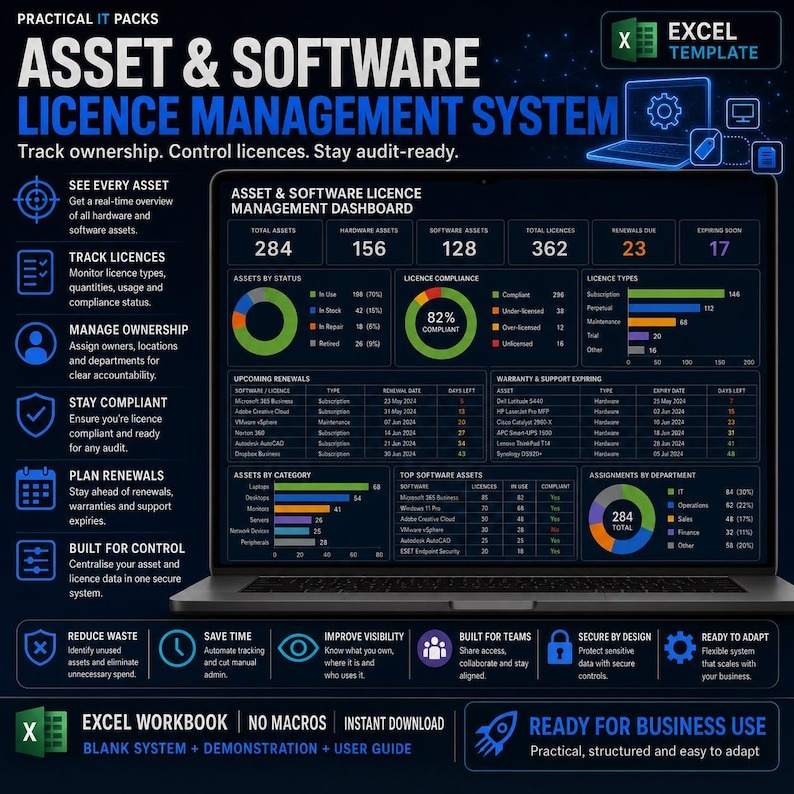
MDM cost depends on licensing units, included features, existing subscriptions, setup effort, and ongoing administration. Compare a usable configuration for the same fleet, because an advertised entry price can describe a different edition or billing model.
Microsoft Intune separates Plan 1, additional Plan 2 capabilities, and the Intune Suite. Its documentation also describes device-only licensing for eligible userless or dedicated-device deployments. Device-only entitlements do not carry every user-based capability, including the same app protection and Conditional Access rights as user licenses.
A user-assigned phone and a dedicated Android kiosk need different management functions, so they can need different licensing.
Hexnode and ManageEngine use their own edition and pricing models. ManageEngine has advertised a free edition for up to 25 devices under stated conditions, which does not guarantee that the features, support, or technician permissions you need are included.
| Cost component | Worksheet input | Effect on the decision |
|---|---|---|
| Base subscription | Eligible users or managed devices × license rate × billing periods | Per-user and per-device pricing give different totals for the same fleet. |
| Additional entitlements | Required paid features, identity services, optional modules | Features missing from the edition change the usable price. |
| Initial deployment | Configuration, enrollment, migration, training, recovery preparation | You pay these before routine management starts. |
| Administration | Internal staff hours, technical support, maintenance | Complexity becomes a continuing operating cost. |
| Switching and exit | Migration work, contract commitments, device release and recovery | Changing platforms adds costs outside the subscription. |
Calculate 12-month and 24-month totals with the same assumptions: recurring subscriptions for each period plus setup, administration, support, and any contract or switching costs that fall in it.
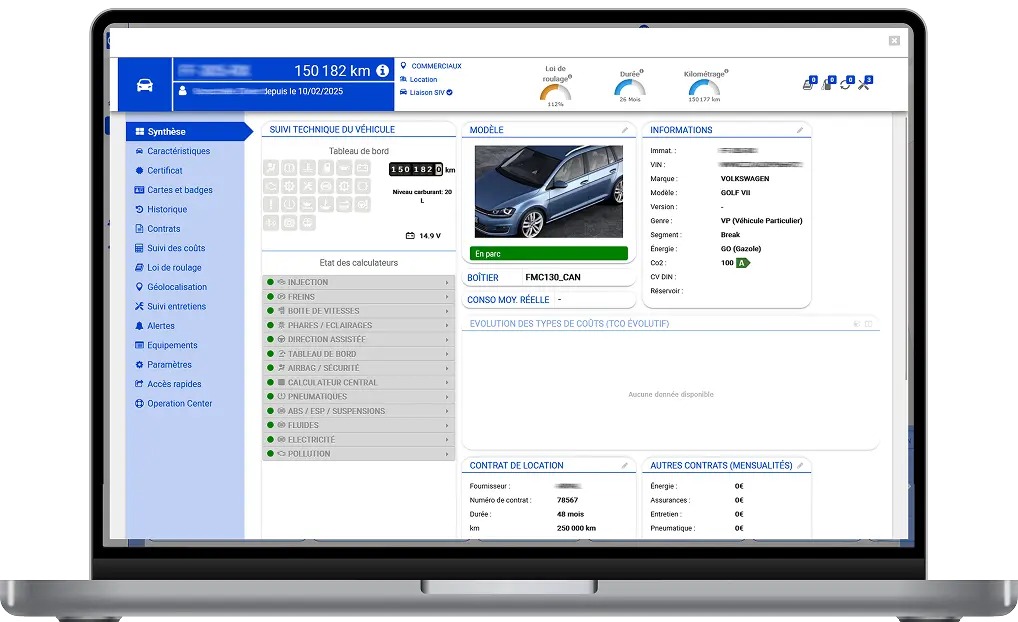
One startup administrator showed the scale of the decision when asking for Windows management recommendations:
We’re a small startup and need recommendations for a Windows-focused MDM.
Right now we have 4 ThinkPad E14’s (i3 Gen 7), and we’ll likely scale to around 15 laptops in the next 4–5 months. Looking for something simple to set up and not overly enterprise/complex.
That company used Google Workspace, so its starting subscriptions and needs differed from those of a business already holding eligible Microsoft 365 and Intune entitlements.
Get an itemized US quote from each remaining candidate, naming the edition, licensed users or devices, add-ons, billing commitment, support, and renewal terms. Compare money using vendor quotes; a historical price list in a community thread is no substitute.
How should you pilot and roll out MDM?
A useful pilot covers the whole device lifecycle: preparation, enrollment, routine operation, recovery, and offboarding. A successful first enrollment is only the start.
Late deployment makes this harder. Employees may have used company phones unmanaged for years, filled them with personal material, and forgotten the passwords needed to recover accounts or backups.
A system administrator bringing unmanaged company phones into Intune described the situation with some exasperation:
Years ago, the company handed out work phones to employees — totally unmanaged, just “Here’s your phone, good luck!” Fast forward to now, and surprise! Management finally decides, “Hey, maybe we should actually manage these devices with Intune MDM, you know, for security and all that.”
The administrator goes on to describe forgotten credentials, personal photos, and backup problems. That is why a phone already in use needs its own pilot case next to a newly provisioned one.
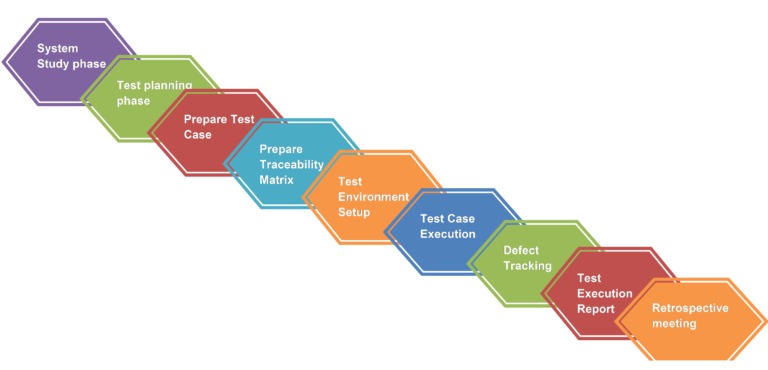
Run the pilot in this order:
- Prepare test devices. Use nonproduction devices that match your models and OS versions. Confirm account recovery, backups, and approvals for destructive actions.
- Enroll each configuration. Cover every ownership model and enrollment type you will deploy. Test the migration of existing unmanaged company devices separately.
- Run normal administration. Deploy apps and settings, apply policies, check inventory and compliance reporting, and see what happens when a device goes offline.
- Test sensitive actions. On spare devices, try lock, Retire, Delete, Wipe, and managed-data removal. Confirm permissions, approvals, and audit records.
- Finish with offboarding. Remove management, verify the device state, and confirm the enrollment assignment is released.
- Document results. Record device model, OS version, ownership, enrollment mode, edition, tester, outcome, pass/fail, and the recovery or rollback procedure.
Before you expand, define a recovery route for a failed enrollment, a missing identity record, or an unexpected device reset. Anything that can erase personal or corporate data needs authorization and a recoverable backup.
Approve deployment only when every mandatory test passes and the team has a plan for failures. Name who updates the procedure, since OS and management-product changes can alter enrollment and removal behavior.
Make enrollment and removal the final demonstration on the devices and subscriptions in scope. For personal phones, determine whether employee-owned devices need MDM before writing the enrollment procedure.
Speak Your Mind