Asana emphasizes structured project coordination with relatively little workspace design. ClickUp offers broader configuration, along with Docs and Chat, at a lower published entry-level paid rate. Those differences matter only after each affordable plan handles the team’s permissions, reporting and migration requirements on the same project.
Who should choose Asana, ClickUp, or neither?
The products share the basics: assignments, deadlines and project handoffs. The harder distinction is how much structure the team wants up front and who will maintain the additional configuration later.
Asana centers on projects, tasks, owners, and deadlines. ClickUp is a broader workspace: Spaces, Folders, Lists, tasks, documents, and chat. That gives an administrator more ways to organize work, and more decisions to make about how the workspace runs.
Start with one of these profiles:
- Start with Asana: Your operations or marketing team manages several projects, needs clear ownership and due dates, and wants people to understand the system without extensive configuration.
- Start with ClickUp: Your team wants to combine task management with documents, conversations, and customized workflows, and someone has the time and responsibility to maintain the setup.
- Keep both under consideration: You work with outside clients, have unusual reporting requirements, or depend on specific permissions and task relationships. Required features and the day-to-day experience will decide which product qualifies.
Take a five-person creative agency handling campaign schedules, asset approvals, and client feedback. Asana can organize its daily coordination around clear assignments. ClickUp becomes attractive if the agency wants documentation and communication tools alongside the tasks.
Before comparing features, write one sentence describing the work the tool must handle.
What your team will pay
ClickUp’s listed entry-level paid rates are lower than Asana’s. What counts is the price of the plan that includes the features you need, for your number of paid seats and billing period.
The standard Asana Personal plan includes two free collaborators for newly provisioned accounts. Some qualifying legacy Personal accounts established before November 12, 2025 retain a ten-seat allowance.
ClickUp Free Forever includes unlimited members, with limits that include 60 MB of storage and one form.
The vendors’ published US prices give these billing examples:
| Plan | Annual billing, USD/user/month | Five seats, annual cost | Monthly billing, USD/user/month | Five seats, 12 monthly payments |
|---|---|---|---|---|
| Asana Starter | $10.99 | $659.40 | $13.49 | $809.40 |
| Asana Advanced | $24.99 | $1,499.40 | $30.49 | $1,829.40 |
| ClickUp Unlimited | $7.00 | $420.00 | $10.00 | $600.00 |
| ClickUp Business | $12.00 | $720.00 | $19.00 | $1,140.00 |
Each five-seat total multiplies the listed monthly per-user rate by five and then by twelve. Annual-billing rates are monthly equivalents under an annual commitment; the rightmost column shows twelve monthly payments. Taxes, promotions, onboarding services, optional AI, and additional applications are excluded.
Official plan details are on Asana’s pricing page and ClickUp’s pricing page.
Asana Advanced and ClickUp Business differ in reporting, access, and workflow features, so compare their prices against what your team needs.
To estimate real cost, count your paid seats and roles, pick the cheapest plan that has your must-have features, and add required add-ons plus setup and training time. Compare annual to annual or monthly to monthly. Count your existing apps only if the new tool would replace them.
A five-seat budget based on Unlimited stops being the right ClickUp scenario if you later find you need a Business-only reporting feature. Choose the plan first, then calculate savings.
Which is easier for your team to adopt?
A tool is easy to adopt when a regular team member can find and finish an assignment without repeated help. A project manager can enjoy configuring a detailed workspace while colleagues struggle with task locations, status labels, or unfamiliar navigation.
Asana suits teams that already work with task lists, owners, and deadlines. ClickUp handles more specialized processes, but your staff’s experience depends on how the admin builds the workspace.
One prospective switcher described the concern in a Reddit post:
Is it worth switching from Asana to Clickup given the recent state of the app? I want a simple task view with a clean interface, which clickup does not offer and it actually seems to be getting more cluttered (The UI is so overwhelming).
This reader wants a plain task view and finds ClickUp’s cluttered. Customization only helps if the screen your team sees every day stays easy to use. Other teams like building their own workflows in ClickUp.
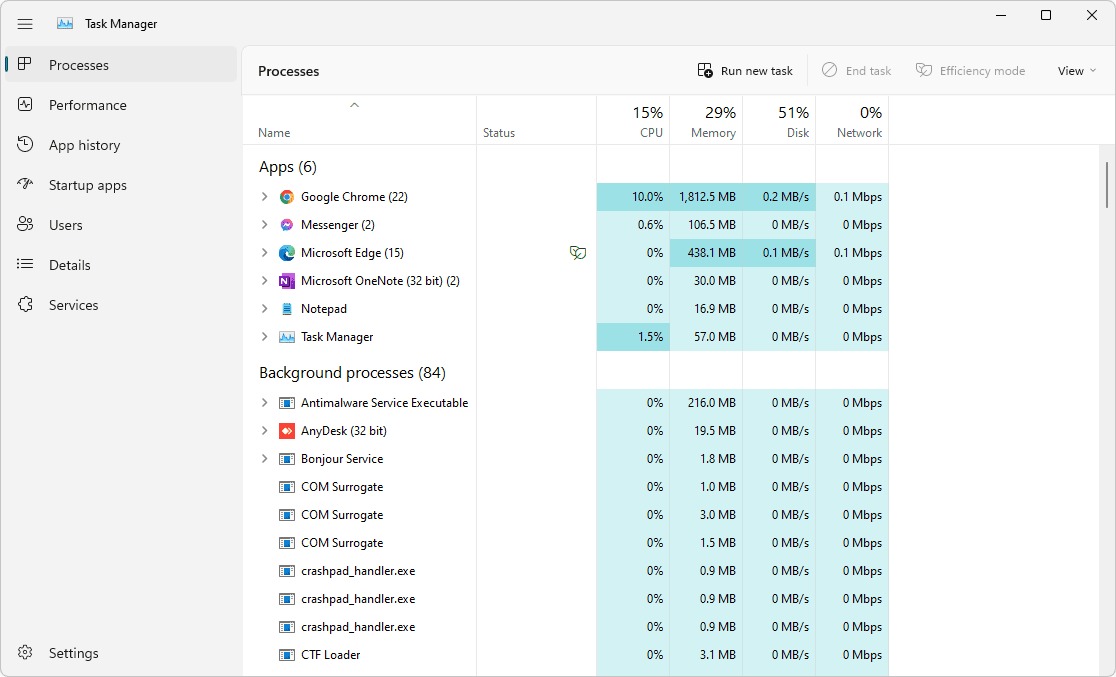
Give two non-admin team members a first-day assignment on each platform. Have them create and assign a task, find their next action, update progress, and complete their work. Watch for needless searching, wrong updates, and moments when someone has to ask the administrator for help.
If your team keeps needing help with basic actions, fix the training or configuration before you buy.
Tasks, subtasks, dependencies, and work views
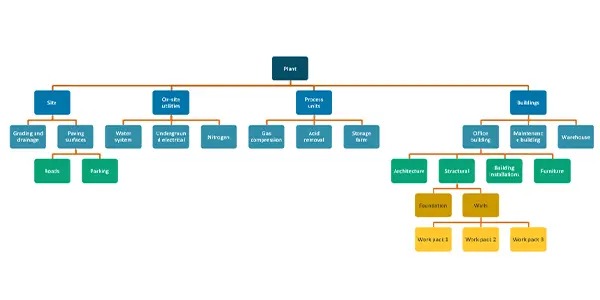
Asana is built around projects and tasks, with subtasks and dependencies for more involved work. ClickUp nests Spaces, Folders, Lists, and Tasks, with subtasks and configurable fields inside that structure.
Teams coordinating several departments get more from ClickUp’s extra layers. Teams that mainly assign and finish projects will find Asana’s direct structure simpler.
Consider a campaign with intake, copy, design, approval, and launch. A designer can’t finish an asset until the copy is approved, and the launch coordinator needs final creative approval before scheduling release. A dependency view makes those handoffs clear to the people waiting on the work.
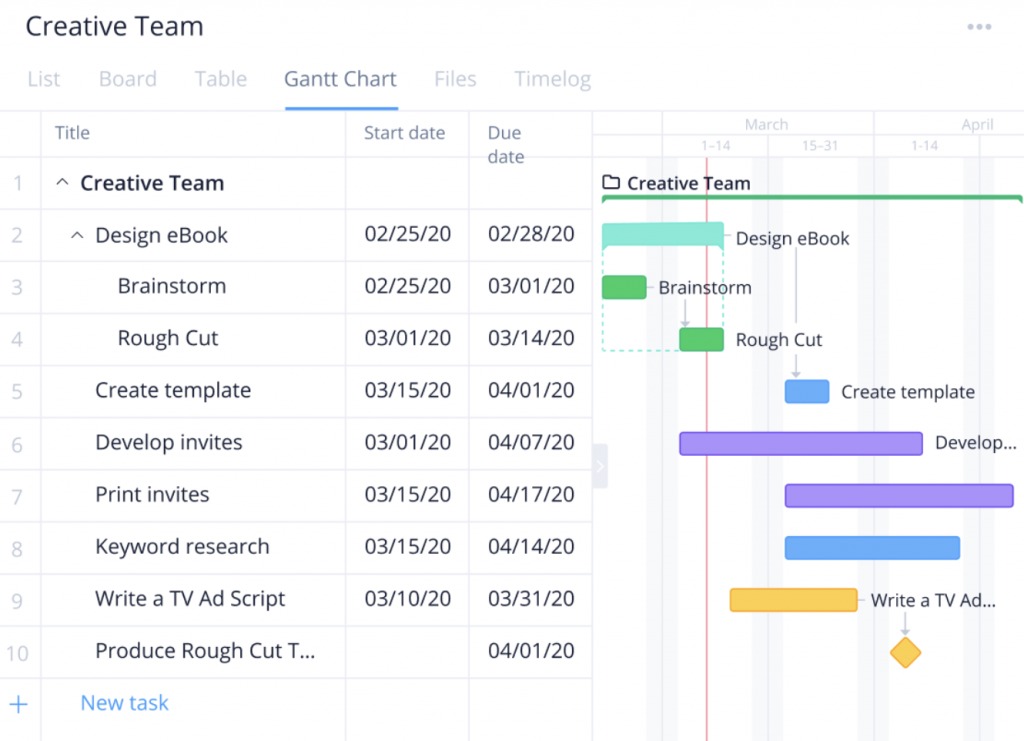
Asana Starter includes timeline and Gantt views, and ClickUp offers Gantt among its paid-plan features. Other views and advanced configurations depend on the plan.
A task in several Asana projects is a different data relationship from a task in one project, which matters if you later move to another system.
Docs, Chat, integrations, and client guests
ClickUp’s native Docs and Chat bring project work and discussion into one workspace. Asana focuses on project collaboration and integrates with external communication and document apps.
A five-person agency already on Slack and Google Docs might like ClickUp’s integrated collaboration. Its clients, though, may still expect creative approvals through email and document links.
Guest rules differ between the products, so check them before you decide. Asana Starter includes unlimited free external guests. ClickUp paid plans allow unlimited view-only guests, while permission-controlled guests use allowances tied to the plan and the number of paid members. Going over the allowance can add paid-seat charges.
A client who only needs to see a deliverable is a different access and billing case from one who must comment, edit, or manage work.
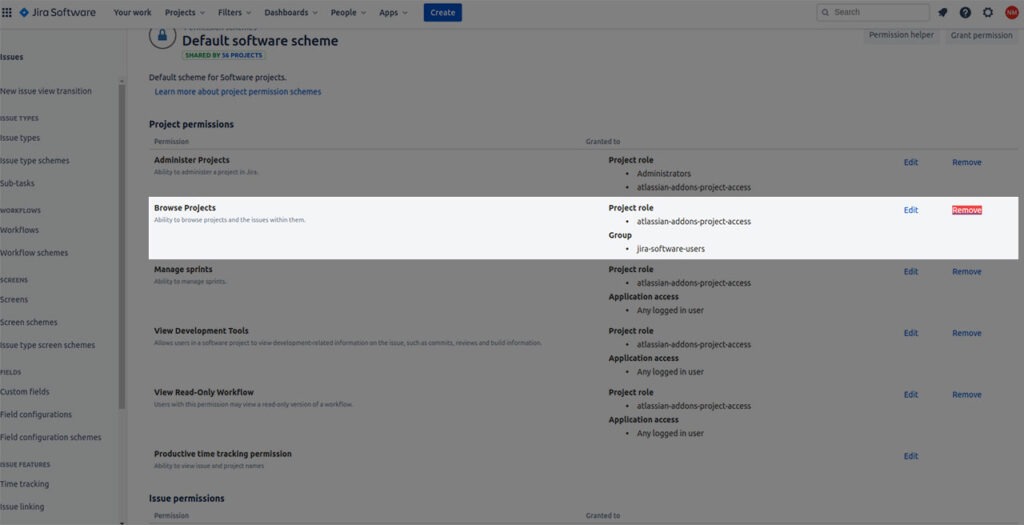
Invite a representative external guest to review a campaign asset. They should be able to find it, see the context, comment if permitted, and return later without administrator help. Note the exact role and whether it changes your number of paid users.
Then map your existing documents, conversations, and integrations to the features your staff will use. A native app saves money only if it replaces a paid service you already have and handles the real work without adding another routine.
Time tracking vs. time in status: choose the metric you need
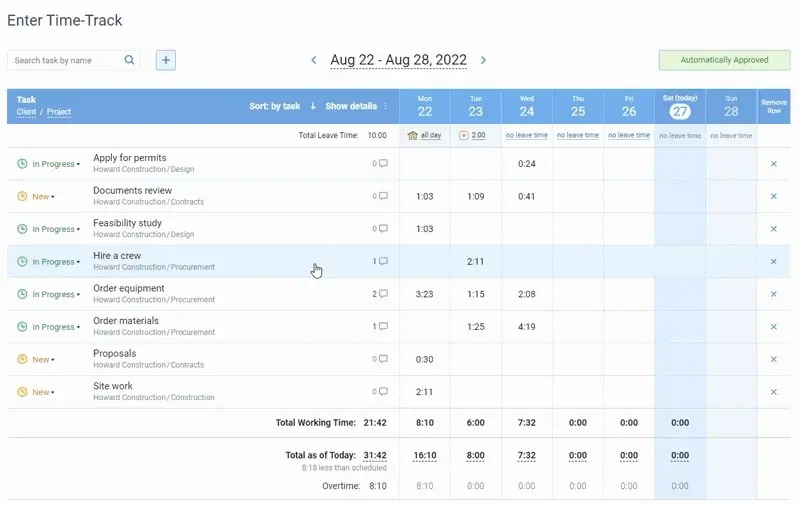
Time tracking can mean hours worked, elapsed time in a workflow status, or hours approved for client billing.
Asana offers native estimated and actual time tracking, a timer, and subtask time rollups on Advanced, Enterprise, Enterprise+, and certain legacy plans.
ClickUp Unlimited includes native work-time tracking. For status-duration reporting, ClickUp’s Total time in Status ClickApp is available on Business and higher plans, with task-view, dashboard, API, and export capabilities.
Renaming a status in ClickUp resets its displayed duration. When a task revisits a status, the current-status field shows time since the latest status update; the detailed status history gives the broader breakdown. That matters if you track repeated approval delays.
| Measurement | Question it answers | Example | Required capability |
|---|---|---|---|
| Logged work time | How much time did someone spend working? | Designer records four hours | Timer, manual entries, rollups, or export |
| Time in status | How long did work remain in a workflow state? | Asset waits four days for client approval | Status-duration tracking and reporting |
| Billable or approved time | Which hours can be charged or approved? | Manager reviews hours for an invoice | Approvals, billing classifications, and export |
If you measure approval delays, a work-time timer isn’t enough. The plan must support elapsed status-duration reporting in the form you need.
A Reddit user evaluating a switch from Asana described exactly that requirement:
I am looking into ClickUp as a possible switch from Asana. The company I work for is in Asana, but we are looking for a tool that provides time tracking (time in status specifically). I’ve met with a ClickUp representative twice and have a demo scheduled next week. I’ve been impressed.
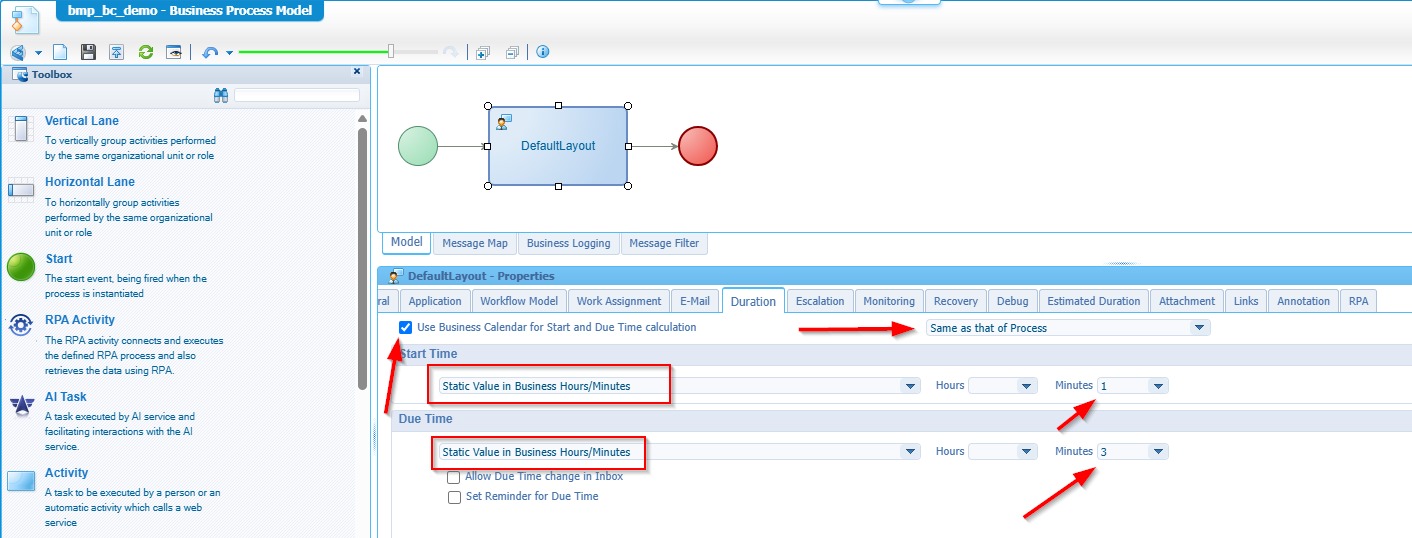
Move a task through two statuses and log some work time on the plan you intend to use. Compare the work-time entry, the elapsed status duration, and the available report or export separately. If you need billable approvals, test that as its own step.
Automation limits and execution failures
Automations cut down repeatable handoffs when their triggers, actions, and limits match the work. Asana Starter’s plan description lists unlimited automations. ClickUp separates active automation rules from the monthly actions those rules can perform, so a rule you’ve built can still stop running.
The ClickUp automation documentation publishes these allowances:
- Free Forever: Five active automations and 100 monthly actions.
- Unlimited: Up to 500 active automations and 1,000 monthly actions.
- Business: Unlimited active automation rules and 5,000 monthly actions on the published standard Business plan.
ClickUp sends usage notifications at 90% and 100% of the monthly action allowance. The allowance resets on the first day of the month in Pacific Standard Time, and automations pause when it runs out.
The 5,000-action figure is for the published standard Business offer. The allowance shown in your workspace sets your account’s monthly limit, and earlier official representations have differed.
Two routine flows show the usage: a submitted request assigns its owner and alerts a reviewer, and an Approved status notifies the person responsible for the next stage.
Build those automations on the plan you intend to use, run them, and check the activity history and allowance tracking. Include any external integrations, and note what happens when a rule stops at the usage limit.
Reporting, portfolios, and AI extras
Asana Advanced lists portfolios, goals, and workload features. Starter provides project-level reporting.
ClickUp offers Goals and portfolio capabilities on paid plans, with more dashboard and workload controls on higher plans.
If an operations manager needs overdue handoffs across departments, build that report on the plan you intend to buy and check who can view, edit, and export it.
Pay for AI features only if they improve a task you need done. Access and usage limits depend on the plan.
Migrating from Asana to ClickUp without losing critical structure
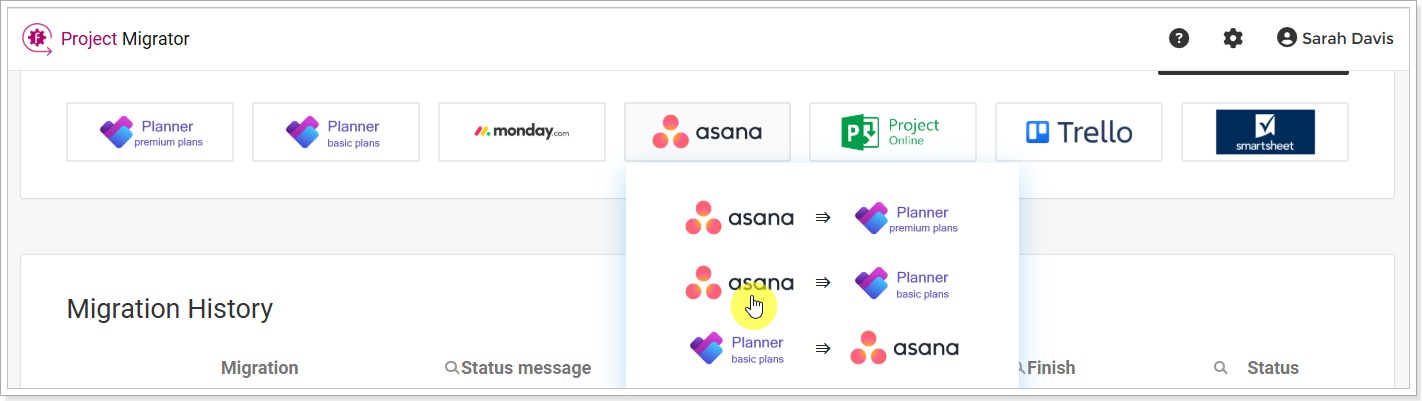
ClickUp’s Asana importer has exceptions that matter if your project relies on recurring work, shared tasks, privacy controls, or layered subtasks.
According to ClickUp’s Asana import documentation, several objects and relationships don’t transfer automatically:
| Asana object | Automatic import limitation | Required preparation or validation |
|---|---|---|
| Freestanding tasks | Not imported automatically | Place relevant tasks in projects before import |
| Nested subtasks | Nested relationships need manual attention | Rebuild and check parent-child relationships |
| Tasks in multiple projects | Shared project associations are not preserved automatically | Record associations and restore appropriate List placement |
| Recurring tasks | Recurrence needs to be recreated | Record each recurrence schedule and test it |
| Private tasks | Privacy must be restored after import | Reapply access restrictions and validate visibility |
| @mentions | Mentions are not imported | Identify important notifications and communications separately |
A campaign task shared by two departments, a weekly recurring review, and a private executive approval can each need manual work after an otherwise successful import. ClickUp also warns that invitations used to map people during the import can lead to charges.
Before you migrate a production workspace, run a controlled import that includes the exceptions your team cares about. Compare task counts, subtask parents, project relationships, recurrence schedules, permissions, and important notifications against the original Asana records.
Reliability, performance, and support: what to test
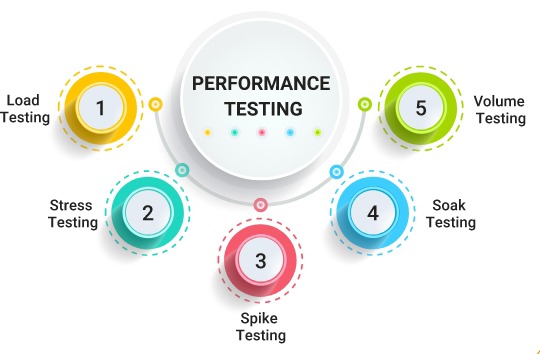
Performance matters when people open and update tasks all day. Slow common actions add friction even if the software has every feature you need.
A ClickUp user described a frustrating support experience in October 2024 while evaluating Asana:
For the record, I have a bug opened and sitting for 2 months where I report load times of more than 10 seconds opening a task. No fix, of course.
Im seriously evaluating Asana.
UPDATE October 16th: a clickup senior support agent took over my case. He says that he has investigated the issue and added his findings to my bug report, but unfortunately he seems to severely failed to understand the issue.
Open comparable tasks repeatedly in both apps on the same device, network, browser conditions, and project complexity. Time how long it takes to open a task, find its details, edit a field, and find a task through search. Want the full method? See how to compare finalists using the same project.
Repeat the actions on the devices your staff normally use. If support responsiveness matters, submit a normal support request during the evaluation and note how fast it gets answered and resolved.
A fair two-tool pilot your team can run
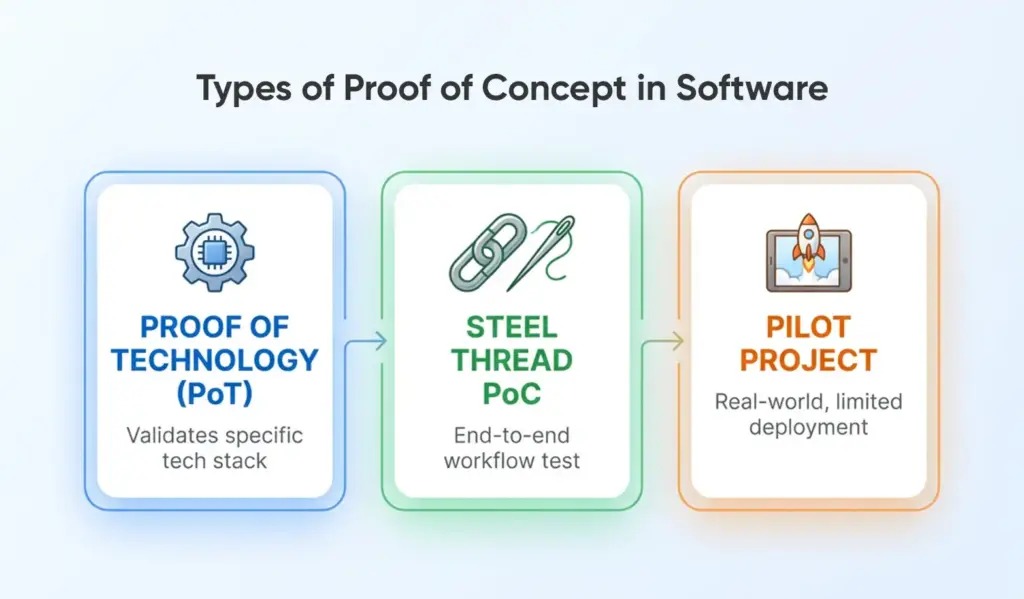
A matched pilot tests both tools against the same work, users, must-have functions, and pass conditions. It also collects what you saw in each earlier test into one decision record.
Use a sample project with twelve tasks, two dependency handoffs, two regular team members, and one external guest. The work might follow intake, triage, assignment, production, internal review, client feedback, and final approval.
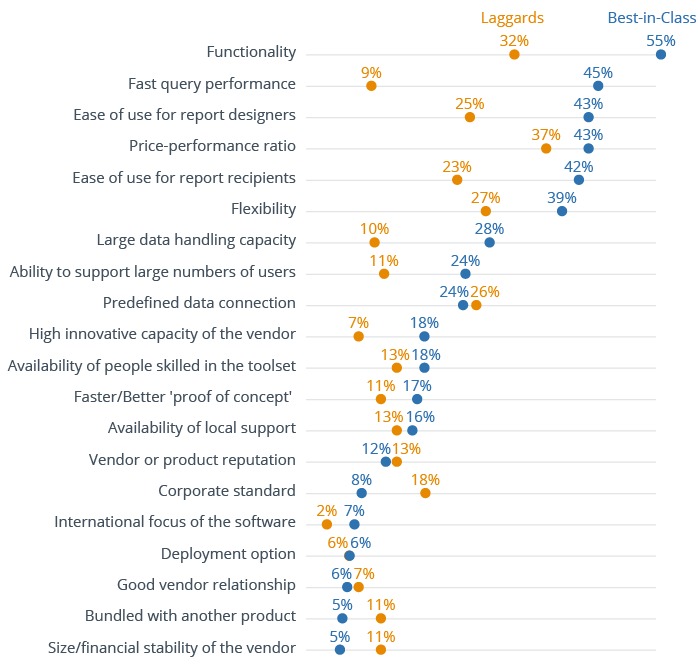
| Criterion | Passing condition | Critical? | Asana result | ClickUp result |
|---|---|---|---|---|
| Employee adoption | Ordinary users complete essential work with acceptable assistance | Yes | Not tested | Not tested |
| Task model | Required dependencies and hierarchy work | Yes | Not tested | Not tested |
| Guest collaboration | Client performs the required review with acceptable permissions | If required | Not tested | Not tested |
| Time reporting | Needed metric and export are available | If required | Not tested | Not tested |
| Automations | Required actions execute within the intended plan | If required | Not tested | Not tested |
| Migration | Critical records and relationships pass reconciliation | If switching | Not tested | Not tested |
| Full-year cost | Qualifying tier and necessary services meet the budget | Yes | Not tested | Not tested |
Replace each Not tested entry with Works, Works with workaround, or Fails once you’ve run the exercise. If something needs a workaround, describe it and what it costs in extra work. A failed must-have disqualifies the plan, no matter how many optional features score well.
In the final record, include the plan used for the exercise, the help or training needed, the actual roles, and any extra paid functions. If a requirement is still unresolved, note whether it needs a longer pilot or a different plan before you commit.
Details are in how to run the pilot under normal load.
When neither Asana nor ClickUp is the right choice

A failed must-have is a reason to leave the two-product comparison. If neither tool supports essential client access, reporting, workflow execution, or safe migration at an acceptable cost, widen the shortlist or keep your existing system if it still meets your needs. For the decision itself, use when to keep a spreadsheet or adopt project software.
The result should reflect actual work in the tested edition: configuration burden, client access, dependencies and the cost of the plan that makes those features usable. Neither product earns the purchase merely by winning a feature-count comparison.
Speak Your Mind