The CRM your team will actually maintain is more useful than the one with the longest feature list. Follow-ups, deal updates and reporting must work without excessive administration or an unaffordable plan. Compare the same five tasks in two or three specific editions and exclude any that cannot meet essential integration or data-retention needs.
Match the CRM to the work you actually do
Customer follow-up can mean closing a new opportunity, checking in with a retailer before another order or returning to a seasonal prospect. The shared need is a dependable record of the last conversation and the action due next.
These jobs can share a contact list, but the work around it differs. A seasonal sales operation needs to know which prospects came back, which deals were lost, and who owes the next call. A wholesale supplier cares far more about existing retailers than new prospects.
One supplier described the problem in an r/CRM discussion:
So we are a small business that sells to many retail clients (over 150+ right now) and we are managing everything on excel and Shopify notes 🥲
That business values the next reorder as much as the first sale. A CRM built around new deals fits only if it also supports customer history and follow-up.
| Business workflow | What must stay linked | What matters most |
|---|---|---|
| Seasonal event sales | Companies, inquiries, previous bookings, and future calls | Follow-up reminders and historical reporting |
| Wholesale repeat orders | Retailers, order context, and next outreach | Existing-customer follow-up and commerce-data visibility |
| Small outbound sales team | Leads, assigned reps, deal stages, and activities | Shared ownership and overdue-action tracking |
| Solo owner with occasional inquiries | Contacts, conversations, and next steps | Minimal upkeep and reliable reminders |
For seasonal sales, compare how the software links a company to its contacts and past deals. For repeat orders, check whether customer history and future outreach can be maintained without much manual work.

Describe one real process that breaks today. It might be a retailer who needs a follow-up after its last order, or a promising lead that neither salesperson remembers to call. Name the records involved and who owns the next action. That description is the basis for narrowing your candidates.
The shortlist: where each option fits
Start with a few candidates and one specific edition of each. The right shortlist depends on your workflow, the staff time you have, and the features you can’t do without.
HubSpot Sales Hub, Pipedrive, Zoho CRM, Bigin by Zoho CRM, Less Annoying CRM, and Capsule CRM are the six to research. They come from vendor positioning and plan features, not a head-to-head usability test.
| CRM | Best for | Plan detail | Dealbreaker |
|---|---|---|---|
| HubSpot Sales Hub | A small sales team that also uses other HubSpot tools | A free entry plan; separate paid Sales Hub editions | Needed sales features, email behavior, paid seats, or onboarding push you over budget |
| Pipedrive | A team managing leads, deals, and sales activities through a pipeline | Lite and Growth are distinct editions; Growth lists full email synchronization | The email functions or add-ons you need sit in an edition you can’t afford |
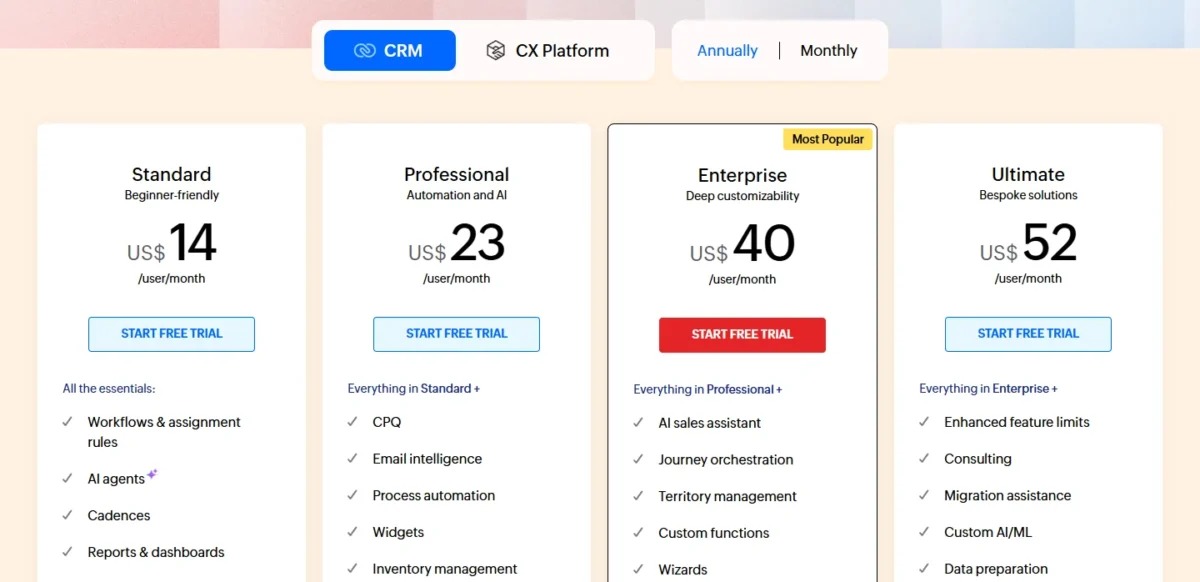
| Zoho CRM | A small team that wants a broader CRM with configurable processes | A free plan; Standard, Professional, and Enterprise differ in capability | The US edition you need lacks a required workflow, report, or integration |
| Bigin by Zoho CRM | An owner moving from spreadsheets into a focused sales process | Zoho positions Bigin as a CRM entry point for first-time users | Its narrower record and process model can’t handle your requirements |
| Less Annoying CRM | An owner-led operation that wants a straightforward contact and follow-up system | A single public subscription tier and a 30-day trial | The reporting, integrations, or data-export capabilities you need are missing |
| Capsule CRM | A small team that wants lightweight contact and opportunity management | A free entry plan | Contact capacity or a missing feature forces a paid upgrade that doesn’t suit you |
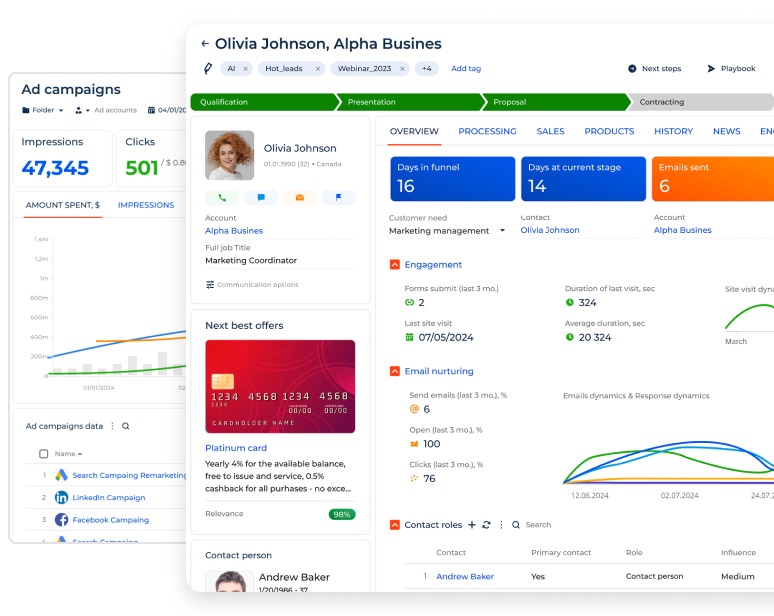
Two-person seasonal sales team? Start with Pipedrive, HubSpot Sales Hub, and Zoho CRM. Compare pipeline activities, shared ownership, past-deal reporting, and which edition includes the email functions you need.
Wholesale supplier? Start with the candidates that can represent existing customer relationships, and check how their integrations handle order information. HubSpot and Zoho CRM are the ones to check, though Shopify, Klaviyo, and order-to-follow-up behavior still need compatibility tests.
If CRM administration is a burden for you as a solo owner, try Bigin, Less Annoying CRM, and Capsule first. That list reflects their positioning and entry options. It doesn’t tell you which takes the fewest minutes to configure.
monday CRM and Salesforce’s smaller sales editions are further options if you need a wider platform. Check their CRM edition, billable seat structure, and implementation demands separately before either replaces a shortlisted candidate.
When a CRM is the wrong type of software
A sales CRM is an awkward fit when the business mainly tracks work customers have already ordered.
A repair shop needs to know which item arrived, who is working on it, whether the job is done, and how payment was collected. Those are job-management questions. A sales pipeline follows a different path: inquiry, qualification, active deal, win or loss.
A small equipment-repair operator described the limits of their spreadsheet:
Excel works, but it’s clunky on mobile, fragile with formulas, and isn’t easy to sort/filter or view how things are going month to month.
A mobile-friendly job tracker can solve that problem. So can a combined customer-and-work-order system, if it handles the actual workflow.
Classify what moves through your business: a prospective sale, an existing customer’s next order, or an accepted job ticket. That tells you whether to evaluate a sales CRM, a job-management tool, or a simpler record system. A spreadsheet stays a reasonable choice when it already handles the process reliably.
What a small sales team should prioritize

The most valuable CRM functions tie each customer relationship to an accountable next action. A polished dashboard is worth little when nobody knows who is supposed to call a customer.
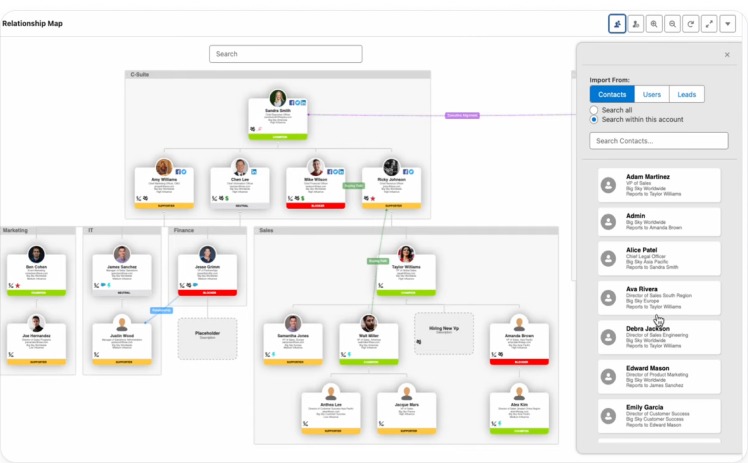
Start with the records your people use every day. Several contacts can belong to one company, and one company can have more than one deal in progress. A lead, a deal, and a completed activity are different facts.
- People and companies. Staff need the right contacts, the organizations they represent, and the conversation history.
- Leads and deals. An inquiry has to stay distinguishable from a specific sales opportunity with its own stage and outcome.
- Activities and owners. Every active opportunity needs an assigned person and a visible next step.
- Lost reasons and lead sources. Fields like these become useful when you want to know why deals failed or where inquiries came from.
- Reports and access. You may want overdue calls, stalled deals, account history, or limits on who can change records.
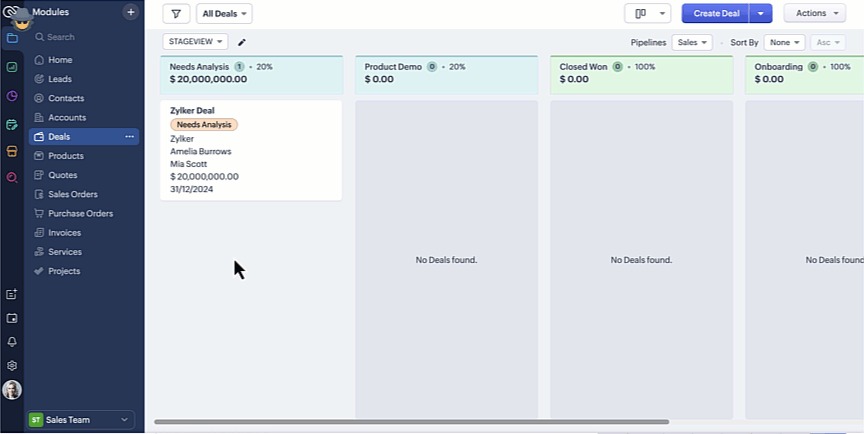
Relationships often follow Company → Contact → Deal → Activity. A recurring-order business may instead need the customer record linked to previous orders and the next planned outreach. A system that can’t represent those links creates extra work, however good its dashboard looks.
Turn your main process into a short requirements worksheet. Put only the functions your staff need for today’s work in the mandatory column, and keep future features in a separate one. If you run complex routing or tightly controlled access, treat those as essential from the start.
Free plans, paid tiers, and the upgrade trap
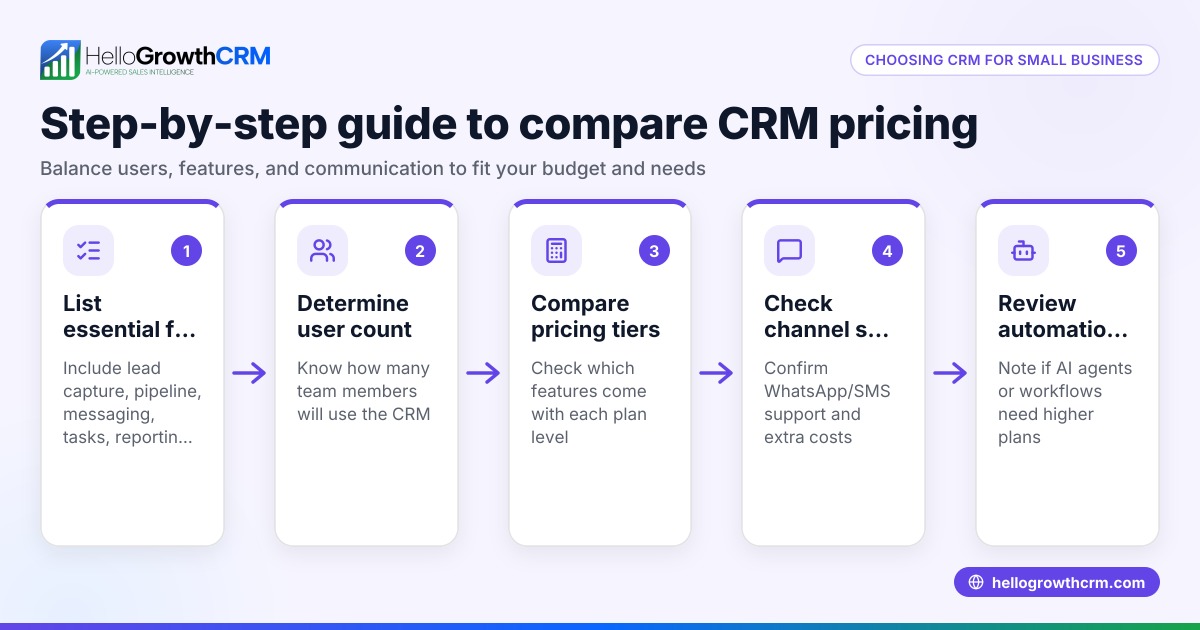
A free CRM works if its user and feature limits cover your daily work. Once you need something it doesn’t include, you pay or switch.
Published vendor descriptions show how much these limits vary:
| Product or edition | Entry condition | Where the limit hits |
|---|---|---|
| HubSpot Sales Hub Free | Up to two users | Functions and seat requirements that call for a paid Sales Hub edition |
| Zoho CRM Free | Up to three users | Automation, reporting, email, and integration features across paid editions |
| Capsule CRM Free | Up to two users and 250 contacts | Contact capacity, fields, pipelines, and integration limits |
| Pipedrive Lite and Growth | Separate paid editions | Add-ons may carry additional charges |
Capsule counts both Person and Organization records toward its 250-contact free-plan limit. A supplier with 150 retailer organizations and one linked buyer each uses 300 contact slots and exceeds the limit. User seats are a separate allowance.
These are vendor-published descriptions. Eligibility, included capabilities, billing rules, and regional offers can change, so check the exact US plan available to you.
Less Annoying CRM describes one public subscription tier at $15 per user per month and a 30-day trial. The simple pricing still leaves reporting, integrations, and customer-data export for you to evaluate.
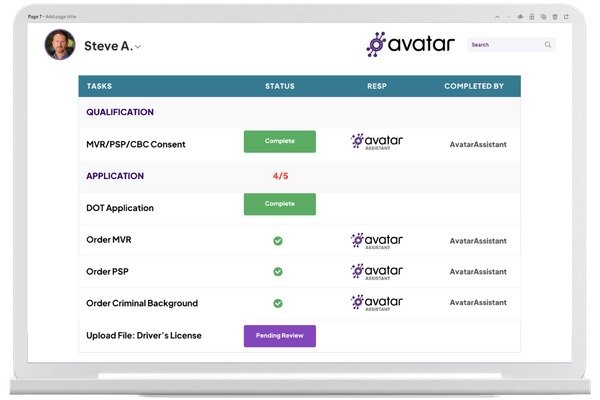
For each surviving candidate, list which mandatory features are included, which cost extra, and which are unresolved. A two-person free allowance loses its appeal if your team’s email workflow requires a different subscription.
Keep product identities straight. Zoho CRM and Bigin by Zoho CRM are separate offerings. Separate HubSpot Sales Hub seat costs from marketing-contact charges. Evaluate monday CRM subscriptions using the CRM product’s billable seat terms. Choosing between HubSpot and Zoho? Read who should choose HubSpot or Zoho CRM.
What a CRM costs beyond the starter plan
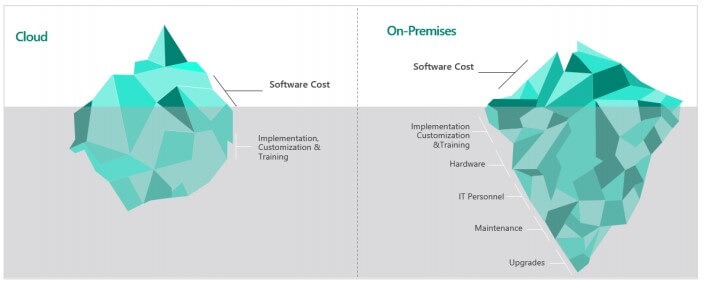
Your budget starts with the number of billable seats and the edition your work requires. Implementation, add-ons, training, and migration add to the total. To count your seats, see how to match your team to billable CRM seats.
Suppose a hypothetical CRM charges $15 per billed seat per month. With three billed seats, the annual base subscription is:
3 × $15 × 12 months = $540.
Taxes, services, and internal labor are extra. For the full cost picture, see what CRM software costs beyond the subscription.
Budget the rest separately:
- Seat commitment. Count billed seats, including mandatory seat blocks, and note whether billing is monthly or annual.
- Onboarding. Add required setup help, migration services, or an edition-dependent onboarding charge.
- Integrations. Add paid add-ons or middleware needed to connect the software you already use.
- Staff time. Count the hours spent cleaning contact records, configuring pipelines, learning workflows, and fixing mistakes.
- Switching. Include rebuilding integrations and transferring history when you replace an existing system.
A founder who had tried several CRMs described the operational cost:
Every time I test one, I spend more time configuring pipelines, fields, and integrations than actually talking to leads.
HubSpot shows why the subscription label matters. Its Sales Hub pricing page advertised a promotional Starter entry of $7 per month per seat alongside a $20 comparison price. The HubSpot Product & Services Catalog separately lists a Starter Core Seat at $20 per month. Which figure applies depends on seat category, promotion eligibility, billing commitment, and edition.
The Pipedrive pricing page displayed euro-denominated rates. A US buyer needs the dollar checkout terms for the edition and billing period in question.
Prepare a 12-month ownership-cost worksheet for each finalist, separating quoted fees from estimated staff and implementation costs. For variable or negotiated subscriptions, use US checkout terms or a written quote. A low advertised entry price can look worse once the required edition and staff effort are added.
Test your email, calendar, and business-system integrations
A listed integration only tells you which application the CRM claims to connect with. What counts is what information moves, whether updates travel both ways, and which records the connection changes.
Email logging deserves special attention. A salesperson may want a conversation linked to an existing opportunity without adding a copied outside participant to the contact database.
A HubSpot Community user described the concern:
The problem is that we are not always interested in saving all the recipients of our individual emails as a contact.
That discussion concerns one user’s email-logging setup. Actual behavior depends on the edition, email provider, extension, permissions, and logging settings.
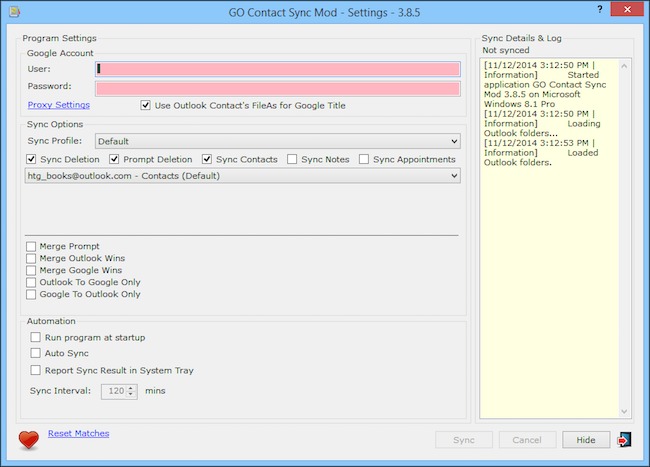
The seasonal events business reported Thunderbird, Tripleseat, and QuickBooks in its environment. Its evaluation has to cover booking details and correspondence across those tools.
The wholesale supplier mentioned Shopify and Klaviyo. Its workflow needs customer history and repeat-order outreach.
Each connection raises its own question. Email concerns message history and contact creation. Calendar sync concerns appointments and visibility. Commerce systems bring order data and follow-up triggers. Accounting connections may involve customer records that both applications use.
Run one email and calendar test with permitted synthetic data. Send a message with a known recipient list, create an appointment, and inspect the contacts and activities that result. Then test the line-of-business integration that matters most, including its sync direction and any extra subscription.
A connection that silently creates unwanted records or omits a required field fails your use case, even if it’s listed in an integration directory.
A five-task trial before paying
A vendor demo shows what a product looks like in capable hands. Your trial should show whether ordinary employees can keep the CRM useful during a normal workday.
A member of a three-person sales team described using Pipedrive and later HubSpot Free without finding a meaningful change in how they worked:
In both case, I realized I’m just treating the CRM like a data dump. Basically using it as a spreadsheet with a better UI.
Judge the trial on completed actions and usable information. Give the intended users the same five tasks in every shortlisted edition.
| Task | What success looks like | Failure worth recording |
|---|---|---|
| 1. Import sample records | People and companies appear in the expected relationships | Missing fields or broken associations |
| 2. Create and assign a lead | The right salesperson owns the opportunity | Unclear ownership or an unavailable assignment function |
| 3. Schedule and complete a follow-up | The next activity is visible and its completion is recorded | Staff cannot find or update the task reliably |
| 4. Identify stalled or lost deals | The owner can answer the required reporting question | The chosen edition cannot produce the necessary view |
| 5. Export the sample | Required records and relationships remain identifiable | Critical information is omitted or misrepresented |
Have the people who will use the CRM attempt the tasks. Record completion, mistakes, help needed, workarounds, and whether the resulting records are correct. A mandatory task that depends on an unbudgeted upgrade or an unavailable specialist is a real selection problem.
Keep the results for each finalist, along with the edition tested.
Check migration and reversibility before you commit
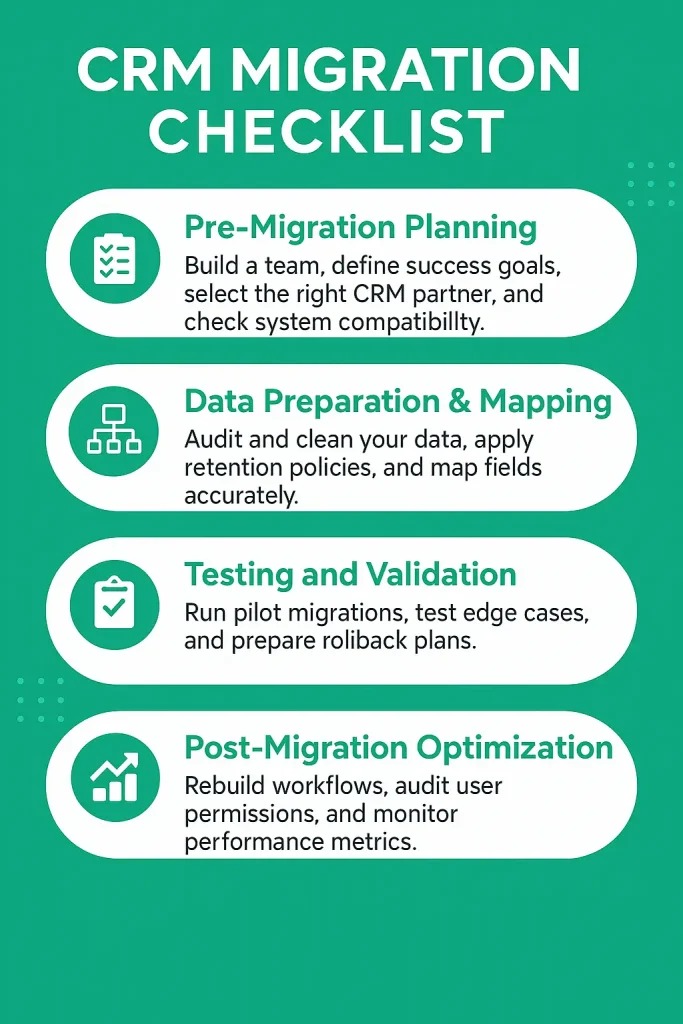
Importing a contact list is only one part of moving to a CRM. Preserving the links between people, companies, deals, notes, and activities takes separate work.
CRMs sometimes name related objects differently. The Pipedrive HubSpot-to-Pipedrive migration guide maps HubSpot contacts to Pipedrive persons and companies to organizations. It also covers stages, activities, and custom fields, and recommends starting with five to ten test records. A move between other applications needs the object mapping for its own source and destination.
A HubSpot Community participant reported a difficult recovery scenario:
By mistake, over 1,000 contact records were deleted from an account in HubSpot.
The contributor also described complications after reimporting records to recover the deleted contacts. The incident shows how deletion, reimport, and restoration can interact in one account.
Before moving production data, build a small synthetic dataset with linked people and companies, an open deal, a note, an activity, and a duplicate. Import it into the destination, then export it again. Compare record counts, identifiers, relationships, and the fields that must survive.
Three more safeguards:
- Duplicate rules. Know which fields identify an existing record and when a transfer creates a new one or updates the old one.
- Recovery path. Keep the original source records and document a tested way to fix a failed import.
- Exit conditions. Know which records you can export, what history may be left out, and how cancellation or retention terms apply.
Don’t alter real customer identifiers or email addresses with an untested workaround from a forum. Test recovery procedures on safe records first.
Which CRM should you choose?
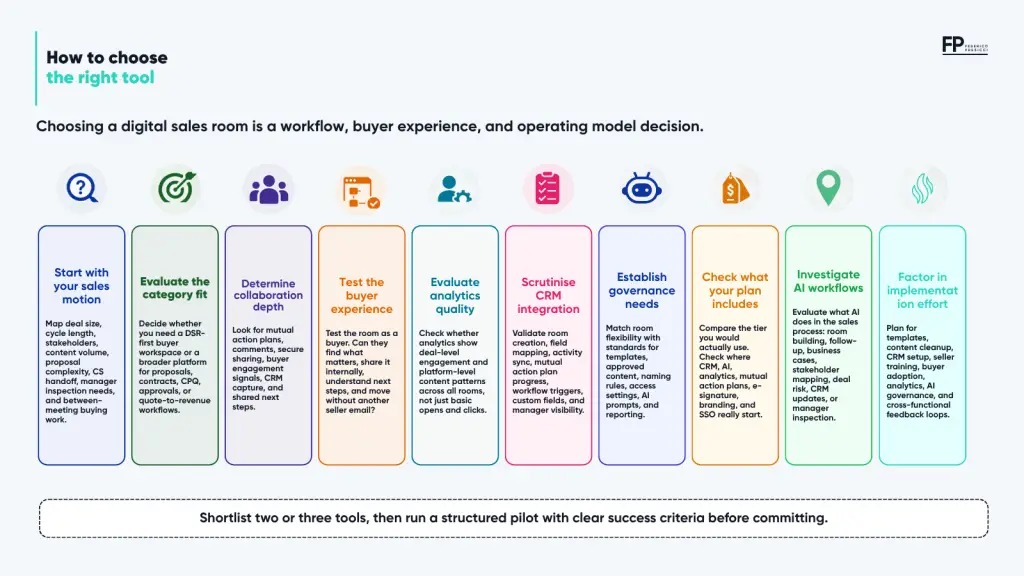
The five-task trial gives the final decision its basis: a usable paid edition, manageable administration and a documented 12-month cost.
Speak Your Mind