A first song is easier when the software matches how you make music. GarageBand covers instruments and live recording on compatible Macs; Waveform Free handles multitrack recording across Windows, macOS and Linux; LMMS is geared to MIDI beats and synth patterns. Windows users can also try Cakewalk Sonar’s free tier. Before committing hours to a track, confirm that the free edition lets you save and reopen an editable project without payment.
Pick a free music maker by the kind of song you want to make
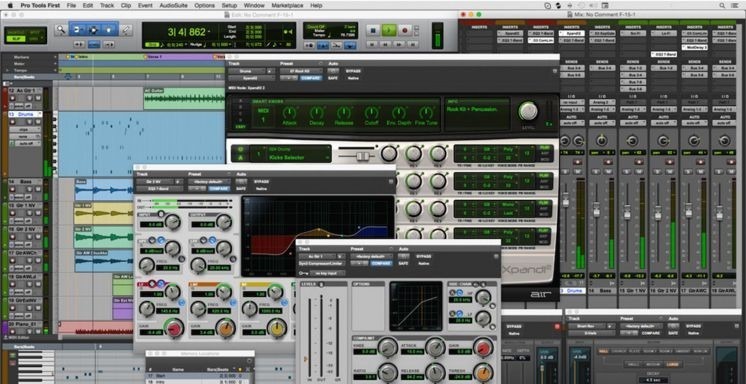
A singer recording over piano chords needs a different setup from someone building drum patterns with a mouse. Decide what your first song will contain, then pick a program that supports it.
| Your first project | Where you’ll work | Pick | What it must do |
|---|---|---|---|
| Vocals with virtual instruments | Compatible Mac | GarageBand | Microphone recording plus software instruments |
| Guitar or vocals with programmed drums | Windows, Mac, or Linux desktop | Waveform Free | Audio and MIDI tracks in one project |
| Electronic beats and synth melodies | Desktop computer | LMMS | Patterns, MIDI, and virtual instruments; mic recording not needed |
| Windows desktop songwriting | Windows | Cakewalk Sonar free tier | Required features included in the free edition |
| A quick sketch on a phone or in a browser | iPhone, iPad, or browser | GarageBand on a compatible iPhone/iPad; BandLab Studio in a browser | Compatible OS, or Studio editing access for your account |
An exported song lets you listen; the editable session lets you change a vocal take, instrument or arrangement later. That distinction matters as soon as your recording takes more than one sitting.
What free access means: free software, tiers, and trials
A program can be free to download and still charge for the editing you need. The license type tells you whether a trial, a limited tier, or a fully free application belongs on your shortlist.
| Software | What’s free | What happens next |
|---|---|---|
| FL Studio Trial | No fixed time limit; audio export allowed | Reopening saved projects requires buying an eligible edition |
| REAPER | Fully functional 60-day evaluation | You pay to keep using it after the evaluation |
| Ardour | Free source code; the official demo and ready-made builds have different conditions | The demo periodically mutes audio; building from source is a separate route |
| Cakewalk Sonar | Indefinite free license with periodic activation; additional features under paid Membership | A free account activates the free tier; you reactivate periodically |
| Legacy Cakewalk by BandLab | Reached end of life on December 31, 2025 | Old recommendations don’t describe the new Sonar access |
| Cakewalk Next | Free core tier with a free BandLab account; paid Membership adds premium content and features | Core music creation needs no paid Membership; runs on Windows and macOS |
FL Studio’s trial lets you learn the program and export a recording. Image-Line’s trial documentation says reopening the saved project requires purchase.
REAPER allows a 60-day evaluation. Dismissing its evaluation reminder does not give you a license to keep using it.
Someone in a local musician group was asking for totally free DAWs. I said Audacity, but my husband made a face at me! Audacity is totally free, but you get what you pay for. Reaper has a free trial, but I heard you can keep using it you just have to click through the pop ups. Any free DAWs with our time? Any opinion on Audacity?
Ardour’s source code is free to download and build, so you can skip a compiled release. The official demo mutes audio after ten minutes, so plan around that if you need an uninterrupted recording session.
Cakewalk’s names cause confusion. The Cakewalk Sonar FAQ describes Sonar’s free-license terms.
The free music-making programs worth comparing
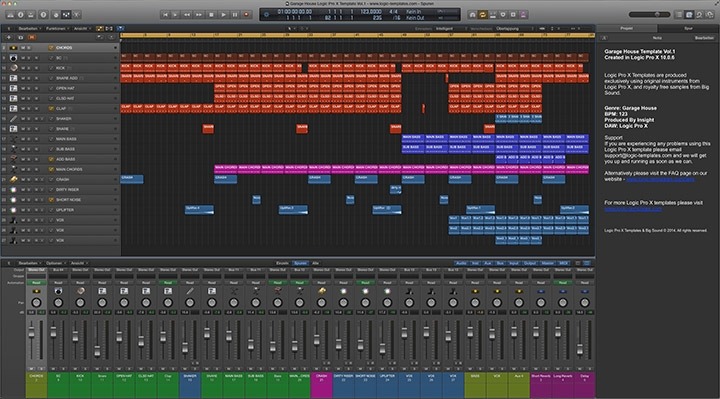
Audio editing, instrument sequencing, and cloud production call for different programs. The table sorts them by what each one does best.
| Program | Strengths | Catch |
|---|---|---|
| GarageBand | Virtual instruments, live audio, arrangement and mixing | Mac software; needs a compatible macOS version |
| Waveform Free | Multitrack recording, MIDI, third-party plugins | Free base application; optional paid expansions |
| LMMS | Beats, patterns, synths and MIDI composition | Built for sequencing; use another DAW for mic recording |
| Cakewalk Sonar free tier | Windows-oriented recording and music production | Free feature limits and periodic activation |
| Cakewalk Next free tier | Core music creation on Windows and macOS | Needs a free BandLab account; Membership is optional for premium features |
| BandLab Studio | Browser/mobile workflow and cloud projects | Region and account can affect editing |
| Audacity | Recording and editing existing audio | Not built around virtual-instrument sequences like a DAW |
| Ardour | Desktop audio recording and production | Source-build, demo and compiled-release terms differ |
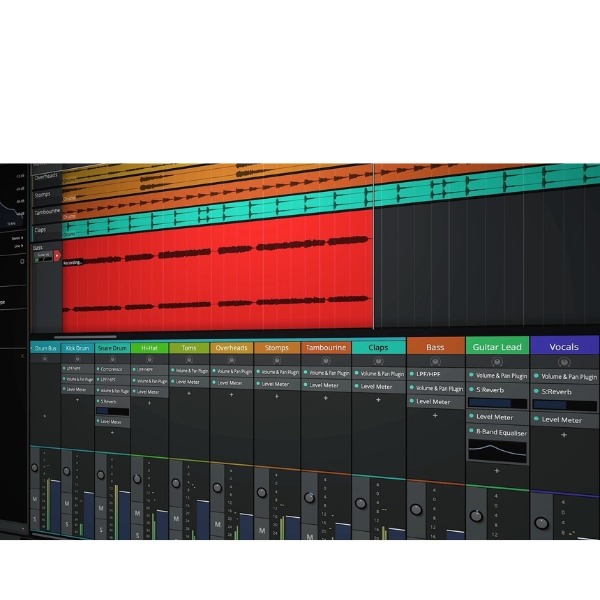
Audacity works when the job is capturing or editing audio. If you compose around MIDI instruments, you need a sequencing workflow. A song that mixes guitar takes with programmed drums needs multitrack recording and MIDI in the same program.
Apple says GarageBand for Mac can record and mix up to 255 audio tracks.
BandLab’s standard tier caps you at 16 tracks and a 15-minute project; Membership documentation lists 32 tracks. Regional rules also affect Studio editing.
Choose for Windows, Mac, Linux, browser, or phone
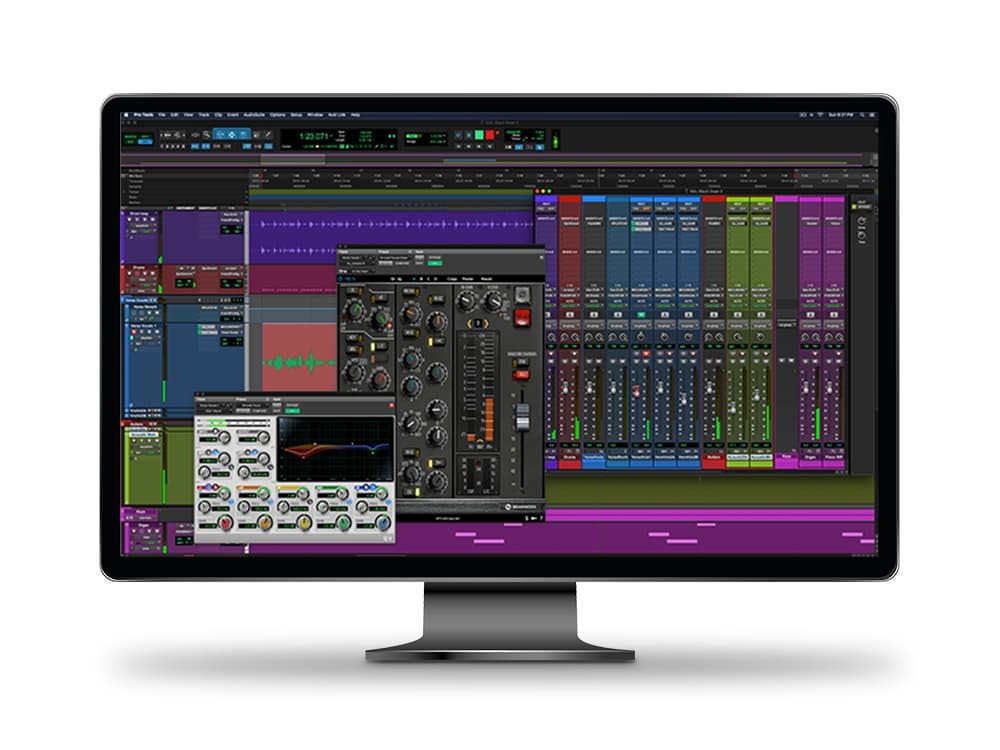
Check your device and OS version against the program’s published requirements before you install. A name like “Mac” or “Linux” isn’t enough, because the version decides whether the app starts.
Mac
GarageBand’s US Mac App Store listing requires macOS 15.6 or later for the listed release. Waveform Free needs macOS 13 or later, according to Tracktion’s product page. Cakewalk lists macOS Catalina 10.15 or later for Next.
Windows
Tracktion lists Windows 10 and Windows 11, 64-bit, for Waveform Free. Cakewalk suggests Windows 11 or later and 16 GB RAM for Sonar, and Windows 11 or later for Next.
Linux
Waveform Free is available for Linux, and Tracktion describes testing on Ubuntu 24.04, 64-bit. LMMS is an open-source desktop option, and Ardour is another if you’re comfortable with its installation choices. The Waveform Free requirements give the tested environment.
Browser and phone
GarageBand is a free app on a compatible iPhone or iPad, with virtual instruments and audio recording. The US listing for the listed release requires iOS 26.0 or later on iPhone or iPadOS 26.0 or later on iPad.
BandLab Studio suits a quick sketch without a full desktop installation. An account’s right to create and edit projects is separate from its ability to download an audio mixdown.
On October 23, 2026, BandLab announced that paid Membership would be required for Studio creation or editing in certain regions, explicitly including Japan. If you’re in the US, check that your account can create and edit a Studio project before relying on BandLab long term. BandLab’s regional access notice explains the change.
Beats, software instruments, and vocals need different workflows
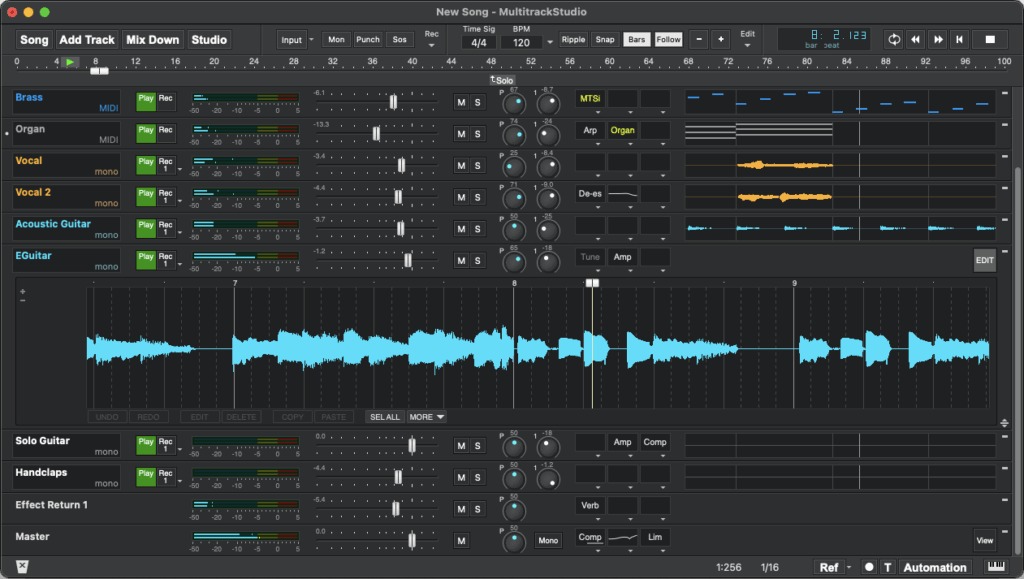
MIDI records performance instructions such as notes, timing and velocity. A virtual instrument turns those instructions into sound. An audio track holds a recorded performance, such as a vocal or guitar take.
For beats, start with a short drum pattern and a synth melody. LMMS has a pattern and instrument workflow built for this. If you sing, use a DAW with audio capture.
To record a voice over a piano instrument, you need a DAW that handles both audio and instrument tracks. GarageBand and Waveform Free fit on supported systems. Guitar against programmed drums needs the same two track types.
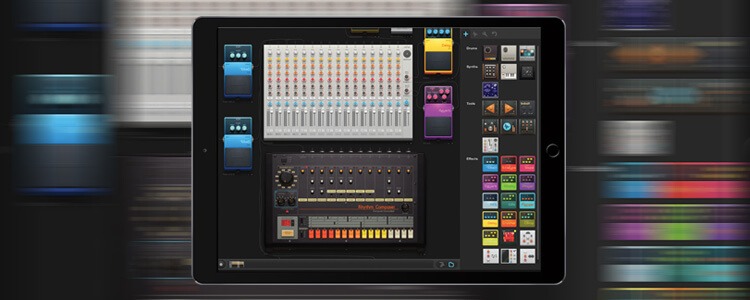
Make a short sketch that resembles your intended song: four to eight bars of drums and melody, or a short guitar take against an instrument track. It shows whether making your kind of music feels manageable.
Save, close, reopen: the test that matters
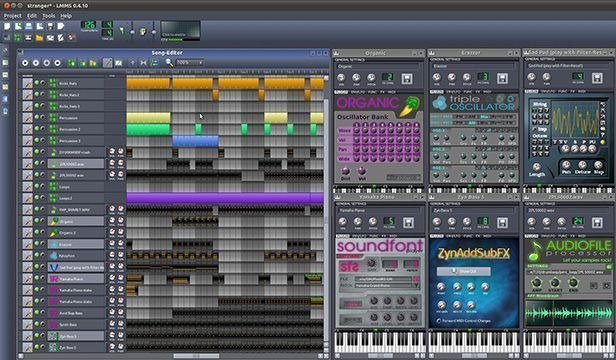
A finished WAV or MP3 is playable audio. An editable DAW project holds the arrangement plus references to the instruments, recordings and settings you need for another session. If the license blocks reopening, exporting a mixdown doesn’t fix it.
Build a short, disposable project with something you can edit later, then run this sequence:
- Save: Store the project in the application’s native format using its free features.
- Close: Quit the application completely.
- Reopen: Load the saved project without buying an upgrade.
- Edit: Change a note, track position or recorded element.
- Resave: Store the revised project again.
- Export: Render playable audio and listen to the result.
If the test fails at reopening or editing, that edition won’t work for an ongoing project that needs the same restricted feature. A missing plugin can also block you even when the DAW itself is licensed.
One FL Studio user on the paid Producer edition accidentally used a trial synthesizer and thought the notes were disappearing. Backups recovered the work:
EDIT: SOLVED (was informed of project backups, work saved!) Hello, my apologies if this is a simple fix. I’m fairly new to FL Studio and was messing around with different synths last night on a track and didn’t notice the one I had set was a trial plugin. Now when I reopen the file, I get a message saying the track is locked until I purchase the plugin. I have no intention of doing that, but it seems FL Studio is going a step further and straight up deleting all the notes from the track when I cancel out of the popup, meaning I can’t just switch the Channel to a different instrument. Is there a way to recover the track or am I going to have to recreate it from memory? (Just for clarity sake, I have FL Studio Producer edition, so it’s not an issue with FL Studio itself being a trial version)
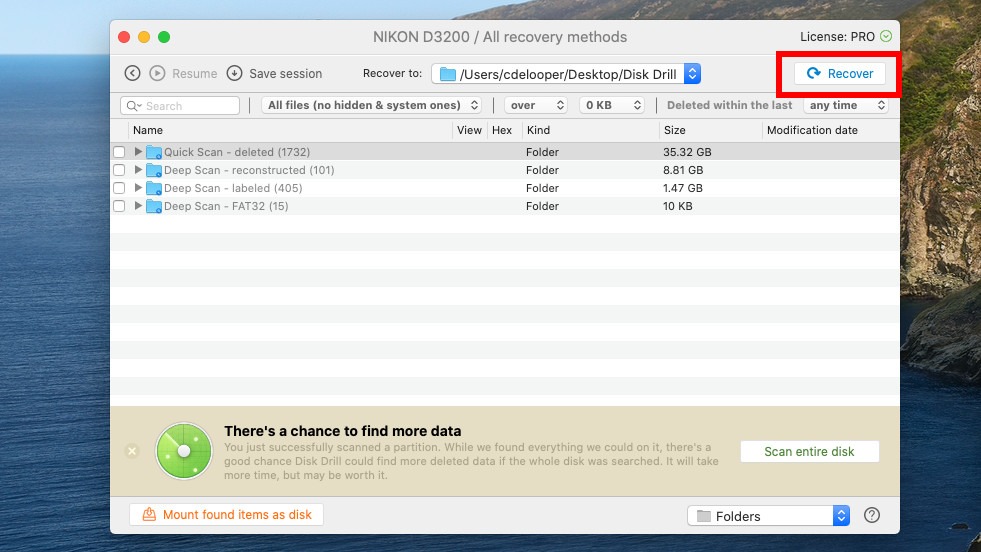
That was a trial-plugin restriction inside a purchased DAW, and the project came back. FL Studio Trial’s reopening rule is a different limit.
Keep your music when accounts and software change
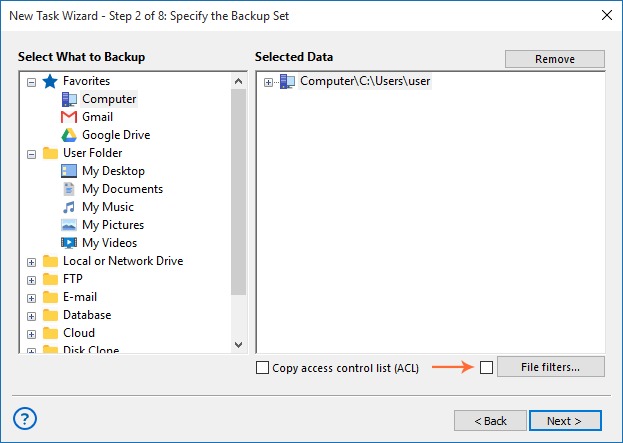
A BandLab user who described seven years of making music on the service reported losing access to an account with earlier work:
And furthermore, I lost an entire account that they have done fuck all to try and give me back, despite me having thr email for it. That is literal years ive my life i spent pouring into my craft- i was able to witness a real time evolution in my work and detail.
Keep recoverable copies outside any online account that holds the original project.
- Native project: Keep the editable arrangement for the original DAW when its export and storage options allow it.
- Rendered mixdown: Save finished audio that plays without the editing program.
- Separate tracks or stems: Export the audio elements where supported, for reconstruction or another mix.
- Independent location: Store copies outside the service account or computer where you made the song.
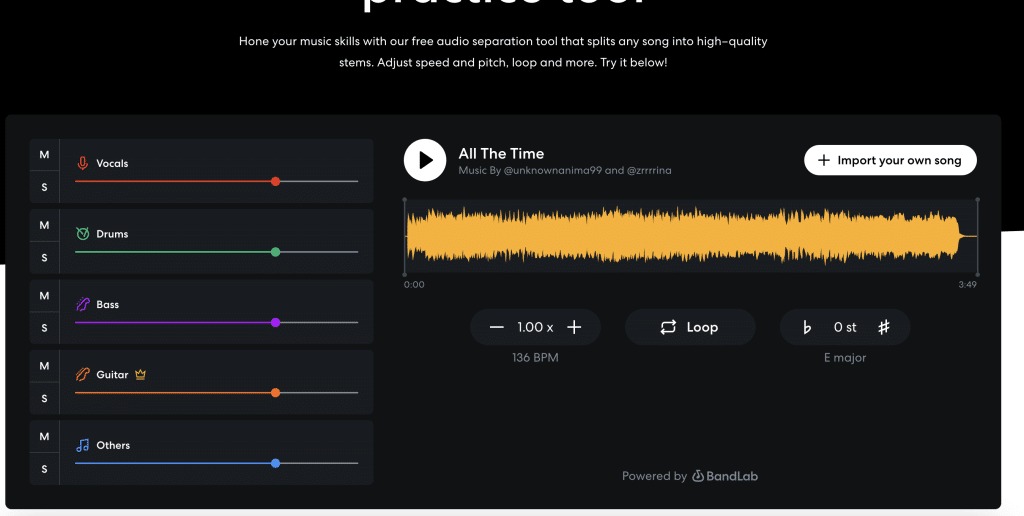
BandLab documents ways to download mixdowns and individual tracks. Stems keep the sounds but may leave MIDI notes, plugins and automation behind, so a song rebuilt from stems offers fewer editing options than its native project.
Plugins, built-in sounds, and permission to release music
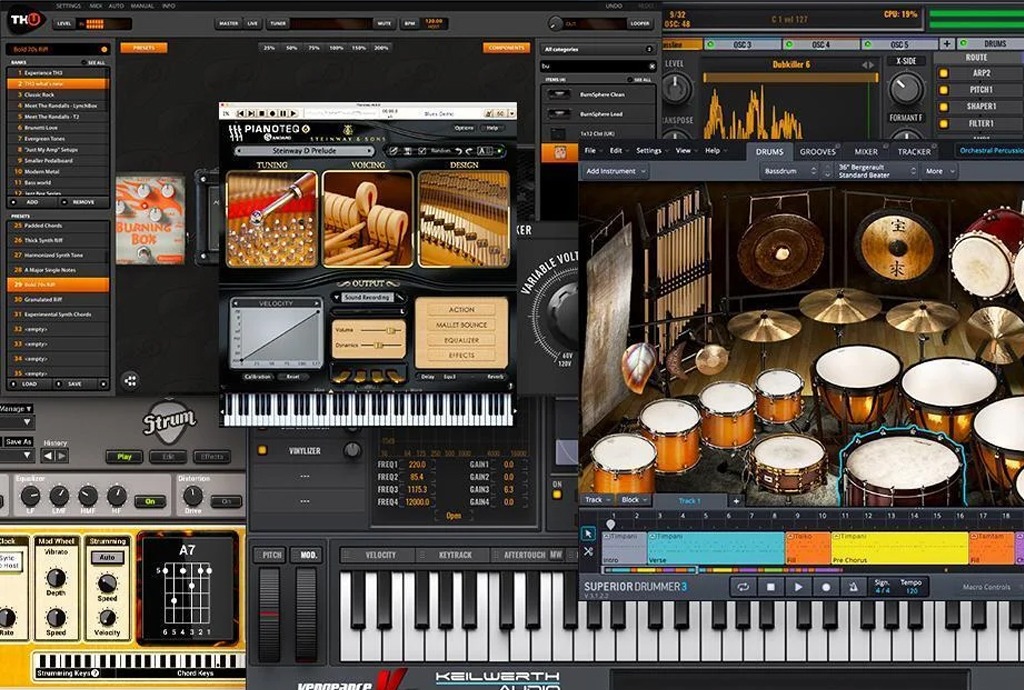
Free software, a plugin’s license and a sound library’s usage rights are three different things. Included instruments may be enough for your first recording. A trial synthesizer or third-party loop adds its own restrictions.
VST, VST3 and AU plugin formats depend on the host application, OS and plugin version. A DAW that accepts third-party plugins won’t necessarily run every plugin or handle every trial limitation.
Using included sounds in a released song
BandLab’s published terms separate using BandLab Sounds in original compositions from redistributing the raw sounds as isolated assets. Apple provides terms for the sound libraries included with GarageBand.
Say you use an included drum loop under a guitar recording. Uploading that unchanged loop to sell in a sample pack is a different use with different permissions.
For an important project, confirm each plugin’s edition and format. For music you plan to release, read the library’s license terms, especially limits on reselling loops or samples on their own.
Make the choice you can keep using
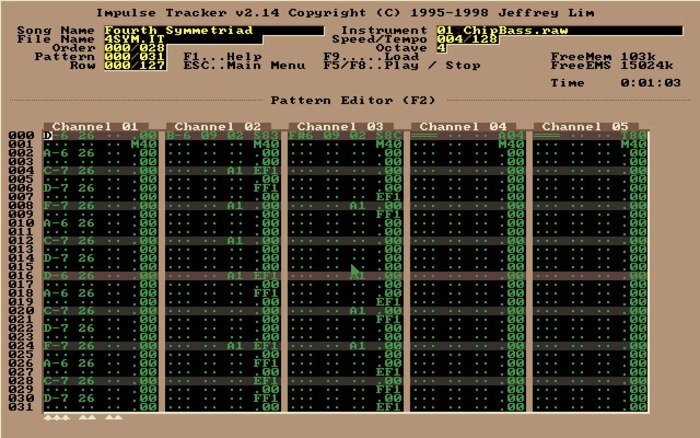
Keep an editable session alongside the finished audio, with the plugin and sound-library details you’ll need for a later revision. For other creative projects, use the choose-by-project approach to decide how much software you need.
Speak Your Mind