A personal phone is not automatically a company-managed device. For BYOD, app-level controls or privacy-limited enrollment may protect work information without full-device management; company phones are another option. Start with the applications employees need, then test what administrators can see and what happens when work data is removed.
A five-person business can face an awkward choice: protect customer files on an employee’s phone without assuming the company owns the phone. It gets harder when the team also uses personal Windows laptops, MacBooks, and company-issued devices.
Pick the management approach first and the product second. Protecting a file inside Outlook is a different job from enforcing operating-system settings across a whole computer. Your choice depends on who owns the device, its operating system, the apps involved, and the controls you must enforce.
Do you need MDM on employee-owned devices at all?
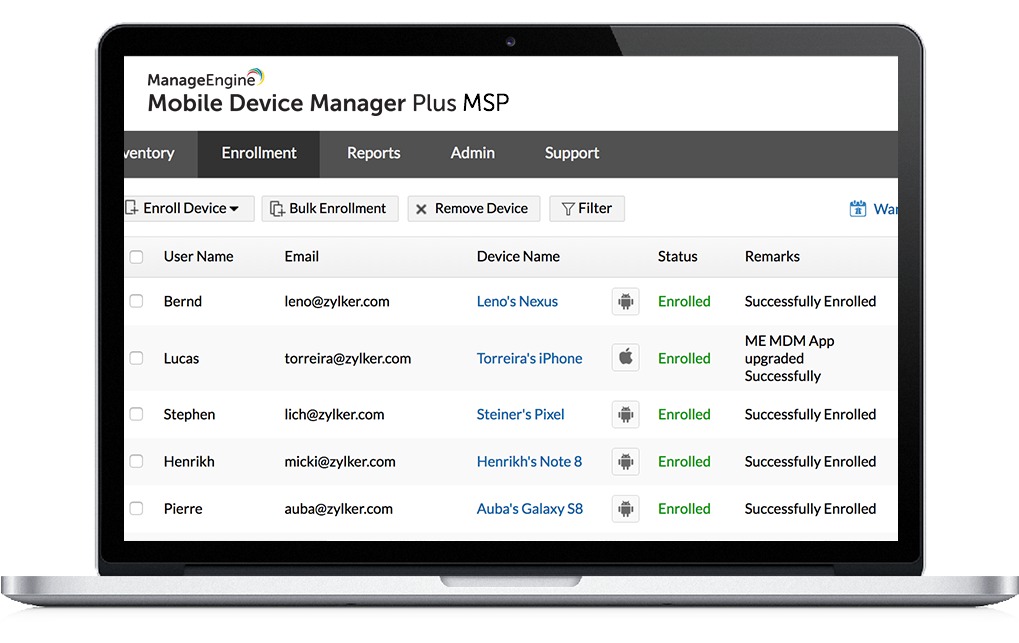
Not always. Start with the work data at risk and the controls needed to protect it. A personal phone used for email may only need restrictions inside managed work apps. A device that must receive configuration profiles, certificates, or organization-wide settings needs more.
Mobile application management (MAM) applies policies to supported work apps. Mobile device management (MDM) manages an enrolled device within the permissions of its operating system and enrollment method.
| Device and work use | What you need | What to use | Skip it if |
|---|---|---|---|
| Personal phone using supported work email and collaboration apps | Control work data within managed apps | App protection without device enrollment | A required application or policy is unsupported |
| Personal iPhone needing managed settings | Apply permitted BYOD configurations | Apple User Enrollment | Required controls exceed User Enrollment powers |
| Personal Android phone | Separate managed work apps from personal use | Android Enterprise work profile | Required policy needs wider device management |
| Company-owned device | Enforce device-wide configuration and security | Supported corporate enrollment | The intended edition or enrollment mode lacks a mandatory control |
If you must push a Wi-Fi or VPN profile, a certificate, or an operating-system configuration, app protection won’t do it. The phone needs enrollment, or the company needs to issue its own hardware.
Record the ownership, operating system, work apps, and must-have device controls for each type of endpoint. Treat company-owned devices that allow personal use as their own category, since admin capabilities there can be broader.
What can an employer see on a personal device?
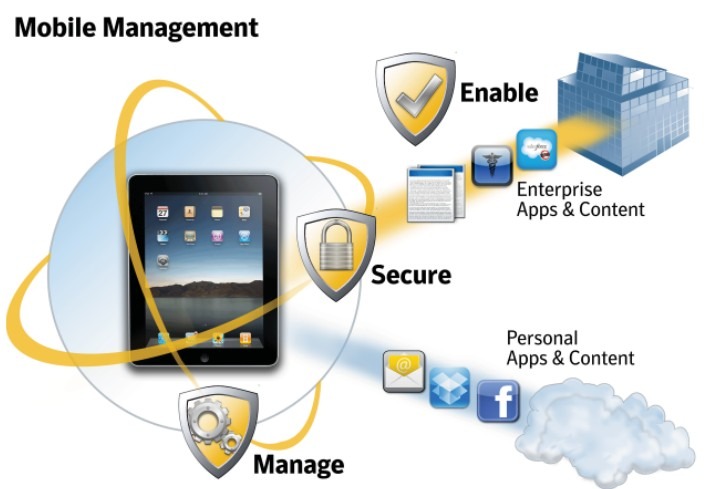
For Microsoft Intune, the answer is more specific than “an administrator can manage a device.” Microsoft’s device-visibility guidance separates what organizations can see from the personal content they cannot see through Intune.
| Employee question | What Microsoft documents for Intune |
|---|---|
| Can IT read my personal messages or see private photos? | Intune does not expose personal text messages, photos, or the content of personal documents to the organization. Other company apps and services have their own activity data. |
| Can IT see information about the device? | Device model, serial number, operating system, and other device properties can be visible. |
| Can IT see my browsing history? | Intune management does not expose personal browsing history. Managed browsers and network services are separate systems. |
| Can IT find my personal phone’s location? | No. Intune administrators cannot view the location of a personally owned device through Intune. |
| Can IT erase data? | Available actions depend on ownership, platform, enrollment, and assigned permissions. App-data removal and full-device wipe have different consequences. |
That covers Intune only. Other endpoint agents, work apps, and company networks collect their own data.
One IT contributor said that explaining the scope of management changed how employees reacted:
We went down this path and honestly the biggest shift was moving from “device control” thinking to “data control.” MDM on BYOD can get messy fast if you try to treat personal phones like corporate ones. What worked best for us was sticking to MAM-style policies (Outlook, Teams, etc.) with app-level protections. Way less resistance from users and fewer weird edge cases compared to full device enrollment. Biggest challenge wasn’t technical, it was trust. People hear “MDM” and assume you can see everything. Being very clear (and even showing them) what you can and can’t access made a huge difference.
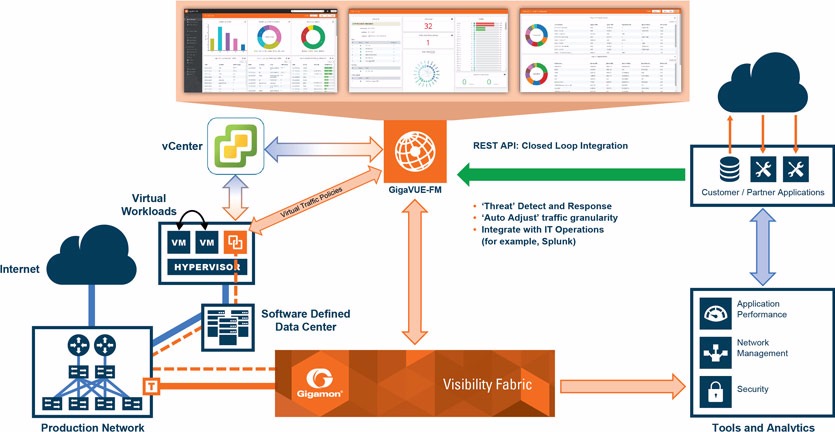
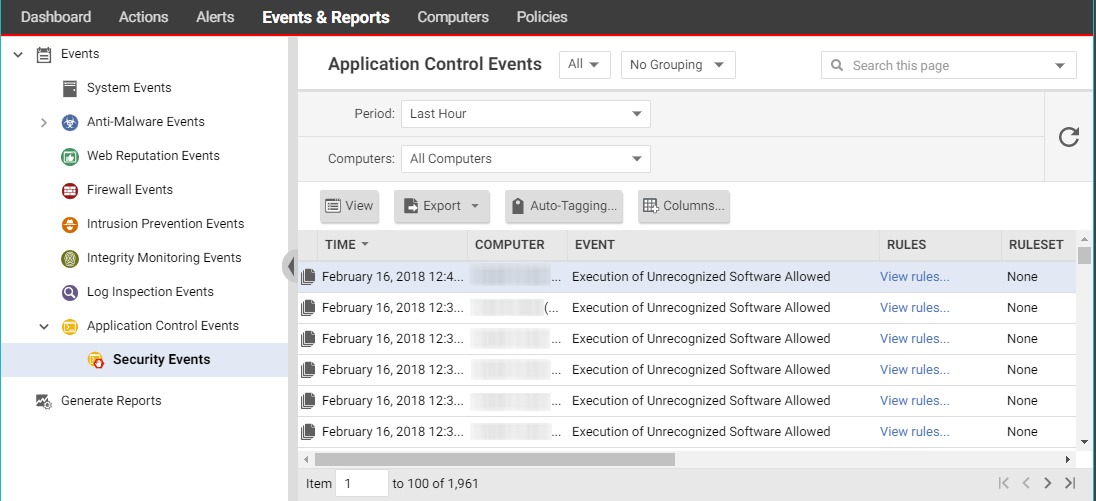
Before rollout, show employees the enrollment disclosure and the real management-console view on test hardware. Give them a short explanation of what the console shows and what admins can do. They then see your actual setup, not just a promise.
MDM and MAM: where app protection works
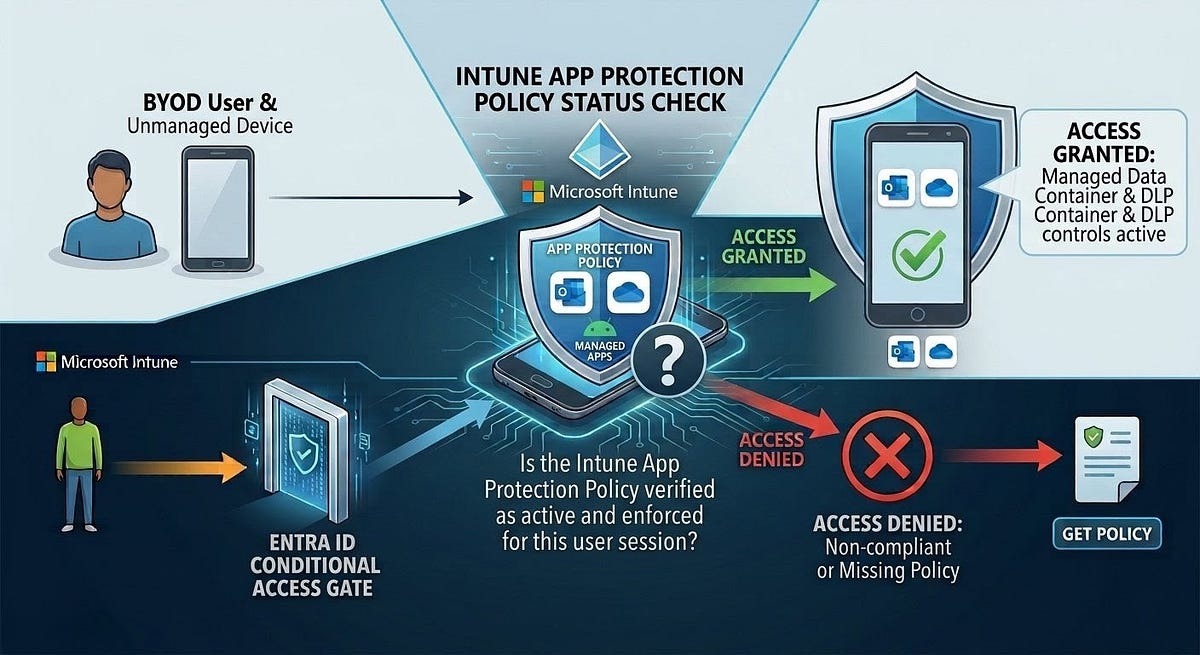
Microsoft Intune app protection can govern organizational data in supported apps without enrolling a phone in device management. Its app-protection overview describes access requirements and restrictions on data movement, depending on app, identity, and platform support. For Microsoft 365 apps on Android, Microsoft Entra ID device registration is required even without MDM enrollment, and Conditional Access can enforce the relevant protected-app access conditions.
On supported mobile setups, a team using Outlook or Teams can set app access requirements, restrict moving work content into personal apps, and selectively remove corporate data.
Microsoft also documents Windows MAM for Microsoft Edge. It covers less than the mobile Outlook and Teams examples and does not extend to every desktop app.
Test app protection with a real task. Open a work email, open an attachment, try a restricted transfer to a personal app, then sign out. Write down what the policy blocked and which apps it doesn’t cover. That tells you whether app-only management is enough.
How BYOD differs across iPhone, Android, Windows, and Mac
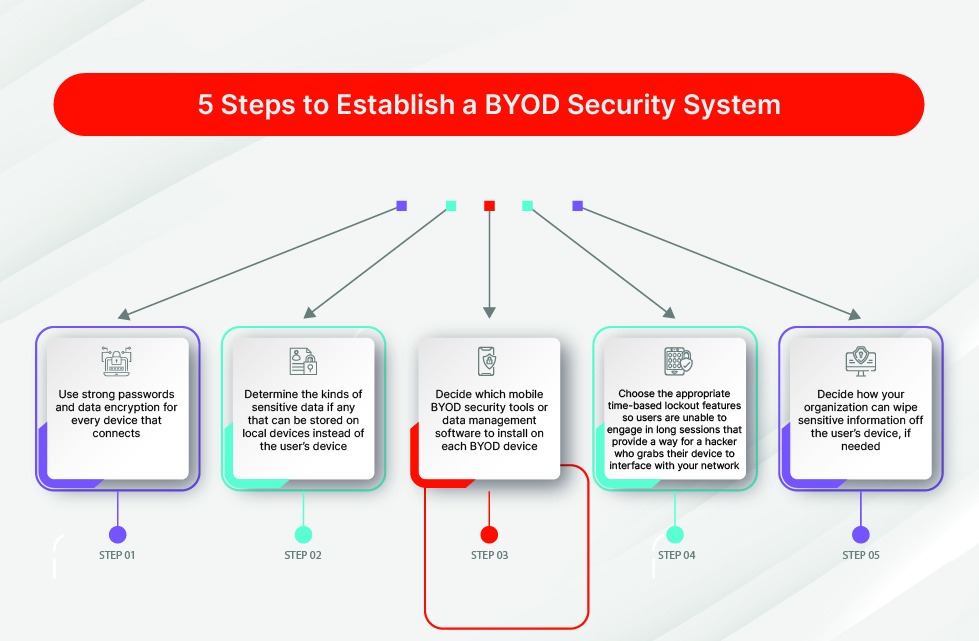
Apple User Enrollment limits admin capabilities on supported personally owned devices. Broader Apple Device Enrollment is a separate method with different powers.
Android Enterprise supports a personal-device work profile that keeps managed work apps and data in a separate work area. Company-owned Android setups carry other management and removal permissions.
| Endpoint | Management mode to look at | Deciding detail |
|---|---|---|
| Employee-owned iPhone or iPad | Apple User Enrollment when supported | Managed account, operating-system support, and limited admin actions |
| Employee-owned Android phone | Android Enterprise personal work profile | Work-profile policies and what work-data removal covers |
| Employee-owned Windows laptop | Supported app access controls, endpoint protection, and possibly device management | Windows Edge MAM scope; patching, EDR, and RMM needs are separate |
| Employee-owned MacBook | Supported macOS access and enrollment methods | Which business data and settings can be managed or removed |
| Company-owned endpoint | Corporate enrollment | Ownership and enrollment can allow broader controls |
On an employee-owned Windows or Mac laptop, spell out who handles security updates and whether IT may install an endpoint agent.
One MSP admin asked exactly this on r/msp:
How do you, in particular Small MSPs, say less than 1000 Endpoints, manage clients with staff who use their computers for email and SaaS platforms? We’d like to at least manage patching and security, throw our EDR, and make sure the system is patched, but don’t really want to have our RMM on an employee owned device. What do you do?
For a mixed fleet, compare enrollment rules, identity requirements, device posture, data-removal capability, and vendor support for each operating system. An Android work-profile guarantee does not carry over to a Mac or Windows laptop.
Retire, selective wipe, or factory reset: know what disappears
A remote removal command can wipe the business’s data and the owner’s personal data alike. What happens depends on the exact action, ownership record, operating system, and enrollment method. Related reading: what happens when the system fails.
| Operation | Documented result |
|---|---|
| Intune app selective wipe | Removes organizational data from supported protected apps when those apps next run. |
| Intune Remove/Retire | Unenrolls management and removes organizational management data according to the platform. This is separate from a factory-reset command. |
| Intune Reset/Wipe | Can erase device data and restore the device to its reset state. |
Android Management API WIPE on a personal work-profile device |
Removes the managed work profile. |
Android Management API WIPE on a company-owned device |
Factory-resets the device. |
Android Management API RELINQUISH_OWNERSHIP |
Supports the documented ownership-transfer process while preserving eligible personal data. Applies to eligible company-owned, personally enabled devices. |
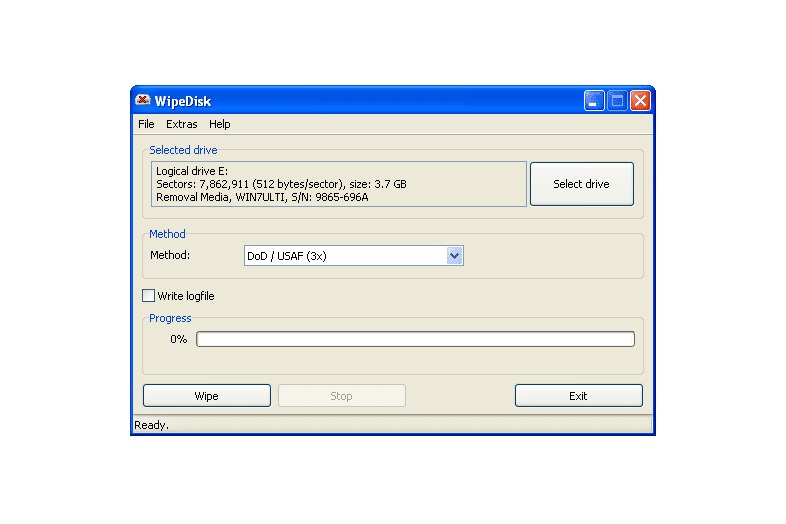
After an Intune selective wipe, data already copied or synchronized outside the protected app can remain.
The Android outcomes above come from Google’s Android Management API deprovisioning guidance. Other management products may use similar names for actions with a different scope.
One Reddit admin got an unpleasant surprise after an Intune unenrollment:
So we found a fun thing yesterday. In Intune, the default settings allow for users to un-enroll any device that is registered to them, included their company-owned device. When you un-enroll a device in Intune, it automatically wipes it and sends it back to the OOBE! It’s real fun when the user is remote, lol You can create a policy that only lets admins in-enroll devices, but it’s not the default.
Microsoft documents Remove/Retire and Reset/Wipe as two separate actions. The post describes one deployment, not the documented general rule.
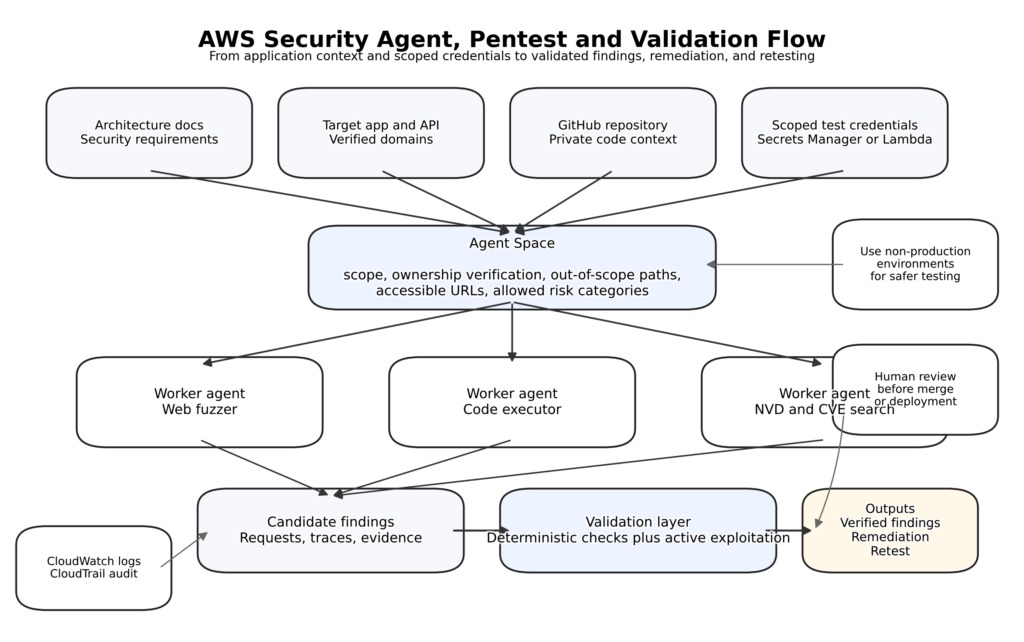
Rehearse offboarding on a dedicated, backed-up test device containing synthetic personal and work data. Record the command, operator role, enrollment mode, initial state, and observed effect on each data set. Never run a destructive test on an employee’s real personal device. Also see: what can each enrollment mode control.
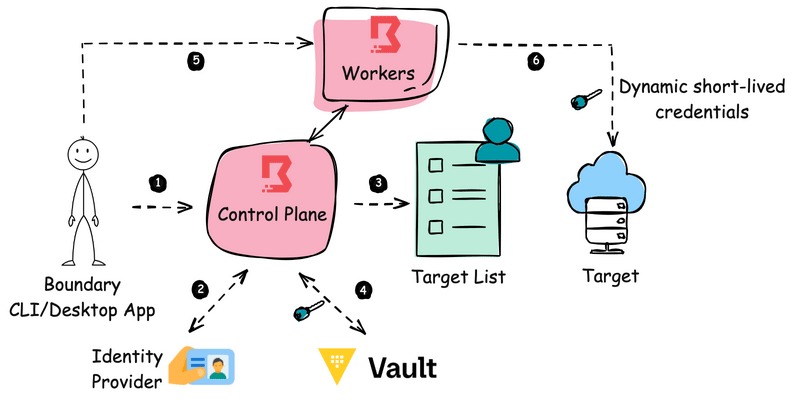
With Google’s Android Management API enterprises.devices.delete, deleting the server record and wiping the device are two separate events. If the device stays offline for more than 30 days, the documented wipe instruction will not reach it, and local work data can remain.
When you can’t reach a device, restrict organizational account or session access separately from device-side cleanup, and keep a record of which action succeeded. A console record disappearing does not confirm that the device erased its data.
How to shortlist MDM for a small business
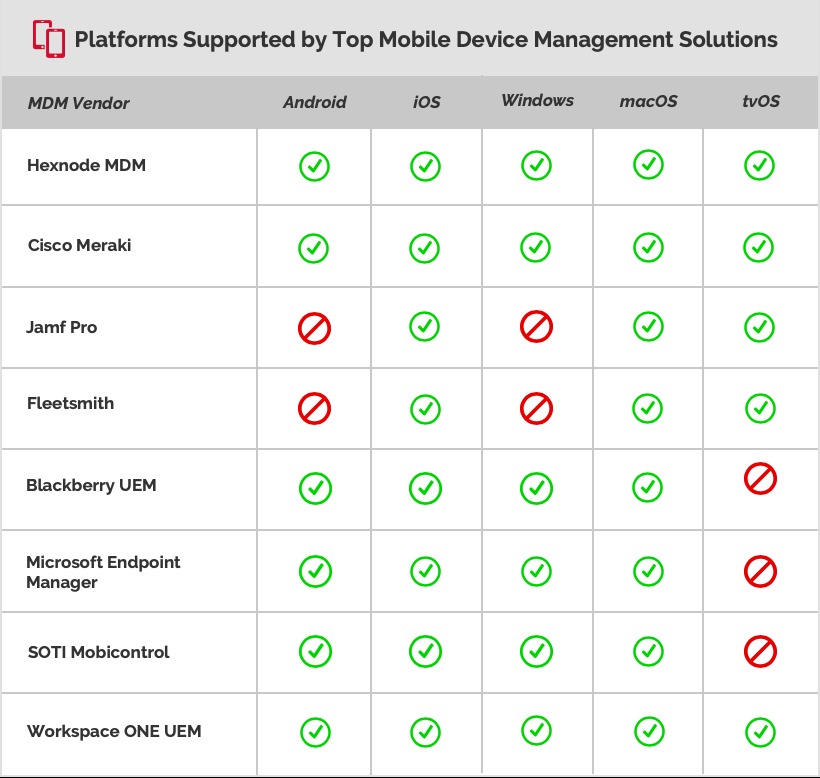
Choose vendors by the management mode they can demonstrate for your operating systems and existing identity environment. Microsoft Intune, Jamf, Hexnode, ManageEngine, JumpCloud, and Miradore are worth checking. The list is not a ranking, and none were tested firsthand.
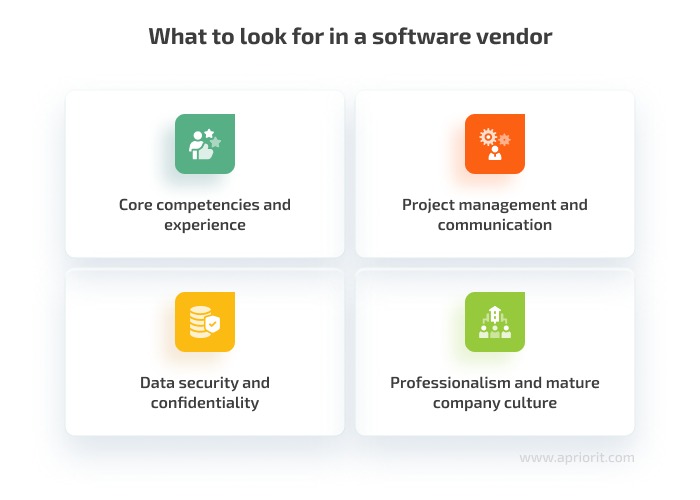
For each candidate, check that the required edition supports the device’s ownership and enrollment mode. Then compare work apps, identity integration, administrative roles, setup workload, and support arrangements.
- Enrollment: Confirm the personal or corporate mode for each operating system you actually use.
- Work access: Check which apps and identity conditions the protection covers.
- Admin controls: Look for separation of sensitive permissions and an activity record.
- Removal: Ask the vendor to demonstrate the documented operation on a matching test setup.
- Support burden: Count the time and skill needed to maintain the setup.
A small startup asked for a Windows MDM that stays simple as the fleet grows:
We’re a small startup and need recommendations for a Windows-focused MDM. Right now we have 4 ThinkPad E14’s (i3 Gen 7), and we’ll likely scale to around 15 laptops in the next 4–5 months. Looking for something simple to set up and not overly enterprise/complex.
That startup used Google Workspace rather than Microsoft 365, so its shortlist had to account for identity integration and any separate Microsoft licensing.
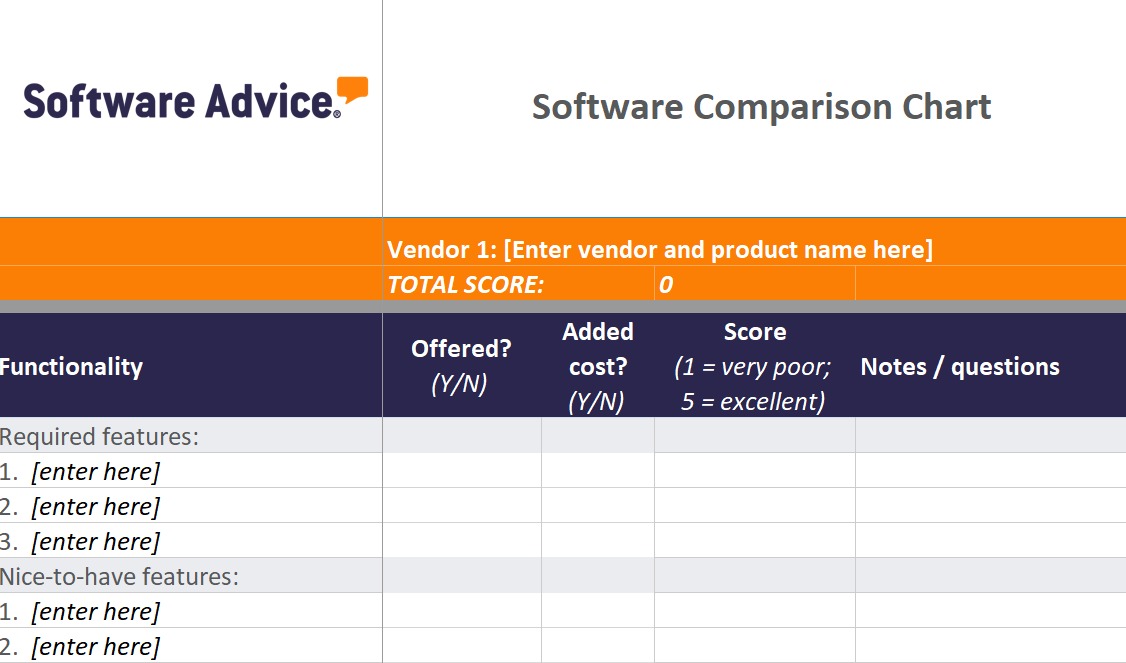
The same poster also wanted software deployment, patching, web filtering, data protection, and remote access. Those span several endpoint-management categories, so run every vendor through the same demo before committing to a bundle.
Mark each mandatory control pass, fail, or unverified. A product that fails a required enrollment or removal condition drops out, with no need for a feature score. Related reading on provisioning, identity, and access: the SSO acceptance-test procedure.
What does small-business MDM cost?
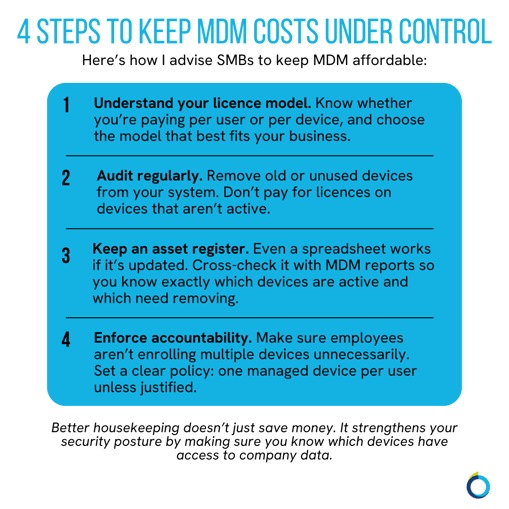
Cost out the exact billable unit (user or device), the term, and any minimum commitment. Microsoft Intune Suite is an add-on to the relevant Intune Plan 1 entitlement, and a Google Workspace subscription does not by itself make you eligible for either Microsoft product.
For illustration, model a five-device and a fifteen-device fleet over 12 and 24 months: billable quantity × unit price × billing periods + setup + required add-ons + support + training. Leave prices blank until you have the vendor’s US plan terms. If personal-device management would need unacceptable permissions, add the cost of employer-owned hardware as an alternative.
Pilot the policy before enrolling employees
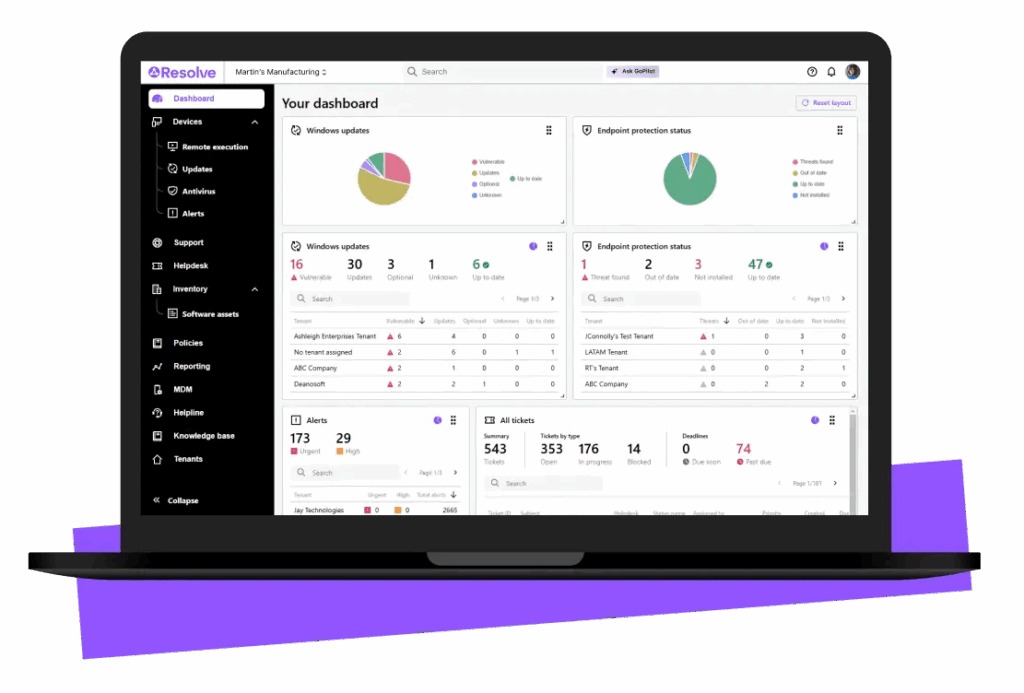
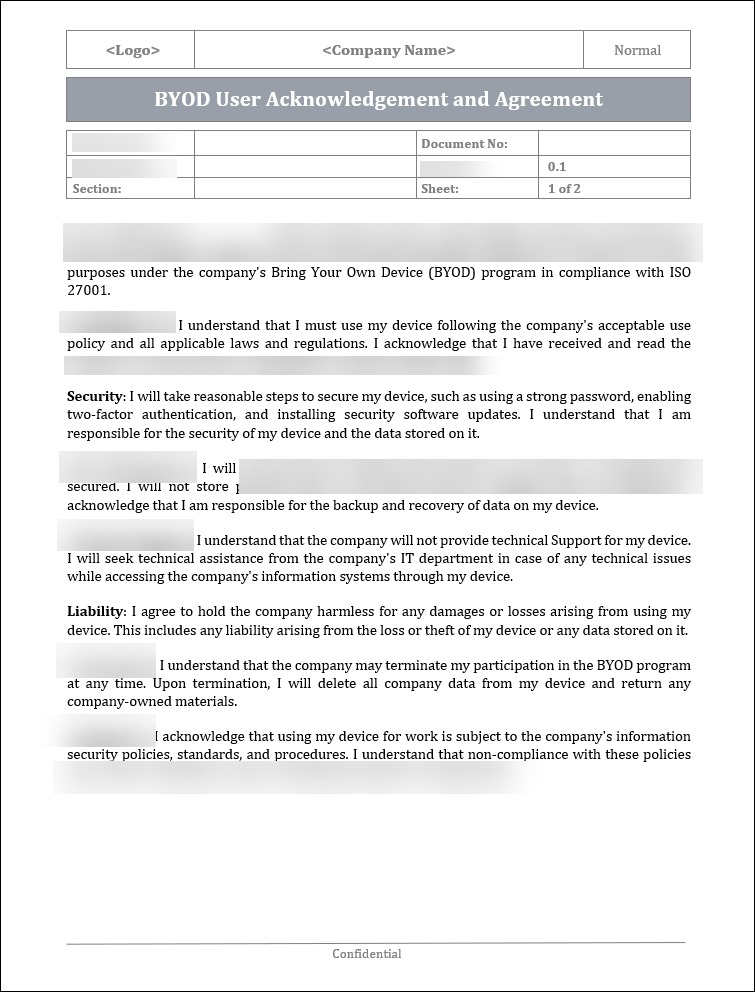
A workable BYOD policy says what happens to work information and what the device owner agrees to. Explain the chosen controls in plain terms before asking staff to enroll personal equipment.
- Work boundary: Name the apps and business data the policy covers.
- Privacy statement: Describe what IT can view in the selected management mode.
- Choice and support: Explain the alternatives and who handles access or enrollment problems.
- Departure: State which access is revoked and which removal operation applies.
NIST SP 800-124 Revision 2, finalized in May 2023, covers organizational and personally owned mobile devices across deployment, use, and disposal. Its lifecycle approach supports assigning responsibilities for the whole period in which company data is accessible.
A BYOD rollout needs employee understanding as much as technical enrollment. The trial should make clear what remains private and how work access ends when a device leaves the program.
Speak Your Mind