A missed customer follow-up calls for a different tool than a broken dispatch schedule or an unreconciled invoice. Identify the job that is failing before comparing software categories. Your existing tools may already handle it; when they cannot, try a narrowly suited replacement on that task and confirm that your records can leave with you.
Similar symptoms can have different owners. Follow the record to the person who should act next: a sales lead, a service assignment and an accounting entry need different systems of record.
Which type of business software fits the job?
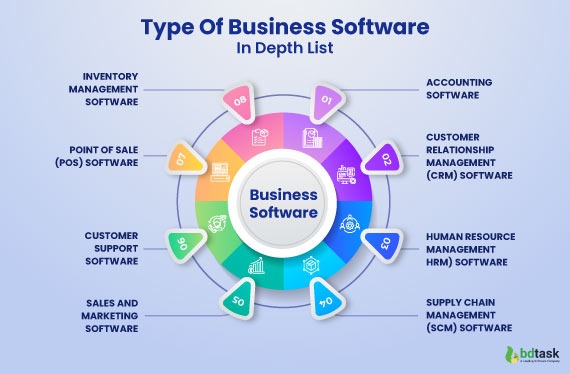
Use the table to match the failing work to a software category. IT problems require their own distinction: for enrollment, patching and Windows-device control, see how to match the problem to a software category.
| What is going wrong? | Primary task | Software category | First capability to check |
|---|---|---|---|
| Leads get lost or follow-ups lapse | Track customers and sales activity | CRM | Contact history and assigned follow-ups |
| Tasks have no clear owner | Coordinate work and deadlines | Project management | Assignments and dependencies |
| Technicians miss visits or job updates | Dispatch and complete field work | Field service management | Job status, dispatch and mobile use |
| Appointments collide | Manage time and availability | Scheduling | Booking rules and calendar visibility |
| Transactions are hard to reconcile | Keep the books | Accounting | Ledger and reconciliation workflow |
| Checkout and inventory disagree | Process sales and track stock | POS and inventory | Transaction-to-stock updates |
| Customer requests go unanswered | Manage support cases | Help desk | Ticket owner and status |
| Staff records and pay tasks are scattered | Manage staff records and payroll | HR and payroll | Role permissions and payroll workflow |
| Team discussions and shared files are scattered | Share messages and files | Communications and collaboration | Message history and document access |
| Staff access and company devices lack consistent oversight | Control access and devices | IT and security | Access controls and device management |
| Marketing messages lack targeting | Coordinate campaigns | Marketing | Segmentation and campaign controls |
If a technician must receive an assignment and close a job, start with field service or job tracking. A sales-follow-up problem points to CRM. When a job passes between two categories, name the information that has to follow it.

Software categories overlap: one system may handle customer records, scheduling and invoices, while another business connects specialist applications. The useful boundary is where one department’s record becomes another department’s work.
A self-described CPA starting an independent practice put it this way:
the thing nobody tells you about going solo: the accounting is the easy part. client management, communication, and organization make or break the practice.
The poster mentioned separate tools for bookkeeping, tax work and client coordination. The phrase business software covers that whole collection. Business management software refers to more integrated systems.
Start with the task that is breaking
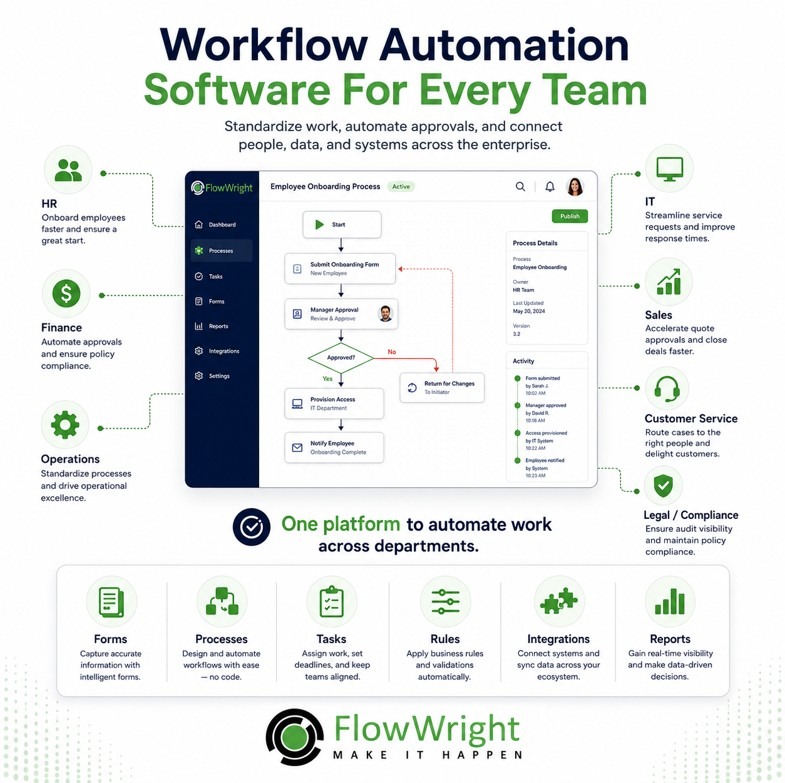
Describe one recurring failure before you look at vendors. Maybe a task takes too long, nobody owns it, or it depends on someone’s memory. On free plans, see when Is a Free Business Software Plan Enough.
A solo consultant who tracked prospects in Google Sheets said follow-ups had slipped. They reported roughly 150 leads and two missed follow-ups.
One of them was a warm lead that probably went cold because I just forgot to check back in. That one stung a bit.
The lost sale is only a suspicion. The reported failure is missed reminders, so the fix is a next-action record the responsible person can see.
Write down three things about one recurring task:
- Current action: Who does the work, and what do they need to know?
- Successful output: What shows the task is done?
- Consequence of failure: What gets delayed, lost or recorded wrong?
For a repair shop, the description could be: “When someone drops off an item, staff need to record it, assign the repair and see when it is ready for pickup. The spreadsheet makes the status difficult to check on a phone.” That points to job tracking, even if the shop also stores customer contact details.
A vague goal such as “modernize operations” makes almost every product look suitable.
Keep the spreadsheet, add a focused app, or use an integrated suite?
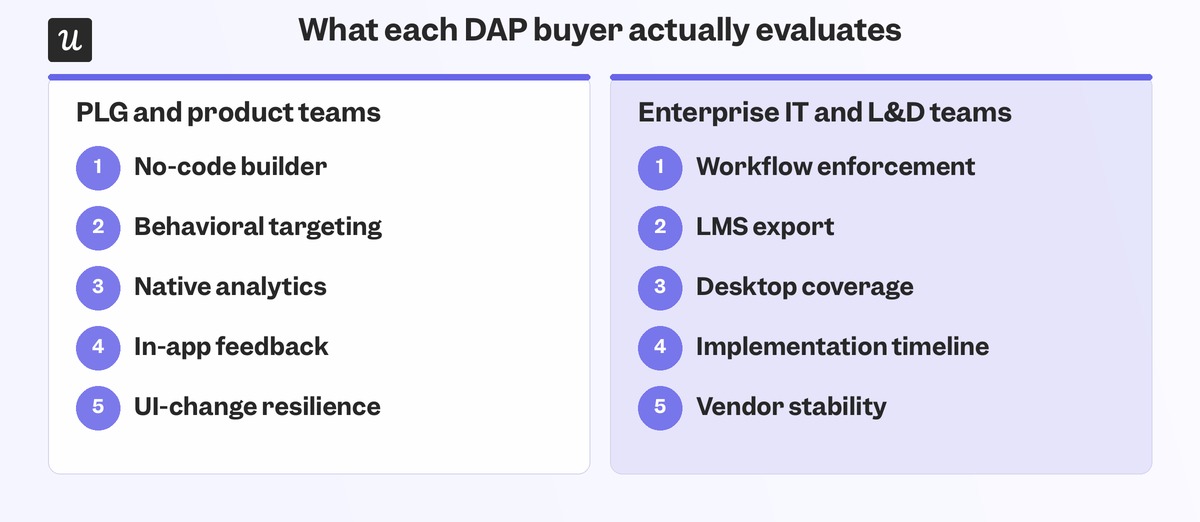
Keep an existing spreadsheet or paid application if it does the work and your team can maintain it. One recurring failure justifies a focused addition. Repeated handoffs across functions justify a connected stack or an integrated system.
| Situation | Decision | Reason |
|---|---|---|
| Existing tools handle the work reliably | Keep | Nothing is broken |
| A paid-for feature can fix the problem | Configure | You already pay for the capacity |
| One important task repeatedly fails | Add a focused app | Fixes one specific process |
| Apps duplicate records or require repeated entry | Consolidate | Removes overlap and repeated entry |
| Shared data must travel across several functions | Consider a suite | One workflow runs end to end |
| Critical requirements are undefined or unmet | Defer | Avoids locking in a poor fit |
For a service company, one app that handles intake, appointments, work orders and invoices cuts duplicate entry. A consultancy with manageable sales activity and a separate project-delivery process is better served by focused applications. The way information moves through your work decides it.
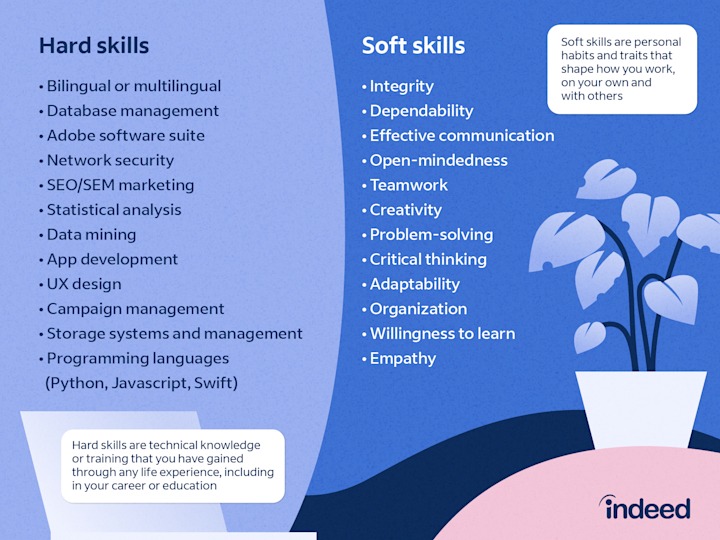
A suite gives you shared records and fewer integrations. It also brings its own permissions, training, configuration and contract choices. Specialist tools are easier to evaluate one task at a time, but you have to manage the connections between them.
Audit your current subscriptions before you add another
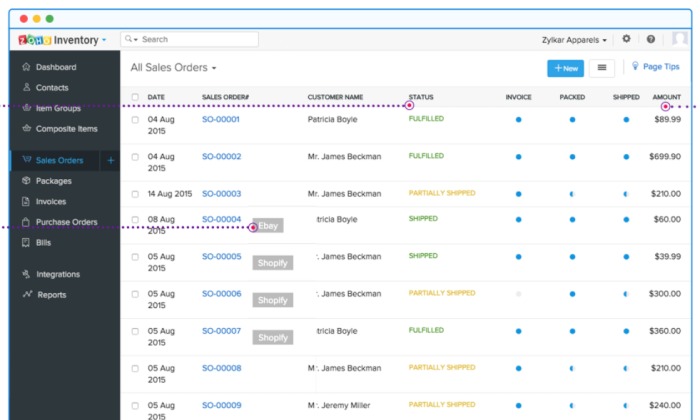
Before adding a recurring charge, list what the company already pays for. Separate purchases by different employees leave overlapping functions and unused seats in the same budget.
An operator of a two-person business in the UK checked subscriptions and direct debits after assuming the total would be modest:
genuinely thought it would be like 200 quid. sat down and went through every single subscription and direct debit.
Build the same list for your company. For each subscription, record:
- Purpose: The task it supports and any overlap with other tools.
- Paid seats: Billed users, and whether each account is used.
- Contract: Billing frequency, renewal timing and cancellation terms.
- Required edition: The tier that includes the feature you actually need.
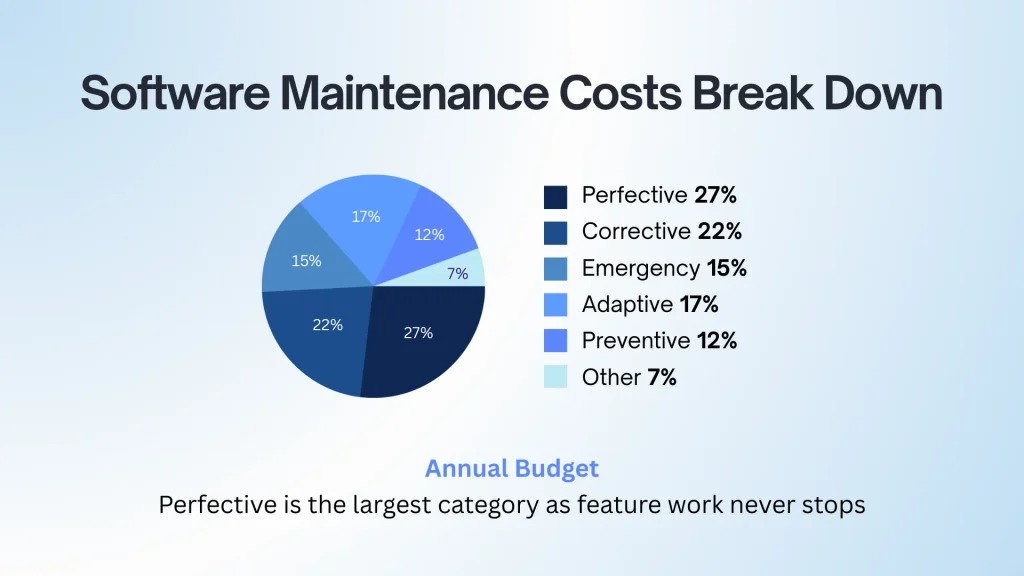
A new application can bring onboarding or consulting fees, data migration, paid connectors, storage charges, payment processing or additional seats. A 12-month or 24-month estimate separates one-time setup expenses from recurring charges. The detailed calculation of setup expenses, recurring charges, and user seats is in the software ownership-cost guide.
Reject the wrong software before you make a shortlist
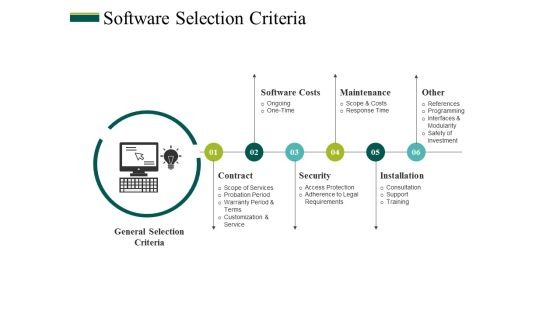
Cut products that can’t do the required work before you compare extras. Two or three must-pass outcomes make a manageable first screen. The screening criteria are in five communication-software deal-breakers.
Take a small service business evaluating job-management software:
| Required outcome | Qualification check | Reason to reject |
|---|---|---|
| Each job has an owner | Can you assign a worker and see who it is? | Assignment is unavailable |
| Staff can update jobs on a phone | Can staff change a job’s status from a phone? | The mobile workflow can’t be completed |
| Customer and job records remain accessible | Is a usable export available for key data? | Critical information can’t be retrieved |
Mark each check pass, fail or unclear. A product that fails a mandatory task leaves the problem unsolved, whatever its optional features. Apply the same checks to every candidate, then keep a short list for a real trial.
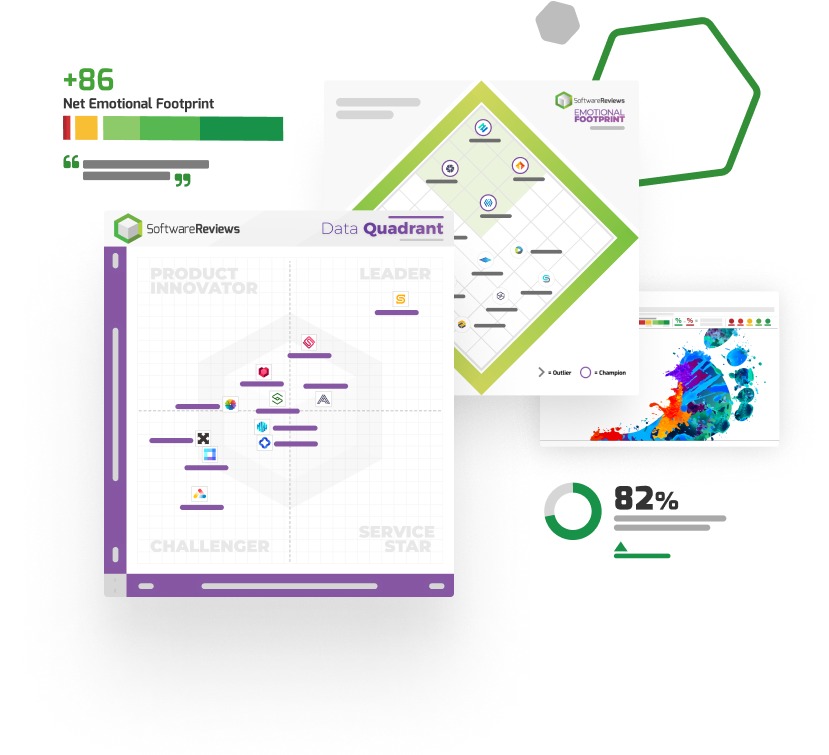
Ratings and awards help you find candidates. G2’s small-business software awards draw on review and market-presence methodology across software categories. They don’t test the exact task your team needs to perform.
For a fuller screening method with requirements, workflow tests and weighted scores, use the software evaluation scorecard. A software buying guide helps structure the wider comparison.
Test the real workflow and the person who will use it
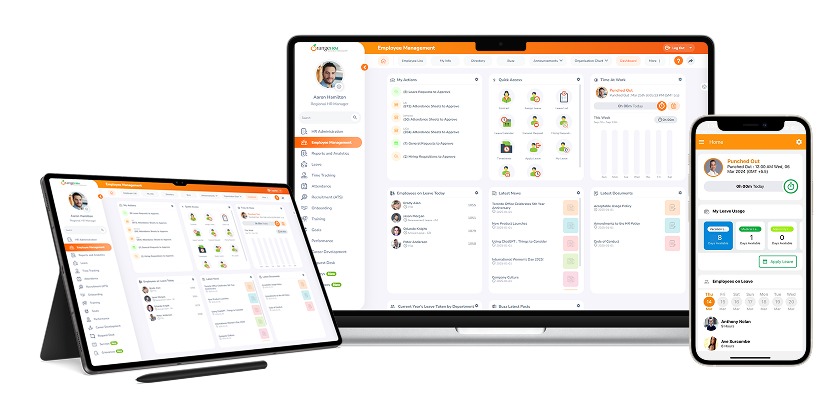
A meaningful trial is a normal job completed by the person who will use the software every day. A vendor demonstration shows what the interface can do. Your employee’s trial shows whether your business can make the process work.
One small-business poster described a difficult move from QuickBooks to NetSuite as the company expanded:
The implementation has been a nightmare, nobody on my team understands how to use it, and our books are completely screwed up.
It shows why staff readiness matters before a large commitment.
Use a representative task with non-sensitive sample data. In a CRM trial, one employee creates a contact, records a conversation, assigns a follow-up, marks it complete and shows the history to a colleague. In a field-service trial, the task covers the incoming request, the assignment and the completed job. For incoming email and ticket creation, see the answer to “Will incoming email create the right ticket?”.

Watch whether the user finishes the task, where they need help and which administrative steps remain. A missing critical function is a reason to stop. Accounting implementations also need an owner who understands reconciliation and the required records before go-live.
The trial succeeds when your intended users can do their essential work within the support and training you can provide.
Check integrations, data ownership, and the exit route
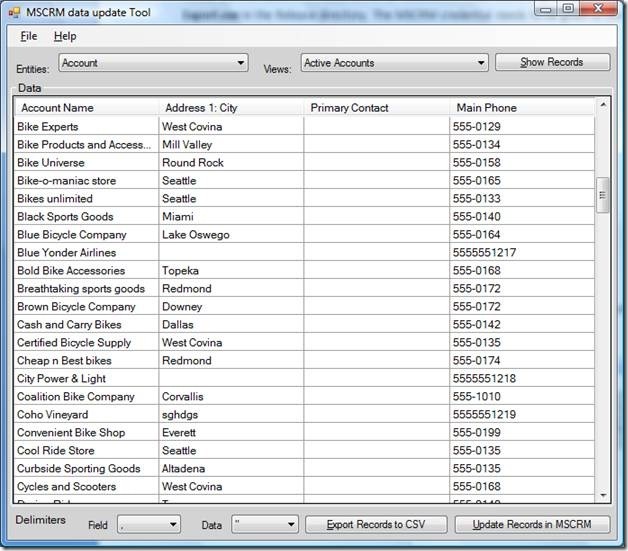
An import feature or integration listing is a starting point. The harder question is whether your records, identifiers and history arrive in a usable form.
In a September 2024 HubSpot Community discussion, a user importing organizations without custom domains ran into a matching problem:
First problem I’m encountering: this import method creates duplicate Company object Company names.
Records without reliable domains or email addresses need another identity field and a deliberate duplicate-handling process. More on data and exit terms is in marketing-data ownership and exit requirements.
Test portability with scrubbed records that include awkward cases, such as missing identifiers. Run these five steps on a small sample:
- Import: Map the necessary fields into the candidate system.
- Match: Inspect identities, relationships and duplicates.
- Export: Retrieve the records, including history and attachments when those matter.
- Reconcile: Compare the sample before and after transfer.
- Recover: Work out how you would restore access or leave the service.
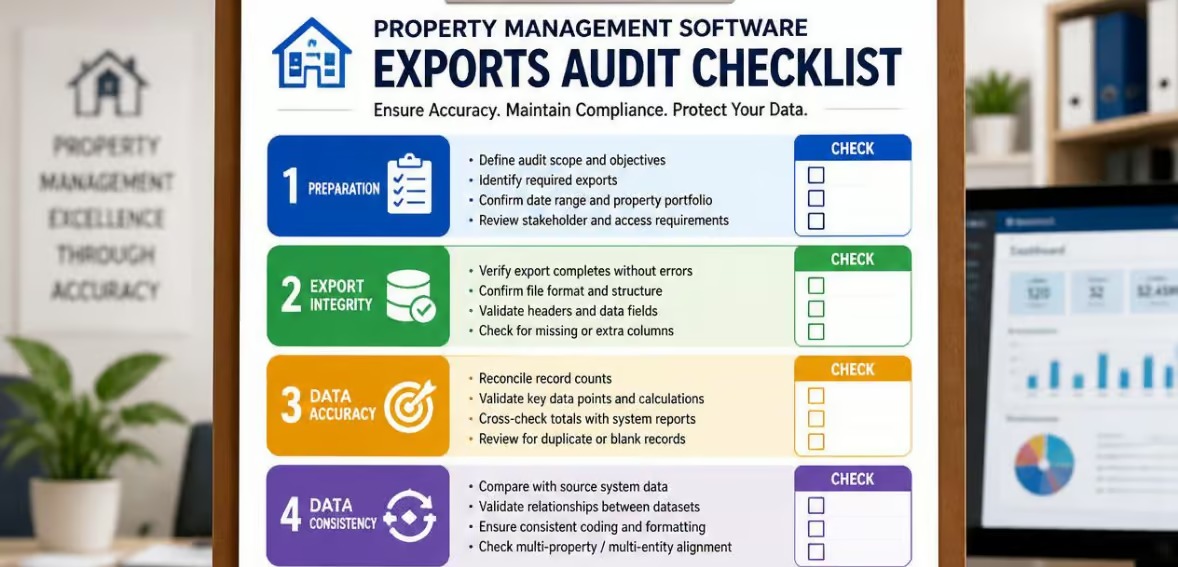
When a job-management app sends invoice information to accounting, the fields have to reach the correct record. User roles, data access after cancellation and retention terms belong in the decision too, especially when the application holds customer or financial history.
For specialized detail on API connections, data exports, and record mapping, use the integration checklist or migration checklist.
Check security, support, and the evidence behind recommendations

The more sensitive the data, the harder you should look at the vendor. Customer databases, payroll information and accounting records do more damage than a low-impact internal note if access or recovery fails.
For a system that holds that kind of data, review the vendor’s documented account protection, roles and permissions, backup and recovery arrangements, retention rules and support escalation options. Match those controls to the people and processes that need access.
In July 2026, the National Institute of Standards and Technology published SP 1326, Due Diligence Assessment Quick-Start Guide, covering ICT supplier provenance, resilience and foundational cybersecurity practices. It is a useful due-diligence reference.
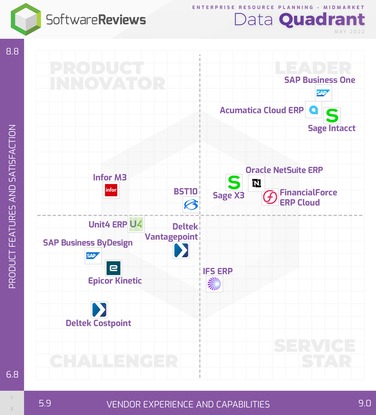
A vendor tells you what the product is meant to do. A customer tells you what happened to them. Your own documented task trial shows how the application behaves under your conditions.
Commercial relationships shape how recommendations are presented. The FTC’s endorsement guidance addresses clear, conspicuous disclosure of qualifying material relationships. When you read a recommendation, ask what it is based on and whether any incentive was disclosed.
Make the decision and open the right guide

The table points to a software category, not a guaranteed product choice. For an industry-specific bottleneck, consult how to test the workflow that keeps the business running to structure the next trial.
Recent Comments