An accounting migration is not finished when the new ledger opens. Beginning balances, unpaid invoices, bank activity and access to historical transactions still have to reconcile. Keep the source records available and delay final acceptance when a material difference has no documented explanation.
A converted balance sheet can look right while a payment is attached to the wrong invoice or a bank-feed transaction appears twice. The individual transaction links matter alongside the totals.
The question that matters is whether each important record has a reliable match in the new system or a documented place in the old archive. You need evidence from both systems, a matching test, and a named person who resolves differences.
| Check | Source evidence | Target evidence | Acceptance test | Failed result |
|---|---|---|---|---|
| Migration scope | Record inventory and chosen conversion route | Import summary and retained archive | Every expected record category is accounted for | Investigate missing or excluded records |
| Source readiness | Reconciled reports and bank statements | Written starting position | Entity, cutoff, period and accounting basis match | Fix the source baseline or explain the difference |
| Opening balances | Closing trial balance and account map | Opening trial balance and balance sheet | Mapped amounts, classifications and signs agree | Trace the affected accounts |
| Receivables and payables | Aging reports and open documents | Customer and vendor open items | Control balances and individual obligations agree | Correct records or allocations |
| Banking | Statements, reconciliations and uncleared items | Account registers and feeds | Transactions match with no unexplained duplicates | Isolate overlapping postings |
| Conditional accounts | Supporting schedules | Target modules and ledgers | Required balances and workflows stay consistent | Escalate the affected module |
| Historical evidence | Invoices, receipts, files and reports | Accessible archive or repository | You can retrieve the original records | Keep access to the source system |
| First operating period | Approved starting position | New transactions and financial reports | Transactions post, reconcile and appear in reports | Investigate operational or completeness failures |
| Approval | Exceptions and supporting documentation | Resolutions and reviewer record | Every material exception has an approved outcome | Hold sign-off |
Every material check needs an explained, supported result. Anything unexplained stays open.
Choose the migration method and set the cutover boundary

Make two separate decisions before you move data: how much history the new system will hold, and how you will run the conversion. The migration-method checklist helps weigh the options against retained history and source-record requirements.
Decide what history belongs in the new ledger
- Opening balances and open items: Start with mapped balances, unpaid invoices and bills, and any other outstanding items the new system requires. Transaction detail stays in the old archive.
- Supported historical conversion: Bring over more transactions if your source-to-target route supports it. Each addition means more relationships, records and supporting documents to validate.
You can run either scope through a self-service process or with a conversion partner. Xero, for example, describes QuickBooks conversion routes with different migration methods and assistance options.
Check what your route leaves behind. In Intuit’s documented US Xero-to-QuickBooks Online conversion, the listed exclusions include file attachments, bank reconciliation history and payroll information. Decide separately where you keep those records.
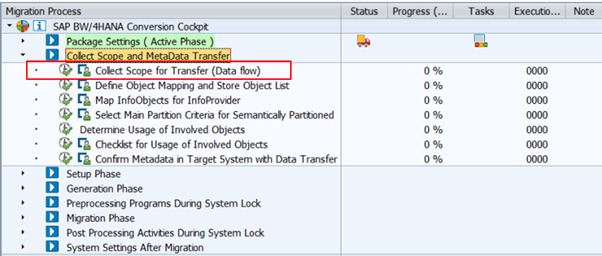
Complete a migration scope card
Write these decisions down in one place before you change the live books:
- Systems and entity: Source software and edition, destination software and edition, legal entity and currency.
- Cutover: The effective date, the accounting basis, and which program accepts new entries from that point.
- Transferred scope: Historical transactions, opening balances, unpaid documents and any excluded categories.
- Retained history: Where the old file, attachments and supporting reports live, and how you will open them later.
- Operational dependencies: Bank feeds, card connections, payment processors, payroll, inventory, tax and recurring transactions, if you use them.
- Ownership: Who controls transaction entry and who reviews the conversion.
Both systems can stay open while you test. Post routine transactions in only one of them, and control test entries and corrections, so the same invoice or payment can’t enter the books twice.
Switching software does not change your tax accounting method. That stays a separate question.
Reconcile the old books and freeze a source evidence packet
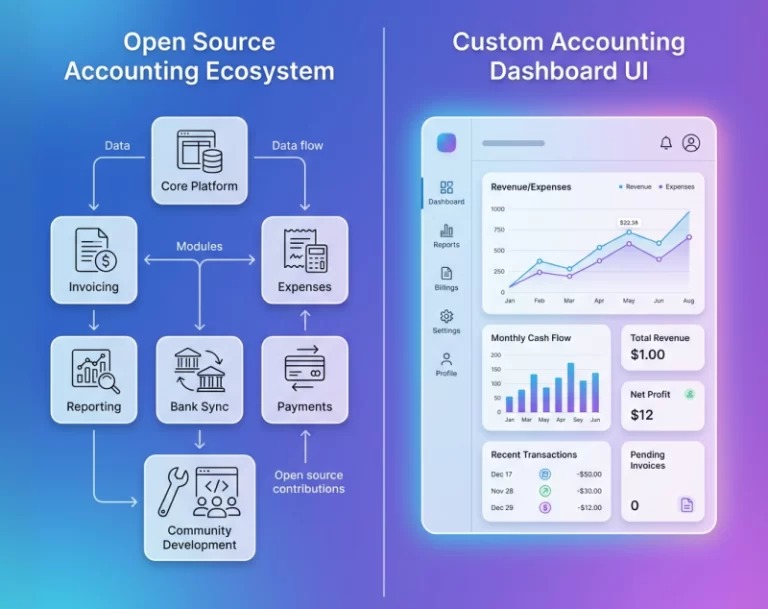
Start from a source position you can reproduce. Find errors and unexplained differences in the old books first. If a known difference is still unresolved, label it in the source record before you begin, so the new software doesn’t get blamed for an old problem.
Reconcile bank and credit-card activity through the cutoff. Identify outstanding checks, deposits in transit, transfers and other uncleared transactions. An item recorded before the cutoff may clear the bank afterward, so record its status as well as its amount.
Preserve the original reporting position
- Trial balance: Account-level debits and credits at the cutoff.
- Balance sheet: Assets, liabilities and equity at the reporting date.
- Profit and loss: Activity for the reporting period, with the accounting basis noted.
- General ledger and chart of accounts: Supporting transactions, account classifications and source identifiers.
- A/R and A/P aging: Outstanding customer and vendor documents at the cutoff.
- Bank and credit-card evidence: Statements, completed reconciliations and outstanding items.
- Schedules: Inventory, payroll, tax, fixed assets and any other material accounts you use.
Each report should show the legal entity, currency, report dates, reporting period and cash or accrual basis, so you can compare it with the new system. Keep an untouched original company file or supported backup next to these exports, and record who approved the baseline. If you are still weighing QuickBooks against Xero, including how each handles bank reconciliation, see which should you choose or keep.
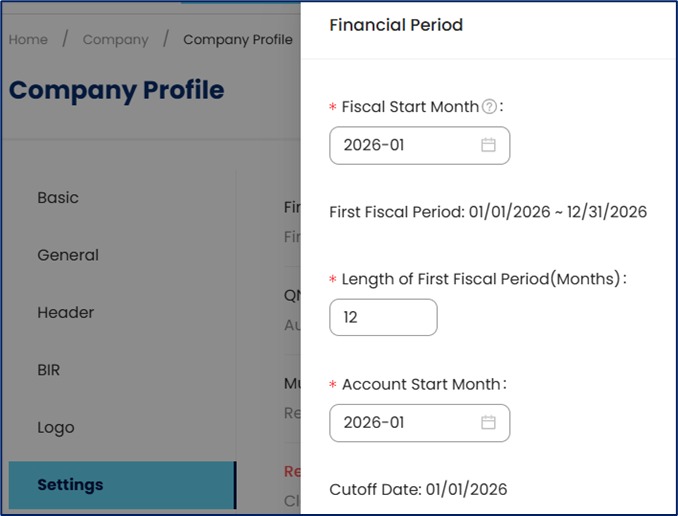
For the documented Xero-to-QuickBooks Online route, Intuit tells users working in cash accounting to compare trial balances on an accrual basis, because the systems can recognize some transactions on different dates.
Name your source packet files consistently, for example Entity_TrialBalance_Cutoff_Accrual_ExportTime. Keep the related source file and note any unfinished period-end adjustments or transactions that must carry into the new system.
Map accounts and reconcile opening balances
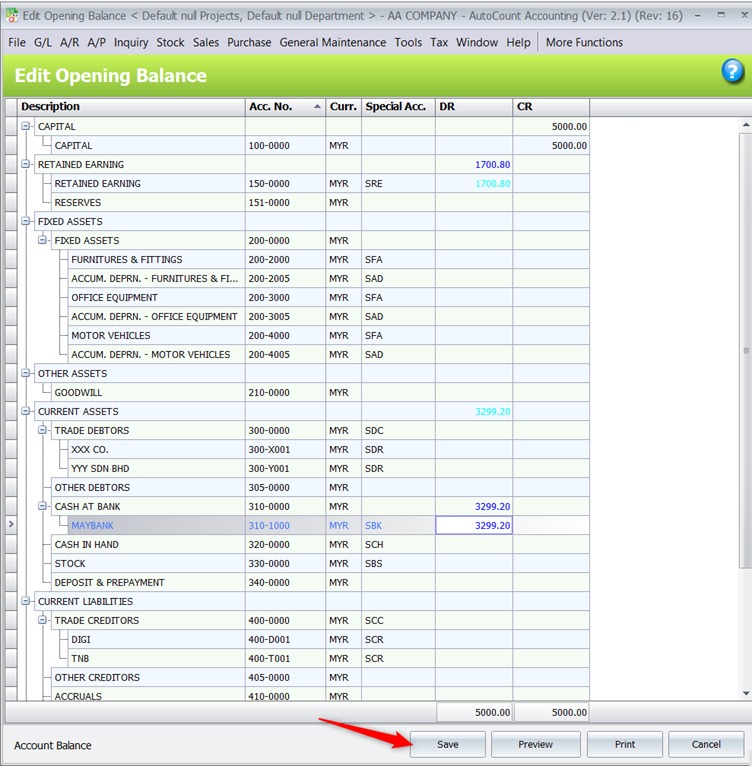
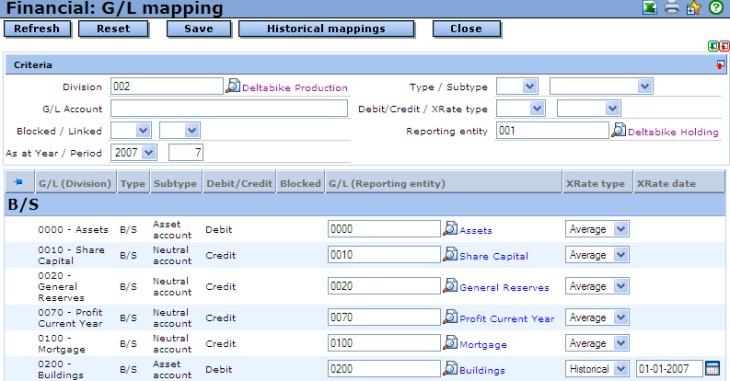
Match the closing balance of each source account to its opening balance in the new system, after applying the chart-of-accounts mapping. Total debits and credits can balance while an individual bank, liability or equity account holds the wrong amount.
Map accounts one by one, or document how an old account is combined with or split across new accounts. Keep classifications, amounts and expected signs intact. For subsidiary accounts, keep the link between the control balance and its supporting detail clear.
| Check | Source reference | Target verification | Investigate when |
|---|---|---|---|
| Cash and credit cards | Closing balance and reconciliation | Mapped amount, account type and sign | Amount or sign differs without explanation |
| A/R and A/P controls | Control-account balance | Destination control amount | It can’t be tied to underlying open items |
| Equity accounts | Closing equity and documented adjustments | Opening equity treatment | A new balancing or suspense amount is unexplained |
| Combined accounts | Source account mapping | Sum of destination accounts | Mapping omits or duplicates an amount |
For each account, write down the source account, the destination account or accounts, the amount on each side, any transformation, the difference and who reviewed it. Log anything you can’t explain in the exception register until you find the cause.
Manager’s starting-balance guidance uses the previous system’s closing balances for the corresponding starting accounts, with product-specific treatment of outstanding transactions and subsidiary records.
Two Manager users ran into opening-balance trouble. One hit it during an internal software-update conversion, the other while migrating accounting records into Manager.
The good manager file correctly had a negative opening balance and the bad manager file incorrectly had a positive opening balance.
…
While Migrating my data at first i took the opening the balances for all balance sheet accounts and for A/P and A/R … i entered opening invoices
In the first case, an internal conversion script flipped the sign of a recorded starting balance. When an opening balance looks reversed, check its recorded debit or credit effect and trace the entry back to its mapped source amount.
Never hide an unexplained conversion difference with a balancing entry to cash, equity or a suspense account. A correcting entry needs an accounting reason and supporting records.
Reconcile open invoices, bills, credits and payment applications
Your accounts receivable and accounts payable control balances must agree with the documents behind them. Check individual obligations and how payments and credits were applied, especially if you transferred only open items.
| Record | Fields to compare | Problem it catches |
|---|---|---|
| Customer invoice | Customer, reference, due date, original amount, balance remaining | Incorrect debtor or invoice balance |
| Vendor bill | Vendor, document reference, due date, amount owed, payment status | Missing or incorrectly settled obligation |
| Credit or overpayment | Party, amount remaining, intended application | Lost, detached or duplicate credit |
| Payment application | Payment reference, linked document, amount applied | Payment attached to the wrong obligation |
Use the source A/R and A/P aging reports from the cutoff. Compare their totals with the new subledgers and control accounts, then match the underlying open documents.
Why an equal A/R total can conceal a payment error
Take a hypothetical customer with two invoices: A for $700 and B for $300. The customer paid $200 against invoice A before migration, so the expected balances are $500 on A and $300 on B, $800 in total.
If the migrated payment lands on invoice B, the new system shows $700 on A and $100 on B. The total is still $800. Only a comparison of invoice-level payment links catches the error. The control total can’t.
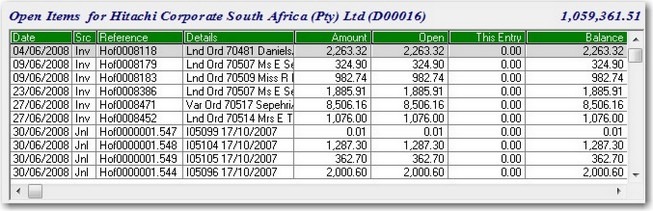
Include partial payments, unapplied credits, overpayments and payments covering several invoices in the open-item review. If an original document ID changes during conversion, record its new ID so you can trace the relationship.
The import route also decides how the new system establishes A/R and A/P balances. If imported open invoices or bills set the control-account totals, an extra opening control entry could duplicate those assets or liabilities.
If you carry billable expenses or work in progress, preserve which customer or job incurred costs before the cutoff when the related invoice goes out afterward.
Reconnect bank and credit-card feeds without duplicating activity
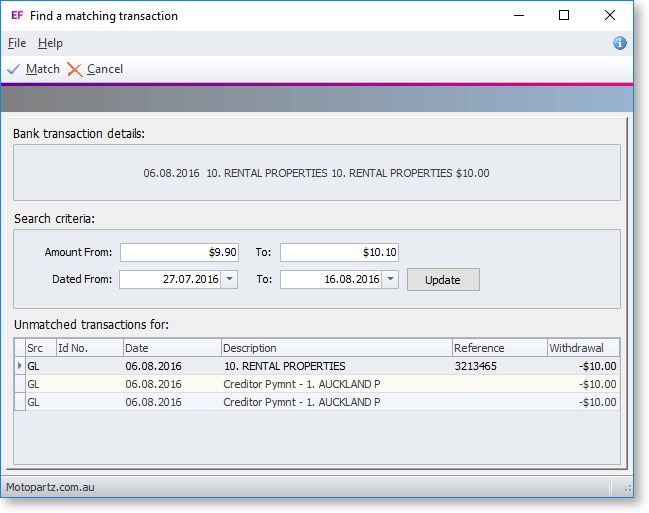
A downloaded bank transaction may match an entry already in the new ledger. Before routine imports post anything, check what the matching action does.
Use the reconciled source register and bank statement to find transactions that straddle the cutoff. Treat outstanding checks, deposits in transit, transfers and credit-card payments as likely overlaps.
Test matching with a known transaction
- Find the existing ledger entry. Note the mapped account, transaction reference, date and amount.
- Compare the downloaded item. Set the bank-feed transaction against the existing entry and the statement.
- Check the proposed action. See whether the software matches the bank item to the recorded entry or creates a new posting.
- Review the register. Confirm the transaction appears once and the reconciliation still makes sense.
- Resolve overlaps. Isolate any duplicate or unmatched item before you extend automated processing.
Transfers between your company bank accounts need extra attention, because both sides of the movement must land in the correct accounts. Multiple cards tied to one credit-card statement can also appear differently in the new account structure.
If an amount looks reversed on screen, use the underlying posted transaction and the bank statement to see the recorded accounting effect.
Inspect conditional balances and operational workflows
If you carry inventory, reconcile quantities, valuations and inventory accounts. Check payroll, sales tax, fixed assets, multiple currencies, classes and locations only if your books use them. Name an owner for recurring invoices, payment integrations and user permissions. Bring in a specialist when tax, payroll or inventory costing needs a professional call.
Prove the archive and original attachments will survive cancellation
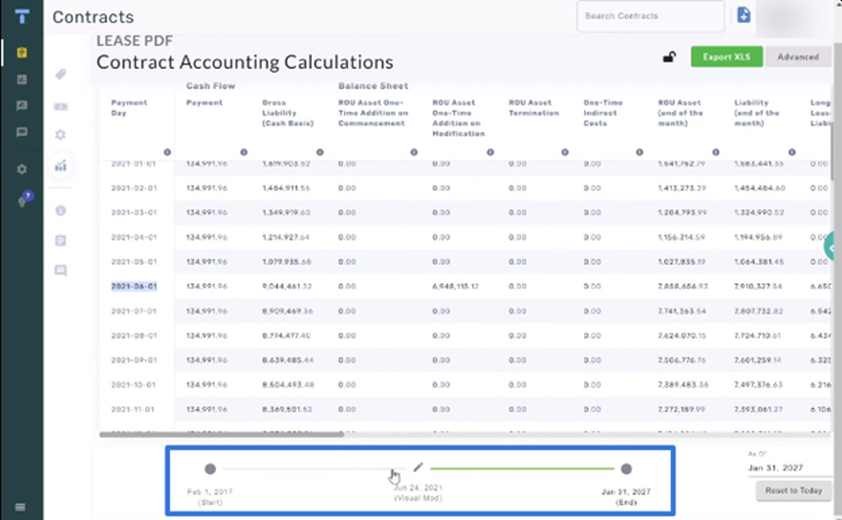
You will need historical access after you stop entering transactions in the old system. A migrated invoice amount and the receipt behind it are different records, so plan retrieval for both.
Decide where each category will live:
- Accounting reports: Historical trial balances, ledgers, financial statements and reconciliations.
- Source documents: Customer invoices, vendor bills, receipts and other originals behind entries.
- Attachments and links: Original files plus enough information to tie each one to its transaction.
- Long-term access: The repository or source application, who may use it, and how they open the records.
Intuit’s attachment guidance covers attachment-migration workflows for QuickBooks Desktop and Intuit Enterprise Suite. In those workflows, migration reports can identify missing, corrupted or unsupported files and links to unsupported record types, including sales orders and individual inventory items.
Try opening the retained evidence
Before you give up access to the old system, pick representative documents from a completed reporting period and retrieve them with your planned long-term method. Open an invoice, its supporting file if it has one, and the report that shows its financial effect.
Record which file you requested, where you found it, which authorized user opened it, and whether it stayed readable. A folder of exported filenames helps only if you can locate and open the records you will need for future accounting and tax questions.
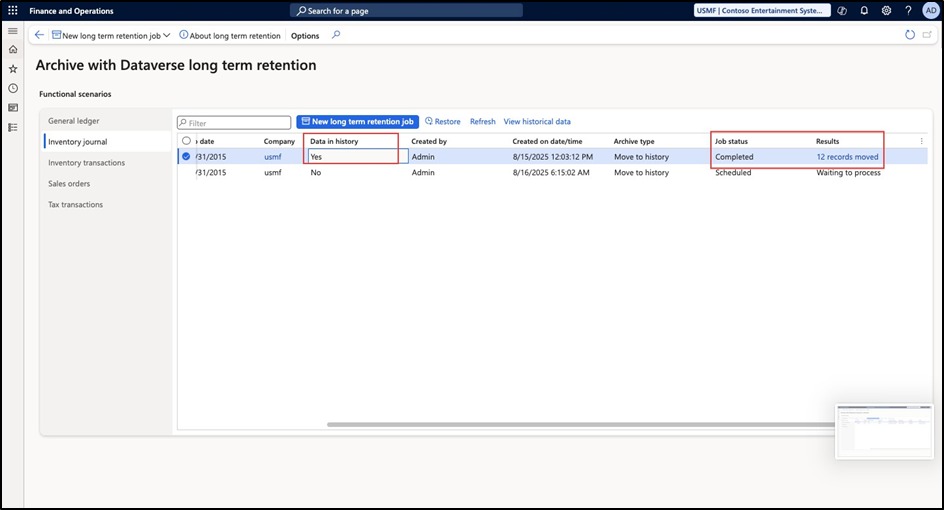
The IRS record-retention guidance sets retention periods by type of record and circumstance. IRS Publication 583 also explains why adequate business records and supporting documents matter.
No single three-year rule covers every business record. Federal, state, payroll and industry rules differ, so ask a qualified professional about anything unusual.
Check the access conditions of the old software too. A retained company file may need compatible software, an active account or a supported view-only arrangement to open after cancellation.
Test the first live accounting period
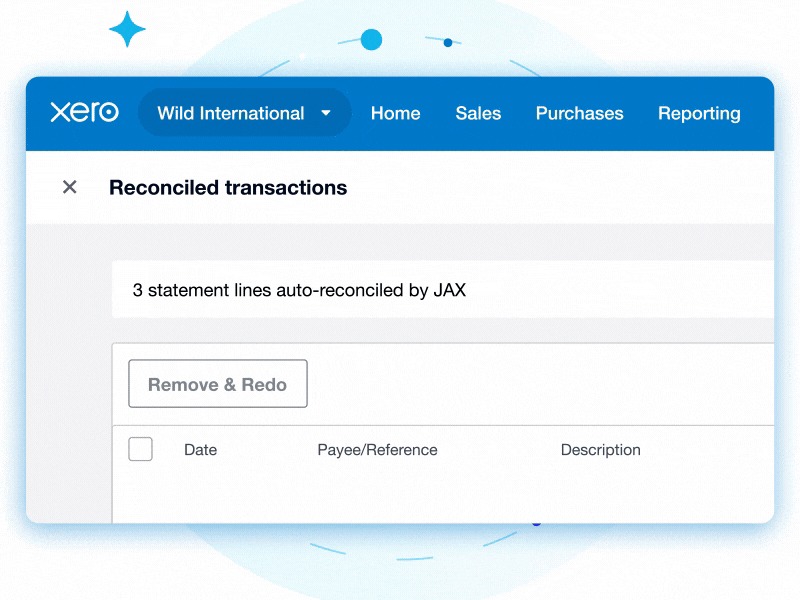
In the first operating period, confirm that routine transactions reach the right subledgers, appear in the formal financial reports and reconcile with the approved opening position.
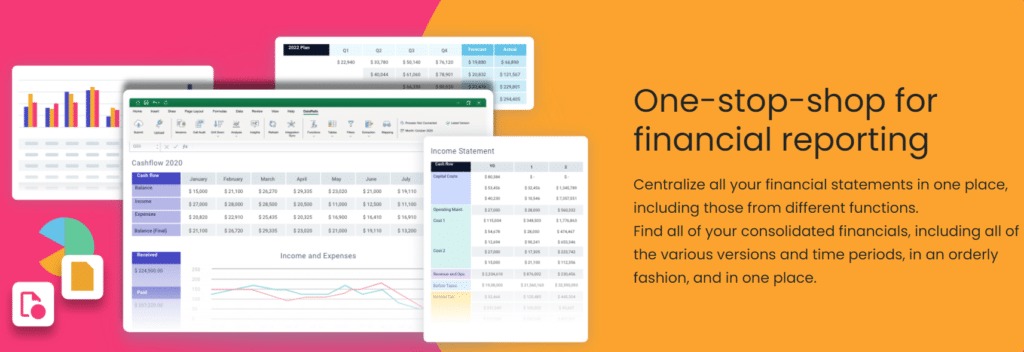
Run the new system’s formal Balance Sheet and Profit and Loss reports for the relevant dates and basis. Compare them with the approved opening position and the period’s transactions.
Test representative operating activity
- Customer: Record an invoice and its payment, then check the customer balance and ledger posting.
- Vendor: Enter a bill and payment and confirm the obligation settles correctly.
- Bank: Match a known downloaded item and complete the reconciliation.
- Recurring work: Check scheduled transactions and the connected services your routine accounting needs.
- Reporting: Confirm authorized users can pull the financial statements and the detail behind them.
Test record completeness separately
For each record category the conversion route was meant to transfer, find the expected source count and compare it with the new system’s imported records or conversion summary. If identifiers, record types or totals change in conversion, document the relationship and any exceptions. Raw counts need not match exactly.
If an expected invoice is missing from the new system, investigate it. For attachments your route excluded, use the archive location and retrieval result to confirm you meet the agreed retention requirement.
Two Manager users hit gaps during a transition. One had unfinished billable expenses in QBO. The other tested a switch by recreating a year of finances by hand:
I’m a handyman and have billable expenses logged in QBO from 2021 but I completed the job and am creating the invoice using Manager
…
I’m trying to switch to Manager and have started by manually recreating the 2023 year’s finances as a test
In the second discussion, a Summary-screen problem was resolved after a server restart. If you see a similar symptom, check whether the formal reports and ledger detail contain the expected data. A blank or incomplete screen calls for a different investigation than a missing transaction.
Keep an acceptance record for the first close: which period you tested, which reports and workflows passed, and which issues remain. End the parallel comparison once the reconciliations and operating tests are complete.
Document exceptions and make a defensible go/no-go decision
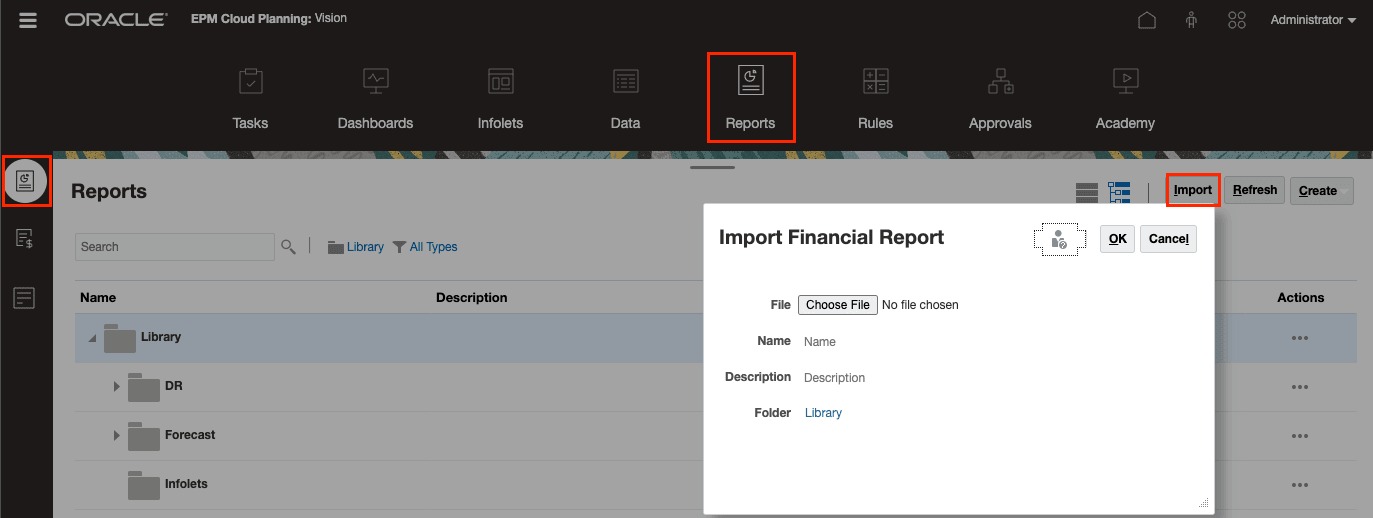
Give every reconciliation check a documented result. A reviewer should see the evidence, understand any difference, and know whether it was resolved before you rely only on the new system.
| Status | When | Decision |
|---|---|---|
| PASS | Records agree, or the difference has an accepted, supported resolution | Accept the check |
| OPEN | A discrepancy is under investigation and its materiality is undetermined | Keep the issue assigned |
| BLOCK | A material check fails, needed records are inaccessible, or reliable accounting is prevented | Hold sign-off |
An unexplained opening bank balance or a payment applied to the wrong customer invoice needs a documented accounting resolution before the check can pass.
Build an exception register that can be reviewed
- Check and record IDs: The source account, report or document and its counterpart in the new system.
- Difference: The amount, missing item, wrong allocation or other failure.
- Cause and treatment: What you found and any supported correction.
- Evidence: The source export, target report, correction record and supporting file reference.
- Owner: Who investigates and who may accept the resolution.
- Status: PASS, OPEN or BLOCK, the review decision and the date.
Material differences in the opening books need an accountant’s documented resolution. Use how to choose accounting software by the work that needs doing when the remaining question is whether a different accounting setup would support the records reliably.
Speak Your Mind