A customer should not have to send the same question twice because nobody owned the first reply. When messages disappear, duplicate or lose context, a ticket-based help desk may be warranted. Follow one request from arrival to reopening and make sure its history, assignment and plan cost work before retiring a shared inbox.
Do you need a help desk or just a shared inbox?
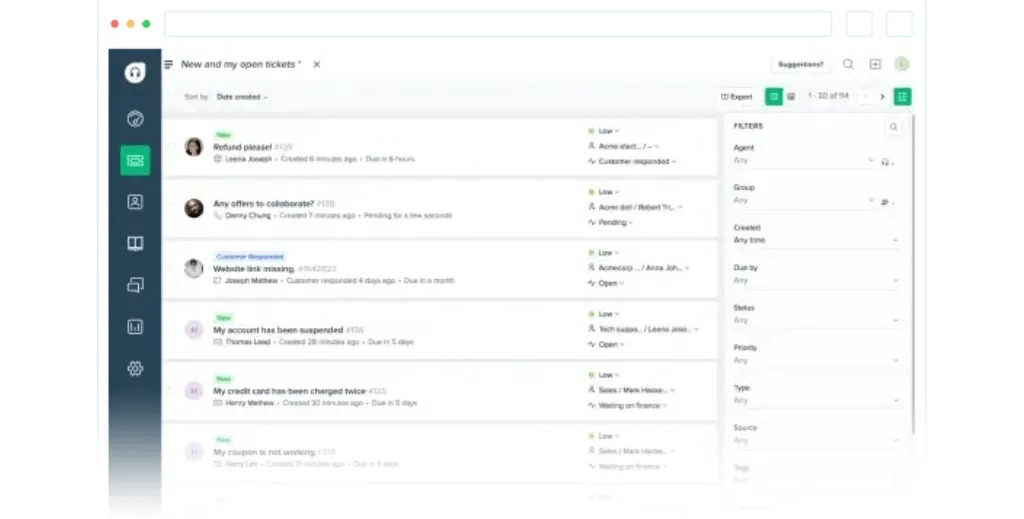
A shared inbox works when someone consistently reads, owns and finishes each customer conversation. Ticketing adds little when that assignment is already dependable; the case for it begins with handoffs that fail.
That changes when ownership slips. Two agents answer the same customer. A message sits unread because each person assumes a colleague has it. A customer returns weeks later, and someone rebuilds the conversation from scattered emails.
Those are the signs that ticket ownership, status tracking and a shared history are worth paying for.
One SaaS founder described the opposite situation: a launch coming up, very few expected support requests and no appetite for a recurring agent bill.
We want to do a lifetime deal and probably won’t get too many support requests at launch, but for the life of me I can’t find a customer support SAAS tool that charges on a per ticket basis or has a good free tier. I don’t want to start paying $20 or $45 per user per month etc when I might only have 5 support tickets in month one. Appreciate if anyone recommend a simple helpdesk tool with a good free tier? Ideally one that allows me to publish support queries as FAQ pages that can be indexed by Google, and the customer can read up on before speaking to support.
A team with sensitive requests or several channels still needs structured routing, even at five tickets a month.
A searchable FAQ or knowledge base lets customers find answers to routine questions before they contact support. If that matters to you, check that your plan includes one and that customers can find relevant answers. Unresolved requests still need a clear path to an accountable agent.
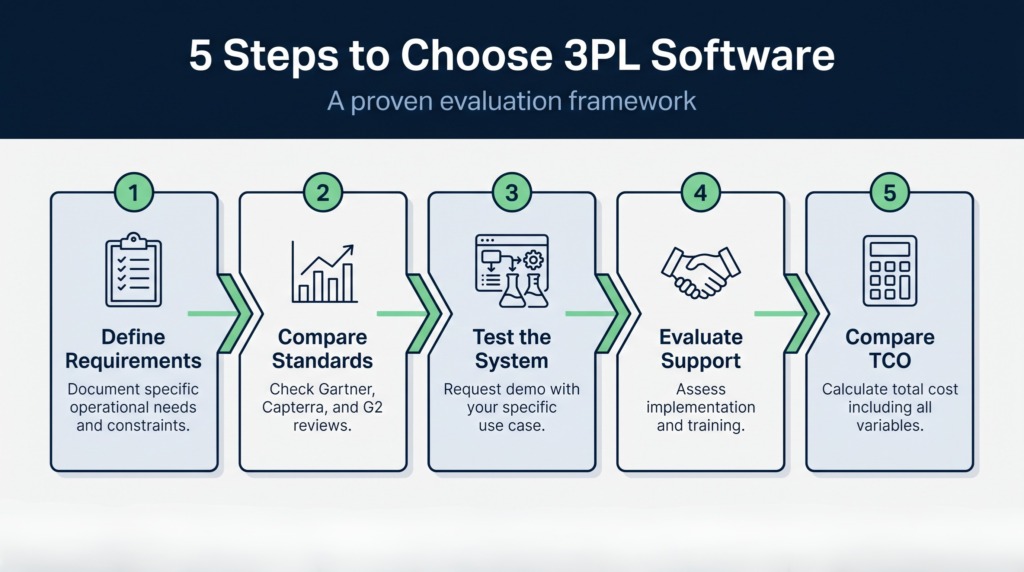
Before shopping, trace a recent sample of requests through your inbox. For each, find the owner, the customer’s last message, the final response and any outstanding follow-up. If those records are complete, postpone the purchase.
Which kind of support platform fits your business?
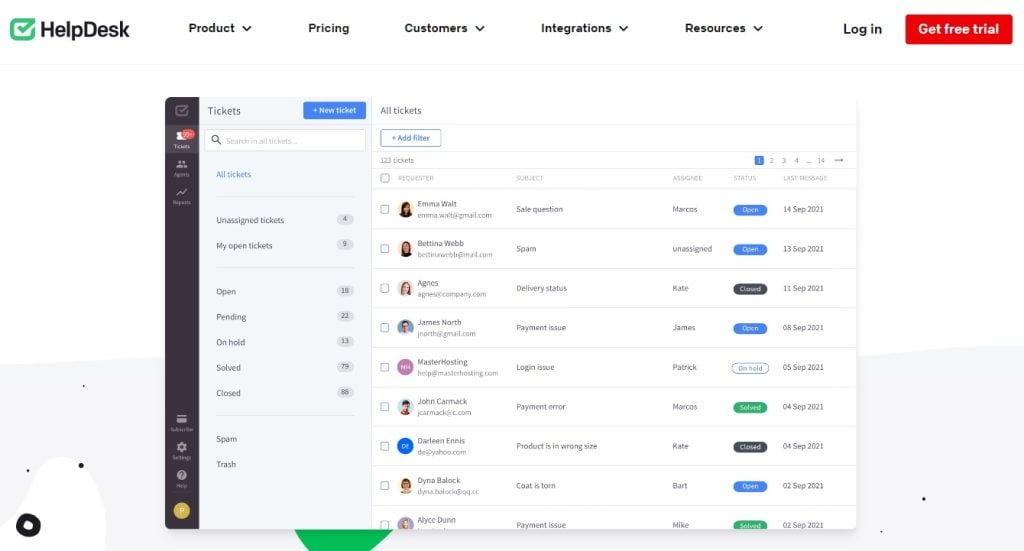
Pick the category first:
- Collaborative inbox: a team handles email together.
- Customer-facing help desk: adds tickets, ownership, status, history and reporting.
- Omnichannel customer-service suite: brings chat, messaging and other contact channels into one workflow.
- Basic chat widget: handles conversations but lacks the ticket controls you need.
- Contact center: fits teams where phone operations and agent calling dominate.
- Internal IT service management platform: serves employee incidents, assets and change processes.
Some products span several categories, so define the customer interaction and the capabilities you must license before choosing a category.
Match channels, agent roles and internal handoffs
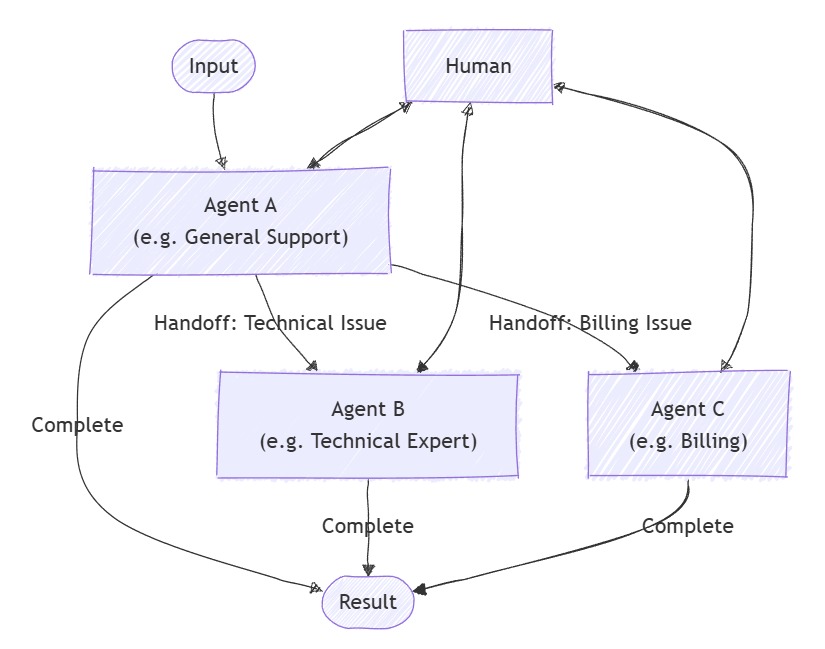
The people handling customer conversations matter as much as the channels listed on a product page. One team gets by with a support mailbox. Another needs web forms, in-app chat and a private escalation path to billing or technical staff. Every added route needs an identifiable owner. Not sure whether you need an IT or a customer-support tool? See how to choose for internal IT or customer support.
Agent access levels differ too. Some vendors let limited collaborators read conversations and add internal notes, and reserve customer replies for paid roles.
One admin needs a single system for HR, IT and customer service:
What is a ticketing system that HR, Customer Service, and IT can use simultaneously? We have been looking at different ones available, but there are so many that I am not sure if we need something with so many features or a simple one. We have been using Freshdesk, but the price and service have not been meeting our standards recently, and we are looking for something new. I’ve looked into Desk365, as they support Microsoft Teams integration and some automations that can help our Customer Service team with forwarding to our internal Managers. We are looking for something that can help communicate internally and externally. Any thoughts or suggestions? We are about a 15 agent team all together.
For a customer-facing support desk, the part that carries over is ownership: who holds the case when it passes between departments. Want a fuller walkthrough? See how to match the software to your channels and roles.
Map who needs to see a request, who can answer the customer and where a private escalation goes:
| Contact or task | Responsible role | Access and handoff to specify |
|---|---|---|
| Customer support email | Assigned support agent | Reply rights, ownership, visible queue |
| Web form or customer portal | Support queue or agent | Requester identity, status, notifications |
| In-app chat | Chat responder or support agent | Conversation history and escalation |
| Billing or technical escalation | Authorized specialist | Private notes and reassignment |
| Supervisor review | Support manager | Queue oversight and supervisor access |
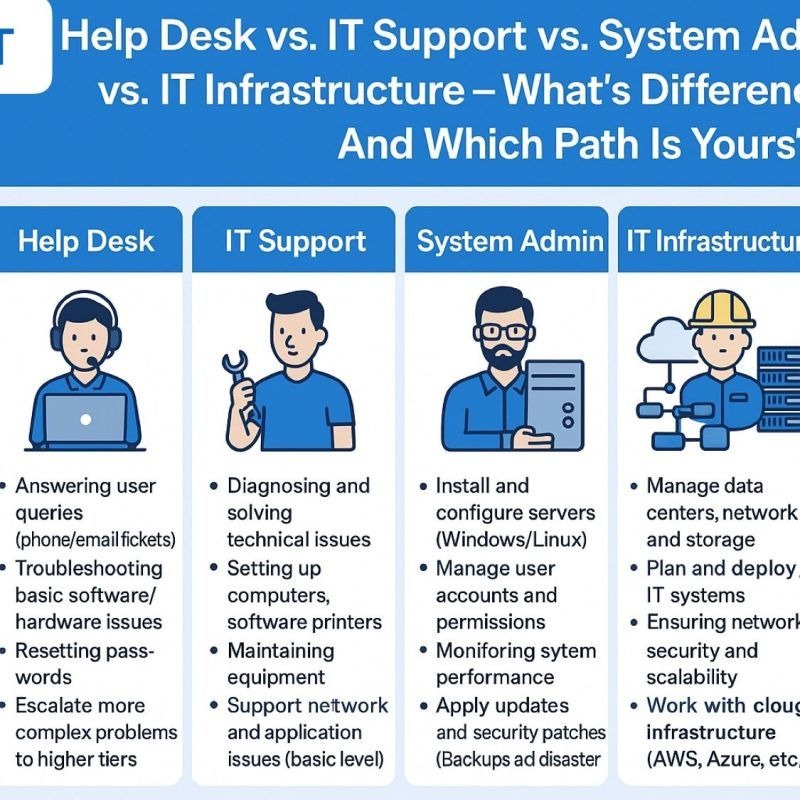
For each role, decide whether the person replies, collaborates privately or supervises, and whether that access needs a paid license. The system should also show agents when a colleague is already working on a case.
Will incoming email create the right ticket?
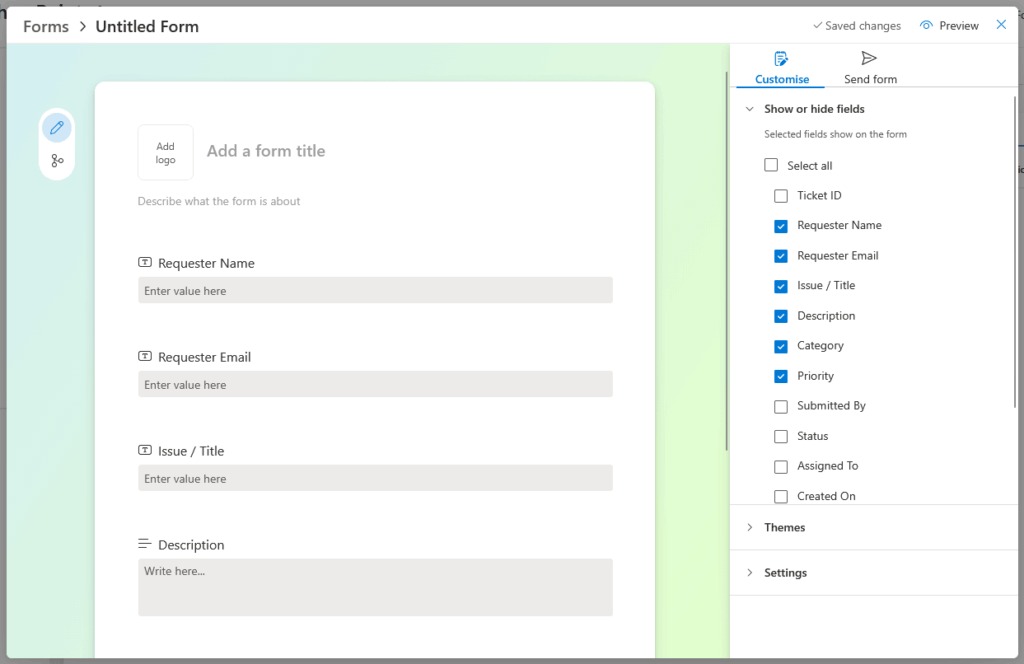
One successful test email proves little. A support address has to create the right ticket, keep replies in the same thread and show you when something fails.
Intake depends on sender permissions, forwarding and message filters. Threading is a separate problem: a customer’s reply should attach to the existing case even when the CC list or formatting changes. Freshdesk’s threading documentation describes the requester checks and email markers it uses for that decision.
Two Atlassian Community users reported different failures: one email never became a ticket, and a later reply created a new one.
In other words, the client sends the email, but it is not converted into a ticket; we only find out because they complain
…
However, when someone replies to that same email thread, Jira Service Management creates a new ticket instead of adding the response to the original request.
In company-managed Jira Service Management spaces, Atlassian documents administrator notifications for specified failed email requests. Emails rejected by filters or configured permissions do not generate those notifications.
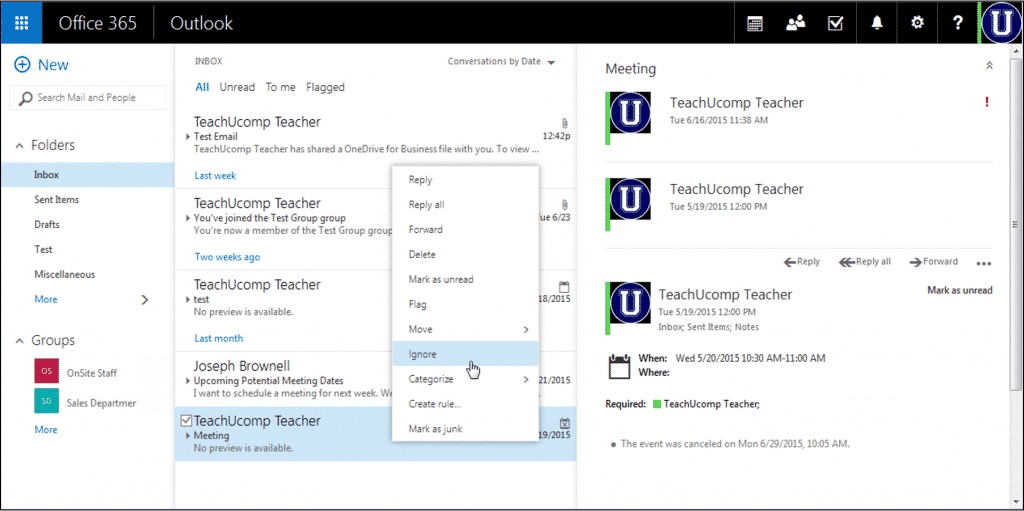
Run four email tests with test accounts:
- New request: Send a message from an authorized address and record the ticket ID.
- Existing thread: Reply from the original sender and confirm the response joins the existing case.
- Changed participants: Add a CC recipient or use a supported alias, then record whether the conversation stays together.
- Failed intake: Submit a message that should fail under your rules. Check the documented failure channel or processing records. Not every rejection triggers an admin alert.
Write down the expected and observed result for each case. A missing ticket and a split thread are different failures.
Stress-test the whole ticket lifecycle, including duplicates
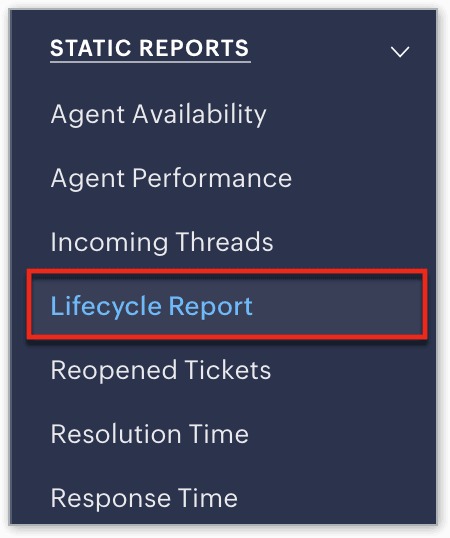
Once a request reaches the right queue, the workflow has to hold up. Agents need to collaborate, escalate, close a case and handle a customer who returns, all without losing history.
Run the same case in each shortlisted platform. An ecommerce customer asks about an order charge; support sends a private note to billing, replies and closes the case. The customer follows up while another employee is watching the queue. That sequence tests private-note visibility, simultaneous-agent collisions, duplicate requests and reopening.
Email between systems adds another problem. One MSP operator described dealing with several clients’ support platforms:
I’m reaching out to see how other MSPs are managing the challenge of dealing with multiple external ticketing systems—when the communication happens via email rather than API integration. We work with clients who use platforms like Topdesk, Freshservice, ServiceNow, and others. Since there’s no API integration in place, all communication comes in the form of emails, which are then processed in our own ticketing system. This setup has proven to be a constant headache.
This matters if you plan comparable integrations.
| Test step | Behavior to observe | Evidence to retain |
|---|---|---|
| Locate the request | Original case stays identifiable | Ticket or conversation ID |
| Assign an agent | Colleagues can see who owns it | Assignee and queue status |
| Escalate privately | Internal information stays restricted | Role visibility and history |
| Open as a second agent | Existing work and collisions are visible or manageable | Concurrent-agent observation |
| Report the issue again | Related requests can be identified or linked | Related case IDs and result |
| Close, then reopen | Follow-up keeps its history | Status and conversation record |
| Inspect the case history | Request and key actions are traceable | Activity record and export options |
A duplicate can carry new information, or it can be a customer chasing an answer after silence. Preserve the underlying issue without discarding new details. Record each result against the behavior you need. A lost message or a private note visible to the customer rules a setup out, unless you can fix the cause and retest.
Compare daily fit and form a practical shortlist
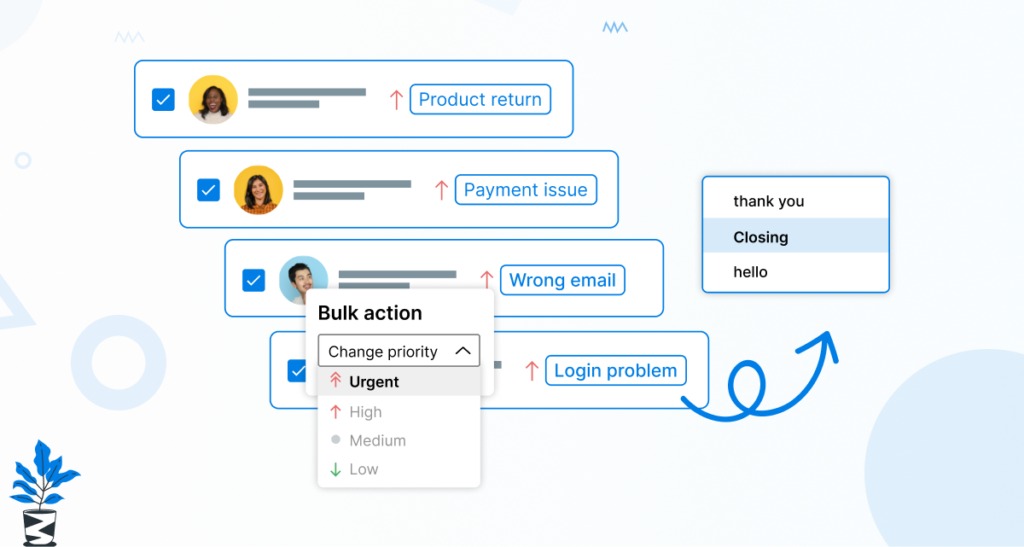
Daily usability decides how much time agents spend on ordinary requests. Some teams justify extra setup for sophisticated automation and reporting. Others need a clear queue, fast handoffs and access to conversation history, and extra admin effort outweighs features their agents rarely use.
One SaaS user who had tried two well-known platforms described the tension:
I’ve been messing around with Freshdesk and Zendesk and tbh both are kinda frustrating. Freshdesk feels a bit easier and cheaper, Zendesk has more of everything but it can be a lot. iykyk. Both get the job done, but i’m lookin g for somehting else. Have anyone found something that works for you?
Check impressions like these, including the price comparison, against your own workflow and a real quote.
Three products to start with, in no ranking. Help Scout describes a shared Inbox with assignment, private notes and collision detection. Freshdesk documents ticket threading for email conversations. Intercom describes a helpdesk workspace combining inbox, tickets and automation, with seat-based pricing and separately defined AI outcomes.
Give the same routine task to an agent who will use the tool daily, in two or three trial accounts. Have them find an assigned request, read its history, write a permitted reply and find the next action. Note what instructions they need, whether context gets lost and how easily a manager can read the result.
Calculate the cost of agents and AI outcomes
Price the seats by role. Some platforms charge for agents who reply to customers, restrict what collaborators can do and put certain channels or automation on higher plans.
First list which employees must send customer replies, which need internal collaboration and which need admin access. Then compare the matching editions and billing periods. A monthly rate can commit you to something different from an annual contract, and implementation and data migration cost extra. Comparing Zendesk and Freshdesk? Read AI add-ons and their billing models in Zendesk and Freshdesk.
AI support can add a usage-based charge on top of seat fees. Intercom’s Fin outcome documentation distinguishes support-oriented outcomes such as resolution and configured procedure handoff. Qualification and disqualification count as outcomes when Fin is configured for Sales, and self-serve routing is another configured outcome.
A resolution is either confirmed by the customer or assumed when no further help is requested after an answer. Intercom also documents deducting a counted resolution, confirmed or assumed, when the customer returns to the same conversation for more help, including across billing periods.
You pay for the vendor’s definition of an outcome. That does not prove the customer is satisfied or the issue is solved.

| Cost component | Buyer input | Comparison risk |
|---|---|---|
| Licensed agent roles | Required seats and quoted rate | Restricted or differently priced roles |
| Subscription term | Billing frequency and commitment | Comparing different contract periods |
| Required channels | Email, chat, messaging or phone charges | Capabilities outside the selected edition |
| AI usage | Billable unit, expected volume and unit rate | Charges that change with usage |
| Add-ons and integrations | Required services and additional fees | Base tier lacking necessary functions |
| Setup and migration | Import, configuration and training costs | One-time work omitted from the estimate |
| Support and renewal | Contracted service and exit terms | Continuing obligations |
Price two staffing cases, for example two and five paid agents, over 12 and 24 months using real quotes. Multiply the monthly-equivalent seat rate by licensed agents and months, then add required services, usage and one-time costs per the contract. If AI is metered, add a higher-use scenario next to the expected one. Pricing phone support too? See how to compare total cost using the same staffing and call scenario.
Choose the cheaper quote only if it passes the workflow and permission tests.
Check reporting, security and export before deciding
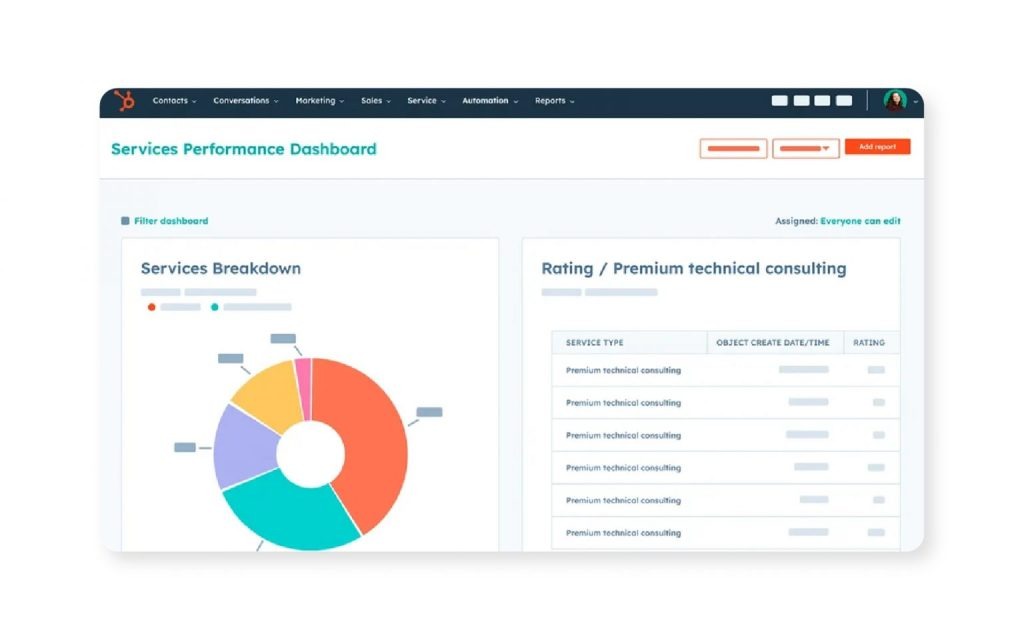
Reporting should show a support manager whether requests get answered and resolved, including cases customers reopen. Check how each platform defines its metrics. Want to verify vendor security and support claims? See how to check security, support, and the evidence behind recommendations.
Zendesk, for instance, distinguishes first reply time, first resolution time and full resolution time. A first agent response and a first resolved status are different events, and full resolution counts the final resolution after a case is reopened.
A closed status also needs context. Look at unresolved backlog, reopened work and separately collected customer feedback alongside response times.
The last review covers control over customer records. Check that your edition gives the permissions you need for replies, private notes, supervision and administration. Add SSO, retention rules and auditability if your business requires them.
Inspect the export format for conversation history, customer identifiers, attachments, custom fields and ticket metadata you will need later. Settle renewal, cancellation and migration terms before you accept a contract.
| Decision gate | Required evidence | Decision implication |
|---|---|---|
| Core customer workflow | Results from intake, ownership and lifecycle tests | Any unfixed critical failure rules the option out |
| Reporting | Defined metrics and a readable sample report | Supports operational review |
| Role permissions | Reply, internal-note and admin access confirmed | Private notes visible to the wrong person rule the option out |
| Data portability | Required records and attachments export successfully | Missing essential history changes the choice |
| Contract and total cost | Complete proposal and agreed terms | Delay the purchase until terms are acceptable |
The purchase record should show how customer histories can be exported and who can access sensitive conversations. Those controls are part of the help desk’s practical fit, not an optional follow-up.
Speak Your Mind