For a small team, clear ownership and dependable deadlines usually matter before advanced project-management features. A shared board may be enough. Dependencies, client access and reporting can justify a more structured system; if the current spreadsheet already supports the work, compare it against the alternatives rather than discarding it.
What kind of project management software does a small team need?
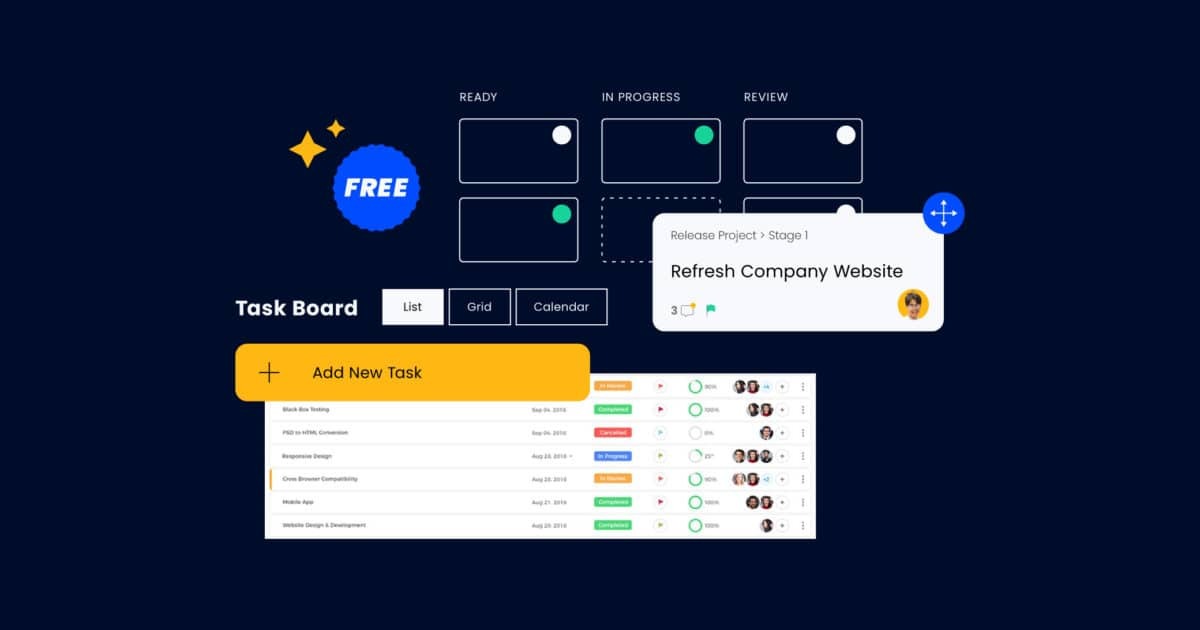
Small teams need a dependable way to see who owns a task, when it’s due and what happens next. Shared spreadsheets suit predictable work. A board makes changing assignments visible. Structured project management, meaning tools with task dependencies, client roles and reporting, earns its place when deliverables depend on one another or need client access and regular reports. What decides it is how complicated your handoffs are. A three-person agency with client approvals can need more structure than a larger team doing routine internal work. Not sure which type fits your team size, permissions and dependencies? Read which kind of project management tool fits your work.
When spreadsheets and email are enough
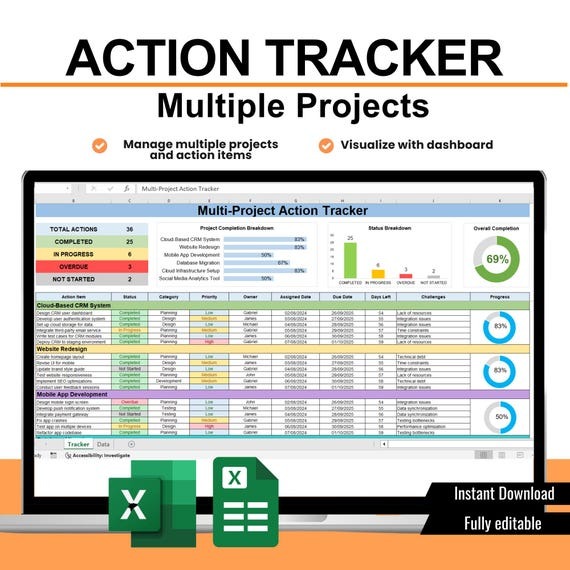
If you already keep a shared list and clients expect Office files, Excel or Google Sheets still works. A supplier working from customer-provided spreadsheets can update figures, dates and deliverables in the same format the customer receives. A new app just adds a second place to log progress, unless it fixes a specific problem.
The warning signs are missing task owners, conflicting document versions and overdue assignments nobody noticed.
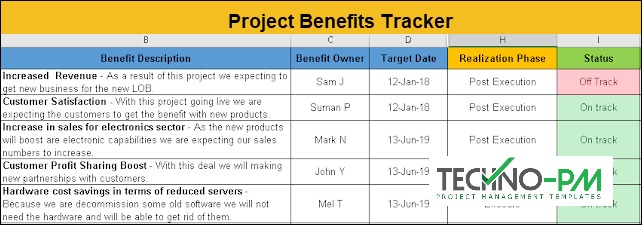
To check, take one recent project. Without calling a meeting or messaging colleagues, find its next deliverable, who has it and the latest approved file. If you can, your current system needs only a clearer update convention. If the information is scattered, one controlled tracker and a consistent update routine would fix that specific failure.
Match the tool to your team’s work
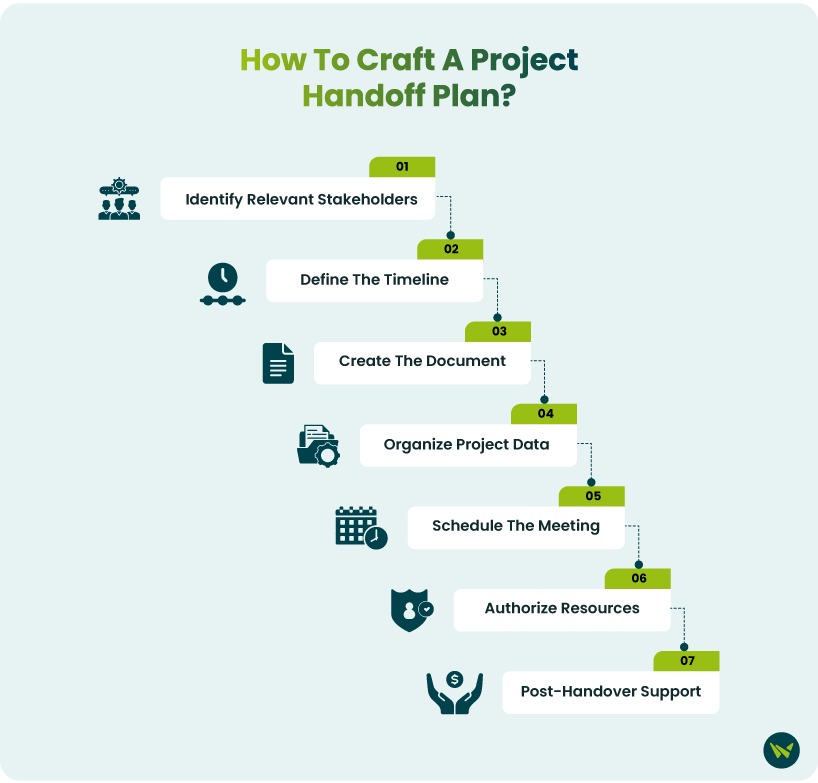
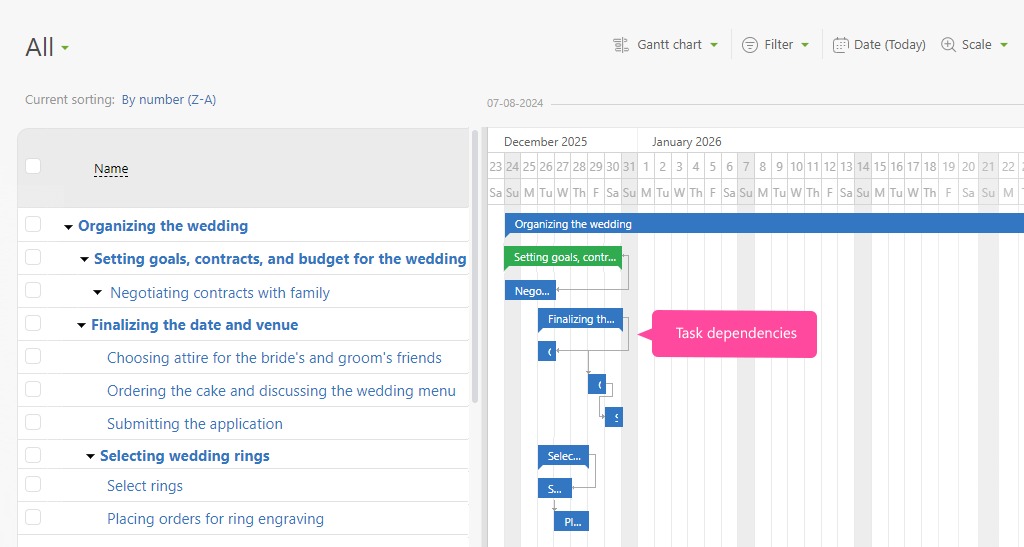
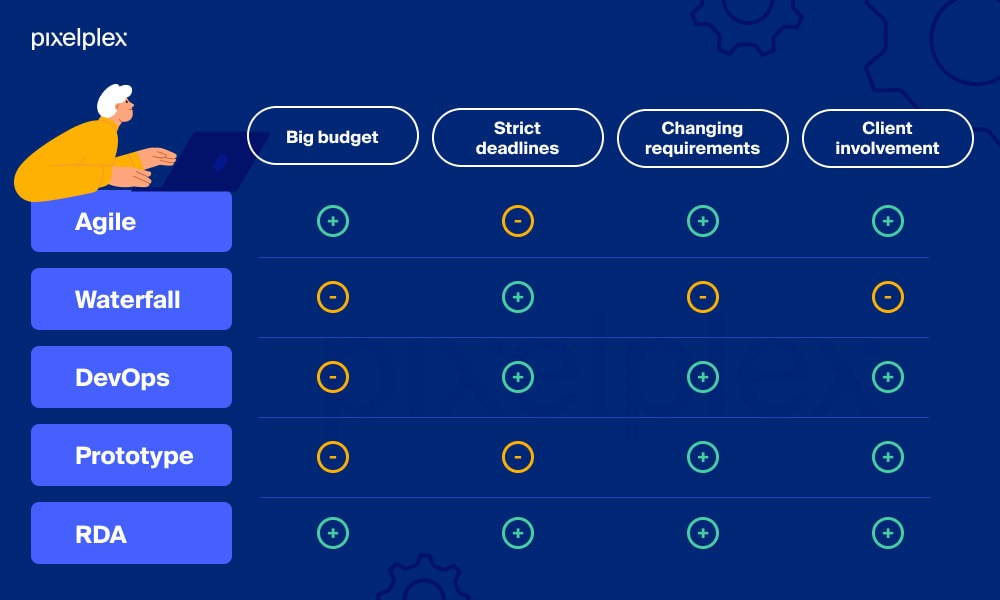
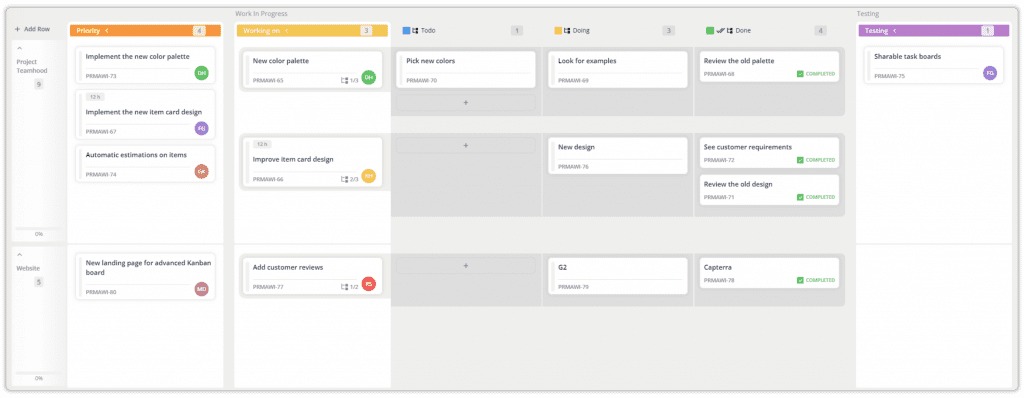
Structured software starts to pay off when the work needs managed dependencies, private client access or reporting a shared board can’t reliably produce. For assigning tasks and moving them through a few stages, a simple board is enough. Your work pattern sets the criteria.
| Work pattern | What must stay visible | Starting point | When to add structure |
|---|---|---|---|
| Routine internal tasks | Owner, due date, progress | Shared sheet or board | Assignments keep getting lost or reassigned |
| Marketing campaign | Draft, design, approval | Board with review stages | Dependent deliverables and multiple approvers |
| Client services | Milestones and stakeholder reports | Structured project management tool | Private internal work, client roles or billable time |
| Product development | Blocked issues and iterations | Structured or specialized tool | Engineering-specific release dependencies |
The same product can suit one workflow and frustrate another. A manager running three- to six-month consulting engagements put it this way:
I work in management consulting (strategy & operations, typical 3-6 month client engagements) and we’re struggling to find PM tools that fit our workflow.
We’ve tried:
1. Asana – feels overengineered, not built for consulting-style projects
2. Monday – too rigid for how we work
3. Microsoft Project/Planner – clunky and scattered across too many tools
A consulting team needs a client-facing view of several workstreams that doesn’t expose every internal discussion. A campaign team may only need a writer to hand a task to a designer, then to an approver. Define one typical project and the deliverable it must produce before you compare products. To test permissions, dependencies and task handoffs, follow how to run the must-work task cards.
Five software options worth shortlisting
Trello, Asana, ClickUp, monday.com and Teamwork cover overlapping needs, but each has limits that can rule out a plan fast. Pick two or three from your workflow criteria, then narrow to two finalists. Leaning toward Asana or ClickUp? Read when neither Asana nor ClickUp is the right choice first.
| Product | Worth considering for | Early dealbreaker |
|---|---|---|
| Trello | Visual boards for shared assignments | Free Workspace needs over ten boards or collaborators, or more automation than its limit |
| Asana | Milestones, timelines and connected tasks | Three people collaborating on the Personal free tier, which lists only two users |
| ClickUp | Adaptable workflows with several views | Attachment-heavy work on Free Forever, which lists 60 MB storage |
| monday.com | Configurable board-based coordination | Seat-bucket pricing pushes cost over budget |
| Teamwork | Client projects and related work records | More than five active projects on its Free plan |
The Asana Starter listing includes timeline and Gantt views, forms and custom fields. They pay off when tasks cross several projects or follow an approval sequence a basic board would hide. ClickUp’s broader configuration options help teams standardize different project types, if someone maintains the workspace rules.
A tool makes the shortlist only if the plan you can use handles your workflow. Reject any free tier that lacks a mandatory function, however generous its collaborator allowance looks.
Free-plan limits and paid-seat costs
Free plans cap different things: people, boards, projects and storage. In the October 2026 vendor listings, Trello Free allowed ten collaborators and ten boards per Workspace, while Asana Personal listed two users.
ClickUp Free Forever listed unlimited members with 60 MB storage. monday.com Free listed two seats, and Teamwork Free listed five users and five projects.
A team of ten fits within Trello’s free collaborator cap and can still need a paid tier for other features. Trello Free also listed 250 Workspace command runs a month.
Monthly equivalents when billed annually
These figures multiply the published annual-billing monthly rate by the number of paid seats. They’re monthly equivalents under an annual commitment and don’t apply to month-to-month billing.
| Plan and annual-billed rate | 3 paid seats | 5 paid seats | 10 paid seats |
|---|---|---|---|
| Trello Standard: $5/user | $15.00/mo | $25.00/mo | $50.00/mo |
| Asana Starter: $10.99/user | $32.97/mo | $54.95/mo | $109.90/mo |
| ClickUp Unlimited: $7/user | $21.00/mo | $35.00/mo | $70.00/mo |
| Teamwork Basics: $9.99/user | $29.97/mo | $49.95/mo | $99.90/mo |
Teamwork Basics lists a three-user paid minimum, so the three-, five- and ten-seat examples all meet it. Tax, add-ons and billing terms can change the final number.
Trello’s pricing page listed Standard at $6 per user per month with monthly billing, against the $5 annual-billed rate in the table.

monday.com needs one more step. Its plan and billing documentation describes paid seat buckets: four people can require five seats, while six can require ten. The payable amount depends on the plan and seat bucket.
Count your staff and external collaborators, find the paid tier that has the functions you need, and price its effective seats at the right billing interval.
When flexibility adds administrative work
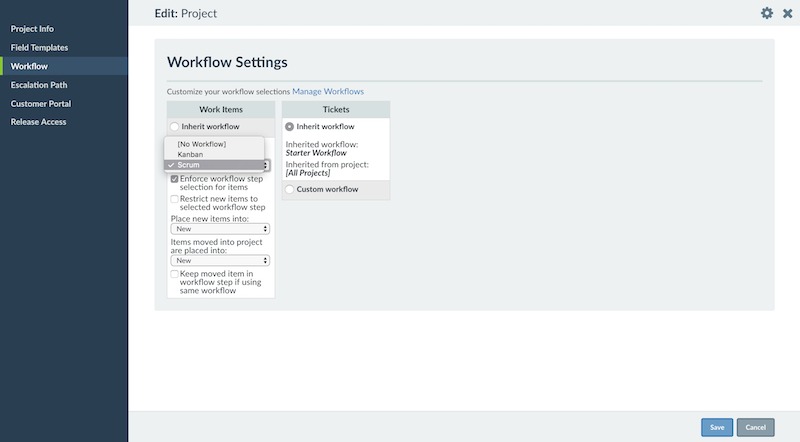
Custom statuses, automations and multiple project views make complex work manageable. They also demand consistency. If each client project uses a different label for the same approval stage, someone has to translate before the manager can read the combined workload. A finished draft might move to “Client review” on one board, “Waiting for approval” on another and “External sign-off” on a third. The task is the same, but reporting across the boards needs a common interpretation.
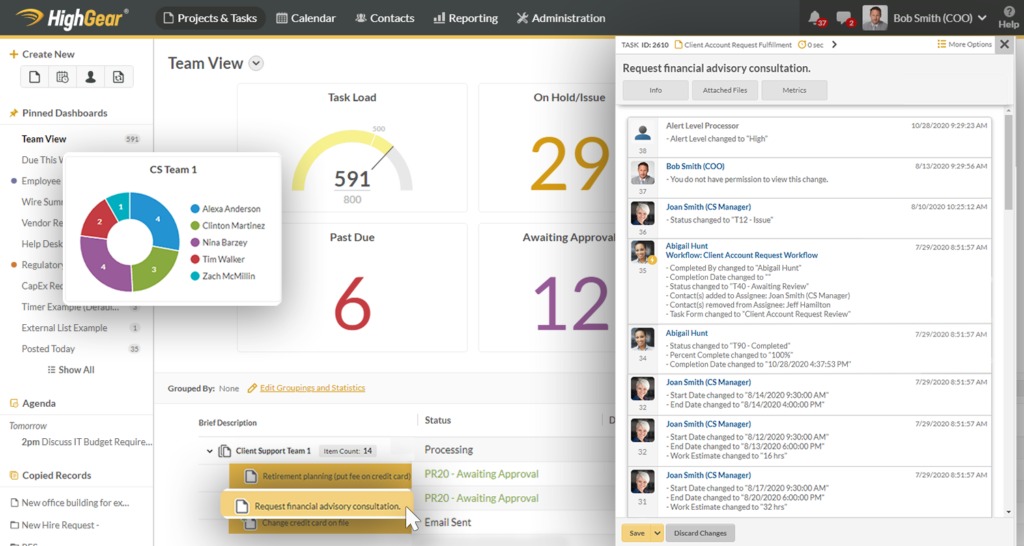
For each tool you’re testing, note the minimum setup: projects or folders, status definitions, reusable templates and recurring automation. Compare how much routine cleanup each one needs. A configurable tool suits several departments when its complexity serves recurring work.
If essential history will live in the new tool, check that you can export tasks and records in a usable format. Switching gets expensive without that.
Client permissions, reporting and handoffs
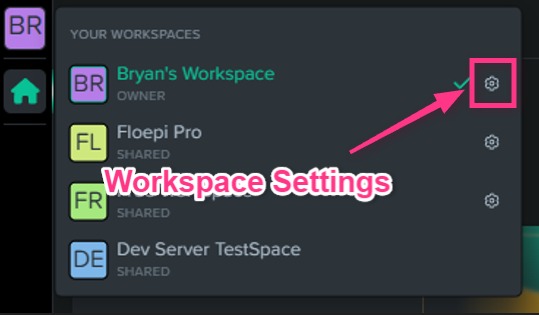
A client may need to approve a milestone without seeing internal budgets or staffing discussions. Access roles and paid-seat rules decide whether that works and what it costs.
Teamwork’s user-license documentation separates paid standard users, client users and collaborators. Client-user licenses come with Basics, Accelerate, Optimize and Enterprise, plus certain legacy paid plans. They’re meant for external-company accounts and give access to up to five active projects without a standard paid seat, within assigned permissions. Collaborators also cost no extra standard seat, with narrower access.
Asana Starter advertises unlimited free guests, within guest-role permissions. monday.com Basic lacks shareable-board guest access. On Standard, the first three guests are free and four guests count as one billed seat. If member seats plus guest groups exceed your purchased allocation, the account can move automatically to the next paid seat tier.
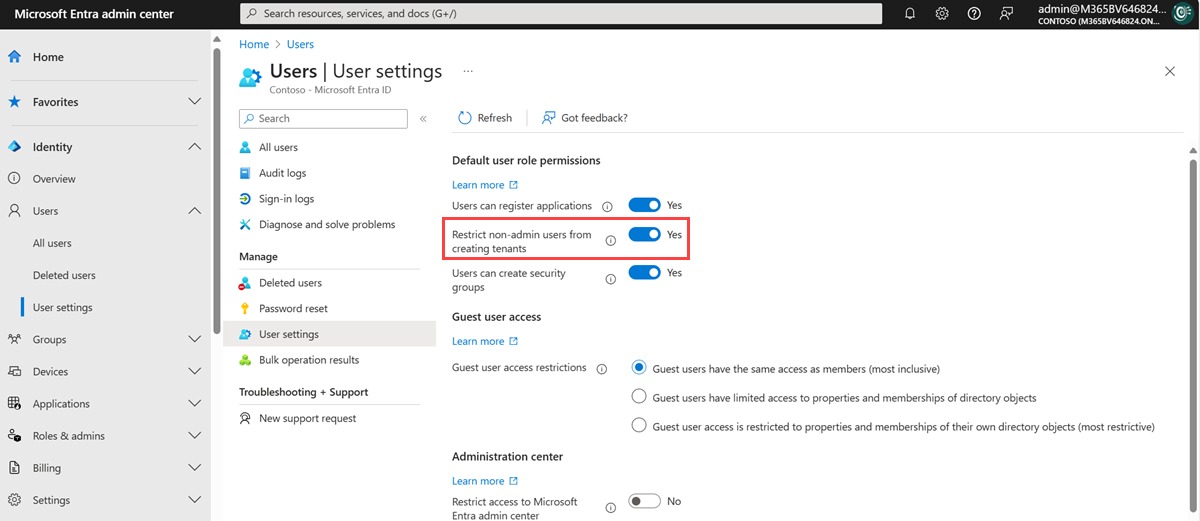
Run a trial project with dummy information on the plan you’d buy and the invitation role you’d use. Create a client-visible milestone, a private internal note and an approval task, then sign in as the external user. Before you invite a real customer, confirm the client sees the milestone and approval but not the internal note. Then pull a sample weekly client report from the same project. One consultant said assembling such a report by hand took two to three hours for their team.
Integrations and duplicate updates
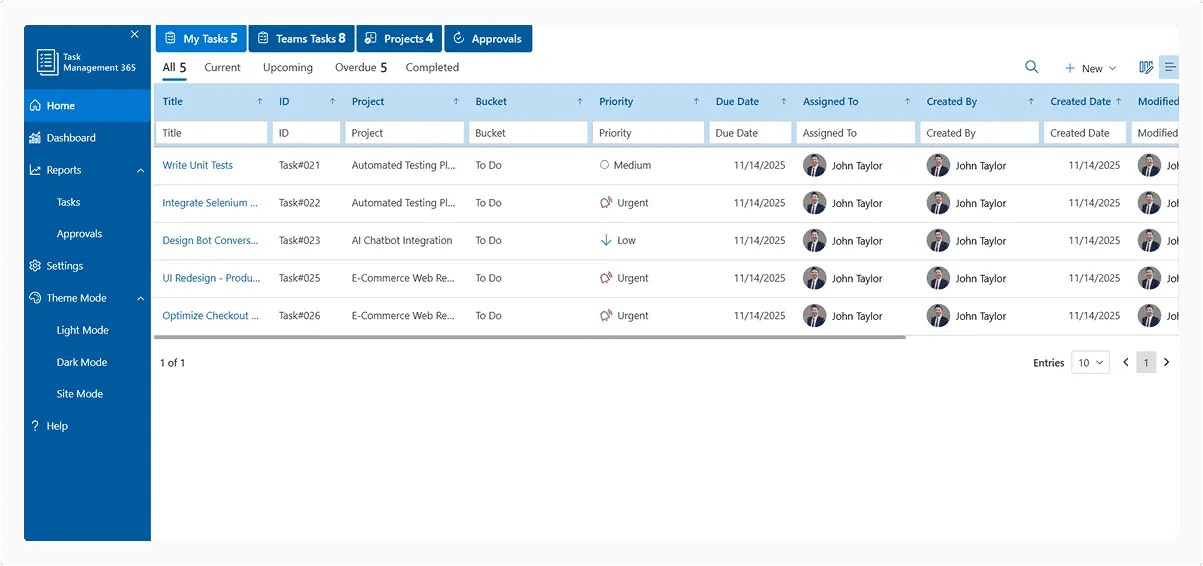
A Slack, Microsoft Teams or email connector can do very different things. It might announce a change, create a task or sync updates from another app. What you need is one place that holds the latest assignment and status.
A request arrives in Slack. The manager turns it into a task, gives it an owner and deadline, and checks the status later. A notification-only integration leaves colleagues copying the same update between two systems.
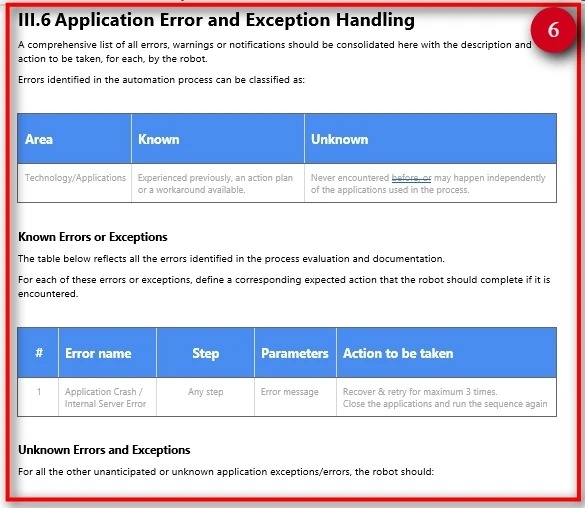
In each tool you’re testing, run one message-to-task cycle in your team’s main chat app:
- Capture: Turn the incoming request into a recorded task.
- Assign: Set an owner and due date.
- Update: Change the status once, in the agreed system.
- Visibility: See the latest state without writing a second manual recap.
Which steps work depends on the vendor, your plan and how the connector is set up. Don’t take an integration list as proof that all four steps work.
Test whether the team will use the software
Ask regular team members to update a real project before you commit money or import old work. A neat workspace built by its administrator can hide the effort everyone else has to put in.
One contributor described getting management approval, configuring Notion and training colleagues, then watching the team drift back to the old channels six months later:
I have tried to adopt Notion team wide, and our CMO agreed with all of my points – after hours and hours of setting up Notion and workflows for the wider team, making it as simple as possible + having 1 on 1 calls with each team members, showing workflows and how it can benefit them, setting up workflows that mimic their own, 6 months later – wider team got back again to spreadsheets/emails / random messages and turned everything into chaos, essentially abandoning all my effort.
A ten-task trial
Run the same ten routine tasks in both finalists.
- Intake: Log a new request from someone else.
- Ownership: Assign one accountable person.
- Deadline: Set a due date on a deliverable.
- Handoff: Pass work to a teammate.
- Blocker: Flag a task waiting on another action.
- Approval: Ask for a review decision.
- Revision: Apply a change after feedback.
- Update: Record progress while the work is underway.
- Status request: Answer a stakeholder who asks what’s left.
- Completion: Close a finished deliverable.
Have two or three team members work through the list in each finalist without ongoing coaching. Note missed updates, confusing steps, manual corrections and admin cleanup. Using the same tasks makes the comparison meaningful. A polished demo you complete alone proves nothing.
A short trial exposes immediate friction. Lasting use needs one person to own templates, workflow rules and follow-up changes once the initial enthusiasm fades.
Choose a tool or keep what you have
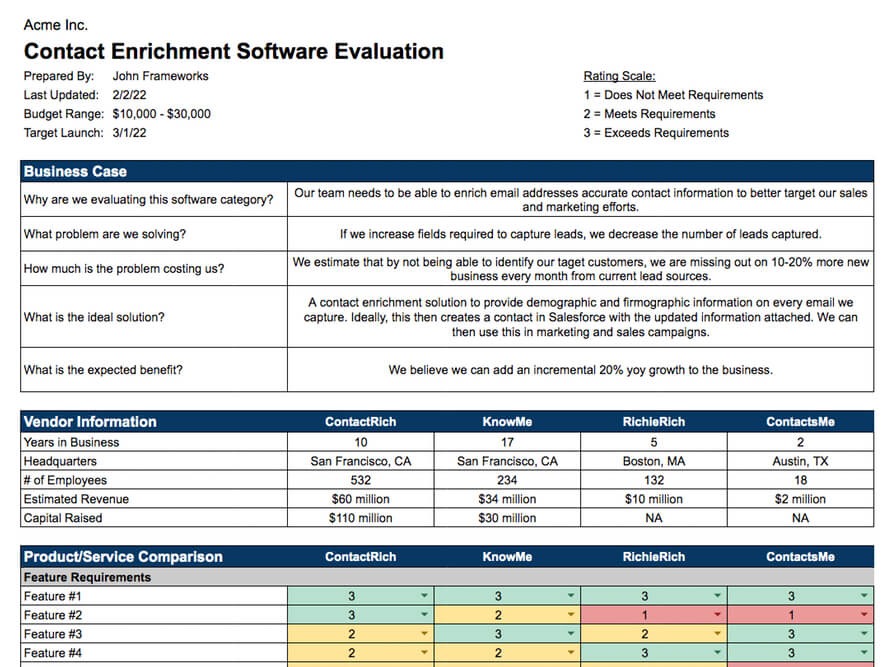
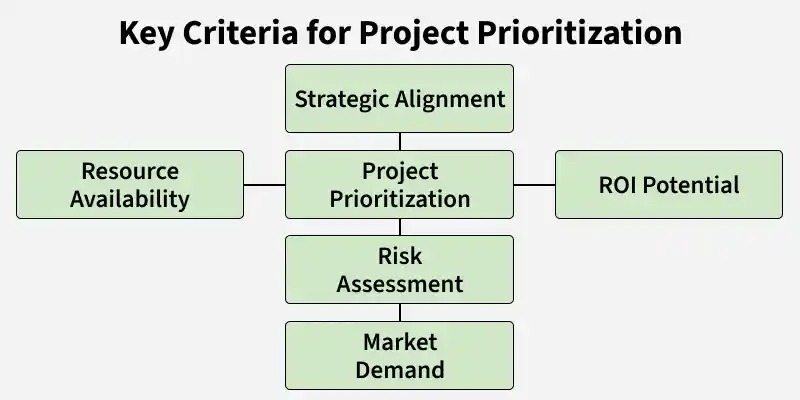
Drop any tool that fails a must-have, however good its extras look. After both trials, check each finalist against this list:
- Task ownership: Assignments, deadlines and handoffs stay visible to the people doing the work.
- Actual cost: Required seats, guest roles and subscription terms fit your budget.
- Client separation: Clients see only the work meant for them.
- Usability: Regular team members can keep project status current without constant help.
- Portability: You can keep or export essential records in a usable form.
- Maintenance: One person owns the workspace rules.
Ask the people updating tasks which setup made ownership clearer without creating a second place to maintain status. That practical difference deserves more weight than extra project views.
Speak Your Mind