The real test of project software is whether the people doing the work will keep it current. Put one representative project in front of its actual contributors, not just a workspace administrator. The pilot should expose missing access, duplicated updates and any difficulty moving work history before the team adopts another system.
The most revealing task is an ordinary change: a customer moves a deadline, its owner updates the record and a colleague needs to see the new date without asking a manager. A polished demonstration can miss that handoff entirely.
A useful pilot follows that work from start to finish. It also allows for an outcome many purchasing exercises ignore: your existing process can be good enough.
Decide what the pilot must improve
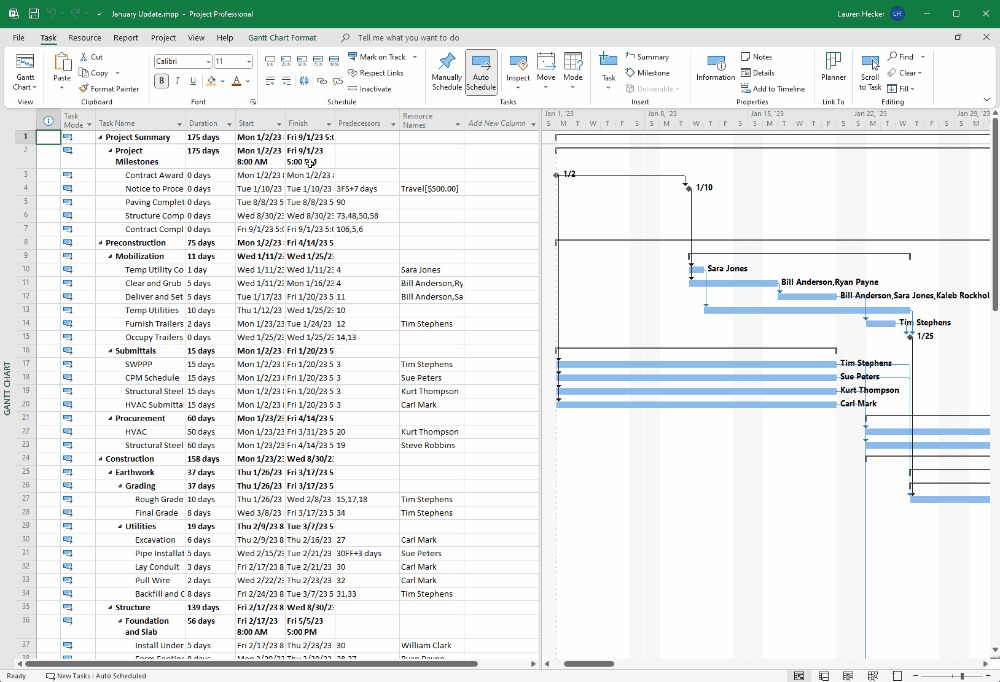
Start with one failure in your current workflow that has a business consequence. A project deadline might sit in a spreadsheet, its approval in email, and the latest instruction in Slack. Before a new application enters the picture, set a baseline for how that information travels.
Imagine a ten-person agency preparing a client launch. A client moves the deadline for an approved deliverable. The team lead records the change, but the next task owner and the stakeholder report show different dates.
Here is the agency’s baseline record for its current process.
Task card: Actor: an ordinary contributor. Action: move the client deadline. Expected: the dependent owner sees the change and the stakeholder report shows the new date. Observed: the owner sees the update, but the report still shows the earlier date. Result: FAIL, reporting step needs investigation. Evidence: both date values and the contributor’s actions.
The stale report points to one step to investigate. You can run the same task later in the new application and compare it with the current process.
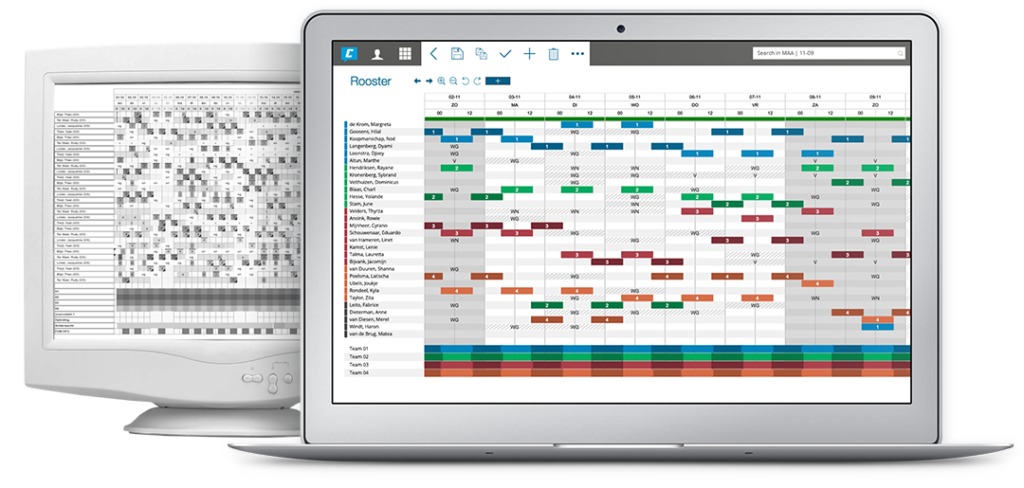
A junior project manager described joining a workplace where status had to be pieced together from scattered conversations:
I recently started a job as a junior project manager at a company, and I’ve discovered that they don’t use any project management software. Everything is handled through email, Gchat, and text messages. This has left me feeling overwhelmed and like a complete failure.
For the agency, record where a request arrives, who owns the next action, where approval is stored, and how the final report is produced. Also note whether the task was completed, what help was needed, how many errors occurred, how long it took if you can measure it, and whether the resulting record agrees with the decision.
Write a pilot charter and pass/fail rules
A short charter keeps the evaluation tied to business work. It names the decision owner, sets the trial’s limits, and defines the evidence needed to approve or reject the tool.
The Association for Project Management separates a pilot, which tests whether an idea is viable, from a trial, which deals with implementation risk. Software vendors often use both terms for a chance to try an application. What matters is agreeing on the decision before you start.
| Charter field | What to specify | Agency example |
|---|---|---|
| Problem | One existing workflow failure | Client deadline changes get lost between tools |
| Accountable owner | Who approves the final decision | Operations lead |
| Project scope | Safe, representative work | One client launch |
| Participants | Roles that must perform tasks | Contributor, lead, approver, guest |
| Must-pass tasks | Expected outcome of each essential task | Deadline, handoff, approval, reporting |
| Observation period | Business events that must occur | Through the next client approval |
| Limits | Data, trial edition, spending and renewal terms | Approved project copy and budget ceiling |
| Decision record | Review authority and required evidence | Signed task results and unresolved issues |
For the agency example, keep the earlier checks for the next owner and the stakeholder report, and require the contributor to make the change without coaching.

Write down the hard disqualifiers before you assign preferences or scores. Any of these can end the evaluation: unauthorized guest access to restricted records, loss of required data, inability to complete a must-pass task, or a cost above the authorized budget. Setup confusion or a missing preferred view doesn’t, as long as someone owns the fix and the team can retest it.
Pick a trial length that covers the work that matters. A two-week evaluation can include frequent handoffs, but a monthly client approval has to be observed when it is essential. Published schedules run 14 or 30 days, and Microsoft’s 30-day guidance applies to its Teams pilot. No standard trial length exists for PM tools, so let the work set the calendar.
Pick representative pilot participants
Choose participants by what they will do: create assignments, update work, approve deliverables, read reports, and administer the workspace. Include an ordinary contributor who hasn’t learned the software inside out, plus an occasional user or external guest if those roles apply to your team.
In a small team, one person may fill several roles, but the tests should still keep permissions and task responsibilities separate. In the agency, the contributor, lead, approver and guest each get their own tasks.
Give each person a short instruction. Then note whether they finish independently, need prompts, or run into accessibility or device barriers that affect the team’s work.
Run the must-work task cards
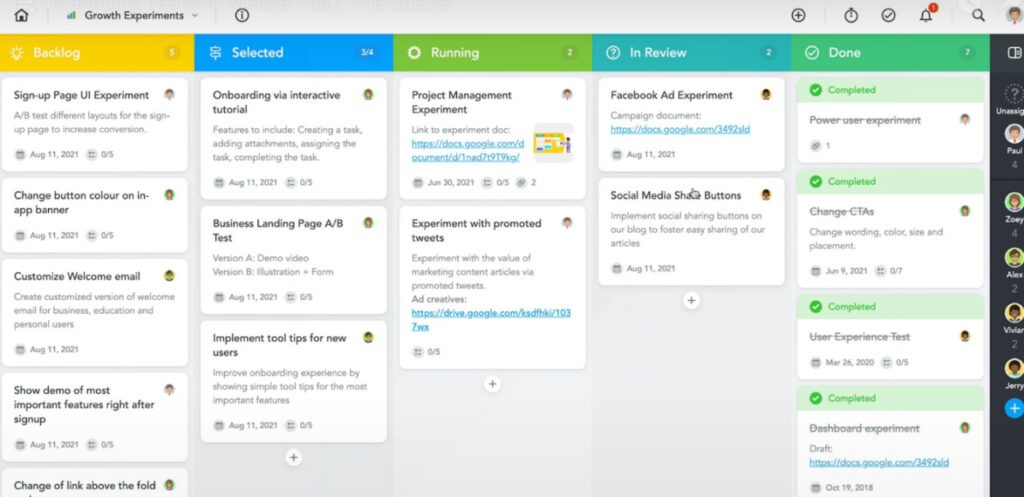
The core of the pilot is a set of repeatable actions performed by the people who will use the system. Keep the required outcome the same when you compare applications, even if the clicks and menus differ.
The National Institute of Standards and Technology describes usability testing with representative users and tasks, and records success, time, errors and participant feedback. In this pilot, the charter supplies the success condition for each critical task.
| Task card | Who performs the task | What done looks like | Record |
|---|---|---|---|
| Create and close a task | Contributor | Owner, due date and final status appear correctly | Completion, time, help, errors |
| Change a dependency | Project lead | Dependent owner can see the revised constraint | Dates and downstream effect |
| Approve a deliverable | Approver | Required decision reaches the project record | Approval result and assistance |
| Find an assignment | Occasional participant | Current priority and next step are identifiable | Steps, errors, confusion |
| Produce a project report | Project lead | Report reflects the tested task states | Differences and correction effort |
A task passes when the result you wrote in the charter shows up under the agreed conditions. Log a failure with enough detail to reproduce it, including the starting state and any administrator intervention.
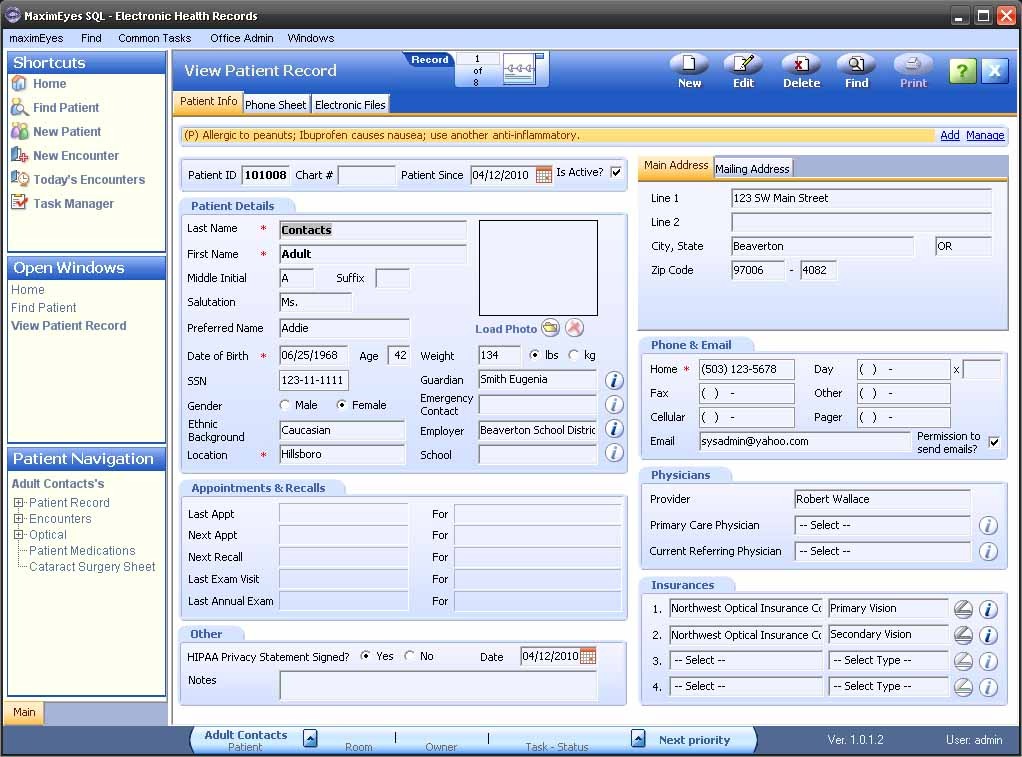
Use one evidence line per task:
Test ID | Role | Starting state | Expected | Observed | Completed | Time | Errors | Assistance | Severity | Evidence | Retest owner
A task can reach the finished state only because an administrator walked the contributor through every click. Log that completion along with the assistance, since independent use is part of the team’s requirement.
Leave features that are irrelevant to the project out of the must-pass tasks.
Test how work gets updated, not just set up
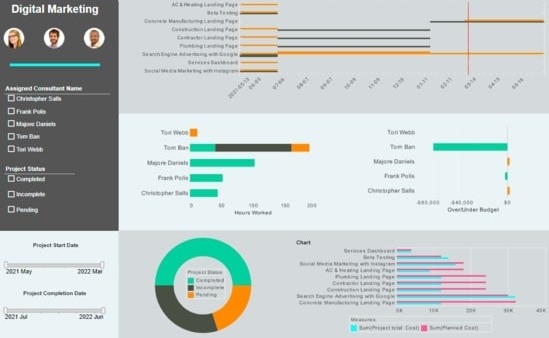
Once the first tidy workspace is built, follow one ordinary change from where it starts to the project view it should reach. This exposes the daily upkeep effort that a well-configured demo hides.
One participant comparing several PM applications put the difficulty plainly:
We tried Asana, nice UI but adoption died after the honeymoon phase. Jira… powerful but a full-time job just to keep it clean. Celoxis and Trello honestly surprised me because it didn’t take forever to get rolling, which is rare.
Your pilot can measure the same trade-off: track how much effort the team spends entering and correcting task information.
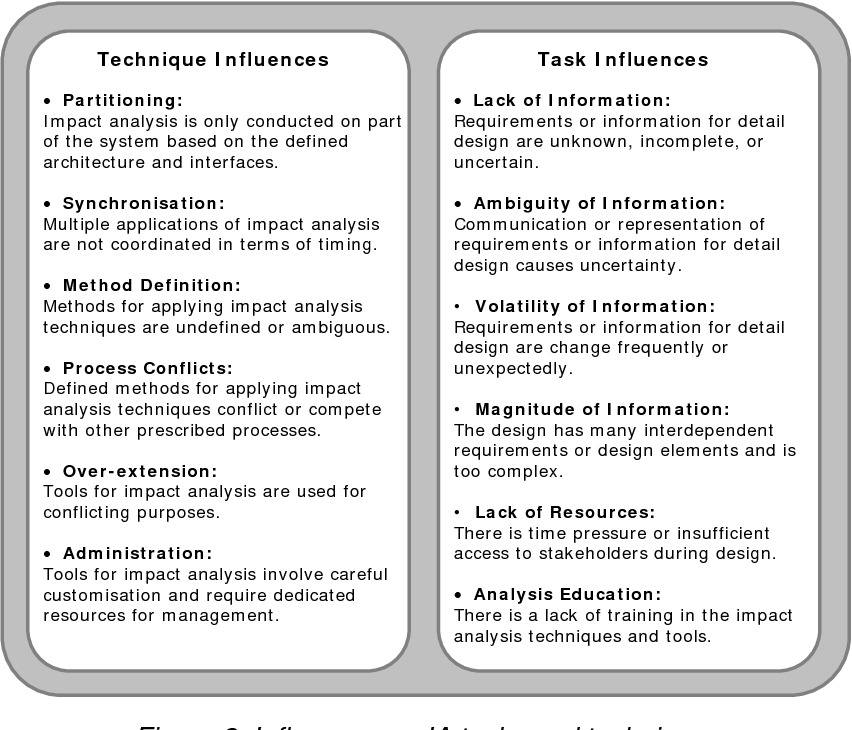
Suppose the agency client moves a deadline in Slack. The assigned contributor updates the project task, and another person checks the stakeholder view after 20 minutes. The observer notes who entered the change, whether the right people saw it, which records disagree, and whether a project manager had to step in.
Projects with real approval chains and dependencies justify detailed configuration. Simpler teams may accept fewer controls in exchange for less upkeep. The update test shows you what that costs.
Run the pilot under normal load
Load the tool with a safe copy of your team’s ordinary project complexity: typical tasks, collaborators, dependencies and comments. Empty sample boards hide the navigation and performance costs of everyday use. For how Asana and ClickUp handle dependencies, see tasks, subtasks and dependencies in Asana and ClickUp.
Then use normal actions while the project holds representative work: open a task, search a discussion, change a status, switch views, and generate a report. Include mobile or browser conditions if participants rely on them. Time slow operations and log any errors, failed retries, and the steps needed to recover.
One longtime ClickUp user posted this complaint in 2024:
Hello, this is just a rant. Im thinking about leaving because, let’s be honest, clickup never worked well and the tech team is just unable to address the big bugs.
If you report a minimal bug that affects functionality then you may get lucky and have it solved in 1 month. But the real problem comes when you report one of the big issues rooted deep into the very core of clickup, because the team is just unable to address those since they would have to remake the whole thing from scratch.
A complaint like this is a reason to test performance and support under your team’s actual trial conditions.
When an operation fails or slows down, capture the task, project size, user role, device or browser, network conditions if relevant, and whether the problem repeats. Repeating the action under controlled conditions separates a local connection problem from reproducible application behavior.
If vendor help matters to your team, send one realistic support request through the channel available under the trial. Note how clear the reply is, the escalation path, and what the team would be entitled to after purchase.
Asana advertises a month-long Enterprise+ Guided Trial Program with recommended training and weekly office hours. Don’t confuse that program’s assistance with the support included in other plans or trial arrangements.
Verify permissions and integrations in both directions
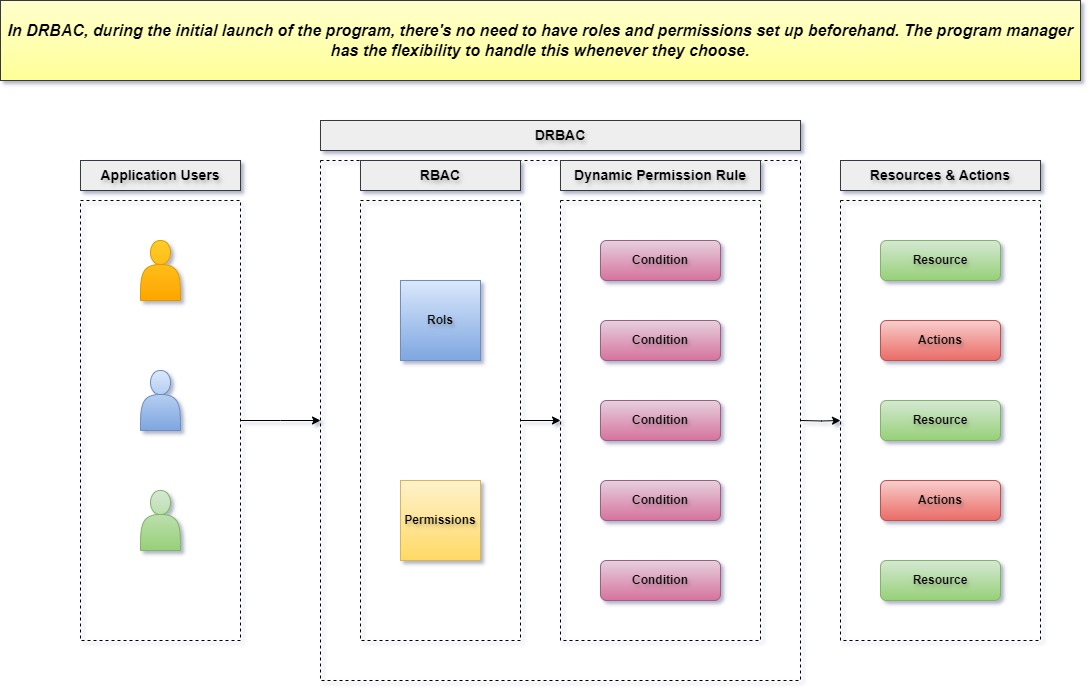
Access rules belong in the acceptance test when projects contain confidential work or outside collaborators. Test permissions through the identities and roles your team expects to use.
- Administrator: Configure the workspace and revoke access when required.
- Project lead: Manage approved projects and obtain the information required for oversight.
- Contributor: Update assigned work while restricted projects remain inaccessible.
- External guest: Open the intended deliverable without seeing unrelated budgets or internal records.
For example, invite a test guest to the approved project, check what the guest can read and edit, then revoke the invitation. A guest who can alter confidential work against the team’s requirements triggers a hard-disqualifier review. To match permissions and dependencies to your team, see how to match the tool to your team's work.
A Slack notification about a changed task and an edit made in Slack that writes back into the project are two separate data flows. Test each direction your team requires, including which identity is authorized to make the change and what happens after a failed or repeated event.
Record the origin, destination, expected change, actual change, delay, and any duplicate or stale records.
If single sign-on, multifactor authentication, retention controls, or a particular audit trail are mandatory, you also need the vendor’s documentation and the correct licensed edition. This test shows observed access behavior. Formal compliance assessment needs separate evidence.
Test import, export and the way out
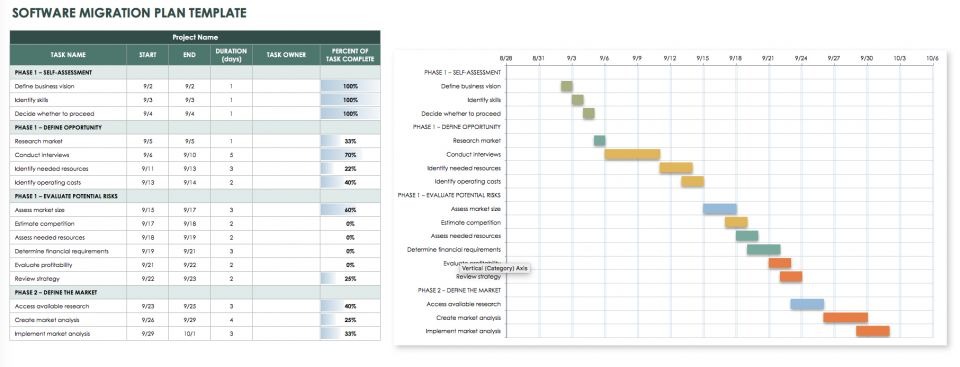
Before the team commits its records, run a small reversible migration to see whether essential information and relationships survive the move. Keep the source in a backup, anonymized copy, or approved synthetic dataset.
An example test set contains one parent task, three subtasks, two comments, and one attachment. Add owners, dates, dependencies, and custom fields when they matter to the business.
| Element | Source data | After import | After export | Check |
|---|---|---|---|---|
| Parent task | 1 | Count after import | Count after export | Task identity |
| Subtasks | 3 | Count after import | Count after export | Parent-child structure |
| Comments | 2 | Count after import | Count after export | Text and ordering |
| Attachment | 1 | Count after import | Count after export | File or usable link |
| Owners and dates | Source values | Compare values | Compare values | Assignment and deadline fidelity |
Pass the migration case when the required objects, relationships and metadata can be inspected in the destination and recovered in a usable export. Record any loss and whether an approved workaround changes the decision.

Open the exported data independently to see which records remain accessible. Check the paid-plan export rights, retention rules, cancellation conditions, and any vendor assistance required. A trial’s capabilities may differ from those of the edition the team eventually buys.
For an approvals-heavy team, missing attachment history can block adoption. Another team may safely keep attachments in a separate system, provided the workflow and responsibilities are explicit.
Measure real adoption and status accuracy
The longer observation asks whether ordinary participants keep maintaining the project record through recurring work. Visible task ownership and accurate status changes tell you more than logins and enthusiastic feedback.
One Reddit contributor described an adoption failure in which reporting stayed formal while working conversations moved back to chat:
I’ve watched this play out enough times at this point to know it’s not random. A new PM tool gets introduced with genuine enthusiasm. The setup is solid, training happens, everyone agrees it’s the right move. By month two the PM is the only one updating it. By month four it’s used for reporting to leadership but the real work is happening in slack threads.
In a pilot, watch for the observable warning sign: the PM corrects most project records while contributors keep coordinating elsewhere.
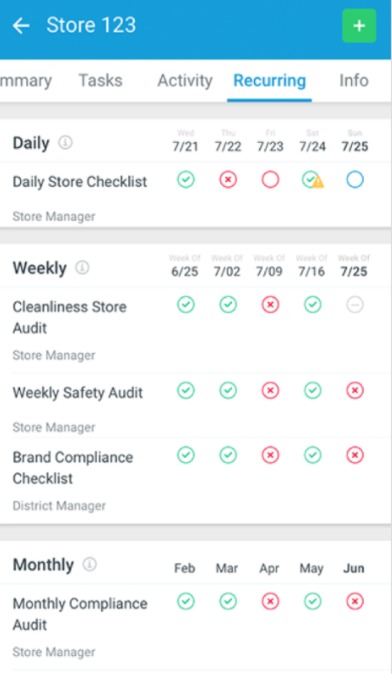
After a recurring work event, sample recent decisions. Find out which participant updated each item, whether a reminder or administrator correction was needed, and how long stale entries stayed. For example, a reviewer might pick three decisions from an ordinary meeting and compare them with the board status.
Keep a separate tally of contributor-completed updates and PM-maintained corrections. Participant feedback can explain friction, but the task records show the operational result.
If the required recurring event hasn’t occurred, the adoption finding is incomplete. Record the missing event and extend narrowly under the final decision rule.
Score the evidence, make the decision, and close the trial
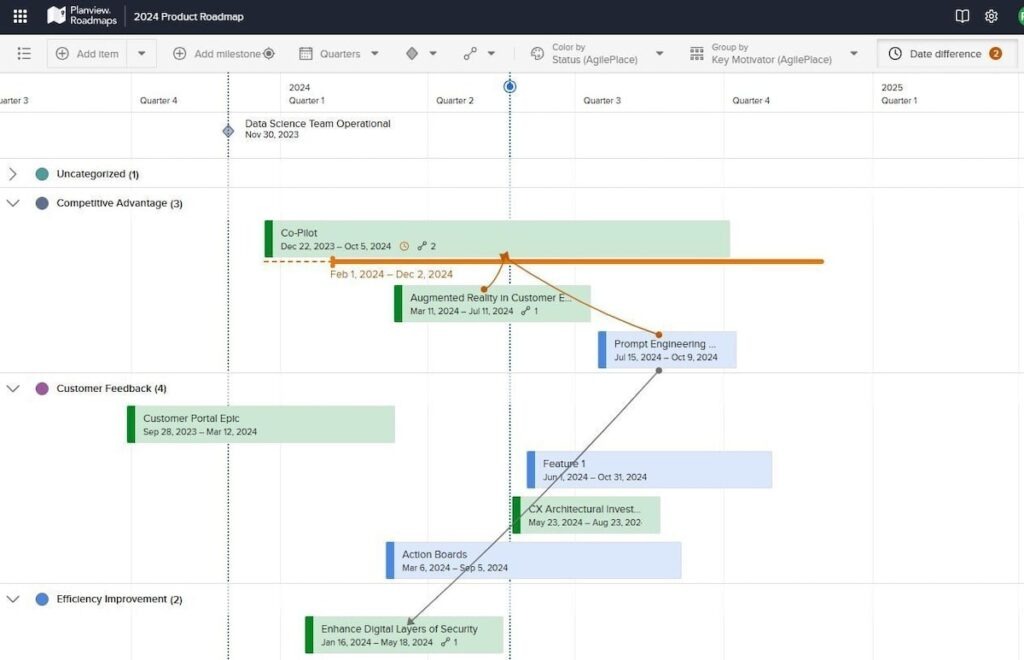
Start with the hard disqualifiers from the charter. A favorable weighted score cannot override a failed access, workflow, data or budget requirement.
For tools that clear those conditions, compare the same tasks against your existing process. Include completion, time, errors, prompts, status consistency, and ongoing administrative effort where you measured it. An example entry: the current process completed the task with one manager correction, while the new tool completed it independently but left a stale report. Because accurate reporting is a must-pass requirement here, the tool is marked for repair and retest. Without a successful retest, the team keeps its current process.
| Observed result | Decision | Evidence needed |
|---|---|---|
| Mandatory tasks pass; status, access, export and cost satisfy requirements | Adopt | Task records, costs, accountable approval |
| Core work passes with a bounded fixable issue | Conditional adopt | Mitigation owner and successful retest |
| Important real-work cycle has not occurred | Extend narrowly | Missing event and review condition |
| Critical access, workflow, data or budget requirement fails | Reject or remediate and retest | Reproducible blocking result |
| Existing work meets requirements without a material gain from switching | Keep current process | Same-task baseline and candidate comparison |
A conditional decision names the specific issue and the event that will show it is fixed. A narrow extension names one missing observation. Give every outcome a decision owner.

Include the cost of running the system
For the relevant edition, calculate 12-month ownership from the vendor quote or plan terms. Include seats, guest rights, required integrations, implementation help, add-ons, support and routine administration time.
End the trial deliberately
Keep the approved evidence and required exports. Remove access that is no longer needed, review renewal and cancellation settings, and name who owns any rollout. If you reject the tool, preserve the recorded reasons so the next evaluation doesn’t repeat the same failure.
A new project platform should not create a second place for staff to maintain task status. If that is the outcome, revisit the appropriate project-management tool category rather than adding another subscription.
Speak Your Mind