For a team that wants a straightforward sales process, HubSpot is the more natural starting point. Zoho CRM suits a team willing to configure more of its own process and controls. The meaningful comparison is between affordable editions completing your specific sales tasks, integrations and record relationships—not between brand reputations.
The comparison changes once salespeople use the systems. A missed follow-up, an automation locked behind a higher tier or a migration that breaks account associations can cost more effort than the initial subscription suggests.
HubSpot and Zoho CRM can both serve a small business, but their licensing, setup demands and connected workflows differ.
Who should choose HubSpot or Zoho CRM?
Start with how your team works: a standard lead-to-deal process, enforced sales-stage rules, or specialized customer-record relationships. That tells you which editions to test.
The product names matter here. HubSpot Smart CRM is the underlying customer-data layer, and Sales Hub subscriptions decide many sales-specific features. Zoho CRM is a standalone product with its own editions. Zoho One is a broader software suite and a separate purchase decision.
Start with the work that cannot fail
Take a five-salesperson services company. Every day it assigns incoming leads, tracks follow-ups, updates deals and produces a shared forecast. It uses Microsoft 365 and needs a link to its accounting workflow.
| What you need | Reject the edition if |
|---|---|
| Contacts and deals | You can’t maintain a customer or deal record you need |
| Sales-stage rules | A mandatory rule can’t be enforced |
| Day-to-day adoption | Your staff can’t keep usable records |
| Email and accounting | Critical information doesn’t move correctly |
| Operating cost | The edition you need goes over budget once seats, subscriptions and setup are counted |
List your mandatory operations before comparing plans. If an edition fails one of them, a lower price doesn’t help.
A landscaping business owner on r/CRM described how hard an implementation can get:
We invested in Zoho CRM last year but have had a really hard time getting anywhere with it.
The owner was weighing a switch to HubSpot. A feature-rich CRM does little for a team that can’t keep its sales process running in it.
If spreadsheets already handle a small, predictable sales process, waiting on a CRM switch is reasonable. You need a concrete improvement to justify the implementation effort and ongoing fees.
What will HubSpot and Zoho cost as your team grows?
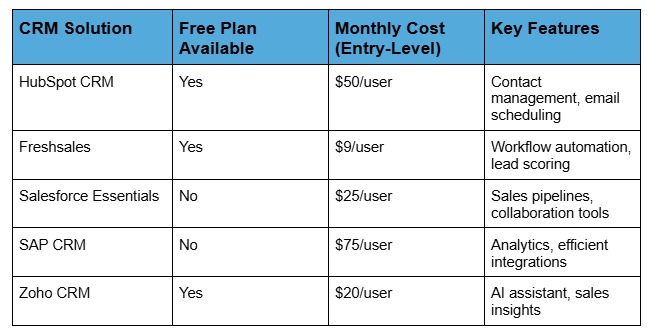
Zoho’s entry-level paid plan costs less per seat in several of the comparisons below. HubSpot’s total depends on seat type, any promotion you qualify for, the edition and onboarding fees. Match the plans you need before you compare prices. For a wider price picture, see how much does CRM software cost for a small team.
US subscription prices by edition
| Product | Edition | USD per user/month | Billing and conditions |
|---|---|---|---|
| HubSpot Sales Hub | Free | $0 | Up to 2 free users |
| HubSpot Sales Hub | Starter | $7 promotional; $20 list price | Core seat |
| HubSpot Sales Hub | Professional | $90 annually billed; $100 monthly billed | $1,500 required onboarding listed |
| HubSpot Sales Hub | Enterprise | $150 listed | $3,500 required onboarding listed |
| Zoho CRM | Free | $0 | Up to 3 users |
| Zoho CRM | Standard | $14 annually billed; $20 monthly billed | Full CRM user |
| Zoho CRM | Professional | $23 annually billed; $35 monthly billed | Full CRM user |
| Zoho CRM | Enterprise | $40 annually billed; $50 monthly billed | Full CRM user |
| Zoho CRM | Ultimate | $52 annually billed; $65 monthly billed | Full CRM user |
US prices come from HubSpot Sales Hub pricing and Zoho CRM pricing. Promotions, account eligibility, billing commitments and negotiated terms change the final price.
Some comparison pages claim unlimited free HubSpot users. HubSpot’s Sales Hub offer says up to two, and Zoho CRM Free says up to three. If you need a paid feature, you need the edition that includes it, even when your user count fits a free plan. For the plan-level detail, read the trade-offs between free CRM plans and paid tiers.
Compare roles and permissions
Say you have five salespeople, an operations manager and an executive who only reads reports. They need different access.
In HubSpot’s conventional seat-based subscriptions, Sales Hub Starter uses Core seats for paid-feature access. Professional and Enterprise use Sales seats for sales-specific features, and View-Only seats cover narrower access. HubSpot also documents a flexible seats-and-credits pricing model with different licensing rules, and older accounts can sit on legacy arrangements.
Zoho separates full CRM users from restricted Team Users. Team User prices are $9 per month on annual billing and $11 on monthly billing, with limited permissions. An employee who does full sales work needs a license with those rights.
Compare 2, 5 and 10 paid seats
Here is a like-for-like illustration: Zoho Standard at $14 per full user per month against HubSpot Starter at a $20 list price. Both are annualized over twelve months, with promotions and onboarding excluded. The features differ.
- 2 paid users: Zoho Standard totals $336 per year; HubSpot Starter totals $480.
- 5 paid users: Zoho Standard totals $840 per year; HubSpot Starter totals $1,200.
- 10 paid users: Zoho Standard totals $1,680 per year; HubSpot Starter totals $2,400.
At five seats and unchanged rates, two years cost $1,680 for Zoho Standard and $2,400 for HubSpot Starter.
Five HubSpot Professional Sales seats at $90 per seat per month for twelve months come to $5,400. Add the $1,500 required onboarding and year one costs $6,900 before other expenses.
Include connected products and upgrades
HubSpot Marketing Hub adds a separate cost if you also buy marketing functionality. Marketing-contact tiers apply to contacts you designate for marketing billing, and the CRM can store other contacts outside that designation.
A contributor on Zoho Community said their organization used HubSpot Marketing Starter and grew frustrated trying to expand workflows:
Our frustration is every little thing we want to do to improve our workflow or processes within HubSpot requires upgrading to their Professional version […]
That complaint is about the Marketing Hub setup. Sales Hub Professional has its own features and pricing.
Get a written proposal that names the exact product and edition, role permissions, billing period, onboarding, integrations, add-ons, renewal terms and cancellation commitments. Build your 12-month and 24-month budget from those terms.
Which CRM is easier to implement and adopt?
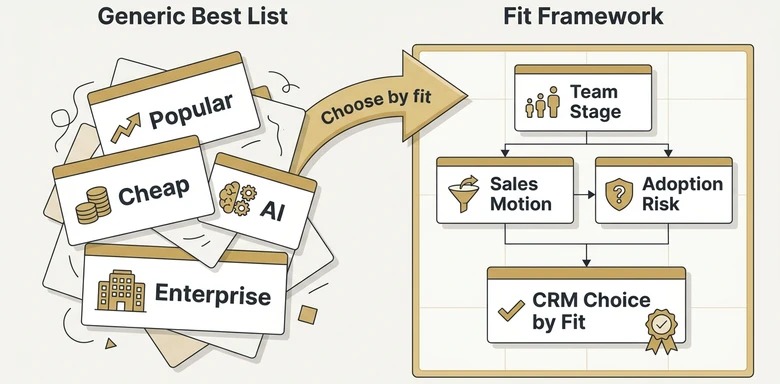
Neither is easier in general. It depends on who uses the CRM and what they do every day, so compare how efficiently your own people finish the same tasks in editions you can afford.
Three assignments show most of the friction:
- Record an opportunity. Create or import a contact, connect it with the correct account, enter a deal and assign ownership.
- Complete a follow-up. Log a conversation, schedule the next action and locate the pending work.
- Update the pipeline. Change the deal stage and find the updated opportunity in the shared sales view or report.
Give these to the people who will use the CRM. Watch whether they finish correctly, need coaching, lose information or create extra admin work. The same trial shows whether a manager can read the pipeline without rebuilding it by hand.
An r/Zoho contributor with years of HubSpot experience described moving into the broader Zoho environment:
NGL is pretty foreign thus far. Also concerned about doing away with Outlook client.
The concern covered Outlook habits and a move toward Zoho One. A team comfortable in one set of tools needs training when its daily tools change, even if the new subscription looks cheaper.
A founder hiring a first salesperson may prefer a smaller, simpler setup. A business with an administrator who owns territory rules, custom fields and reporting can accept more configuration.
How do automation, customization, and reporting differ?
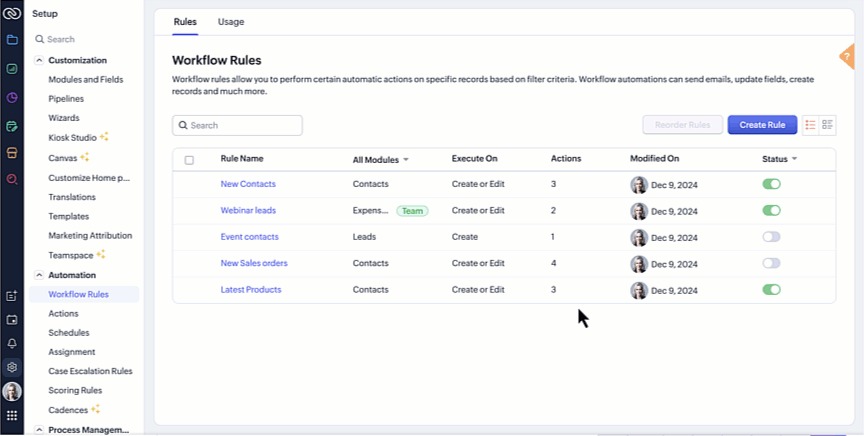
Both systems do more than store contacts and deals, but the edition decides whether you can enforce a sales process. Requiring an approval or mandatory field at a stage change is harder than moving a deal card.
Zoho Standard includes custom modules for specialized records. Blueprint process controls start at Professional, and territory management is documented at Enterprise. HubSpot’s workflow and reporting features depend on the Sales Hub subscription, your seat and the specific function.
| Sales requirement | HubSpot evaluation | Zoho CRM evaluation | Business test |
|---|---|---|---|
| Mandatory stage information | Stage controls and workflows, by edition | Blueprint from Professional in the documented matrix | Prevent an incomplete stage transition |
| Territory rules | Assignment and reporting features, by edition | Territory management at Enterprise | Assign and report by territory |
| Custom relationships | Objects and associations | Modules, lookups and permissions | Represent the real business relationship |
| Forecast and pipeline reports | Report fields and seat access | Report fields and edition access | Produce the management view you need |
The Blueprint and territory-management eligibility above comes from the Zoho CRM edition and role guide.
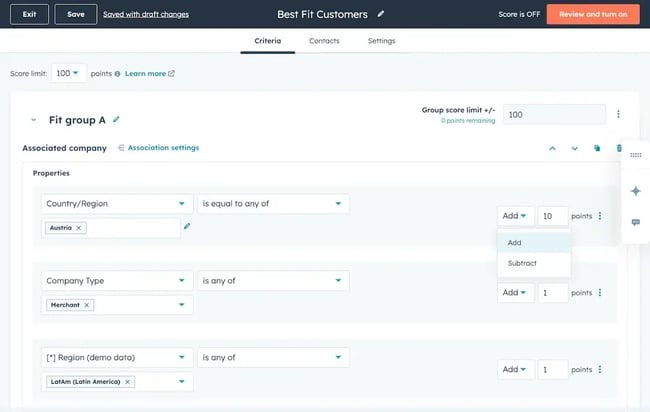
Take a small agency that requires every deal to have an owner and value before it enters Proposal, plus a weekly report of those values. Set up that one rule and report in each trial edition and note whether it works, needs an upgrade or depends on a manual step.
If you use specialized customer records, include how those records relate to each other. A convenient customization becomes a costly dependency when you later need to report on or move the data.
How do integrations and email automation compare?
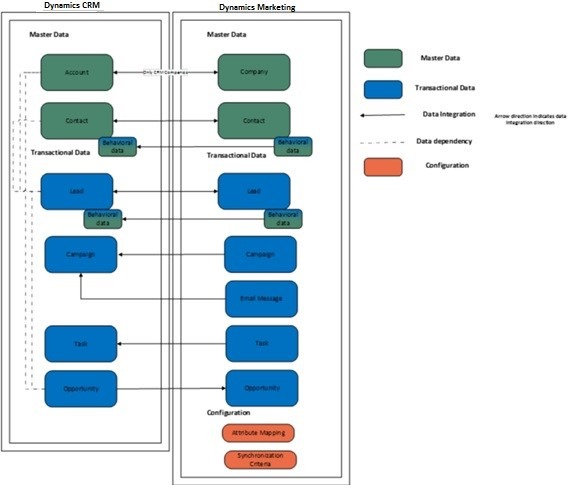
A useful integration moves the specific records and fields you need, under the right permissions and sync rules. Finding a service in an app directory is only the first step.
HubSpot documents a connection with Zoho CRM that needs the right permissions and sync configuration. Zoho’s HubSpot-for-Zoho extension supports its Leads and Contacts modules, with mapped fields and configured sync directions. Deals, custom modules and historical email need separate transfer methods.
Four questions separate a connection from a usable integration:
- Record coverage: Which contacts, companies, leads and deals does the connection handle?
- Field mapping: Do identifiers, owners and required custom properties land in the right fields?
- Direction and precedence: Which system wins when records change or conflict?
- Operating permissions: Can the account and connected provider perform the action you need?
A Microsoft 365 business needs each salesperson’s correspondence linked to the right CRM contact. A business that relies on QuickBooks Online needs a clean accounting handoff. Test each against the exact objects involved.
A HubSpot Community contributor described trouble with email sequences and a Microsoft-connected mailbox:
I have a ticket open with Hubspot support, Microsoft support and even had both parties talk to each other on the phone.
The contributor reported Microsoft mailbox blocking after using sequences. A forum moderator questioned pinning it on HubSpot alone and discussed sending rules for connected providers. The cause was never settled.
For an integration pilot, trace one business event from origin to destination. Inspect the resulting record, relationship, field value and report, and check what happens when a synced value changes. Historical record transfer belongs to the migration checks. For the sign-off steps, see how to use a migration acceptance record.
What can go wrong when switching between HubSpot and Zoho?
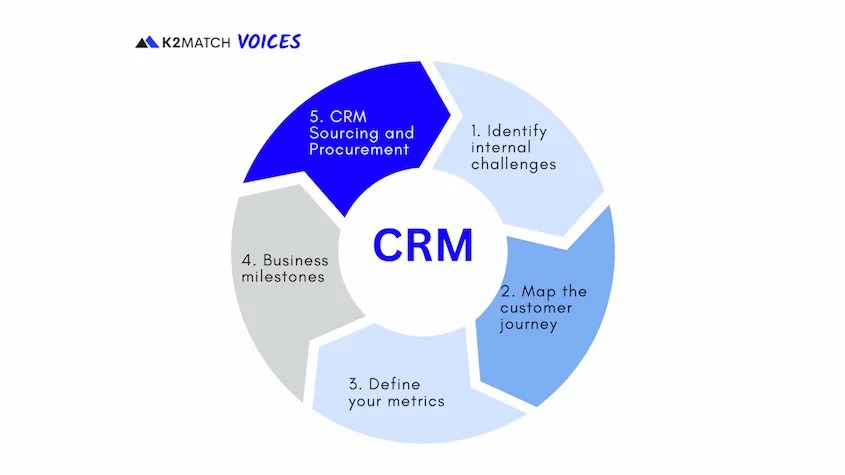
A migration can move thousands of records and leave the relationships between them unusable. Customer identities, original dates, deal associations, custom modules and email history can each need their own migration path or field mapping.
A small-business owner described an unusually large database after importing into Zoho:
Thats about 500 accounts.
There are currently 9000 Accounts and 37,468 Contacts in Zoho. We are a three man company.
The owner was comparing about 500 Stripe customer accounts with 9,000 account records and 37,468 contacts in the new system. Those numbers come from a mixed-source dataset. The post doesn’t say why the counts are so far apart or what the software’s capacity limits are.
A database that size can hold distinct populations: paying customers, prospects, former contacts and records created by connected systems. What each group means to the business decides which records belong in the new CRM.
Preserve relationships and original dates
With custom modules, lookup fields or many-to-many associations, exporting a name and email address covers only part of the migration. The new CRM must also represent the relationships your sales and reporting workflows rely on.
| Migration item | What must be preserved or reconstructed | Sign-off evidence |
|---|---|---|
| Accounts and contacts | Intended customer records and duplicate handling | Source and target counts, sampled IDs |
| Deal associations | Correct contact, company and deal links | Sample linked records |
| Ownership and fields | The users, properties and assignments you need | Field-by-field comparison |
| Original dates | Source dates kept separate from new creation timestamps | Source date and mapped target field |
| Custom modules and lookups | Specialized records and the links between them | Representative relationship test |
| Tags and activity history | Classifications, messages and related activity | Item-level verification and exception log |
A record created in the new CRM gets a new system creation date, so you need a dedicated historical-date field or another supported mapping to keep the original.
Email history is separate from contact sync. A current mailbox connection handles new correspondence, while old messages and attachments need an import method.
Know the limits of the HubSpot-to-Zoho API migration
Zoho’s HubSpot-to-Zoho migration procedure lists these limits:
- Reruns: Three undo or rerun opportunities.
- Tags per record: When a record has more than ten, the first ten migrate.
- Tag length: 25 characters.
- Skipped records: More than 5,000 skipped records in a module causes a pause or decision.
- Custom modules: Outside the API migration scope.
These limits apply to Zoho’s HubSpot-to-Zoho API/private-app migration path.
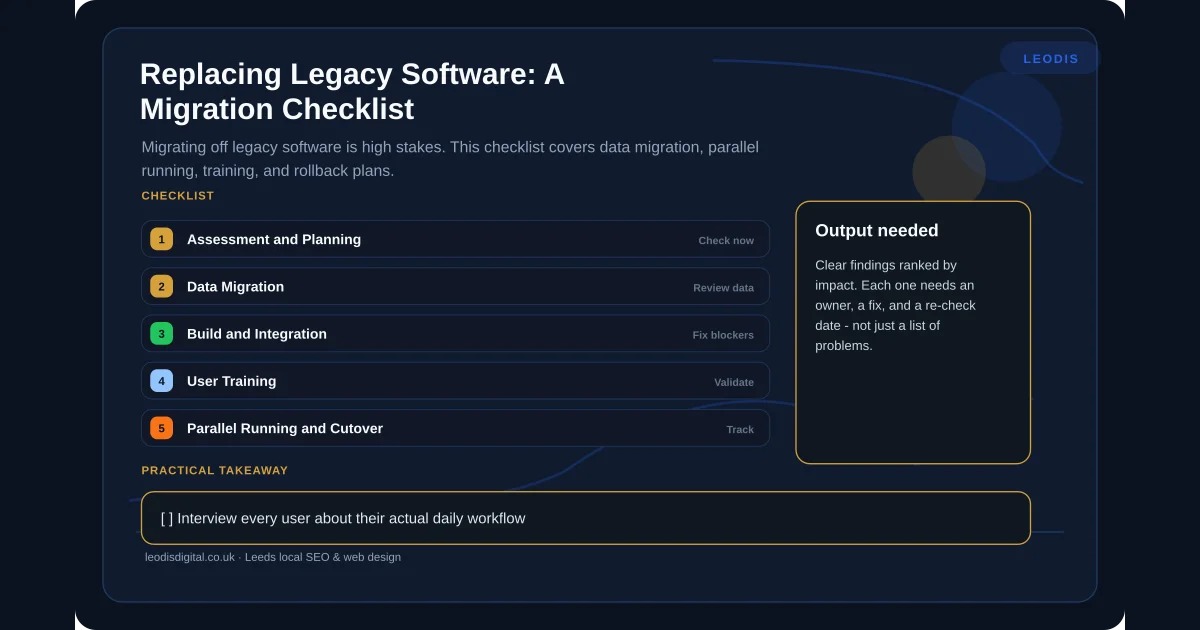
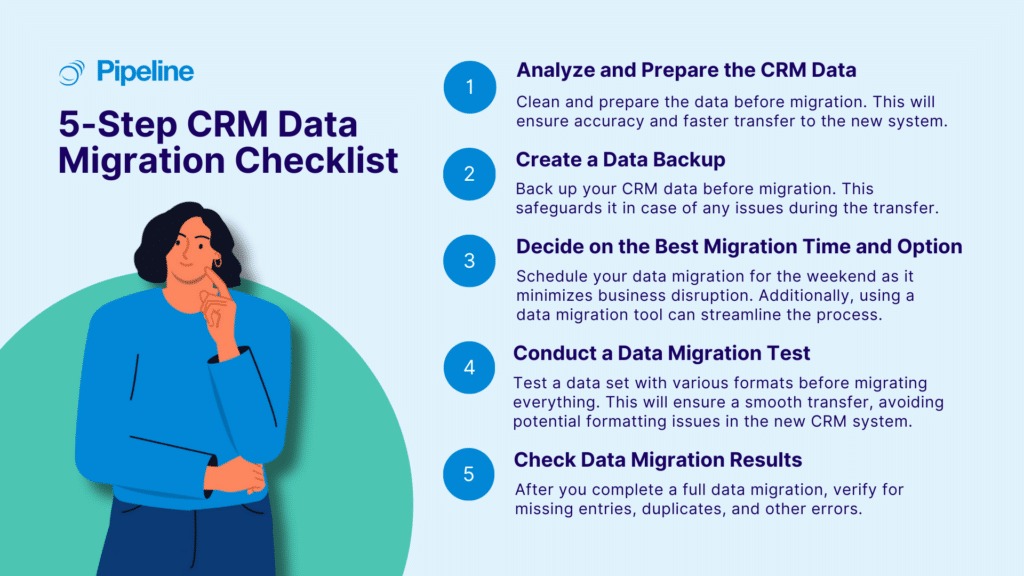
Before cutover, keep recoverable copies of source and target and import a representative sample. Reconcile counts, source identifiers, deal and account associations, owner fields, historic dates, custom lookups, tags, failed rows and required email history. Confirm the export or rollback procedure before you retire access to the old CRM.
How do you test HubSpot and Zoho before committing?
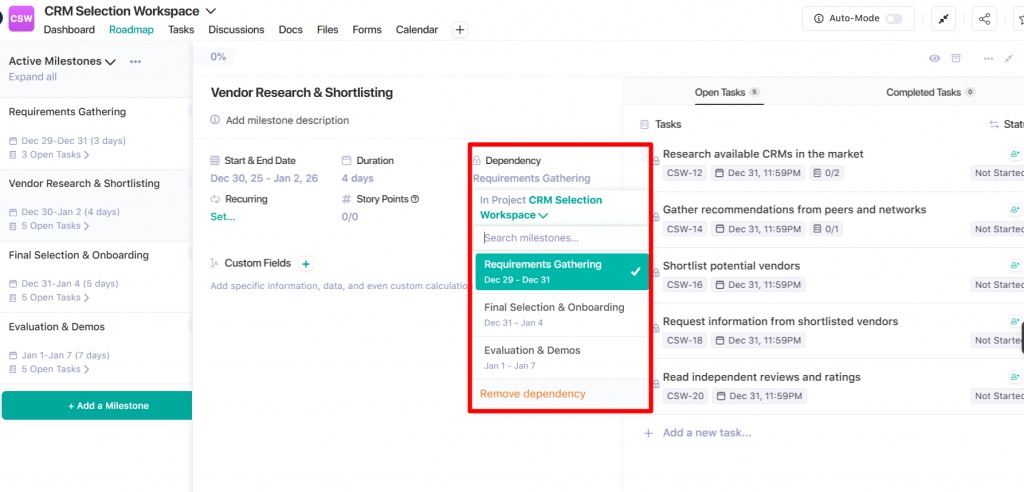
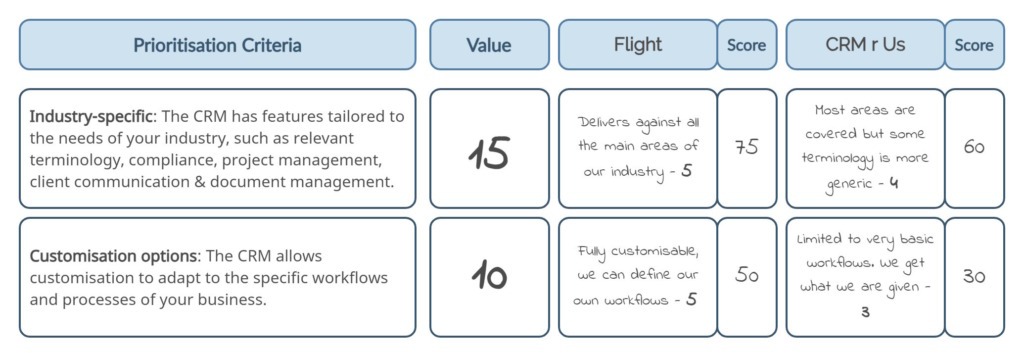
Put the results of your same-task trials into one scorecard. Separate mandatory requirements from preferences, tie each finding to the actual edition tested and keep unresolved failures visible before you buy.
For each requirement, record:
- Business task: The operation or condition the CRM must support.
- Importance: Mandatory pass/fail gate or weighted preference.
- HubSpot result: Outcome, edition and permissions tested.
- Zoho result: Comparable outcome, edition and permissions tested.
- Evidence: Observed behavior, documented capability or written commercial term.
- Outstanding work: Required upgrade, configuration, training or correction.
- Decision: Pass, fail, continue testing or accept a documented trade-off.
Score mandatory requirements pass or fail first. A product that fails a critical record, integration or workflow requirement needs a fix within an affordable edition before weighted preferences matter.
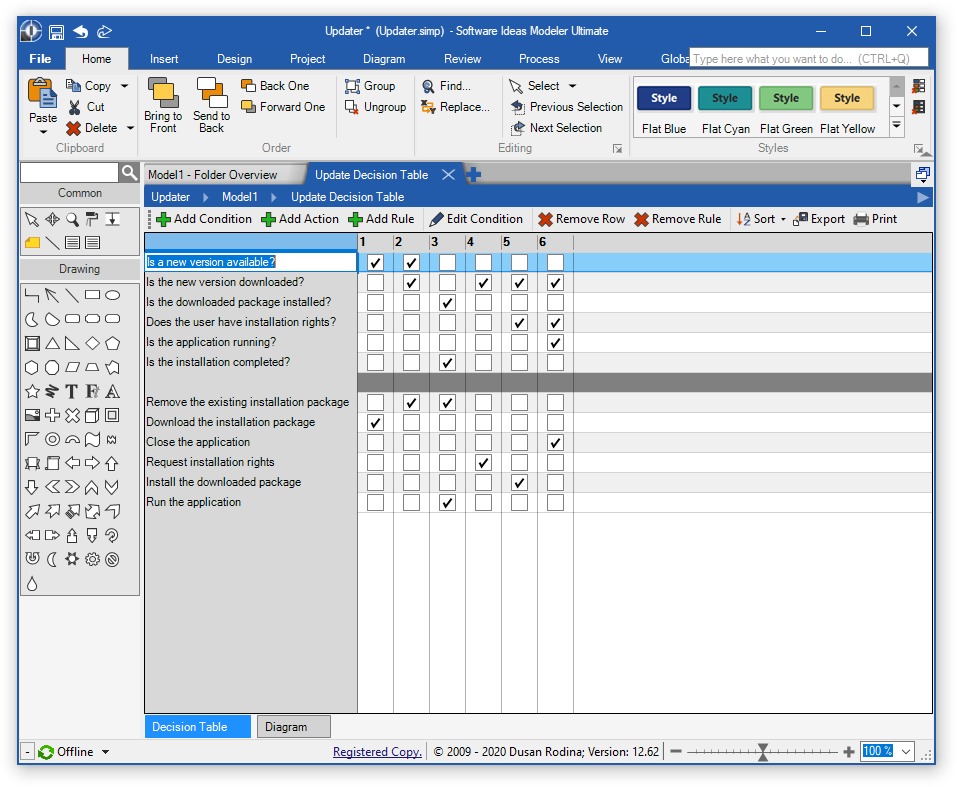
A five-person services team could put its lead-follow-up exercise, Proposal-stage control, weekly forecast, Microsoft 365 connection, accounting handoff and sample migration on one scorecard.
So which CRM should your team choose?
Put the itemized edition, seat and onboarding quotes beside the results of the same sales exercise. That is what distinguishes a better fit from a more familiar brand.
Speak Your Mind