A quick attended support session and an unattended repair for a customer are different security problems. Microsoft Quick Assist may cover the first on Windows; the second may need stronger identity, permissions and audit controls. Use the same real support tickets to determine which licensed platform meets the team’s requirements.
A remote connection that opens successfully tells you little about the next five minutes. The employee might need administrator help. A vendor might need to reach a server after hours. A technician might find that an inexpensive subscription supports fewer simultaneous sessions than the team needs.
A remote-support session has to complete the repair and respect the organization’s access rules. Successful connection alone does not demonstrate either result.
Choose the support model before you compare products
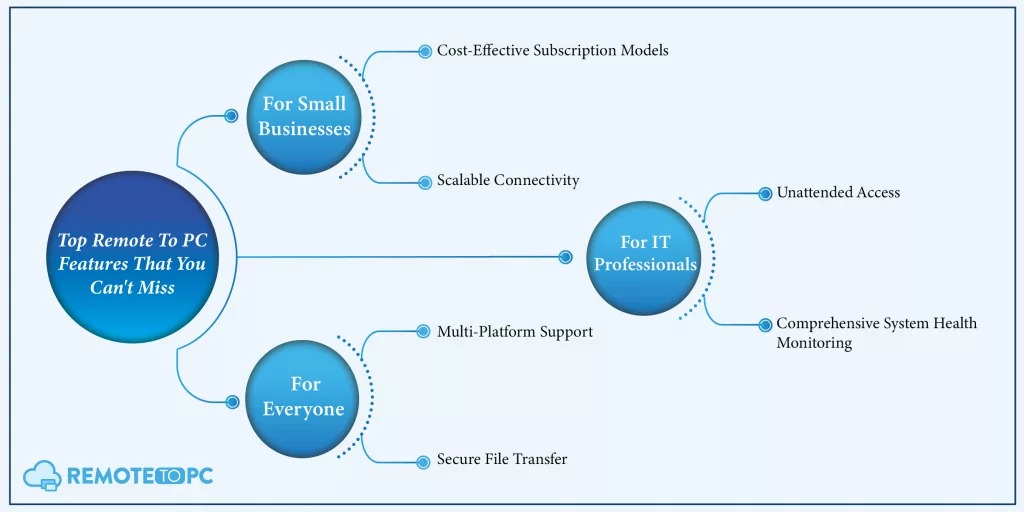
First, ask whether someone will be there to approve the connection. An employee asking for help, an MSP serving unrelated companies and a technician maintaining company-owned unattended endpoints each need a different kind of approval.
| Support situation | Model to consider | Must have |
|---|---|---|
| Employee requests occasional Windows help | Attended remote assistance | Employee can approve and end control |
| Internal help desk supports managed endpoints | Managed enterprise remote help | Identity, device and helper permissions match the organization |
| MSP supports separate customer organizations | External-customer support | Supported customer identity and tenant arrangement |
| Technician maintains an approved endpoint after hours | Unattended managed agent | Explicit approval, inventory and revocation |
| IT team already runs an RMM | RMM-integrated remote control | Built-in sessions can do the required support work |
| Application vendor assists an operations site | Temporary approved vendor session | Right server permissions and a working approval route |
Attended access depends on a person approving the session. Unattended access depends on an approved policy and a managed agent. An RMM bundles monitoring and patch management with remote control, but that does not tell you whether its remote session handles your ticket.
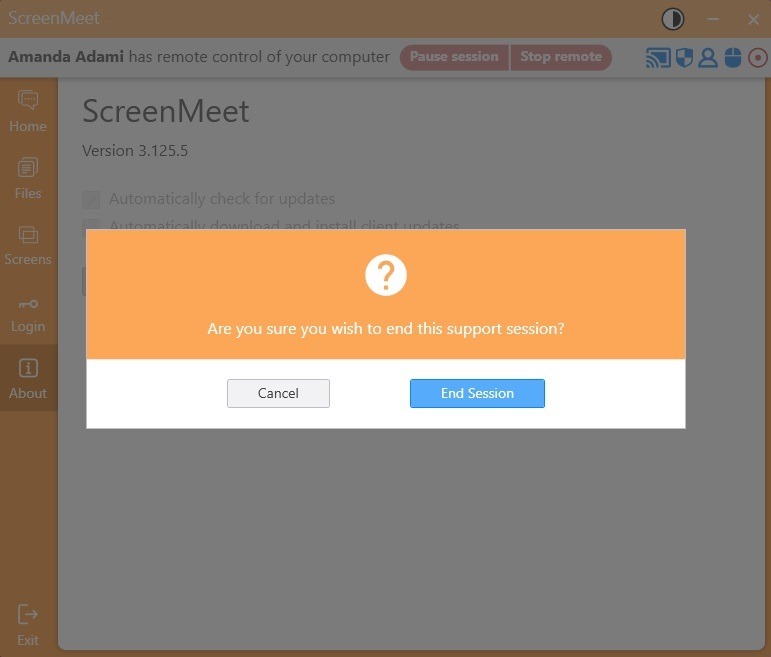
List the technician’s operating system and the supported machine’s operating system separately. A macOS technician helping a Windows PC faces a different compatibility question than a Windows technician viewing an employee’s phone. On mobile, viewing a screen and controlling it are separate capabilities.
Self-hosted tools such as RustDesk mean you maintain the relay server, updates, credentials and recovery yourself. Count that work next to the subscription price.
Pick one main scenario and fix the support mode, identity boundary, end-user presence and device combinations before you name vendors. Device management, enrollment and Windows can also shape the choice, so read which device management model fits your fleet.
Test attended support and Windows administrator tasks
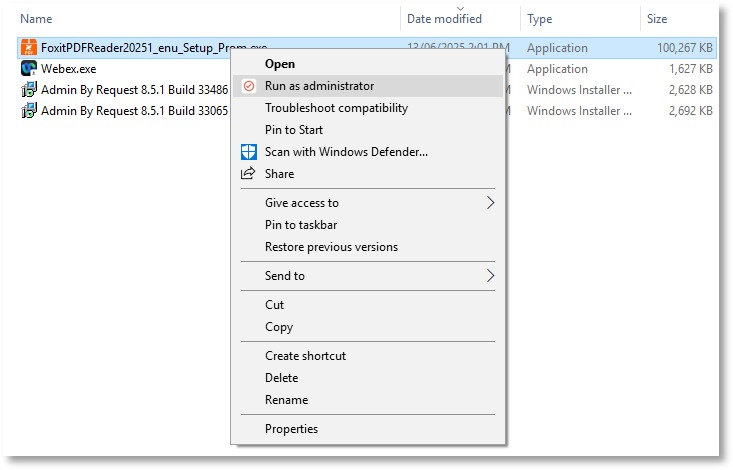
Attended support works only if the user can approve the connection and the technician can finish the job. Viewing a desktop and getting through a UAC elevation prompt are two different capabilities. Test the second one.
Microsoft’s Quick Assist instructions describe a six-digit code the helper generates, acceptance by the user and a separate request for interactive control.
Windows User Account Control can put the administrator elevation prompt on the secure desktop. Whether the technician can click through it in a remote session depends on the product and its setup. A basic screen-sharing test won’t show it.
We’re a company of about 400 people. We don’t have a proper solution in place to remote control (see and control the screen) of the user computers. We’ve been using Quick Assist but it’s a pain in the ass if you need to do anything as admin. TeamViewer is a no go because it supports unattended access. We need to be able to push it with Company Portal to multiple PCs. What are my fellow system admins using to get Service Desk onto other people’s computers?
This admin, at a company of about 400 people, needs two things: help-desk access they can deploy, and a way to handle privileged work under a consent-only policy. Test each one on its own.
- Start with a standard user. Use an approved Windows endpoint, a nonadministrator account and an employee who agrees to the test.
- Check the permission flow. Watch the invitation, the viewing rights, the request for interactive control and whether the user can stop control.
- Perform one privileged operation. Leave the UAC secure-desktop protection on and note whether the task completes.
- End the connection. Confirm that the technician loses access when the user ends the session.
Decide who can connect unattended or across tenants
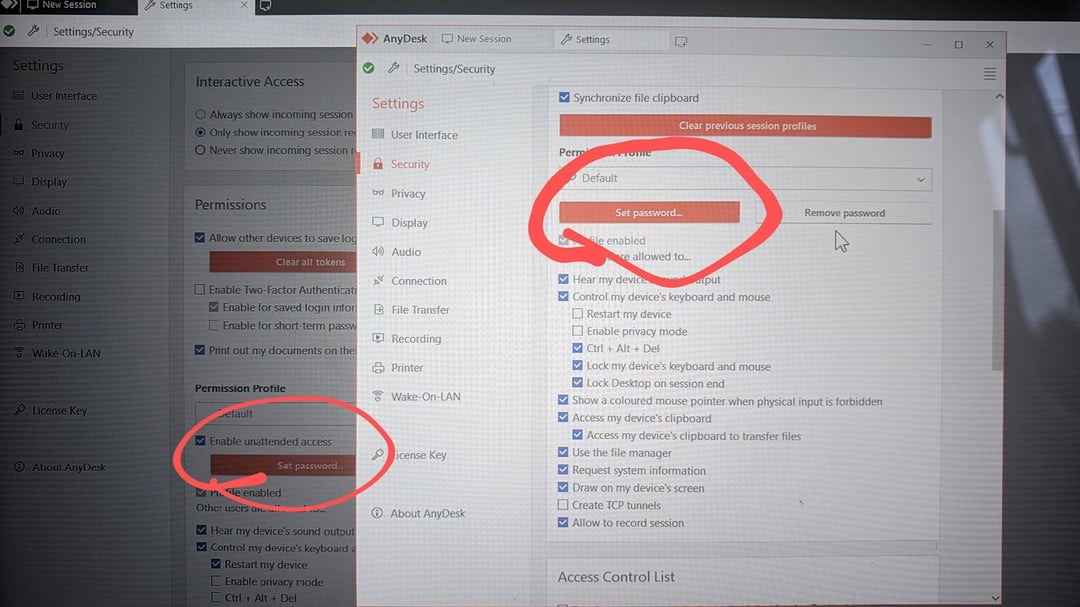
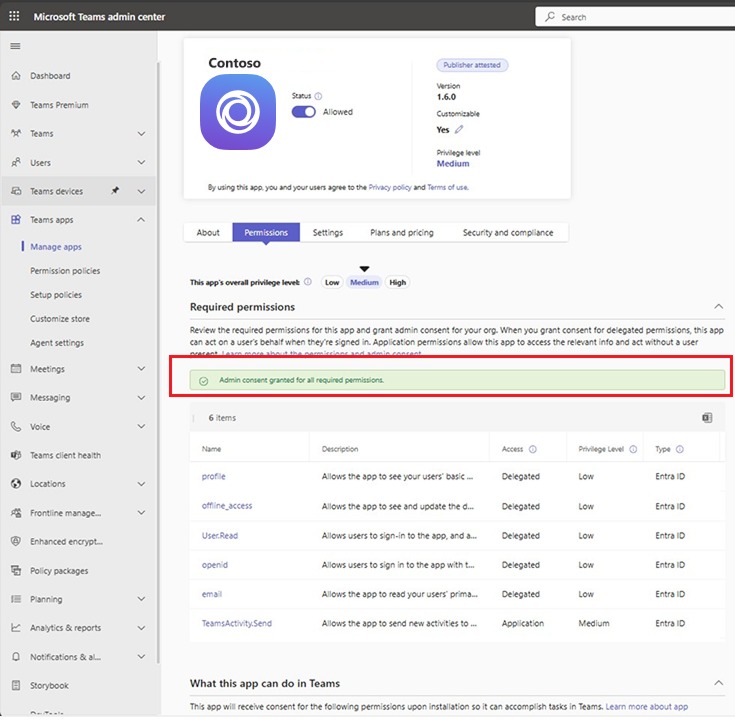
Tenant boundaries can rule out a product before its feature list matters. Microsoft’s Remote Help planning documentation says helpers and sharers authenticate in the same Microsoft Entra tenant. In that setup, direct cross-tenant sessions are unsupported.
Microsoft also describes tenant-compatible identity and device setups for outsourced help desks. An external technician working inside a properly configured customer tenant is a different case from one trying an arbitrary cross-tenant session. Platform, enrollment and role prerequisites still apply.
Vendor access causes a different problem. An application vendor needs server access at a site that runs around the clock. The employee asking for help may lack server sign-in rights, and central IT may not be available to approve the session.
Gotomeeting is sluggish, certain components(some popups) either don’t show up or can’t be controlled. QuickAssist seems to be very good performing
…
At this time, IT needs to sign into the server, use the code vendor support provided, install logmein123 client, and grant vendor support remote access
The two posters describe different problems. One, writing about industrial support, says some pop-ups are hard to see or operate. The other, a GoTo customer, depends on an IT employee to sign in to the server and give the vendor access. In that thread, a vendor representative says the silent installation and automatic permissions the customer asked for were not feasible.
For a service desk, test the real support relationship: the helper’s tenant and role, the host’s enrollment or ownership requirements, the consent path, and whether an approved agent stays on the machine after the session. A third-party vendor route has to keep the organization’s server privileges intact, even when the user asking for help cannot administer the machine.
Compare tools against what each edition supports
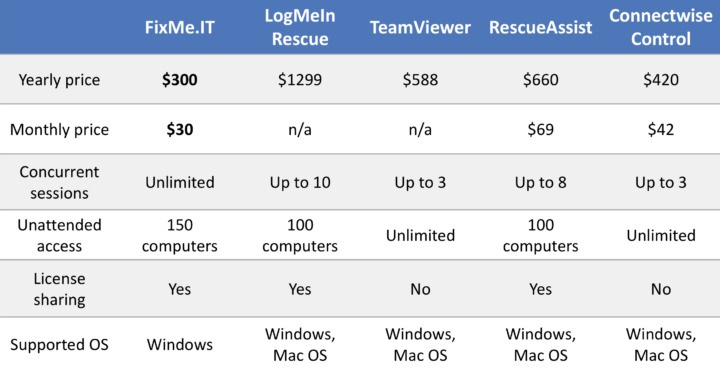
Shortlist the editions that can serve your support model.
| Product | Where it fits | What to check |
|---|---|---|
| Microsoft Quick Assist | Code-and-consent Windows assistance | Can the attended workflow finish required UAC tasks? |
| Microsoft Intune Remote Help | Same-Entra-tenant help with role controls. For Windows unattended mode, the target must be a physical, corporate-owned, Intune-managed x64 Windows device that is Microsoft Entra joined or hybrid joined; attended support has different requirements. | Do both users belong to the supported tenant, and does your helper and host setup qualify for the mode you need? |
| Zoho Assist | Starts supported remote sessions from a Zoho Desk ticket | Does the purchased edition cover the required OS, host functions and session permissions? |
| Splashtop SOS | Remote IT support offering with technician licensing based on concurrency | Does the quoted plan cover active technicians and the attended or unattended features you need? |
| ConnectWise ScreenConnect | Dedicated remote support product; practitioners report on its recovery and reliability | Do consent, privilege, agent-recovery and logging controls pass your tests? |
| TeamViewer Remote / QuickSupport | Product family for assisted support and device policies | Can your deployment enforce the company’s unattended-access restrictions? |
| BeyondTrust Remote Support | Managed support that needs organizational controls | Which edition, identity configuration and audit features meet your policy? |
An internal help desk on Microsoft identities should check Remote Help’s tenant and device requirements first. A team on Zoho Desk can test the ticket-to-session integration. If technician concurrency limits you, read the Splashtop SOS license terms closely.
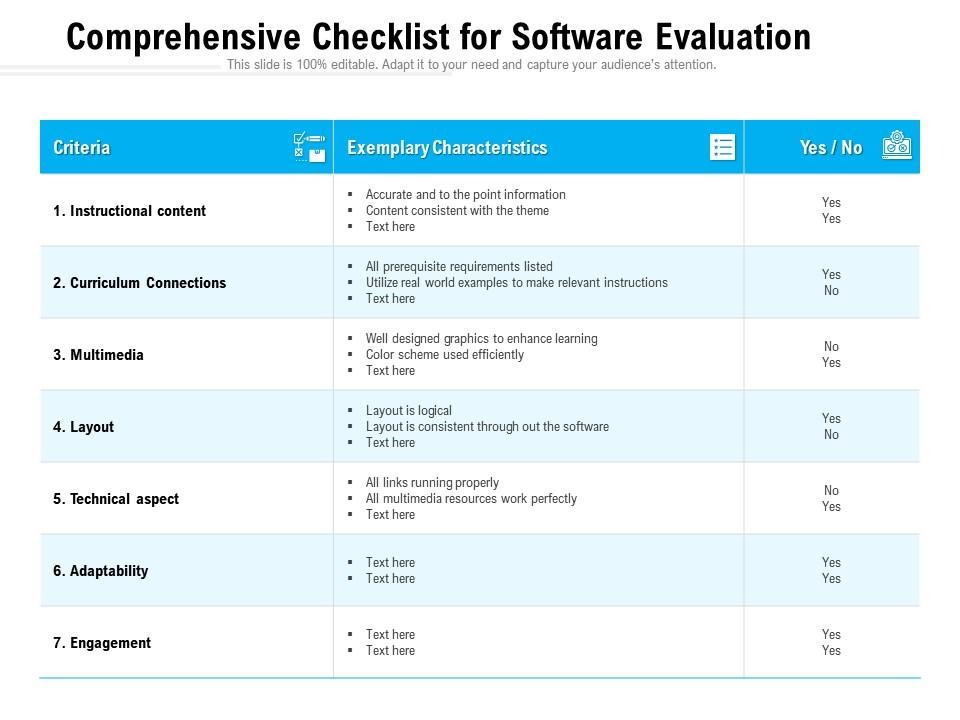
AnyDesk, GoTo Rescue and RustDesk also belong on the list when their deployment model fits your environment. A product name does not tell you which capabilities a paid edition includes, so confirm each one.
Test failures that interrupt real support
A reboot, a lost agent or a broken clipboard can interrupt an ordinary ticket, so test recovery separately.
A longtime TeamViewer Premium customer moved to ScreenConnect cloud, liked it at first, then grew frustrated with its reliability:
I was a 10 year TeamViewer Premium customer. Cancelled TV and moved to ScreenConnect (cloud version) in 2023 due to increasing unreliability and issues that TV would not/could not fix. For the first couple of years, SC was great. I thought I’d found my forever home. I was happy as a newly adopted shelter puppy. I even got through the whole zip fiasco, which was a PITA. But since late last year and even more so the last few months, SC has turned into shit.
The poster named the ScreenConnect instance as v26.1.24.9579 and reported session hangs of 5 to 10 seconds, slow loading and clipboard trouble.
Run the same disruptions on each product and compare how it recovers:
- Interrupted connection. Disconnect a test endpoint for a moment. Note how it reconnects and whether it needs a new invitation.
- Reboot. Restart an approved managed device and note how you get back into the session.
- Unavailable agent. Check the diagnostic signals when an enrolled machine shows offline.
- In-session functions. Use the clipboard, multiple monitors and permitted file transfer during a real support task.
Some MSPs keep a second remote-access tool for when the first fails. A fallback can save a site visit, but it adds another agent, identity route and revocation task. Hold its permissions to the same support policy as the primary tool.
Secure access, audit sessions and revoke permissions
Match the permissions model to the technician’s job. Viewing, interactive control, privileged administration and persistent unattended access can be separate roles, each with its own approval path.
Remote Help includes role-based access controls. For every other shortlisted edition, find out which MFA or SSO setup is available, what rights each support role gets and what session evidence remains after access ends.
I have spent hours trying to disable unattended access it with TeamViewer. As far as I can tell you need to enroll the TeamViewer installs into the TeamViewer management system to be able to push policies. But there’s a limit on the max devices you can manage which is stupid, this means we’ll have to spend time clearing up that as well so we don’t go over the limit.
This technician tried to enforce a consent-only policy across managed installs and ran into extra work: enrolling devices to push policies and staying under a device limit. Any team with a similar policy should price in that admin time.
NIST’s Guide to Enterprise Telework, Remote Access, and Bring Your Own Device Security, SP 800-46 Rev. 2, published in July 2016, covers organizational remote-access risks and controls. MITRE ATT&CK lists attackers’ use of legitimate remote desktop software under T1219.002.
Cover three points of the access lifecycle:
- Grant. Decide who can start sessions, which roles can elevate or enroll unattended agents, and which approval route outside vendors and customer-support technicians must follow.
- Observe. Check for records of technician identity, endpoint, session time and relevant actions. Test export or ticket linkage where you need it.
- Revoke. Remove a departed technician’s role and the endpoint’s unattended access, then verify the restrictions hold.
Invitations users can recognize, and a way for users to end a session, also matter, because attackers can abuse legitimate assistance software through deceptive requests. Limit access to people and endpoints the organization has approved.
Compare remote support costs by licensing unit
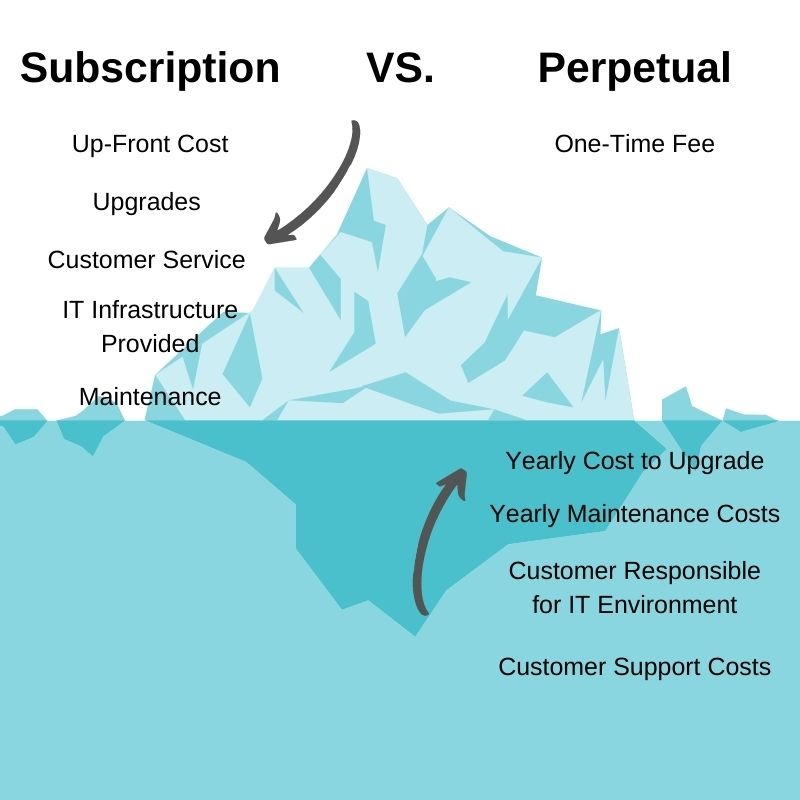
For a 12-month estimate, count the license unit each vendor uses (technician, concurrent session or managed endpoint). Then add paid features, deployment, training and the running cost of any fallback agent.
Splashtop separates Remote Work & Access from Remote IT & Support on its pricing page, and SOS licensing is based on concurrent technician capacity.
Microsoft Intune Remote Help requires licenses for helpers and sharers, plus a separate Remote Help subscription beyond Intune Plan 1 or Plan 2. For supported Samsung and Zebra Android Enterprise dedicated devices with no signed-in sharer, the sharer license is not required, but the helper still needs one.
Use the exact edition and a dated US quote in your estimate.
Run the same pilot tickets and decide
Give every shortlisted tool the same work. Use five representative tickets and record the result for each product.
| Ticket | Task and evidence to collect | Result |
|---|---|---|
| A. Attended session | Employee approval, control request and proper termination | Not tested |
| B. Windows privileged task | Standard-user elevation with UAC protections left on | Not tested |
| C. Approved unattended endpoint | Agent access, then offboarding | Not tested |
| D. Recovery and functionality | Reconnection, reboot, clipboard and required displays | Not tested |
| E. Audited resolution | Technician identity, session record, ticket link and access termination | Not tested |
A missing mandatory permission, tenant or supported-device requirement rules a tool out. A connection failure you can’t explain means more testing. Once a tool passes the critical tasks, compare operating cost and choose. For patch management, Windows and macOS, see how to identify the missing capability.
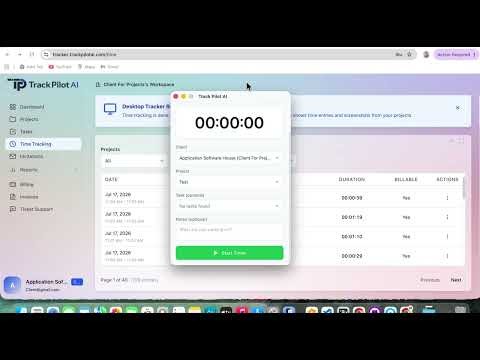
For each product, log the paid edition, host OS and build, technician role, network conditions and ticket outcome. Mark every result pass, fail or needs investigation. Keep the session evidence, license quote, open risks and the name of the person who approves in one decision record. For SSO, identity and access, use the SSO acceptance-test procedure before you decide.
MSPs must build external-customer identity and approval into ticket E. An internal help desk can use a simpler consent procedure when the employee is present.
Keep the five-ticket record showing which cases required consent, elevated permissions or unattended access. That evidence, rather than a bigger remote-support feature list, explains whether another product is worth licensing.
Speak Your Mind