A field-service platform is responsible for the handoff from the office to the technician and, ultimately, to billing. When only estimates or invoices are troublesome, a lighter tool might be enough. Walk representative jobs through two or three suitable configurations with field and office staff, then compare the written costs.
What field service management software manages
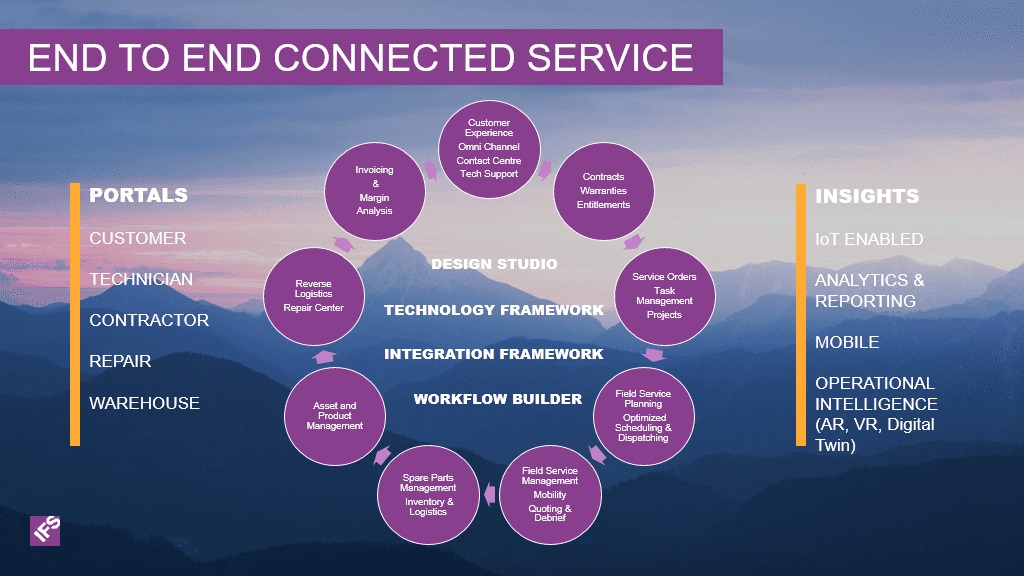
Field service management (FSM) software connects customer requests, work orders, appointments, technicians, service notes, and billing. A work order describes work that can take several scheduled visits. Microsoft Dynamics 365 Field Service documents one lifecycle: Create, Schedule, Dispatch, Service, Review, and Invoice. Its model separates the status of the overall work order from the status of each technician booking.
When full FSM is worth it
Full FSM pays off when work has to stay coordinated between the office and the field. A solo technician who mostly needs notes and invoices can use a small job-record or invoicing app. A shop juggling several technicians, rescheduled calls, and return visits needs shared visibility of appointments and work.
You finish a day of service calls with handwritten notes piled up in the truck. If turning those notes into accurate invoices is the problem, a basic digital recordkeeping app solves it. Now add two technicians, an office dispatcher, and an urgent call that displaces an existing appointment. Someone has to keep the customer, the dispatcher, and the assigned technician working from the same information.

| Current bottleneck | Software to consider first | What changes the pick |
|---|---|---|
| Estimates, invoices, and customer records | Invoicing or lightweight job management | Field staff need coordinated assignments and shared job status |
| Changed appointments and technician handoffs | FSM with dispatch and work orders | Service notes and scheduling updates must move between office and field |
| Recurring visits and callbacks | FSM with flexible multi-visit jobs | Visits differ in timing, work performed, or billing treatment |
| Asset-heavy service agreements | FSM with equipment and contract functions | Equipment records, contract terms, or service-level obligations govern work |
There is no universal employee-count threshold at which you must buy FSM. Coordination needs set the category. To find your immediate need, write down one recurring failure and decide whether it involves billing records or the movement of jobs and information between people. Running memberships or repeat visits? See rebuilding recurring jobs, memberships and visits.
When you compare full platforms, use three jobs: a routine service call, a changed or unfinished appointment, and one exception that matters to your business. Want to start on a free plan? Read free plans for field-service work.
Match the software to your trade and crew

Plumbing, HVAC, landscaping, and commercial maintenance share scheduling needs but differ in what happens during a visit. An HVAC technician needs equipment history and maintenance-agreement details. A landscaper returns to one property on irregular dates. A commercial contractor needs several stages of service and billing against one agreement.
Think about who will use the app. Today you might dispatch and work in the field yourself. Hire an office coordinator and permissions, training, and license costs change. Adding two technicians to a two-person crew is a different growth problem from creating your first dedicated dispatch role. Weighing Jobber against Housecall Pro? Read what each plan costs for your crew.

| Operating model | What it must do | Walk away if | Test it by |
|---|---|---|---|
| Owner-technician | Fast job records, estimates, and completion | Simple jobs need too much admin | Open and close one service call |
| Small office and field crew | Shared dispatch and current assignments | Reschedules don’t reach the assigned technician | Reassign an urgent appointment |
| Seasonal or recurring routes | Adjustable visits, charges, and job history | Every visit has to follow the same interval or price | Change the next service date |
| Commercial or asset-heavy work | Equipment, contract, and multi-visit records | Critical relationships or invoice stages can’t be represented | Follow a contract job through its stages |
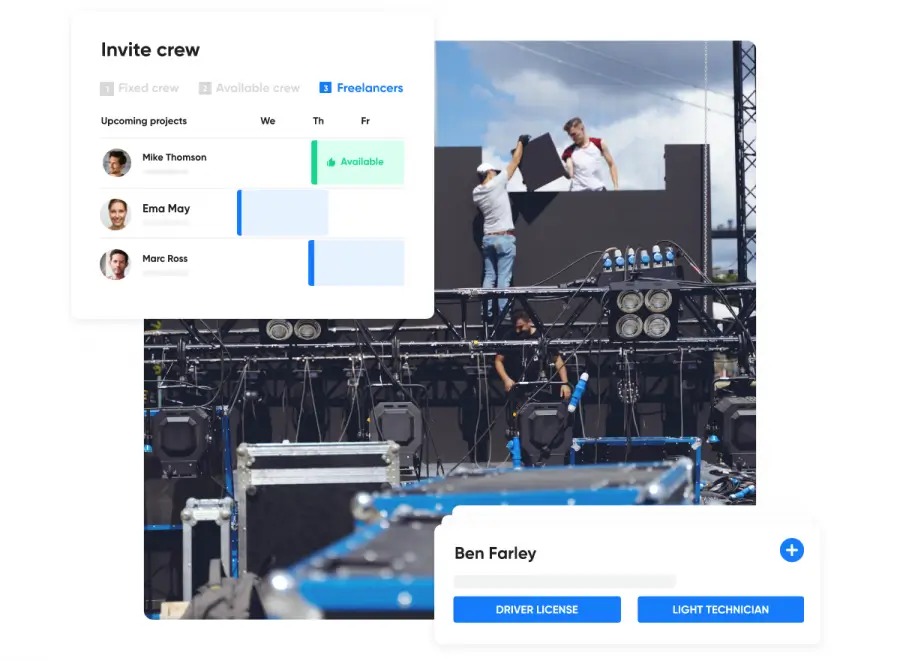
Find the row that matches your shop. Write down three capabilities you won’t give up, plus how many office users and technicians you expect. Book demos only with vendors that cover that list.
The capabilities that have to work together
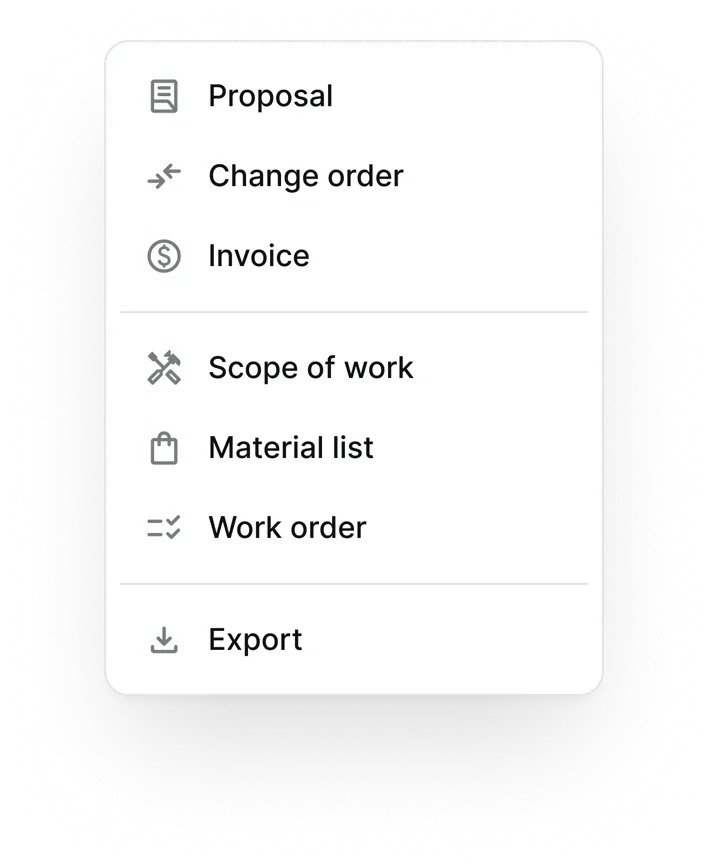
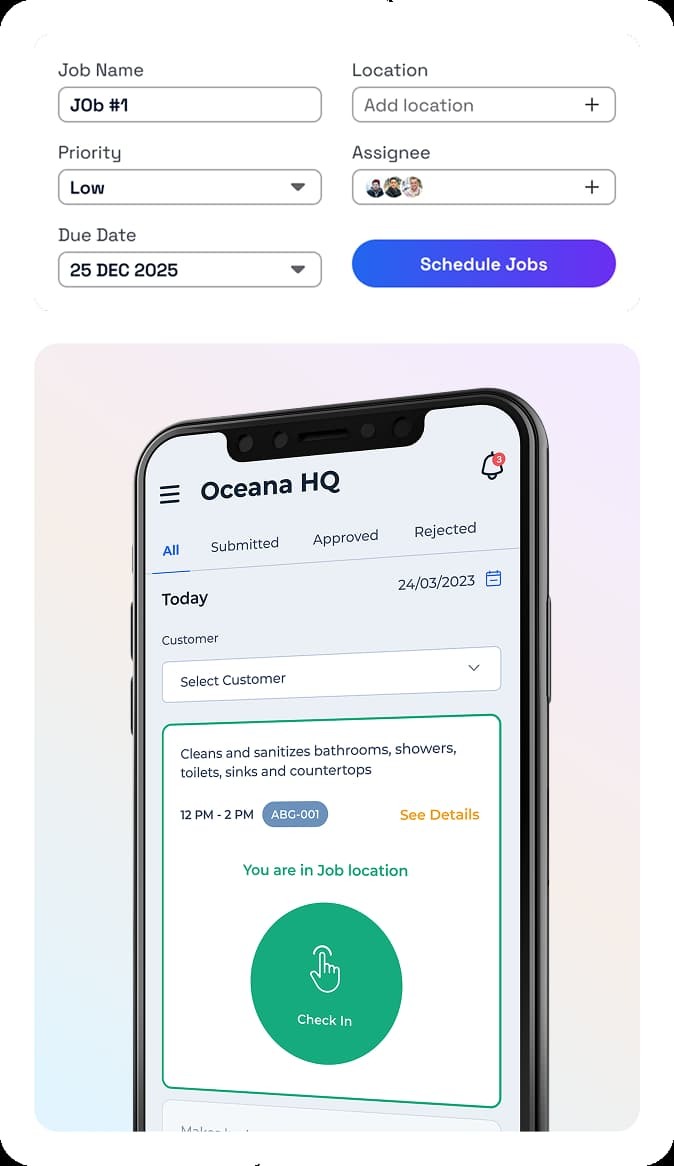
Scheduling, dispatch, and work-order management matter because a service call changes hands. The dispatcher creates or changes an assignment. The technician updates its status and documents the work. The office reviews what can be invoiced and what still needs attention. HVAC crews should also read the difference between HVAC scheduling and dispatch.
Software Advice reports 6,611 conversations between its advisors and field-service software buyers from January 2025 through July 2026. In a separate feature-importance analysis of the users it spoke to, 90% considered scheduling critical or highly important, 88% said the same of work-order management, and 69% of dispatch management.
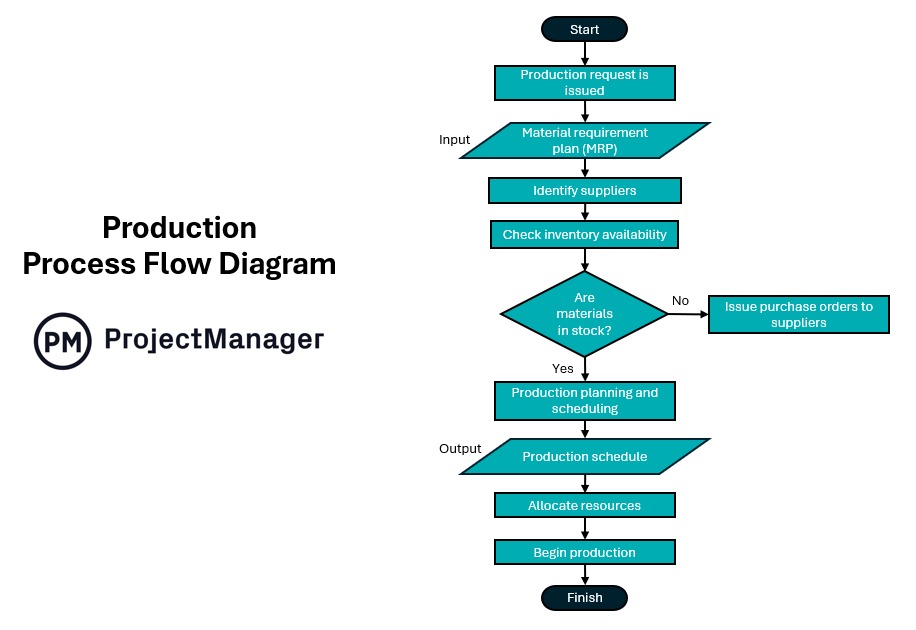
- Customer request: The office records the customer, service address, reported problem, and any relevant property or equipment history.
- Assignment: A dispatcher schedules the appointment, chooses a technician, and communicates any change when the job moves.
- Field work: The technician sees the correct instructions, records the visit, and enters required labor, parts, notes, or attachments.
- Office review: The office sees which work is ready for billing, needs another visit, or remains unresolved.
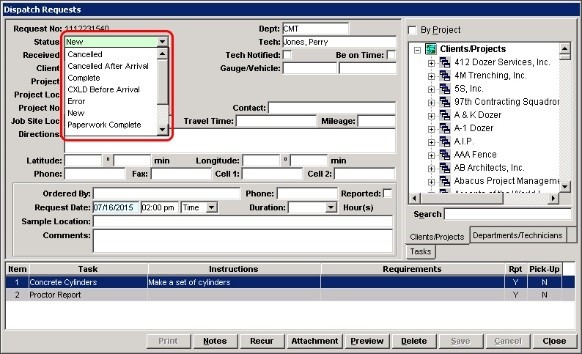
Take an emergency plumbing call. The office changes the appointment while a technician is traveling. The technician’s booking gets a new time or status while the work order stays open.
For each critical handoff, write down who acts, which fields are required, what triggers the step, which status comes next, and who gets notified. Cover what happens after a reschedule. If a product can’t perform one of these transitions, it fails that requirement even with an extensive feature list.
What a technician’s mobile app must survive
Mobile access only helps if the technician can keep the information needed to finish the job. The risky moment is an interruption: the app loses reception, a call arrives, or an unfinished form is closed before the office receives it.
Some plan descriptions separate offline access from other field functions. Housecall Pro has advertised offline viewing. Offline editing, photo uploads, queued submissions, and conflict resolution each need separate verification.
A technician is recording an inspection in a basement with weak signal. Check three things: notes and any required photos survive the dropped connection, survive an app restart, and show up once in the office account after reconnecting.
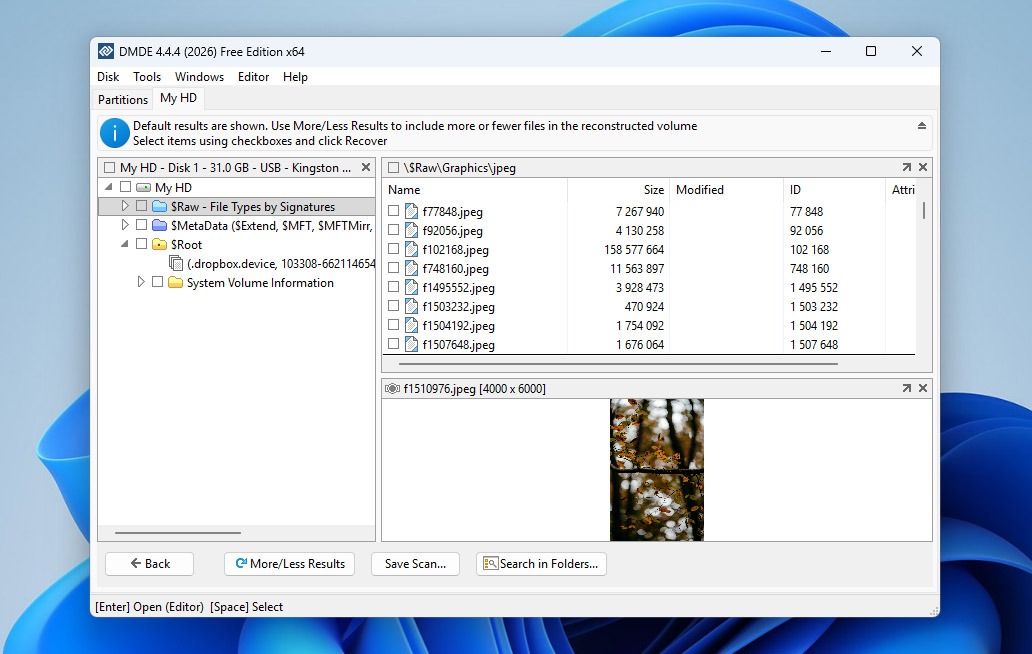
Use the device type and user permissions your technicians will have:
- Begin connected. Open an assigned work order, enter text, and attach an image if your process requires it.
- Interrupt the connection. Try what a technician would do without service and note what the app allows.
- Close and reopen. Check the unsent information after restarting the app.
- Reconnect. Wait for the app to finish syncing, then open the job from an office account.
- Compare records. Look for lost text, missing photos or signatures, duplicate uploads, and inconsistent work-order status.
Record the device, app edition, staff role, and result you observed alongside the trial. Also watch usability: does a technician skip required notes because entry is slow?
The awkward jobs that expose software limits

Some jobs need several visits, different billing terms, or messages sent at a set time. A polished one-visit demo leaves those untested.
Irregular recurring work
A landscaping account has treatments at changing intervals, followed by a seasonal installation that needs removal months later. Each visit has its own date, purpose, and charge. The software has to show those differences without generating identical appointments or an extra bill.
Parts delays and no-charge returns
An HVAC technician diagnoses a faulty component and must return after the part arrives. Another job is a warranty callback logged as completed service with no extra customer charge. The appointment, work-order history, and invoice must each reflect the contractual treatment of that visit.
Commercial deposits and progress invoices
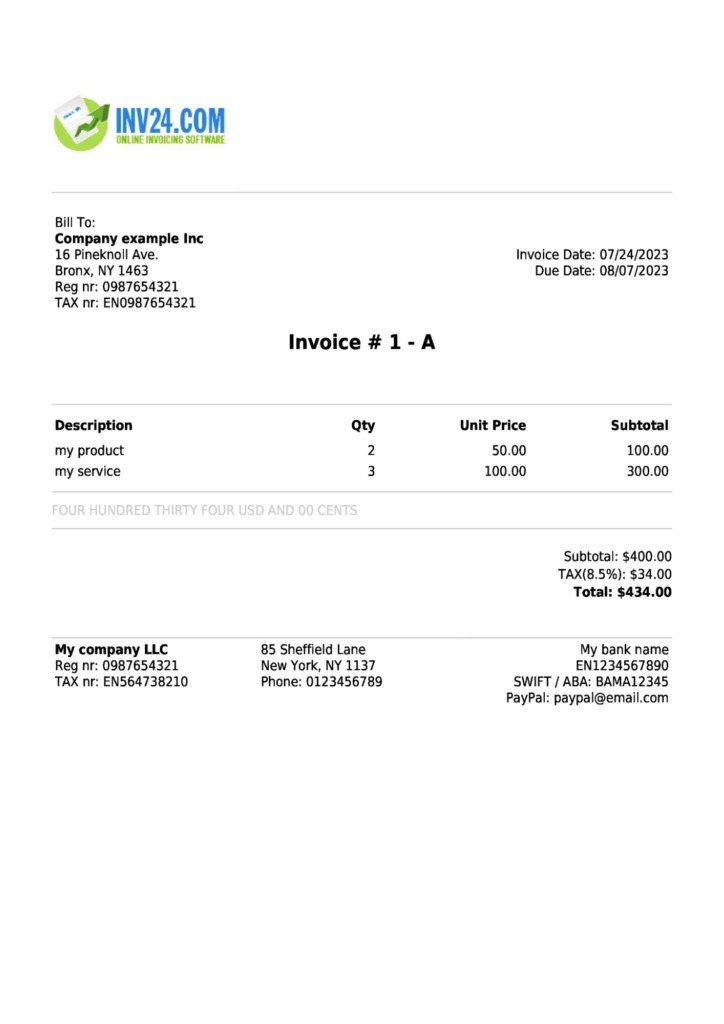
A commercial customer can require a separate deposit invoice, payment terms, or progress billing tied to stages of work. An estimate with a deposit field serves a different purpose from the invoice the customer’s accounts-payable team expects. Put the billing path you need into the demonstration.
Messages prepared after hours
An office manager finishes billing on Sunday and wants customer messages to go out Monday during business hours. Saving a draft, scheduling the original delivery, and sending a later automated reminder are three different functions.
Pick the exceptional workflow that would hurt your business if mishandled. Ask the vendor to walk through its exact steps. A vendor that can’t meet a contractual requirement is out.
What FSM software costs for your team
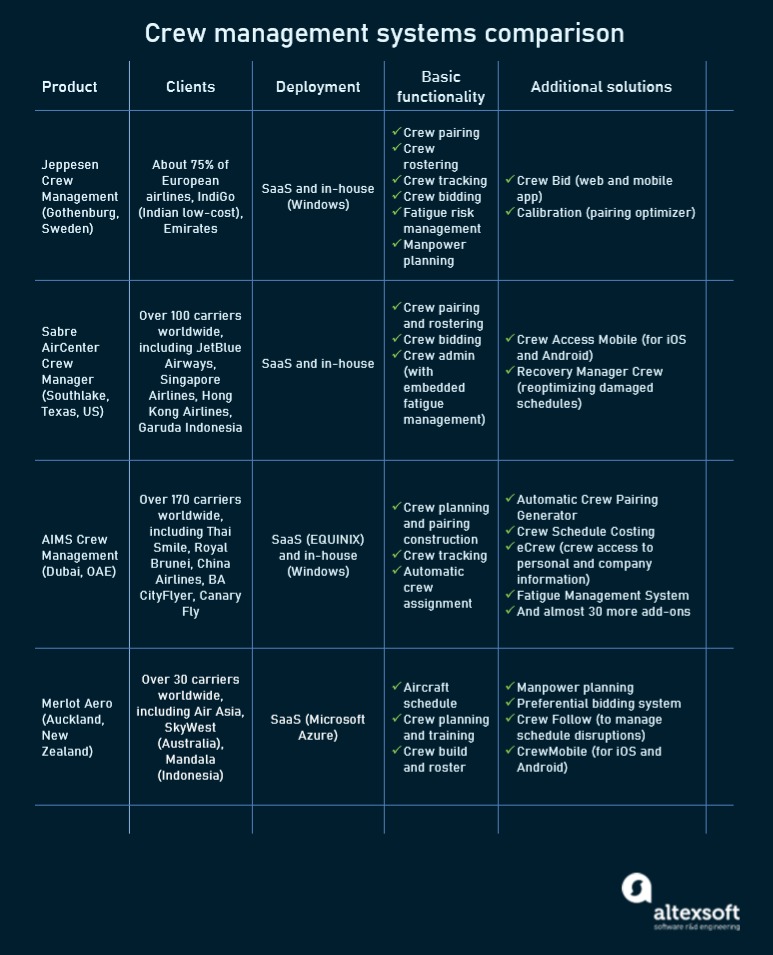
A comparable quote covers the same users, required functions, billing commitment, and usage. An advertised starting price tells you little about the total cost for a dispatcher and several field technicians. For the numbers, see what field service software costs in 2026.
In a study published September 29, 2026, Capterra compared eight selected FSM products with advertised entry prices from $29 to $245 per month. It identified flat subscription, per-user, and appointment-based models.
Jobber example: Jobber’s team-size selector includes Just me, 2 to 5, 6 to 10, 11 to 15, and 16+ workers, with plan and billing choices.
ServiceTitan describes technician-oriented packages named Starter, Essentials, and The Works and directs buyers to request pricing.
| Cost component | Include in every comparable quote | What can change the result? |
|---|---|---|
| Subscription | Plan, region, and billing period | Monthly versus annual terms |
| User access | Office roles, technician roles, included seats | Extra staff, or a different way the vendor counts users |
| Required capabilities | Dispatch, contracts, reports, integrations | Tier limits and add-ons |
| Setup and transfer | Onboarding, data import, configuration, training | One-time implementation fees |
| Usage | Payments, appointments, messages, relevant activity | Transaction volume or usage charges |
| Renewal and exit | Contract term, renewal terms, cancellation | Future commitments and transition costs |
A business with one owner and three technicians today faces a different licensing configuration after adding one dispatcher and two more technicians. Build the cost model around both roles and your expected growth, and don’t assume every worker is charged the same way.
Request itemized written quotes for the same US operating region, required features, user roles, usage assumptions, and term. Calculate the 12-month subscription plus mandatory add-ons, onboarding or migration costs, and any processing or usage charges. Compare the complete totals, including renewal and cancellation terms.
Integrations, records, and the exit path
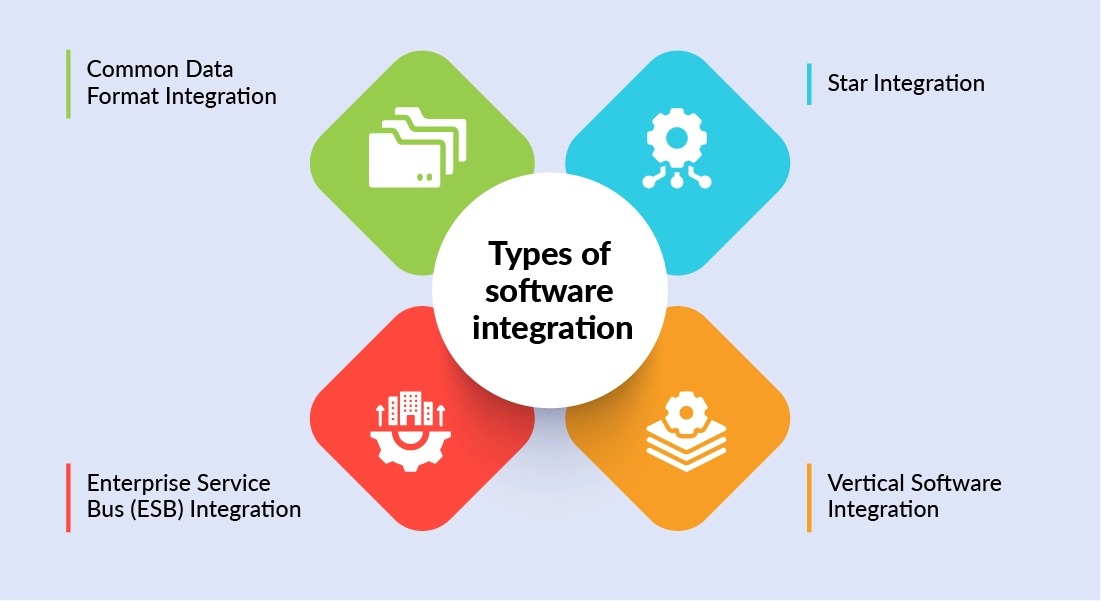
Customer histories, job notes, invoices, and payment records have to stay usable when the platform exchanges data with accounting software or gets replaced. A named integration is only a starting point for testing the actual records and operations involved. See how to check integrations, data ownership, and the exit route.
For accounting connections, the direction of each update matters. The service platform can create invoices while accounting holds payment and reconciliation records. Errors arise when staff edit a transferred invoice or repeat a synchronization step.
- Record owner: Find out which app holds the authoritative customer, invoice, and payment entry.
- Sync direction: Do records move one way or both ways, and which fields transfer?
- Corrections: What happens to an invoice edited after the first sync?
- Duplicates: What happens to existing customers and payments when a transfer runs twice?
- Unfinished jobs: Do appointments, open work orders, and outstanding balances stay visible after a switch?
Buyers ask about these connections directly. One Atlassian Community post asks how to assign field engineers through Jira Service Management and coordinate their work with Outlook calendars. Not sure which kind of operation you run? Start with which kind of field service business are you running.
Run a small record-transfer exercise before you buy, using sample customers with their appointments, notes, and invoices. Compare exported fields, attachments where available, counts, corrections, and accounting balances against the originals. Also get the exit procedure, including the permitted export formats and what stays accessible when the contract ends.
Pilot the system before rolling it out

Your buying test should show how your normal staff handle the jobs you actually get. The dispatcher or office manager and the technician each need their own turn with the system under the proposed subscription and permissions. Run the three jobs from earlier and involve the people who will own dispatch, service notes, and invoice review.
| Representative job | Office result to inspect | Technician result to inspect | Decision record |
|---|---|---|---|
| Routine service | Correct appointment and reviewed invoice | Complete record for the assigned work | Pass / needs fix / fail |
| Changed or return visit | Updated schedule, communication, and job history | Correct visit details and status | Pass / needs fix / fail |
| Recurring or commercial exception | Correct visit rules and billing treatment | Correct work instructions for each visit | Pass / needs fix / fail |
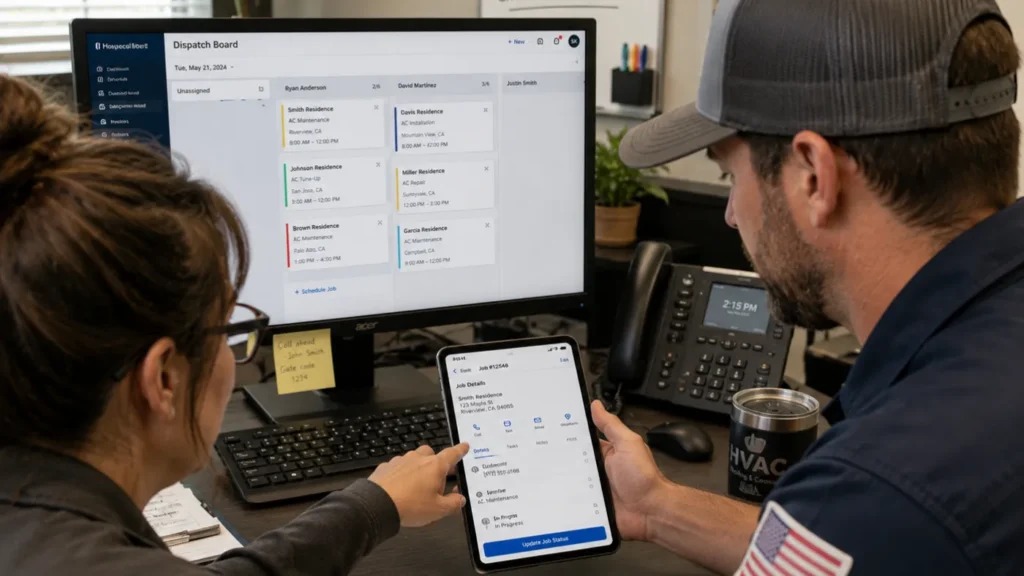
Record the action, the expected outcome, the observed result, and who owns each correction. If a job fails a must-have, it stays open until the vendor shows the corrected behavior.
When two finalists pass every required test, weigh the training and administrative effort you saw in the pilot against the matched 12-month totals from their quotes.
A polished demo runs smoothly in a salesperson’s hands. A technician seeing the app for the first time can need more training or a simpler field interface. Comparing ServiceTitan and Jobber? Read what will implementation and staff adoption require.
Plan a limited first rollout with named responsibilities, training, a recovery plan, and a decision point before the rest of the crew moves over. A successful trial establishes the behavior of the tested jobs on the tested configuration, so keep watching the live process as workload and devices change.
Next step: run the pilot
Take the three representative jobs into each finalist’s trial. The next comparison—general field service, HVAC dispatch, crew pricing or migration—should follow whichever handoff caused the most trouble.
Speak Your Mind