A meeting link, a team message and a public business phone number solve very different communication needs. Identify which interaction is failing before comparing software: VoIP or unified communications for customer calls, messaging or conferencing for the rest. Include employees and outside participants in the test, not just an administrator.
Business communication software sounds like one category until you ask what each company expects from it.
One business wants employees to find an old conversation without digging through six email threads. Another needs outside clients to join meetings without installing unfamiliar software. A service company cares whether anyone answers when a customer calls after hours.
Those are different purchases. Start with the interaction that can’t fail.
Choose the Business Communication Software Category You Need
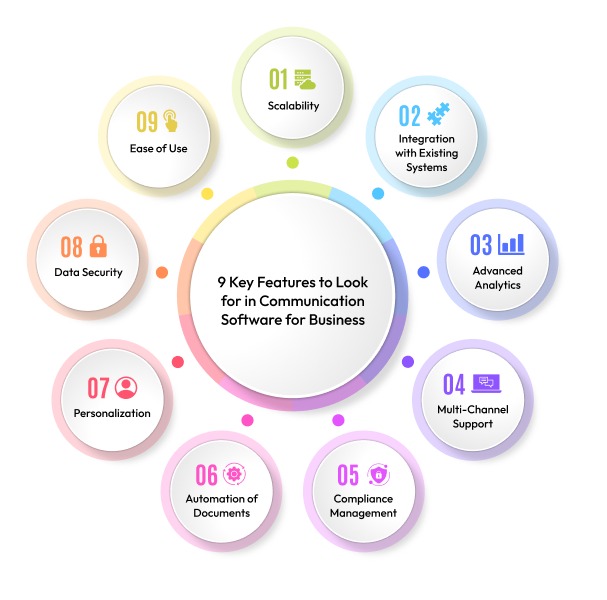
Decide first whether you need workplace messaging, video meetings, a business phone system, or a way to reach employees who aren’t at desks. You may need more than one, but give each product one job.
| What must work | Software category | Familiar examples | What rules it out |
|---|---|---|---|
| Employees discuss work and find earlier messages | Team messaging | Slack, Microsoft Teams, Google Chat | Limited history access or the wrong permissions |
| Employees and outsiders meet with audio, video, and screen sharing | Video conferencing | Zoom, Google Meet, Teams meetings | No guest access, or a missing meeting feature |
| Customers call a public business number and need to reach the right person | Business VoIP / UCaaS | RingCentral, Zoom Phone, Teams Phone | No PSTN connection, number support, or routing |
| Employees without regular desk access receive company updates | Frontline or employee communications | Dedicated employee communication platforms | Staff can’t enroll with their accounts or devices |
A hybrid professional firm might get by with team chat and guest meetings. Its Microsoft 365 or Google Workspace plan may already cover some of that.
A plumbing company that takes appointment calls has a different need. Customers must reach an established business number even when the office manager is away. The company can keep its collaboration tools and add business phone service. Add a second product only when it does a job the first one can’t.
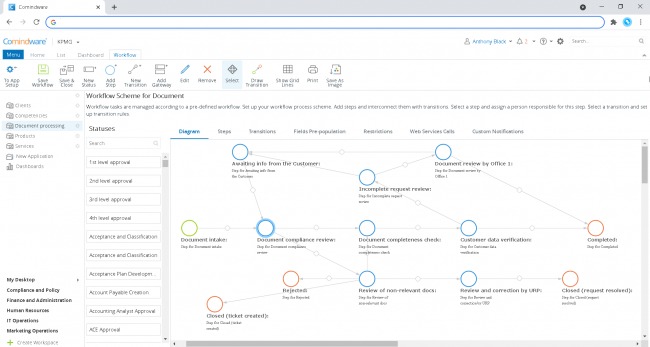
For a warehouse manager, the obstacle is identity. An app that works well on office laptops is impractical for employees who have no corporate email account.
Five questions narrow the field quickly:
- Primary channel: Do you mainly need searchable messages, guest meetings, public calls, or employee announcements?
- Telephone service: Does an ordinary business number need to receive or place outside calls?
- External participation: Do customers, contractors, or other guests need access?
- Workforce access: Can your employees use the required accounts and devices?
- Existing software: Does a suite you already pay for include the capability?
If you need both chat and public calling, shortlist either an integrated communications suite or a messaging product paired with a phone service. Judge each option against the same requirements for access, routing, records, and administration.
Help-desk ticketing is a separate purchase. If you mainly assign support cases and track ticket resolution, you need customer-service software, even if it also sends messages.
Chat, Video Meetings, and Business Phone Systems Have Different Jobs
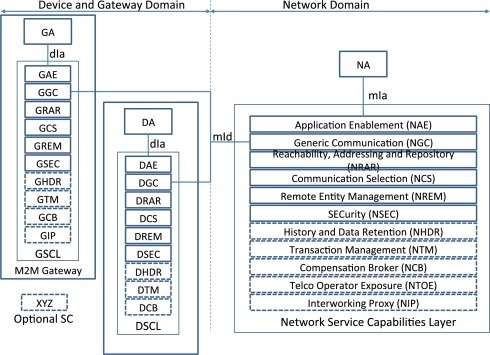
Calling a coworker in a chat app and answering a customer’s phone call are different things. The second needs a connection to the public switched telephone network, or PSTN.
| Category | Main capability | What it doesn’t include by default | Deal-breaker | Next evaluation |
|---|---|---|---|---|
| Workplace chat | Channels, messages, files, retrieval | A public telephone number and inbound call queues | Customers must dial the business | Compare team messaging features and retention |
| Video conferencing | Scheduled meetings, guest participation, screen sharing | A complete public phone service | Customer calls require telephone routing | Evaluate business video conferencing platforms |
| Business VoIP / UCaaS | External calls, business numbers, routing and extensions | The same messaging and meeting features on every plan | The setup lacks the number or PSTN support you need | Compare business VoIP providers and their calling arrangements |
A unified communications as a service platform, or UCaaS, can combine phone, messaging, and meetings. What you get depends on your subscription and configuration.
Microsoft Teams shows why the distinction matters. A company can use Teams for messages and video meetings and still need a separate Teams Phone deployment for external calls.
Microsoft lists PSTN connectivity options including Calling Plans, Operator Connect, Teams Phone Mobile, and Direct Routing in its Teams Phone setup documentation. Each has its own geographic, licensing, and deployment conditions. Auto attendants and call queues add configuration and entitlement requirements.
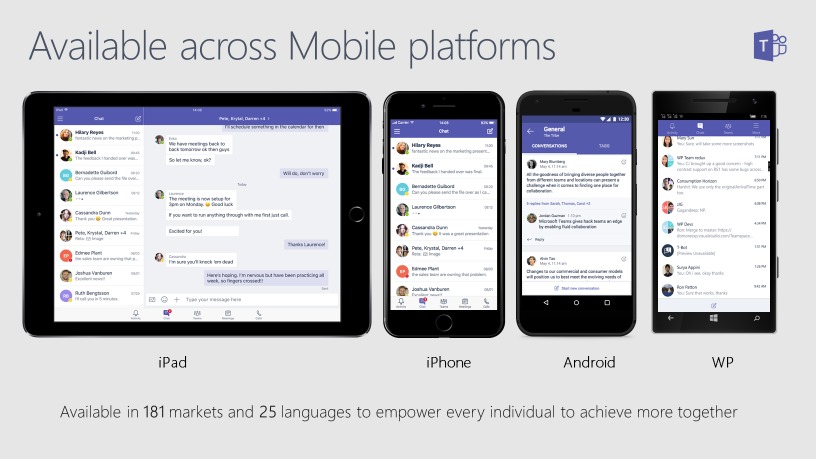
If you advertise a local number, ask whether your subscription and calling arrangement can receive and direct those calls. An internal video-call button can’t.
Ask the finalist for a one-page description of the exact subscription, PSTN arrangement, supported numbers, auto attendants, and queues that will deliver the channel you need. If meetings are your focus, move on to a conferencing comparison. If customer calls are your focus, run a VoIP-specific evaluation. For help choosing a conferencing tool, see which video conferencing platform fits your business.
Check Employee, Guest, and Device Access
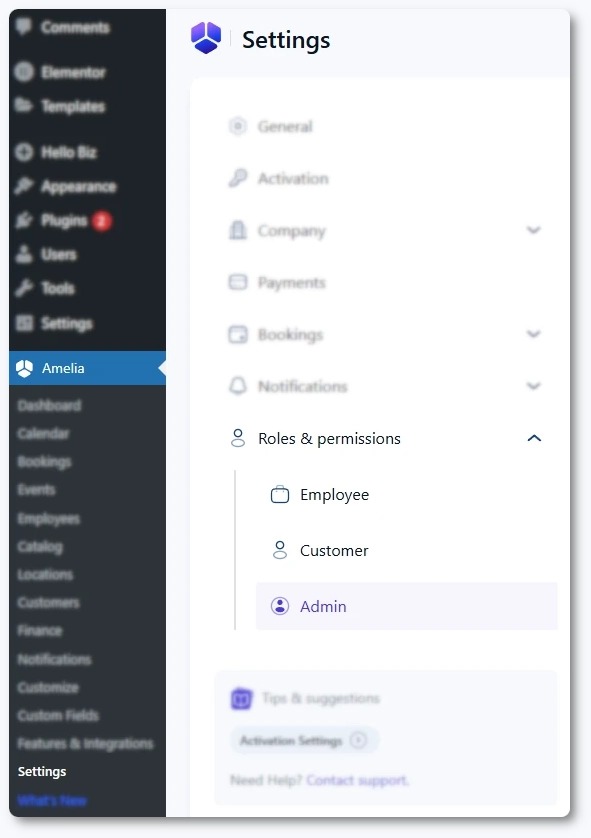
Everyone who needs the system must be able to use it under the conditions of their working day. Corporate laptops, personal phones, shared devices, guest accounts, and deskless roles each create different access requirements. For cross-platform communication, document the required integration behavior before comparing subscription features.
Map who will use the system before you test usability:
- Office employees: Existing accounts, desktop applications, and sign-in procedures.
- Remote employees: Their normal devices and connections.
- Frontline employees: Corporate email, managed identities, and supported mobile access.
- External guests: How they get invited, join, and take part.
- Administrators: Control over guest permissions, history access, and removal of former users.
Check what your Microsoft 365 or Google Workspace plan includes. Plan entitlements and tenant settings decide which communication tools you get and who can use them.
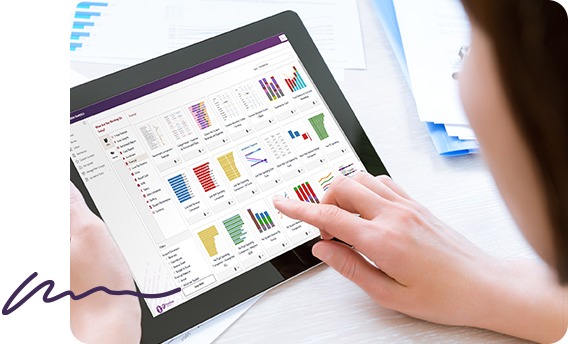
Picture a field employee getting a schedule change on a personal phone. If the app requires a managed corporate account, you need a way to provision that account and keep access working.
Test access with one real frontline employee and one outside guest. Have each complete the task on the device and account they normally use. Then confirm your administrator can grant and withdraw the permissions.
Five Deal-Breakers That Eliminate Unsuitable Products
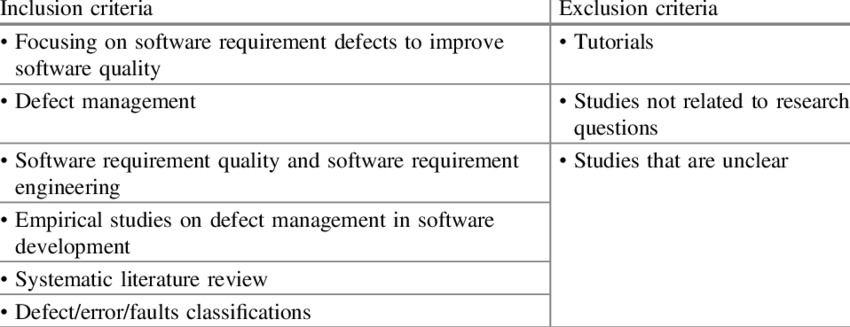
Drop a product from the shortlist when it fails a requirement your business can’t do without. Make that call before price negotiations.
- External telephone service: If customers must dial an established business number, you need public calling and after-hours routing. A chat-only subscription fails here before price matters.
- Historical records: If specific conversations or files must stay available, the plan’s retention and export rights have to cover them. A messaging plan with weak export rights fails this test even if employees prefer its interface.
- Required integrations: Your calendar, directory, or support workflow has to work as intended. An integration logo tells you little about how it behaves.
- Operational support: Critical calling hours need a written support and escalation arrangement.
- Continuity and emergency service: You need emergency-calling information for your deployment and a workable contingency for important communications.
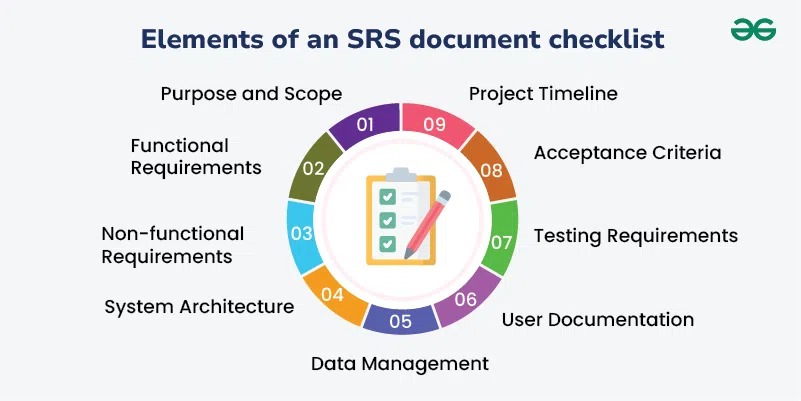
Mark each non-negotiable condition pass or fail for every candidate. A fail removes that option from the cost comparison.
Compare Licensing, Contract Costs, and Support
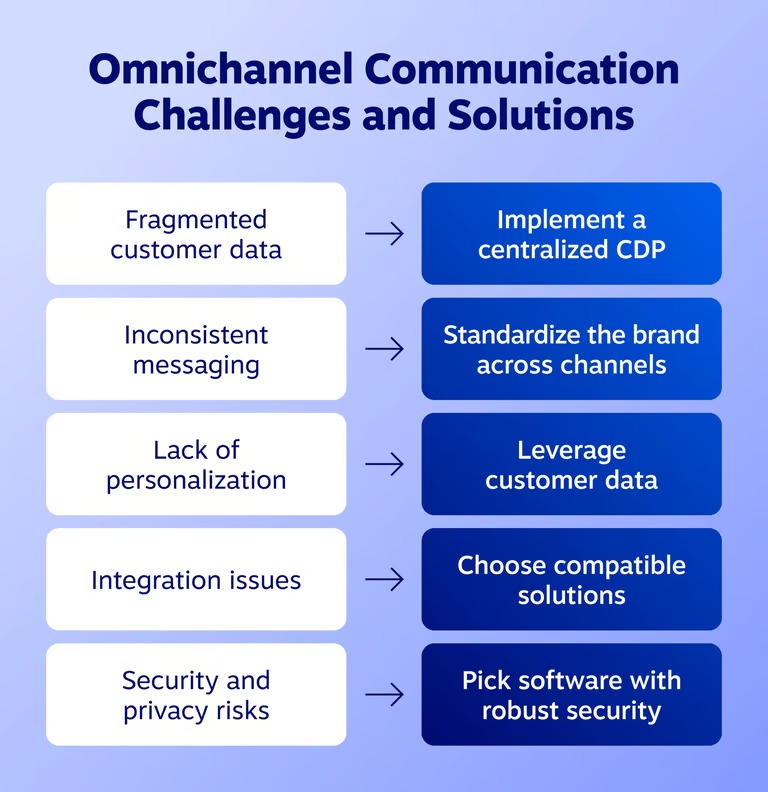
Two proposals can define a user, a phone resource, and the service itself differently. Match those units and the required features first, then compare the total commitment.
| Cost or commitment | Information needed from each proposal | Why it changes the comparison |
|---|---|---|
| Users and licenses | Paid seats, resource accounts, exact SKUs | Different billing units produce misleading totals |
| Subscription term | Billing frequency, contract duration, renewal rules | Payment schedules and obligations differ |
| Telephone service | Numbers, PSTN arrangement, calling allowances, usage | Public calling can carry separate charges |
| Setup and migration | Onboarding, training, number transfer, configuration | Initial costs can sit outside subscription fees |
| Additional functions | SMS, recording, routing features, optional add-ons | A required function can need another license |
| Support and termination | Coverage, escalation, cancellation, renewal, applicable taxes | The cheaper offer can carry different obligations |
RingCentral’s RingEX offerings show why plan and billing configuration belong in a comparison.
When a frightening invoice turns out to be misunderstood
One admin thought a Teams Phone billing change had doubled the price, then posted a correction:
We previously had 50 Teams Phone (US 1) licenses. 25 for $9, 25 for $8. Totalling 200 and 225 (I dont know why the same thing is split up?). Paid monthly on year contract. Last Month apparetly it got switched over to MCA, cancelled 25 licenses, and doubled the price. They are now all 17.85. So we have half the licenses at literally more than double the cost. I know prices were going up but it was a dollar or two. Not only that but apparently MOSA is billed at end of cycle, and MCA is billed at beginning… So they are effectively getting double billed with this transition. May 2025 50x= 425 (MOSA) June 2026 50x = 425 (MOSA) July 2026 25x = 446 (MCA) EDIT: We figured it out. It’s awful paperwork on Microsoft’s part. We did not have “50x” licenses. We had 25, twice, for two parts of billing.
On that invoice, the apparent 50 licenses were 25 shown twice for different billing periods.
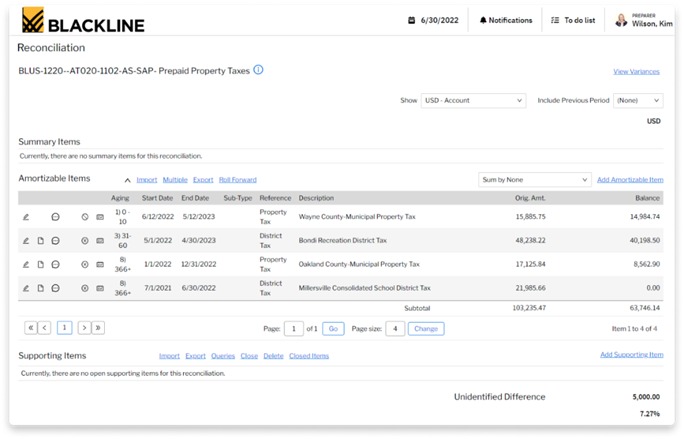
Microsoft documents Teams Phone Resource Account licensing for auto attendants and call queues, including a zero-cost allocation. Beyond that allocation, additional licenses may be needed. External transfers and callbacks can also require PSTN funding or connectivity, which is separate from assigning the resource-account license.
Request a written 12-month quotation listing the SKUs, billed quantities, calling usage, setup charges, support terms, and renewal conditions. Similar product names don’t mean identical services, so compare the line items.
Keep Your Conversation History and Business Number Before You Switch
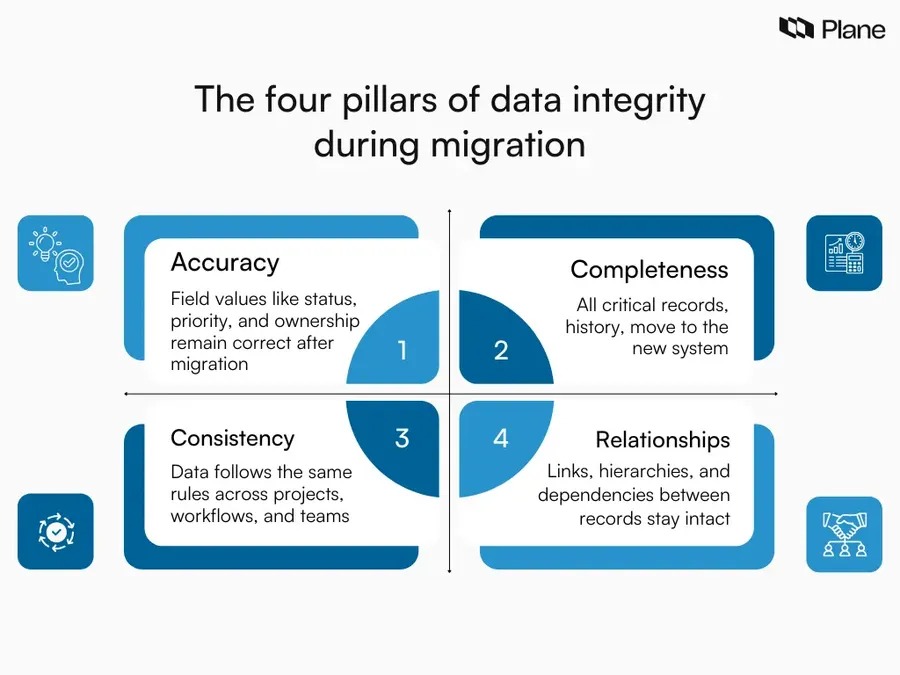
A migration should keep the records and contact routes your business still depends on after you leave the old provider.
The risk is clearest when years of informal company knowledge live in a messaging app. One administrator weighing a Slack-to-Teams move described it this way:
We (a Google / Slack Shop) got acquired by a MS heavy corporate a few years ago. We have kept our Seperate slack instance since then, but due to recent price increases for Enterprise customers (Slack Enterprise Grid to Enterprise +) I am now getting a lot of pressure to start weaning our users off of Slack and onto the “company standard”, Teams before our renewal in the summer. Although there will be pitchforks from our users, I know for day to day usage Teams is fine for the most part. And people will get used to it. My main concern is that the whole 14 Year history of our company is in Slack. When people aren’t sure where to find something, they look in Slack. I don’t want to lose that resource. has anyone done a migration like this? what did you do with historical Slack Data? Did you migrate any data to teams? or is there any other way of making that historical data accessible in a readable / Searchable format somewhere? Any advice would be appreciated!
Employees pull answers from conversations that never made it into formal documentation. An exported message file helps only if the people who need those records can still read and search it.
Make an archive usable outside the old system
Slack’s workspace export documentation says export options depend on your plan and your administrative permissions. The conversation types you can export differ, and exported file references need a separate check.
Retention settings also decide which records survive. Don’t count on recovering messages already deleted under your retention policy.
Rehearse a small exit before you retire the old platform:
- Choose sample material: An older conversation, an active channel, and messages tied to important files.
- Export within your permissions: Find out which message types and records you can retrieve.
- Open the result elsewhere: Confirm the person who needs it can find and understand the messages.
- Check file access: See whether attached files still work once the old service is gone.
- Assign archive ownership: Name the administrator responsible for access and retention after migration.
Protect the business number during a phone-provider change
A long-used public number often appears on invoices, vehicles, signs, listings, and customer records. Losing it during a transfer can interrupt incoming orders.
US number portability comes with its own obligations and eligibility conditions. The transfer also involves your providers and the account information needed to authorize it.
Get a written porting plan that states the number’s eligibility, the transfer authorization, the expected cutover, the responsible provider, and any temporary inbound-call arrangement for the changeover.
Test Call Routing, Availability, and Outage Recovery
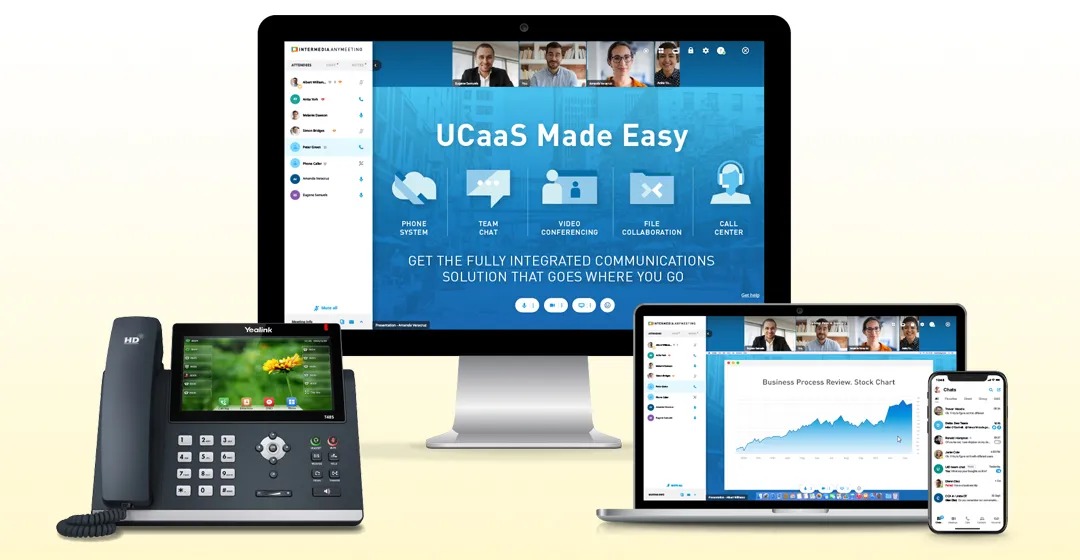
A successful incoming call in a demo shows how one call behaved under one set of conditions. A working business needs predictable behavior when employees are unavailable, routing groups overlap, or connectivity drops.
Three details deserve attention. Call reports must identify outcomes accurately when a call reaches multiple groups. An employee’s calendar out-of-office status can be separate from the availability settings a phone queue uses, so an out-of-office event doesn’t update the queue unless your deployment supports it. And incoming call behavior depends on the configured routing and the connection to the provider.
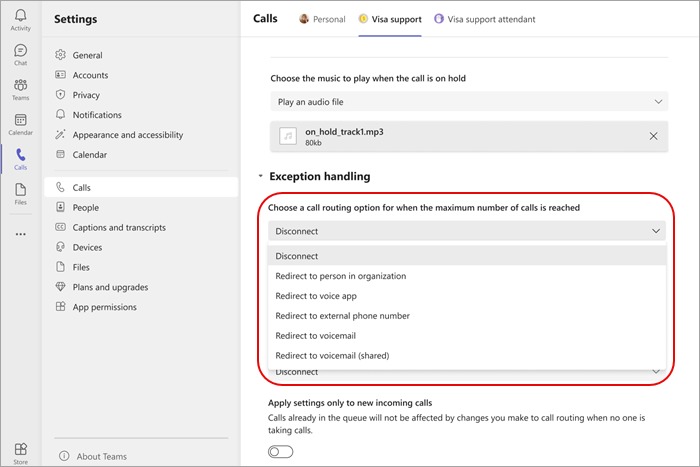
Those differences shape a focused test:
| Test condition | Action | Successful observed outcome |
|---|---|---|
| Normal working hours | Call the public business number from an outside phone | The right employee or queue receives the call |
| Outside working hours | Call after the configured schedule ends | The after-hours route or message plays |
| Employee unavailable | Set the phone-queue availability and place a call | Routing and missed-call reporting match the agreed behavior |
| Connectivity interruption | Run a controlled interruption test or review the documented contingency | Calls follow the agreed recovery arrangement, with a clear owner |
VoIP also depends on power, connectivity, and service arrangements. The Kittitas County guidance on VoIP and 911 service explains how internet connectivity and location information can affect emergency calls.
Some deployments offer specialized continuity options. Microsoft, for example, documents a Survivable Branch Appliance for certain Direct Routing configurations, with specific prerequisites and limitations.
Emergency address handling and recovery vary by provider and deployment. Record the caller’s outcome, the employee’s experience, and who is responsible for restoring service when the call path fails.
If You Need Business Texting, Check U.S. SMS Requirements Before Signing
Business SMS needs its own check before you buy if employees will send or receive texts through a company number. Twilio’s US A2P 10DLC guidance documents registration for applicable application-originated traffic on ten-digit long codes. If texting matters to your workflow, give the provider a written description of the senders, recipients, number type, and manual or automated use. Then get its requirements for support, registration, fees, and sender restrictions.
Run One Real-World Pilot Before You Commit
A small task-based pilot shows whether a promising product can do the job. Compare two or three finalists within your chosen category.
Match the test to the job:
- Messaging: Have an employee find a specified older conversation and share it with the right permissions.
- Meetings: Have an outside participant join from their usual device and share their screen.
- Business VoIP: Place and receive calls through the required number and configured route.
- Frontline communications: Have an employee receive and answer an update on their normal account and device.
Use real people in real roles: a working employee, an administrator, and an outside participant if the workflow involves one. Make the test resemble real use after purchase. The trial method is in a real-user software trial.
Record each result as one of three states:
- Pass: The task worked under the agreed conditions.
- Fail: A necessary requirement was not met.
- Not verified: The required function or condition was not demonstrated.
Also record setup effort, user friction, any unresolved support problem, and the costs and terms you gathered earlier. A pilot can’t prove rare outages or emergency-call behavior. For those, get evidence from the provider for your deployment.
If nothing beats your current setup for the interaction that matters, keep it.
Use the failed call scenarios to evaluate business VoIP providers and plans, including routing and number handling, rather than treating a meeting-platform subscription as the answer.
Speak Your Mind