For a nonprofit, the deciding question is whether the accounting system produces usable restricted-fund balances, grant-period budgets and functional-expense reports. QuickBooks or another familiar tool may already do that. When it depends on fragile workarounds, compare dedicated fund-accounting software with a reporting demonstration and a reconciled migration plan.
Which kind of nonprofit accounting software do you need?

Your required financial reports should drive the software shortlist. Ordinary bookkeeping, donor-restricted gifts, multi-year grants and complex approval workflows each put different demands on an accounting system.
If most of your donations are unrestricted, a dependable general ledger with bank reconciliation and basic financial statements is enough. A nonprofit managing several awards with separate budgets and reporting periods needs far more from its records.
| Accounting situation | Start with | Output that matters |
|---|---|---|
| Basic bookkeeping with unrestricted revenue | Existing general-purpose accounting software | Reliable financial statements and reconciled accounts |
| Several donor-restricted gifts | Configured general ledger or nonprofit accounting system | Restricted balances and supporting transactions |
| Multiple grants with different reporting periods | Software with demonstrable grant reporting | Grant-period budget versus actual |
| Complex funds, approvals or multiple entities | Specialist nonprofit accounting evaluation | Fund-level statements, access controls and detailed reporting |
Size alone doesn’t settle the choice. A modest charity can carry demanding restricted grants, while an organization with large unrestricted revenue can run a simple ledger.
Before you compare products, pick three or four reports your nonprofit must produce. A statement of financial position, restricted-fund activity, an award-period budget report and functional expenses are typical. Name the required columns and reporting dates so every vendor gets the same assignment.
QuickBooks Online works for some nonprofits. Purpose-built systems advertise fund-specific financial statements and other specialized functions. What counts is whether the edition you choose produces the outputs your finance team needs.
Restricted gifts, programs and grants require different accounting records
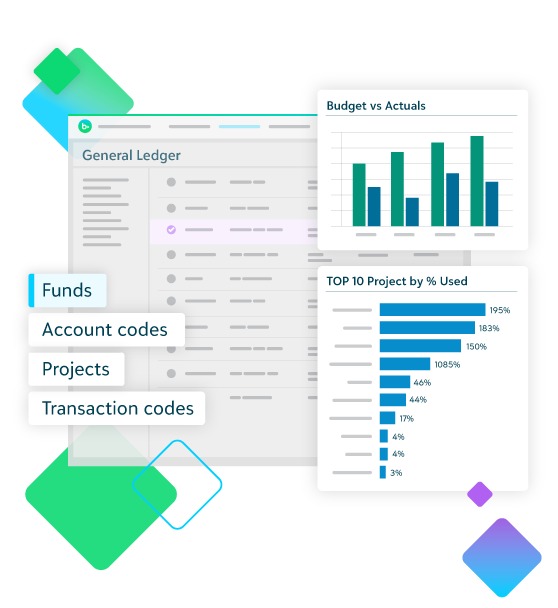
A donor restriction controls how contributed resources may be used. A board designation records an internal decision. Programs describe the work a nonprofit performs, while grants identify particular funding arrangements and their conditions. Good accounting keeps these distinctions apart even when one transaction touches several of them.
Under the nonprofit reporting framework in FASB’s Accounting Standards Update 2016-14, net assets are presented with or without donor restrictions.
Take a hypothetical youth tutoring nonprofit that receives a $15,000 contribution restricted to tutoring and a separate unrestricted $5,000 gift. Both can land in the same checking account. The records must still show which money is restricted.
| Accounting dimension | Illustrative value | What it identifies |
|---|---|---|
| Funder | Community Foundation A | Origin of the contribution |
| Donor restriction | Tutoring-only purpose | Externally imposed use restriction |
| Program | After-school tutoring | Organization’s activity |
| Grant or award | Award A-001 | Agreement and reporting requirements |
| Natural expense account | Personnel expense | Type of cost incurred |
| Functional expense | Program services | Purpose served by the expense when properly allocated |
A fund report must connect contributions, restrictions, expenses and the resulting balances. Tagging an amount to a program or project doesn’t settle its restriction treatment.
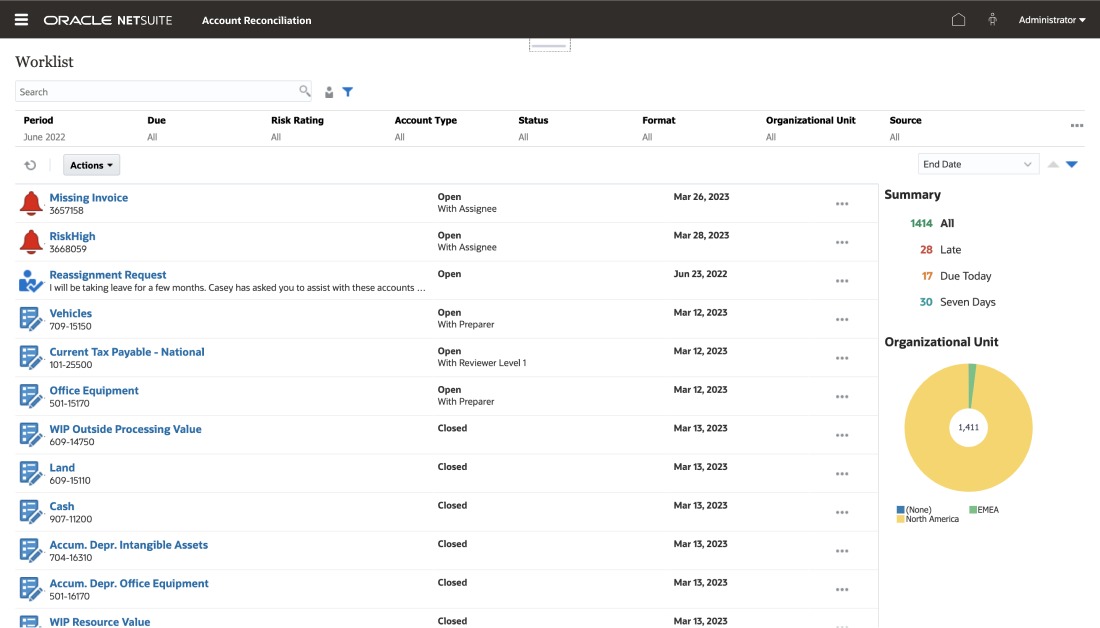
Intuit’s fund-accounting guidance, updated August 5, 2026, describes class tracking, bank subaccounts and Profit and Loss by Class. These tools support nonprofit bookkeeping. A class-based income report, though, isn’t automatically a fund-specific balance sheet or a properly prepared restricted-net-asset rollforward.
Aplos advertises a balance sheet and income statement by fund in its Lite plan. That output fits better if you need separate fund statements. You still need to establish how restrictions and releases are treated in your configuration.
Nonprofit users raise these concerns:
We’ve been receiving more restricted grants lately, and I’m worried about mixing them up with unrestricted funds.
…
We’ve outgrowing QuickBooks and it can’t meet our needs and do the controls we need
…
Does anyone have experience using Projects for time restricted project grants, specifically with project grant budgets?
r/nonprofit ·
r/nonprofit
The decisive restricted-fund test is a rollforward showing beginning balances, restricted receipts, relevant expenditures or releases and ending restricted balances. Request the fund-specific statement with its transaction detail and reconcile the ending amounts. Your treasurer and accountant should be able to explain the same figures.
Does every restricted gift require a separate bank account?
Separate accounting records can preserve donor restrictions while the cash sits in a shared account. The gift terms, grant agreements and applicable requirements decide whether you need separate bank accounts.
Test grant reporting against the award’s actual period
A grant period can run across several of your fiscal years. A calendar-year income statement can be right for the books and still not answer the funder’s question about spending over the award period.
Take an award that starts in March 2026 and ends in February 2028, at an organization whose fiscal year closes on December 31. A report for any single fiscal year covers only part of that award period.
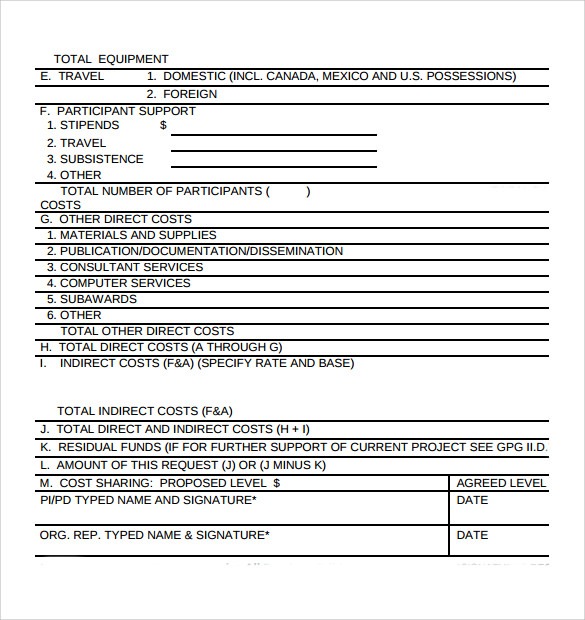
The software needs to keep the award identifier, funder, dates, budget categories and approved changes alongside the transactions charged to the award.
| Report | Question it answers | What it leaves out |
|---|---|---|
| Fiscal-year Profit and Loss | What income and expenses occurred during the accounting year? | Full spending across the award period |
| Project actuals | What transactions were assigned to the project? | Expenditure compared with the award budget |
| Grant-to-date budget versus actual | How much of the award budget was used during its reporting period? | Supporting transaction details and accurate classifications |
When award dates differ from your fiscal year, the grant-to-date report is the one to test. It needs the relevant date range and spending categories.
For covered federal award recipients and subrecipients, 2 CFR § 200.302 addresses award identification, financial records, supporting documentation, controls and comparison of expenditures with budgets.
Users of accounting software raise the same problem:
We have the same issue. We get grants that are tracked at the grant level and are multi-year.
…
I would like to have the profit and loss per project.
…
I (like thousands of your customers) am a nonprofit that has several grants over multi-year periods
Forum · NCHIA1 ·
Forum · nonprofit22
Test with a sample award: set its dates, expense categories and approved budget, then require a grant-to-date budget-versus-actual report with transaction drill-down. Record whether the edition produces it directly, needs a documented workaround or fails.
Functional expenses and payroll allocations need a clear audit trail
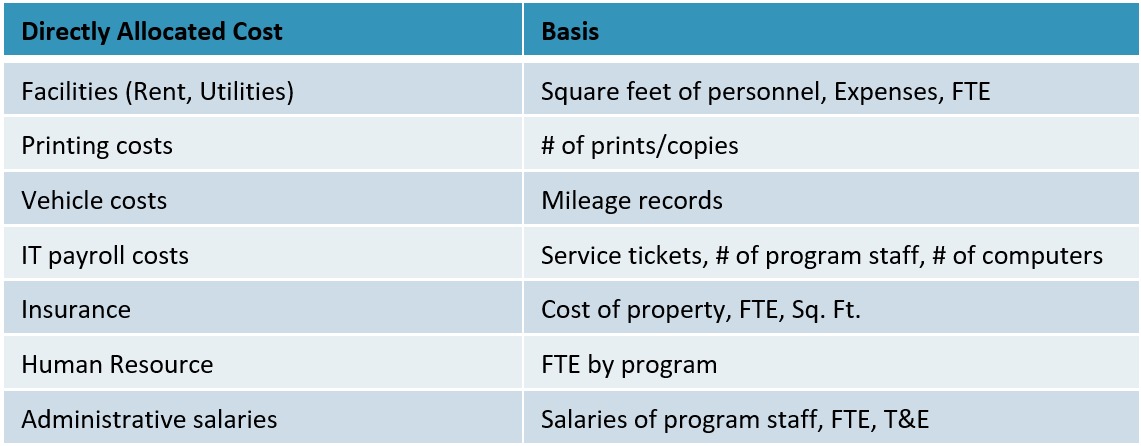
Nonprofit financial reporting can classify the same cost by its natural type and by the function it serves. The distinction matters when an employee, building or service supports several activities.
For applicable Form 990 filers, IRS Form 990 Part IX instructions describe columns for total expenses, program services, management and general expenses, and fundraising expenses.
Take an employee who splits a week among youth tutoring, community outreach and administration. Payroll records show compensation. Documented activity and your allocation method support how the cost is divided among functions or grants. Arbitrary percentages are hard to defend.
A finance manager also has to separate an allocation among expense functions from a charge to a particular award. One transaction can carry both classifications, but they answer different reporting questions.
Ask your accountant to trace one shared payroll or operating cost from the source record through allocation and posting to the final functional-expense report. The documentation should explain the basis used and let another reviewer reproduce the amount.
What if the nonprofit files Form 990-N?
A smaller filing obligation doesn’t remove the need for reliable accounting records. IRS recordkeeping guidance requires exempt organizations, including those eligible for Form 990-N, to keep records supporting receipts and expenditures.
Compare nonprofit accounting software by documented reporting capabilities
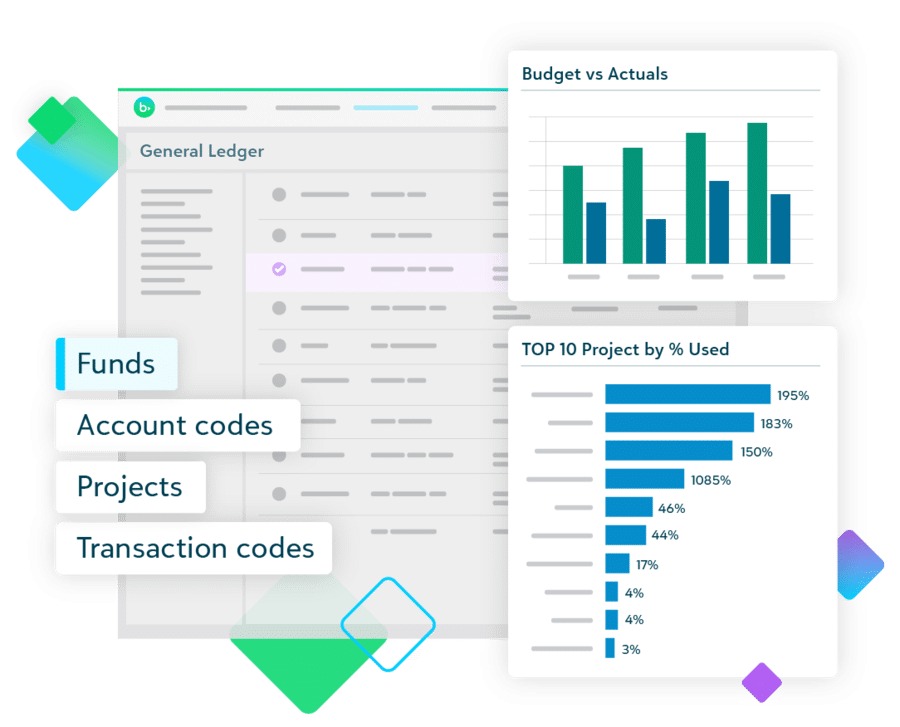
Software marketed for nonprofit accounting spans different levels of complexity. Start your shortlist with documented outputs, the exact plan or edition and the reporting requirements each vendor still has to demonstrate.
If your QuickBooks ledger already works, a configured QuickBooks Online evaluation is reasonable. If separate fund statements are central, Aplos offers a documented starting point. Grant-heavy or more complex organizations should also look at specialist platforms and ask for detailed demonstrations.
| Software or edition | Documented starting point | Critical requirement to test |
|---|---|---|
| QuickBooks Online | Nonprofit configuration; classes, bank subaccounts and class-based reporting | Restricted-fund position statement and award-period budgeting in the selected edition |
| Aplos Lite | Vendor-advertised balance sheet and income statement by fund | Restriction rollforward and any needed grant-budget functionality |
| Aplos Core | Additional bookkeeping features and basic budgeting | Whether budgets can be separated and reported by the required grant or fund |
| Aplos Advanced | Vendor-advertised fund and grant budgeting | Award-date reporting, transaction traceability and contractual feature scope |
| MIP Accounting | Specialist nonprofit accounting candidate | Fund controls, grant budgets, implementation requirements and quote |
| Blackbaud Financial Edge NXT | Nonprofit finance candidate | Required reports, permissions, integrations and quote |
| Sage Intacct | Advanced accounting candidate | Nonprofit reporting, entity requirements, modules and implementation cost |
Aplos ties grant budgets to its higher tiers: basic budgeting at Core, fund and grant budgeting at Advanced. If you need grant budgets, start there.
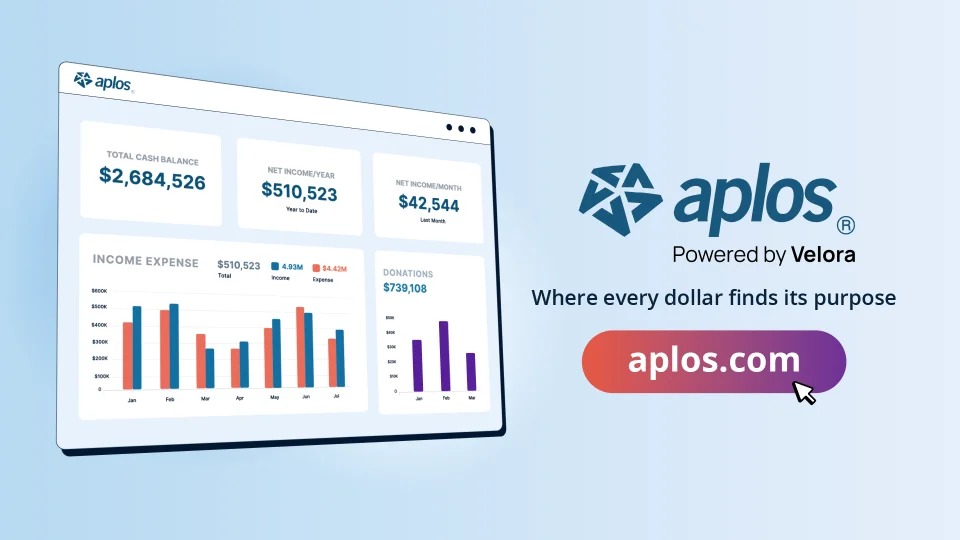
The Aplos list prices in the product documentation were $79 per month for Lite, $129 for Core and $229 and up for Advanced, with two, two and three included users. Prices, plan features and promotional terms change, so use these figures to check a quote, not as checkout totals.
For QuickBooks, the deciding factor is the effort needed to produce and maintain accurate nonprofit reports. A familiar system and established transaction history count for something when your finance staff can keep the classifications consistent.
MIP Accounting, Blackbaud Financial Edge NXT and Sage Intacct deserve a look if your funds, grants or organizational controls are more complex. Treat them as candidates for a demonstration and ask each for a quote.
FastFund is another nonprofit-focused fund-accounting candidate. Wave and Zoho Books are general-purpose accounting alternatives. Check each edition against your reporting needs.
Build the comparison with four fields per requirement: the report needed, the documented feature, the evidence from the vendor demonstration and any manual workaround. Mark an untested capability as unverified. The purchasing committee can then accept or reject an edition on that record.
Can the people maintaining the books operate the system?
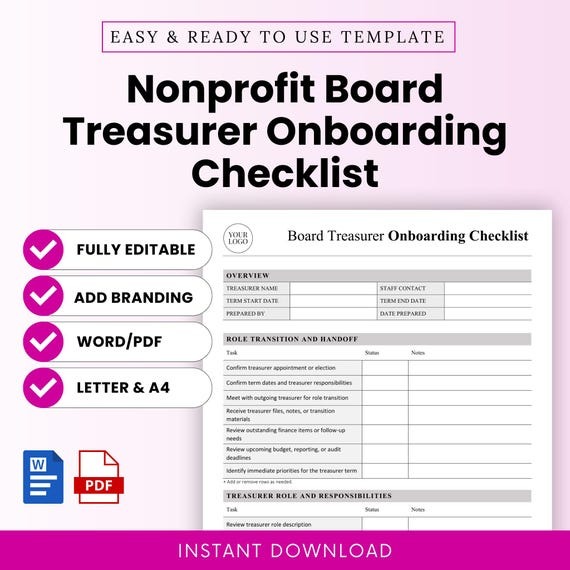
A volunteer treasurer needs predictable month-end routines, clear access and an easy handover. A grant-heavy finance team needs detailed permissions, approval history and fuller reports.
Rehearse the handover. Have a second authorized user find the financial statements, supporting transactions and period-end records without help from the original administrator. A system that depends on one person’s undocumented configuration is an operational risk, no matter how long its feature list is.
Nonprofit discounts can change the price and the migration decision
A nonprofit discount can cut recurring subscription costs considerably. But existing customers may have to move their accounting data and workflows to a different subscription to get the eligible offer.
TechSoup’s QuickBooks Online request instructions, updated June 17, 2026, describe special annual administrative fees for eligible organizations.
That guidance listed QuickBooks Online Plus for five users at an $80 annual administrative fee and Advanced for 25 users at $170 annually. Payroll add-ons were excluded from those amounts. Before you commit to QuickBooks, read accounting migration and opening-balance checks.
If this is your first subscription, you mainly need to confirm eligibility, pick the right edition and find out which services cost extra.
Organizations already on QuickBooks Online face a harder choice. The donated offer comes with a new account, so keeping your existing records can mean a company-data transfer and professional reconciliation.
TechSoup’s company-migration instructions, updated July 9, 2026, describe the Advanced-to-Advanced copy method. Both the source and destination subscriptions need Advanced access for it, and the instructions describe temporary upgrades when you move from Plus.
For this copy method, TechSoup specifies a 60-day window after the new donated account is created. Intuit Payroll data can’t be transferred through the company-copy procedure.
Subscribers report mixed experiences with acquisition, migration and reconciliation:
My IT folk are reluctant to make that change though, based on bad reviews of Tech Soup’s customer support.
…
If you want all your data to move over you have to migrate it.
…
it created some weird journal entries to adjust balances and it threw our reconciliation out of whack.
…
It was super easy – just request the software, pay, get the code/download link, and then you’re good to go.
r/nonprofit ·
r/nonprofit ·
r/nonprofit
Getting discounted access, copying the company file and reconciling the new books are three separate jobs, and the effort depends on which ones you face. If you migrate, plan the reconciliation of balances, historical transactions and the excluded payroll information, and keep the source records until the new books are reviewed and approved. Weigh the annual discount against that transition cost.
Estimate the 12- or 24-month cost, including subscription and transition expenses:
- Edition and user access: Eligibility, billing period, included seats and written terms.
- Additional services: Payroll, payment processing, banking connections and grant or donor-system integrations.
- Implementation: Setup, temporary edition upgrades, training and paid migration assistance.
- Staff time: Preparing records, reviewing transferred data and operating the replacement system.
- Records and exit: Historical transactions, exports and the means of accessing the old ledger.
Make the accounting software decision with a documented trial

End the evaluation with a decision record: which requirements were met, which are still open and who accepts the result.
Give each essential requirement one evidence status:
- Demonstrated: The selected edition produced the required output during the evaluation.
- Vendor documented: The supplier describes the feature, but your organization hasn’t reproduced the output.
- Workaround: The output came from extra configuration or manual steps that need ongoing ownership.
- Not verified: The evidence needed for the decision is still missing.
- Fails: The tested edition couldn’t produce the required output under the stated test conditions.
Proceed when every essential reporting and control requirement has acceptable evidence, each workaround has an owner and the finance team accepts the quoted cost. Hold the decision if a consequential requirement is unverified or the migration balances haven’t been reconciled. Reject an edition that fails a nonnegotiable report or control requirement.
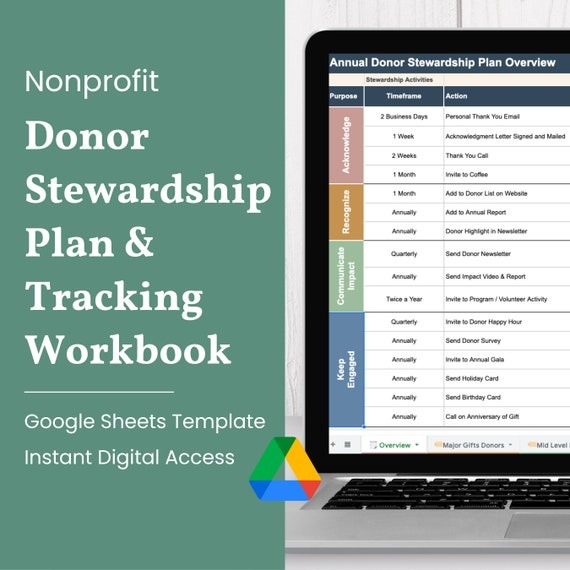
Keep the reports, transaction details, edition information and vendor quote with the decision record. Your authorized finance owner or accountant should sign off on the reporting outputs, implementation responsibilities and migration terms. A successful demonstration shows the edition suits the tested workflow. It doesn’t establish tax or grant compliance.
Speak Your Mind