Pipedrive is a practical first comparison for teams concentrating on deal progress, activities and follow-up. HubSpot moves to the front when sales and marketing must work from shared customer data and connected reporting. Test identical tasks on the editions you would buy and examine what a switch would do to the customer history.
HubSpot vs Pipedrive: the short answer
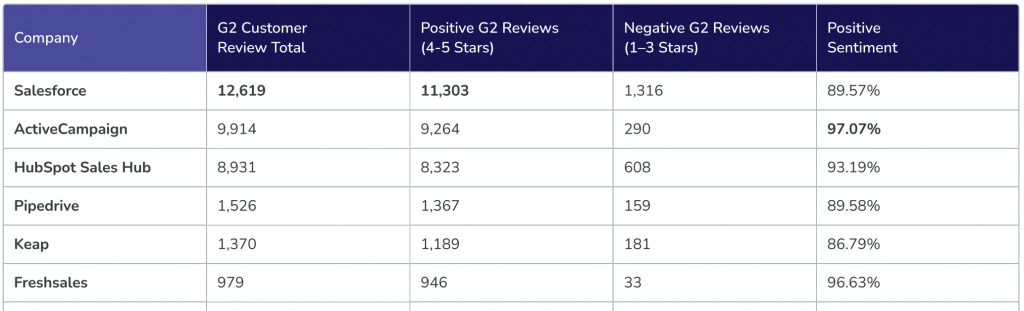
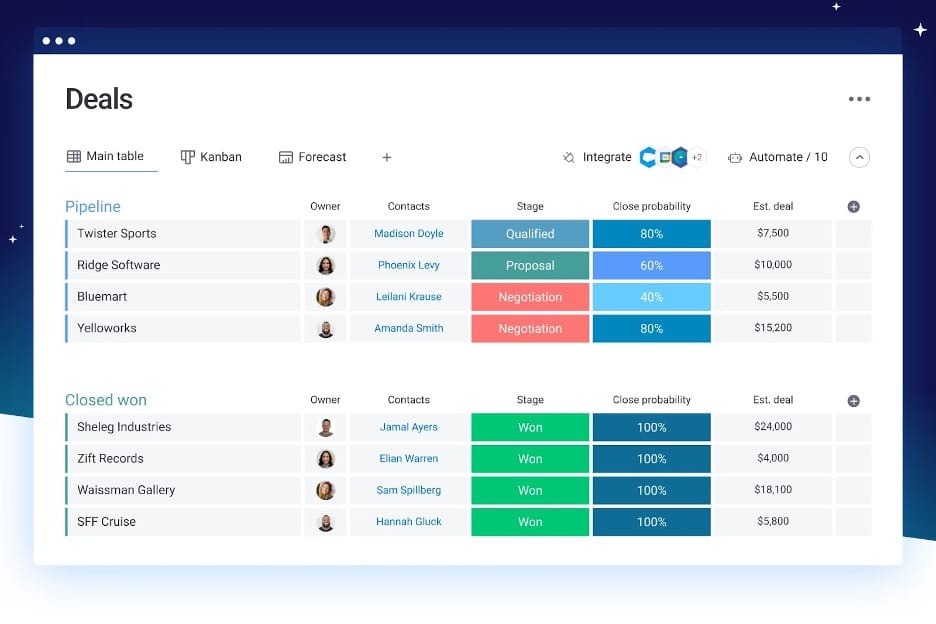
Pipedrive concentrates on selling: deals, pipeline stages, activities, and follow-up. HubSpot is a broader customer platform that connects sales with marketing and other functions, once the right products and permissions are in place. One caution applies: if you are moving years of email history into HubSpot, read the migration section first.
Pricing: compare the plan you actually need
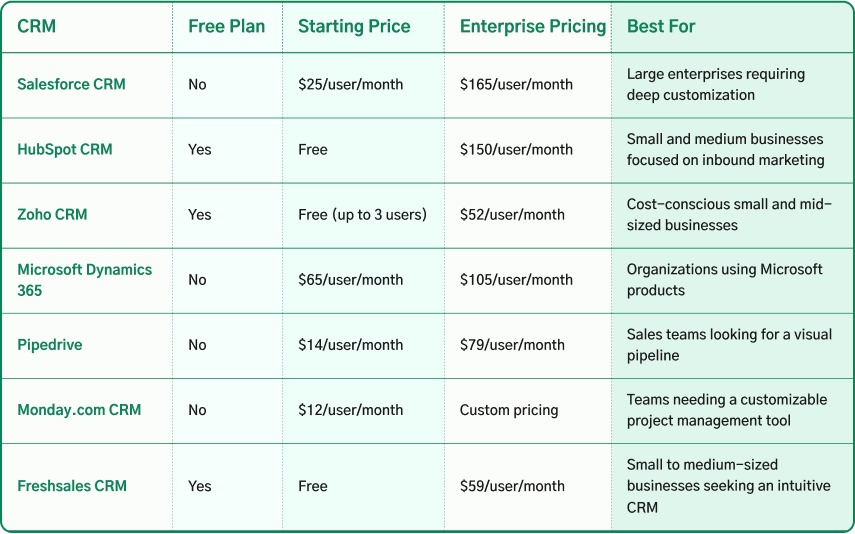
HubSpot has a free entry tier. Pipedrive offers a time-limited trial of its paid CRM. Compare prices at the cheapest plan that covers your email, automation, and reporting needs.
The figures below are US prices from October 2026. Pipedrive’s amounts are monthly equivalents on annual billing. HubSpot lists promotional and standard rates separately. For billing terms across HubSpot, Pipedrive, and onboarding, see the differences between monthly and annual CRM billing.
| CRM plan | US price | Scope or condition |
|---|---|---|
| Pipedrive Lite | $14 per seat/month | Annual-billing equivalent; entry plan |
| Pipedrive Growth | $39 per seat/month | Annual-billing equivalent; includes email sync |
| Pipedrive Premium | $59 per seat/month | Annual-billing equivalent; more automation allowed |
| Pipedrive Ultimate | $79 per seat/month | Annual-billing equivalent; higher-tier features |
| HubSpot Free | $0 | Free offering for up to two users |
| HubSpot Starter | $7 promotional / $20 displayed rate | Different billing terms; the promo rate has conditions |
| HubSpot Professional | $90 / $100 displayed rates | Different terms per rate; $1,500 onboarding fee |
| HubSpot Enterprise | $150 displayed rate | Offer conditions apply; $3,500 onboarding fee |
Pipedrive’s standard plans became Lite, Growth, Premium, and Ultimate in its 2025 redesign. Earlier comparisons sometimes use Essential, Advanced, Professional, or Power. Your contract price also depends on billing terms, and the Pipedrive pricing page can show a different currency by visitor locale.
Vendor pages: Pipedrive pricing and HubSpot Sales Hub pricing.
Three Pipedrive Growth seats at $39 per seat/month on annual billing come to $1,404 for 12 months in base subscription charges. Add-ons, implementation, and migration cost extra.
HubSpot’s Sales Seats and Core Seats carry different rights and can cost different amounts. If you have three sellers and two colleagues who need only limited access, price that exact seat mix and name the Hub editions and permissions each person needs.
Pipedrive extras include LeadBooster, Projects, Smart Docs, Campaigns, and other services. Some come with particular editions, others cost extra. HubSpot can add onboarding charges, extra Hubs, and marketing-contact tier charges when your Marketing Hub subscription bills that way.
For a first-year estimate that includes the features you need, build a quote from these parts:
- Seats and permissions: Count who needs each paid capability. Separate the HubSpot seat types.
- Subscription: Pick the edition that allows the work. Record its billing term and any promotion.
- Related products: Add only the add-ons, Hubs, or contact-based charges you need.
- One-time work: Add onboarding, configuration, training, and migration services.
- Unquoted items: Mark them as open until the vendor gives terms.
Price each recurring item for 12 months, then add the one-time costs.
Daily sales work: pipelines, activities, and email
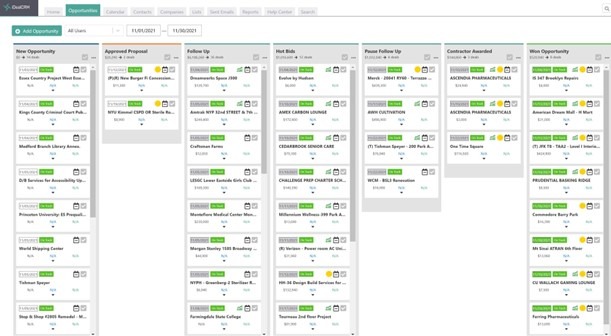
You see the difference when a rep answers a customer email and has to move the deal forward. Deal stages, reminders, and reports only help if the customer activity behind them is easy to follow.
A prospect replies. The rep opens the deal, reads the earlier exchange, logs the outcome, changes the stage, and sets a reminder for the next call.
Pipedrive builds its work around leads, deals, pipelines, and activities. Email sync starts with Growth. Synced mailbox messages and CRM activities remain separate record types, even when they sit side by side in a rep’s routine.
HubSpot organizes customer records inside a larger platform. A rep works across contact and deal records, connected email, tasks, and other workspaces.
Follow the chain from an incoming reply to the right deal and its next activity. Missing associations, repeated data entry, and extra switching between the CRM and a separate mailbox are where friction shows up.
Sales managers look at the same process differently. They need to see which opportunities have no next activity, which deals sit too long in one stage, and which reps have overdue follow-ups.
Follow-up automation: the exact trigger matters
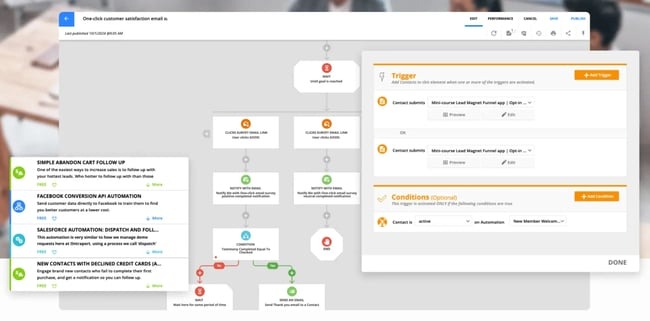
Email sync, a triggered sales message, a sequence of personalized follow-ups, and a bulk marketing campaign are four separate tasks. The plan that handles one can lack the permissions or limits for another.
Say a four-person team wants a deal marked Closed Won to send a follow-up message. That names a trigger and an action. You can judge it only once you specify the sender, recipient, message type, and plan.
| Required task | Pipedrive | HubSpot |
|---|---|---|
| Sync a salesperson’s inbox | Email sync from Growth | Connected email setup and account rights |
| Trigger an action from a deal change | Growth and higher, within plan limits | Workflow functions depend on Hub and edition |
| Send personalized group emails or sales sequences | Growth offers bulk email and nurturing sequences; confirm saved-list personalization, email sync, and sending conditions | Sales Sequences need Professional or Enterprise access and an eligible assigned seat; campaign sending is a separate function |
| Send marketing campaigns | Campaigns product and recipient setup | Marketing Hub features and recipient setup |
| Create and manage sales tasks | Activity management; automation varies by plan | Task features and automation vary by subscription |
Pipedrive’s documentation dated October 12, 2026 lists company-level allowances of 50 active automations on Growth, 150 on Premium, and 250 on Ultimate. These count active automations. They do not limit email recipients or how many messages a user can send.
HubSpot separates basic task automation from fuller workflows and Sales Sequences. Sequence enrollment and sending depend on the assigned seat, the subscription, and the email provider’s sending rules.
A manager described an adoption problem during a Pipedrive-to-HubSpot migration:
Hi, It’s me again, working through a pipedrive to Hubspot migration. We have a user that is clinging on to pipedrive for dear life. He uses the pipdrive email feature regularly, where he sends personalized group emails out to pipedrive rotations based on lists he’s made in Pipedrive. This is a core part of his work, and is complaining heavily about Hubspot’s process.
Write the essential flow in one line: trigger, action, sender, recipient, required plan, and limit. That gives you an exact check against the account you plan to buy. Sales follow-ups and bulk marketing campaigns also need proper recipient and consent practices, which differ between the two.
Marketing and reporting: when HubSpot’s broader platform matters

HubSpot becomes the stronger candidate when sales and marketing need connected records across lead capture, qualification, nurturing, and revenue reporting. Those extra platform functions pay off when they solve a problem you actually have.
A company that mostly prospects outbound needs a clear pipeline, accountable deal owners, reminders, and sales reporting. A business that gets many inquiries through marketing campaigns needs more: how each prospect arrived and what happened after handoff.
Take a website form that creates an inquiry and follow it through to a deal.
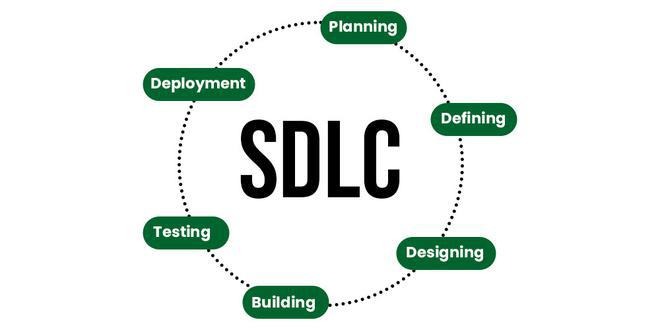
The data path has five steps:
- Capture: The inquiry arrives with its source information.
- Ownership: A person or team becomes responsible for responding.
- Qualification: The record reaches the agreed sales-ready condition.
- Opportunity: The contact and organization are linked to the deal.
- Reporting: The business can trace the link between source and sales activity.
HubSpot offers Sales Hub alongside other customer-platform products. Which marketing, lifecycle, and reporting features you get depends on the Hubs and editions included. Pipedrive connects with separate marketing services and sells paid complementary functions, so a company can keep its existing marketing system and use Pipedrive for sales.
Where HubSpot Marketing Hub uses marketing-contact tiers, crossing a tier raises the billed contact allowance. That cost belongs to Marketing Hub and sits outside the Sales Hub seat calculation.
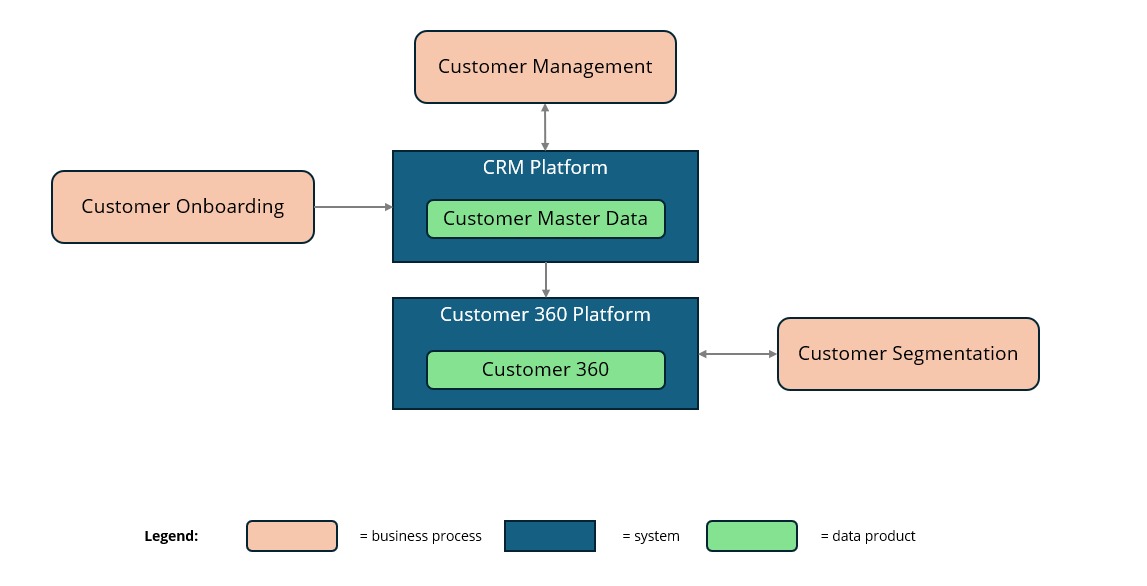
Another option is to run both systems during a transition. HubSpot’s marketplace lists a Pipedrive integration with two-way Data Sync, which is a different mechanism from the Smart Transfer migration process.
Running both needs clear authority over contact details, owner assignments, deal stages, and consent fields. If both systems edit the same data independently, duplicate or conflicting records undermine the shared view. Map your actual lead-to-deal reporting path and make one system the authority for each critical field. If your current stack already handles the handoff cleanly, adding a whole platform only adds cost and maintenance.
Migration: the logged-email trap and how to check it
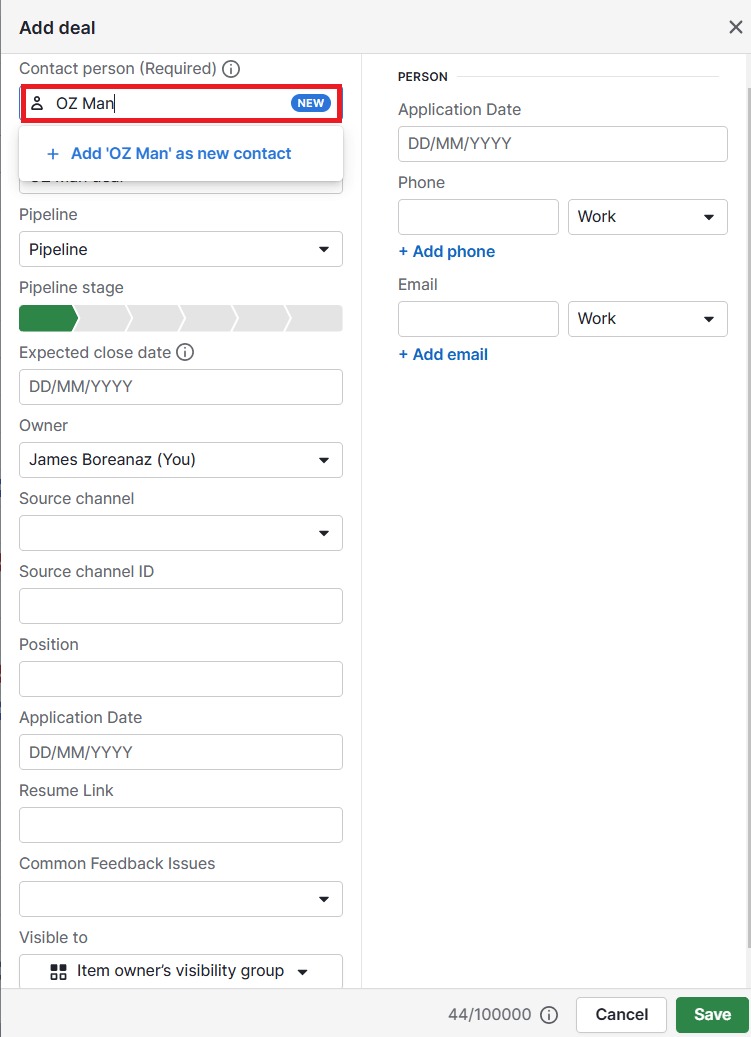
Smart Transfer moves your contacts, companies, deals, and notes from Pipedrive to HubSpot. It leaves logged emails behind. If your team relies on old customer correspondence, that gap can decide the whole switch.
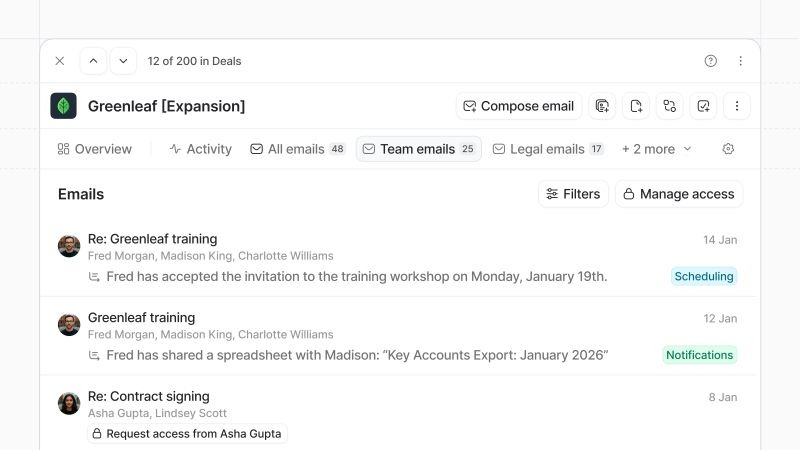
The distinction that matters is between a CRM email activity and an original logged email message. Pipedrive’s synced mailbox messages and its activity records serve different purposes. HubSpot’s Pipedrive Smart Transfer table supports email activities and explicitly excludes logged emails. A summary or activity entry can arrive without the logged message text, so a record’s presence in HubSpot does not prove the original conversation is there.
What the documented transfer covers
The HubSpot Smart Transfer supported-app documentation lists mappings for Pipedrive objects, including contacts, organizations, deals, notes, and activities.
| Pipedrive data | Smart Transfer treatment | Check after transfer |
|---|---|---|
| People | Mapped to contacts | Identity and associations |
| Organizations | Mapped to companies | Company links |
| Deals | Mapped to deals | Stages, ownership, and related records |
| Notes | Supported | Link to the intended records |
| Activities | Supported, with a Data Hub condition | Task and activity context |
| Email activities | Supported; activity sync requires Data Hub | Correct activity records and associations |
| Logged emails | Excluded from the Smart Transfer mapping | Needs a separate way to preserve historical messages |
| Attachments | May need a one-time post-sync transfer | File availability and relationships |
Pipedrive’s export documentation also covers contacts, deals, organizations, notes, activities, and files. Some exports run separately or need user permissions. The Pipedrive explanation of emails and activities helps you identify which source object you are trying to preserve.
Smart Transfer has its own object mappings, subscription requirements, and post-sync steps. A separate two-way sync integration behaves differently, so judge it on its own fields and terms. The logged-email exclusion applies to Smart Transfer; any other archiving or migration route needs its own proof that history survived.
In a December 2022 HubSpot Community discussion, a contributor reported 152 errors during a third-party migration, including 104 transactions affected by missing target deal-stage paths. After correcting those mappings, the contributor reported that the service completed the transfer and preserved historical emails and notes. That was a third-party process and behaves differently from HubSpot Smart Transfer.
Prove that important customer history survived
Run a rehearsal with one known historical logged email and one separate email activity linked to a real contact or deal.
- Find the originals: Locate the mailbox message and the separate activity record in Pipedrive.
- Use the planned route: Apply the subscription, migration tool, and object mapping you intend to use.
- Inspect HubSpot: Look for each item under the right contact, company, and deal.
- Check completeness: Review message content, chronology, ownership, and attachments.
- Set the cutover condition: If essential history is missing, keep access to the source or arrange a verified preservation method before you cancel it.
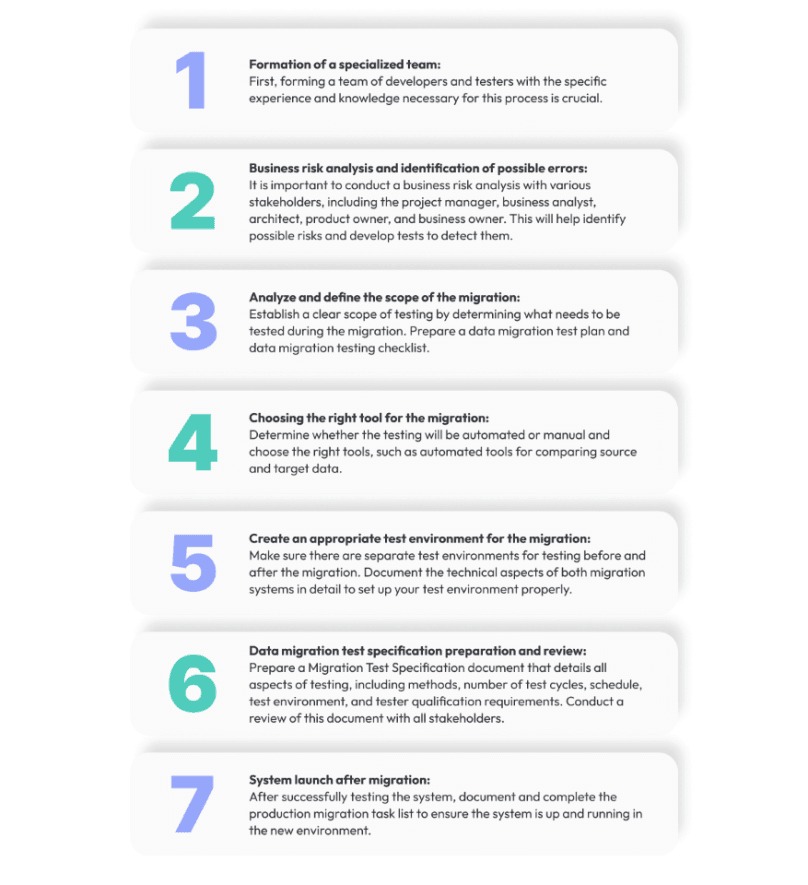
A larger rehearsal with ten representative contacts and ten deals can expose relationship and stage-mapping problems.
Proceed when your essential records work in HubSpot and your historical correspondence stays recoverable.
Who should choose HubSpot, Pipedrive, or neither?
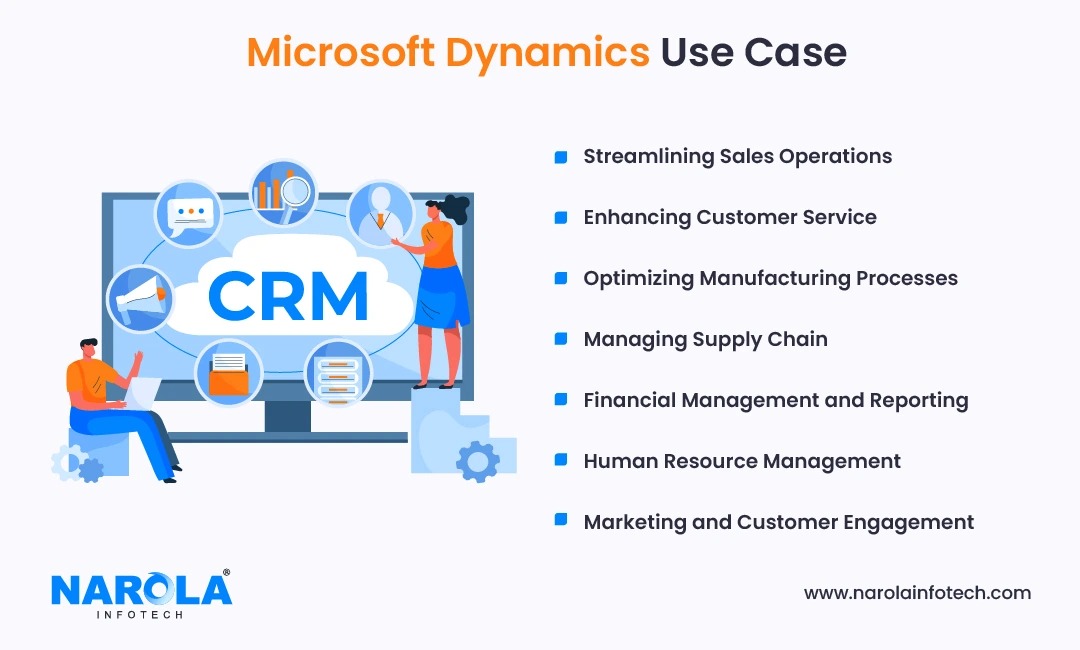
Start from the operating problem your team needs to solve. Team size settles little: fifteen sales reps without a marketing handoff can have a simpler CRM requirement than a much smaller organization with complex attribution and several customer-facing teams.
A small sales-led consultancy
Take a consultancy with two or three sellers who spend most of the day tracking prospects, advancing deals, and following up by email. They need consistent activities and a clear pipeline. Pipedrive deserves the first trial here, with Growth the relevant edition when synced sales email is essential.
HubSpot’s free tier may also suit them, especially if their needs fit its free capabilities. Its broader platform pays off once the consultancy has identified work for marketing, service, or cross-team reporting.
An inbound and outbound revenue team
One contributor described the growing pains of a mixed inbound and outbound revenue team:
we are at the stage where the lightweight setup we have been running is no longer cutting it. seven people on the revenue side, mix of inbound and outbound, and we need something that gives us real pipeline visibility and does not require a full time admin to keep it running cleanly.
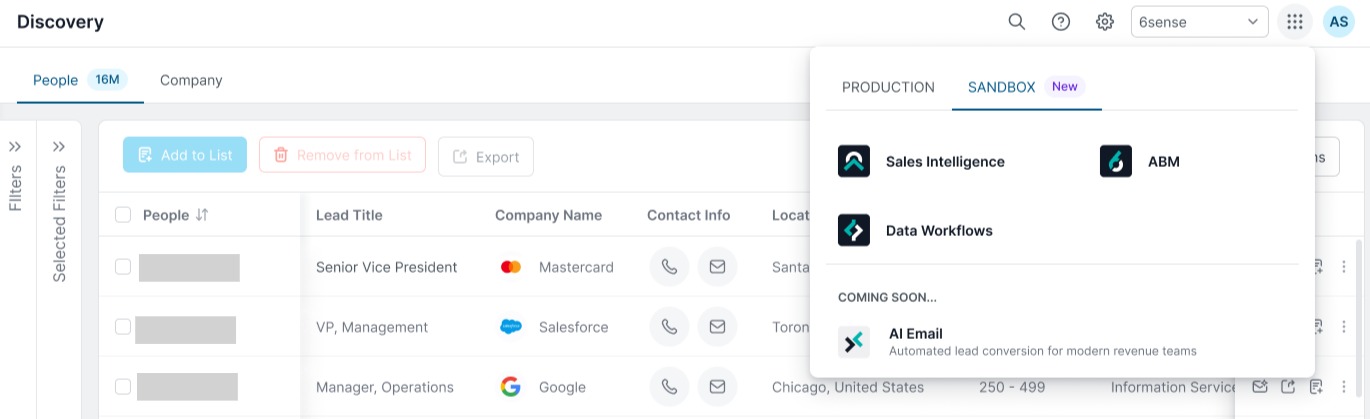
HubSpot is a plausible first trial for those requirements, provided the purchased Hubs, seats, and workflow rights cover the actual process. A seven-person team focused entirely on outbound could have different priorities.
A business that should defer switching
A migration may accomplish little if your current CRM already handles the important work and the replacement shows no operational improvement. A team with poorly defined stages or inconsistent record ownership will carry the same confusion into a new system. Keep a CRM migration acceptance record alongside the CRM trial results before moving historical records.
An unresolved plan for historical email is another reason to defer cutover. To evaluate CRM, sales pipeline, and HubSpot, use what a small sales team should prioritize.
A quick, fair test before you sign or switch
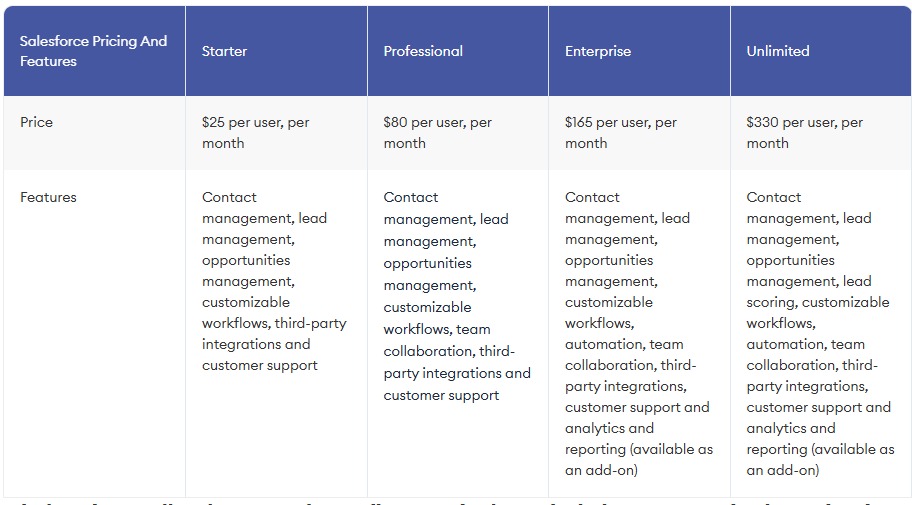
Give both systems the same four tasks, using the subscription and permissions you would have in production. The comparison is most revealing when an ordinary salesperson does the work without an administrator guiding every click. Use one representative lead and deal scenario, with the same source information, owner, next activity, and follow-up message in both accounts.
| Task | Success condition | Record |
|---|---|---|
| Capture a lead | Create the contact with usable source information | Pass, fail, or extra setup |
| Qualify and assign a deal | Set the correct owner, stage, and next activity | Pass, fail, or extra steps |
| Perform personalized follow-up | Complete the intended email task with the required seat and edition | Pass, fail, or upgrade needed |
| View the result | Find the deal, activities, and reporting information the manager needs | Pass, fail, or missing information |
Record duplicated work, missing associations, confusing steps, unexpected permission requirements, and administrator intervention. If you measure completion time, measure it the same way across the same tasks and users.
Put the trial result in a decision record next to the 12-month subscription estimate, open integration requirements, and migration conditions. Trial access can expose capabilities missing from the edition you will buy, so base the final decision on the purchased configuration.
The approving manager should be able to see the difference between the products in one place: the lead-and-deal trial, the first-year cost and any remaining risk to customer history.
Speak Your Mind