A free help desk is useful only while agents can answer customers without hitting the plan’s seat or message limits. A paid tier buys capacity; self-hosting transfers maintenance to your own team. Before moving live support, complete a ticket from intake through export on the arrangement you would actually operate.
A help desk can be free at signup but unusable once the busy week arrives. Some vendors count agents, others count customer conversations or outbound notifications. The important number is the one that would stop your team from replying.
A shared inbox for customer emails has different requirements from an internal IT desk managing laptop problems, access requests, and recurring issues.
What “free help desk” means
Free help desk software comes in three arrangements, each with a different commitment.
| Free model | Examples | What you receive | What needs attention |
|---|---|---|---|
| Hosted, free forever | Zoho Desk, Help Scout, Jira Service Management, HubSpot Service Hub, Tidio | A hosted free edition within stated limits | Agent seats, usage allowances, channels, paid feature gates |
| Temporary free program or trial | Freshdesk Free Program | Access for a defined period | End date, eligibility, upgrade and downgrade terms |
| Self-hosted free software | FreeScout, osTicket | A downloadable or self-hosted software core | Hosting, maintenance, backups, optional paid modules |
Zoho Desk’s pricing page lists a permanent free edition for three users with basic email ticketing. Advanced features depend on the edition.
Freshdesk’s Free Program documentation describes six months of access for up to two agents. A separate higher-tier trial lasts 14 days.
Freshworks says accounts can switch back to the Free Program after upgrading, though you may need to adjust agent counts and other settings. Some configurations can be lost when a higher-tier trial ends or an account downgrades.
If you are a two-agent startup that wants to pay nothing indefinitely, a six-month offer forces a purchasing decision in month seven. For a cost comparison, see how to compare costs by the unit that triggers an upgrade.
FreeScout and osTicket work differently. Their self-hosted software can avoid a recurring core-license fee, while you provide and run the application environment.
Sort candidate products into these three models before comparing features. If you need permanent free access and no server maintenance, only the hosted forever-free group qualifies. Not sure you need a help desk at all? Start with the help-desk versus shared-inbox decision.
Compare free plans by the limits that matter
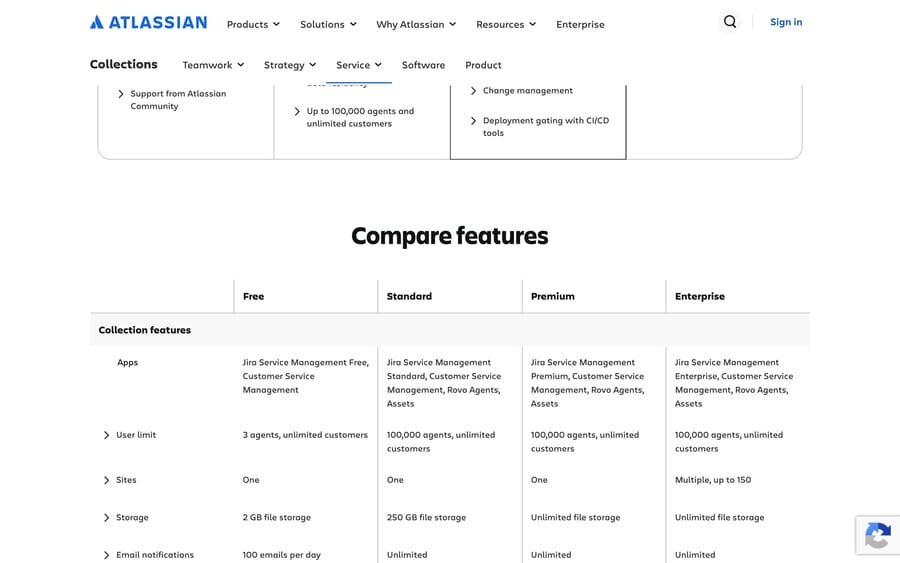
Check agent count first. After that, look for a monthly customer cap, an outgoing email cap, a locked feature, or an expiry date.
| Product | Free arrangement | Agents or users | Other limits |
|---|---|---|---|
| Zoho Desk | Hosted free edition | 3 users | Basic email ticketing; advanced features depend on edition |
| Help Scout | Hosted free plan | 5 users | 1 inbox; 100 contacts helped per month |
| Jira Service Management | Hosted free edition | 3 agents | 2 GB storage, 500 automation rule runs per month, 100 outgoing emails per day |
| HubSpot Service Hub | Hosted free tools | Up to 2 users | Branded live chat, limited bots and additional paid service features |
| Tidio | Hosted free tier | 10 seats | 50 monthly billable conversations; a separate one-time AI allowance |
| Freshdesk | Six-month Free Program | Up to 2 agents | Access expires under the program terms |
| FreeScout | Self-hosted free core | Not applicable (self-hosted) | Optional modules licensed separately |
| osTicket | Downloadable free edition | Not applicable (self-hosted) | Requires compatible server, PHP and database |
A three-person IT team fits within the agent allowance of Jira Service Management Free. A customer-support operation with frequent conversations can hit a usage limit first, even with plenty of seats.
Seats are only part of the check. Private notes, duplicate merging, SSO, reporting, chat and customer portals matter differently to different support teams, and a feature advertised for a product family may exist only on a paid edition.
Compare the number of staff who must work tickets with each Free edition’s agent allowance. Then rule out any edition that lacks a channel or collaboration function you can’t do without.
What happens when a free plan hits its limit
Reaching a limit and losing an essential action are two different things. A plan may stay accessible while customer replies or outgoing notifications stop.
| Product or function | Counted unit | Threshold | Documented consequence |
|---|---|---|---|
| Help Scout Free | Contacts helped | 100 per month | Further outbound replies are blocked until reset or upgrade; incoming email still arrives |
| Jira Service Management Free | Agents | 3 | Exceeding the limit starts an automatic seven-day Standard trial |
| Jira Cloud Free notifications | Outgoing email notifications | 100 per day | Notifications pause until the following day |
| Jira Service Management Free automation | Automation rule runs | 500 per month | Not specified by vendor |
| Tidio Free | Billable conversations | 50 per month | Not specified by vendor |
| Jira Service Management Free storage | Stored data | 2 GB | Not specified by vendor |
Help Scout blocks replies, Jira pauses notifications, and Jira’s agent cap starts a trial. Judge each against the action your team can’t stop doing.
Help Scout counts people helped
A contact is a person, not a ticket. Help Scout counts each person you help once per monthly cycle. An email reply, a phone conversation created in Help Scout, or an AI Answers resolution each counts. Ten tickets from one customer still use one contact.
Help 95 customers in a month and you have used 95 of your 100 contacts, however many tickets they sent. Five contacts remain.
Help Scout’s free-plan explanation says that at the allowance, customer emails still arrive but outbound customer replies through the affected channels stop until the monthly period resets or you upgrade.
If you serve many new customers, count the distinct people you help in your busiest month. Incoming tickets alone give the wrong forecast.
Jira separates agents from email notifications
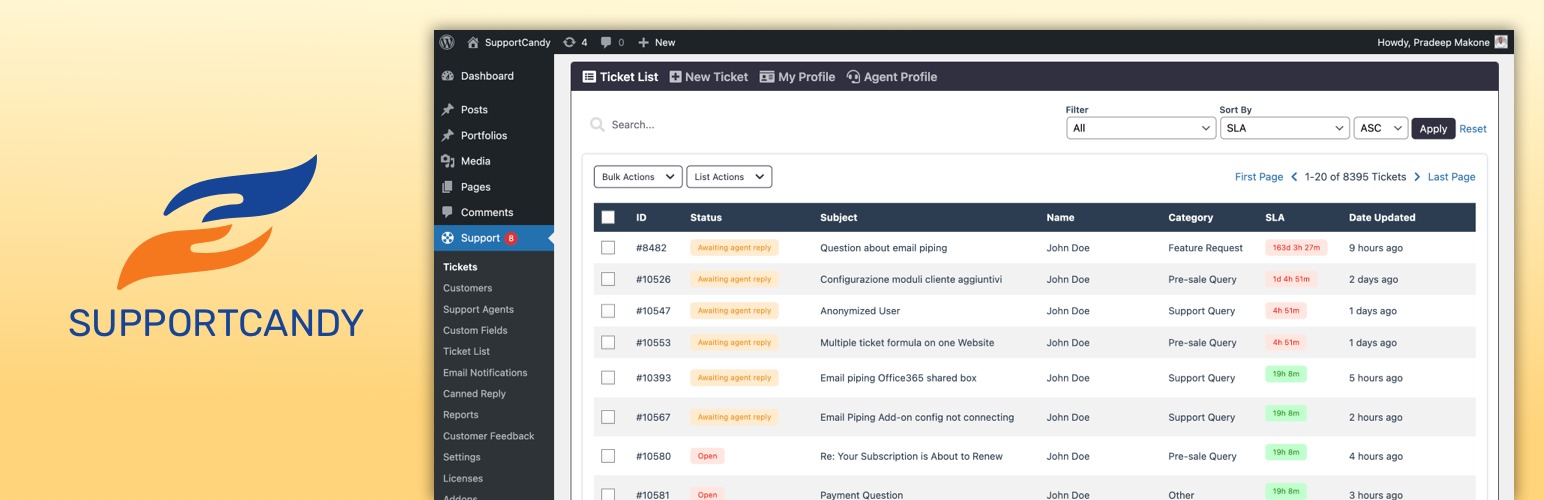
Atlassian’s Jira Service Management Free pricing lists three agents. Add one beyond that and a seven-day Standard trial starts automatically.
The same pricing includes 100 outgoing emails per day. Atlassian’s Jira Cloud Free guidance explains that email notifications pause when the daily allowance is reached and resume the following day.
Hit 100 outgoing emails by noon and notifications stop until the next day. Ticket intake and ticket visibility are separate from email delivery.
Atlassian also warns that removing the outgoing-email limit after upgrading can take up to 30 days, so an upgrade does not fix the notification cap right away.
Other limits use their own units
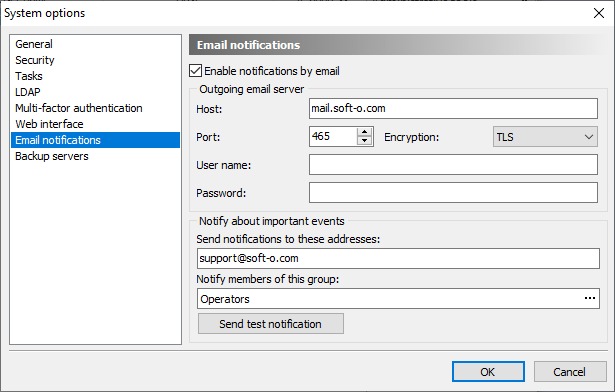
Jira Service Management Free also lists 500 monthly automation rule runs and 2 GB of storage. Neither works as an extra email or ticket allowance, and what happens at each cap is edition-specific.
Tidio’s Free tier lists 50 billable conversations per month. The Lyro AI allowance of 50 conversations is one-time, so leave it out of a recurring monthly AI budget.
Build a quota worksheet with four fields per product: the counted event, its threshold, the reset period, and what happens when you exceed it. Give customers helped, billable conversations, outgoing notifications, automation runs and storage their own rows. Write “unknown” where the vendor doesn’t say.
Choose for internal IT or customer support
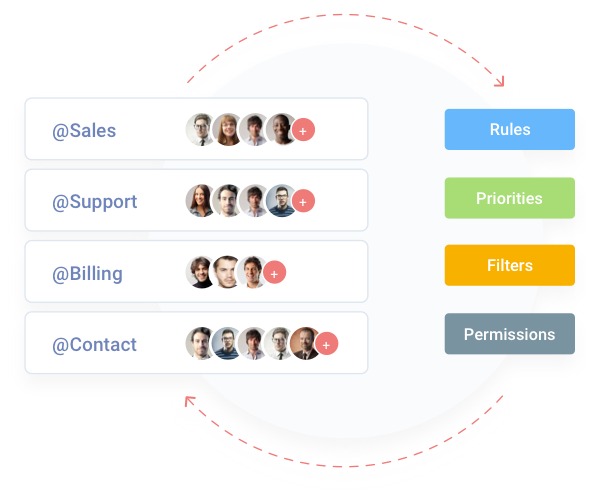
Internal IT and customer support both track requests, but the requesters and the daily work differ.
| Workflow consideration | Internal IT desk | Customer-support desk |
|---|---|---|
| Typical requester | Employee seeking technical help | Customer asking for assistance |
| Intake | Email or employee portal | Shared email inbox, chat or other customer channel |
| Working context | Assigned technician, history, access and identity requirements | Conversation history, internal collaboration and prior replies |
| Potential deal breaker | Missing portal, assignment or identity function | Missing customer channel or essential reply function |
One IT administrator described the point where scattered conversations had become hard to manage:
I’m a one man shop, internal IT for about 200 people and growing. I’m at the point where email/text/phone calls is getting cumbersome to manage. I don’t think I’m busy enough to justify spending thousands of dollars either yet. Anyone know of a cheap, preferably free IT Ticketing system to help manage IT issues? I’ve never really used any in the past so I don’t even know where to start looking.
One administrator supports about 200 employees, and those employees are requesters. Agent-seat limits count the people working tickets, though some vendors meter requesters or end users separately.

Take a team of three handling customer email, chat and private notes. Say their must-haves are conversation continuity, duplicate-ticket merging, tags and visibility across shifts. Check each against the product, since none is automatic. For channels and customer visibility, see channels, integrations and customer visibility in help-desk software.
Write down one representative request before choosing a product. An employee reporting a locked laptop and a customer asking about an unresolved order make different demands on intake, assignment, history and replies. Note the minimum channel and collaboration features that request needs.
What a self-hosted help desk costs
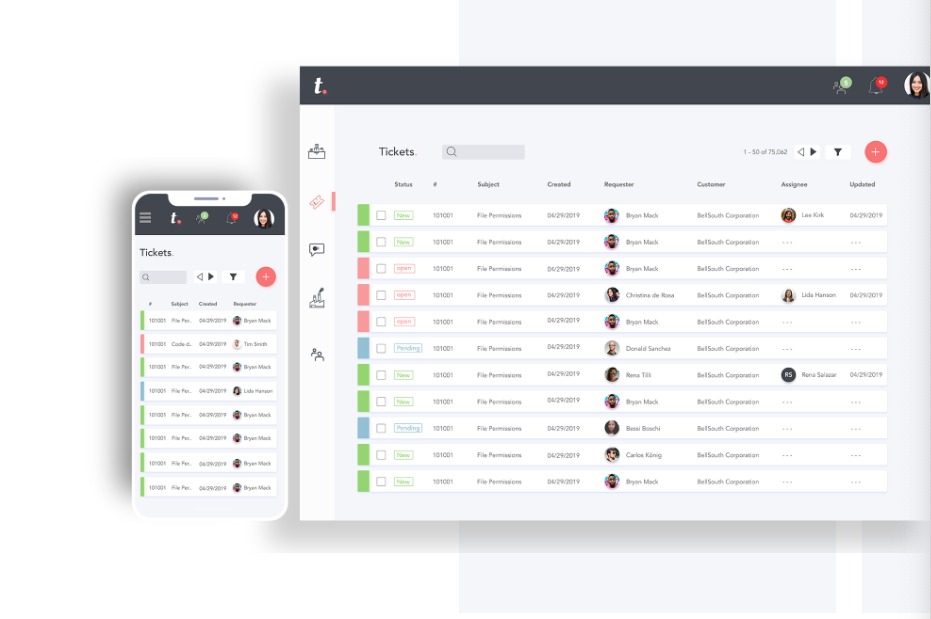
Self-hosting removes the subscription charge for the software core, and you take over the operating environment and the maintenance.
FreeScout provides a self-hosted core with optional paid modules. The module catalog includes capabilities such as tags, workflows, reports, portals, knowledge bases and API or webhook integrations. Its optional modules are sold with lifetime licenses for a single FreeScout instance.
osTicket offers a downloadable free self-hosted edition. It needs a compatible server environment, including PHP and a database. You maintain the system and recover it when something breaks.
A requester in r/selfhosted described the requirements for an internal IT ticketing system serving approximately 150 users:
Hello there, For our own company, we are seeking for an internal IT ticket system (for around 150 users). Mostly to answer everyday’s requests (I need this or that, issue on my laptop and so on). Our company policy is open-source and self-hosted first. So I took time to explore many solutions.
The poster’s fuller requirements included a web portal and SSO/OIDC integration with Keycloak. Requirements like these decide whether an open-source deployment fits, even when the core license is free.
Before you adopt a self-hosted help desk, assign these jobs:
- Server and database: Name who runs the server and keeps it up.
- Backups and recovery: Name who takes backups and can restore tickets and attachments.
- Updates: Name who applies application updates and security fixes and handles deployment problems.
- Email and identity: Cover mail delivery, user permissions and any required SSO integration.
- Paid extensions: List which required functions need separately licensed modules.
- Administrator time: Set aside hours for routine maintenance and unexpected failures.
A business with established IT operations may value the control that self-hosting gives. A founder who also answers every support request may prefer the lighter maintenance load of a hosted service.
Test a ticket from arrival to export
Run one complete request, from the channel customers or employees will use to a record your team can recover or export.
Ticketing can also meet resistance inside a company. One help desk worker described management’s reluctance to use a system that would make the number of support calls visible:
Hi all, I’ve started a new job as an helpdesk/software developer and I quickly realised that I need some software to keep track of what I’m doing, what I’m supposed to do and what I’ve done. I’ve asked my manager and it turns out we don’t use a ticketing system because upper management will want to look at it to check how many calls we do and it will become stressful for no reason; but we need a better management system, at least for me.
Here the blocker was management, not software. Agree on who assigns tickets and who sees the numbers before you pick a tool.
A controlled six-step ticket test
Use a fictional issue and a mailbox you control. Keep sensitive customer information out of the test.
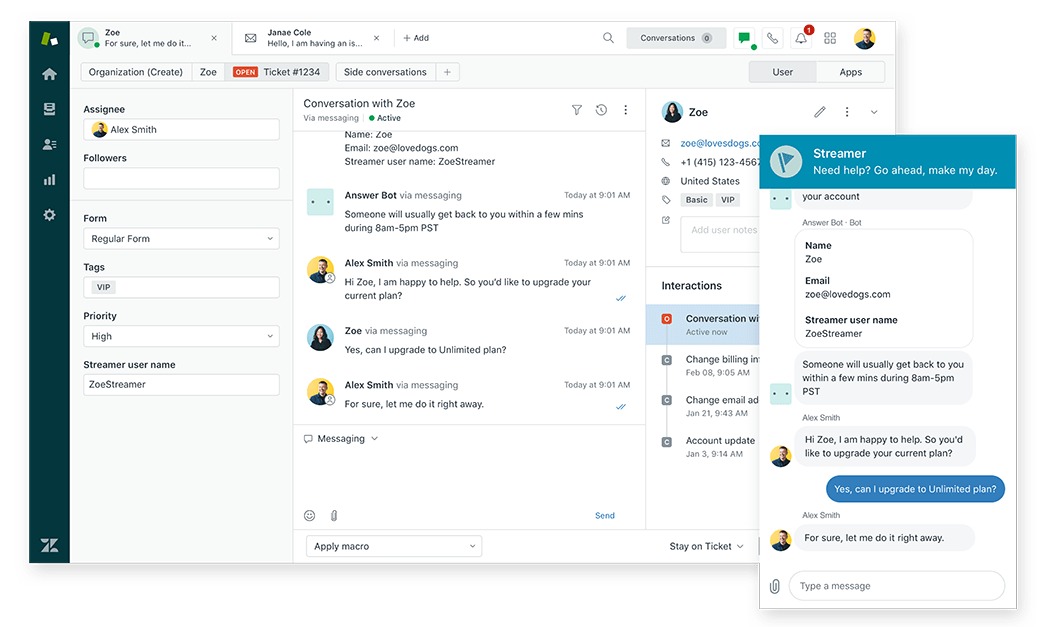
- Submit: Send a request through the channel you need, whether email, portal or chat. Confirm it lands in the expected queue.
- Assign: Give the ticket to an agent. Try an internal note and any tagging or duplicate merging you depend on in the Free edition.
- Reply: Send a response to the mailbox you control and confirm it arrives. Check internal agent notifications as a separate event.
- Continue: Add a follow-up or reopen the issue. Confirm the history stays on the correct ticket and another authorized agent can read it.
- Control intake: Send a non-sensitive request from an unrecognized sender and see how the available controls handle it.
- Export: Find the export method and check which ticket records, messages and attachments it keeps, using disposable sample data.
No ticket in the queue? Check the intake channel, permissions and receiving queue. No outgoing email? Check notification settings and usage caps. Log the two failures separately.
When to stay free, upgrade, or leave
Follow one customer ticket all the way to a readable export on the actual free, paid or self-hosted system. That exercise makes both operating limits and the exit path visible.
Speak Your Mind