Single sign-on is only the start of a SaaS identity integration. Accounts also need to be provisioned, changed and disabled reliably, with evidence in the logs. Run those actions through your identity provider and controlled test accounts on the offered license; privilege that survives the required cutoff is a failed control.
A vendor can demonstrate a successful SSO login in minutes. The more revealing tests happen when an employee changes teams, loses access to an application, or leaves the company while a browser session remains open.
Ask for two sides of the same event: what the identity provider logged and what access the SaaS application actually granted or removed. That comparison is particularly important when roles change or an old browser session remains active.
Define the vendor pass/fail test
Run a controlled acceptance test with the identity provider, application settings, and paid edition you plan to deploy. Test sign-in, account creation, and account removal separately, and save one piece of evidence for each.
Write a one-page test scope before the demo. List the SaaS application, identity provider (IdP), proposed license, source of truth for identities, required security policies, test accounts, application roles, and the person who judges the results. Use authorized test identities in an approved pilot or staging environment. Not sure what your current setup lacks? Start with how to identify the missing capability.
Ask the vendor to show these outcomes:
| Vendor claim | Required demonstration | Evidence to retain |
|---|---|---|
| Enterprise SSO | An assigned user signs in through the required IdP and policy. | Authentication event and application session |
| Access restrictions | An unauthorized or unassigned test identity is denied according to the configured policy. | Denied attempt and relevant IdP or application event |
| User provisioning | The intended account is created, matched, or updated without an unintended duplicate. | Source identity and resulting application account |
| Automated offboarding | A leaver event produces the required account and access state. | Provisioning event and target application state |
Define the expected result of the denial test before it runs. An unassigned user may hit an IdP policy rejection, an application authorization denial, or another documented control. The test should show which control did the blocking.
Say you’re evaluating a SaaS application that advertises enterprise SSO and SCIM, with Microsoft Entra ID as your IdP. The vendor signs in an assigned employee without trouble. You still need proof that an unassigned test user can’t get in, and that a later employee departure leaves the application in the required state.
A feature badge, sales slide, or login screenshot covers one step of the demo. Timestamped events and matching application records show what the configured integration did.
Know what SSO, JIT, and SCIM each do
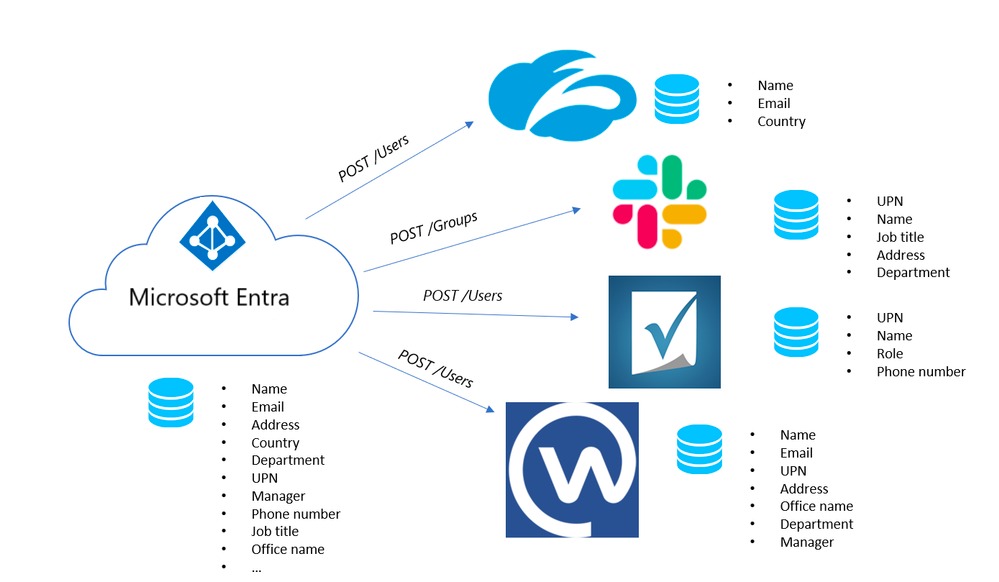
SSO, just-in-time provisioning, and SCIM work at different points in an employee account’s lifecycle. Each one needs its own test.
| Mechanism | Function | Observable result |
|---|---|---|
| SSO using SAML or OIDC | Authenticates a user through an IdP. | Successful or denied federated sign-in |
| Just-in-time (JIT) provisioning | Creates or links an application account during sign-in. | Account state at first login |
| SCIM provisioning | Exchanges structured user and group lifecycle changes. | Creation, update, membership, and deactivation outcomes |
SAML 2.0 and OpenID Connect (OIDC) handle federated authentication. OAuth 2.0 is a framework for delegated authorization.
SCIM 2.0 defines a standard way to represent and manage users and groups. IETF RFC 7643 specifies the core resource schemas, while IETF RFC 7644 describes protocol operations including POST, PATCH, PUT, and DELETE.
The standard leaves matching, supported actions, permissions, and account state to each implementation. SCIM passes group information along, but the application’s own authorization policy decides the effective roles.
Docker’s provisioning documentation shows the difference. Its JIT approach creates or links accounts at sign-in, while its SCIM workflow runs a separate account-lifecycle process that includes deprovisioning.
Classify three capabilities of the advertised package independently: federated login, account creation or linking, and ongoing account lifecycle management. Each one becomes a line item the vendor has to prove later. Check which controls each enrollment method supports before accepting the offboarding test.
Check identity matching, groups, and roles
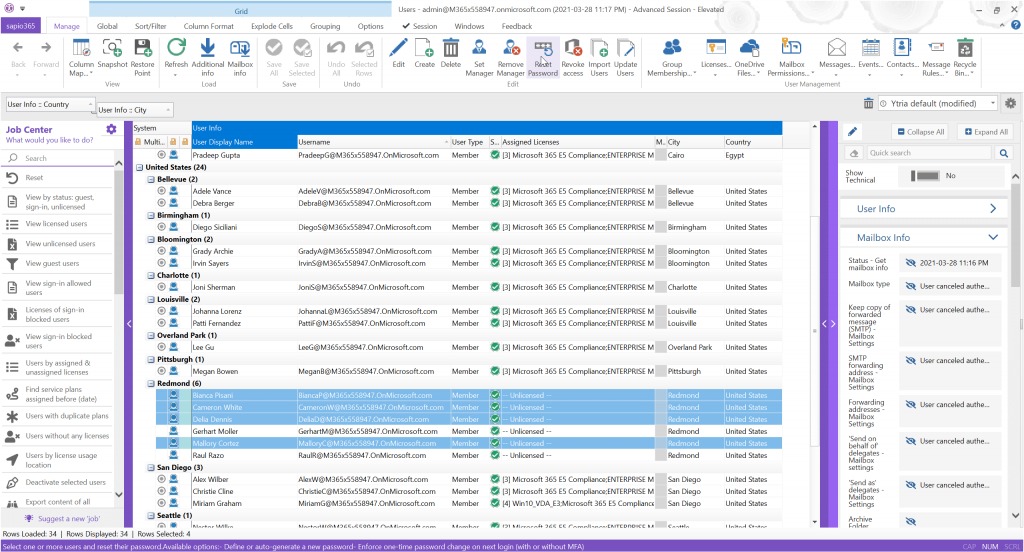
To pass the group and authorization test, inspect the synchronized group object, its intended members, and each user’s effective application roles. They must match your access policy.
Use two test identities, one with an existing application account and one without. Compare the IdP’s source identifiers and mapped attributes with the resulting application account IDs before and after each change.
| Test | Source-side action | Required target-side result |
|---|---|---|
| Existing user | Assign an identity already known to the SaaS application. | Correct existing account linked without duplication |
| New user | Assign an identity with no application account. | Correct new account and identifier created |
| Attribute change | Change an email address or another mapped test attribute. | Intended account updated without an unintended duplicate |
| Permission change | Add and remove a permission-bearing group assignment. | Correct organization membership and effective role |
Email addresses change. Ask the vendor which field matches accounts, how the connector handles a changed attribute, and which system may update each field. This matters most when JIT and SCIM are both configured against an existing account.
In Microsoft Entra ID, when provisioning is scoped to assigned users and groups, an identity has to fall inside that scope to be provisioned. Group sync also depends on the target application’s supported group operations and mappings, so the group and its members are separate results.
An administrator using Entra ID with 1Password described the difficulty of determining what a managed-group change would do to existing users:
One thing that is not clear to me is Managed Groups. If you add groups to managed groups, do those group names need to match Entra groups? We have existing groups in 1Password that would be great to manage via Entra but the documentation is not clear on this.
Suspended Users
Also, how do you suspend a user in this case? Does removing them from the Entra group accomplish that? It doesn’t seem to work that way in my testing.
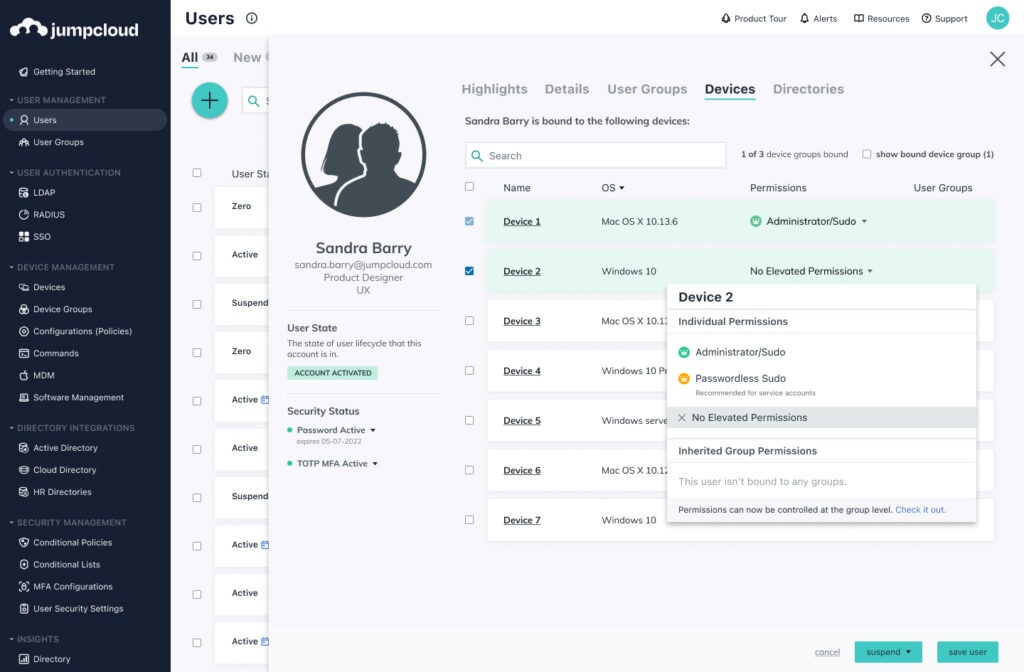
The poster couldn’t tell whether removing a user from the Entra group suspends them, and saw no suspension in testing. Your test settles that question: record the IdP group assignment, SaaS group membership, organization membership, and effective role before and after the change.
An Auth0 Community contributor reported that SCIM-created users weren’t automatically placed in the intended Auth0 Organizations. A user record existing and a user being authorized inside an organization are separate checks.
Test the employee lifecycle before launch
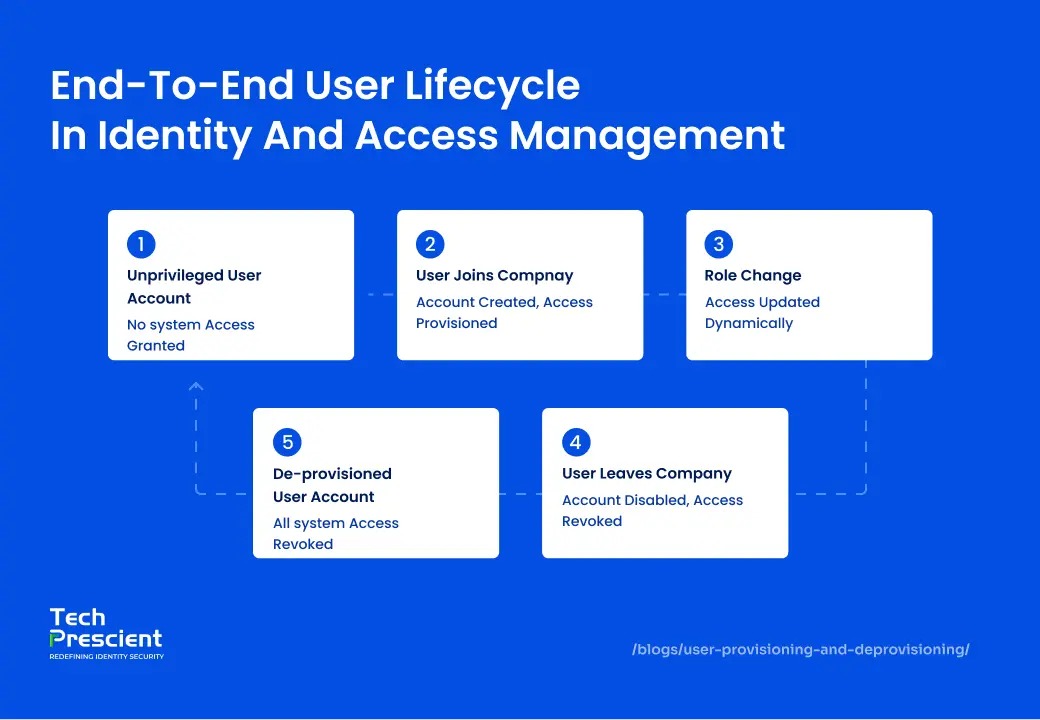
Run a joiner, mover, leaver, and recovery sequence with identities you can safely change or disable. Each step has its own expected application state.
- Joiner: Assign a new identity and watch the account get created. For JIT, separate the state before first login from the account created or linked during that login.
- Mover: Change a group or role assignment that carries permissions. The old privilege should disappear if your authorization policy says it must.
- Leaver: Disable the test identity or remove it from the provisioning scope. Check whether the application deactivates or removes the right account.
- Reactivation: If you need reinstatement, restore the test identity and check the resulting account, group, and role state.
- Recovery: Find the documented rollback procedure and the administrator who can restore control if SSO or provisioning goes down. Test the vendor-supported emergency admin route in an approved test. If the product needs an independently managed emergency account, confirm it stays outside routine provisioning, as the vendor’s design specifies.
Deactivation, deletion, and removal from provisioning scope are separate operations. The final account state depends on connector behavior, the selected configuration, and any data-retention requirements.
One administrator described what happened while reconfiguring a 1Password SCIM bridge connected to Okta:
* Turned on Provisioning Users and Groups on 1Password Admin for the Integration
* Unable to use the bearer token in Okta to complete as we get the re-occuring error: `Error authenticating: No results for users returned”`
* Turned off Provisioning Users and Groups, and noticed the Org users were suspended sometime during this process
* Managed to use 1Password CLI and a slapped together shell script to reactivate it automatically, but noticed some users were in a Recovery Pending state.
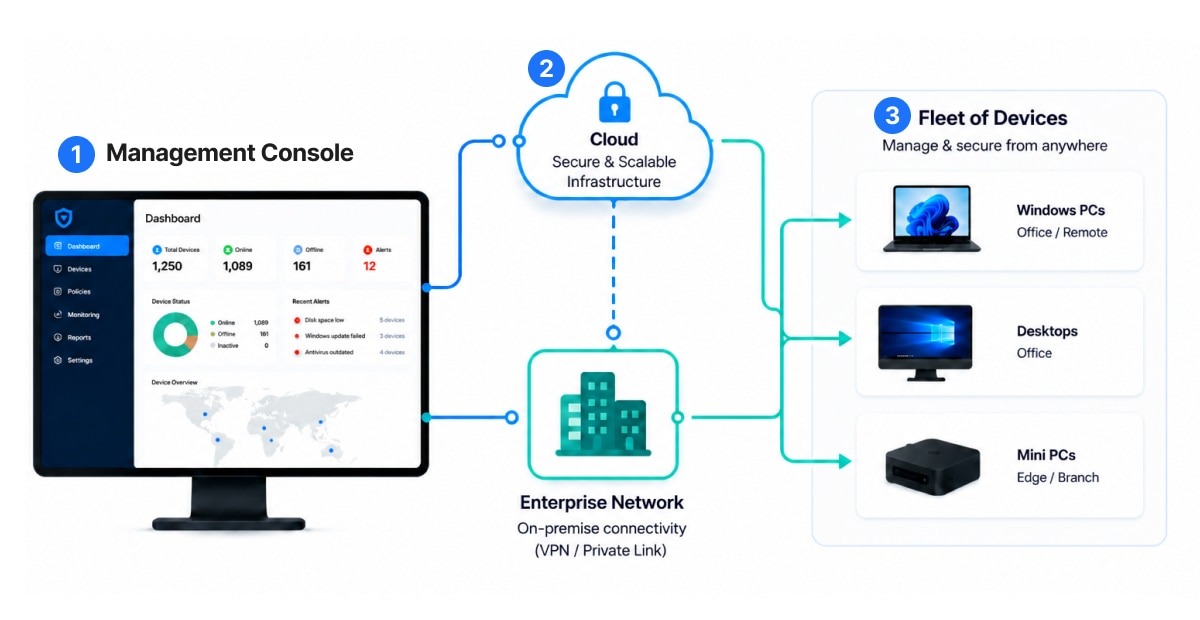
Users were suspended and needed manual recovery during a connector change. Limit the rollout scope and set up a usable recovery route before you change production provisioning.
A contributor integrating OneLogin with Auth0 described SCIM account creation succeeding with HTTP 201, followed by failed PATCH and DELETE operations involving an invalid URI. The contributor suspected a pipe-delimited identifier.
Your acceptance record for this sequence should show the identity event, the target account’s resulting state, and whether the recovery procedure restored the intended configuration.
Verify every access path after offboarding
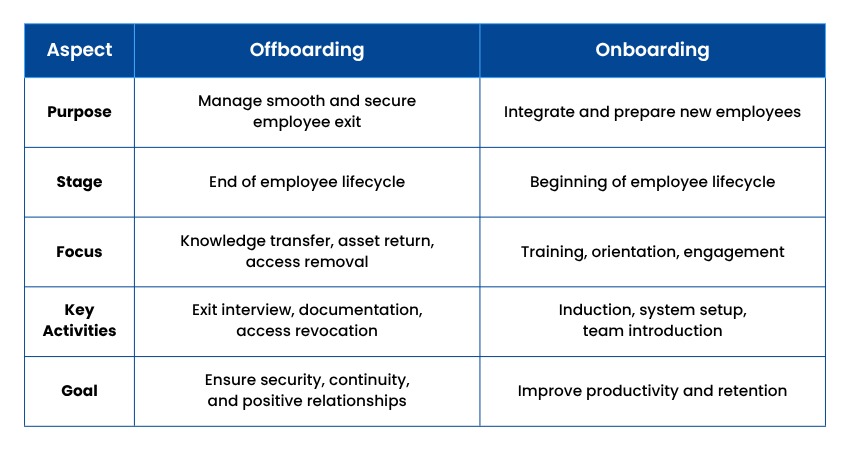
Offboarding passes when the application blocks every access route your termination policy prohibits. A failed new sign-in and a revoked existing session are separate results.
In federated identity, the IdP authenticates the user, while the relying-party application keeps its own account and access state. NIST SP 800-63C covers the federation and relying-party concepts behind that split.
The SaaS documentation and your access policy decide which session, credential, and alternate sign-in routes belong in the termination test.
- Fresh federated sign-in: Try a new sign-in with the terminated test identity and record the outcome.
- Existing browser session: Use a previously authenticated test session to perform a harmless action and see whether the application allows it.
- Previously issued API credential: Use a sanctioned test credential and check whether its remaining access matches your revocation policy.
- Application membership and alternate sign-in: Inspect remaining organization membership, local authentication paths, and documented administrative exceptions.
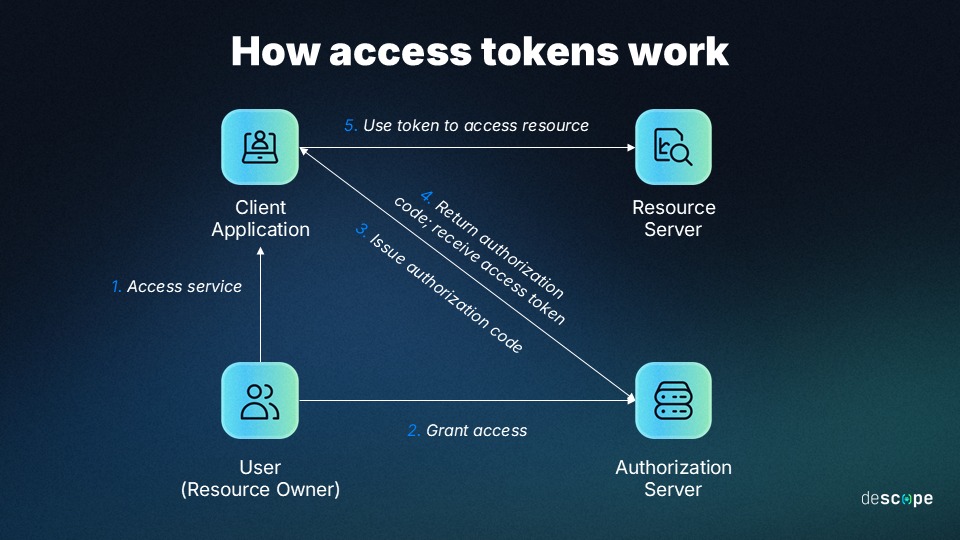
GitHub Enterprise Cloud documentation gives a product-specific example of how SAML authorization, SCIM-managed organization membership, and credentials relate, including credentials that can retain access under certain conditions. HashiCorp also documents cases where SCIM provisioning state and SSO login behavior diverge.
For every route, record the source identity state, attempted operation, session or credential type, observed result, and timestamp. Set any requirement for immediate or time-bounded revocation in your policy before the vendor demo.
Can manual offboarding satisfy the requirement?
Yes, if a documented process has a named owner, produces the required access removal, and meets your termination deadline. Judge it against the same policy and evidence as an automated setup. The same test applies to any documented alternative to a SCIM feature.
Check synchronization failures, logs, and recovery
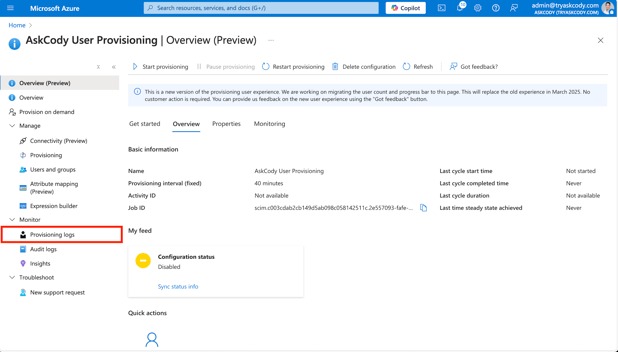
A good provisioning integration makes failed and delayed changes visible and gives you a workable recovery procedure. You need to trace each identity change to its API response and its final application state.
Useful evidence includes the IdP provisioning event, the application log, the requested operation, any API error, retry behavior, and the resulting user or group record. A green status icon means nothing unless it covers the exact operation you tested.
An Okta administrator described two problems while configuring SCIM provisioning: a rate-limit event and a pushed group with missing members.
We are trying to do Scim provisioning for an app. We enabled Scim and provisioned users to the app. But we later found out that the app has a rate limit. Okta logs throws this event type “app.api.error.rate.limit.exceeded”. Then i got to know from the app team that they dont want to provision any users down to the app(they are sourcing user data from another app)& they only need a few groups to be pushed to the app side.
Now in the provisioning tab in Okta i only enabled push group options in integrations tab. When i push the Group A into the push group section, only the group is getting pushed to the app side and not the users in it. How do i push the group and the users in it to the app side without provisioning the users in the assignment tab ??
The report shows a rate-limit symptom and a membership problem with no shared root cause. Treat them separately: one points to API capacity, the other to configuration or scope.
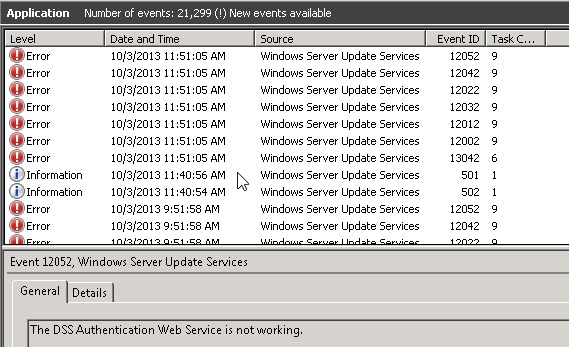
HTTP 429 indicates rate limiting. In your test, have the vendor show how the error becomes visible, how the supported retry or reconciliation works, and how you find the eventual result.
Measure synchronization timing for each product. Microsoft’s Entra SCIM guidance describes Provision on Demand and later synchronization cycles of approximately 40 minutes in that service. That figure is not a universal SCIM completion deadline or an offboarding service-level guarantee.
If the pilot allows it, introduce a controlled failure and check this sequence:
- Submission: The IdP records the requested operation.
- Response: The SaaS endpoint records success, rejection, or a condition requiring retry.
- Detection: The responsible administrator can find the error in the logs or an alert.
- Recovery: The supported retry, correction, or reconciliation method works.
- Result: The final account or permission state matches the intended change.
Record the delay between the initial identity event and the finished change, then compare it with your operational requirement. Assign owners for monitoring, escalation, and configuration recovery before rollout.
Confirm plan entitlements and rollout ownership
Get a dated, written statement from the vendor that covers:
- the exact SaaS edition
- the supported IdP and SSO protocol
- SCIM and JIT operations
- group provisioning
- audit-log access
- support coverage
- implementation charges
- any contract or seat minimums
The proposed license must include every capability shown in the pilot. Name owners for connector maintenance, attribute mapping, monitoring, and administrative recovery. Don’t sign until the vendor confirms all of this in the agreement. The agreement should also specify who handles incidents; compare remote-support coverage options if remote help is involved.
Score the evidence and make the vendor decision
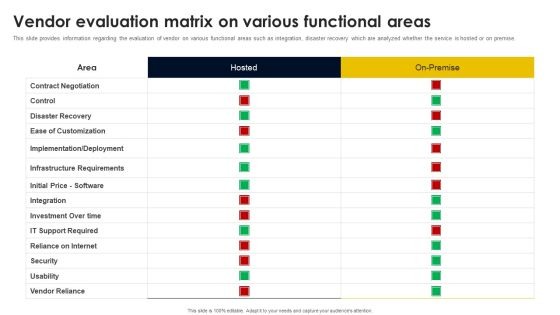
Score every requirement as Pass, Fail, or Not demonstrated. Critical requirements are your required authentication behavior, privilege changes, and access removal. These are must-pass items: a commercial advantage can’t offset a failed mandatory security result.
Use one completed sheet for the exact proposed configuration. The matrix below lists expected results and evidence, with blank status cells for the evaluator to complete.
| Acceptance test | Expected result | Required evidence | Status |
|---|---|---|---|
| Assigned-user SSO | Authorized test user signs in under the required policy. | Authentication event and session state | ___ |
| Unauthorized sign-in | Unassigned or unauthorized identity is denied as the configured policy requires. | Denied attempt and relevant IdP/app event | ___ |
| Existing-account match | Correct account linked without duplication. | Source identifier and target account ID | ___ |
| New-user provisioning | Intended application account created. | Provisioning event and resulting account record | ___ |
| Attribute update | Required change reaches the correct account. | Before-and-after mapped attributes | ___ |
| Group and role change | Effective application authorization matches policy. | Group, organization, and role evidence | ___ |
| Leaver operation | Application account enters its required inactive or removed state. | Provisioning event and target account state | ___ |
| Remaining access | Every applicable access route satisfies the accepted offboarding policy. | Results for required sessions, credentials, and alternate sign-in paths | ___ |
| Synchronization error | Failure is detectable and recoverable. | Error, retry, escalation, and final state | ___ |
| Administrative recovery | Supported rollback or restoration procedure works. | Approved recovery record and resulting state | ___ |
| Licensed availability | All mandatory features are included in the proposed commercial configuration. | Dated entitlement statement and named owner | ___ |
Attach the evaluator, test date, configuration, evidence reference, and remediation owner to each row. Record a missing demonstration as Not demonstrated. A failed critical requirement needs a documented fix and a repeat test before it can change to Pass.
An account that appears disabled but retains usable privileged access has failed offboarding. The vendor needs to correct that behavior and pass a repeat test before approval.
Speak Your Mind