Portfolio software earns its cost when leaders repeatedly decide which projects should receive scarce money or people. An overview of milestones may need nothing more than a maintained register. Where prioritization and resource conflicts are real, use your own project data to see whether a dedicated PPM system improves the decision.
What does project portfolio management software do?
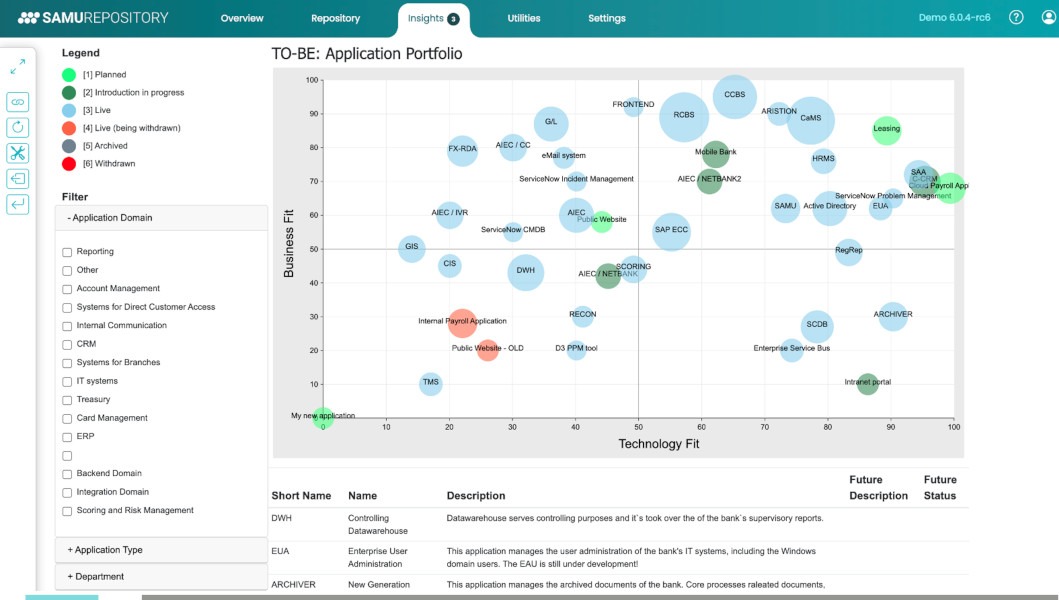
Project portfolio management software helps an organization decide which projects and programs get funding, staff capacity and continued support. It holds the information behind those decisions, and people make them. A portfolio can group projects chosen for shared strategic objectives even when they have no operational dependency on one another, as described by the Project Management Institute’s portfolio management standard. PPM software can consolidate intake requests, investment assumptions, resource constraints and project status. Eight projects can report healthy progress while two proposals still need the same architect. Someone has to decide which one gets that architect first.
Project management vs program management vs portfolio management
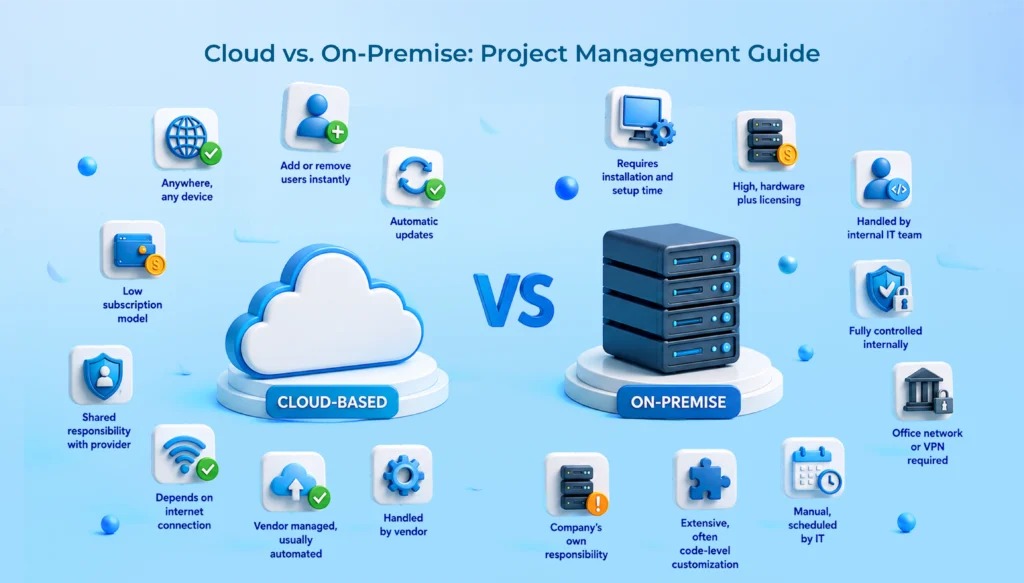
A project manager organizes delivery of a defined outcome. A program manager coordinates related projects so their combined work produces the intended benefits. Portfolio management gives leadership a way to select and rebalance projects according to strategic objectives and available resources. If you are still sorting out permissions, dependencies and team members, start with the project-management setup a small team needs.
| Dimension | Project management | Program management | Portfolio management |
|---|---|---|---|
| Main decision | How to deliver a defined outcome | How related projects produce shared benefits | Which projects to select, fund, defer or stop |
| Scope | One project | Related projects and coordinated benefits | Strategically grouped projects, programs and other work |
| Resource concern | Deliver within project constraints | Coordinate resources across related efforts | Allocate scarce people and funding across competing projects |
| Typical output | Schedule, deliverables and progress | Coordinated plans and benefits tracking | Prioritized portfolio and investment decisions |
| Software function | Manage execution | Coordinate related work | Support intake, prioritization, capacity and governance |
Some project-management platforms offer portfolio views, and some PPM platforms also track ordinary project tasks. The categories differ by the decision they support, even when the software overlaps.
One practitioner describes the overhead of running several projects on separate Microsoft tools:
Right now I’m using a mix of Microsoft tools, mostly spreadsheets, Planner, Lists, and the occasional Word doc, but it’s starting to feel like I’m stitching together a system instead of actually having one. It works, but it’s messy, and I’m definitely reinventing the wheel more often than I’d like.
The poster runs about five projects, each with several internal teams and stakeholder groups. Shared records and consistent status reporting would fix that coordination burden. Portfolio selection is a separate job: deciding which of those projects gets scarce funding or specialist capacity.
When should you buy PPM software, and when should you hold off?
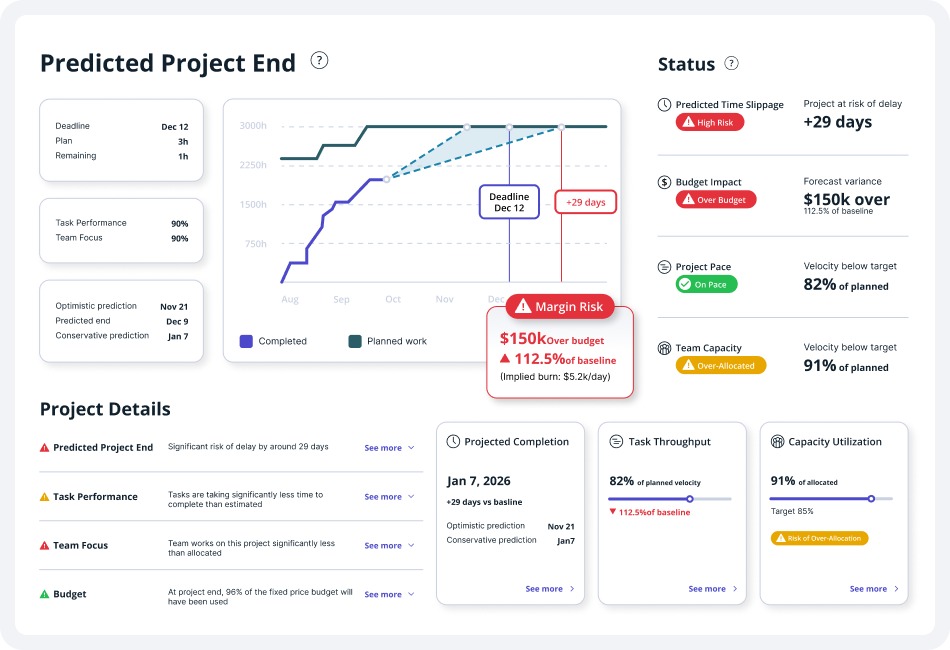
Dedicated PPM software is worth evaluating when big decisions across projects keep recurring and your current systems cannot show how they affect priorities, funding and resources.
A team that needs a dependable register of project owners, milestones, risks and red/amber/green (RAG) status has the foundations of a suitable reporting system already. It still needs common field definitions, someone accountable for updates and a regular reporting cadence.
Specialized tooling makes more sense when several projects compete for the same staff, when leaders need to model postponements, or when changes in investment priorities must pass through a recorded approval process.
| Situation | Lighter portfolio arrangement | When to evaluate specialized PPM |
|---|---|---|
| Consolidated status and milestones | A standardized register is enough | Manual reconciliation keeps blocking useful reports |
| Occasional project selection | A documented review and scoring is enough | Selection and reprioritization become recurring and complex |
| Shared specialists | Manual capacity planning works for simple schedules | Overlapping demand needs time-phased scenarios |
| Funding and strategic priorities | Log committee decisions in one place | Investments need consistent intake, comparison and decision history |
| Changing technology stack | Independent temporary reporting makes sense | You can show durable integrations and data ownership |
| Unclear ownership or definitions | Set operating rules first | Governance and reliable inputs are already in place |
No project count, headcount or budget size marks the point where you need dedicated PPM software. A recurring capacity conflict or investment decision is the stronger signal.
One practitioner who runs a small PMO needs a temporary tool while the wider tech stack keeps changing:
I run a small PMO and I’m looking for a temporary, centralized place to manage our project portfolio.
This would not be the system we work out of day-to-day. Our infrastructure team is constantly changing our broader tech stack, so I need something the PMO can control and maintain independently.
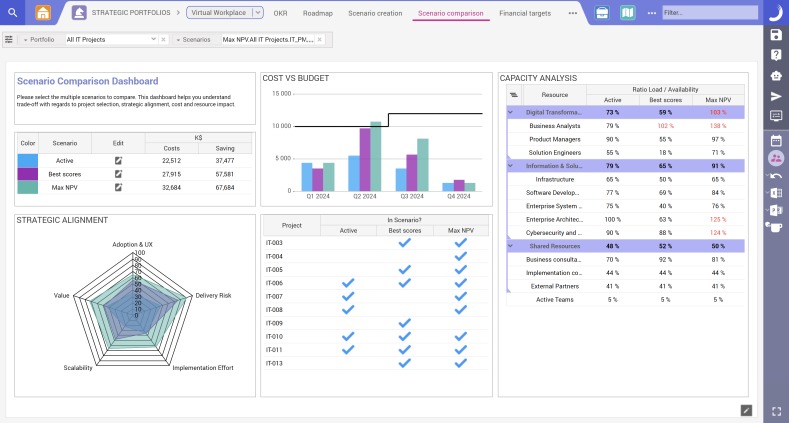
That points to a reporting setup the PMO maintains itself during the transition. An enterprise deployment could add dependencies before the PMO knows which systems will stay.
A PMI implementation account also describes business-driver scoring and early spreadsheet-based reporting. You can run a portfolio through an explicit process before buying dedicated software.
Place your immediate need on one of four paths: keep working tools, standardize reporting, pilot an intermediate portfolio layer, or investigate specialized PPM products.
How PPM helps decide what to start, fund, defer or stop
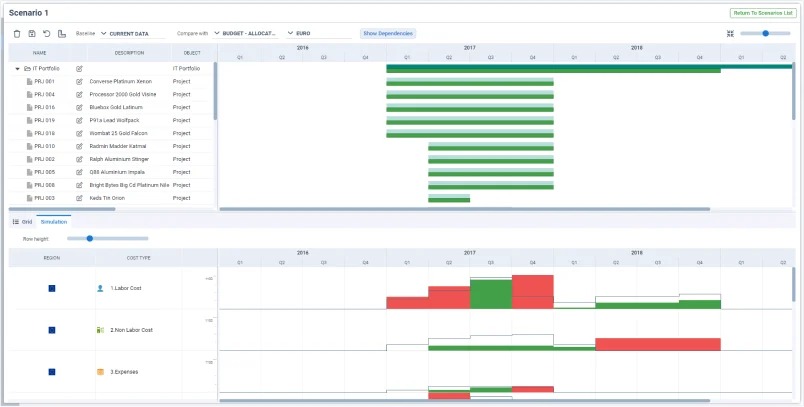
Portfolio prioritization makes competing proposals comparable so leaders can allocate limited money and people according to organizational objectives.
The process starts with intake. Each proposal needs a sponsor, a business objective, intended benefits, timing, resource demand, cost assumptions, dependencies and serious risks. Once those fields are filled in consistently, the steering group compares proposals against agreed criteria such as strategic contribution, urgency, expected value, feasibility and risk.
Weighted scoring shows the reasons behind a preference. It does not replace judgment about binding obligations, uncertain assumptions or strategic commitments. Approving, reprioritizing, deferring or cancelling work stays with the people the organization has designated.
A three-project decision
Take an illustrative company with a limited quarterly budget and three proposals competing for one specialist:
- Project A: A compliance-related change with a fixed external deadline.
- Project B: An efficiency initiative expected to improve internal operations.
- Project C: A speculative enhancement with uncertain near-term value.
Each has a credible sponsor and potential benefits, but urgency, obligations and resource needs differ. The steering group approves A, weighs B against available capacity and defers C to the next review. Project C could be on schedule and still be the weakest use of the organization’s resources.
The decision record matters after the meeting. For Project C, a short intake and decision-log entry should name the sponsor, expected benefit, approving authority, the reason for deferral and the point at which it will be revisited. That keeps the choice on file without treating the scoring model as an automatic investment decision.
Resource capacity and what-if planning: the real PPM test
Resource planning becomes a portfolio problem when overlapping projects need more of the same people or specialist skills than the organization has in a given period.
A resource assignment list can show that someone works on three projects. Capacity planning also has to show how much time those projects need, when the work happens and how that demand compares with the person’s availability.
A practitioner assessing project-management tools asked how others handle resourcing:
Curious what people here actually use when you need to balance resources across multiple projects? I know tools like MS Project, Smartsheet, and Wrike have some level of resourcing, but I’ve also seen folks recommend more PPM-style tools like Celoxis or Planview for that.
The need is capacity information that works across projects.
A two-week capacity conflict
Return to the portfolio with Projects A, B and C. Assume one specialist has 40 available work hours each week. In the first week, Project A requires 35 hours and Project B requires 25 hours from that same person. For a side-by-side method, see how to compare finalists using the same project.
Combined demand is 60 hours against 40 available, a 20-hour shortfall in week one.
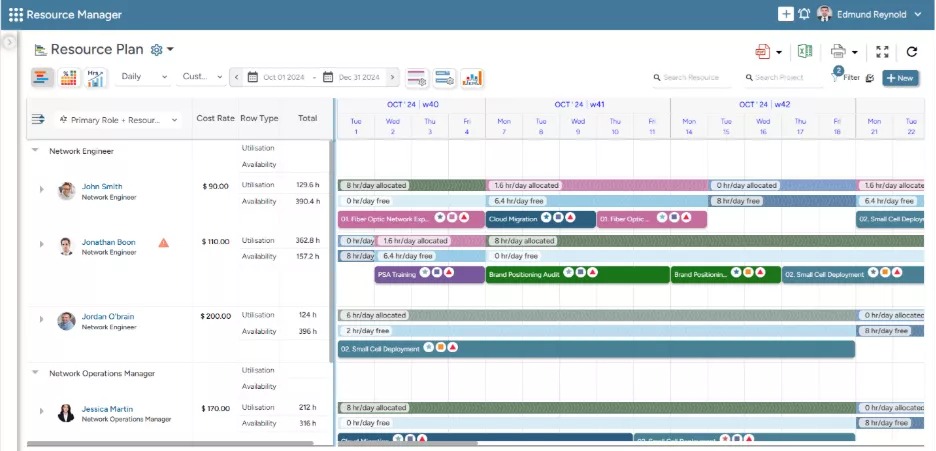
Say leadership postpones Project B’s specialist work by one week. A uses 35 hours in week one, and B uses 25 hours in week two, assuming that person has no competing commitments in week two.
The adjusted allocation fits the weekly availability, but B’s milestones move and any dependent work is affected. A credible what-if comparison keeps the original schedule next to the proposed sequence, so decision-makers see the consequences before they approve a change.
The PPM software capabilities worth checking
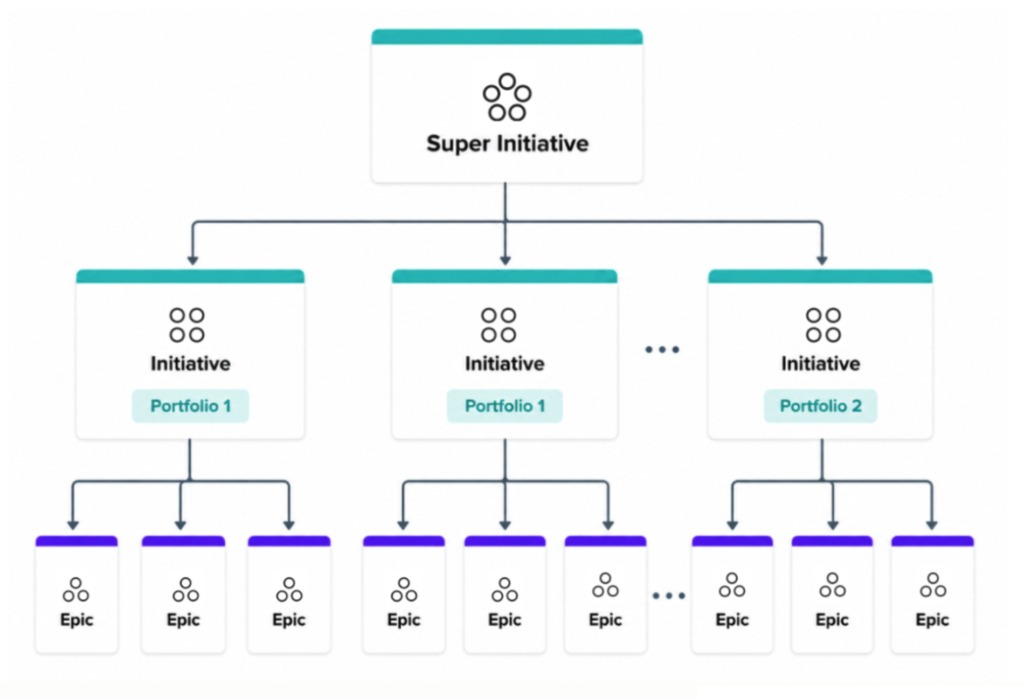
PPM capabilities matter when their output changes a decision. Check each one against an observable result and a concrete reason to reject an unsuitable option.
| Capability | What the vendor must show | Red flag |
|---|---|---|
| Portfolio intake | Sponsor, objective, request and approval history | Submitted requests have no approval state or decision history |
| Prioritization | Comparable proposals and documented priority changes | Changes cannot be traced to an authority |
| Status reporting | Consistent owner, milestones, risks and blockers | Conflicting updates need constant reconciliation |
| Resource planning | Demand and availability across periods | Assignment totals hide overload |
| Scenario comparison | A saved alternative next to the original baseline | Proposed changes overwrite the live plan |
| Financial oversight | Approved, actual and forecast figures with common definitions | Costs cannot be reconciled |
| Dependencies | Visible impact of changes on connected work | Related project schedules stay isolated |
| Governance and access | Separate editor, approver and executive-viewer permissions | Priorities change with no accountability |
| Connectivity | Required source synchronization and data export | Essential connections or licensed functions are unsupported |
Resource and scenario capabilities deserve special weight when shared specialists drive your portfolio decisions. When reporting consistency is the central problem, reliable status definitions and source synchronization matter more.
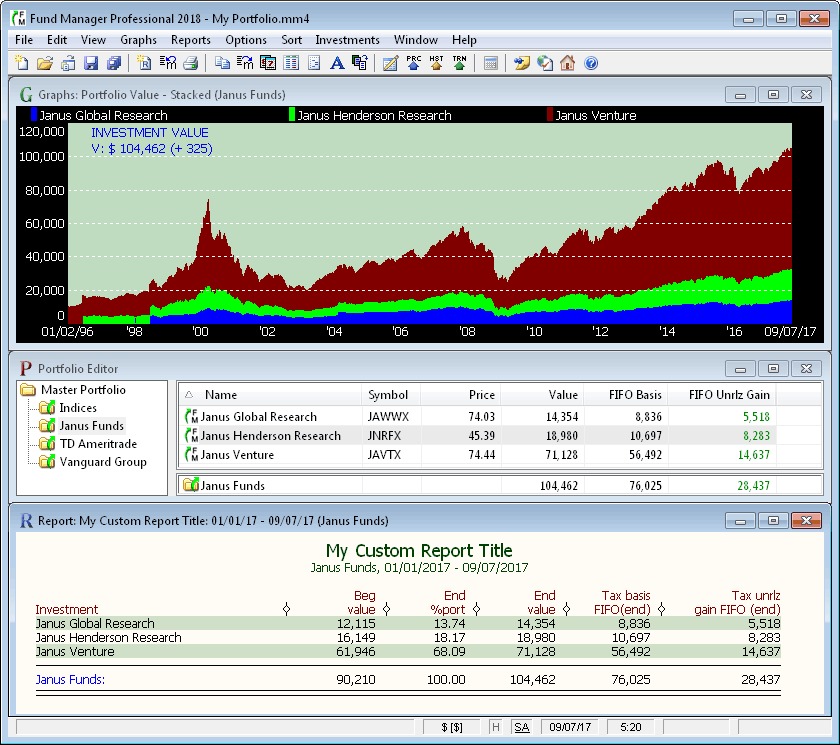
Two projects can both show red and need different responses: one has missed an internal milestone, the other is waiting on an external dependency. An executive view works when it shows the reason for the status, the responsible owner and the decision being requested. A long list of consolidated project tasks hides that difference. Keep the portfolio view at the level where someone can approve an investment, resolve a conflict between projects or change an allocation.
Licensing, integrations and data ownership can change the answer
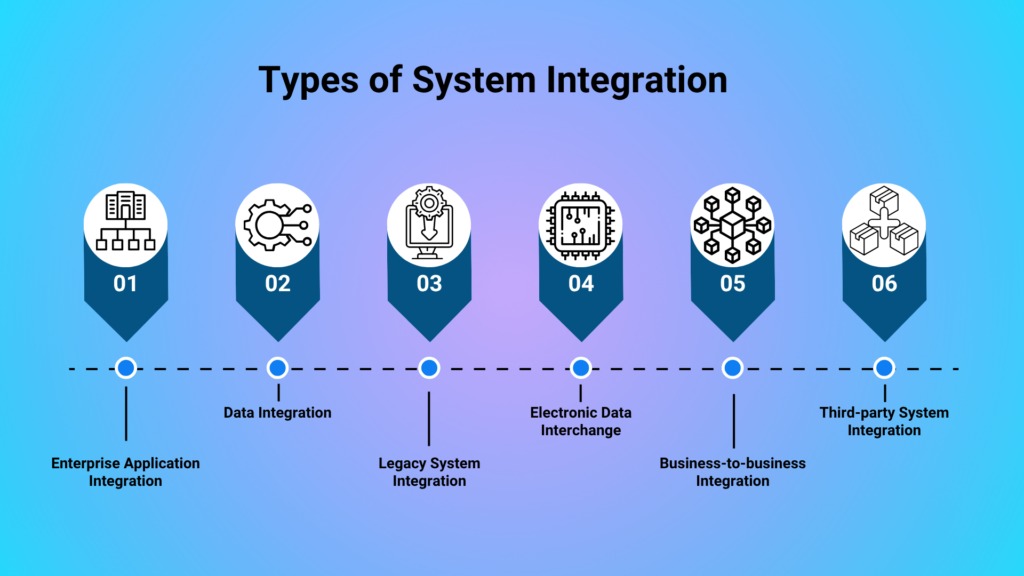
Portfolio features can depend on the product edition, the underlying plan type and how project data enters the software. This matters most when you plan to extend tools you already own.
Microsoft Planner portfolio connections
The Microsoft Planner portfolio guidance describes consolidation of premium plans. Basic plans cannot be added to the documented portfolio feature, and connections to Azure DevOps or Project Online projects are unsupported in that experience.
Microsoft also distinguishes editing from viewing. Its guidance identifies a Planner and Project Plan 3 or Plan 5 license for creating and editing portfolios, while users with Planner in Microsoft 365 or Planner Plan 1 can view a portfolio shared with them in read-only mode.
An organization on a basic Planner plan with Azure DevOps projects hits both restrictions in this portfolio view.
Microsoft announced in 2025 that it is moving Project for the web into the consolidated Planner experience. Older product names and screenshots can show a different interface or feature set.
Atlassian capacity planning
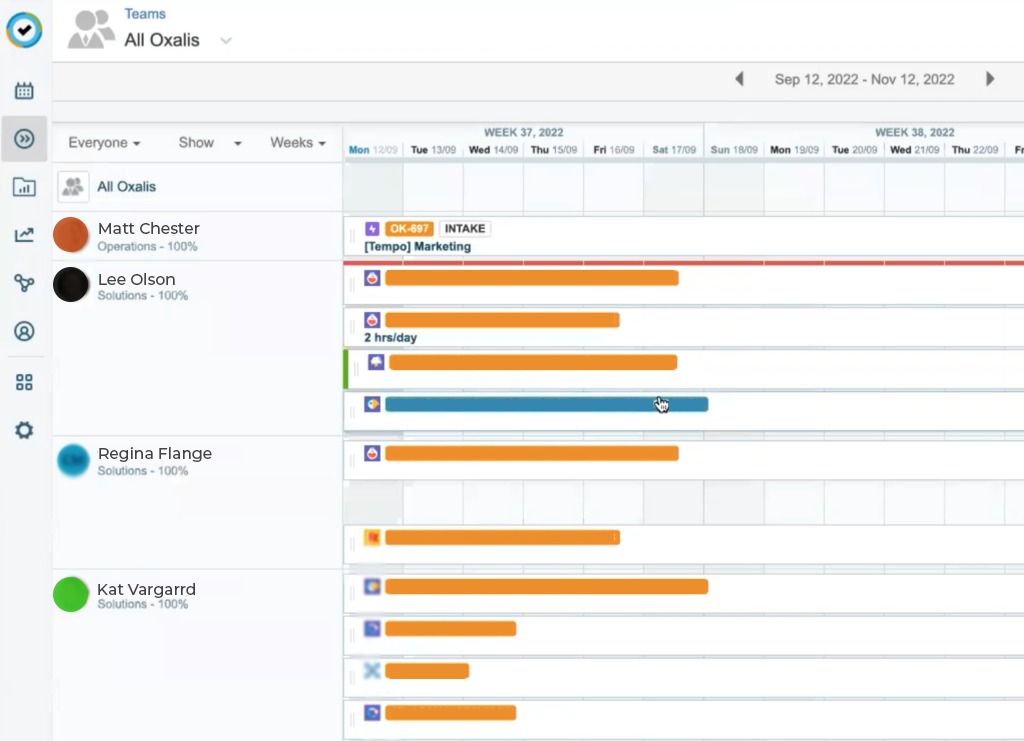
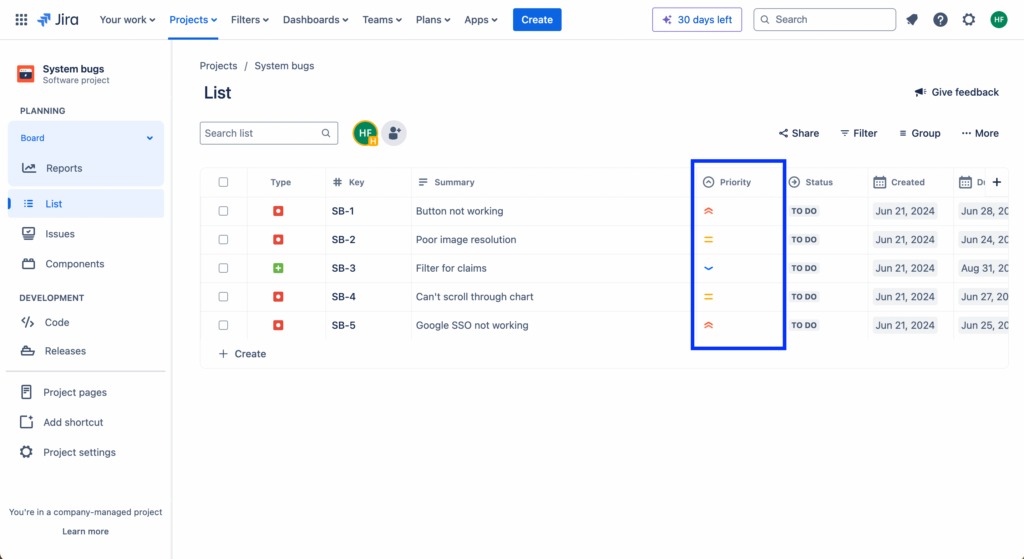
Atlassian documents Jira Plans capacity planning for Jira Cloud Premium and Enterprise. In the documented capacity view, work needs estimates in story points or time, the plan needs board-based work sources, and teams must be associated with a board.
The Atlassian capacity-planning documentation specifies that work drawn directly from spaces or filters does not display capacity in that view. Atlassian documents individual-capacity planning separately, with its own requirements.
If you run Jira, the key question is whether your license configuration and work sources support the calculation you need.
Shared definitions and ownership
A portfolio also needs consistent source data. If one team estimates remaining work in hours, another uses days and a third supplies task counts alone, you need agreed definitions before any capacity comparison means anything.
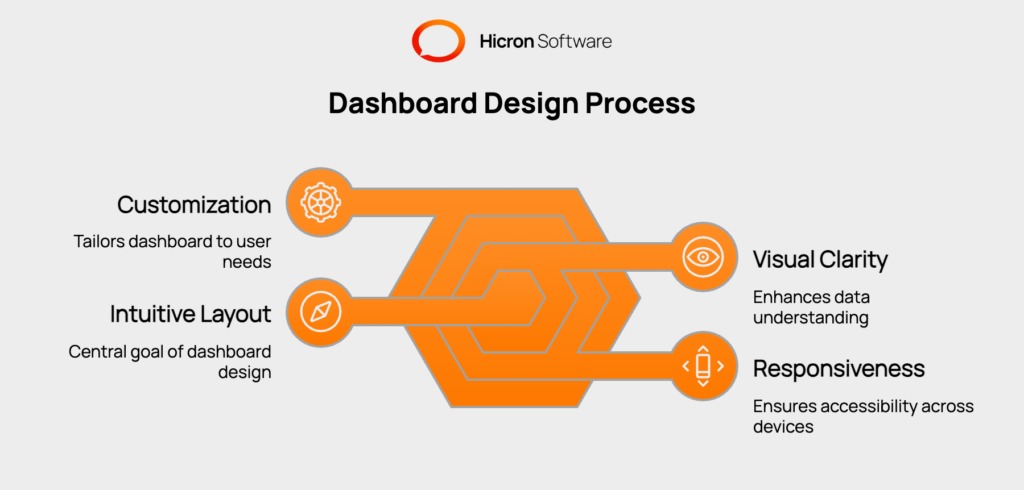
Project health, forecast dates and budget commitments can have the same problem. Each important field needs a defined source, an accountable updater and an agreed meaning. That discipline applies whether you choose a spreadsheet register or a specialized platform.
Why PPM deployments fail even when the features look right
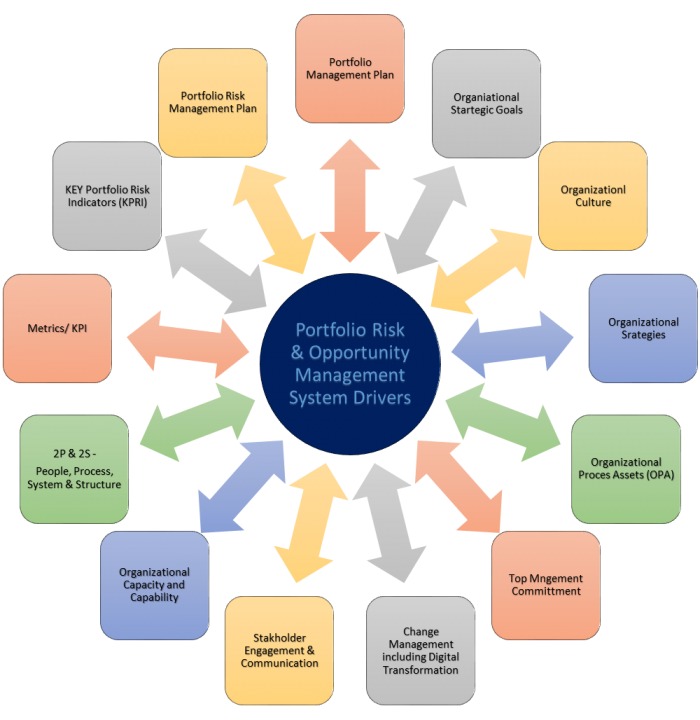
Software makes portfolio information easier to collect, but it does not settle who has decision rights. Without agreed reporting definitions and a recognized authority for funding and priority changes, even a capable platform produces conflicting or incomplete views.
Three roles keep the process running:
- Portfolio owner: Coordinates intake, consolidated information and portfolio reviews.
- Approval authority: Authorizes funding, resource trade-offs and material priority changes.
- Project information owner: Maintains the relevant milestones, risks, estimates and forecasts.
A smaller organization can combine these roles as long as each responsibility stays identifiable. A platform cannot settle a dispute between sponsors if nobody has authority to make the final call.
A historical reporting lesson
A PMI conference paper from 2002 describes a portfolio-management implementation that began in 2001. The team started with about 30 reporting metrics and cut them to 11 before rollout, to keep the reporting burden manageable for project managers.
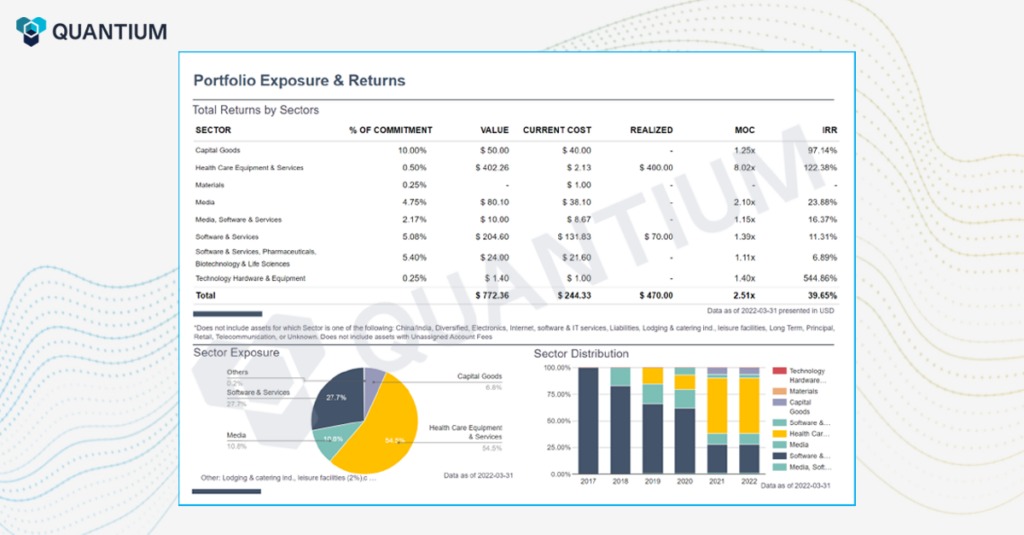
The team used an incremental approach and spreadsheet-based reporting, and revised the measures as its process developed. The risk it shows is direct: demanding too much information undermines the routine updates that portfolio decisions rely on.
Governance fails in another way when an executive authorizes urgent projects outside the agreed intake and approval process. Even well-maintained reports then leave out part of the organization’s resource commitments.
Account for operating cost
PPM costs more than the license line. Your comparison should include:
- Licenses and feature tiers: Required editors, administrators, viewers and relevant add-ons.
- Setup and migration: Data mapping, configuration, integrations and required historical information.
- Training and support: Time spent establishing shared definitions and workflows.
- Ongoing administration: Reconciliation, status updates, permissions and maintenance.
- Exit effort: Usable exports, conversion work and necessary legacy records.
A practical PPM software evaluation before you commit
Give every option the same portfolio decision and the same data. Include your existing reporting setup in the comparison, since better definitions or governance can supply much of the functionality you need.
Prepare one representative portfolio test
Pick three projects with distinct priorities, one shared constrained resource, at least one dependency and an approval decision. Projects A, B and C above work as a template, but use real internal projects and workloads in the actual evaluation.
Use a single acceptance worksheet with requirement, input data, observed outcome, reviewer, pass/fail result and unresolved cost.
- Enter the proposals. Record each sponsor, objective, assumptions and approval authority in the candidate system.
- Compare priorities. Confirm that leadership can see why one proposal proceeds and another is deferred, with a change history.
- Expose the resource conflict. Enter time-phased demand and known availability, then check whether the system flags the overload in the right period.
- Save a what-if alternative. Change the sequence and compare the resulting capacity and milestones with the unchanged baseline.
- Review the executive decision. Confirm that the owner, issue, evidence and available action show up without tracing individual task records. Display five pending decisions on one screen, each with an owner, reason, due date and available action.
- Check data and access. Demonstrate a required project-source connection, an appropriate read-only viewer role and a usable export.
Run this exercise against your existing tools, a portfolio register where it fits, and any specialized PPM candidates that meet the mandatory requirements. The worksheet separates demonstrated capability from marketing claims.
Compare adoption effort and make the decision
Price each option using the cost categories above. A product that builds an elaborate scenario but depends on constant manual reconciliation can create more work than your team can sustain.
Have the sponsor and administrator agree on the acceptance result and record unresolved dependencies, failed criteria and costs. Before procurement, have the responsible specialists review any security, compliance or financial-control requirements.
The quality of everyday updates matters more than a sophisticated forecast. A status-accuracy and adoption trial shows whether leaders can trust the portfolio report without constant manual cleanup.
Speak Your Mind