Trello works naturally for tasks progressing across a board. Asana is structured for work with dependencies and activity across projects. Compare the same project on the relevant plans, including the effort of retaining its history; neither product can substitute for missing CRM records or teammates who never update their assignments.
Trello or Asana: the quick decision

For a three-person team with no software budget, one difference settles it first: Trello Free allows up to 10 collaborators per Workspace, while Asana Personal supports two users. A consultant moving assignments through a few familiar stages needs little beyond a visual board. A coordinator responsible for dependent deliverables across several projects has a stronger reason to look at Asana’s paid planning features. The plan you can afford and your team’s habit of updating tasks matter more than which interface you prefer.
Trello vs Asana for different workflows
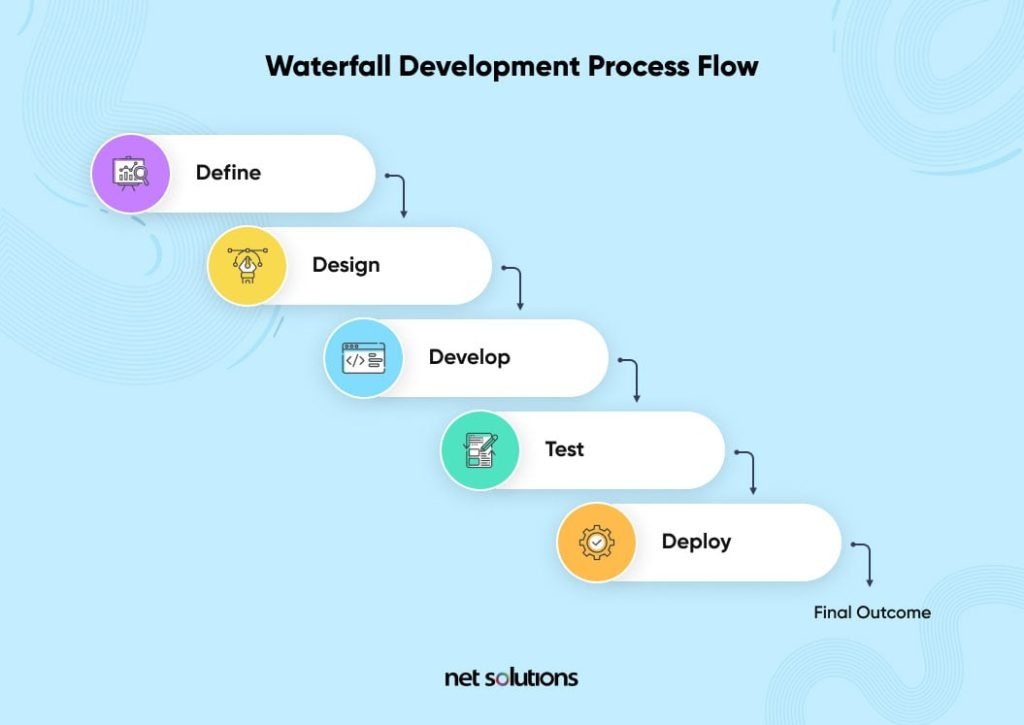
Trello suits work where a card is one piece of work moving through a familiar sequence. The structure is simple: a Workspace contains boards, boards contain lists, and lists hold cards.
Take a creative agency with five lists: Incoming, Ready, In Progress, Client Review and Done. A designer picks up a request, adds the finished asset to the card and moves it forward. Anyone can read its status from the board.
Asana starts with tasks organized within projects. You can assign owners, set due dates, switch project views and, on qualifying plans, link tasks to each other. That structure pays off when several people must coordinate the timing and ownership of connected deliverables.
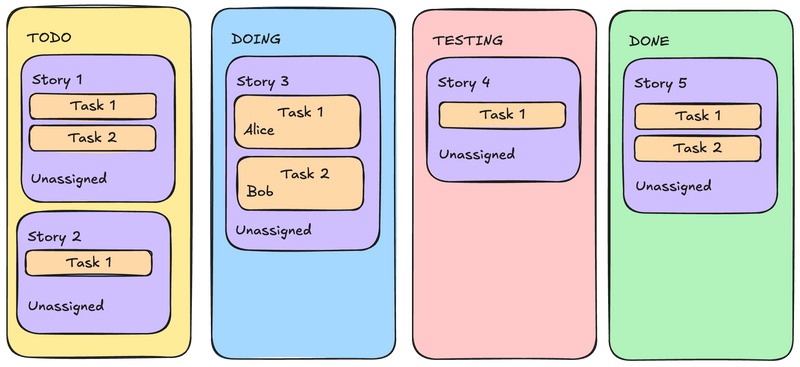
A campaign shows the difference. The creative brief needs approval before design begins. Design must finish before publication assets get checked. A late approval delays everything behind it, even when the tasks have different owners.
Both products can show work on boards. The difference is how they handle work that crosses project boundaries and depends on other tasks. Trello’s board-first layout fits discrete jobs. Asana adds structure for formal handoffs and coordinated planning.
An editorial team with a dozen cards and one predictable workflow gains little from elaborate project structures, which only add admin work. A launch involving design, approvals and several departments gives that structure a real job.
Where a simple board stops being simple
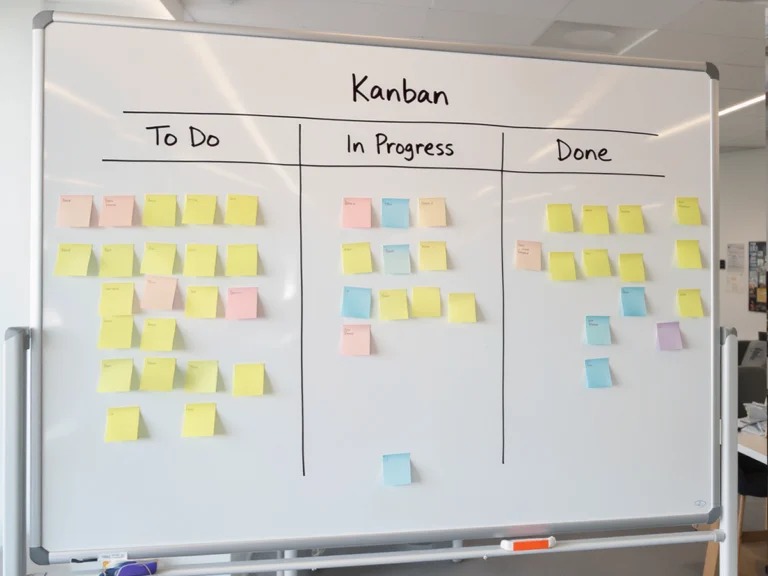
A board gets hard to manage when the same work has to appear in several places and people lose track of which record carries the latest status.
One manager used Unito to connect Trello cards to a central team board. It helped at first, then grew too cumbersome:
We currently use Trello for project management. I use Unito to link cards through a “team hub” board on Trello. At first this seemed to work fairly well.. but as the size of the board grew (lists,card,etc.) it became unruly and we stopped using it consistently.
The manager’s account describes a maintenance problem: a setup that worked early on and was eventually abandoned. It also shows two separate software requirements that teams often lump together.
One task visible in several places
Trello Standard includes card mirroring. It helps when sales and design both need to see the same deliverable without keeping separate copies of its information.
Asana organizes work across projects within its task and project structure. What matters is whether each person sees one consistent record with the correct owner, status and permissions.
One task waiting for another
Asana Starter includes task dependencies, so you can mark a task as blocking or blocked by another. A designer waiting for approval from a marketing lead is the standard case: the dependency records why the designer’s next step can’t begin.
Card mirroring gives visibility across boards. Dependency links tie one task to another. You may need either, or both.
Trello Premium adds Timeline and other advanced planning views. Choose a paid tier by whether its workflow fits your handoffs. No board count marks the point where Trello stops working.
Pricing, plan limits and real team cost
Compare the price of the cheapest plan that meets every feature, user and permission requirement.
The figures below are US public list rates from Trello’s pricing page and Asana’s pricing page. Annual-billing figures show the per-user monthly equivalent when billed annually.
| Product and plan | Annual billing | Monthly billing | Relevant allowance or capability |
|---|---|---|---|
| Trello Free | $0 | $0 | Up to 10 Workspace collaborators and 10 boards |
| Trello Standard | $5/user/month | $6/user/month | Unlimited boards, card mirroring and custom fields |
| Trello Premium | $10/user/month | $12.50/user/month | Timeline, Calendar, Dashboard, Table, Map and additional views |
| Asana Personal | $0 | $0 | Up to 2 users; list, board and calendar views |
| Asana Starter | $10.99/user/month | $13.49/user/month | Dependencies, Timeline/Gantt, dashboards, forms and automations |
| Asana Advanced | $24.99/user/month | $30.49/user/month | Portfolios, goals, workload and approvals |
Three people can share a Trello Free Workspace as long as you stay within 10 boards. Asana Personal stops at two users, so the same three-person team doesn’t fit. Compare those limits in which free plan fits a real team.
What paid seats cost over a year
The figures below multiply the public annual-billing rates by the number of users and 12 months. They exclude taxes, discounts, add-ons, setup work and account-specific billing terms.
| Paid users | Trello Standard/year | Trello Premium/year | Asana Starter/year | Asana Advanced/year |
|---|---|---|---|---|
| 2 | $120 | $240 | $263.76 | $599.76 |
| 3 | $180 | $360 | $395.64 | $899.64 |
| 10 | $600 | $1,200 | $1,318.80 | $2,998.80 |
At three paid users, Trello Premium and Asana Starter differ by $35.64 per year. If dependencies solve an expensive coordination problem, that gap matters less than the feature. If a simple board already handles the work, extra project structure gains you nothing.
Clients, guests and billable access
Guest access can change how many seats you pay for. Trello treats single-board guests differently from people invited to multiple boards in the same Workspace. A guest on more than one board is billable at the Standard or Premium Workspace-member rate; a single-board guest is billed differently.
Asana Starter advertises unlimited free guests for external collaboration. Internal members and external guests still have different roles and permissions.
For an agency with several clients, count the invited people and the boards or projects each one needs. A client who needs one Trello board creates a different billing scenario from a client who needs several.
A nonprofit described the upgrade cost in January 2025:
My org has been using Asana (Premium) for a few years, but we aren’t too happy about the new tiers (we blew through the new rule limit in two days.) Moving up to the next level would cost us nearly double, and we’re a non-profit so that’s out of the question.
The contributor described just over 100 seats and said the organization already received nonprofit pricing. Even with that discount, the proposed upgrade was unaffordable. This describes a past plan change. The rates above are the vendors’ public list prices.
Before you buy: Count paid members, list the external guest roles you need and compare the resulting 12-month checkout total. Add mandatory integrations and setup costs. Taxes, promotions, nonprofit eligibility and contract conditions can change the amount charged.
Views, automations and collaboration limits
A feature name can appear on both products’ websites while the usable version sits in different tiers.
Trello Premium provides advanced planning views including Timeline, Calendar, Dashboard, Table and Map. Asana Starter includes Timeline/Gantt and dashboards. Asana Advanced adds portfolio-level planning, goals, workload and approvals.
Separate the timeline you need for one project from the broader oversight needed to manage several initiatives.
Trello’s Timeline documentation notes a limitation on mobile access. If you plan projects mainly on a phone, factor that in when evaluating Premium.
Automation runs and operations are separate limits
Trello measures both automation command runs and the operations those commands perform. Atlassian’s Trello automation quota documentation lists the published allowances.
- Monthly command runs: Free includes 250, Standard 1,000, and Premium/Enterprise list unlimited runs.
- Monthly operations: Free includes 2,500 and Standard 20,000. Premium/Enterprise list 150,000 plus 10,000 per paid user, with a cap of 250,000 per Workspace.
- Shared allowance: Quotas are pooled across a Workspace and reset monthly at 00:00 GMT on the first day of the month.
Say a rule fires when a card enters Client Review. It might move a card, update information and trigger another action. Each of those changes counts toward operation usage, so Premium’s unlimited command runs still sit alongside a finite operations allowance.
Asana Starter advertises unlimited automations. AI-related credits and other separately metered services have their own conditions.
Permissions and the work people need to see
An agency might invite a client to review progress while restricting access to internal planning. The view, editing ability and project or board membership the client needs decide which permission setup fits.
For automation, estimate monthly triggers and the actions behind them. For collaboration, define what access guests need and compare it with the plan’s settings. For planning, note which device you will use for the view.
Which tool will your team keep updated?
Project software only works while its task records match what people are doing. A team can have an excellent planning structure and still spend every week asking for status updates.
In Trello, moving a card shows a status change right away. Asana adds formal ownership and reporting structures for more complex coordination. Either one creates extra work when people update tasks in the wrong place or skip updates.
Picture a designer who finishes an asset and reports it in Slack. The board still shows the task in progress. The next reviewer waits, and the manager has to reconcile two accounts of the same work. To test both tools on one real project, see how to compare finalists using the same project.
In a small team, adoption problems show up as small delays: an unclear owner, a task finished without a status change, or a conversation buried in chat while the project record goes stale.
Three observations reveal the burden during ordinary work:
- Owner updates: How many completed or changed tasks are updated by their owners without reminders?
- Status discovery: How often must someone search elsewhere or ask a colleague to identify the latest owner and next action?
- Duplicate reporting: How often is a change recorded in chat or email but missing from the project system?
Record those behaviors during your evaluation period. A simpler board wins when people maintain it reliably. Asana’s richer structure earns its place when the information it collects is useful enough for the team to keep it accurate.
Moving from Trello to Asana without losing context
A Trello migration has to cover work history as well as active tasks. A mature board holds discussions, checklists, attachments, archived cards and activity records that explain earlier decisions.
Trello offers several export routes, documented in Atlassian’s Trello export guide. The format you pick determines what you can rebuild.
- Board JSON: Contains board data, with the 1,000 most recent actions available for activity and comment context.
- Premium board CSV: Provides structured board information but excludes comments. Standard CSV export normally covers unarchived cards.
- Archived-card exception: Adding
.csvto a Trello board URL exports open and archived cards, according to Atlassian’s documented method. - Premium Workspace export: Workspace administrators can export all boards to preserve complete comment history and choose to include raw attachment files in a ZIP archive.
- Inbox cards: Cards in Trello Inbox must be moved to a board before a board export can include them.
Exported data can keep an attachment reference even when the file itself wasn’t downloaded. For years of project history, remember that the 1,000-action limit on individual board JSON can drop older activity.
Asana CSV import creates new tasks
Asana’s CSV importer adds tasks to a project. It doesn’t update existing tasks, so importing the same dataset twice creates duplicates.
The task-name column must come first; due dates use month/day/year format, assignees need valid Asana-user email addresses, and parent task rows must precede their subtasks. A task appearing in Asana only proves the record was created. Original comments, attached files and historical activity need separate checking.
Check every record that matters
Before moving a whole Workspace, test a sample with a due date, a checklist, an archived card, a comment thread and a file attachment.
| Historical information | Trello export consideration | Asana validation |
|---|---|---|
| Card title and description | Board data | Correct task name and complete description |
| Owner and due date | Card fields | Correct person, date and field mapping |
| List or workflow stage | Board list placement | Appropriate project section |
| Labels and custom fields | Board metadata and card values | Mapped fields retain meaningful values |
| Checklists or subtasks | Nested card content | Correct hierarchy and completion state |
| Comments | CSV excludes comments; board JSON has a 1,000-action limit; Premium Workspace export can preserve all comments | Relevant discussions transferred or separately preserved |
| Attachments | Links or raw files, depending on export | Files can actually be opened |
| Archived cards | Default board CSV excludes archived cards; a board URL ending in .csv includes them | Required archived items accounted for |
| Activity history | Individual board JSON includes recent actions | Needed historical records retained separately |
Compare every field in Trello against Asana, and list the records you will archive separately.
Keep the original export and access to the old records while you validate the sample. A failed field mapping or a duplicate import is far easier to fix before the full project moves.
Third-party migration tools may add capabilities, but they need the same field-by-field preservation check.
A practical Trello–Asana trial before paying
Run the same small project in the qualifying tier of each product to see how it handles your required workflow.
A good sample has 10 tasks, two task owners and two dependent handoffs. Add one task that appears in two project contexts, one external guest and one automation, if those are part of your normal work.
For a marketing team, the sample could follow a creative brief through design, approval and publication. The dependent tasks should expose a real handoff, and the guest should get only the access the client’s role needs.
Separate disqualifiers from preferences
A plan fails a hard requirement if it can’t accommodate the people who must participate, can’t represent an essential dependency, or can’t preserve business-critical records. Weigh visual density, navigation preferences and dashboard presentation only after the must-haves pass.
| Criterion | Must-have? | Trello result | Asana result |
|---|---|---|---|
| Create, assign and move the sample tasks | Yes / No | ||
| Represent the two dependencies | Yes / No | ||
| Keep shared work consistent | Yes / No | ||
| Show the next owner and due date | Yes / No | ||
| Permit required external access | Yes / No | ||
| Execute the required automation | Yes / No | ||
| Remain manageable during daily updates | Yes / No |
Use four result labels: pass, conditional, fail and not tested. Conditional means you need an additional plan, a configuration change or an acceptable compromise. A failed must-have removes that plan from consideration.
Combine those results with the annual subscription calculation, the observed update workload and any history-preservation problems. Both products might qualify, or neither might meet your requirements at an acceptable cost. If both qualify, choose the one your team can maintain with less friction.
When neither Trello nor Asana is enough
Sometimes the work you need to organize falls outside ordinary project and task tracking.
A contributor using Trello with Sendboard, an email integration, described needing stronger customer relationship tracking:
We’ve been using Trello + Sendboard (lets you send/receive emails from within a card) and it’s been good, but we need to move up a level in terms of CRM.
Not having consistency across cards and linking things through CRM ‘relationships’ is holding us back.
That situation calls for a customer relationship record model covering how contacts, companies and related activity connect.
A different stopping point is a team that consistently ignores its agreed task-update process. Reliable tracking requires task owners to maintain status records.
First identify whether the missing record belongs to sales, another business system or the project board itself. Where the board is the issue, when to keep a spreadsheet or adopt project software explains when replacing the spreadsheet or task tool is worth the disruption.
Speak Your Mind