A service company may have two very different problems: keeping track of customer relationships and getting crews to the right job. CRM addresses the first; field service management (FSM) addresses scheduling, visits and work orders. Follow a job from inquiry to payment before deciding whether one system, both, or the existing tools are sufficient.
| Your situation | Software direction | When it makes sense | What could rule it out |
|---|---|---|---|
| Customer records, schedules and invoices are manageable | Keep your existing tools | The people doing the work can find the right information and follow through | Lost inquiries, missing site details or unreliable recurring appointments |
| Leads and proposals are slipping through | Sales CRM | Customer conversations, follow-up ownership and long sales cycles need structure | Approved work can’t reach the service team cleanly |
| Jobs, crews and visits are hard to coordinate | Field service management software | Scheduling, work orders, recurring services and job completion dominate daily operations | The system lacks the relationship tracking or customer controls you need |
| Sales and field operations both have heavy needs | Integrated CRM + FSM | Separate teams need their own workflows and shared information | Duplicate records, unreliable sync or running costs you can’t absorb |
Do you need CRM, field service software, both, or neither?

The categories overlap, so the product label cannot make the decision for you. Trace the highest-cost failure to its owner: customer follow-up belongs in a different process from technician assignments, even when a vendor sells both functions.
Where does a service job actually break?

You can have every customer’s phone number and still lose track of the work. What matters is whether each step has a responsible person and a record the next person can find.
Take a deck-cleaning job. A homeowner calls on Monday, gets an estimate, approves it, books a date and pays after the work. Weeks later she asks for the original pictures and wants another visit. You should be able to follow that whole transaction without piecing it together from several people’s memories.
Trace one customer from inquiry to repeat work
| Stage | What needs to be true | Responsible role, for example | Record to trust | Failure symptom |
|---|---|---|---|---|
| Inquiry | Request is captured | Owner or office | Lead record | Call or message forgotten |
| Callback | Someone owns the response | Sales or office | Contact activity | No follow-up |
| Estimate | Scope and price are clear | Estimator | Estimate | Old or missing version |
| Approval | Accepted work is recognized | Sales or office | Approved estimate | Work never assigned |
| Assignment | Visit and worker are confirmed | Dispatcher | Job schedule | Conflicting appointments |
| Completion | Completed work is recorded | Technician | Work order | Missing notes or pictures |
| Invoice | Correct work and payer appear | Office or bookkeeper | Invoice | Wrong charges or address |
| Payment | Payment status is visible | Accounting | Payment record | Incorrect balance |
| Repeat request | Past history is easy to find | Owner or office | Customer and service history | Customer must explain everything again |
The record you trust can be a spreadsheet, a CRM, a field service platform or an accounting system. What counts is that anyone can say which one it is.
A pressure-washing business owner described how fragmented that setup gets:
I’m losing my mind here. Been pressure washing for 4 years now and I’m still bouncing between random apps like some kind of digital nomad just to run my business.
Here’s my current “system” and tell me this doesn’t sound familiar:
- Customer info in my phone contacts
- Estimates in a random spreadsheet I made in 2021
- Scheduling on a paper calendar (yes, really)
- Photos scattered across my phone, Google Drive, and that one USB stick
- Invoicing through QuickBooks
- Follow-ups? What follow-ups? I just hope people call me back
The estimate lives in one place, the appointment in another and the pictures in several more. Nobody owns the follow-up.
To find your own version of this problem, take one completed customer transaction and write down the stage, the person responsible and the record you trust. Mark the first spot where information gets hard to find, ownership is unclear or an expected action never happens.
If approved estimates get forgotten, you’re missing a follow-up process. If approved work reaches the office but never the crew, fix the service handoff. If the job is done and the customer gets the wrong invoice, check the billing record and how it connects to the job.
When is a general CRM enough?
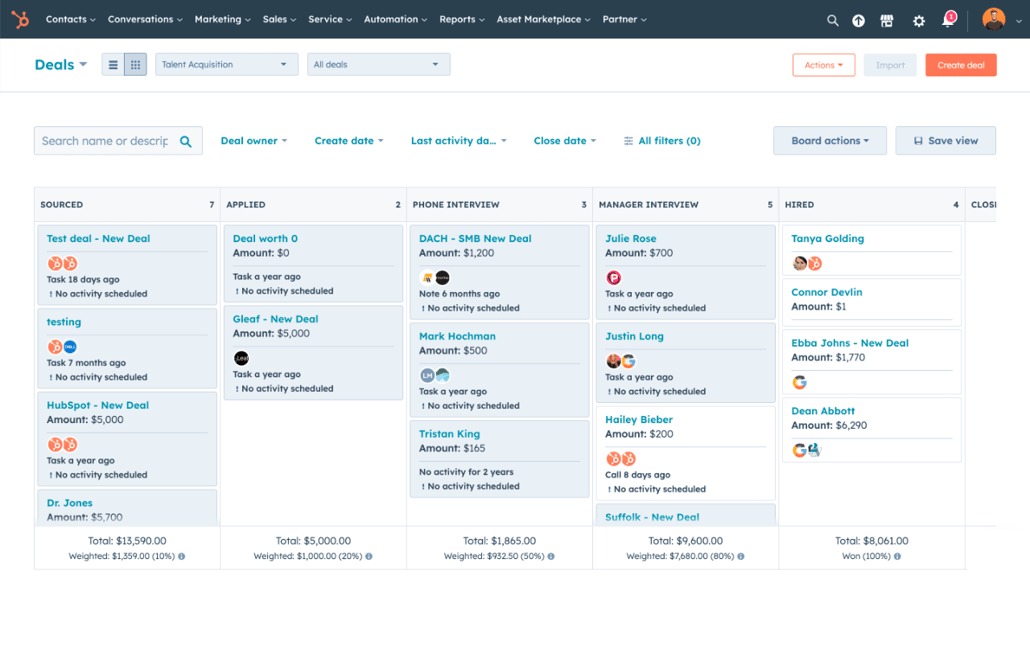
A general CRM fits when the hardest work happens before the service starts or between jobs. It organizes inquiries, sales conversations, proposals, responsibilities and follow-ups.
A small consulting firm shows the contrast. Its work runs through a discovery call, several proposal revisions, approval, a project handoff and a renewal conversation months later. It needs a consistent account history, and its project management system handles delivery. A service company with an established scheduling process can use a CRM the same way.
The call gets harder when the owner already knows a particular CRM.
Hi Everyone,
I started a cleaning company about 3 weeks ago. I’m currently using Hubspot to keep track of all my clients, (info, times contacted, deals etc.) I’ve used this software in the past for my real estate job and really liked it. I’m just not sure if it’s the right software for a cleaning company.
Knowing HubSpot makes customer records and deal tracking easy to adopt. A cleaning company adds other needs: assignments, recurring appointments and instructions for people working at customer properties. The CRM can stay your relationship system while something else handles the work, as long as the two exchange enough information.
The three sales tasks to evaluate
Pick the three sales activities your team handles unreliably. Common candidates:
- Lead ownership: A new inquiry reaches a named person, with its status and next action visible.
- Proposal follow-up: An estimate stays visible until the customer accepts, declines or needs another conversation.
- Relationship history: The next employee can see previous contact, promised work and open opportunities.
Have the CRM show these on the edition you plan to buy.
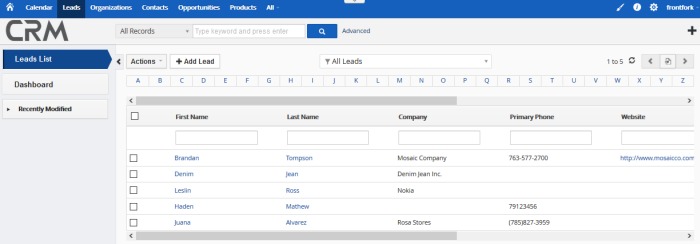
Check automation closely. HubSpot’s workflow documentation ties access to its workflow builder to your subscription. Simple tasks and advanced automation sit on different plans, so a feature you see in a demo may require a higher one.
CRM fit: A proposal-led company can get real value from a well-run sales pipeline while keeping its existing calendar, project software and accounting system. The handoff from sales to delivery is what decides it.
When is field service software the better fit?
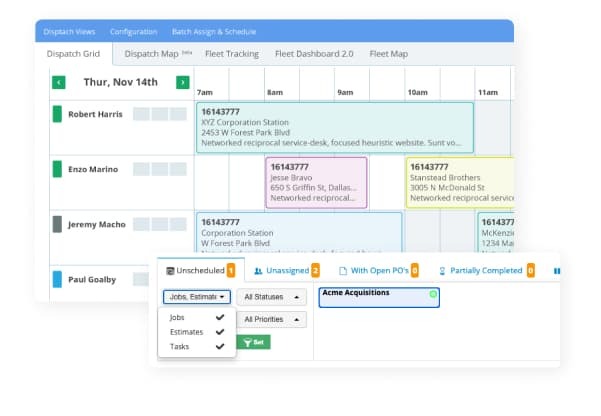
Evaluate field service management software first when getting people to the right job is harder than tracking the customer relationship. If you run a field crew, start with which kind of field service business are you running.
FSM systems are built around service requests, estimates, work orders, appointments, technicians and completed jobs. Depending on the product and edition, they can also manage recurring visits, customer history, invoices and communication.
The need shows up when appointments collide. A recurring customer wants a regular visit, an urgent job appears, one worker is out and the office has to account for travel between properties.
A cleaning-business operator described the scheduling pressure:
5 contractors, 160ish jobs a month, and wow do I spend HOURS every week playing Tetris with our schedule. I’ve played around with the idea of just having certain teams handle recurring clients, and other teams handle first time / one time jobs; another idea is just servicing biweekly clients on Mondays and Tuesday’s, monthly clients on Wednesday’s and Thursday’s, misc/reschedules on Fridays.
Five contractors and about 160 jobs a month are that operator’s numbers, not a threshold for switching to FSM.
The technician’s view of the job
The office can have a correct calendar entry while the person at the property lacks key instructions. A good field view shows the service address, scheduled appointment, assigned work, access instructions, customer notes and previous service history, adjusted to the worker’s role.
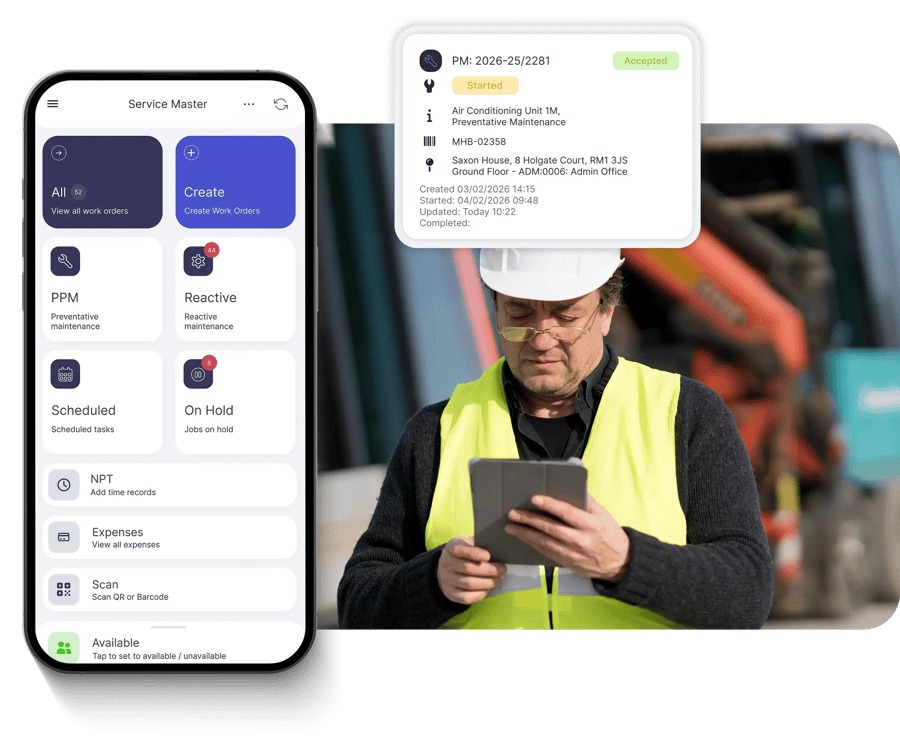
To test an FSM candidate, recreate one recurring appointment in it. Change the date or the assigned worker, then open the job as the field worker would. The new assignment, instructions and customer history should still make sense.
Service platforms often include customer communication tools. Jobber documentation describes quote follow-up reminders, with manual reminders and automatic messages falling under different plan conditions. Zoho FSM documents scheduling, dispatch and work-order functions.
How does your service model change the right choice?
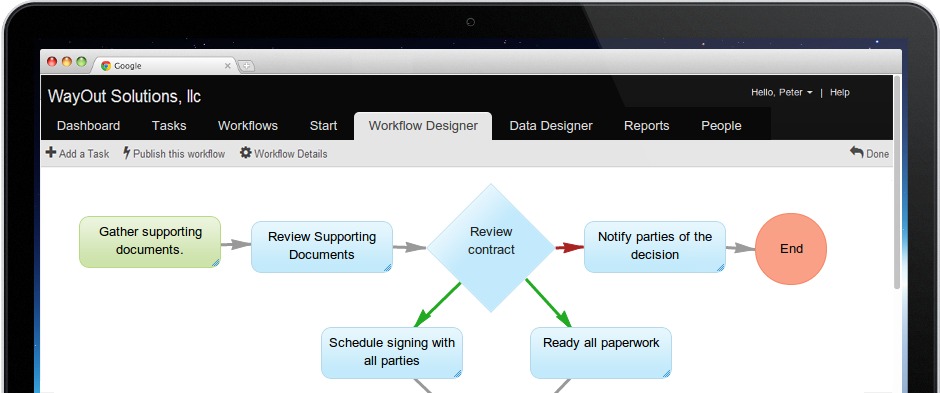
Two service companies can need entirely different software. The difference lies in what employees do between taking an inquiry and finishing the work.
| Business model | Critical handoff | Likely starting direction | What decides it |
|---|---|---|---|
| Solo residential cleaner | Customer request to calendar and invoice | Keep a light stack if it works | Findable client notes, appointments and billing |
| Multi-crew cleaning company | Office schedule to workers at different properties | FSM-first evaluation | Assignment changes, recurring work and worker instructions |
| Mobile trade contractor | Estimate to site visit, service record and billing | FSM-first evaluation | Job location, work order and completion record |
| Desk-based consultancy or agency | Proposal to project delivery and renewal | CRM, plus project management as needed | Sales history and project handoff |
A solo owner can run on a reliable calendar and accounting system for years. A company where several people share customer records needs more structure.
Roles need different information. An estimator wants scope and pricing history. A cleaner wants the service address, access instructions and special requests. A bookkeeper wants the right billing account and payment records. Decide which fields each role sees and which stay restricted. If your workers speak different languages, check that the worker-facing interface meets those needs too.
When do CRM and field service software need to work together?
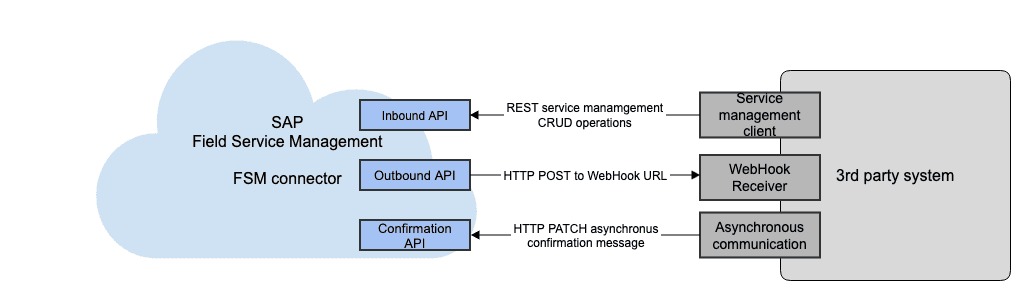
A sales team needs deal stages, proposal history and account development. A service operation needs property records, approved jobs, appointments, technicians and completed work. Integration is useful when both teams need information about the same customer and you don’t want competing versions.
Give every record one home
This matrix shows one way to split CRM-led sales from FSM-led delivery.
| Business record | Which system owns it | Other system’s use | What to watch for |
|---|---|---|---|
| Contact or billing account | CRM | Customer identity reference in FSM | Duplicate customer identities |
| Property or service location | FSM | Address visible to sales | Wrong property selected |
| Incoming lead | CRM | Creates a service request after qualification | Lead disappears during handoff |
| Deal or proposal | CRM | Shows approved scope | Different approved versions |
| Service estimate | Assigned sales or FSM workflow | References accepted amount and scope | Conflicting estimate records |
| Approved work order | FSM | Status visible to sales | Work never created |
| Technician appointment | FSM | Service date visible to account owner | Stale appointment information |
| Invoice and payment | Assigned billing or accounting workflow | Status visible elsewhere | Duplicate charges or balances |
| Repeat-service reminder | Named CRM or FSM workflow | Share only the status needed | Duplicate or missing reminders |
Letting people view a record in both systems is one thing. Letting them edit it in both needs rules for conflicting changes.
Zoho’s CRM and FSM integration documentation describes two-way sync for Contacts, Accounts and Products, and says it displays service-related context inside CRM. It doesn’t say estimates, appointments, work orders or invoices sync both ways.
Multi-property customers show why this matters. One person or company pays every invoice, while each property has its own work orders and appointments. Customer identity and service location must stay separate through sync.
Before you commit to two platforms, draw the matrix and force the conflicts: edit a contact, change a service location, cancel a job, repeat an import and interrupt a sync. Name who reconciles a failed transfer. Recovery works when the record you trust stays correct and the other system gets the status it needs without creating a duplicate.
Connector changes, permission changes and staff procedures can all break shared data later.
What commonly goes wrong between an approved quote and the invoice?
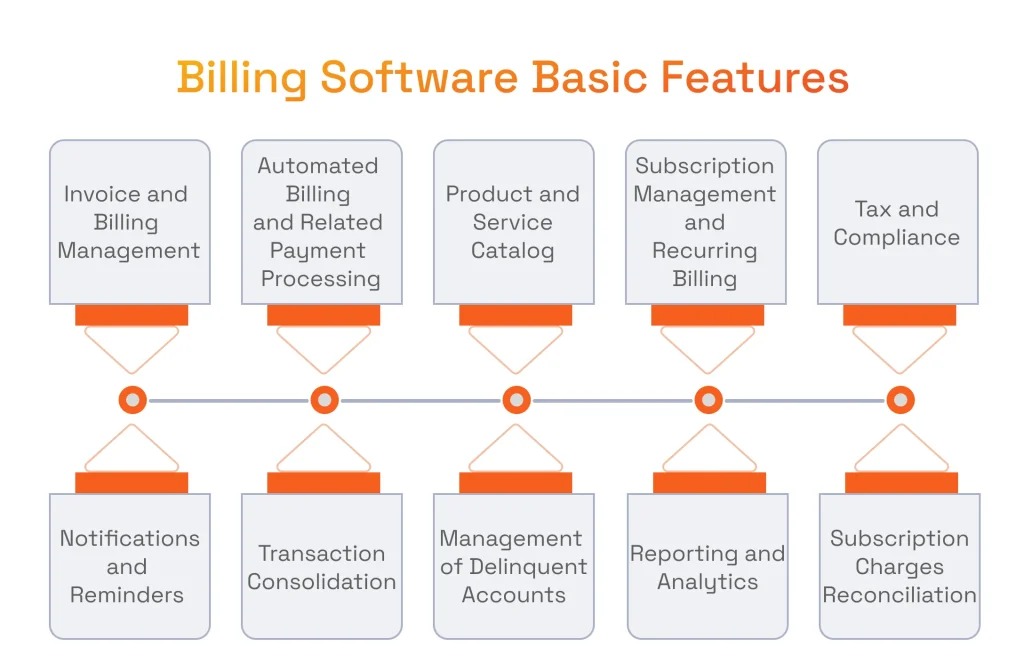
Errors after approval often come from treating customer accounts, properties, visits and invoices as one thing. One customer can own several properties. One estimate can cover several services. A recurring agreement generates many visits. An invoice needs the payer’s billing details and the address where the work happened. Collapse all of that into one customer-profile address and a finished job produces confusing billing.
In a Home Service Community discussion about property and billing addresses, a Jobber user describes trouble with one billed customer and multiple service properties. A support reply explains the workflow as creating the quote, converting it into a job and generating the invoice from that job.
The original poster later called the workaround usable but cumbersome because it added steps, and separately reported trouble attaching job forms to invoices. It’s one user’s case, not proof that every Jobber customer hits it.
Property, payer and service history
A useful billing model keeps these separate:
- Billing account: The person or organization responsible for payment.
- Service location: The property where the work happens.
- Estimate: The proposed scope and commercial terms.
- Work order and visit: The authorized work and the actual appointment or completion record.
- Invoice and payment: The charges tied to the right work and the record of settlement.
For a customer with two service addresses, trace a test estimate through job creation and invoicing. Compare the payer, property, quoted scope, completed work, line items and final payment reference.
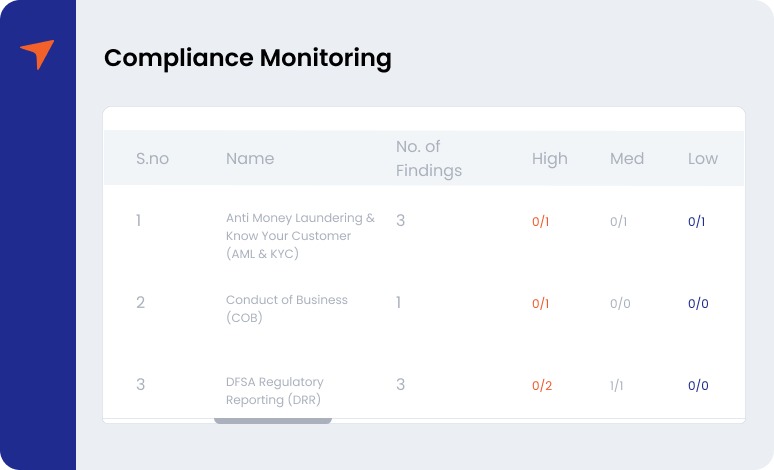
Even when every address and invoice is correct, a job can still slip when the office changes what gets priority.
An HVAC technician described a conflict over preventive maintenance for commercial customers:
Question for the more experienced guys, so we’ve been behind on heating pms for a lot of our commercial accounts because the office has no problem rescheduling a solid customer for someone we have no history with one unit down– seems short sighted but I’m not the one running the business so I don’t question it.
This one is about scheduling priorities and customer commitments. A service platform can make postponed appointments and maintenance history easier to see. Management still decides how to balance urgent repairs, existing commitments and staffing. If you’re still weighing a CRM against a spreadsheet, read when a spreadsheet is still enough.
How can you test software before migrating your business?
Test with your own work, done by the people who’ll use the system. A polished demo makes creating a customer, booking an appointment and sending an invoice look easy. It skips the awkward cases that cause daily problems, such as a recurring visit that changes crews or an invoice linked to the wrong property. Run the same scenario in every shortlisted setup.
Build a pass/fail service-job pilot
Create a customer and a service transaction that follows this path:
Inquiry → callback → estimate → approval → job assignment → completion → invoice → payment → repeat-service reminder.
For a consulting firm, the delivery step is a project handoff. For a field service company, it involves the worker and the property.
Use this worksheet and fill in the last three columns as you test.
| Pilot scenario | Person testing | Required result | Observation to record | Pass/fail | Severity if failed |
|---|---|---|---|---|---|
| Approved quote becomes work | Sales/office | Correct scope reaches delivery | ___ | ___ | ___ |
| Recurring appointment changes | Dispatcher | The revised visit is kept | ___ | ___ | ___ |
| Payer and service address differ | Office/bookkeeper | Correct identities appear | ___ | ___ | ___ |
| Worker opens the assignment | Technician/contractor | Current notes for the job are visible | ___ | ___ | ___ |
| Estimate remains unanswered | Sales/office | Follow-up stays traceable | ___ | ___ | ___ |
| Invoice reaches accounting | Bookkeeper | Correct record, no duplicate | ___ | ___ | ___ |
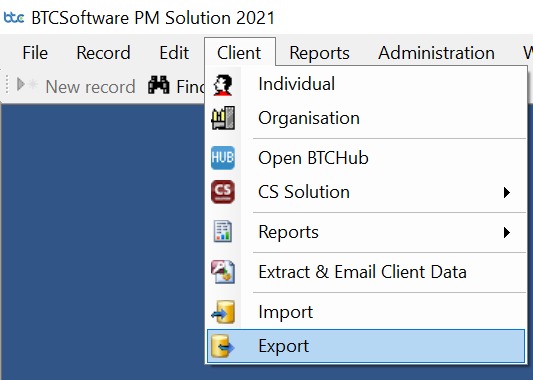
| Customer records are exported | Owner/admin | Needed history can be retrieved | ___ | ___ | ___ |
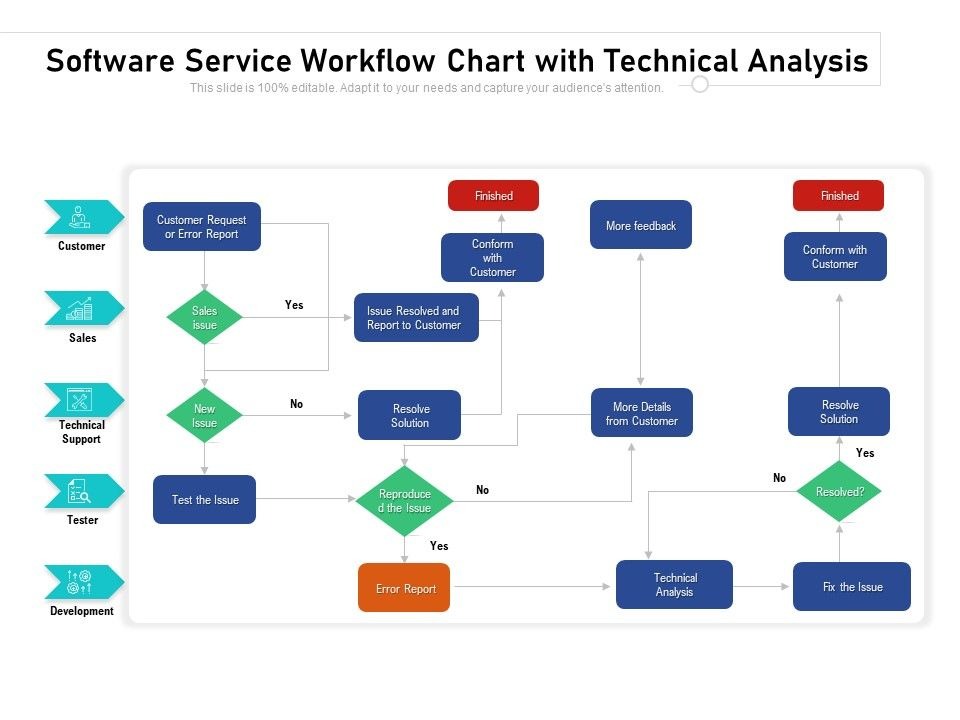
Classify each failure. An unfamiliar button calls for training. A missing work-order feature you need can rule a product out. A wrong payer/property relationship blocks adoption until you fix the workflow.
Record each result with the account role and plan edition it ran on. A feature that works only in a demo environment may not work on your plan. To check whether your team will actually use a CRM, see how to test whether your team will use it.
Treat a missing workflow you depend on, an unresolved billing identity, unavoidable duplicate entry or an unusable history export as deal-breakers.
A trial length or a numeric score won’t tell you whether a tool fits. A documented list of key tasks that pass, fail or need more checking will.
What should you check before committing to a plan?
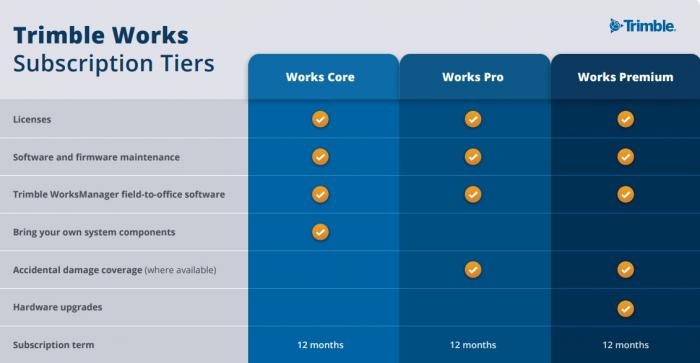
The price on the pricing page is only part of the cost. Your decision also depends on who needs access, how much automation you expect and how you’ll get your data out if you switch.
Calculate the ownership cost
Use a 12-month budget:
12-month ownership cost = plan subscriptions + additional billable seats + required add-ons and integrations + setup and migration + staff training + retained-tool costs.
For annual plans, use the annual commitment. For monthly plans, use the projected number of paid months. Count only extra seat charges so you don’t pay twice for seats a plan already includes.
Price a single system and a CRM/FSM combination separately. Two platforms can mean two subscriptions plus integration, maintenance or migration work. Features, prices and user limits change by plan and over time, so get a current quote.
Confirm access and plan limits
Before signing, check these:
- Automation: Whether the quote reminders and advanced workflows you need come with your edition. Jobber describes qualifying-plan conditions for some quote automations; HubSpot distinguishes simple process automation from subscription-dependent workflow capabilities.
- Operations: Whether your FSM tier includes the scheduling, work-order and invoicing functions you need. Zoho FSM’s documented Free, Standard, Professional and Premium tiers have different features.
- Permissions: Which users can view or change contact information, property instructions, estimates and invoice amounts.
- Integration: Any separate connector subscription, the implementation effort and who keeps the data consistent.
- Exit: Customer and property exports, notes, attachments, estimates, job history and billing references you must still be able to retrieve after a switch.
Messaging adds another layer. The FTC’s CAN-SPAM compliance guide covers commercial email, including sender identification and opt-out handling. Automated texts and state rules fall under separate requirements, so get qualified advice on those.
Keep a purchase file with the actual plan and seat quote, the permissions you need, the available export format, the unresolved failures and the condition under which you’d reconsider.
Agree on which application owns each customer, job and billing record before adding a second platform. A successful handoff between them matters more than overlapping feature lists.
Speak Your Mind