A newsletter sent occasionally and an automated store campaign place different demands on an email platform. Contact counts, sending volume, integration needs and sequences determine the usable plan. Send a realistic campaign through each eligible configuration before comparing quotes or switching lists.
Match the Platform to Your Real Sending Workload
A business sending one newsletter a month needs a different setup from a store running welcome emails, abandoned-cart reminders, and customer-specific promotions. List the messages you need to send before you pick a platform.
| Business situation | Main requirement | Potential deal breaker |
|---|---|---|
| Solo coach or consultant | Good-looking newsletters with little setup | Unwanted provider branding or a cumbersome editor |
| Volunteer-run nonprofit | Monthly updates, staff handoff, and occasional reminders | Cost, account ownership, or confusing automation |
| Local service business | Promotions and simple follow-ups to existing subscribers | Poor signup-form integration or excessive manual work |
| Online store | Customer segments and purchase-triggered emails | Missing store events or integration restrictions |
| B2B newsletter | Permission-based updates and lead nurturing | Weak contact segmentation or CRM synchronization |
Take a coach with 45 subscribed contacts who sends two newsletters a month. A free plan covers the volume, but the provider’s branding on every email can justify a small paid plan. Sophisticated customer journeys add nothing if the coach never plans to use them. Reporting, SEO, and keyword research are covered separately: when free SEO tools are sufficient.
A volunteer-run nonprofit faces other pressures. Its newsletter has to be printed and emailed, and eventually it needs birthday or membership-milestone reminders. The setup also has to survive a change of volunteers.
One nonprofit volunteer described the situation this way:
I’m a member of a non-profit organization and took over doing our newsletter and email list last year. The person who had been doing this was using her corporate account to send the emails with no problems, but the gmail account I set up has been blocked because we look like spam.
My member list is about 150 people and we send out a monthly newsletter and the rare email blast, but I’d also like to start sending emails to members on their birthdays or when they reach certain milestones.
I create the newsletter in Canva and download as a pdf to print and email, which is likely part of the problem. I’d like to have all of our info in one place, but aren’t sure what would be best for our needs. My biggest hurdle is that most of our members are older and will balk at any significant cost for this, especially since the woman who did this for the past 20 years did everything for free (designing, printing, emailing).Any advice or suggestions?
Write a short operating profile: who manages the account, the audience, the campaign frequency, any automatic messages, and the monthly cost you can afford. That profile defines what a provider has to do for you.
It also shows where you don’t need complexity. A monthly newsletter often works with a simple editor and contact list. An online store sending purchase-triggered messages has a harder integration problem.
Which Email Marketing Services Belong on Your Shortlist?
Start with two or three services whose documented design fits your scenario. MailerLite, Brevo, Mailchimp, Klaviyo, and Kit are the ones to check first.
| Your situation | Candidate to investigate | What could rule it out |
|---|---|---|
| Small newsletter list with straightforward campaigns | MailerLite | Active-subscriber or monthly-send limits, branding, or a required feature outside the chosen plan |
| Many stored contacts with relatively few daily messages | Brevo | A daily send ceiling or a feature limit that conflicts with the campaign schedule |
| Existing Mailchimp audience or workflows | Mailchimp | Billable contact totals, journey restrictions, or configuration effort |
| Store-based customer and purchase events | Klaviyo | Profile-based cost or an ecommerce event that fails to synchronize as required |
| Creator or event organizer building email sequences | Kit, with the existing service as a comparison | Missing sequence capabilities, unsuitable integrations, or unacceptable migration work |
Start with MailerLite for a small newsletter list. Its Free-plan limits are published, so you can check them against your numbers. Brevo suits a business that stores many records but sends few messages on any one day. Its daily cap rules it out for a large campaign that has to go out at once.
If you already use Mailchimp, staying is often easier than migrating, as long as its contact billing and the journeys you need are acceptable. For a store, Klaviyo is the one to test: look at customer profiles, purchase-event data, and the specific flow you want to run. Kit is worth a trial if you’re a creator who relies on sequences.
ActiveCampaign and Constant Contact are fallbacks if your first shortlist fails. Their plan-specific capabilities and costs need separate evidence before either gets credit for an advantage.
Cold outreach is a different buying category. Permission-based newsletters and unsolicited prospecting involve different recipient relationships, workflows, and provider acceptance rules.
Once your business fits a row, keep a second candidate with a different strength. Give the comparison a real question to settle, such as whether daily sending capacity matters more than stored-contact capacity, or whether an automation editor is worth a higher subscription cost.
Check What You’ll Pay for Contacts and Sends
A plan has to cover both the records counted for billing and the individual messages you send. Monthly volume and your busiest sending day create separate limits.
A stored contact, subscribed contact, active subscriber, suppressed address, and billable profile can mean different things in different services. Mailchimp, for example, distinguishes subscribed, unsubscribed, non-subscribed, cleaned, and archived contacts. Some records that can’t receive marketing messages still count toward billing thresholds.
Mailchimp’s guidance also describes billing against the peak contact count within a billing period. Archiving an inactive contact afterward can affect a later period without reducing the peak already recorded.
Calculate the monthly workload
For a regular campaign, multiply recipients by the number of campaigns, then add the automatic messages from welcome flows and other journeys.
| Hypothetical recipients | Campaigns per month | Campaign messages | Automation messages | Total monthly messages |
|---|---|---|---|---|
| 100 | 2 | 200 | 40 | 240 |
| 1,000 | 4 | 4,000 | 300 | 4,300 |
| 5,000 | 2 | 10,000 | 1,000 | 11,000 |
These workloads are hypothetical. Each campaign recipient is assumed to receive every scheduled campaign, and automation messages are counted separately.
The middle example needs 4,300 messages over the month. Its daily peak depends on the campaign schedule, which matters as much as the monthly total.
Brevo’s published Free-plan documentation lists 300 emails per day and storage for up to 100,000 contacts. It also lists one user and marketing automation for up to 2,000 contacts under the documented configuration.
A newsletter that must reach 1,000 people on one day exceeds the 300-message daily allowance. Sending to 100 people on each of 20 separate days fits. Unused daily allowances do not accumulate.
The separate limits are explained in Brevo’s pricing-plan documentation.
MailerLite is a recent example of a plan change. On June 16, 2026, it announced a reduction in its Free allowance from 500 to 250 active subscribers and from 12,000 to 2,500 emails per month. It separately scheduled enforcement of the new feature-use limits for August 13, 2026.
The announcement also specified two users, up to three automations, three forms, one landing page, one website, and one digital product. Reaching a Free-plan cap could pause campaign or automation sending until the restriction was resolved.
See MailerLite’s Free-plan update FAQ for the account-edition and feature conditions.
For paid plans, Brevo published Starter from $9 per month and Standard from $18 per month. MailerLite listed Comfort from $12 per month and Power from $25 per month. Kit displayed Creator at $33 per month for 1,000 subscribers with annual billing, a quoted $390 annual charge.
These prices come with different contact allowances, feature limits, and billing arrangements, so they don’t compare directly. Your US cost depends on your actual requirements and commercial terms.
Use one workload worksheet
For each finalist, write down four values:
- Eligible recipients: The addresses you intend and are permitted to reach with marketing emails.
- Billable contacts: The records counted under that provider’s billing definition.
- Monthly sends: Campaign messages plus expected automated messages.
- Daily peak: The most individual emails that must leave in a single day.
Check these values against the provider’s limits, then model one growth step: a larger list, another weekly promotion, or a new welcome sequence.
With a small list but frequent automated messages, send limits may decide the plan. With a large historical database and infrequent campaigns, how the provider treats stored contacts matters more.
Is Your List and Sending Domain Ready?
Before launching campaigns, confirm how you collected the addresses, whether your intended use meets the rules, and whether your sending domain is configured correctly.
Federal law and platform permission rules differ. The US CAN-SPAM Act does not impose a universal advance opt-in requirement on every commercial email. Email providers can apply stricter acceptable-use conditions, and other laws can apply to a particular business or message.
Under CAN-SPAM, commercial messages need accurate headers, nondeceptive subject lines, clear and conspicuous identification as an advertisement, an appropriate physical postal address, and an effective opt-out process. Opt-out requests must be honored within 10 business days, and the mechanism must stay available for at least 30 days after sending. Commercial business-to-business messages are covered too.
The FTC’s CAN-SPAM compliance guide describes these obligations and the distinction between commercial and transactional or relationship messages.
A retailer reported that its sending account was suspended during an infrequent email campaign:
To preface, we very rarely do email campaigns. Less than 5 times in 3 years. We have a massive email list (over 10,000) from customers walking in and signing up to make an account. This is also the first time I’m doing an email campaign diy rather than paying someone to do it. So far, we have had 0 spam reports though more than half the people who clicked open have unsubscribed (not very many, 33 people). Regardless, the account is suspended now for violation of spam.
It’s a paid account, and we can’t get a hold of anyone. When you click contact via email, the page just refreshes. Does anyone with MailerLite know if this because our account got flagged or if it’s not working for anyone (the contact form)? Our emails are from real customers so it is hardly spam.
Update: my account is back up! They just wanted to us run everything through a verifier which we did and got pretty good scores. Thanks for all the helpful comments
Gmail requirements affect the sending plan
Google’s guidelines for mail sent to personal Gmail accounts require all senders to authenticate using SPF or DKIM.
Google’s main guidelines put the bulk-sender threshold at more than 5,000 messages per day to personal Gmail accounts. Its sender FAQ describes it as close to 5,000 or more messages within 24 hours. Messages from subdomains sharing the same primary domain count together, and bulk-sender classification persists once assigned. Gmail’s sender rules get a fuller treatment in Gmail sender requirements.
Bulk senders must meet additional requirements: SPF and DKIM, DMARC, and unsubscribe handling for covered marketing and subscribed messages. That includes one-click unsubscribe support and a clearly visible unsubscribe link in the message body.
Google also tells senders to keep their spam rate below 0.3% in Postmaster Tools. The bulk-sender threshold counts messages reaching personal Gmail accounts within a day, which differs from an ESP’s monthly sending allowance.
The Google email sender guidelines set out the requirements.
Compliant configuration does not guarantee inbox placement.
Run the prelaunch checks
- Address provenance: Trace how a sample of records entered the database and whether you may use them for marketing.
- Suppression: Confirm that unsubscribed and excluded contacts stay excluded.
- Domain authentication: Test the sending domain against the requirements for your audience and volume.
- Opt-out behavior: Send a test message and verify that the unsubscribe link works.
- Account acceptance: Read the provider’s sending and account-review policies before a business-critical campaign.
Run One Real Automation Before You Choose
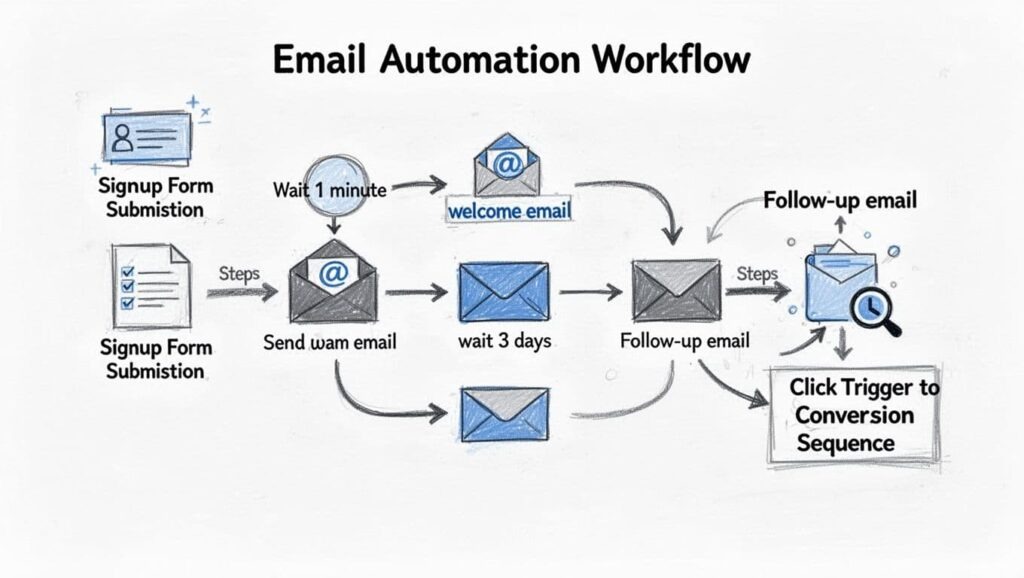
Automation is worth buying when the person who will run it can build, understand, and maintain the journey. A feature label says little about the work involved.
A newsletter and events organizer spent weeks on a five-message Mailchimp sequence, including support conversations and a workaround using separate journeys:
I have a ton of email sequences written in Word, as drafts but I hate loging into mailchimp so I never transfer them. I recently hired a virtual assistant to body double with me and we spent a long time getting a 5 email sequence loaded up. This used too many Journey points.
So I spoke with customer service they advised me to write 3 customer journeys and split it up that way so each one triggers. They miscalculated how many emails could be sent with 4 journey points, given how I work the tagging system. So then another customer service person got on and helped me set it up where I have 5 1 email journeys.I was explaining this seemed absurd. And they were like, this is the way everyone does it.
This took weeks muddling through it myself and with an assistant and CSR we were working on it for a good 6 hours of real work.I signed up for Kit and got it down in 2hrs. (I’d obviously learned a lot from the above, but still, it was way easier, and I had to set up all the basic stuff first.)
The Kit attempt went faster, but the author had already learned the workflow by then. The story shows a real setup problem from one person’s experience, not a controlled speed comparison.
Give each finalist the same task
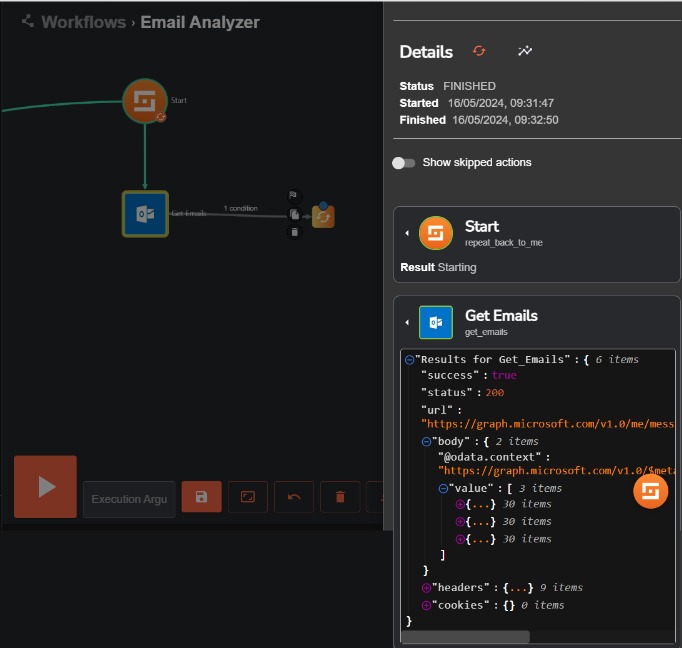
If you need a multistep welcome sequence, run this trial with each finalist and record how long it takes. Adjust the scope to your actual workflow. A team selecting a social scheduler can adapt the social-media platform trial to its approval and publishing process.
- Create the email: Build a branded message your staff member can edit.
- Configure the sequence: Set up five messages with the trigger, delays, and exit conditions you need.
- Target recipients: Add a tag or segment condition and check who is included and excluded.
- Check plan requirements: Note which plan each automation step, journey, or extra user requires.
- Test the integration: Follow a test signup, purchase event, or CRM field into the workflow, including suppression status.
- Record effort: Note completion time, confusing steps, errors, support contacts, and whether your staff can change the flow.
For an online store, the deciding task is likely a purchase-triggered message. For the nonprofit managing membership milestones, it’s a birthday reminder. Test the task that would justify adopting the service.
Preview who actually receives each email. Four overlapping promotional segments need a recipient preview that makes exclusions and coverage clear. Use test accounts and harmless destinations when preview links connect to live customer actions or store events.
A successful test leaves your staff able to change the journey, pause it, and explain why each recipient gets the message.
Can You Trust the Numbers You’ll Use?
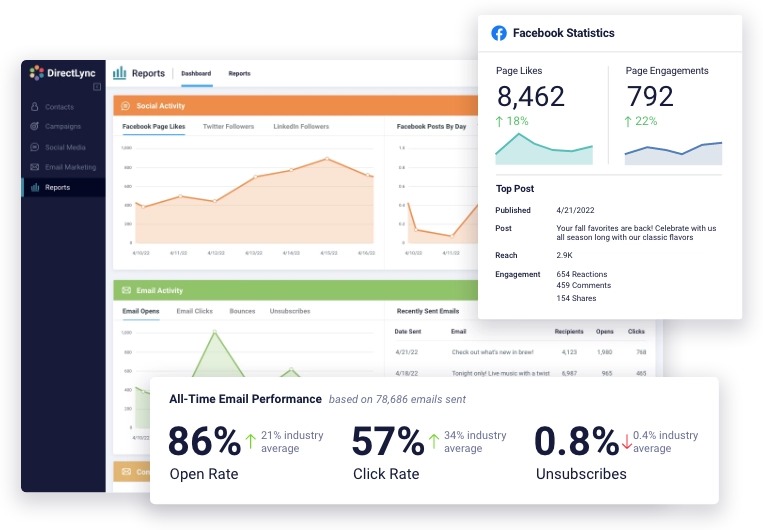
Apple Mail Privacy Protection can prefetch tracking pixels and record opens without anyone reading the message, as Klaviyo explains in documentation updated January 27, 2026. Open rates need context, especially when campaigns reach audiences using different email clients. Pick a business outcome such as qualified visits, purchases, appointment requests, or direct replies. Then check how the platform records that outcome and what its attribution leaves uncertain.
Before You Move, Check What You Can Take With You
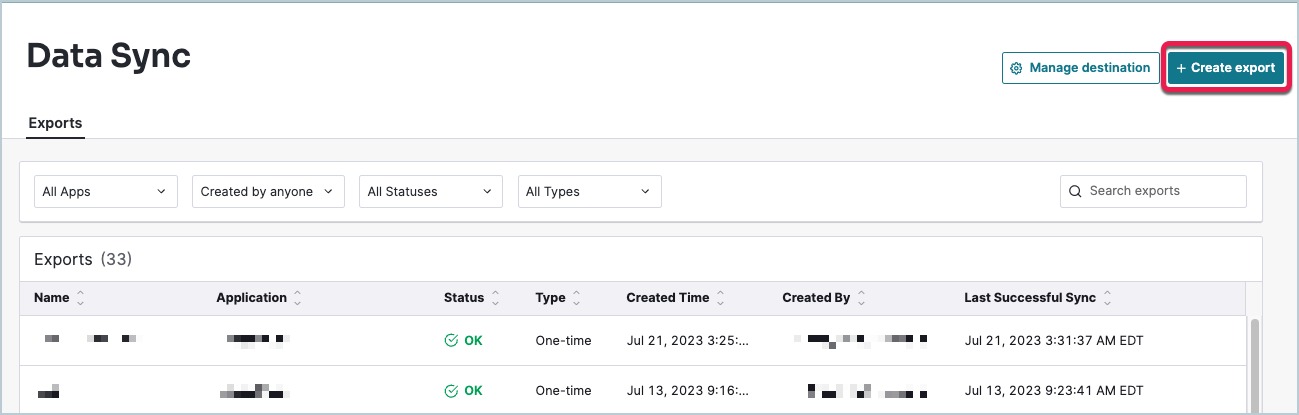
Changing services involves more than transferring email addresses. Your program may depend on custom fields, subscription states, tags, forms, and automation conditions that must behave correctly after the move.
These are the main assets to account for:
- Contact records: Email addresses, names, custom fields, and profile attributes.
- Permission and suppression: Subscription states, unsubscribes, and any consent records you need for future sending.
- Segments and tags: The rules that decide who receives which messages.
- Automations: Triggers, delays, branches, exit conditions, and message content.
- Creative assets: Templates, signup forms, landing-page connections, and brand materials.
- Reporting history: Campaign records you need to understand past performance and make future comparisons.
MailerLite’s cancellation guidance describes downgrading at the end of the billing term, with restrictions that can affect features, automations, user access, and reporting. It also distinguishes stored information from continued access to paid functionality.
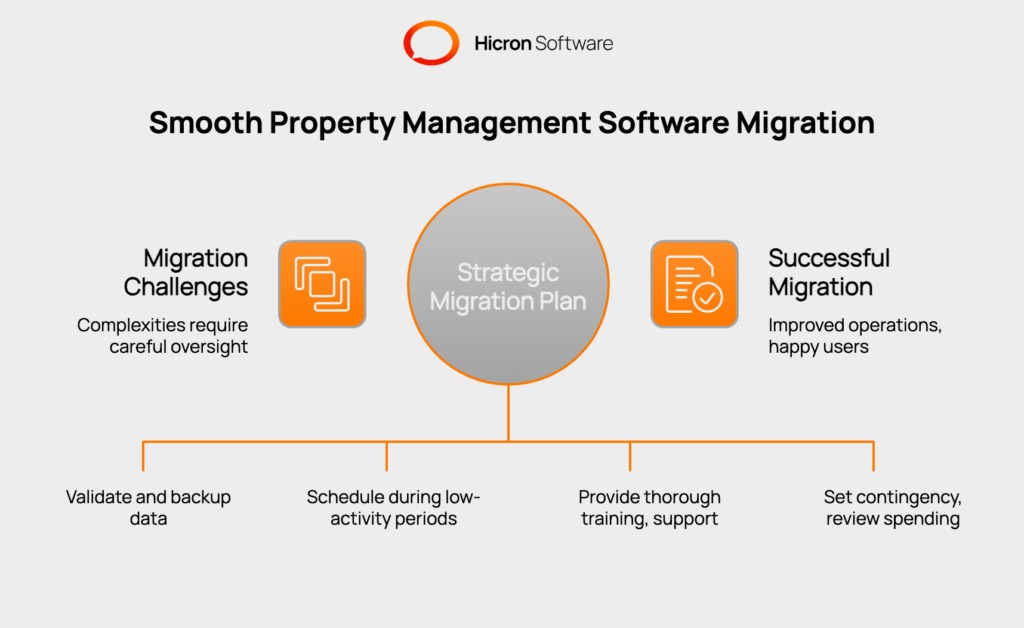
A company with a five-email welcome flow and several tagging rules has to rebuild the flow’s logic on the new service. Importing the messages alone leaves the triggers and exclusions unresolved.
Test a sample export and reimport with harmless records. Inspect custom fields and suppressed contacts, inventory your working automations, and find out which settings the new service can reproduce.
Keep the existing service running until the replacement has passed controlled tests and the records are reconciled. Check renewal and cancellation terms before ending the old subscription.
Exit conditions matter even for a first platform. A convenient starting plan loses its appeal if leaving means rebuilding every customer journey.
Make the Call After a Small, Fair Trial
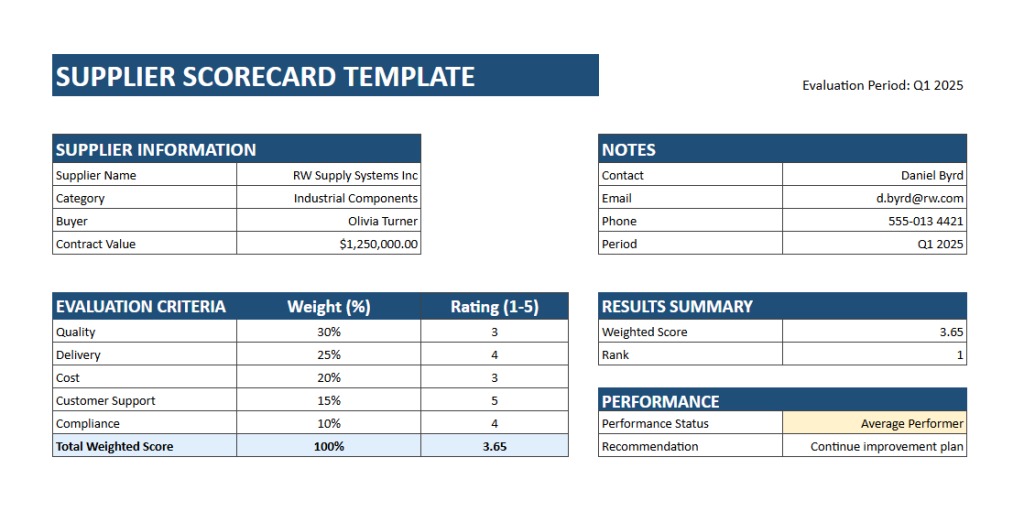
A platform has to pass your essential requirements first. Preferences such as editor appearance, support convenience, and reporting layout matter only after the disqualifying conditions are resolved.
Mark each shortlisted service pass, fail, or unknown against the same gates.
| Decision gate | Passing evidence | Consequence of failure or uncertainty |
|---|---|---|
| Audience fit | Required recipients and contact states are supported | Fix the permission or billing issue first |
| Send capacity | Monthly workload and peak-day sends fit the plan | Change plans or pick another tool |
| Sender readiness | Applicable authentication and unsubscribe requirements are met | Launch stays blocked |
| Workflow | Staff can operate the required campaigns and automations | Keep testing or drop it |
| Integrations | Required events, fields, and exclusions behave correctly | Fix the connection or reject the service |
| Cost | The applicable subscription and associated costs are understood | Get the missing terms |
| Exit | Important data and operations can be preserved | Deal with the migration risk before committing |
A completed evaluation tells you more than an overall score for each brand. A service that can’t perform an essential task stays unsuitable, however pleasant its editor is.
Record a follow-up test for every unknown. When two candidates meet the hard requirements, the simpler ongoing workflow and an acceptable total cost settle the choice.
Keep the paid-plan limits, evidence from the test sends and usable exports with the subscription decision. They show both whether the service fits today and what leaving would involve.
Speak Your Mind