Publishing occasional posts may be easier in the networks’ own tools. A management platform becomes useful for approvals, team access, reporting or formats that otherwise require scattered work. Schedule actual posts in the paid tiers you are considering; a missing publishing route is more important than an attractive dashboard.
What kind of social media management tool do you need?
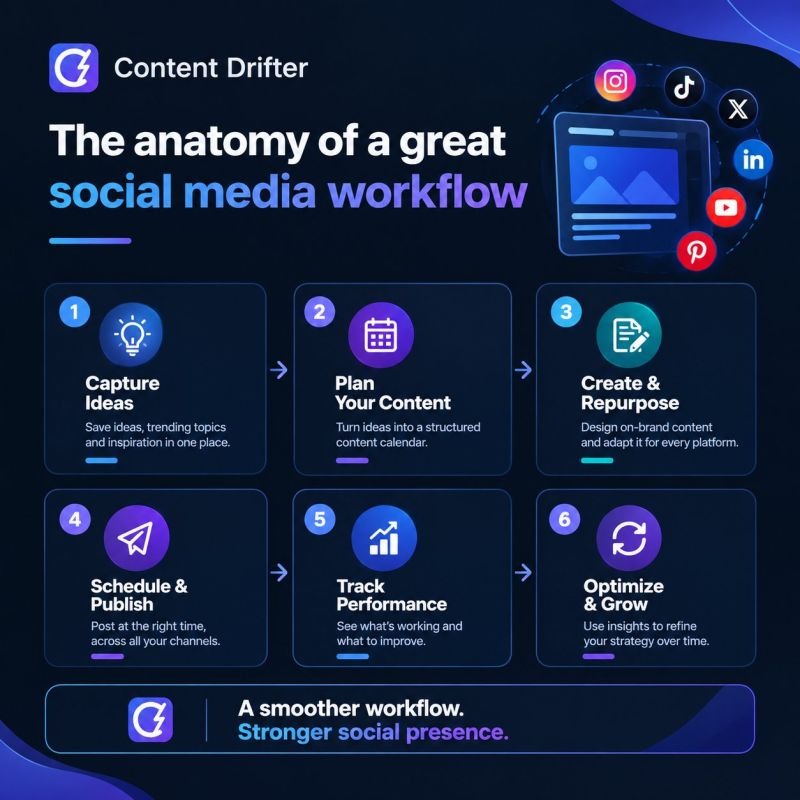
A publishing calendar solves a different problem from a system that coordinates a dozen employees, several clients and multiple rounds of approval. Start with the work between writing a caption and seeing the finished post on the right account.
A solo marketer needs a queue and a fast way to adapt captions for each network. An in-house team also needs reviewers who can request changes and approve a final version. An agency needs separate client workspaces, restricted permissions and reports it can deliver without collecting screenshots from several dashboards.
The category splits into three working models:
- Native scheduling or a basic scheduler: For a publisher who needs a reliable queue, channel-specific posts and little coordination. The native social apps stay an option when their publishing methods already cover the work.
- Collaborative content planner: For teams that need draft reviews, version history, assigned approvers and controlled access before publication.
- Broader management suite: For teams that also handle incoming interactions, prepare reports or coordinate several staff members and brands.
These categories describe buyer needs. Products often span more than one, and a long feature list doesn’t tell you whether the extra functions will pay for themselves. For a wider view of choosing software by job, see how to start with the marketing job, not a list of products.
Take a local business running Facebook and Instagram. Its main task is getting a weekly series of posts ready without opening several tabs each morning, so a complicated approval hierarchy only adds work. An agency with separate client calendars has the opposite worry: who can change a caption or publish to a client’s account.

Before you look at product names, list the operation: the number of brands and connected accounts, the networks and formats you use, who writes and approves content, and whether anyone answers messages or exports reports. Note the manual steps that take time. Use the same list to compare every product.
Which social media tools deserve a place on your shortlist?
Start with the work your team needs done. A simple publishing queue, a client approval workflow and a broader management operation call for different strengths. The table below pairs each product’s documented distinction with the conditions that can eliminate it.
| Software | Reason to consider it | Key distinction | Rule out or check further |
|---|---|---|---|
| Buffer | A simple queue across connected accounts | Billed per channel; collaboration and approvals depend on the plan | Cost as channels grow; required posting formats and team roles |
| Planable | Content reviews and client sign-off | Workspace pricing; optional, required or multilevel approvals depend on the tier | Client membership, approval tier and paid add-ons |
| SocialPilot | Several accounts and team members in one package | Plans include set account and user limits; client approval is tied to Premium | Capacity, extra charges and the exact approval workflow |
| Metricool | Organizing connected networks by brand | Brand-based structure; X has separately documented paid access conditions | More than one profile on a network needs extra Brand capacity |
| Later | Planning content across grouped social profiles | One profile per supported network in each Social Set; publishing route depends on format | More than one profile on a network needs more sets; some Instagram features need manual completion |
| Hootsuite | Teams that want wider scheduling and management functions | Documents publishing-error visibility and troubleshooting paths | Check that your plan includes the inbox, reporting and roles you need |
| Sprout Social | Teams exploring scheduling, agencies and reporting workflows | Covered in published scheduling comparisons | Check the plan’s capabilities, permissions and cost |
A team reviewing content with clients has stronger reason to look at Planable’s approval structure or SocialPilot’s user limits. If you manage brands and need X, account for Metricool’s separate X terms. If you rely on Instagram-native production features, check Later’s exact publishing route before you treat it as a hands-off scheduler.
Narrow the list to two or three products that meet the requirements from the previous section. For each, record the billing unit, plan, approval level, publishing formats, reporting needs and primary documentation. Mark a missing capability as unresolved and name the requirement that would disqualify the product.
Which social media formats can publish automatically?

A network logo on a pricing page only tells you which platform the product connects to. What you need to know is more specific: the account type, the exact content format, any native features and the method used to publish.
Every post ends up in one of three outcomes:
- Automatic publishing: An authorized integration posts supported content with no one finishing the job in the social app.
- Notification or manual publishing: A person gets a reminder or a prepared post and publishes it in the native app.
- Unsupported publishing: The product or connected account can’t handle the format through the workflow you need.
Instagram shows how this plays out. Later documents restrictions involving some native effects, audio choices and interactive Story features, so certain workflows need notification publishing.
Later also documents a narrower automatic Reels audio option. Some Meta-authorized audio tracks can be added to Reels scheduled for automatic publication, given the right Instagram connection and permissions. Audio outside the authorized catalog, or work that needs native Instagram editing controls, still needs manual completion. Later explains the eligible-audio procedure in its Reels audio instructions.
TikTok’s Direct Post API adds another layer. Its developer documentation covers authorization, client audit status, posting quotas and error responses. Those requirements sit at the API integration level, so you need to confirm how a given scheduling product behaves for that integration and account.
Use a pre-launch table like this:
| Content to publish | What decides it | How it posts | What to check |
|---|---|---|---|
| Instagram Story with an interactive sticker | Whether the integration supports the native interactive feature | Notification/manual when auto-publishing can’t use the feature | Tool, account type and exact Story feature |
| Instagram Reel with audio | Audio catalog, connection permissions and editing needs | Automatic for eligible authorized audio; otherwise manual where supported | Selected track and the product’s publishing route |
| LinkedIn post with a separate caption and link | Supported post format and formatting | Confirm in trial | Preview and public result with your text and link |
| TikTok video | Product integration, account permissions and posting restrictions | Confirm in trial | Authorization and result on the account |
| X post | Connected account, plan access and post format | Confirm in trial | Connection eligibility and actual publishing method |
If you need hands-off Instagram posting with a particular native effect, that single requirement can decide the purchase. A team that’s fine finishing occasional Stories on a phone can accept the same tool.
Posting identical content everywhere has an editorial cost too. A Reddit contributor described trying to keep each platform’s character while cutting manual work:
Im trying to maintain presence on linkedin twitter instagram facebook but manually posting each one killing me time wise. I know there are scheduling tools but worried about losing authenticity or wrong format for each platform. My concern is each platform has different vibes and requirements, what works linkedin doesnt work instagram twitter has character limits facebook different audience and if i just copy paste same thing everywhere looks lazy doesnt perform well. Im also wondering about timing like do you schedule advance or post real time? I heard mixed things about algorithms penalizing scheduled posts not sure if true or myth tho I would love hear how others manage this especially if solo or small team, whats actually working for you without making everything look automated?
The contributor’s concrete problem is tailoring posts to each network. Whether third-party scheduling triggers an algorithmic penalty remains unverified.
For each essential format, record the network, account type, native features, automatic or manual route, and permissions. Reject a candidate that can’t meet a required publishing method, unless you accept the human handoff.
Test approvals, client access and collaboration before scaling
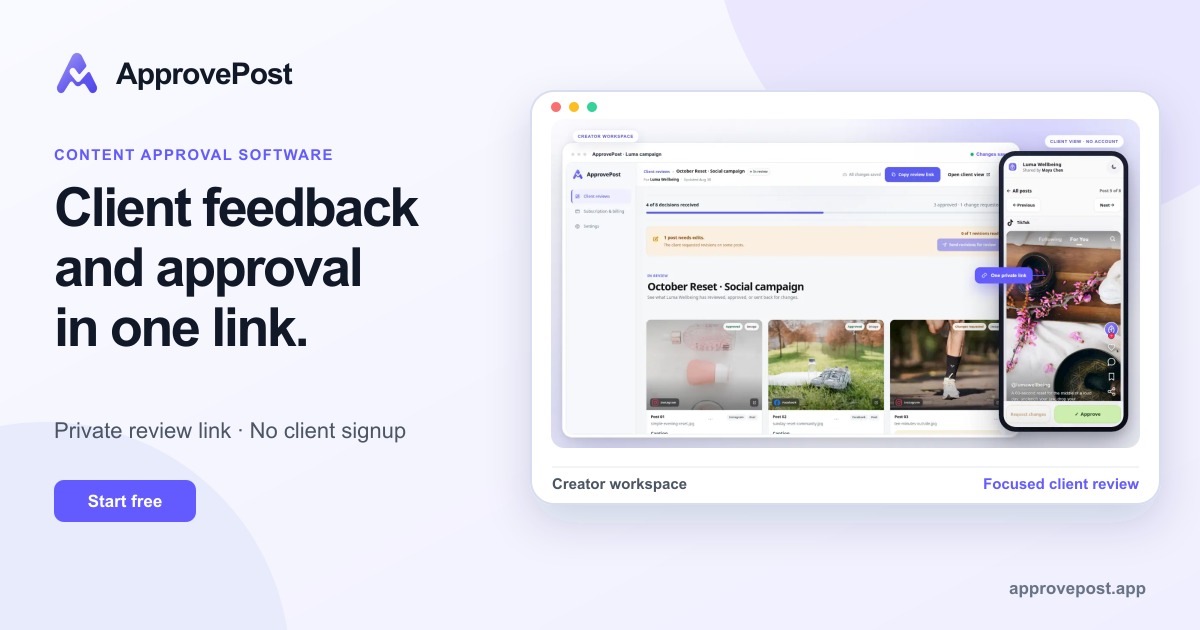
Client feedback can turn a publishing calendar into a version-control problem. An editor ends up with three versions of a post while the client comments on a screenshot from the previous week. Both think they’re discussing the same asset.
One social media manager described that confusion in a public discussion:
Hi everyone I’m curious how other social media managers handle client approvals. For me, this has always been one of the most chaotic parts of the job. Sometimes feedback comes in Google Sheets, sometimes in WhatsApp, sometimes as screenshots, sometimes as “can you change the second one?” — but they don’t say which second one
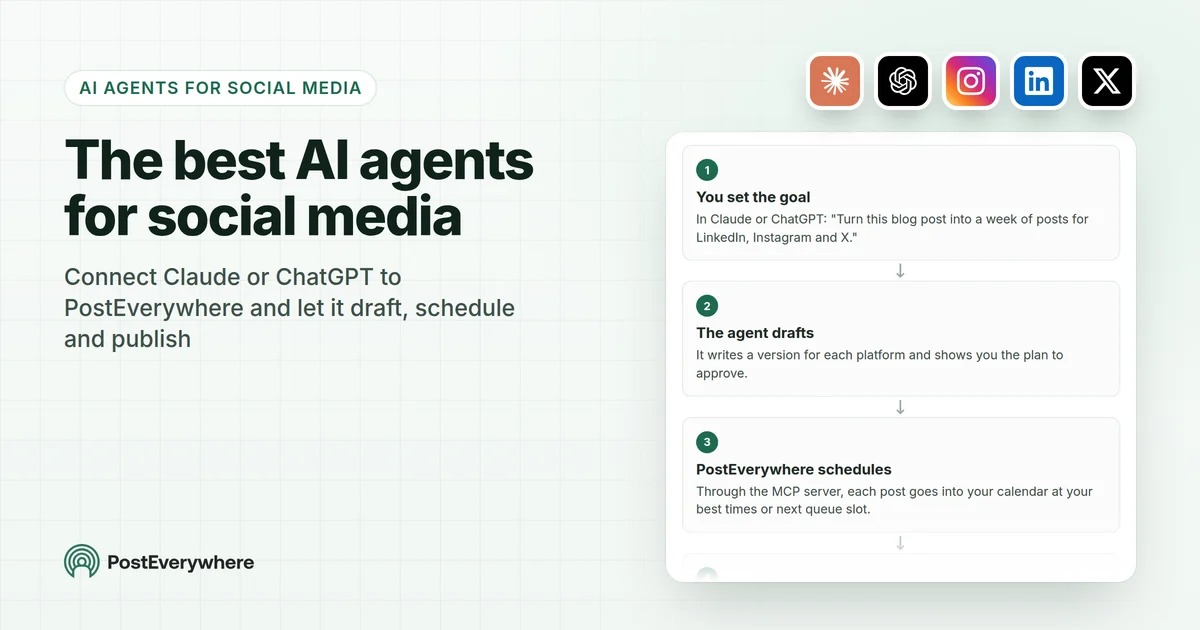
The feature that helps is a clear sequence: draft, comment, revised version, final approval. Everyone involved should see which post is under review, who requested a change and whether publication is authorized.
Planable shows how features vary by subscription. Its documented Basic plan has optional approval, Pro supports required approval and Enterprise supports multilevel approval. Its separate client approval documentation describes client membership on Pro and Enterprise, including selected-content visibility and approval permissions.
Adding an external client as a reviewer in Planable is a plan-level decision. If you buy Basic for optional internal sign-off, don’t assume it includes the client membership and approval controls documented for Pro or Enterprise.
Buffer’s Team plan also documents collaboration and approvals beyond its individual Essentials plan. Brand separation and external client control still have to fit the subscription you choose.
Strict approvals have a trade-off. A timely announcement can lose relevance while it waits for several people to respond. Mandatory sign-off fits where a client has contractual, brand or compliance requirements. Fast-moving posts need a deadline and one person authorized to make the final call.
For API, integrations and authentication, see how to make the Pass-or-Reject Decision Before You Sign.
Permissions matter most for agencies. A reviewer assigned to one client should see that client’s content and have the right to comment, approve or publish it. Access to another client’s accounts creates a separate risk from late publication.
Run a dry run with an editor, a reviewer and, if needed, an external client. Submit a post, request a revision, identify the revised version and check the approval state after another edit. Confirm who can publish, what happens when approval runs late and whether the client can see unrelated brands. Record the results for the exact plan you’re considering.
Compare total cost by channel, user, brand and workspace
A low monthly price means little until you know the billing unit. A connected social profile, a brand grouping, a social set and a workspace are different things. User seats, approvers and reporting upgrades can change the total further.
Buffer counts each connected social account as a channel. Its documented annual-billing monthly equivalents included $5 per channel for Essentials and $10 per channel for Team, which makes a simple five-channel example. Rates and plan terms can change.
| Buyer configuration | Known calculation or requirement | What affects the final quote |
|---|---|---|
| One brand, five channels | Buffer Essentials: $25 monthly equivalent or $300 annually. Team: $50 monthly equivalent or $600 annually. | Annual billing, the needed roles, eligible formats and add-ons |
| Three brands, twelve channels | Compare a twelve-channel quote with suitable brand, workspace and bundled-account plans. | Channel-volume pricing, user allowances, brand definitions and approval features |
| Ten brands, thirty channels | Get quotes that include your actual editors, approvers and social profiles. | Volume discounts, extra users, workspace capacity, onboarding and reporting |
Buffer’s pricing documentation also describes lower per-channel rates above ten channels, so don’t multiply the five-channel math across a thirty-channel agency without applying the volume schedule.
Other structures need different calculations:
- SocialPilot: The documented package allocations included Essentials at five social accounts and one user, Standard at ten accounts and three users, and Premium at twenty accounts and six users, with client approvals tied to Premium. Extra accounts and users affect the quote.
- Planable: Workspace-based pricing and approval eligibility vary by tier. Analytics, inbox and listening are potential paid add-ons.
- Metricool: One Brand groups accounts from different networks, with one profile per social platform. Two profiles on the same network need extra Brand capacity. X access carries a separately documented paid-plan and subscription condition.
- Later: Each Social Set holds one profile per supported network, so two Instagram accounts need at least two Social Sets. Your plan sets the included sets, seats and posting limits.
With five connected accounts, a per-channel subscription and a brand-based one can cover the same publishing workload through different invoices. For an agency, account limits and reviewer access can matter as much as the base fee.
12-month estimated cost = twelve months of recurring subscription and paid capacity + one-time onboarding or support costs − applicable discounts.
Enter the billing cadence, currency, included accounts, users, brands or workspaces, required add-ons, setup fees and cancellation terms. Record unquoted prices as unknown. Then compare the same workload at your current account count and at a realistic growth level. Keep annual-billing equivalents and monthly-billed rates separate, because the payment commitment changes the decision.
Know how to catch a failed or misdirected scheduled post
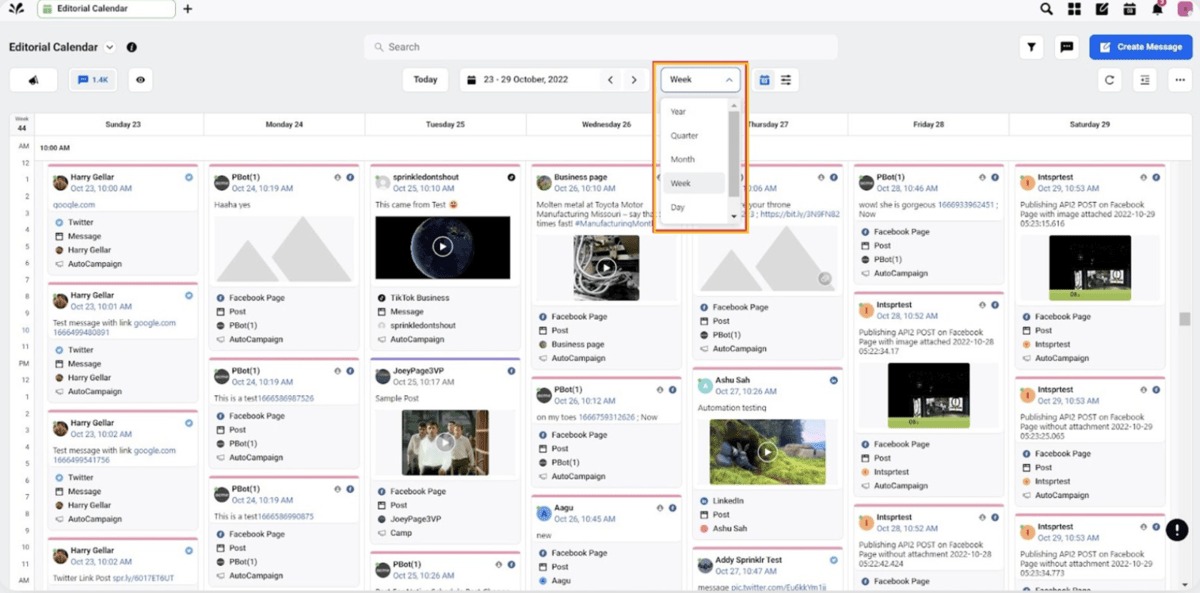
A post can sit correctly in a calendar and still never appear on the intended account. Your software has to show enough for someone to notice and fix that.
Hootsuite’s publishing failure guidance lists causes such as disconnected accounts, missing permissions, social network restrictions and content that fails a platform’s specifications.
Each cause has its own remedy. A connection problem means restoring the authorized account connection. A rejected media format means adjusting the content to the permitted specifications. A post that needs native completion needs a person to finish it.
Look for these statuses:
- Draft or awaiting approval: The team hasn’t finished authorizing the content.
- Scheduled: The system has a future publishing task for the item.
- Publishing attempted: The tool has started the permitted route and may return an error.
- Published: You can find the intended public post on the destination account.
- Failed or requires action: An error or a manual step has interrupted the process.
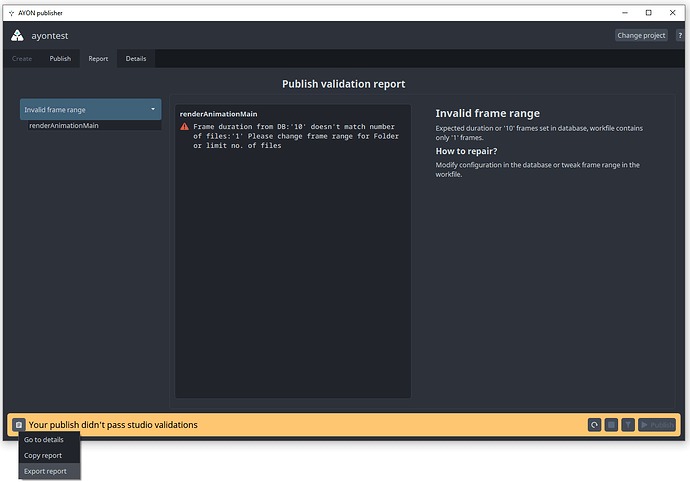
Say an organization plans a time-sensitive Facebook announcement and schedules an Instagram version too. The check is whether both public posts exist. If one account has lost authorization, a calendar tile doesn’t give you the missing post.
You need a recovery owner as well as a status display. A failure alert that nobody is responsible for answering is nearly as bad as no alert at all.
Set up a delivery check that compares scheduled records with the actual public links on each intended account. Look at the product’s alert and activity-log options, find out how authorized users reconnect accounts, and name the person responsible for the manual fallback. For critical posts, set a response-time target that fits your business.
When native or free scheduling is enough
A small operation can manage social posts without buying a management platform. Native scheduling, a shared content calendar and a simple review process can cover the work.
This works best with only a few accounts, when everyone responsible can use the existing tools and the native effects you need are easier to finish in the social apps.
Weigh subscription savings against admin effort. One Reddit contributor vented about Meta Business Suite, describing problems tagging organizations and switching between Facebook and Instagram:
I’ve been managing social media accounts for a decade and I’m not exaggerating when I say Meta Business Suite is the worst platform I’ve ever used (SM management or otherwise). Truly. It is an absolute disaster of a tool, and every time I open it, I wonder if anyone at Meta has actually used this thing in a real-world workflow. Just spent 30 minutes trying to tag four orgs in a basic Facebook + Instagram post. Checked all the handles in a separate tab, copied and pasted the exact names, added and removed the @ multiple times, moved my cursor around, triple-checked the spelling. The selector UI dropdown glitched all over the screen like it was running on a potato. Clicked one profile? It selects another. Sometimes the one I need doesn’t even show up, even though the username is right. Sometimes the whole caption deletes itself for fun when you toggle between FB and IG.
That’s one person’s experience of one interface, but it’s a concrete reason to measure how much effort a free workflow takes.
Buffer offers another free path. Its documented Free plan included three connected channels and up to ten queued posts per channel. A publisher with a small queue can work within those limits. A team that needs more capacity or collaboration needs a different plan.
Take a solo creator who uses Instagram-native features and has no external approvers. A third-party tool that requires manual completion of those posts adds little unless its calendar or other functions solve a separate problem.
Compare your native or free setup with one paid alternative on the tasks that take time. Find the exact step the free workflow can’t complete or makes needlessly hard. To put a dollar value on that effort, assume an explicit hourly rate. The result is the business case for the extra subscription.
Do you need analytics, an inbox, or just a calendar?
A publishing calendar organizes planned content. Analytics supports performance reporting. A social inbox handles incoming comments and messages and assigns them to team members.
Check exactly what your plan includes before you pay for any of these. For reporting, test an export with the fields, time range and format your stakeholders need. For an inbox, assign and resolve a real interaction on the network you use.
A business that only publishes and confirms posts can leave these functions out of its requirements.
Run the same trial with each finalist, then decide
The shortlist should contain only platforms that support the networks, formats and permissions your team actually uses. Apply the trial to those publishing tasks first. Email campaigns require a different kind of evaluation, described in an equal-task trial for email marketing platforms.
Build the content set around your business: an Instagram Reel with selected audio, a Story with an interactive feature, a LinkedIn link post with its own caption, or a separate X post. An agency can add a client-requested revision. Don’t score formats your team never uses.
Run the relevant tasks on authorized accounts with the subscription tiers you’re considering. Keep a record of the post format, account type, scheduled time, final public link, error information and any manual step needed to finish the job.
| Trial dimension | Pass | Manual completion | Fail | Not tested |
|---|---|---|---|---|
| Required publication formats | Posts appear with expected content | Native-app completion required and acceptable | Required method or result unavailable | No eligible attempt made |
| Approvals and account access | Required roles and approvals work | External handoff needed | Essential role or separation fails | No role trial completed |
| Delivery visibility and recovery | Outcome and responsible action are clear | Human confirmation needed | Critical delivery outcome can’t be established | No recovery case observed |
| Reporting or inbox, where required | Needed export or interaction works | External process required and acceptable | Required data or workflow unavailable | Feature not exercised |
A failure on a must-have ends that candidate’s evaluation unless you can accept a different workflow. Among the products that pass, total cost and ease of use decide between them.
A weighted score is optional. One example scheme gives 25% to format and publishing compatibility, 20% to collaboration, 15% to cost, 15% to reporting and inbox needs, 15% to incident visibility and permissions, and 10% to setup burden. Adjust the weights to your priorities.
An untested capability stays untested until you have evidence, and no numerical score should hide a missing essential result.
Record a final decision for each candidate: buy, extend the pilot, keep the native workflow, or reject. Extend the pilot when the feature is available but its performance in your account setup is still uncertain.
Where publishing and permissions work on the required networks, prefer the platform staff can operate without needless administrative steps. A failed essential post format ends the comparison for that configuration.
Speak Your Mind