A field-service subscription priced for one technician may cost something quite different once dispatchers, add-ons and payment fees are included. Price the configuration that can serve the busiest normal month, then examine renewals. Higher-cost software needs to earn that difference by making the work easier, not by offering more screens.
What field service software costs in 2026
There is no single reliable US price per technician for field service management software. In a September 29, 2026 analysis, Capterra compared eight products across three pricing models and found advertised entry prices from $29 to $245 per month. Some plans charge per licensed person, some per technician, and others by package or monthly job volume. That range covers only those eight products. Work out what each vendor bills for first, then find the cheapest plan that covers your work.
The pricing models used by eight field service platforms
Vendors sell access in different ways. A subscription with one included user, a fixed package with unlimited users, and a contract priced per managed technician give the same crew three different bills. If you’re not sure what this software covers, see what field service management software manages.
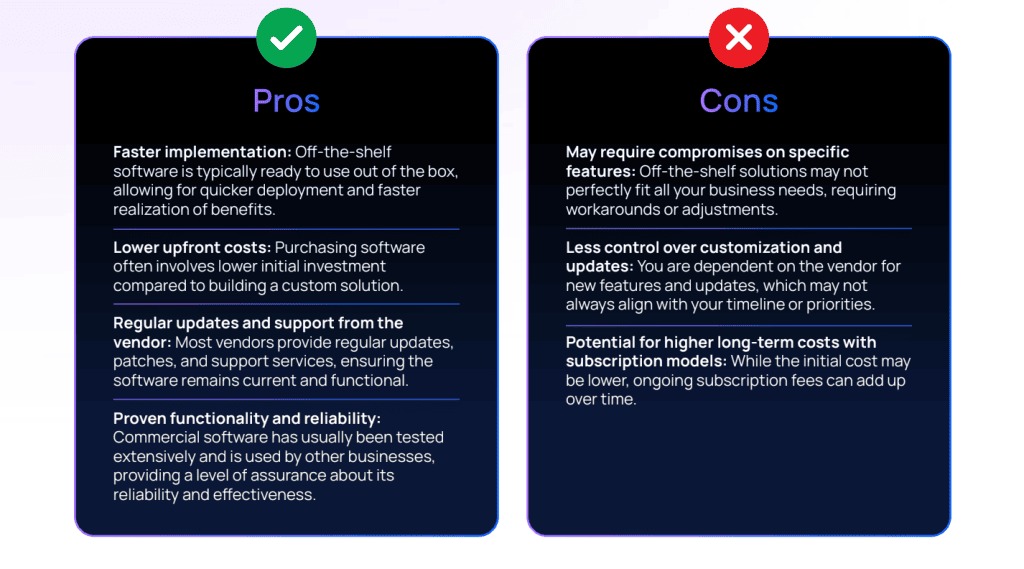
The table shows published US examples, the unit each vendor bills by, and the terms attached to each figure. All prices are in US dollars. Not sure which type of business you run? Start with which kind of field service business are you running.
| Provider | Published example or pricing model | Included allowance | Condition affecting the cost |
|---|---|---|---|
| Jobber | Core: $49/month on monthly billing. An annual-billing promotion showed $24/month equivalent for the first 12 months, then $29/month equivalent. | One user in the Core configuration | Other team sizes use different plan configurations. Promotional and later-term rates differ. |
| Housecall Pro | General/Other configuration: Basic $79/$59, Essentials $189/$149, MAX $329/$299. Pairs show monthly billing / annual-billed monthly equivalent. | Basic: 1 user; Essentials: 5; MAX: 8 | General MAX extra user: $35/month. The separate HVAC team configuration lists MAX at $649/month for eight users and $75 per extra user. |
| ServiceTitan | Starter, Essentials, The Works; custom per-technician pricing | Contract-specific | Written quote required. No official general dollar rate. |
| FieldPulse | Custom seat and access-role pricing | Contract-specific | The price depends on roles, access and the agreement. |
| Service Fusion | One displayed schedule: Starter $245, Plus $382, Pro $627 monthly; annual-billed equivalents $208, $325, $533 per month. | Plans marketed with unlimited users | The same pricing page also shows a $225 monthly / $192 annual-equivalent Starter offer. Confirm which schedule applies. Annual billing means one payment. |
| ServiceM8 | Free plan; Starter $29/month | Free: 1 user and 30 jobs/month; Starter: unlimited users and 50 jobs/month | Hitting the job limit can force a plan change even if your headcount stays the same. |
| Zoho FSM | Free edition; Standard $30/month, Professional $45/month, Premium $55/month in base monthly pricing | Free: 30 appointments/month; paid base editions: 60 appointments/month | Appointment limits, extra usage and edition features decide which edition fits. |
| Workiz | Standard, Pro, Ultimate; quote-based pricing | Offer-specific | You need a vendor proposal for the full dollar amount. |
Jobber’s $49 Core price is for one user. Its pricing page splits larger teams into bands of 2 to 5, 6 to 10, 11 to 15, and 16 or more users, and each band needs its own plan quote.
Housecall Pro includes five users in Essentials and eight in MAX. Trade-specific pricing can change what extra users cost, so compare the configuration for your trade, not just the displayed price.
Service Fusion markets unlimited-user plans. ServiceM8 caps jobs and Zoho FSM caps appointments. Included users, required features and monthly workload each decide which plan fits.
ServiceTitan, FieldPulse and Workiz show “Quote required” in the cost column. Add them to your comparison once you have their actual contract amounts and terms.
How crew size changes the plan you need

Technician count alone doesn’t pick your plan. Owners, dispatchers and office employees may need their own accounts, and some plans also cap jobs or appointments.
Start by counting the people who need access. An owner who is also the only technician and uses one account counts as one person. A separate office owner or dispatcher adds another user. Check the vendor’s contract to see whether those roles are billable.
| Illustrative crew | Field technicians | Other people needing access | Potential distinct accounts | Next pricing question |
|---|---|---|---|---|
| Solo operator | 1 | Owner is the same person | 1 | Does a one-user plan cover your workflow? |
| Small service team | 5 | 2 office users | 7 | Which plan fits seven permitted roles? |
| Growing business | 10 | 2 office users | 12 | Which user band or contract minimum applies? |
| Larger operation | 15 | 3 office users | 18 | How are extra accounts and seasonal changes billed? |
These crews are hypothetical. A plan with five included users can’t give seven people their own accounts.
Staff count is only half the picture. A contractor can keep the same technicians while weekly service calls climb sharply. Write down your monthly jobs today, your busiest expected month, and your appointment volume if the vendor bills by appointment.
ServiceM8 Starter allows 50 jobs a month. A team completing 45 fits; a team completing 65 doesn’t. The Growing plan covers 150 jobs at $79/month. ServiceM8 describes a seven-day continuation period after an overrun before it prompts an upgrade if the limit hasn’t reset.
Zoho FSM’s free edition allows 30 appointments a month, and its paid base editions allow 60. A job and an appointment are separate billing units unless the vendor defines how they relate in your workflow.
Enter field users, office users, part-time access needs, monthly jobs and monthly appointments in separate worksheet fields. Your next upgrade trigger could be a person, a required feature or a volume limit.
The fees a low advertised price can leave out

The subscription is only part of the cost. A plan can require paid extras for an essential workflow, and transaction fees change with how your customers pay.
Accounting integration is a common example. If your books run on QuickBooks, you need a plan or connector that syncs invoices and payment records. A marketing add-on you won’t use doesn’t belong in your budget.
Extra costs fall into these groups:
- Extra users: charges for accounts beyond the included number or for particular staff roles.
- Usage overages: limits on jobs, appointments or other metered activity.
- Required modules: paid features needed for estimates, dispatching, reporting or accounting.
- Integrations: software connectors and third-party services your process depends on.
- Payment processing: charges based on payment method, value and number of transactions.
Assign each required feature to the lowest plan that includes it. A cheap entry plan loses its price advantage if you have to buy a higher edition to do your daily work.
How payment processing changes the number
Jobber’s rates include online-card processing at 2.9% plus $0.30 per transaction, Tap to Pay at 2.7% plus $0.30, and ACH at 1%.
Housecall Pro lists card-processing rates starting at 2.59%.
Say a contractor takes $10,000 in online-card payments across 100 transactions in a month at Jobber’s online-card rate.
Illustrative gross processing cost
$10,000 × 2.9% = $290
100 transactions × $0.30 = $30
Total = $320 for the month
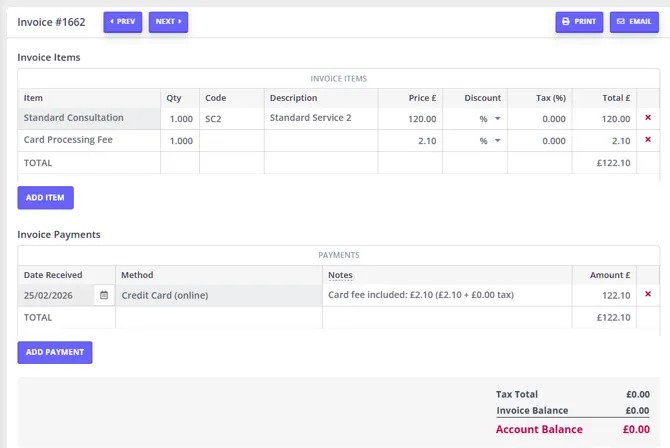
That comes to $320 in gross fees. If you already accept cards through another provider, the real question is the extra cost of switching, which depends on what you pay now for the same mix of transactions.
Itemize the essential extras and payment-method fees, and use your current merchant statement to work out the processing difference. Keep these figures apart from the subscription, and don’t count a fee twice.
How to get a usable quote from a custom-pricing vendor
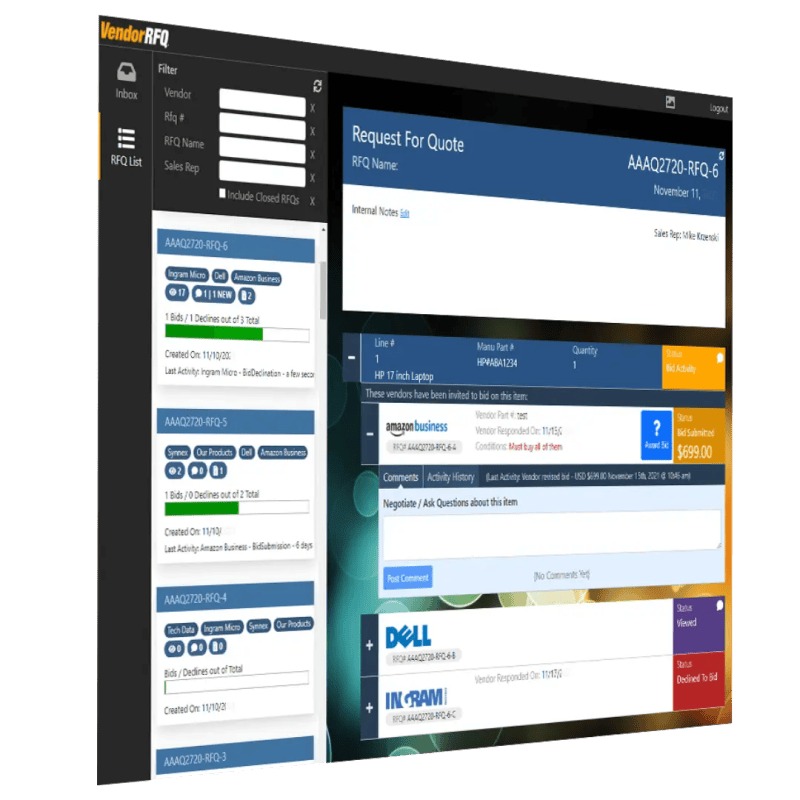
A custom quote is usable when it states the total cost for your actual staff, workflows, billing term and growth plans. A monthly amount alone leaves too many obligations open.
ServiceTitan offers Starter, Essentials and The Works with per-technician pricing. FieldPulse offers custom seat and access-role arrangements. Workiz has Standard, Pro and Ultimate configurations. The final cost depends on the offer each one makes to you.
The twelve items a field-service quote should specify
| # | Quote field | Information needed |
|---|---|---|
| 1 | Product and price | Edition, regular rate, discounts and how long the written quote is valid |
| 2 | Billing unit | Technician, managed technician, licensed person, role, fixed package or usage allowance |
| 3 | Included access | Field, owner, dispatcher, office and part-time accounts allowed |
| 4 | Minimum commitment | Minimum licenses, users, technicians or contracted spending |
| 5 | Staffing changes | Cost and timing for adding or removing licenses |
| 6 | Usage limits | Included jobs or appointments, overages and how seasonal volume is treated |
| 7 | Required features | Estimating, dispatch, mobile access, reports and any paid modules you need |
| 8 | Implementation | Setup, onboarding, training and migration deliverables with prices |
| 9 | Integrations | Accounting, API, telephone, payment and outside-provider charges |
| 10 | Transaction fees | Card, ACH, financing and payout terms |
| 11 | Contract and payment | Billing schedule, prepayment, minimum term, cancellation and notice periods |
| 12 | Renewal and exit | Renewal amount, price-change terms, support and access to your historical data |
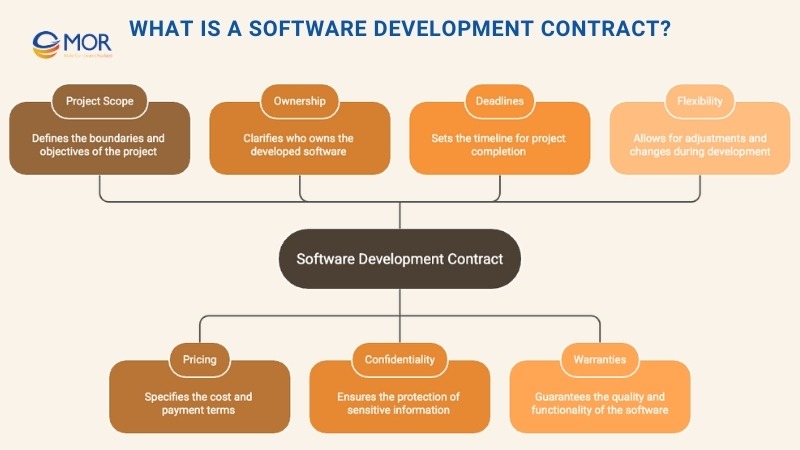
Two quotes with the same monthly price can carry different obligations. One may include a required dispatcher account, accounting connector or minimum number of managed technicians, while the other prices them separately.
Pay attention to seasonal staffing. Adding workers for a busy month and removing them afterward can follow different rules. Put the notice periods and committed license counts in the written agreement.
Ask each custom-pricing vendor to complete all twelve fields. If a required price is missing, mark it unknown in your comparison. Don’t assume a monthly rate or enter zero.
First-year cash, onboarding time and renewal cost
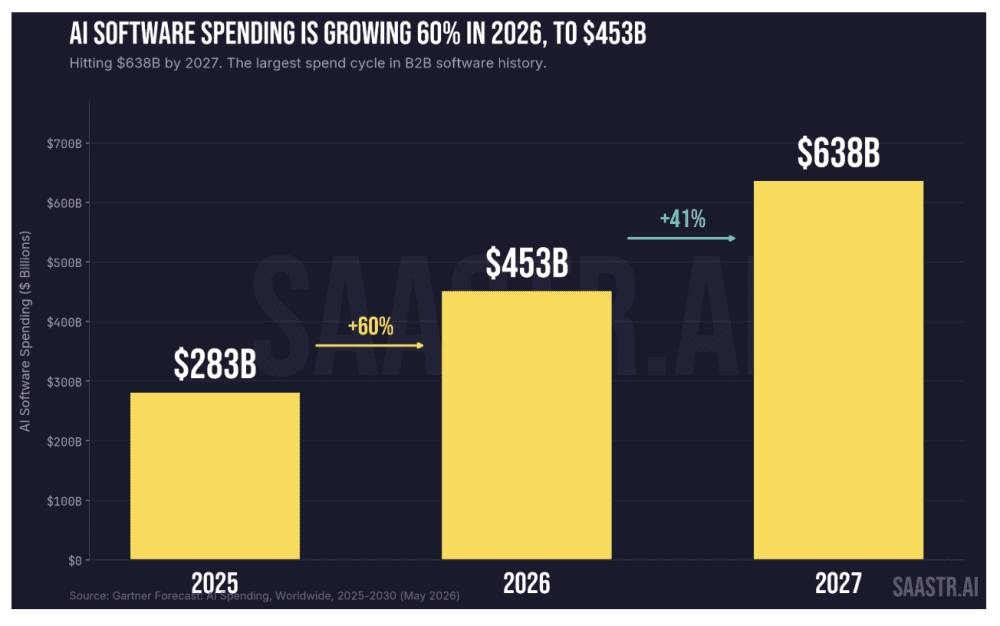
Compare ownership cost in three parts: money paid to vendors, your own effort to implement the system, and what you pay after the first agreement ends. Each answers a different budget question.
Monthly billing and annual equivalents
For a one-user Jobber Core plan, twelve payments at $49 a month total $588. The annual-billing offer also showed a promotional $24-per-month equivalent for the first twelve months, then a $29-per-month equivalent. That works out to $288 and $348 across twelve months, before extras.
Annual-billed equivalents spread the rate over twelve months. The contract decides when you pay and which promotional terms you get.
Housecall Pro’s general five-user Essentials plan gives another example. Twelve payments at $189 a month total $2,268, while twelve months at the $149 annual equivalent come to $1,788. Both figures cover five users, so seven accounts need a larger configuration.
A worked comparison for five technicians and two office users
Take a contractor with five technicians and two office employees, each needing a separate account. That’s seven accounts, and the business wants estimates, dispatching, technician updates, invoices and an accounting connection.
In Housecall Pro’s general/Other configuration, Essentials includes five users and MAX includes eight, so MAX can cover seven accounts if your roles and features fit. Twelve payments of $329 total $3,948, and the $299 annual-billed monthly equivalent comes to $3,588. The separate HVAC team configuration lists MAX at $649 per month for eight users, so HVAC buyers need that offer for a fair comparison.
On one published Service Fusion Starter schedule, unlimited users cost $245 a month, or the $208 monthly equivalent when billed annually in one payment. Twelve monthly charges total $2,940, and the annual-billed equivalent totals $2,496. The vendor also shows a different Starter price panel, so confirm the applicable offer and required features.
ServiceM8 Starter gives unlimited users and up to 50 jobs a month for $29, or $348 over twelve monthly payments. A business completing 65 jobs every month needs more room. The Growing plan allows 150 jobs at $79/month, or $948 over twelve payments. Plan features and device suitability still decide fit. Jobber requires a seven-account configuration, and ServiceTitan, FieldPulse and Workiz require written proposals.

For this seven-person crew, Housecall Pro MAX and one Service Fusion price panel give usable subscription figures. ServiceM8’s cost depends on job volume and features. Jobber and the quote-only vendors still lack a full offer, and your complete budget needs their remaining charges and terms. Choosing between the two big names? Read the Jobber–Housecall Pro comparison.
The first-year ownership worksheet
| Budget line | Input | Output or treatment |
|---|---|---|
| 1. Qualifying plan | Vendor, edition, source and required features | Identifies the offer being calculated |
| 2. Subscription cash | Payments actually due during months 1 to 12 | Year-one provider cash |
| 3. Additional accounts and usage | Contracted rates × billable units | Additional subscription cash |
| 4. Required modules | Essential paid features and the periods they apply | Recurring or one-time cash |
| 5. Integration charges | Necessary provider or connector fees | Cash under their payment terms |
| 6. Setup and onboarding | Actual vendor implementation proposal | One-time cash when charged |
| 7. Internal implementation | Migration and training hours × your hourly labor cost | Internal economic cost |
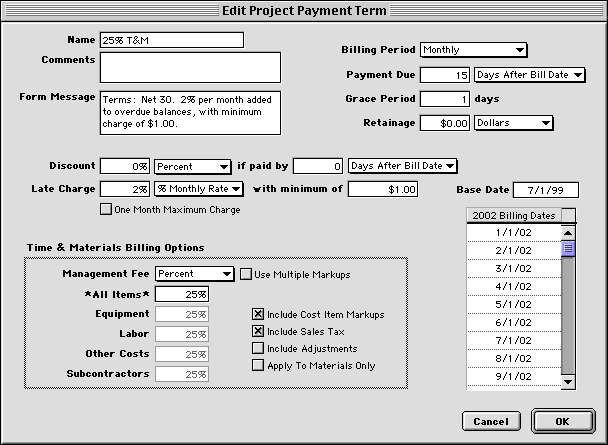
| 8. Processing fees | Gross fees payable under the new payment arrangement; separately, new fees minus comparable old fees | Gross fees go into first-year cash. The difference is a comparison figure, not an extra cash line. |
| 9. Applicable tax | Actual checkout or contract terms | Cash when owed |
| 10. First-year cash | Subscription, extra seats, modules, integration, onboarding, gross processing and taxes actually paid | Gross cash outlay in year one; excludes internal labor and the processing difference |
| 11. First-year economic cost | First-year cash + valued internal migration and training labor | Cost of the new arrangement; compare it with your equivalent existing costs to measure the change |
| 12. Renewal run rate | Next-term plan, licenses, required modules and terms | Future recurring spending |
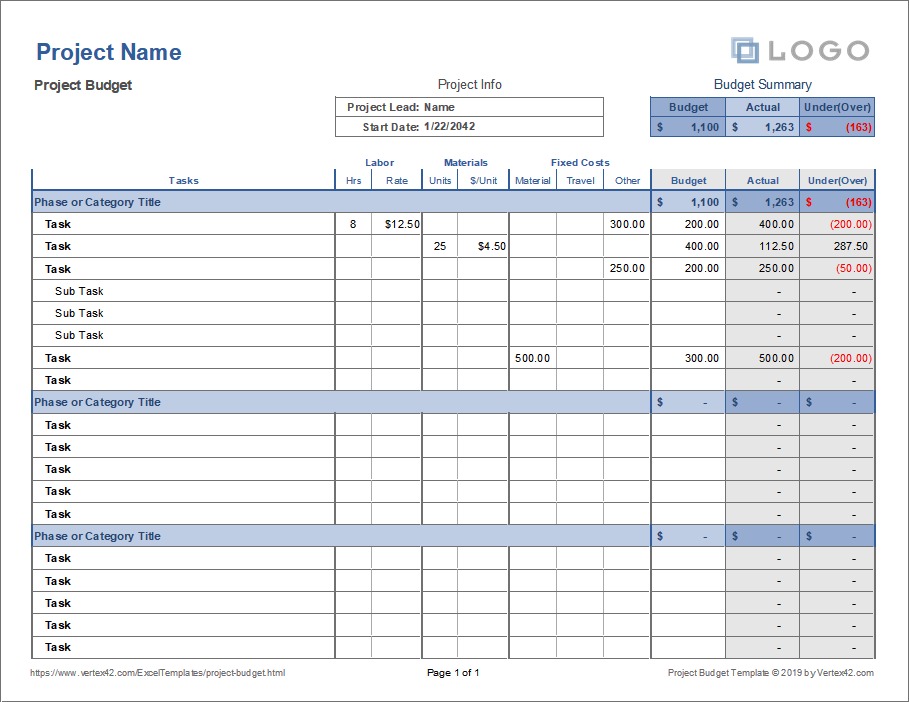
First-year cash adds up the gross amounts you pay under the new arrangement. A prepaid annual subscription counts when it’s due, and gross processing fees count as paid. Staff hours spent importing customer data or learning the system go in the economic-cost figure.
Internal migration and training cost equals staff hours times your hourly labor cost. In the $320 processing example, if your current processor would charge $300 on the same payments, the new setup takes $320 in gross cash and costs $20 more than the old one. Use the $20 only to compare against your baseline. Adding it to the cash total would count it twice.
What setup and migration may add
Software Advice reported a $1,100 median quoted one-time setup fee in a field-service pricing analysis based on 5,612 adviser calls, with setup quotes commonly running $1,000 to $5,000. You pay a setup charge only if the vendor’s proposal includes one.
Moving customer records, configuring estimates, training dispatchers and reconnecting bookkeeping software take employee time even without a separate consultant invoice.
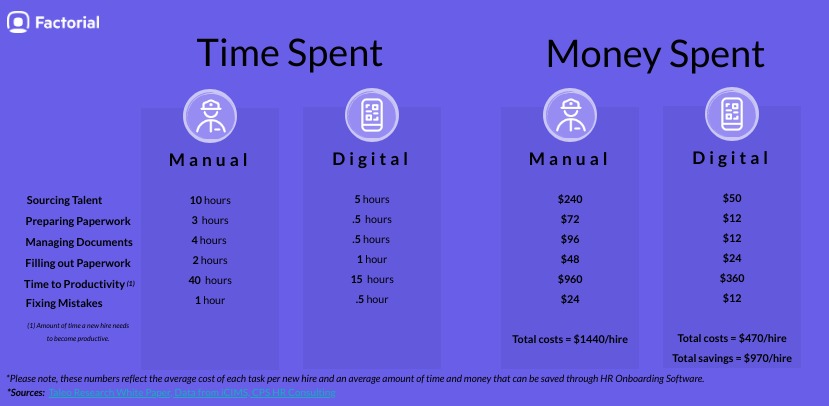
Complete the worksheet for each offer that fits, and keep any unresolved required amount next to the known-cost subtotal. Record the renewal amount separately so a first-year promotion doesn’t become your assumed renewal budget.
When paying more earns its cost
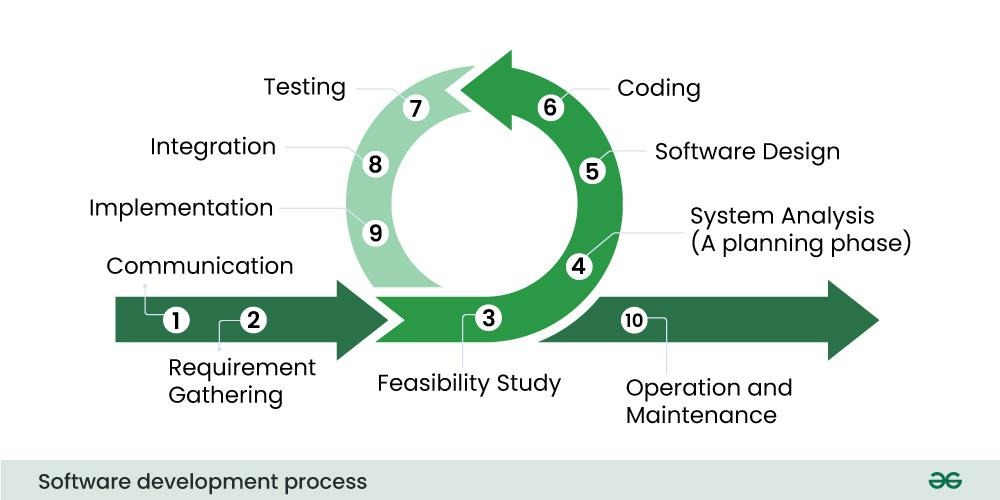
A solo contractor can manage scheduling and invoices with little overhead. A business running several crews has more handoffs between technicians, dispatchers and accounting staff.
Run one representative job through each serious candidate: create a customer record, prepare an estimate, schedule and assign the work, update the job from a technician’s device, issue an invoice, and confirm the accounting record. Use the roles and integrations you depend on. Record staff time, mistakes, manual workarounds and support problems during the trial.
The trial leads to one of four outcomes:
- Buy the lower-cost plan that fits: It handles the essential job process, meets your staffing and volume needs, and fits the full budget.
- Extend the pilot of the more capable system: Its extra functions look useful, but the benefit still needs proof.
- Keep your current workflow: The replacement adds cost and implementation work without a real improvement.
- Reject or defer the offer: A required feature, a written contract condition, or a way to retrieve your customer and job records is missing.
Before you commit, find out what data you can export, in which format, and what access you keep after cancelling. That covers customer records, invoices and service history.
Keep the trial notes that show where technician, office and billing time changed. Compare those observations with the full cost difference before approving the higher-priced configuration.
Speak Your Mind