Two applications displaying an ‘integrated’ badge have not necessarily demonstrated a usable connection. Send representative records through the actions your employees depend on, using the configuration you intend to purchase. Timing, permissions, recovery, ownership and cost matter alongside the final data; a failed essential handoff needs a fix and a successful retest.
What “Integrates With” Must Mean for Your Workflow
Connecting two accounts proves that credentials work; it does not prove that a customer update, appointment or invoice arrives where the business needs it. Describe the specific record and action before assessing an integration badge or marketplace listing.
Imagine a service company replacing its appointment-booking system. The new vendor advertises a CRM integration. During the demonstration, an administrator authorizes the connection successfully. The sales team, though, needs a specific sequence to work: a new booking identifies the right customer, creates or matches the CRM contact, assigns the appointment to the correct employee, and carries later schedule changes into the right record.
You can write the required workflow in one line:
Booking created → customer identified → contact matched or created → appointment assigned → intended CRM result confirmed.
Each record or field also needs a source of truth: the application whose value wins if two systems disagree. The booking app might control appointment time while the CRM controls the customer owner. Data may flow in only one direction if that is all the workflow needs.
For example, Intuit’s CRM sales-insights documentation describes a connection that brings information from Monday.com, HubSpot, or Salesforce into supported Intuit products. The transfer is one-way, from the CRM into Intuit. An edit made in Intuit does not update the original CRM.
That works if you only need the sales information in Intuit. If you need changes to flow back into the CRM, you need different functionality.
OAuth is great but, seriously, you still have to write a ton of code to get an integration to work reliably.
Start with one essential workflow. Name its trigger, the final business result, the authoritative source for each important field, and the maximum delay your team can accept.
Confirm the Exact Connection, Plan, and Data Flow
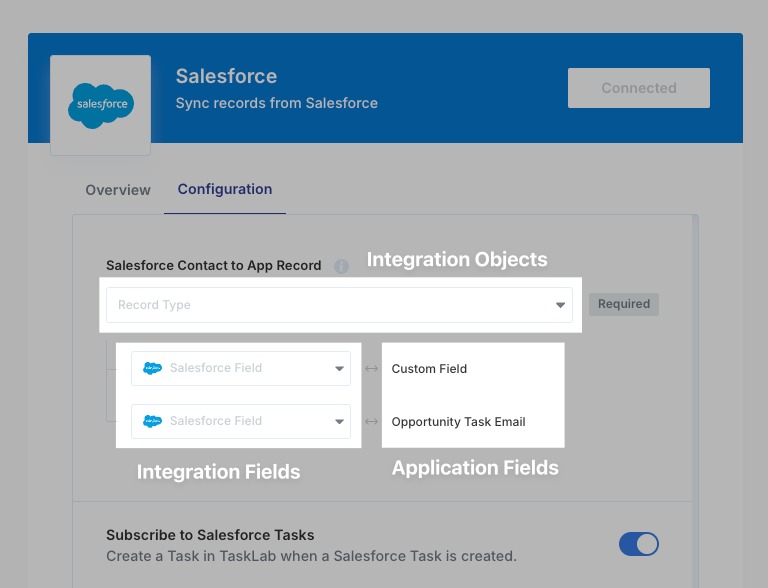
Check the exact apps, subscription editions, connector, and permissions you will use after purchase. A demonstration on a premium administrator account can rely on capabilities your plan lacks.
Take the Zapier connection for QuickBooks Online. Its documented prerequisites are a paid QuickBooks Online subscription, administrative permission, and a paid Zapier plan, because Zapier classifies QuickBooks Online as a premium app.
The connector specification should name the developer or provider responsible for maintaining it. It should also list which objects can be read, created, updated, deleted, or archived. A connector that can create a contact may have no action for changing its owner or archiving an old record.
Translate the workflow into a field map:
| Object and field | Authority and direction | Required operations | Identity and conflict rule |
|---|---|---|---|
| Customer contact and owner | CRM → destination | Create, find, update | Match external customer ID; retain the CRM’s owner |
| Appointment and scheduled time | Booking app → CRM | Create, update; archive if required | Match appointment ID; booking app controls the time |
| Invoice or payment status | Billing app → authorized destination | Create, update and handle required adjustments | Match transaction ID; apply the agreed correction rule |
Test whether your actual connector supports each row. Treat any missing essential operation as a deal-breaker before you invest in a longer trial.
Zapier’s QuickBooks Online setup documentation says API responses include only the first three string-based custom fields, and number-type custom fields do not appear at all. If you depend on a numerical custom field, a successful transfer of standard fields does not mean it comes through this connector.
Put any required attachment or custom field in the written contract. Record what an empty incoming value means, whether it can clear an existing destination value, and which application wins if the same field changes in both systems.
The vendor specification should also confirm the plan features for your region and role. An unsupported operation needs a demonstrated workaround with an accountable maintainer before you can count it as usable. For identity-related integrations, establish license entitlements and rollout ownership before calling the test complete.
Run a Pre-Purchase Acceptance Test With Sample Records
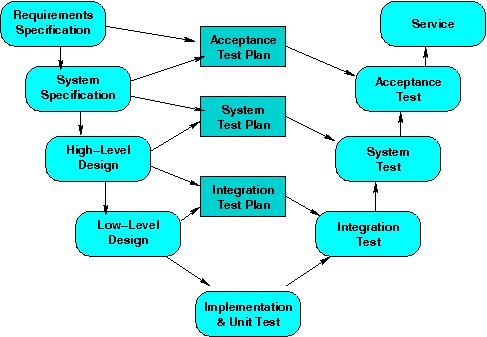
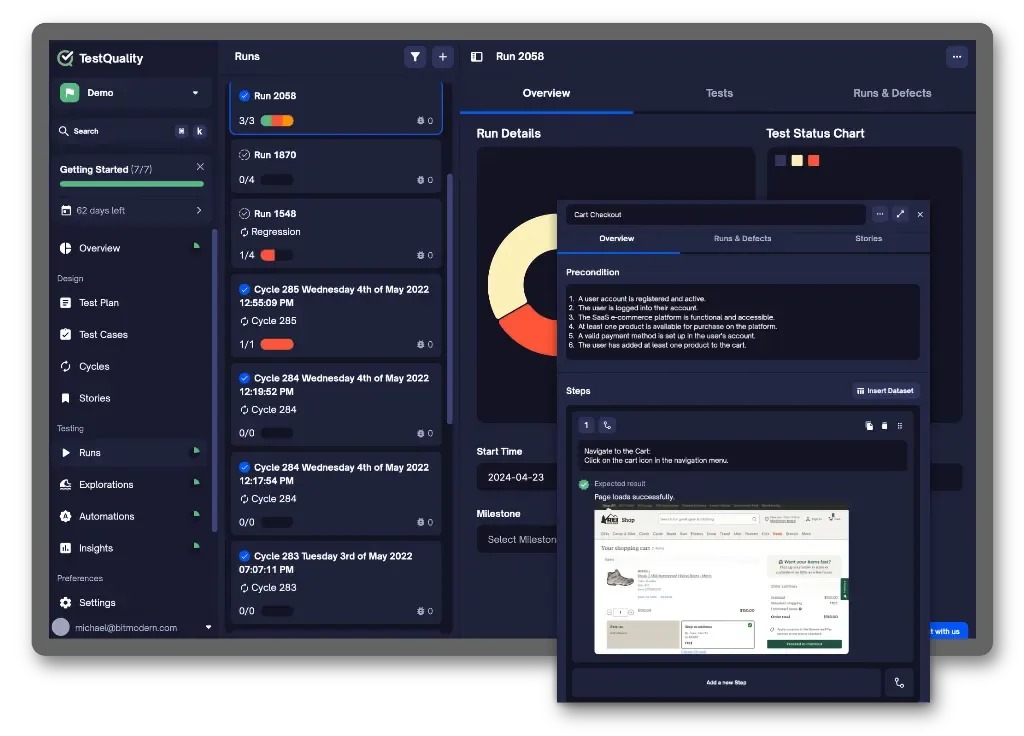
Test your chosen workflow with synthetic records in a vendor-approved sandbox or test environment. Write the expected result before you trigger the connection, then inspect the record and business outcome that reach the destination.
Label the acceptance record with the source and destination applications and their editions, the connector or provider, the tester, the test date, and the maximum acceptable delivery delay. That shows exactly which configuration the results apply to.
The worksheet below is a trial template. The observation cells stay blank until you run the tests.
| Test and action | Expected outcome | Observed result and time | Proof | Status | Fix owner |
|---|---|---|---|---|---|
| T01: Create a synthetic contact | One destination contact with matching ID, owner, and required fields | To be recorded | Source/destination IDs, field values, run log | Not tested | Assign if failed |
| T02: Update an existing contact; repeat its event | The same record changes according to the conflict rule; no unwanted second contact | To be recorded | Record history, matching key, event/run IDs | Not tested | Assign if failed |
| T03: Process a synthetic payment, processing fee, and refund | Destination entries and net payout reconcile after accounting for the fee and refund | To be recorded | Transaction IDs, amounts, accounting entries | Not tested | Assign if failed |
| T04: Cause a recoverable test failure; replay safely | Error is visible and replay produces one intended final result | To be recorded | Error log, alert, replay ID, destination count | Not tested | Assign if failed |
A failed row needs a documented remedy and a retest deadline.
For T02, the identity check matters as much as the changed field. Start with an existing contact, change an agreed owner or other required value, and send the update. A second delivery of the same event should produce the same final state without creating another contact.
Use the same sequence for each test case:
- Give the case one test identifier. Record the trigger, the starting values in both systems (so an existing record cannot be mistaken for one the connector created), the required destination fields, and the acceptable delivery time.
- Perform the sample action under the intended account permissions.
- Inspect the destination record and its required fields after the connector runs.
- Capture the relevant IDs, timestamps, field history, and logs.
- Record a pass, fail, conditional finding, or not-tested status against the pass criteria.
Choose exception cases to fit the workflow. A read-only reporting connection might need no delete test. A booking integration that changes employee assignments needs an update and conflict test. A financial workflow needs the adjustment and reconciliation test case.
Keep deliberate failures and replays away from live customer and accounting records.
Check Record Matching, Duplicates, and Conflicting Updates
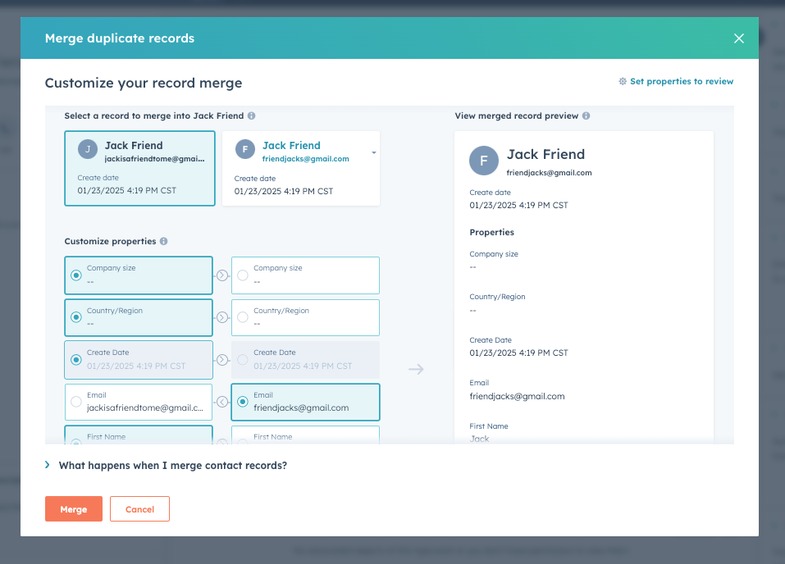
A connector can report success while changing the wrong customer or leaving a correct customer assigned to the wrong employee. Record identity and field ownership decide whether the transfer was correct.
A stable external customer ID makes matching explicit when both applications preserve it. Email can help find a contact, but it can represent several distinct business events. A repeat campaign form from the same address, for instance, might need a new lead activity while staying attached to one existing contact.
A HubSpot Community contributor described a problem involving Groove, Salesforce, and HubSpot:
The duplicate always has the wrong contact owner and contains no other information on the record except the email.
The contributor also described effects on reporting and workflows. Nobody confirmed the cause, so test your own setup: does the right record, owner, and workflow result survive the transfer?
Check the source and destination histories for each of these:
- Identity: The event finds the right customer using the agreed matching key.
- Create versus update: A repeated submission gives the contact and activity behavior you require.
- Ownership: The destination keeps the correct assigned employee.
- Empty fields: A missing incoming phone number or custom value follows the agreed overwrite rule.
- Conflicting edits: The authoritative application sets the final field value.
- Separate events: Repeat campaigns or appointments keep their own history when that history matters. One contact can carry several activities, so set separate pass criteria for the contact and the activity.
Verify the Business Result, Not Just the Sync Message
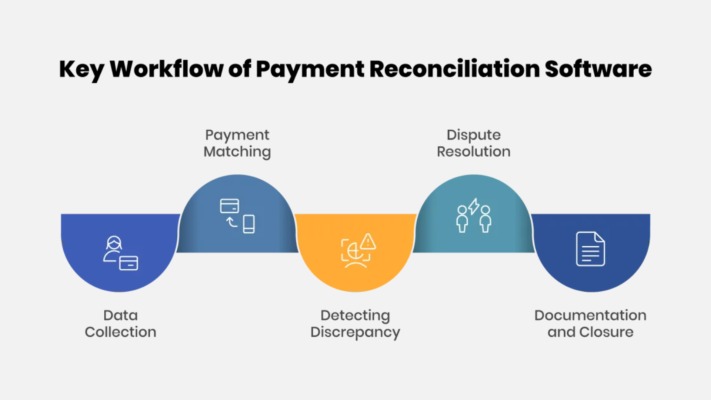
For a financial integration, follow a synthetic transaction through to the accounting result. The transferred invoice or payment record must reconcile with the amounts and adjustments you expect.
A sale can involve a gross customer charge, a processing fee, a refund, and a payout deposited later. The bank deposit can differ from gross sales because these amounts are different parts of the transaction.
One QuickBooks Online user described the difficulty of reconciling Shopify settlements:
the payout amount, bank deposit, and recorded sales never line up.
Suppose a sample transaction contains a $100 charge and a $3 processing fee, with no refund or other adjustment. Its expected net amount is $97.
The financial acceptance record should connect the source transaction ID to the destination entries, processing fees, adjustments, payout batch, and related bank record. Reconcile within the same transaction or settlement window, then find the cause of any unexplained variance.
For material accounting balances, have your bookkeeper or accountant confirm the recorded result.
The same end-to-end check applies to a CRM workflow: the customer, owner, stage, follow-up, and reporting state must all be correct, and the correct employee must receive the follow-up.
Check Sync Delays, Failure Alerts, and Recovery
Measure delivery time against the response time the workflow requires, and find out what happens when an event fails. A report that refreshes periodically can tolerate delays that would disrupt an urgent service dispatch.
A Zapier Community user reported problems with a QuickBooks Online trigger described as instant:
It will sometime be multiple hours before a Zap is triggered by a new estimate or invoice being created in QBO.
That report is from July 2025. If your invoice events must be processed promptly, time the gap between creation, receipt, and destination update on your own connection.
A webhook notifies a service when an event occurs. Polling checks for updates on a schedule. Either can run into provider limits, queues, or downstream processing errors.
Microsoft’s Graph throttling guidance documents HTTP 429 Too Many Requests responses and the Retry-After response header. Your client must respect that retry guidance. Limits and delays vary by Microsoft Graph workload.
For T04, use the controlled failure from the worksheet. You need to see:
- Error visibility: A failed-run ID, the affected record, and a readable reason for the failure.
- Alert recipient: The person notified, and the information needed to identify the event.
- Recovery control: How an authorized person can retry or replay the event.
- Final state: One correct record in the destination after replay, with no other required action lost.
Processing the same event safely more than once is called idempotency. If an invoice event arrives again after a delayed acknowledgement, the repeat delivery must not create a second invoice.
Where the test environment allows, observe the trigger at several business-relevant times and keep creation, receipt, and completion timestamps together. If production-volume behavior is critical and you cannot simulate it, get written evidence of the relevant limits and escalation arrangements.
Verify Integration Costs, Access, and Who Fixes It
Record the plan for each application, any premium connector or automation subscription, execution-based charges, required administrator roles, and initial configuration work. Then separate the ongoing maintenance responsibilities:
| Connection type | Who maintains the integration | Cost and continuity questions |
|---|---|---|
| Native connector | Application provider and business administrator | Edition entitlement, included features, changes to vendor support |
| Automation platform | Middleware provider, connected-app providers, workflow owner | Premium apps, usage limits, mappings, incident escalation |
| Custom API connection | Internal developer or contractor, with app-provider dependencies | Development work, monitoring, API changes, maintenance and recovery |
Access matters as much as cost. OAuth consent gives an application specific permissions, commonly called scopes. The requested scopes should match the work being authorized. Google advises developers to request only the access their applications need, so review the connector’s permissions before you consent.
Identify the account that owns the connection and the administrator authorized to replace or revoke its access. If a critical integration is tied to an employee’s personal account, plan for what happens when that employee leaves.
A developer describing the work behind one SaaS integration wrote:
it took me more than a week to integrate with just one of them.
In an August 6, 2026 incident report, Zapier documented a Salesforce integration update that caused authentication failures for some customers. The company’s reported response included a rollback, reactivation, and replay of affected runs.
The support agreement should say which provider or internal administrator investigates a failure first, who handles escalations, and how you get notice of connector changes. Add a limited data-export or disconnection provision if it affects your ability to leave the integration safely.
Get the final written configuration and support answer for the paid accounts you will use. Pricing, supported features, and account permissions change over time, so the quote and service terms must match the edition you will sign for. For a wider access and account review, see how to audit access, accounts, and integrations.
Make the Pass-or-Reject Decision Before You Sign
Keep the dated evidence for each integration test and make the decision on the critical handoffs, not a demo. A missing or failed essential result needs a correction and retest. The earlier screening stage is covered by the software qualification checklist.
Speak Your Mind