A scorecard helps compare qualified software; it cannot turn a failed essential requirement into a winner. Establish the mandatory tasks and what would count as evidence before assigning weights. Rank only products that clear those requirements, and treat an untested critical capability as unfinished work rather than a low score.
The two scorecard tables separate disqualifying requirements from preferences that can be weighted. Copy them into a spreadsheet, keep supporting observations beside each rating and use the formulas below to produce a provisional comparison—not an automatic purchase decision.
Software evaluation scorecard: what to enter before comparing tools
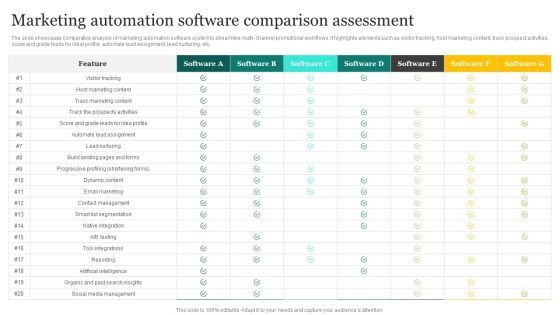
Start one evaluation record per business problem. Write down the decision owner, department, current system, daily users, workflow and evaluation date. For each candidate, add the vendor, product, exact edition, region, seat count, currency and written quote reference. The same product on two subscription tiers counts as two separate options to compare.
For a two-vendor spreadsheet, copy the first table into cell A1 of a blank Excel or Google Sheets worksheet. The letters in the headers name the columns. The next paragraph explains the row numbers used in the formulas. Replace the sample weights once you’ve agreed on your criteria.
| A: Criterion | B: Weight (%) | C: A rating | D: A evidence ID | E: B rating | F: B evidence ID |
|---|---|---|---|---|---|
| Core workflow fit | 35 | ||||
| Integration and portability | 20 | ||||
| Security and access controls | 15 | ||||
| Total cost | 15 | ||||
| Usability and implementation | 15 | ||||
| Total weight | =SUM(B2:B6) |
After pasting, the criteria sit in rows 2 through 6 and total weight is in B7. Enter ratings in C2:C6 and E2:E6. Give each supporting test or document a short ID such as T01 and enter it in column D or F. Store the full note under that ID, with the tester, edition, test result and date.
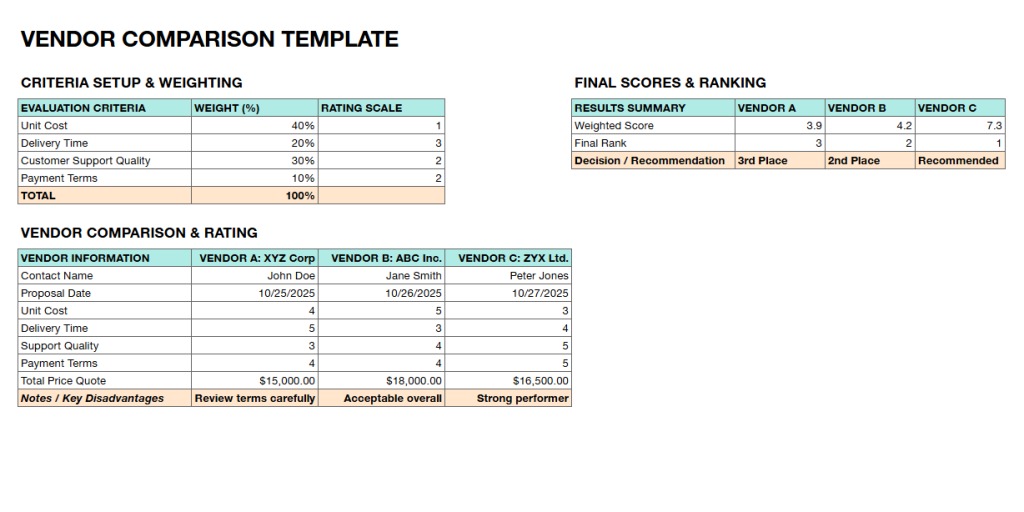
Set the nonnegotiable requirements before adding up scores

A mandatory gate is a condition you won’t compromise on. Write an acceptance test that can return PASS, FAIL or UNKNOWN. A failed gate rules the candidate out. An unknown gate keeps it pending until you get evidence. To see how requirements, the shortlist and customer records are evaluated, read how the evidence framework works.
Paste the second table into A10 of the same worksheet and leave rows 8 and 9 empty. The three gate rows land in 11 through 13, with candidate results in columns C and E. Replace the three sample tests with your own required conditions.
| A: Gate | B: Acceptance test | C: A result | D: A evidence ID | E: B result | F: B evidence ID |
|---|---|---|---|---|---|
| Core transaction | Complete agreed sample workflow | UNKNOWN | UNKNOWN | ||
| Required integration | Transfer a sample record on quoted edition | UNKNOWN | UNKNOWN | ||
| Data export | Retrieve required fields in usable format | UNKNOWN | UNKNOWN |
Assign one owner to each gate and keep the supporting result. Add a gate for anything you can’t operate without: role permissions, single sign-on, regional availability or an acceptable contract term. For high-stakes security or compliance decisions, have a specialist review the gate.
The formulas below assume exactly these three gates in rows 11 through 13. If your gate list changes, adjust the formula ranges and the required PASS count. Restrict the result cells to a dropdown of PASS, FAIL and UNKNOWN.
Test the same work in every product

Give every finalist the same task, test data and success conditions. A CRM trial can import a fictional customer, assign a lead, record a call and create a reminder. A field-service trial can prepare an estimate, dispatch a technician and create an invoice. Record the edition used, whether the task finished, any workarounds and how it felt to the daily user.
A specialist recalled the most basic visual failure in a product that was moving toward purchase approval:
The desktop window kept flashing.
Rate every criterion with an integer from 1 to 5. Use 1 for a serious observed shortfall, 2 for partial performance that needs a major workaround, 3 for completion with significant extra effort, 4 for a minor compromise and 5 for fully meeting the criterion as defined in the test. Enter N/E for a criterion you haven’t evaluated.
Define what each number means for each criterion. Workflow ratings reflect completion of the agreed task. Integration ratings reflect the required data direction, permissions and quoted edition. A security control you treat as mandatory stays a gate, so a separate security rating should cover only documented, optional capabilities. For cost, compare like-for-like total expense against your budget, and set what each rating means before you look at vendor quotes.
Add custom data validation that allows integer ratings from 1 to 5, the text N/E or a blank. For C2:C6, set the custom rule to =IF(ISNUMBER(C2),AND(C2>=1,C2<=5,C2=INT(C2)),OR(C2="",C2="N/E")). For E2:E6, use the same rule with E2.
Calculate weighted scores and keep the proof beside each number
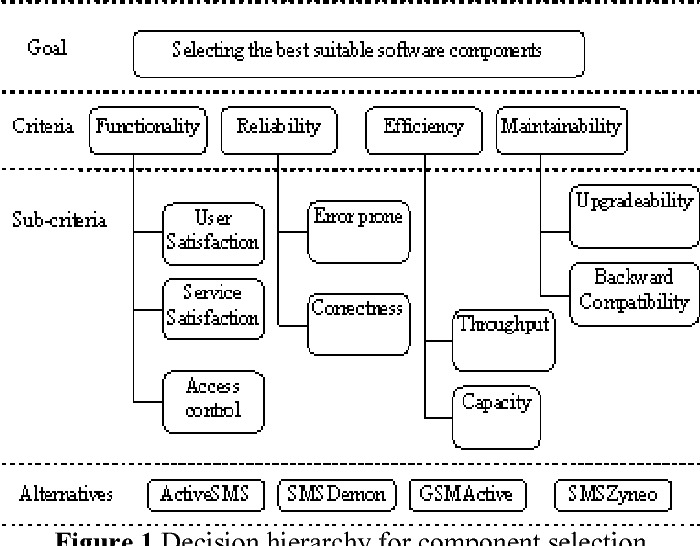
The weighted result combines each candidate’s ratings with the agreed percentages in B2:B6. The weights must total 100%.
Once the rows and gate statuses are in place, label A16 Score out of 5 and A17 Eligibility. Put this formula in C16 and copy it to E16. It returns a number only when all five ratings are integers from 1 to 5 and the weights are numeric, nonnegative and total 100.
=IF(OR(COUNT($B$2:$B$6)<>5,SUM($B$2:$B$6)<>100,MIN($B$2:$B$6)<0,MAX($B$2:$B$6)>100,COUNT(C2:C6)<>5,COUNTIF(C2:C6,1)+COUNTIF(C2:C6,2)+COUNTIF(C2:C6,3)+COUNTIF(C2:C6,4)+COUNTIF(C2:C6,5)<>5),"PENDING",SUMPRODUCT($B$2:$B$6,C2:C6)/100)Put this second formula in C17 and copy it to E17. It decides eligibility separately. A FAIL means INELIGIBLE. A missing PASS, an incomplete numeric result or a blank evidence-reference cell means PENDING.
=IF(COUNTIF(C11:C13,"FAIL")>0,"INELIGIBLE",IF(OR(COUNTIF(C11:C13,"PASS")<>3,NOT(ISNUMBER(C16)),COUNTBLANK(D2:D6)>0,COUNTBLANK(D11:D13)>0),"PENDING","QUALIFIED"))The scoring formula rejects fractional or missing ratings even if they get past input validation. The eligibility formula checks that every scored criterion and required gate has an evidence ID in column D, or column F for Candidate B. Copying either formula to column E shifts the candidate references and keeps the weights fixed. If you add vendors, extend both tables along with the matching formula and evidence columns.
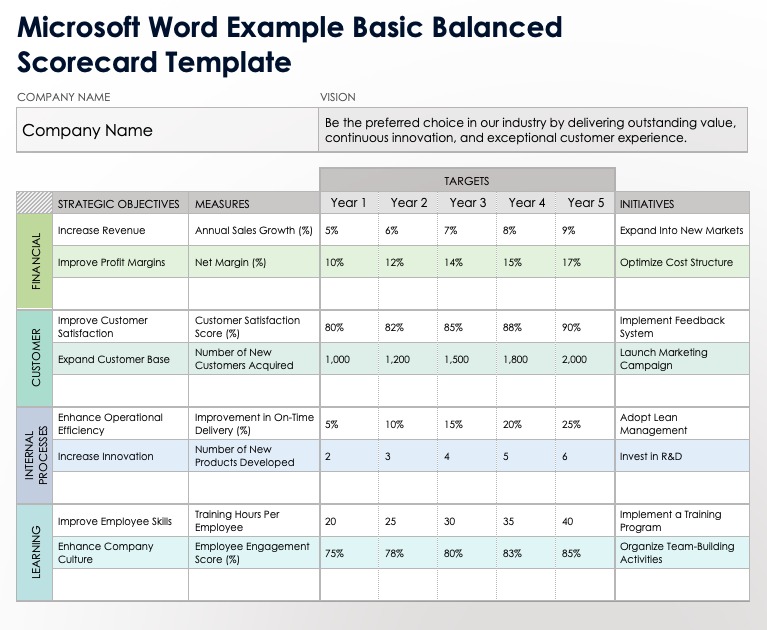
A fictional score that cannot win
This separate four-criterion example uses its own weights: workflow 40%, security 25%, integration 20% and cost 15%. The scores are invented to show the arithmetic. They aren’t measured product ratings.
| Criterion | Weight | Fictional A | Fictional B |
|---|---|---|---|
| Workflow | 40% | 4 | 5 |
| Security | 25% | 3 | 4 |
| Integration | 20% | 5 | 2 |
| Cost | 15% | 4 | 5 |
| Weighted score out of 5 | 100% | 3.95 | 4.15 |
| Same result out of 100 | 79 | 83 | |
| Required integration gate | PASS | FAIL | |
| Eligibility | Conditional on remaining gates | INELIGIBLE |
A scores (0.40 × 4) + (0.25 × 3) + (0.20 × 5) + (0.15 × 4) = 3.95. B scores (0.40 × 5) + (0.25 × 4) + (0.20 × 2) + (0.15 × 5) = 4.15. Multiplying by 20 converts them to 79 and 83 out of 100. B failed the required integration gate, so it’s ineligible.
One r/sysadmin user spent four months evaluating five platforms, with emails and demos stretching well past a single product meeting.
They summed up their recordkeeping in one sentence:
Ran all of it out of a spreadsheet and Gmail labels.
If someone else may have to defend the evaluation later, link each evidence ID to the full test note, the original score, the evaluator, the relevant plan and the reason for any later change. Keep the score and its source together so anyone can check them.
Reconcile scores when IT, finance, and daily users disagree
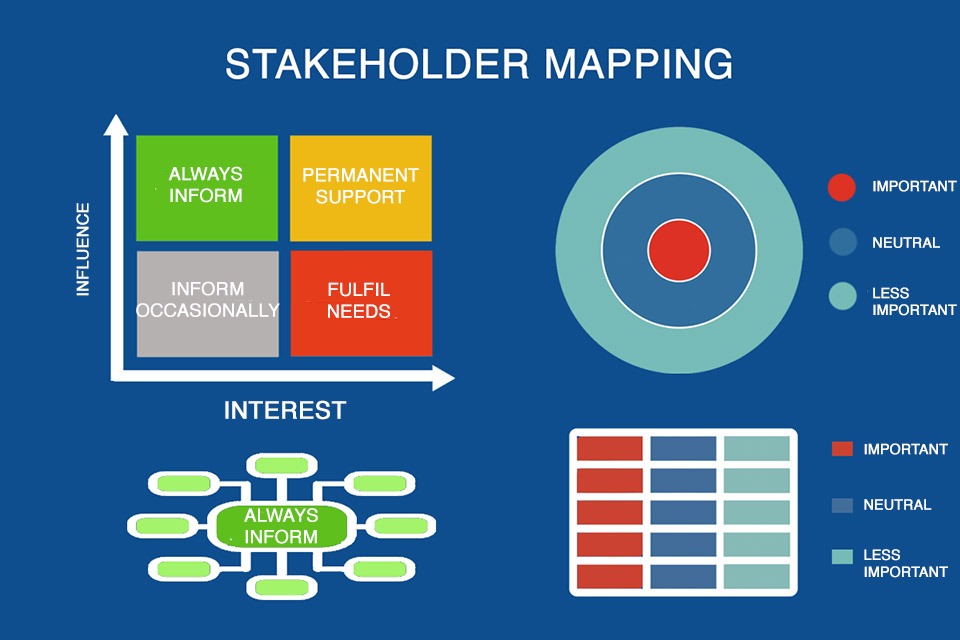
IT examines access and integrations, finance compares quotes on equal terms, and everyday users judge workflow effort. Keep their first ratings separate and give one person ownership of the final decision. If operations gives usability a 5 while IT gives integration a 2, compare the tested editions and evidence behind each judgment. Before you adjust a score, record either a shared retest or the reasoned disagreement, and keep the agreed weights. A small single-owner purchase needs less review than a replacement that affects several departments.
Check ownership costs and the ability to leave
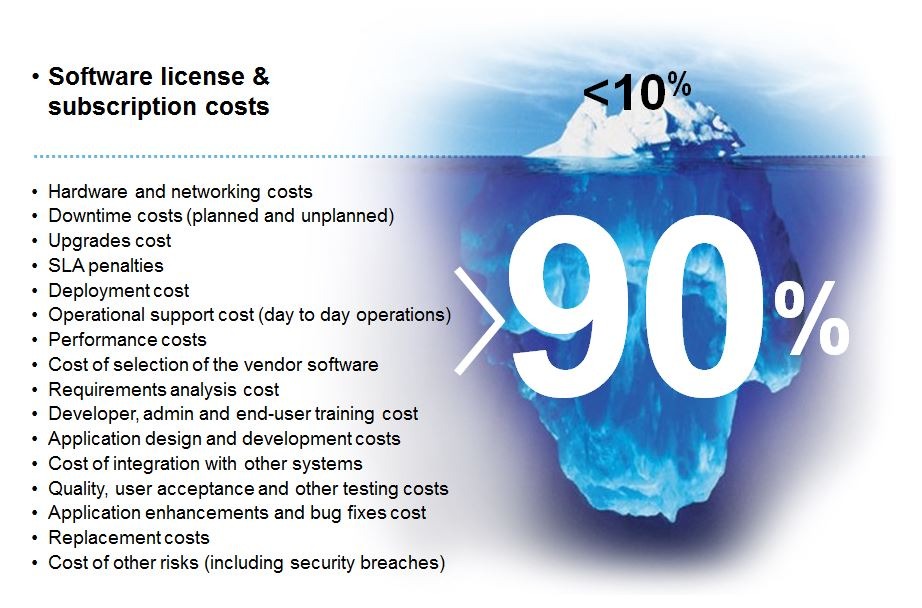
Compare costs on equal terms. A five-seat quote billed monthly can’t be compared directly with an annual ten-seat quote that includes setup. First match the edition, users, currency, period, required modules and implementation scope.
- Recurring charges: Subscription units, contracted billing period, support, integrations, and required add-ons.
- Setup and operation: Configuration, migration help, training, and internal administrative effort.
- Contract exposure: Renewal and cancellation conditions, minimum commitments, and extra-service fees where applicable.
Pick a 12-month or 24-month comparison, whichever matches your decision. For example, fictional Product X might have a lower per-user subscription but need paid connectors and migration help, while fictional Product Y might cost more per month and include the required workflow. Only written quotes on the same terms show which one costs less for you.

Leaving a system needs its own test. A former CTO warned about getting your data back from an existing supplier:
One thing to be aware of is your existing supplier might play hardball with your data.
Ask each finalist for a sample export of sanitized records, then check whether the required fields, relationships and file types work in the destination you plan to use. Check which export methods your contract and edition allow. Reconcile historical transaction records too, not just a list of contact names.
Make the call: choose, retest, or keep the current software
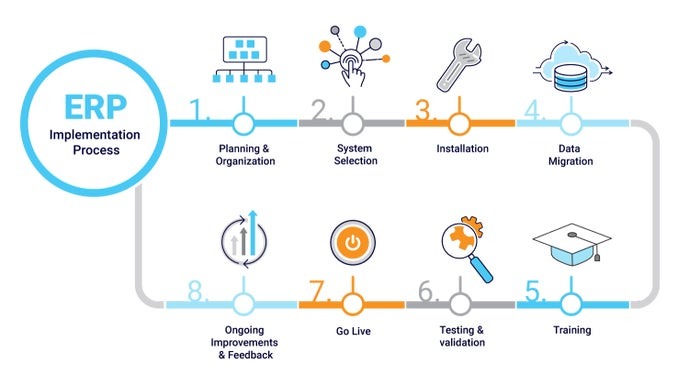
A finished scorecard needs a decision as well as ratings. Compare only the eligible candidates and identify the unresolved evidence that could change the result. The broader choice of whether to proceed is covered in how to decide whether to buy at all.
- Qualified choice: Every required gate passes, scored criteria are complete, and one candidate leads under the approved weights.
- Pending test: At least one critical gate is UNKNOWN or a required rating is N/E. Make no final selection.
- Tie or unstable ranking: A plausible change to a disputed rating or weight reverses the order, as with two fictional finalists scoring 4.05 and 4.10 when one contested rating could flip them. The disputed evidence decides the next test.
- No acceptable candidate: Every finalist fails a gate, or the replacement does not justify its cost and disruption.
For unresolved purchases, the software buying guide is the next reference point. Record who approved the choice, which editions were tested, why candidates were excluded and what remains open.
Speak Your Mind