A business phone system is only as dependable as its number handling, calling setup and emergency arrangements. Quote the actual devices, locations, SMS requirements and service costs, then replay the same call scenarios with shortlisted providers. Keep the old line running until porting and message transfer are accounted for.
A one-person service business may need a single number on a mobile app. An office with six desk phones may need a reception queue, private extensions, and an administrator who can change holiday hours without outside help. Both can use cloud calling. The buying decisions differ.
Customers who cannot reach you cost you money fast. Four things decide how safe a switch is: the calls the system must handle, the number people already know, the messages customers expect, and what happens during a migration or outage.
How to choose business VoIP software without losing a critical workflow
List the customer interactions that must work before you compare brands. Start with an inventory: users and locations, current business numbers, operating hours, incoming destinations, desk phones or apps, business texting, fax, integrations, and any failure that would stop customer service. Mark each need essential, useful or unnecessary. If texting affects your choice, read business texting and U.S. SMS requirements.
| Required function | Proof of fit | Disqualifier |
|---|---|---|
| Inbound and outbound calls | The right person or team gets the call, and outbound calls show the identity you need | The plan can’t deliver a call route you depend on |
| Existing business numbers | The receiving provider accepts each required number for porting | An essential published number can’t be ported |
| Business SMS | Eligible account and number, finished registration, a permitted delivery test | Critical customer conversations can’t move |
| Devices and team routing | Required desk phones, extensions and queues are supported | Your staff can’t use the planned setup |
| 911 location | Emergency calling is confirmed for each workplace | A required location or emergency access is still unresolved |
| Continuity | A supported alternate destination exists for service failures | No workable route for essential inbound calls |
| Contract and cost | A written, complete quote for seats, features, devices and terms | A cost or contract condition you can’t accept |
Deep agent analytics, workforce management and extensive omnichannel handling belong in a contact-center evaluation. If you need those, compare that product category separately.
Which type of business VoIP system fits your team?
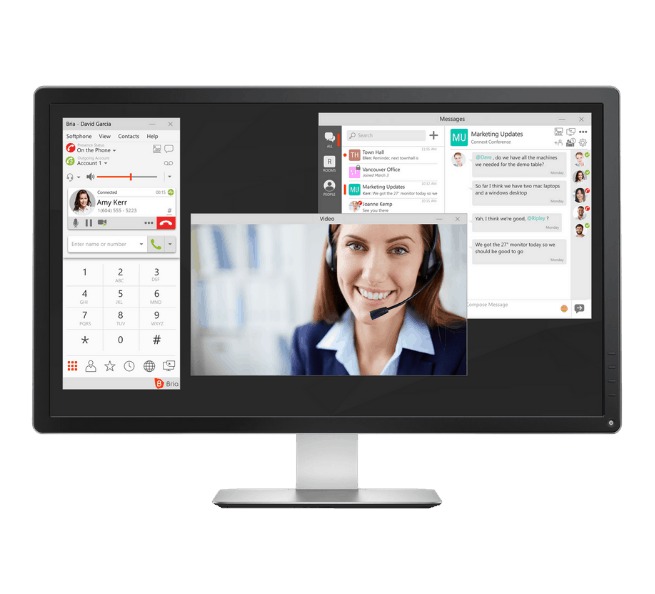
A virtual business line suits a solo owner who calls from a mobile or desktop app. Extensions, shared routing and texting depend on the specific service. A hosted PBX handles business numbers and extensions and can support IP desk phones. A DID is a telephone number reachable directly on the public switched telephone network (PSTN). A softphone is the calling app on a computer or phone. UCaaS bundles calling with collaboration features such as meetings or team messaging. SIP trunking connects an existing PBX to telephone service, and you handle hardware and administration separately. If you want to keep particular desk-phone models, name them before you choose that path.
Business VoIP providers to compare
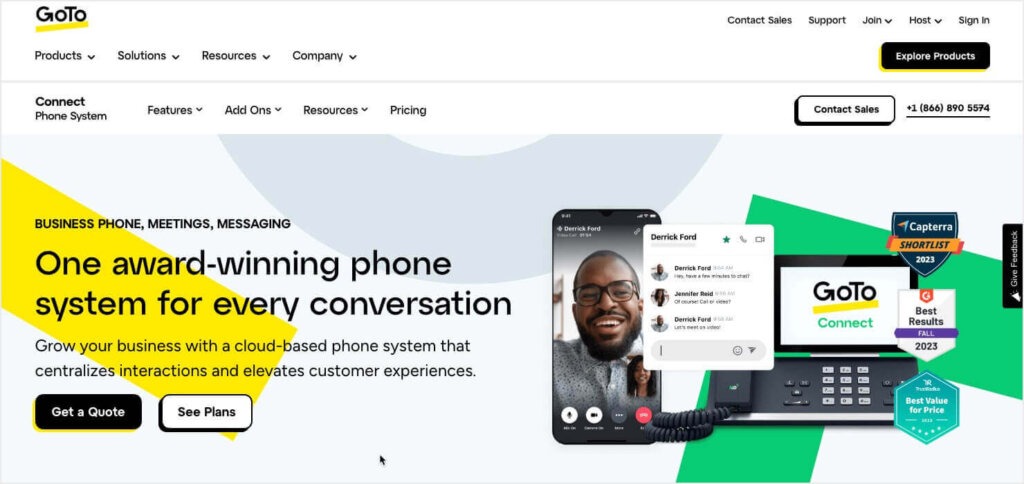
RingCentral, Nextiva, Dialpad and Zoom Phone are good starting candidates in the US. Check the edition, because vendors split calling, texting, queues and contact-center features differently. The table draws on each vendor’s published product descriptions to show what to look for in a plan.
| Provider and product | Documented plan distinction | Business scenario to qualify |
|---|---|---|
| RingCentral RingEX | Separately marketed Business SMS Booster and Call Queues Booster | Heavy business texting or complex reception routing: pin down the edition and add-on you need |
| Nextiva NEXT | Core, Engage and Scale have different included business-text allowances | Appointment business: work out monthly messages per user and compare them with the quoted NEXT edition |
| Dialpad Connect | Connect is distinct from Dialpad Support and Sell products | Standard office phone service versus specialist support or sales-center functions |
| Zoom Phone | SMS support is conditional on number, account, license and device. Zoom documents no SMS on desk phones or for extension-only users; some team SMS workflows require Customer Engagement Pack | Office with shared desk phones that expects team texting: test the app and number under the exact license |
For a single-user service business, start with simple app-based plans. A receptionist-led office should filter for the required desk-phone models and queue controls. A company that needs contact-center functions needs a different product tier or a separate category. Ooma Office, Vonage, Quo, GoTo Connect and 8×8 belong in the same exercise if their plans meet your written requirements.
Build a shortlist of two or three providers, with the exact quoted edition beside each name. Make every candidate demonstrate the same unresolved functions, including paid extras. Price, message allotments, user minimums and support conditions depend on the plan and billing term.
Test call queues, desk phones and the everyday admin tasks
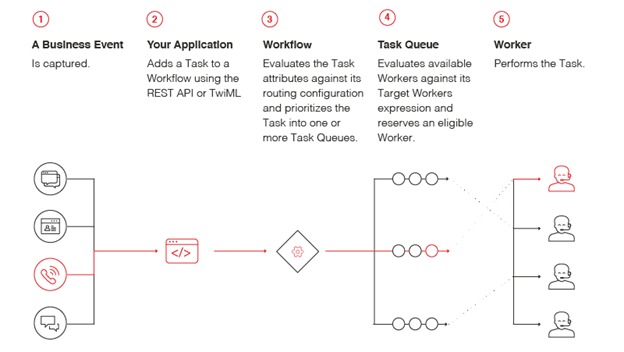
A call queue, a ring group and an auto-attendant do different jobs. A queue manages waiting callers. A ring group rings configured destinations. An auto-attendant asks callers to choose a menu route. An extension identifies a person or device, and an after-hours rule decides where the caller goes when the office is closed.
A small office with a shared reception area shows the difference. One owner described the setup and the admin problems it caused:
Small business owner here. We have about 6 VOIP desk phones set up to ring on a call queue when people call the main company phone number. Each deskphone also has it’s own extension. This is important for the phones used by managers/owners, but less so for the phones in the common lobby where front desk staff check-in clients. We use RingCentral and it sucks. The configuration is incredibly convoluted and not easy to change. Tech support sucks. Mobile app sucks. We get spam calls all the time that we can’t block. We are looking for an alternative to RingCentral. Suggestions?
So test a change to a real shared queue, then place an ordinary call from outside the company. That shows you administration, lobby-device behavior and after-hours routing before you buy.
| Test call | Expected behavior | Result (pass / fail / pending) |
|---|---|---|
| Main number during office hours | Receptionist or designated first destination answers | |
| All queue members busy | Caller reaches configured overflow or voicemail | |
| Manager’s private extension | Correct employee rings, without exposing a lobby phone | |
| After-hours call | Caller reaches on-call destination or specified message | |
| Outbound call | Recipient sees the intended business identity | |
| Employee’s mobile app | Incoming call reaches the intended user | |
| Administrator edits a holiday schedule | Routing changes as configured without disrupting other users |
Run these calls with the employees and devices you plan to deploy. Add one ordinary admin change, the call-screening controls and a support request, and keep the outcomes as your own trial record. Fifteen minutes of testing shows how hard routine admin and call handling are.
Will STIR/SHAKEN stop our outbound calls from receiving spam labels?
No. STIR/SHAKEN is a US caller-authentication framework. Authentication does not guarantee a particular caller-ID display, recipient answer rate or treatment by downstream spam filters.
Keep your business number: porting, cutover and rollback
An established number may be printed on service vehicles, invoices, signs and appointment cards. If inbound service drops during a move, customers can’t reach you even when the new system works on a temporary number. For the details, see how to demand proof of number porting, cutover and rollback.
US interconnected VoIP portability obligations are set out in 47 CFR §52.34. A valid transfer request and coordinated provider procedures matter, and the rule does not guarantee the transfer date you choose for every individual number.
One small-business owner described a difficult attempt to move a published number out of Quo/OpenPhone:
If you run a small business, I’d seriously think twice before using QUO/OpenPhone. We tried to port our number out and it turned into a complete mess. Xfinity told us the number was never released, so the port couldn’t even go through. We spent almost a MONTH trying to fix it. There’s no real support. It’s just bots and slow emails that don’t actually help. We were ghosted by most of the “customer service reps” aka BOTS. No one ever actually fixed anything.
This is one customer’s account, and the provider replied in the same thread. For a business that depends on an advertised number, the safeguard is an agreed transfer procedure and a plan for handling calls while the request is pending.
Before you commit to a switch, get the receiving provider’s written eligibility and requirements for each number. Confirm the legal or billing name, account details, authorization and any PIN with both providers. Some processes also use a letter of authorization (LOA) or firm order commitment (FOC).
- Before transfer: List every local, toll-free, voice, fax and messaging number you are moving, and write down the carrier contacts and the escalation route.
- During transfer: Agree on the cutover window and any supported temporary forwarding or alternate number.
- Before cancellation: Confirm that essential inbound and outbound calling works on the transferred number, with voicemail in place and any separate messaging migration handled.
Keep the existing service active until every required transfer step is confirmed. Providers decide whether a completed port can be reversed, so don’t count on it.
Business SMS and 10DLC: a working number may not be text-ready
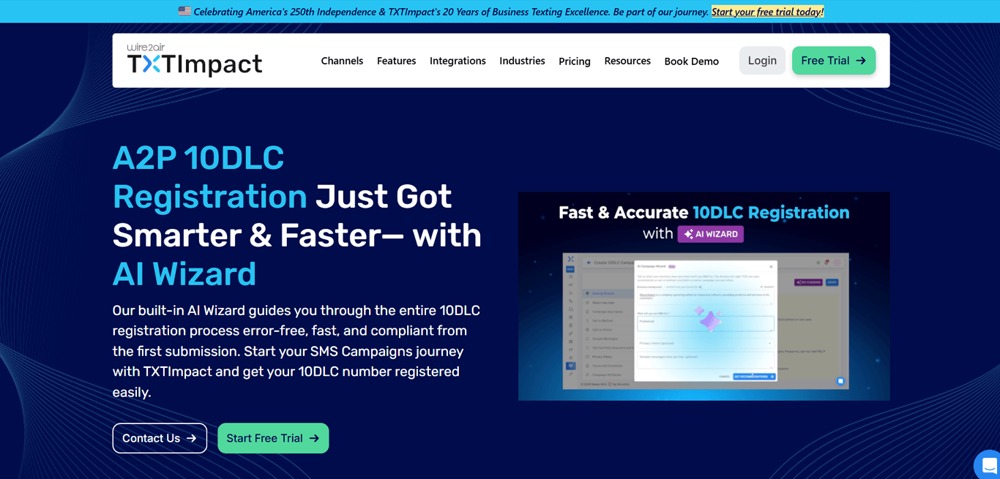
A number can handle voice calls while business texting is still in eligibility review or registration. If you schedule appointments by text, treat voice and texting as separate launch decisions.
Twilio’s A2P 10DLC documentation describes brand and campaign registration for eligible US application-to-person messaging over local ten-digit numbers. The process depends on the sending provider, number type, campaign and consent evidence. Toll-free messaging can follow a different verification path.
A home-care startup that wanted one line and a separate fax number ran into a long gap between activating calling and activating texting:
As a business owner of a home care company start up, all I need right now is one line and a fax line. I tried a few different VOIP companies starting with Nextiva and then Ring Central but got caught up in the SMS TCR nonsense for over 6 mos which IMO was happening only with certain companies, most notably Ring Central. I finally switched to Ooma and got TCR approved in less than a 5 day week. But now I’m running into other service related issues – like calls not always going through, SMS lagging, and additional fees after a certain number of texts. Does anyone have a company they can recommend or a SIMPLE solution to small business phone service that only requires one line for talk/text and a fax line?
For one Zoom Phone migration, Zoom warns that SMS can be interrupted for 24 to 48 hours, and campaign registration and vetting may take longer. Even an approved registration leaves delivery dependent on eligible routes, accounts and message handling.
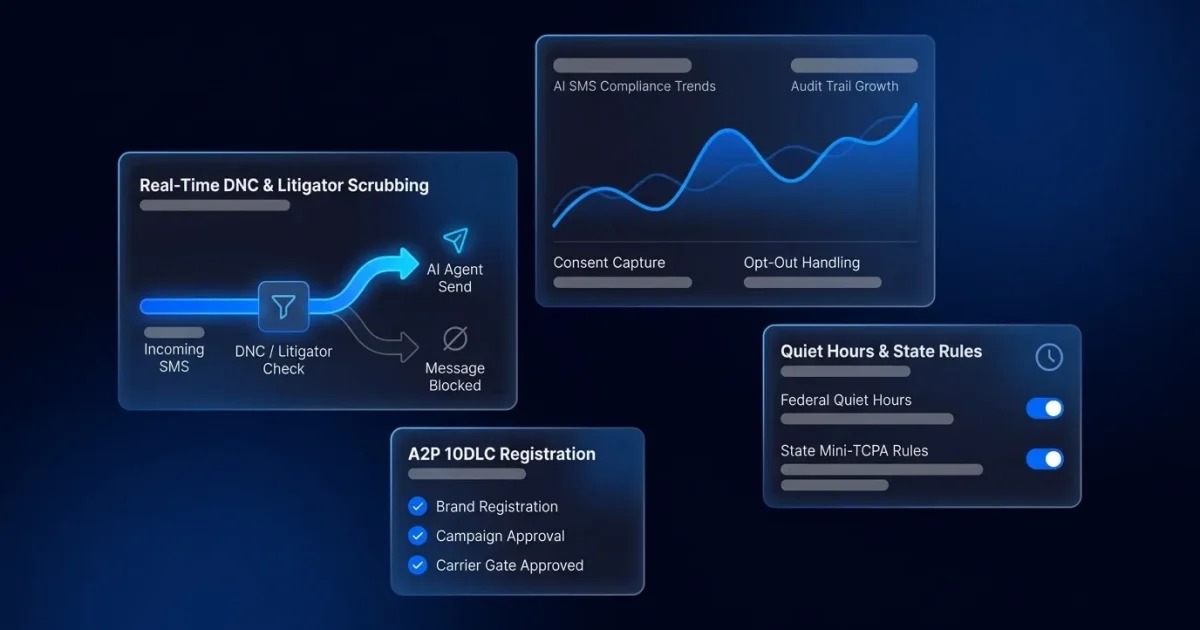
For each number you need for customer texting, confirm the supported account and device, the sender registration, the expected interruption and the message allowance. Keep any required customer opt-in records, and run a permitted two-way message test before you tell customers the number accepts texts. If fax is essential, check its supported service separately from calling and SMS.
If you only need voice, mark texting not applicable. If you rely on appointment confirmations, texting must pass before you launch.
911 and E911: verify the location emergency responders would receive
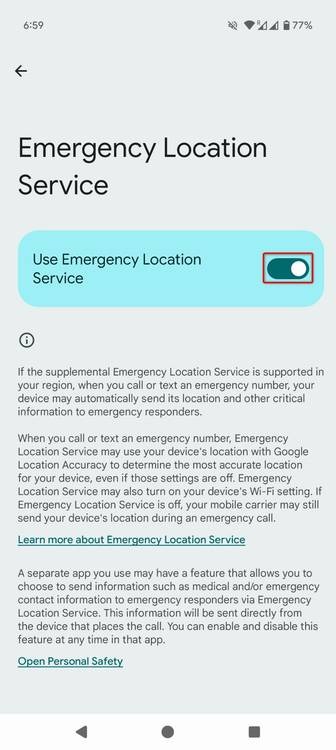
A business phone at a fixed reception desk and a softphone used from several locations need different emergency-location setups. The deployment, the ownership of the system and the physical location of its users all matter.
911.gov’s explanation of Kari’s Law and RAY BAUM’S Act describes distinct requirements. Kari’s Law covers direct 911 dialing and emergency-call notification for covered multi-line telephone systems (MLTS). The FCC’s RAY BAUM’s Act rules cover dispatchable-location information for MLTS and other covered services, including interconnected VoIP. Requirements vary by service type and by whether devices have fixed or changing locations.
Dialpad documents separate office and personal work-location settings for E911. Its US and Canadian procedure offers a 933 readback for provisioned numbers that reports the number and associated address. The readback checks configuration. It does not prove a live emergency dispatch would succeed. An employee on a mobile device can see different behavior than on a fixed desk phone.
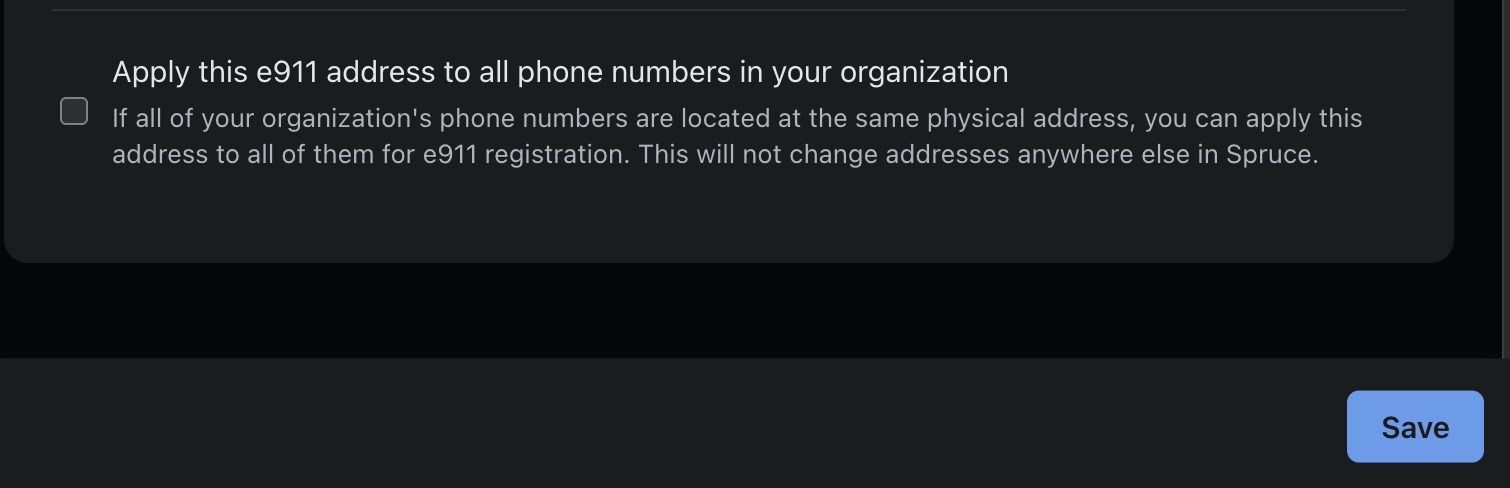
For each office, remote worker and relevant device, run the provider-approved non-emergency E911 verification and record how location updates are handled after a move. If you share an extension across sites or forward calls, have a qualified telecom specialist check that the dispatchable location stays correct. Never use an uncoordinated live 911 call as a routine test.
What happens when the internet, provider or desk phone fails?
Cloud calls still depend on endpoints and connectivity. A working provider cannot ring an unpowered desk phone. If the internet drops, your team may have to rely on cellular devices or a separately configured destination for inbound calls.
Ooma Office documents an option to forward inbound calls to a designated number when all configured devices are offline. It needs the service and forwarding settings Ooma describes, and it is one example of the fallback you can look for.
Other fallbacks include a mobile softphone on working cellular data, carrier or provider call forwarding, voicemail, or an alternate published contact number. Each has its own failure condition, especially when the office network and the backup route share the same equipment.
Rehearse a non-emergency outage with staff informed. Record which alternate destination receives a call, what happens to unanswered callers, and who restores the normal route when service returns.
Business VoIP pricing: calculate the 12- and 24-month cost
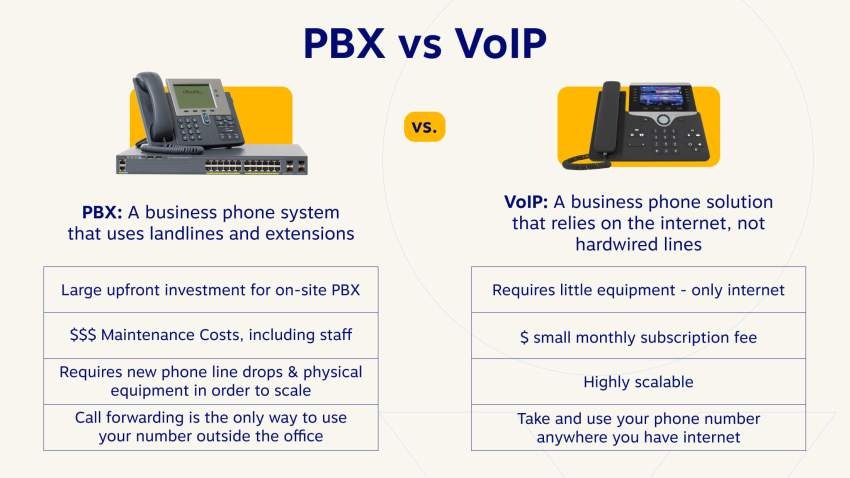
Two businesses can pick the same advertised product and still need different editions and add-ons. An app-only user might pay for one seat. An office with six phones can add a queue, devices, extra numbers and a larger messaging allowance.
Get written quotes for the exact users, numbers, devices, required functions and billing commitments. Separate recurring charges, usage-based charges and one-time implementation costs before you total them.
| Cost input | Quote field to capture | How it affects the comparison |
|---|---|---|
| User licenses | Seat count, edition, monthly or annual commitment | Recurring rate multiplied by the licensed months |
| Extra numbers | Number quantity and recurring charge | Add number charges for each billed period |
| Queues, IVR or SMS extras | Required product, allowance, additional monthly fee | Add recurring or metered charges at your expected usage |
| Calling, fax and overages | Usage basis and any limits | Estimate usage from your own demand; keep fixed and variable charges separate |
| Desk phones | Purchase price or monthly rental per device | Count a purchase once, or a rental in every paid month |
| Porting and setup | One-time provisioning, professional services or installation fees | Add when charged, usually to the first-year total |
| Taxes, fees and renewal | Fees, discounts, contract term and post-promotion pricing | Calculate each period at the rate the quote gives for that period |
For a 12-month total, add the recurring and metered charges for each of the 12 months, then add one-time costs and subtract discounts. For 24 months, run the same calculation across all 24, using the rate quoted for each period when promotions expire or renewal terms change. Count usage charges only beyond the allowances already in the quote, and count annual or prepaid items once, in the period billed, not again as monthly charges. To price the meeting side as well, see how to calculate the full annual cost of business meetings.
Ask for the contract’s support coverage, cancellation and auto-renewal terms, and any fees or limits on moving numbers away later. A discounted first year can look attractive until you see the full two-year commitment.
The business VoIP go/no-go checklist before switching
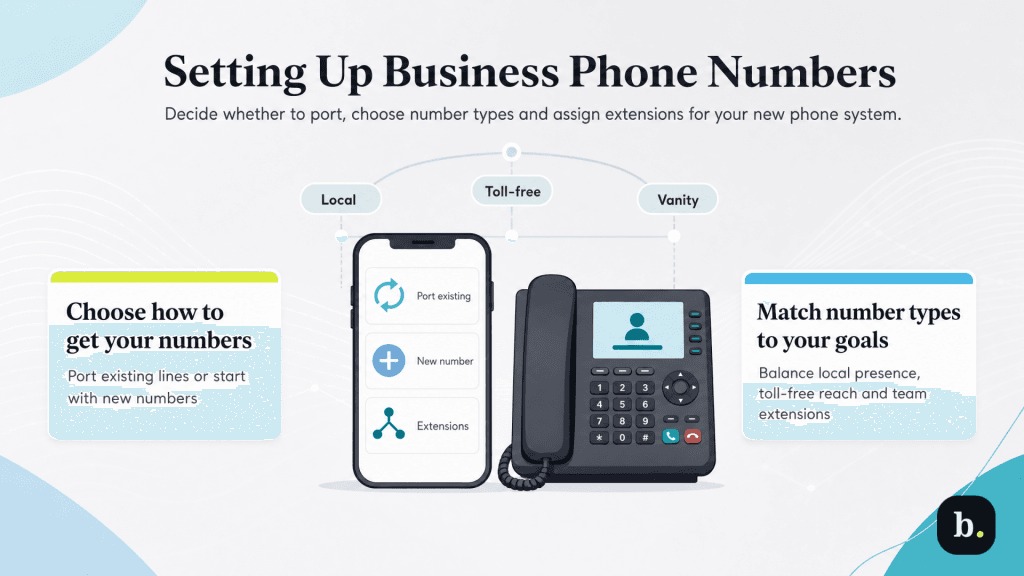
The switch plan should name who controls each existing number, which test calls establish correct routing and emergency location, and what happens if a port stalls. Keep the old service available for that fallback.
- Go: Required call routes work, essential number and messaging arrangements are confirmed, emergency location is addressed, and you accept the quote.
- Extend the pilot: A noncritical issue can be tested without interrupting essential customer service.
- Hold the cutover: Portability, critical texting, emergency-location setup or required continuity is still pending.
- Reject the plan: The offered edition fails an essential requirement and the provider can’t propose an acceptable alternative.
Speak Your Mind