An applicant tracking system becomes useful when hiring decisions get lost between open roles, interviewers and follow-up messages. A dependable spreadsheet and shared inbox can still be enough. Otherwise, compare candidate communication, user access, active-job limits and total cost through the same applicant-to-offer exercise.
An applicant tracking system (ATS) collects applications and helps an employer move candidates through hiring stages. For a small business, the question is whether software fixes a recurring problem without creating a new one. A polished dashboard means little if a manager cannot review a candidate, the plan cannot support your open roles, or you cannot retrieve your hiring records.
Breezy HR, Zoho Recruit, JazzHR, and Workable each limit and bill their plans differently. The comparison uses published plan information only, so it does not rank them on ease of use or hiring results.
Do you need an ATS yet?
Manual hiring breaks down when information stops reaching the people who need it. An applicant gets a late reply. Two managers work from different copies of a resume. A recruiter updates the spreadsheet but forgets the shared inbox.
One person handling an occasional opening can run a secure tracker with a consistent status field and a named owner for follow-ups. More positions and reviewers add handoffs. No employee count or hiring number forces the decision.
One in-house recruiter described how a manageable assignment grew into a tangle of spreadsheets, shared files, and Slack messages:
At first, since we did not expect that many hires – I started off using an excel spreadsheet of everyone I have spoken with – mapping out the the process from interviewing to offer (if moved forward) I also recommended to use LinkedIn Recruiter and Indeed which has been very successful. However, we are starting to hire and grow more and now I feel like I have wasted time manually entering information into an excel sheet. I have been saving resumes in our file sharing system so my boss can see them and then I would send the candidates I like through slack which is our communication tool.
The recruiter had expected five hires and ultimately made 17. In another account, a 15-person team reported spreadsheet mistakes during busy periods and applicant messages going out late.
Review your last completed hiring cycle. Count missing status owners, late responses, duplicated records, and decisions made outside the shared tracker. Note where staff copied information between tools by hand and how often they had to reconstruct what happened. A 12-person business with one opening per quarter probably has little to fix. One running several active searches has more handoffs to lose.
Choose a tracker, an HR-suite module, or a standalone ATS
Start with the tools you already use. If the recruiting module in your existing HR subscription can receive applications, collect manager feedback, and retain the records you need on your actual edition, use it and skip another subscription.
A spreadsheet keeps software administration light, but people still own reminders, permissions, status changes, and messages. A standalone ATS puts those recruiting tasks in one place and brings a second account, integration work, and another contract.
| Hiring situation | First option to consider | What could rule it out |
|---|---|---|
| One owner handles an occasional opening | Shared tracker and inbox | Missed replies or unreliable applicant records |
| Three open roles require five managers to review candidates | HR recruiting module or standalone ATS | Insufficient reviewer access, job capacity, or shared feedback |
| The employer already pays for an HR suite | Its included recruiting module | Necessary hiring tasks unavailable on the subscribed edition |
| Seasonal hiring creates overlapping pipelines | ATS with suitable concurrent-job capacity | Position limits or unmanageable applicant communication |
| Offer details must enter an onboarding system | HR-suite recruiting or connected ATS | Required data fields fail to transfer |
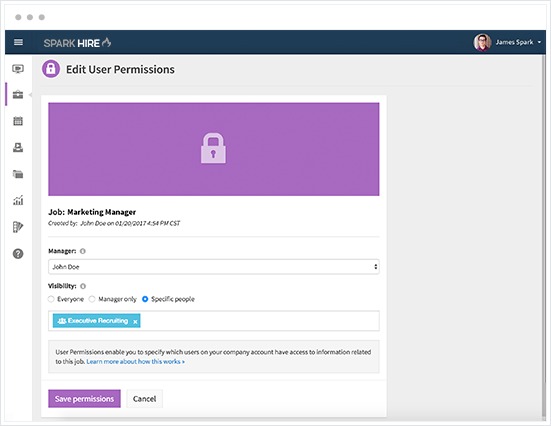
For a 25-person firm with three vacancies and five managers, reviewer access decides the choice. Check whether each manager can see the right candidate, leave feedback, and take part in hiring decisions under the proposed licensing. If you are also weighing an HRIS, read when a small business needs an HRIS.
A startup owner voiced a related worry about keeping the setup manageable:
we don’t have a huge budget, but i really want something that’s easy to use and will help us manage everything in one place. does anyone have experience with ats systems that are good for smaller businesses or startups? i’ve looked into a few like bamboohr and workable, but i’m not sure if there are better options that don’t come with a crazy price tag. also, how much customization should i be looking for in an ats? i know we’re going to want to add specific questions for applicants and maybe have different stages in the hiring process, but i don’t need anything too complicated.
For a buyer like that, a few role-specific application questions and consistent stages are enough. Pick the type of tool whose workflow covers your requirements, including the work of administering it. Choose a separate platform when your current setup has a real gap.
Compare ATS plans by the limits that can rule them out
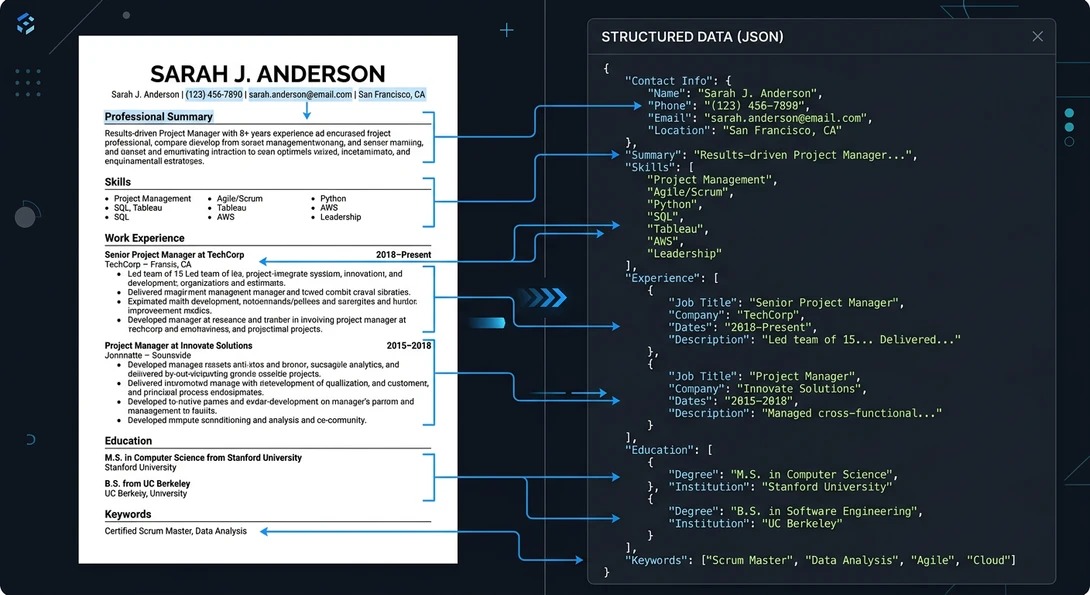
Compare what each vendor restricts before you compare price. Active jobs, job-board posting allowances, paid recruiter licenses, and hiring-manager access are different quantities. A free plan can accept several users while capping the number of positions or the candidate history they reach. The complete set of disqualifiers appears in HR software requirements that rule out a vendor.
| Product and edition | Documented job limit | Access and history | Decision condition |
|---|---|---|---|
| Breezy HR Bootstrap, free | One active position or candidate pool | Unlimited users; access to candidates added within the last 30 days | Fits one active opening and short historical access |
| Zoho Recruit Corporate Free | One active job per recruiter license | Reviewer access and record-history limits not confirmed | Check per-recruiter capacity and required user types |
| Zoho Recruit Corporate Standard | Ten active jobs per recruiter license | Additional employee/hiring-manager licenses offered in packs of ten | Check the paid reviewer setup for several open roles |
| JazzHR Hero | Active-job cap not confirmed | Posting eligibility starts at three per month | Separate posting allowance from simultaneous positions |
| Workable Standard | Unlimited active jobs, with fair-usage limits | Plan pricing varies by organization employee band; reviewer access not confirmed | Check fair-usage terms and access on the quoted band |
With three simultaneous openings, Breezy Bootstrap’s one-position rule disqualifies it. Zoho Recruit Corporate Standard allows ten active jobs per recruiter license, though you need to confirm manager access separately. A business with one vacancy could consider Breezy’s free plan if access to older applicants is not essential.
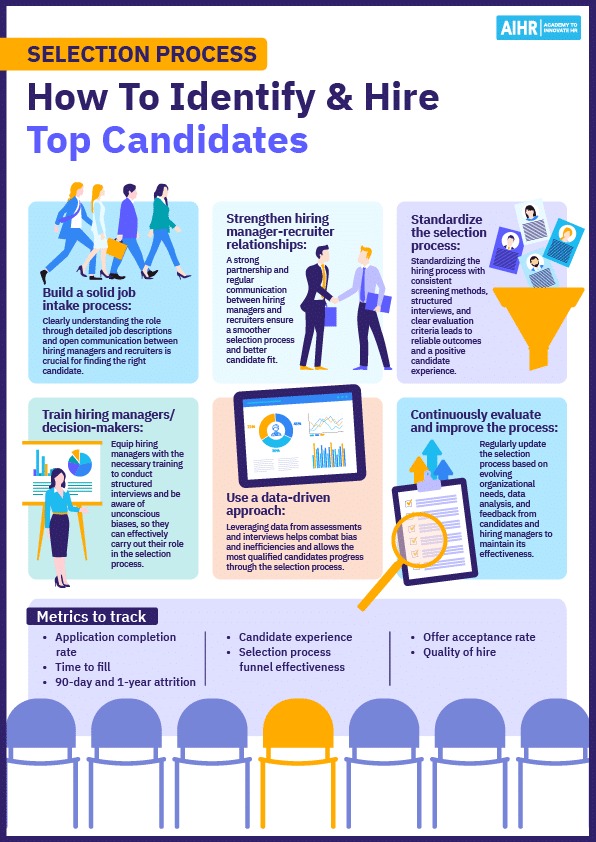
JazzHR’s three-per-month figure is a posting allowance. It does not cap candidates and does not tell you how many jobs can be open at once. Workable lists unlimited jobs, with fair-usage limits. A seasonal employer with several openings should look at Workable Standard first, using the quoted employee band. JazzHR Hero stays off that list until its active-job limit is confirmed.
Build a must-have checklist for the exact subscription you are considering: peak simultaneous positions, recruiter licenses, review accounts, candidate-history access, required integrations, and any feature you cannot work without. Drop an incompatible edition before you score preferences like appearance or optional analytics.
Calculate the first-year cost of each qualified option
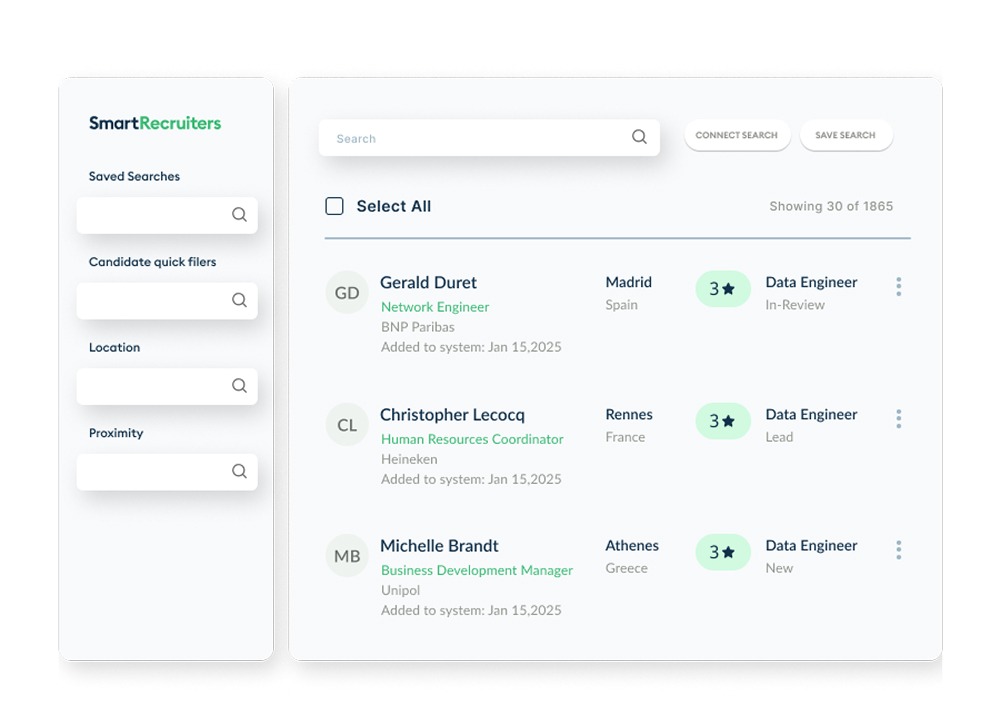
Compare the total commitment for the same twelve-month hiring scenario. Headline monthly prices can reflect annual billing, and other charges depend on paid users, employee bands, posting privileges, and optional recruiting tools.
| Cost item | What belongs in a twelve-month estimate | Evidence to obtain |
|---|---|---|
| Base subscription | Selected edition and minimum billing commitment | Published terms or vendor proposal |
| Recruiter accounts | Billable recruiting licenses | Role and license definitions |
| Manager access | Reviewers and any required seat packs | Permissions and seat-pack pricing |
| Job distribution | Posting allowances and additional distribution charges | Specific board and plan conditions |
| Optional features | Only modules needed for the planned workflow | Add-on price for the selected edition |
| Implementation | Setup, training, integrations, and migration | Vendor quote or documented internal estimate |
| Contract exit | Renewal, cancellation, and data retrieval | Written agreement and export terms |
Treat a missing quote as an unknown cost and keep established prices separate from charges that still need an itemized proposal.
Zoho Recruit Corporate Standard lists $25 per recruiter per month when billed annually. One recruiter costs $300 a year in base licensing before any required hiring-manager license packs or other charges.
For a company of 1 to 20 employees on annual billing, Workable Standard pricing listed a $299 monthly equivalent. Twelve months at that rate total $3,588 for the base subscription.
The same pricing setup showed optional monthly amounts of $89 for Texting, $109 for Video interviews, and $59 for Assessments.
Texting for the entire year alongside that base plan brings the example to $3,588 plus $1,068, or $4,656 before other charges.
JazzHR’s Hero listing showed $1,000 per year, billed annually. The published Plus and Pro annual figures were $3,480 and $5,508, respectively. Your required capabilities and contract terms decide which edition goes into your estimate.
Ask for one written proposal that covers every row above, and keep the billing setup next to the annual total so the commitment stays clear.
Test the recruiter’s workflow on each finalist
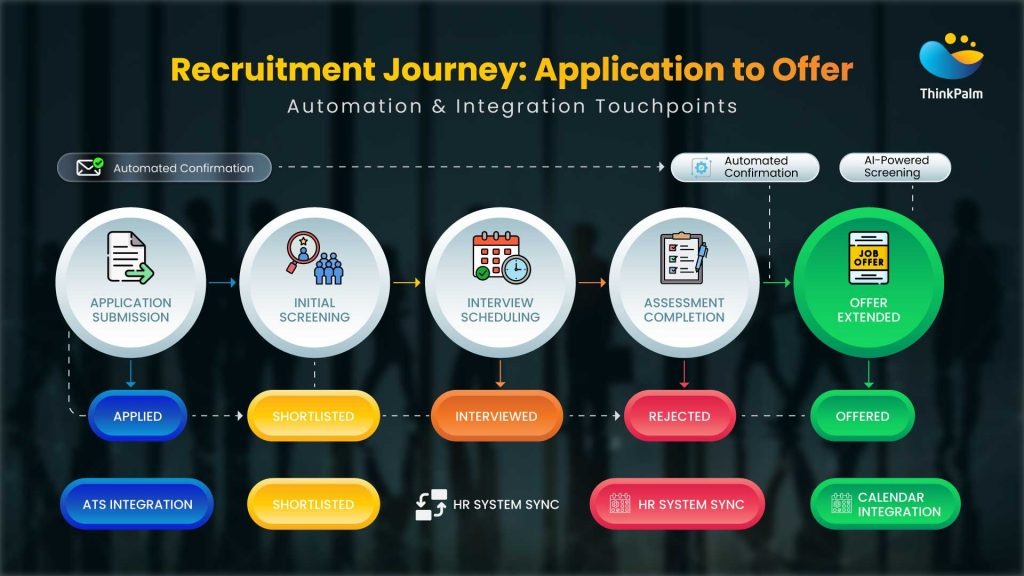
A vendor demonstrator knows the menus. A busy hiring manager has to move a candidate through the process while handling the rest of the job. That gap is why a common trial helps: everyone follows the same fictional vacancy, applicant, and hiring stages.
An internal recruiter described the time pressure of running hiring and HR together:
My first year, I’ve hired 30 people (still have 24) for sales growing from 25 people to 50+. I had a ton of manual processes and no ATS. We’ll be continuing hiring at this volume, but with added responsibility within HR my time has been stretched thin with all the manual processes involved with recruiting.
Use a fictional opening and Candidate A, then assign a recruiter and a manager to complete each task. Synthetic records keep real applicants out of the test.
| Recruiting task | Trial input | Pass condition | Log |
|---|---|---|---|
| Create the opening | Fictional vacancy and hiring stages | Correct position and assigned owner are visible | Pass/fail; setup friction |
| Receive and route the application | Candidate A assigned to the vacancy | Recruiter locates the candidate in the correct pipeline | Pass/fail; status clarity |
| Collect manager feedback | Invited hiring manager | Correct person can see the candidate and submit feedback | Pass/fail; permission gaps |
| Coordinate the interview | Sample interview time and message | Required participants receive accurate scheduling information | Pass/fail; manual work |
| Complete the decision record | Sample hiring decision | Disposition, responsible reviewer, and necessary notes can be saved | Pass/fail; record completeness |
Record setup effort, steps that needed vendor help, and tasks the proposed plan does not offer. If an essential function fails in this shared test, reject the edition even if other screens are pleasant to use.
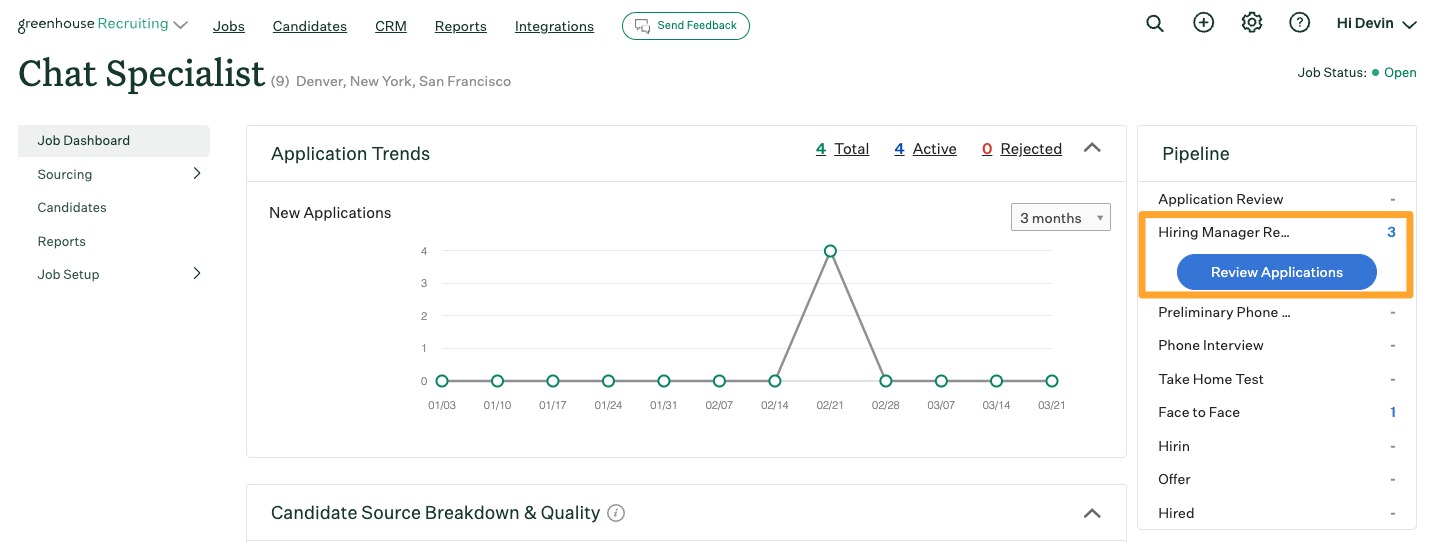
Say you recruit remote staff and need a few role-specific questions and an interview scorecard. The test shows whether those modest requirements work without heavy configuration. Run it with the ordinary users, permissions, and subscribed features your company expects to use.
Check the applicant’s experience and screening rules
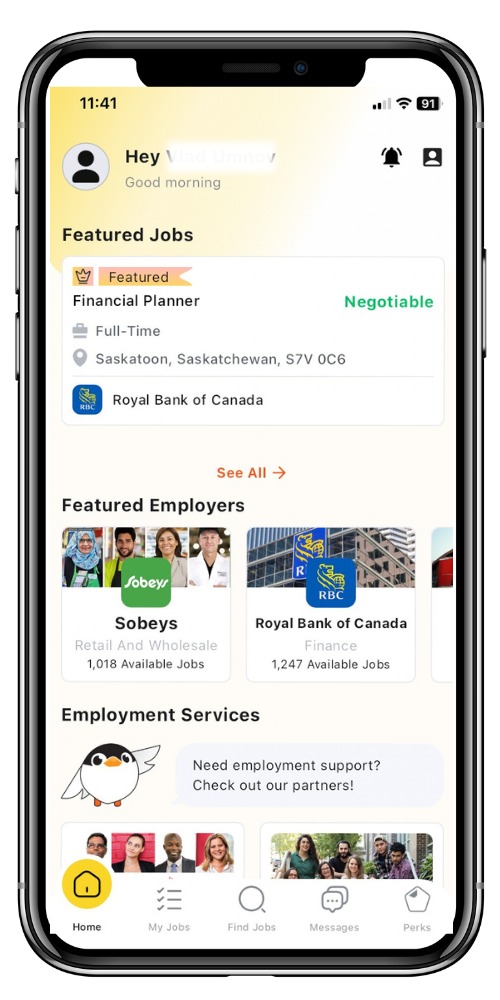
Your team’s convenience matters less if qualified people cannot finish the application. Evaluate the candidate side separately from recruiter permissions: mobile forms, resume fields, required questions, status messages, and a route to request an accommodation.
Complete a fictional application on a phone, upload a synthetic resume with one deliberately wrong parsed field, and see whether the applicant can correct it. Then read the acknowledgment and any application-stage messages as the applicant sees them.
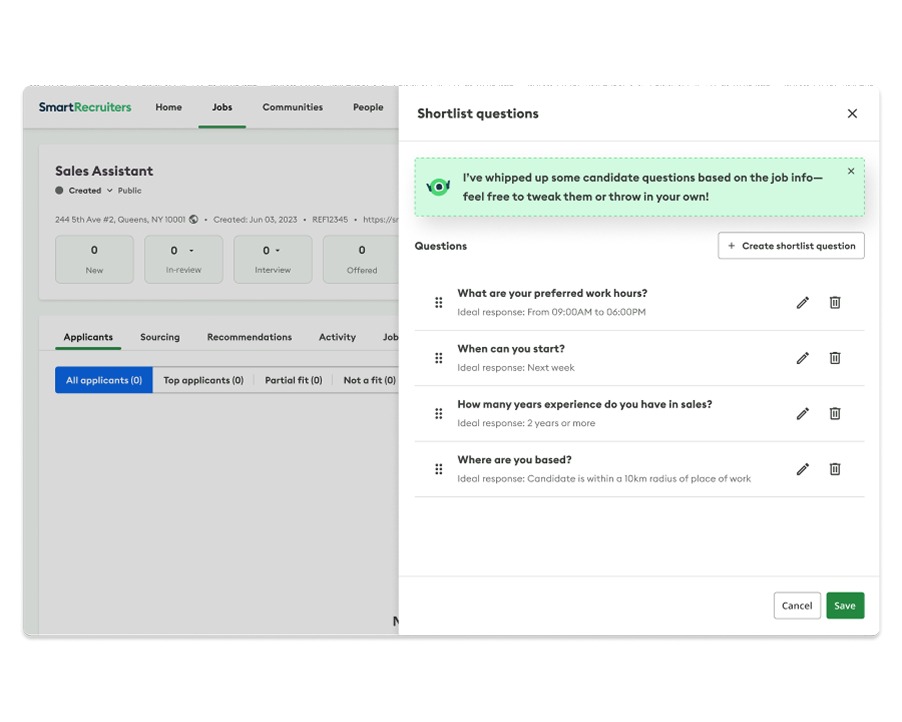
An automated rejection email can follow a decision a human reviewer made. A configured knockout question or automated ranking works differently and raises different questions about review and accommodation. Find out who or what sets a candidate’s status, which criteria apply, and when a person can step in.
The US Department of Justice explains how hiring technology can screen out qualified people with disabilities or interfere with reasonable accommodations. Its guidance on algorithms and disability discrimination in hiring covers those risks. The EEOC enforces employment-discrimination protections for private-sector and federal workers, while DOJ has a different enforcement role for state and local government employment.
Check mandatory questions, knockout conditions, AI ranking if offered, human review, and the way to request an accommodation. Vendor marketing claims do not make your configuration compliant.
Protect applicant records and the onboarding handoff
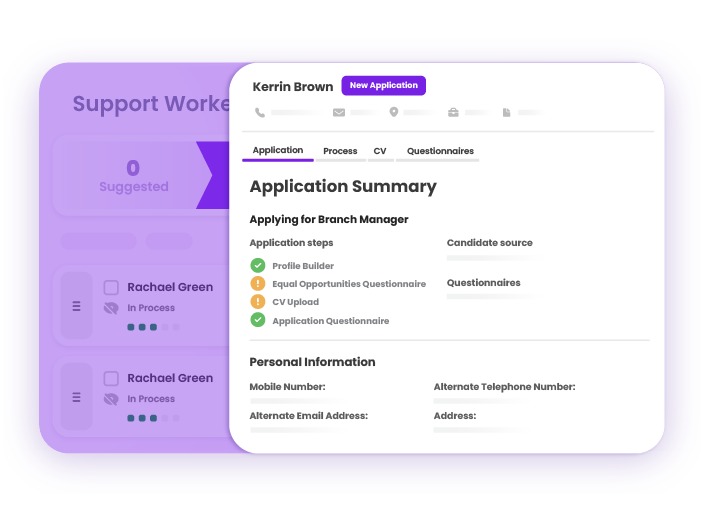
A candidate record has to stay usable when you change subscriptions or move to another system. Three things are separate: access to a record in a particular edition, the vendor’s retention practice, and your legal recordkeeping duty.
Breezy Bootstrap’s 30-day access window, for example, controls which candidate records you can see on that free plan. It does not tell you the platform’s deletion schedule.
According to the EEOC summary of selected recordkeeping obligations, covered private employers generally retain specified employment records for one year from creation or the personnel action involved, whichever is later. Record categories and employer circumstances change the obligation, and records tied to covered discrimination charges or proceedings may need to be kept until final disposition.
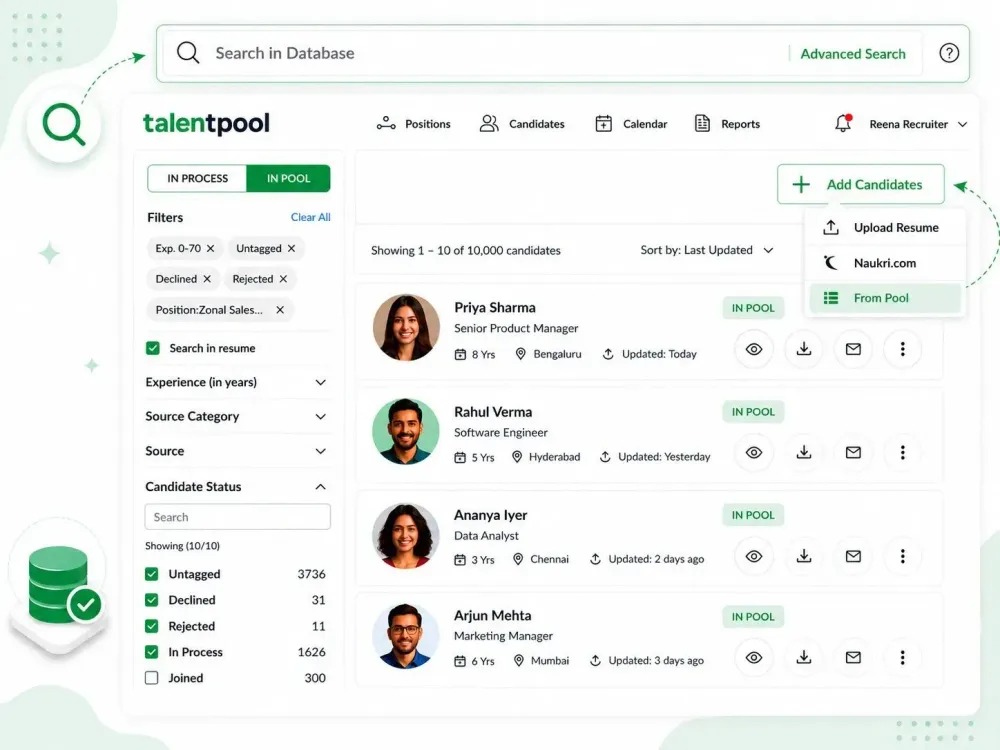
Getting records out is only half of the exit problem. A selected applicant’s offer, job title, department, manager, and start information may need to move into an HR or onboarding system. An integration label means nothing unless the required fields travel correctly.
A company of about 120 employees described the cost of a missing handoff:
Candidate data and employee data live in totally separate systems, so there’s no clean handoff. Offer details don’t reliably carry into onboarding, which means HR is filling in gaps manually every time. And as hiring has picked up, the whole thing has just gotten harder to manage. We’re around 120 employees now, hiring across multiple departments, and the cracks are definitely showing. Starting to evaluate ATS options before the next hiring push. Curious what people are using around this size and what actually made you switch.
That employer is larger than many first-time ATS buyers, but the same failure shows up wherever recruiting and onboarding run in different systems.
Ask the vendor to demonstrate export of contacts, job references, stage history, notes, decisions, and communications where they matter to your business. Confirm permissions, available formats, and what changes after downgrade or cancellation. For an ATS-to-HRIS connection, run one synthetic offer-to-employee transfer and inspect field mapping, transfer direction, and error recovery.
Make the choice based on your hiring workflow
Recruiting and employee scheduling are different jobs, even when an HR suite sells both modules. A spreadsheet may be adequate for uncomplicated hiring; for the separate scheduling decision, see when is a spreadsheet or the existing tool enough.
Speak Your Mind