When employee changes, approvals and payroll handoffs are scattered across tools, an HRIS can provide a more dependable record. First separate broken procedures from a genuine system limitation. Then compare a dedicated HRIS with an HR-and-payroll platform using actual employee tasks, permissions and migration needs.
A change of manager can leave payroll contacts, approval routes and reports inconsistent when systems are not kept in step. The question is whether the current procedures can correct those handoffs or whether the company needs a shared employee record.
When a small business needs an HRIS
Start evaluating an HRIS when routine employee paperwork keeps going wrong or eats more manual coordination than your team can spare. No employee-count threshold decides it.
An HR assistant at a company of about 90 employees tracked every arrival and departure in spreadsheets. The company already had iSolved, but the assistant lacked full access.
This could apply to anywhere in the US really, but what HRIS or Tracking Systems are we using for under 100 employees ? We have around 90 EEs and I’m using excel sheets and it’s AWFUL every time someone comes or goes. We also have isolved but I’m pretty sure were underutilizing the software (plus my manager won’t give me full access)
That’s two problems: clumsy tracking and an underused license. A second system wouldn’t fix the access one.
| What is happening | What the company should consider | Decision |
|---|---|---|
| Records and approvals are dependable | Existing HR and payroll functions | Keep |
| Useful features are licensed but inaccessible or unconfigured | Role permissions, settings, or an existing module | Configure |
| Changes repeatedly disappear between separate tools | Integration repair or a better-connected system | Test alternatives |
| Required employee records or workflows cannot be handled | A core HRIS or an integrated platform | Shortlist |
A 35-person employer buried in PTO spreadsheets and a 40-person team juggling records across everyday tools both have reason to look.
Before you open a vendor comparison, write down one recurring failure: which employee record or approval was involved, which applications it touched, who found the error, and how long the fix took. That example becomes your buying test.
Check the HR and payroll tools you already pay for
Many small businesses already have HR functions spread across payroll, benefits, timekeeping, and employee-management software. Find out what those subscriptions already cover.
A Pennsylvania operations director, for example, liked the company’s Employee Navigator and iSolved setup while the CEO wanted to replace it.
I'm the director of Ops and Hr for a small company in PA. The CEO wants to update our HRIS system and integrate our payroll company (currently we use iSolved) and our HRIS (Employee Navigator). We're a small company with under 50 employees and no real plans to grow or size up anytime soon. Personally, I am happy with our system: Employee Nav does all PTO, benefits, stores info, and communicates with iSolved. Then with iSolved, I put in payroll every two weeks and we're set.
List your paid tools and who owns the data in each:
- Subscription and edition: Write down the payroll, benefits, timekeeping, document, and recruiting products you already pay for.
- Record owner: Say which application holds the official address, manager, employment status, and other required fields.
- Access: List who can correct records, approve requests, and see sensitive information.
- Existing fix: Check whether a permission change, configuration fix, licensed feature, or upgrade would solve the failure you documented.
- Switching cost: List the records, integrations, and trained routines you would have to move.
A working setup has one big advantage: your people know how to use it, and you know where the records live. Replacing it costs migration and retraining on top of a new subscription.
What an HRIS handles compared with payroll and HR services
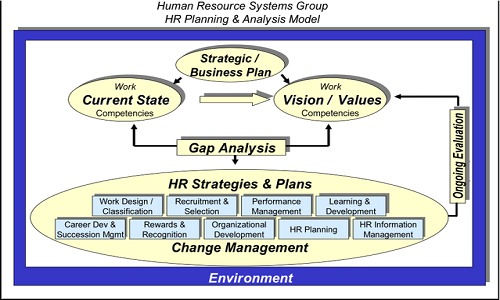
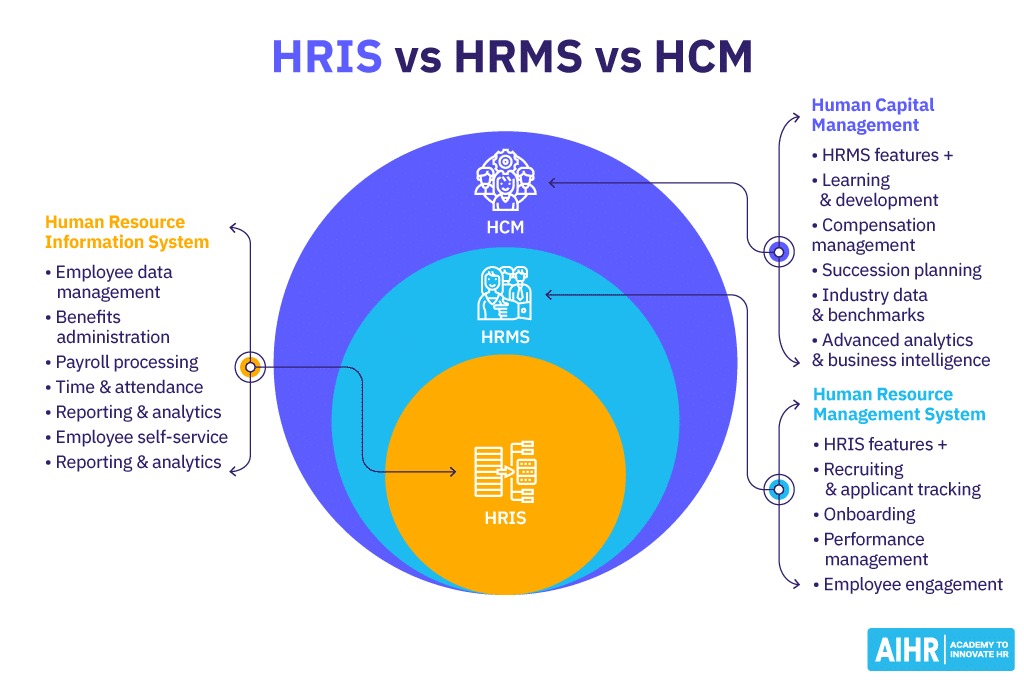
- HRIS: maintains employee information and supports core HR work such as onboarding, time-off requests, documents, employee self-service, and manager approvals.
- Payroll software: processes payroll and sometimes includes HR features.
- HRMS and HCM suites: cover additional workforce functions. Vendors use these terms differently.
- ATS (applicant tracking system): manages recruiting before hiring.
- PEO (professional employer organization): supplies employer-related services under a service agreement.
For each essential function, mark it as included, a paid add-on, an integration, an external service, unavailable, or unverified in the edition you’re considering.
Make HR and payroll changes prove they stay in sync
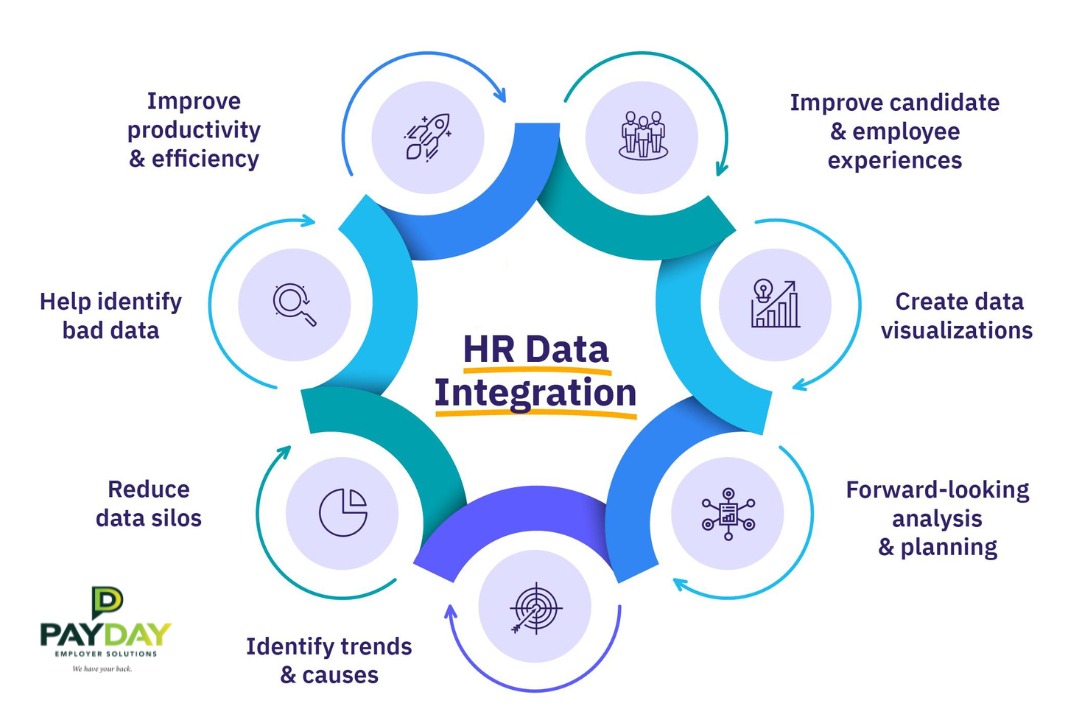
A good integration moves the required employee fields to the right destinations, in the right direction, and gives you a way to find and fix mismatches. The proof is a field-level test whose result you can inspect.
One administrator ran HR, payroll, and recruiting in separate systems. Every routine change had to be entered several times, and discrepancies sometimes appeared weeks later.
At the moment our company runs: HR Payroll Recruiting all in separate systems. This means that every employee change means multiple systems needing updates multiple times and it can be hard to keep track. Little things like promotions/ title changes/address updates/manager adjustments all have to get registered in a million different places, so information gets missed in one system and updated in another, and we tend not to notice until weeks later when reporting or payroll or something looks off.
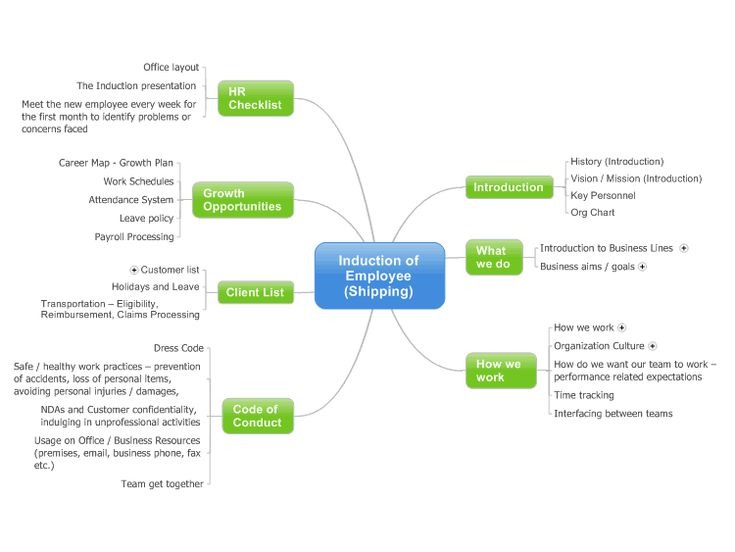
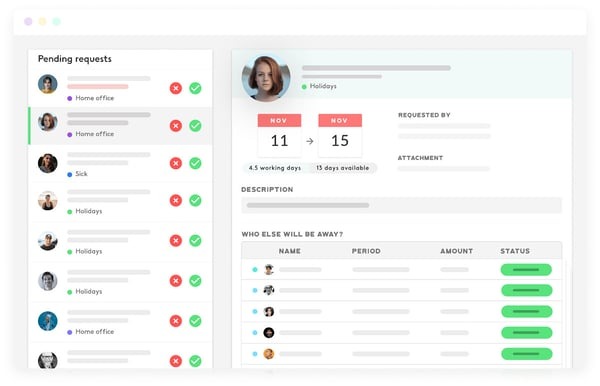
Say you approve a manager change. The employee record needs the new manager, and the leave-approval workflow needs a new approver. Payroll needs an update only if the field matters to payroll.
| Changed field | System of origin | Required destination | Expected value and timing | Observed result | Correction owner |
|---|---|---|---|---|---|
| Job title | Designated employee record | Required reporting view | Correct title by the agreed update time | ||
| Manager assignment | HR system of record | Leave-approval workflow | New manager receives approval responsibility by the agreed time | ||
| Home address | Authorized personnel record | Relevant payroll or other destination | Approved address appears by the agreed update time |
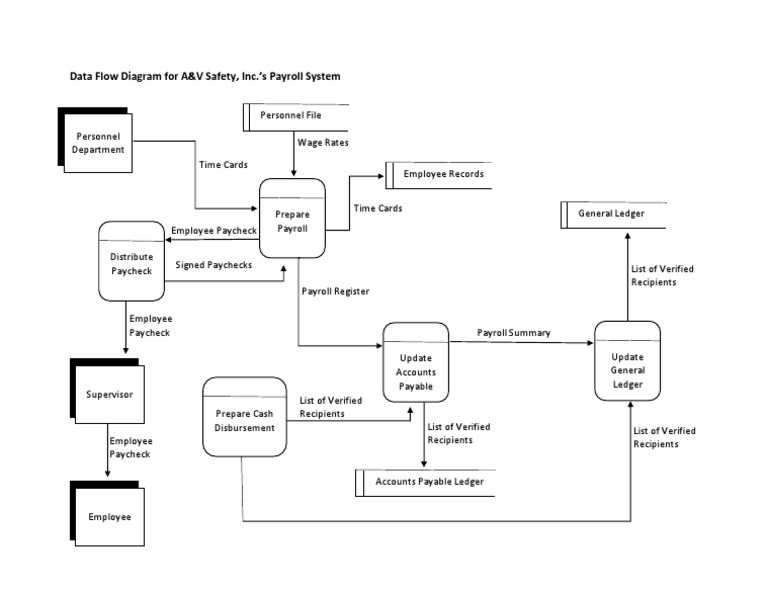
Run a controlled change with sample employee data. Fill in the table: original value, source application, each destination, sync direction, expected timing, observed result, and who fixes a mismatch.
Some systems sync automatically. Others update on a schedule or rely on an export and import. Judge each one against the process you actually need, including what happens when an update fails. For the scheduling side, see what happens after a schedule is published.
Match the HRIS approach to your team’s workload
Your shortlist depends on which functions must share employee records, what payroll coverage you need, and how much time you have to implement. A company with one HR generalist needs dependable vendor support as much as advanced features. If you’re still sorting out the categories, read which Kind of HR Software Do You Need.
| Buying situation | Approach to investigate | Example vendor | Deciding check |
|---|---|---|---|
| Payroll is satisfactory; personnel records and approvals cause trouble | Core HRIS | BambooHR | Required record, permission, PTO, and onboarding functions in the quoted edition |
| Payroll and routine HR administration both need attention | Payroll-led HR platform | Gusto | Single-state or multistate payroll requirement and the plan that provides it |
| HR, payroll, and other administrative tools need coordinated management | Modular integrated suite | Rippling | Exact modules, connections, setup services, and total quoted price |
If you employ people in multiple states, payroll geography filters your options. Gusto’s published plan descriptions place Simple at basic single-state payroll, while Plus includes multistate payroll. That decides which edition you compare.
BambooHR sells core HR packages alongside additional payroll and time-related services. Rippling offers configurable modules, and the total cost depends on which ones you pick. Match each quoted configuration to the employee tasks you need covered.
Take a firm with one HR administrator supporting about 60 people. Predictable onboarding and implementation help probably come first. A small healthcare nonprofit with paper timesheets and a separate payroll provider will care most about time collection and payroll coordination. Both search for an HRIS, and they need different demos.
Shortlist two or three configurations. Give each vendor the same demo task and the same list of essential functions. If your current provider could meet them with an upgrade, include that too.
Compare HRIS costs using equivalent requirements
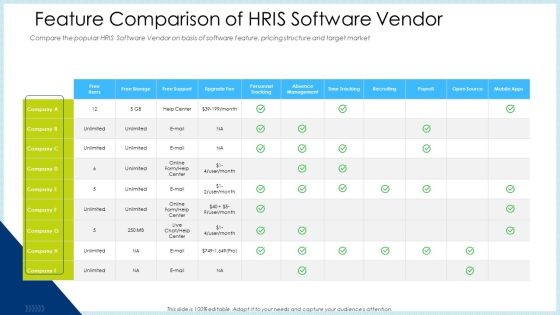
Compare subscriptions over a fixed period, using the same employee count, modules, implementation scope, and services for every offer. The billing unit matters as much as the headline monthly rate, especially when a vendor counts employee profiles and people with logins differently.
Two Zoho People community posts show why. One user needed records for employees who would never log in. Another wanted to hide blue-collar workers’ information from other staff.
In our organization, we are looking to add in employee information in Zoho people. These do NOT need access to Zoho people
…
We want to set the restrictions so that the users cannot view any information about the employees, i.e., blue-collar workers of our org
The first is a licensing question, so your quote needs the exact definition of a billable person. The second is about confidentiality, so your acceptance test needs proof that restricted records stay hidden.
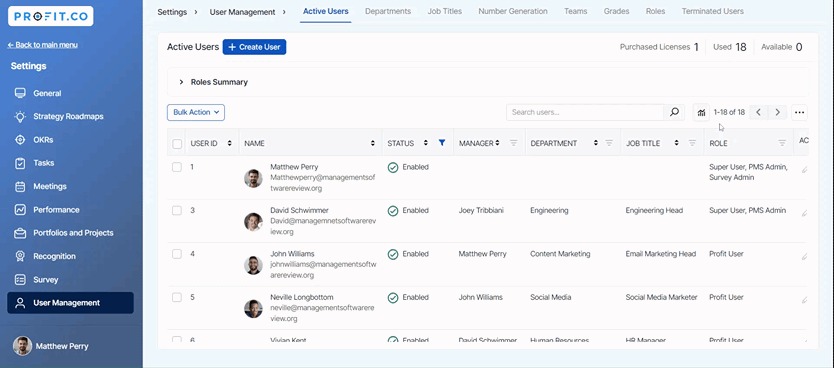
What to include in a written quote
| Cost item | Common scope or calculation | Current tools | Offer A | Offer B |
|---|---|---|---|---|
| Quote basis | Plan edition, quote date, term, billing interval | |||
| Base subscription | Monthly recurring charge | |||
| Billable people | Contract-defined employee, profile, or licensed-user count and rate | |||
| Core HR and other modules | Records, PTO, onboarding, documents, and required add-ons | |||
| Payroll, benefits, time, and ATS | Included services and recurring or per-person charges | |||
| Support | Included assistance and paid recurring commitments | |||
| Implementation and training | Configuration, onboarding, training, and other one-time fees | |||
| Migration and data import | One-time migration and reconciliation charges | |||
| Renewal and exit | Year 2 terms, cancellation, export, and transition charges | |||
| 12 months, 10 people | 12 × monthly recurring total + one-time costs | |||
| 12 months, 25 people | 12 × monthly recurring total + one-time costs | |||
| 12 months, 50 people | 12 × monthly recurring total + one-time costs | |||
| 24-month sensitivity | Year 1 + repriced Year 2 at the relevant headcount, including applicable exit charges |
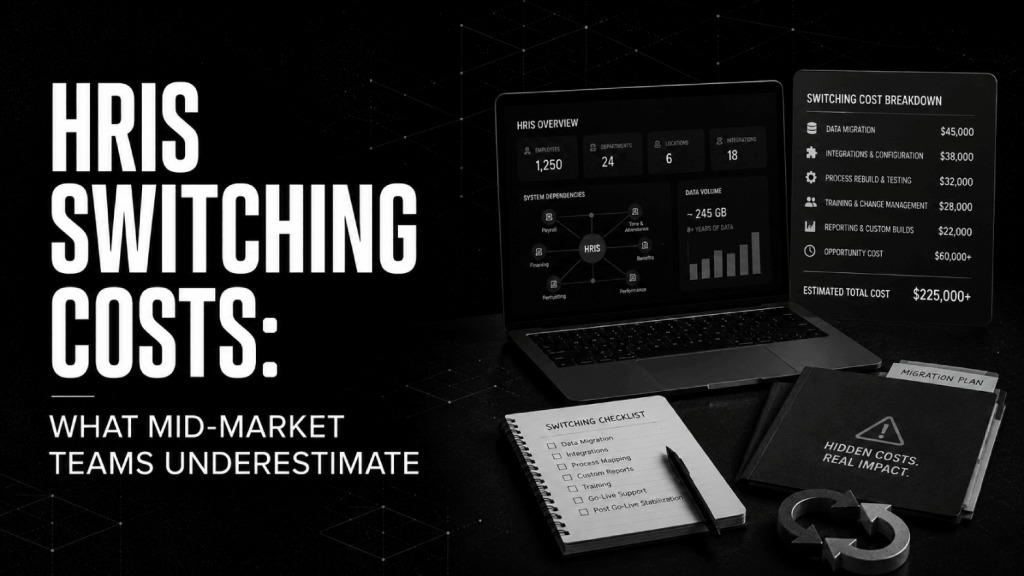
You can’t compare a quote that lacks a definition of a billable person with one that uses a different billing unit. Fill in the table for 10-, 25-, and 50-person cases, and leave unknown charges blank until the vendor supplies them.
Gusto’s published Simple-plan figures give you the math: a $49 monthly base plus $6 per person each month. Ten billable people come to $109 per month. Twenty-five come to $199 per month for those charges. Optional services and other costs add to the total, and your contracted price may differ.
BambooHR’s pricing information describes a separate arrangement for businesses with 25 or fewer employees, so ask for the 25-person case priced explicitly in writing.
For a first-year estimate, add twelve months of recurring charges to setup, migration, training, and other one-time costs. For year two, factor in renewal terms, headcount changes, and charges that continue after onboarding.
Pilot permissions, everyday tasks, and record exports
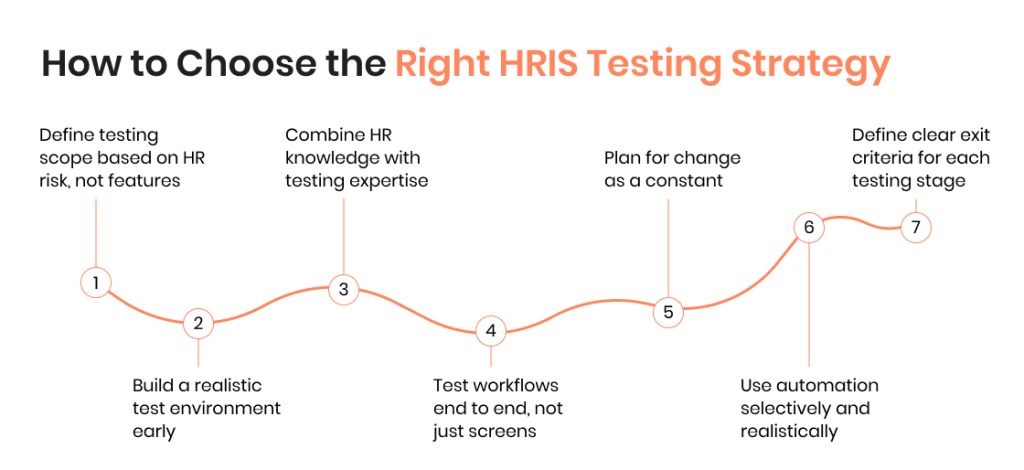
Run a practical pilot before you buy. An HR administrator, an ordinary manager, and an employee should each complete the tasks their roles require. Use synthetic records so real personnel data stays out of the sales trial.
One HR practitioner trained managers on a performance-review system and still had to enter some reviews for them.
The performance reviews sent my managers and directors over the edge. I did a formal training, step by step everything. I had to manually input reviews for some of these directors because they just couldn’t get it! We’re upgrading to their “share and perform” platform and I’m terrified for what everyone’s reactions will be (note: I haven’t even been trained in it yet!)
An HR admin who lives in the platform and a manager who opens it only for approvals hit very different friction. Put that manager in your pilot.
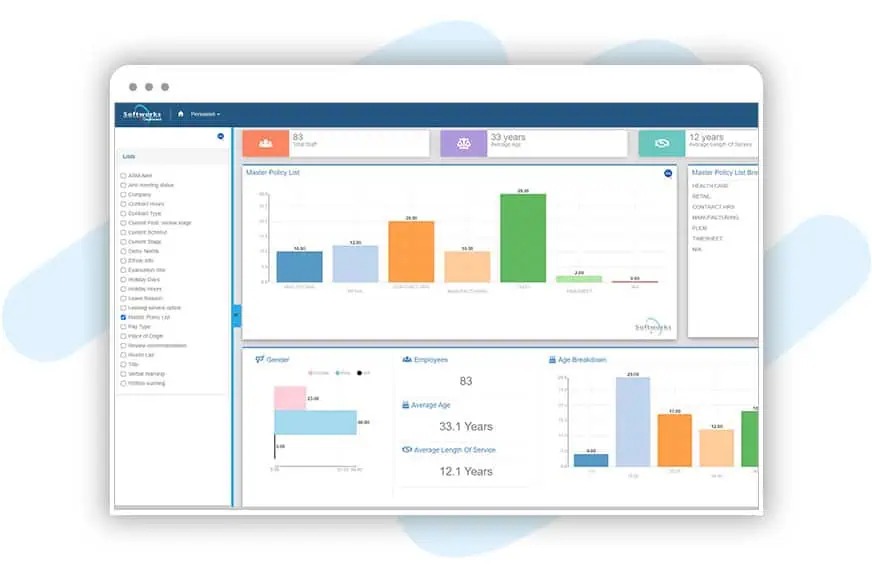
- HR administrator: Create a sample employee, import a document, edit a field, and check the change history.
- Manager: Complete a leave approval or review task without an administrator’s help.
- Employee: Open the self-service functions and confirm the personal information shown is correct.
- Restricted user: Try to view records outside the role and confirm the system blocks it.
- Departing employee: Run the offboarding sequence and confirm access ends when it should.
- Migration owner: Export a sample of historical records, reconcile key fields and relevant balances, and confirm you can retrieve the files without the old platform.
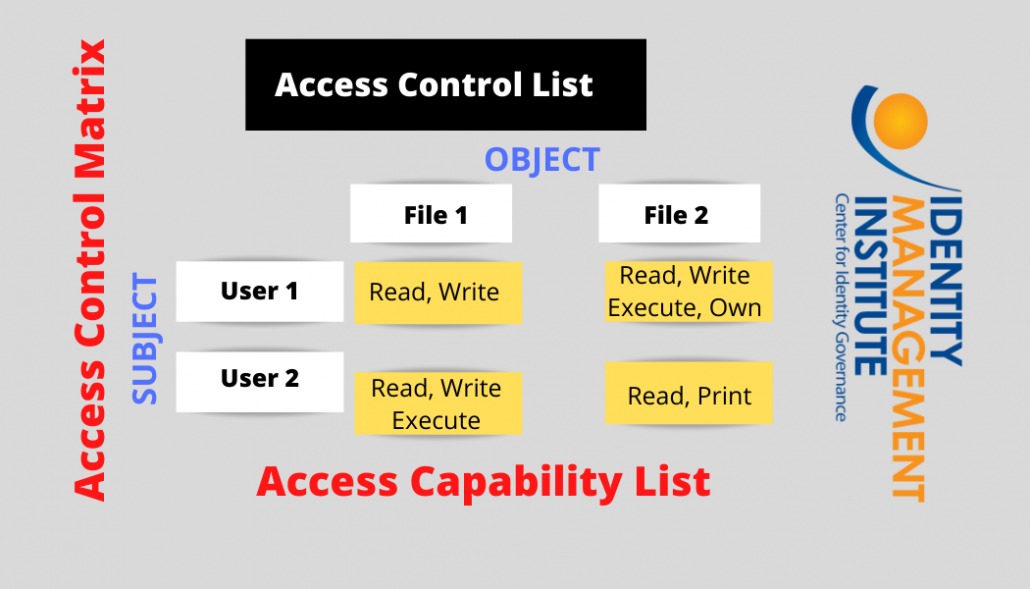
Record pass or fail for each step. A missing essential record, an unauthorized view of sensitive data, a workflow managers can’t complete, or unreconciled payroll information means you fix the configuration or drop that vendor. Ask the provider to list in writing which implementation tasks its team will perform, including field mapping, imports, integrations, and training. For the recruiting side, see how to test the recruiter's workflow on each finalist.
Keep legally required records accessible after switching
Switching systems changes where information is stored. Your recordkeeping obligations stay the same.
The IRS employment-tax recordkeeping guidance calls for keeping employment-tax records at least four years after you file the fourth-quarter return for that year.
For employers covered by the relevant Fair Labor Standards Act requirements, the Department of Labor’s Fact Sheet 21 calls for three years for payroll records and two years for supporting records used to calculate wages.
The EEOC’s recordkeeping guidance sets record-specific obligations, including a common one-year minimum for specified personnel records and longer retention when proceedings or charges are involved.

Assign a custodian and retrieval location for old employee records before shutting down the former HRIS. Retention obligations outlast the software subscription.
Speak Your Mind