A routine roster seldom reveals whether scheduling software is any good. Shift swaps, unexpected leave, coverage gaps and payroll exports do. Put each shortlisted tool through the same difficult week; leave a predictable schedule in its existing spreadsheet or HR tool if it already holds together.
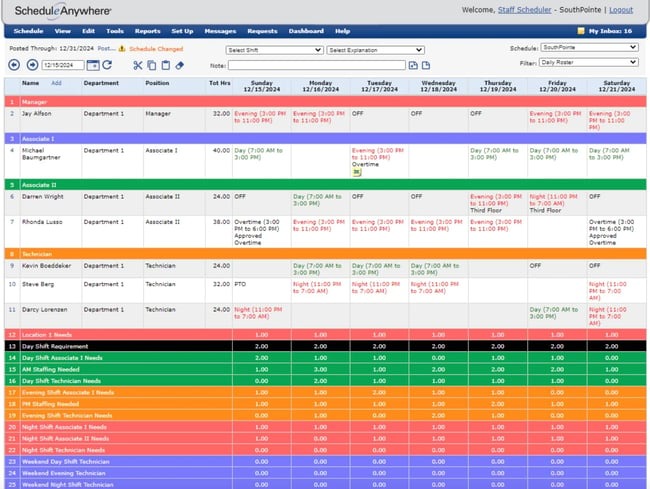
A roster built on Sunday may be obsolete by Wednesday: leave requests, a sick call and an unapproved swap all change coverage. The scheduling tool needs to show staff the current assignment while preserving the manager’s approval process.
Which employee scheduling software fits your team?
Start with three constraints: the coverage rule that can never fail, how a published shift is allowed to change, and the payroll or location requirement you have to meet. These narrow the list before subscription prices start to matter. The authorized employee shift-change example covers the permission and approval steps that the schedule needs to preserve.
A five-person shop with steady weekday shifts needs little beyond a repeating roster and shared availability. A restaurant with 35 employees and frequent leave requests carries a heavier administrative load. A business running overnight and on-call coverage across multiple locations needs detailed assignments and permissions. If permissions push you toward an HRIS, see when a small business needs an HRIS.
| Tool | Why look at it | What to check first |
|---|---|---|
| Homebase | Free Basic plan for one location and up to ten employees. Paid plans are priced by location. | Count your sites, eligible employees, and any paid approval or payroll functions. |
| Sling | Free scheduling advertised for up to thirty users. Administrators and managers count toward the user total. | Count every profile, then find the plan that covers your workflow. |
| Deputy | Published per-user tiers list shift swapping and leave management, with more advanced rules in higher tiers. | Confirm your exact approval and coverage controls exist in the tier you would buy. |
| When I Work | Per-user scheduling tiers with a separate Time Tracking & Attendance selection. Its documentation describes open-shift and swap workflows. | Add attendance if payroll reconciliation depends on it. |
| 7shifts | Its documentation separates draft shifts from published shifts and describes different web and mobile schedule views. | Test publishing permissions, editing, and what employees see. |
| Square Shifts | A dated Square product announcement describes manager approval workflows for covers, swaps, and open shifts. | Find out which account roles and permissions can use those workflows. |
For a small single-location team, start with Homebase and Sling, because their free-plan limits are explicit. If approval rules are your main concern, look at Deputy and Square Shifts. If you want scheduling and attendance in one purchase, look at When I Work.
Other products, including Connecteam, belong on the list if their plan details meet the same constraints. Keep the shortlist short enough to run identical tasks in every finalist.
What must a roster enforce before publication?
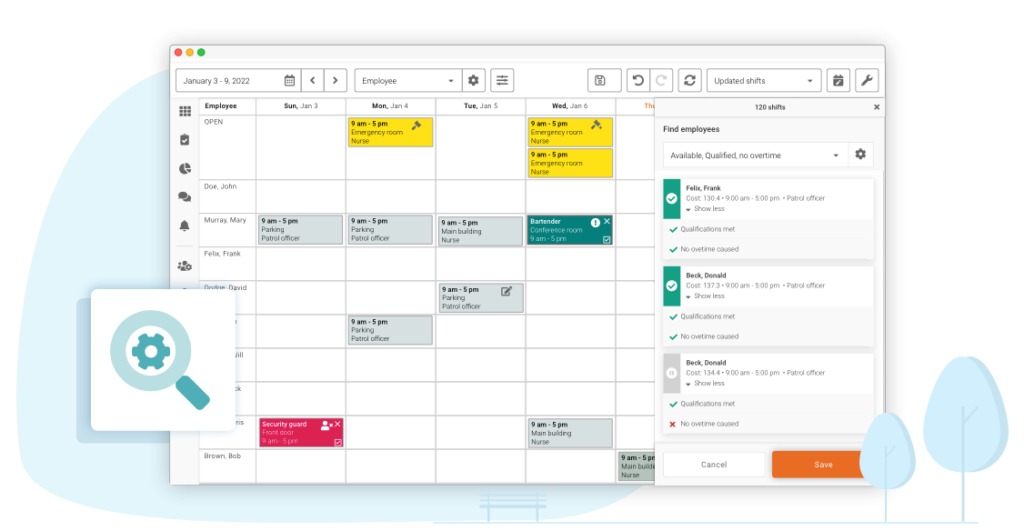
A schedule works when available, qualified employees cover every required assignment. A calendar full of names can still leave a location without the only employee authorized to close, or put someone on a shift during approved time off.
Say a five-person operation needs at least four people on duty each day. Two overlapping leave requests drop availability to three.
- Availability and PTO: Repeating weekly availability, approved leave, and one-off partial-day requests must survive a copied template.
- Shift structure: Overnight assignments, rotating days, split shifts, and on-call periods need clear dates and role ownership.
- Qualified coverage: When employees are not interchangeable, the tool must check headcount and role requirements together.
- Permissions: Someone specific must have the authority to publish, approve, or override a conflict.
Check whether the plan flags each of these conflicts or leaves your supervisor to find them. Confirm role and qualification rules in the exact plan you would buy. A calendar feature tells you nothing about them.
A residential-support manager described eight- and twelve-hour shifts, continuous coverage, rotations, and on-call duties.
What happens after a schedule is published?
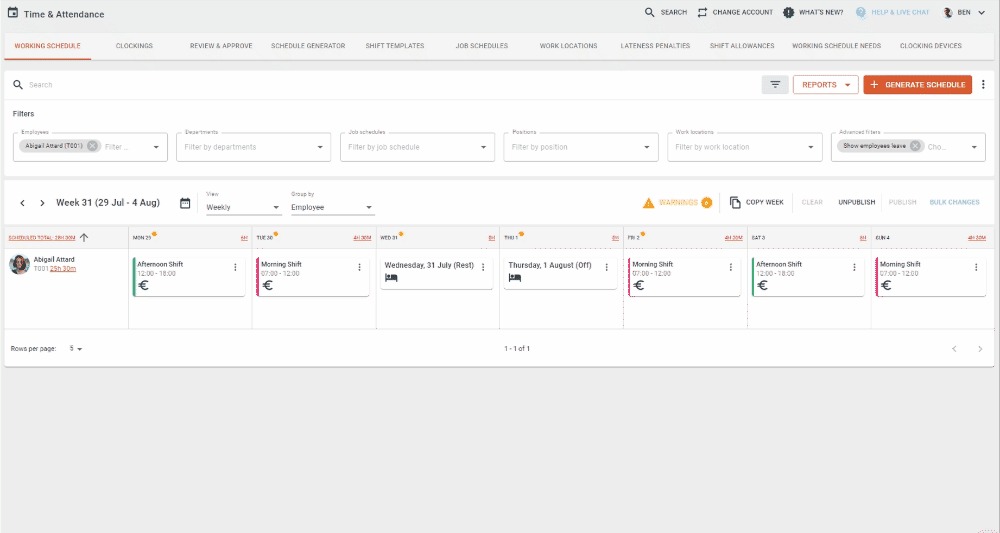
Once employees can see their assignments, an edit raises two questions: which schedule is current, and what will the employee see next? A manager’s saved draft can differ from what employees see.
The 7shifts help documentation separates draft shifts from published shifts. Its separate documentation on editing a published schedule says changes stay drafts until you republish, and it describes notification options at publication. In any demo, watch the moment the manager thinks the edit is done.
Three Reddit posters describe the burden:
Now a days our manager does the schedule weekly. But it’s a headache and a nightmare every week.
…
Client and employee’s schedules often abruptly change, causing me to go back to have to revise many shifts.
…
The problem I am having is finding a scheduling solution that will work for us and is pretty user friendly.
They manage a restaurant with 35 employees, an operation with roughly 200 weekly shifts across 25 clients and 15 part-time employees, and a 55-person residential-support organization. The second poster found revising individual shifts in QuickBooks Time tedious in 2024.
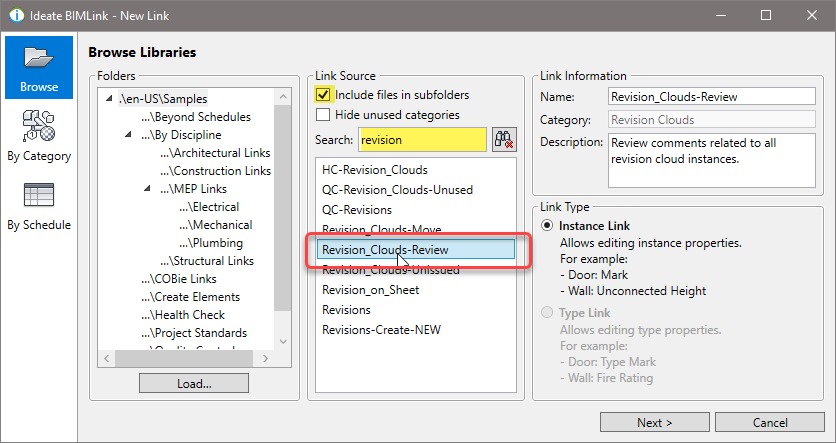
To test bulk edits, revise twenty already-created shifts. Count the operations, check for lost information, review the change history, and look at the schedule employees see. Try an overnight shift that crosses midnight, or a recurring schedule copied after leave approval. These expose errors a single-shift demo misses.
Will employees know their shifts changed?
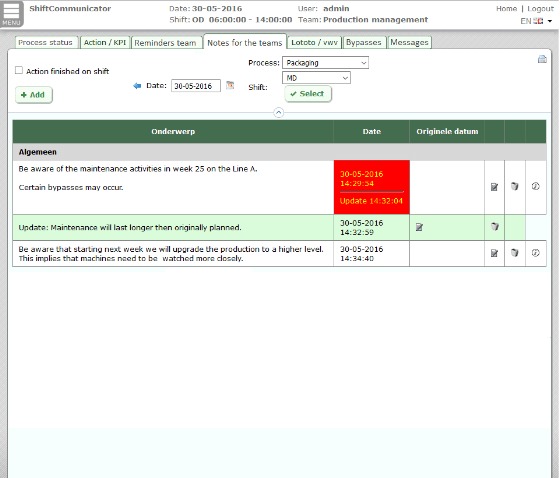
Updating the roster doesn’t tell the employee anything. The alert might go out, the new shift might show up in the app, and the employee might open neither.
Employees describe the cost of unexpected edits in their own words:
A few times now, my schedule has changed after the final schedule comes out. Sometimes shifts are moved, or edited, or deleted,
…
I was scheduled for 5:15 on Monday and she changed it to 4:15.
…
I have a life outside of work and I coordinate my plans based on my days off and the time I get off.
A shift moved from 5:15 to 4:15 can interfere with childcare or travel plans. A notification sent to a phone is not proof the employee agreed. If the tool has no read receipt or acknowledgment feature, you won’t know whether the employee saw the change until someone confirms it.
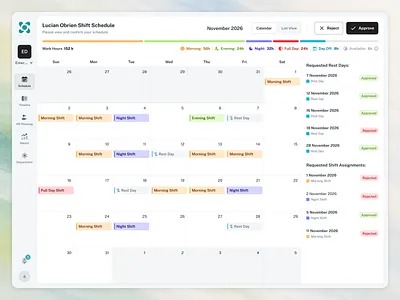
Test it with two accounts. Change one published assignment, then check the manager’s current schedule, the employee’s updated view, the push or in-app alert, and any acknowledgment record your plan provides. Also publish several recurring schedules close together and see whether the employee can spot the change that matters among the notices.
How do trades, shift covers, and open shifts work?
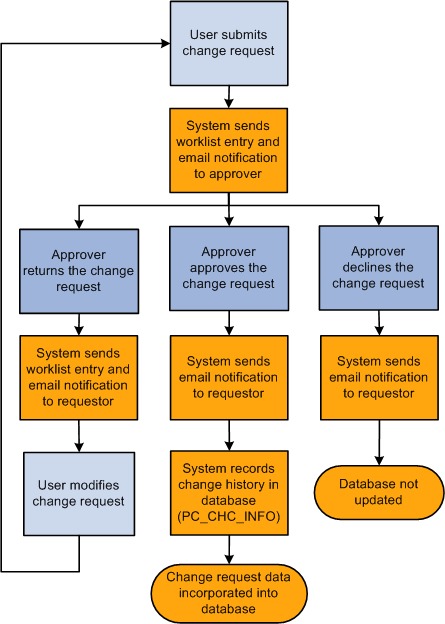
A shift trade exchanges two assignments. A cover moves one existing shift to another employee. An open-shift pickup fills a vacancy. Permissions and final roster states differ for each, even when a vendor puts all three under one scheduling menu.
| Transaction | Employee action | Manager approval | Resulting assignment |
|---|---|---|---|
| Reciprocal trade | A and B propose exchanging their shifts. | Confirms both workers and the exchange meet policy. | Each worker receives the other’s approved shift. |
| One-way cover | B offers to work A’s existing shift. | Accepts or rejects the replacement. | B works the shift; A receives no shift in return. |
| Open-shift pickup | An eligible employee claims a vacant shift. | Determines whether the claim is approved. | One authorized employee owns the vacancy. |
Joe cannot work Friday night. Jane can cover but does not need Joe to work one of her shifts. That calls for a one-way cover with a clear approved result, and Friday night should no longer sit under Joe’s name.
Square’s product update of October 22, 2024 described manager approval workflows for covers, swaps, open shifts, time-off requests, and timecard edits, subject to role permissions.
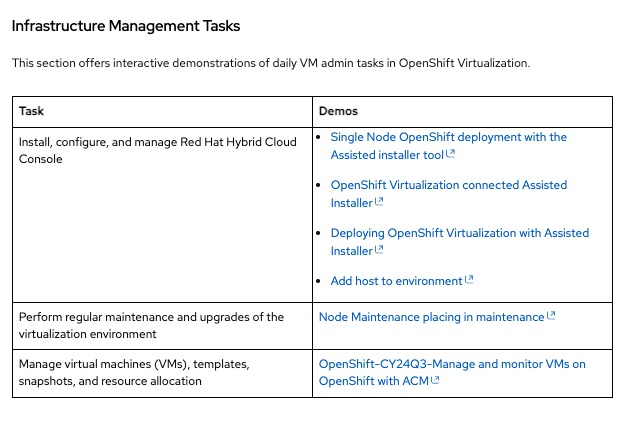
Use separate employee and manager accounts to run all three transactions. The test passes when the request state, decision maker, current assignment, and employee views agree. It fails if a claimed open shift still looks vacant or a replacement leaves two active assignees.
How should you compare employee scheduling software costs?
Compare prices only for the plan that does the job you need, at your real count of billed users and locations. Per-user charges grow with the roster, per-location charges grow with sites, and attendance or payroll options can change either total.
| Provider | US price examples | Billing unit and material limits |
|---|---|---|
| Homebase | Basic free. Essentials $30, Plus $70, All-in-One $120 per month on monthly billing. Lower annual-billing equivalents were also shown. | Paid tiers priced per location. Basic covers one location with up to ten employees. Payroll is an add-on. |
| Deputy | Lite $5, Core $6.50, Pro $9 per user per month as annual-commitment monthly equivalents. | Per user. Price month-to-month arrangements and tier eligibility separately. |
| When I Work | Essentials $2.50, Pro $5, Premium $8 per user per month in the published plan examples. | Per user. Time Tracking & Attendance is a separate selection, and billing terms affect the quote. |
| Sling | Free scheduling for up to thirty users. Premium $2 and Business $4 per user per month, with lower annual-billing equivalents. | Admin, manager, and employee accounts count as users. |
Deputy’s pricing FAQ sets a US $30 minimum monthly spend for Lite, Core, and Pro before sales taxes. It also sets a four-user minimum on annual plans. On a small team, add the minimum even when the per-user math comes out lower.
Plan amounts change with billing selections, promotions, eligibility, and extras. Homebase’s pricing page states a one-location free limit, and Sling’s account-billing explanation counts administrators and managers alongside employees.
The Sling help example has one administrator, two managers, and seventeen employees: twenty users.
A single-site team of eight, a twenty-five-person company, and a sixty-person operation across three locations will each land on a different comparison. For each finalist, find the edition that does the job, then work out its cost. To compare scheduling and ATS options by first-year cost, see how to calculate the first-year cost of each qualified option.
Estimated annual cost = 12 × (applicable monthly subscription charge after minimums + monthly add-ons + estimated monthly usage fees) + annual-only charges + one-time fees.
Calculate the monthly subscription charge from the billable users and locations that apply to that provider, then apply any minimum. Count a charge as monthly only if it is billed or estimated monthly. If you prepay an annual contract, use the annual total and skip its monthly equivalent. Apply the tax treatment the provider states.
A hypothetical plan costing $5 per user would charge $100 per month for twenty billed profiles before extras, assuming no higher minimum. A hypothetical $30-per-location plan would charge $90 per month for three sites before extras. A free plan stays free only while your team and required features remain eligible.
Record the billing interval, payment commitment, required modules, taxes, and setup charges beside each figure. That keeps a cheap starting rate from hiding the full cost.
Does scheduling data reach timecards, payroll, and your POS?
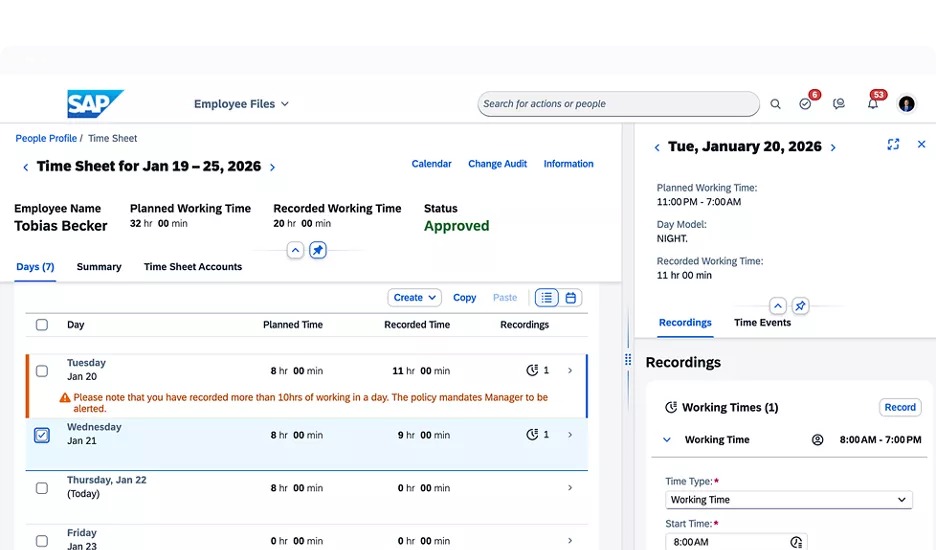
A published shift is the plan, and the timecard is the record of work performed. Employees who arrive early, stay late, or move between jobs can have compensable time that differs from the scheduled block.
The US Department of Labor’s hours-worked guidance covers compensable work under the Fair Labor Standards Act, including work an employer permits outside the scheduled period. State and local pay rules can add obligations for some employers.
Trace the records through one chain: published assignment, actual time entry, approved timesheet, payroll transfer, and reconciliation. Expect the receiving system to want employee identifiers, actual start and finish times, breaks, role or job codes, site assignments, and approval status. A restaurant using POS-based tip information needs additional fields.
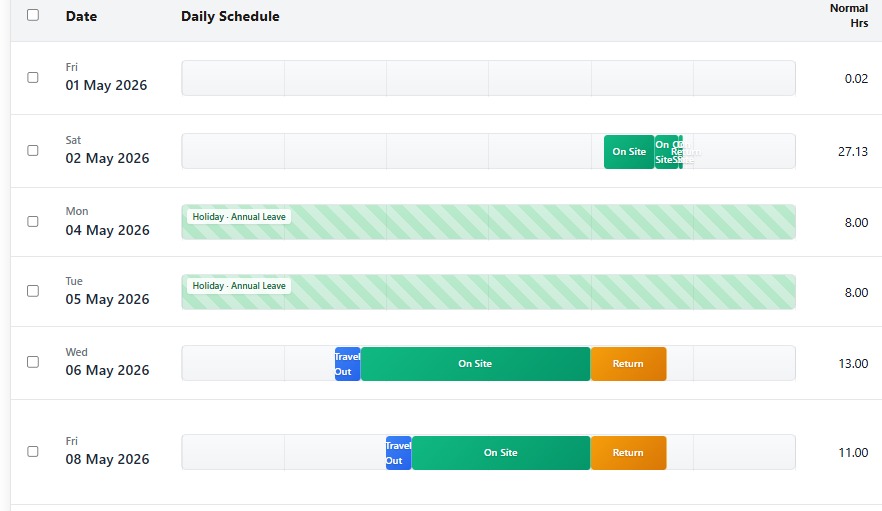
Ask for an integration specification that names the exchanged fields and the direction of transfer.
Compare one pay period across the timekeeping and receiving systems, including an employee whose actual hours differ from the original shift. The reconciliation must keep the compensable time and the required job or location data. A scheduled end time is no substitute for a record of actual worked time.
When do scheduling rules and employee privacy change the choice?
Which advance-notice rules apply depends on the workplace location and employer coverage. Federal wage-and-hour guidance sets no single schedule-notice period for every US employee, and some local laws add specific requirements.
New York City’s Fair Workweek guidance for fast-food workers describes a fourteen-day advance scheduling requirement for covered employers, plus rules on certain changes. It covers only qualifying NYC fast-food employment. A scheduling system serving those businesses needs accurate publication and change records.
If you operate in several jurisdictions, compliance depends on each worksite and each covered category of employee. Before committing to a platform, review the official requirements and decide which schedule records, permissions, and notices you must retain.
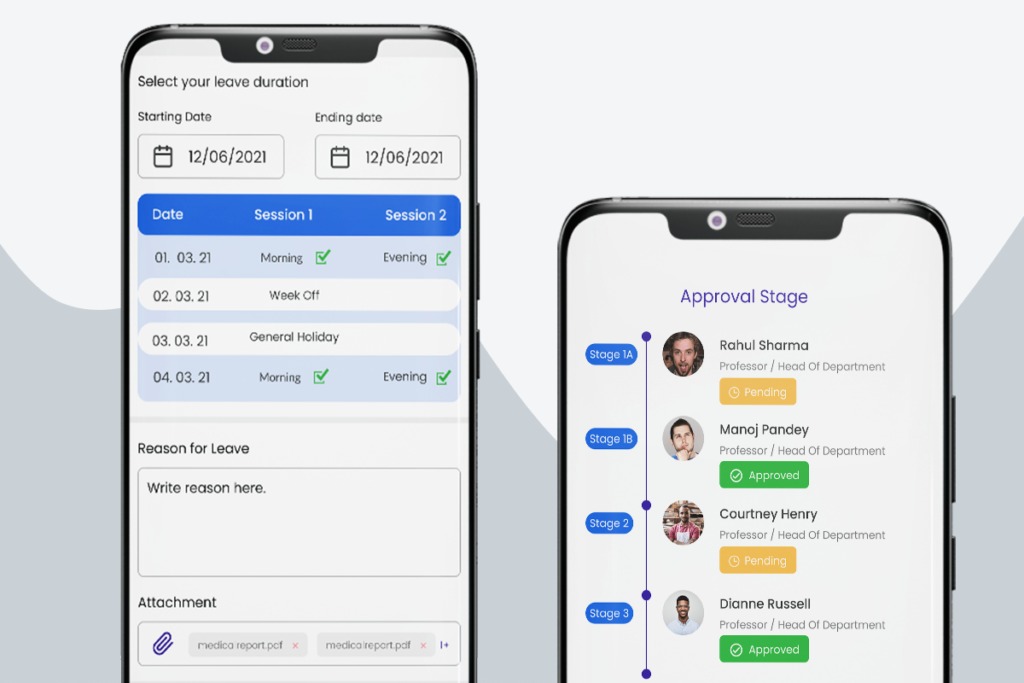
Mobile access raises a permissions question. Inspect the plan’s location permissions, visibility settings, and data retention rules, especially when employees use personal phones. Displaying a next shift doesn’t require collecting location information.
Operations with clinical qualifications, specialized credentials, or unusually complex 24-hour coverage need a separate workforce-management evaluation, including their role-specific staffing obligations.
How should you pilot a scheduling app before paying?
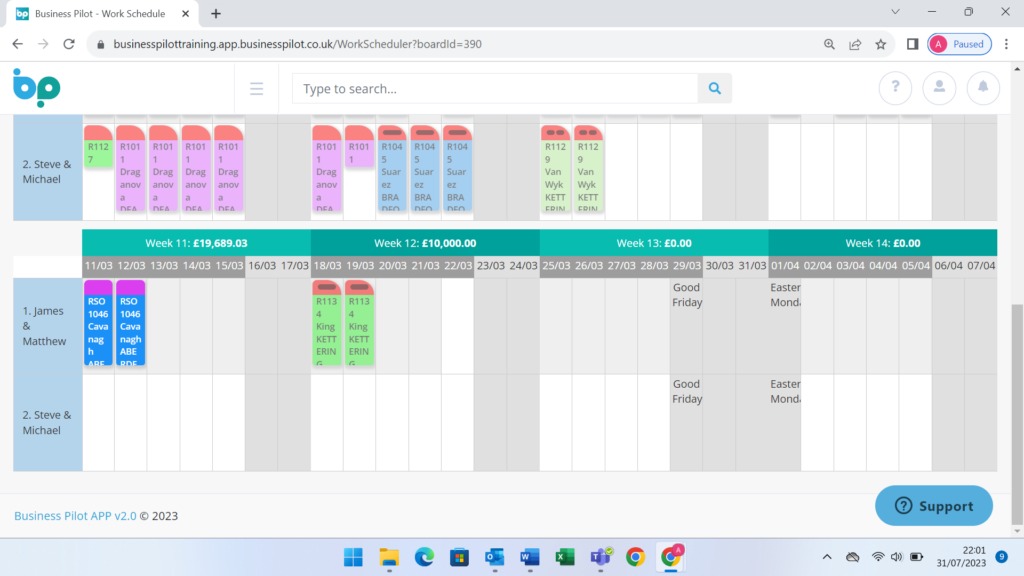
Put the finalists through the same hard seven-day schedule. Include these events:
- A partial-day absence
- A coverage shortage
- Overnight work
- An open shift
- A callout
- A published-schedule change
- A payroll handoff
Give one manager and two employees the permissions they would have at work. A complete pilot asks whether the app keeps the whole week coherent after those events interact. The manager’s actions and the employees’ views must show the same current assignments.
| Checkpoint | Evidence to preserve | Result |
|---|---|---|
| Availability and role coverage | Approved leave, qualified assignments, unresolved conflicts | Pass / Fail / Not tested |
| Published-schedule revisions | Current schedule, edit history, remaining drafts | Pass / Fail / Not tested |
| Employee communication | Updated employee view, alert, acknowledgment if available | Pass / Fail / Not tested |
| Trades, covers, and pickups | Request, approval, single final assignment | Pass / Fail / Not tested |
| Worked-time handoff | Approved timecard, exported fields, receiving-system match | Pass / Fail / Not tested |
| Annual price | Billed profiles, locations, extras, and payment terms | Verified / Incomplete |
Mark pass or fail only for what the team observed in the edition you are considering. Mark anything untested as untested, even if a sales demo or vendor page describes it. For an established operation, a two-week parallel run can catch missing assignments and leave records before you replace the familiar roster.
For each mandatory task, the go/no-go record needs one owner, the plan tested, the observed result, and any unresolved exception. A failed required workflow ends that finalist’s trial. Convenience differences decide between the plans that remain.
When is a spreadsheet or the existing tool enough?
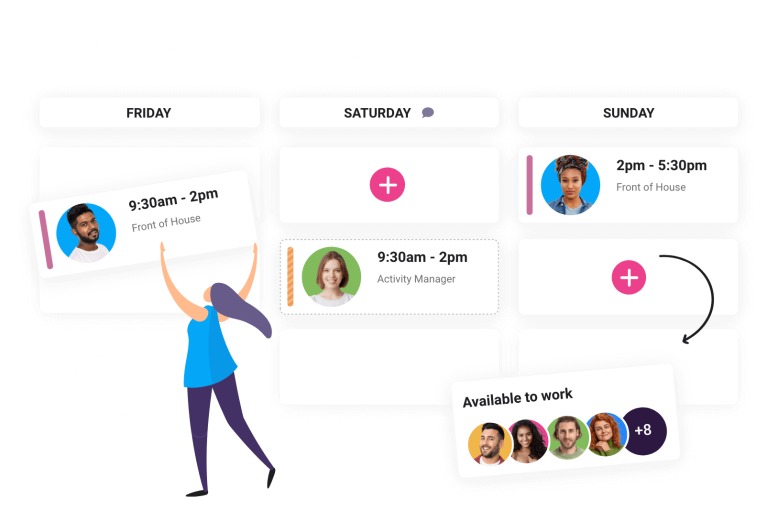
Write down who approves swaps and emergency cover and how the published roster changes afterward. With that policy in place, the trial can show whether the existing tool or a dedicated app actually follows it.
Speak Your Mind