A shared inbox can be the right support system for a small team if ownership and reply history stay clear. Once customers fall between agents or channels, a hosted help desk becomes worth testing. Recreate the usual ticket journey and check the exit export before handing it the production mailbox.
When is a cloud help desk worth replacing your inbox?
Two agents can lose a conversation if both expect the other to answer; a larger team may work smoothly with clear assignments in a collaborative inbox. The real threshold is unreliable ownership or missing history, not employee count.
A shared Gmail or Outlook mailbox lets several people see the same messages. A collaborative inbox adds assignment and shared history, sometimes with collision warnings. A help desk goes further by tracking requests as tickets with owners, statuses and a durable history.
Pull one normal week of support requests. For each conversation, check three things: did someone own it, could colleagues see the last reply, and did an open issue have a clear next step?
| Current workflow | What you find | What to do |
|---|---|---|
| One shared email channel | Every request has an owner and a traceable follow-up | Keep the collaborative inbox |
| One or two channels | Ownership or duplicate responses regularly cause trouble | Try lightweight ticketing or Gmail-native support |
| Several support channels | Requests need shared statuses, assignments and customer history | Look at a dedicated hosted help desk |
| Employee IT requests | Service workflows and requester status dominate | Consider a cloud IT service desk |
Here’s how one small support team describes the problem:
We’re a small team of about 8 people handling customer support, and we’ve been limping along with a shared Gmail inbox for way too long. It’s starting to become a real problem tickets get missed, there’s no visibility into who’s handling what, and our response times are embarrassing. We don’t need anything enterprise-level or loaded with features we’ll never touch. Just something clean, easy to set up, affordable, and built for a lean team that doesn’t have a dedicated IT person to manage it.
A two-person service business with one support address can stay on a shared inbox if both people can tell who owns a request, find earlier replies and locate open ones. A full migration would add setup work and fix nothing.
The need changes when an inquiry arrives by email, continues through a web form and lands with another agent while the customer expects one conversation. At that point you need a durable ticket record with assignment history.
Match the software to your channels and roles
Start with the channels your customers use and the permissions each person needs. If the affordable plan lacks a channel, requester function or access control you must have, drop it, whatever the brand offers on higher tiers.
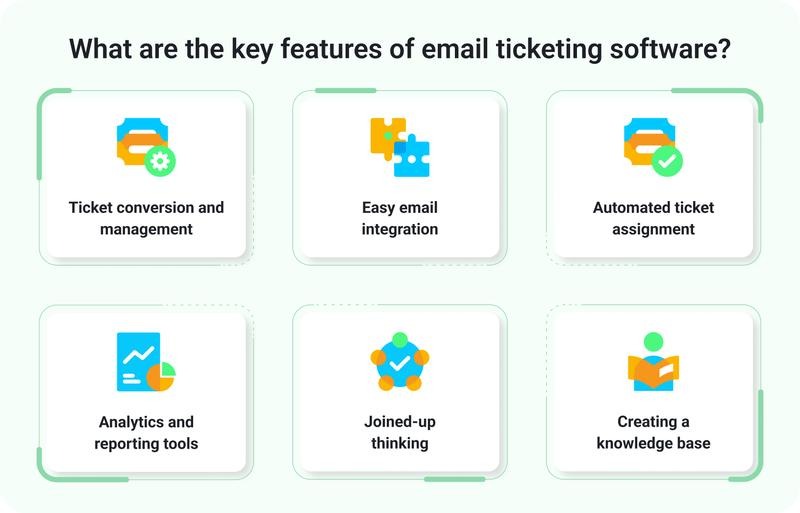
A lean support team needs request capture, an accountable owner, internal notes, reassignment, ticket history and reliable replies. Basic reporting becomes useful once several agents share a queue. Web chat, customer portals, knowledge bases and advanced permissions matter only for some teams.
A SaaS support team usually wants a customer portal and searchable help content. An online retailer wants live chat next to email. An internal IT team cares most about employee service requests and custom statuses. For help with that choice, read how to choose for internal IT or customer support.
| Software model | Fits this workflow | Product examples | Deal-breaker |
|---|---|---|---|
| Gmail-native support | Google Workspace team that wants to keep working in Gmail | Hiver | The Gmail-based plan you pick lacks a channel or role feature you need |
| Dedicated cloud customer help desk | Structured customer email support with assignments, history and extra channels on some plans | Help Scout, Freshdesk, Zoho Desk, Zendesk | The plan lacks a channel, requester permission or workflow you need |
| Cloud IT service desk | Employee service requests, internal workflows and requester status | Jira Service Management | Customer-service needs don’t fit the IT-oriented workflow |
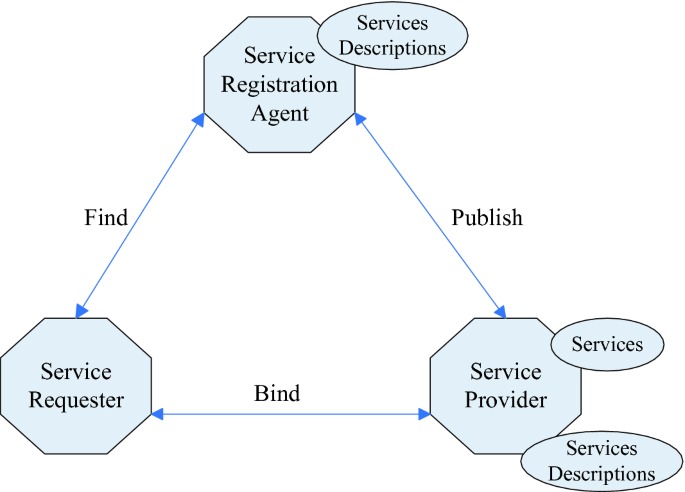
An IT team spelled out what its requesters need to see:
I’m looking for a reasonably priced Ticketing solution that doesn’t need to be locally hosted. This is for a small 3-person IT Support team that services ~150-200 end-users at multiple locations. My criteria is customizable status selections for each ticket (Not Started, Awaiting Hardware, Awaiting Network Team, etc) that can be adjusted on our own portal, but also has a customer-facing option to view the date/time/status of their ticket without having to reach out directly to our team.
That’s internal IT, but the point holds for customer support too: an agent’s ability to update a status doesn’t mean the requester can see it.
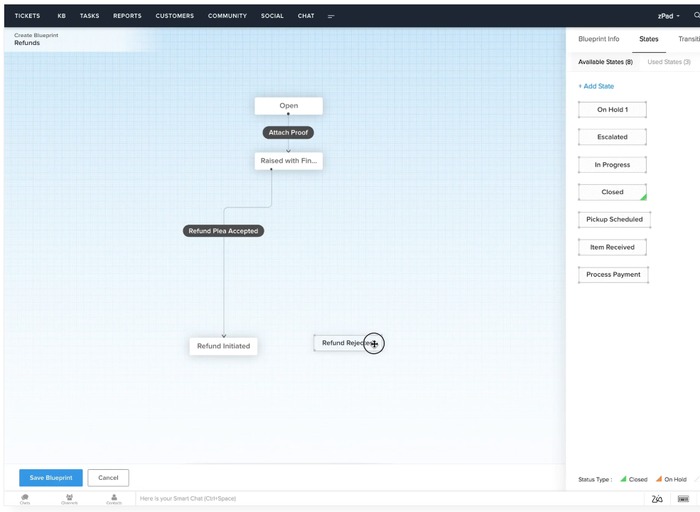
Agents, requesters and administrators have different roles. Customer portals, SSO and role-based controls can be limited by plan, and access to a ticket is separate from permission to see internal notes or other customers’ conversations.
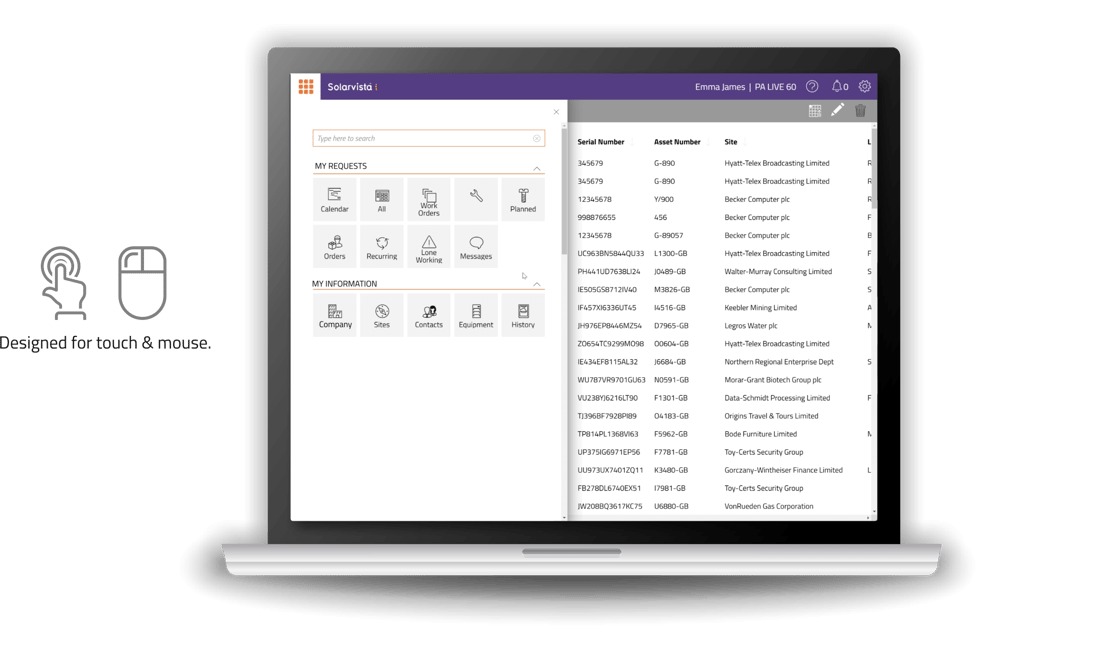
Build a must-have matrix with one row per required channel and separate rows for agent and requester permissions. Mark each item required, useful or unnecessary, and note whether the plan’s documentation covers it or you need to confirm it in a trial.
For example, an eight-agent team that must answer both email and live chat has a hard requirement for both. A cheaper email-only plan is out before you compare prices.
Compare costs by the unit that triggers an upgrade
Cloud help desk pricing can depend on paid agents, helped contacts, inboxes, channels, AI usage and paid additions. Find the unit that would interrupt an essential workflow, then compare the same plans under the same billing assumptions.
Annual-billed prices below are shown as monthly equivalents.
| Vendor and plan | Published price or allowance | Condition that matters |
|---|---|---|
| Help Scout Free | Up to 5 users; 1 inbox; 100 helped contacts per month | Also lists 10 tags and 10 saved replies |
| Freshdesk Free Program | Up to 2 agents for 6 months | Applies to Freshdesk, excluding Freshdesk Omni |
| Freshdesk Growth | $19 per agent per month, billed annually | Lowest Freshdesk rate listed |
| Freshdesk Pro | $55 per agent per month, billed annually | Middle Freshdesk rate listed |
| Freshdesk Enterprise | $89 per agent per month, billed annually | Highest Freshdesk rate listed; extra controls a small team rarely needs |
| Zendesk Support Team | $19 per agent per month, paid yearly | Core email ticketing, routing and support functionality |
| Zendesk Suite Team | $55 per agent per month, paid yearly | Broader suite including messaging and live chat |
Help Scout Free has two separate limits: up to five users and 100 helped contacts per monthly cycle. A helped contact is a person helped through a qualifying email conversation with an agent reply, a phone conversation created in Help Scout or an AI Answers resolution. Repeated qualifying interactions with the same identified contact across channels count once per cycle, and an automatic inbox reply alone doesn’t count as the agent email reply. Once the limit is reached, incoming messages keep arriving but replies are blocked until the next cycle or an upgrade.
Two agents helping 80 distinct contacts a month fit both allowances, as long as the other plan restrictions suit the business. Five agents helping 300 distinct contacts fit the five-user cap but exceed the 100-contact limit.
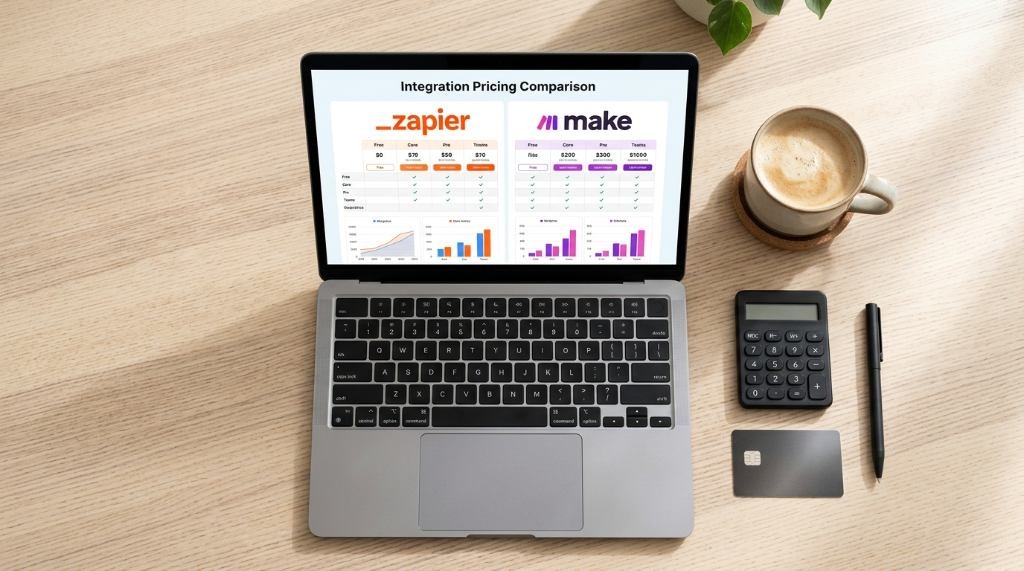
Freshdesk’s Free Program works differently. It lasts six months, covers two agents and has its own eligibility conditions. If you come back from a higher-plan trial, you may need to cut the agent count, and configurations built with higher-tier features may be lost on downgrade. Once an account upgrades to a paid plan, it can’t switch back to the Free Program.
AI usage adds another billing unit. Freshdesk documents the first 500 AI Agent sessions as a one-time account allocation, with extra sessions and connector tasks priced separately. Help Scout Free includes a three-month AI Answers trial. Continuing afterward requires an upgrade, with resolution-based charges under the paid-plan terms. Sessions and resolutions are different units from agent seats or ordinary incoming tickets.
For five agents, a published annual-billed rate of $19 per agent comes to $95 a month, and $55 per agent comes to $275. Both figures exclude add-ons, taxes, account-specific commitments and any higher plan you turn out to need.
An email-first team on a tight budget can try Help Scout Free if its inbox, user and helped-contact limits fit. A two-agent business looking at Freshdesk Free needs a plan for when the six months end. A team that needs live chat should check a multichannel plan such as Zendesk Suite Team first. Still choosing between Zendesk and Freshdesk? Read the Zendesk–Freshdesk decision.
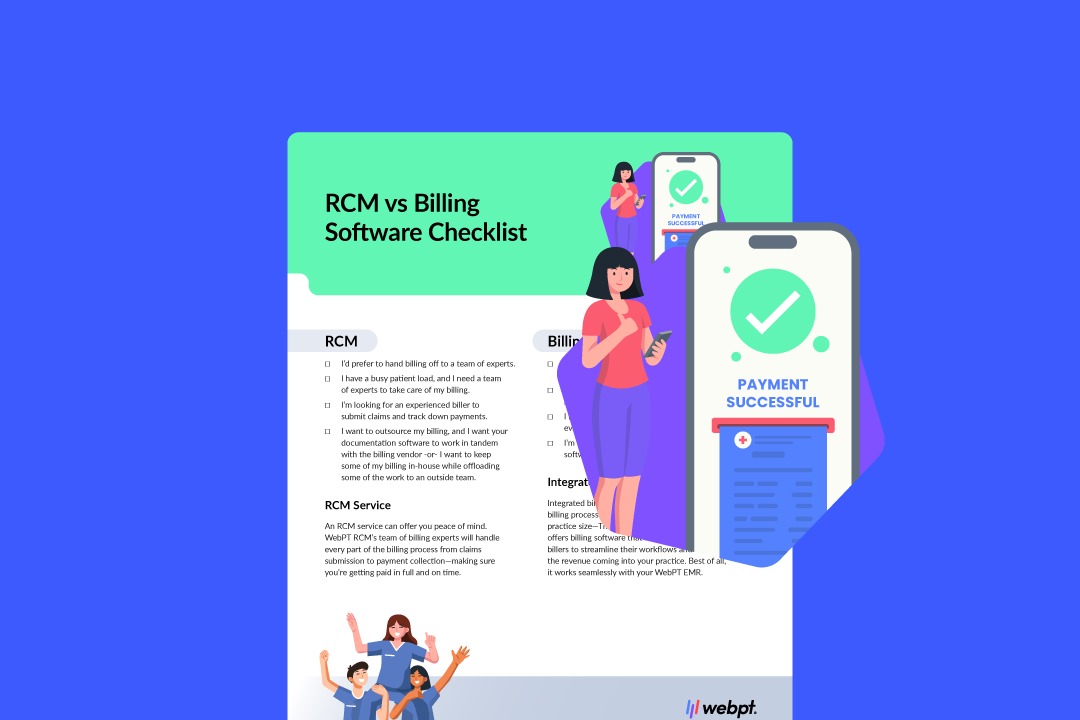
Build a 12-month cost sheet for each candidate. Include paid agent seats, expected helped contacts, required inboxes and channels, AI usage if needed, connector charges, onboarding, billing commitments and the first upgrade trigger. Record the plan name and any excluded charges.
Run an email-to-ticket test with two outside senders
Test the full support exchange before you point customer mail at a new help desk. In a working trial, an outside message becomes a ticket, reaches the right agent and gets a usable reply, and the customer’s follow-up lands in the same conversation.
One two-person business described what it wanted:
Hi there! I have a very small company that doesn’t have an IT manager (it’s just two of us so far) and my co-owner handles all support calls and emails. We need some kind of help-desk software that can manage vendor help desk calls and emails. The software should receive emails at an email address, auto-respond with a “Help request received!” email, and then start a ticket someone can address and resolve.
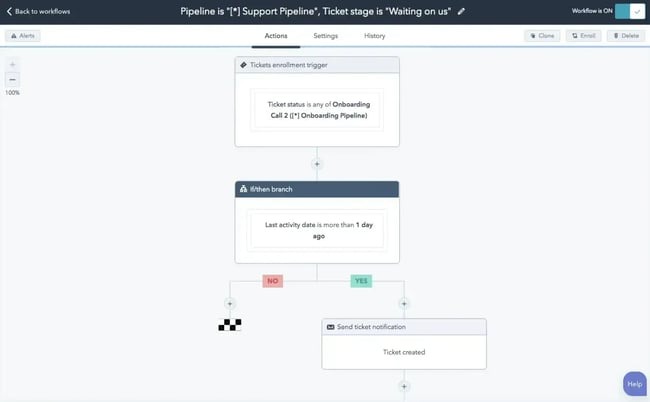
Use two sender mailboxes outside your company’s email domain and, if handoff matters, two agent accounts. Configure the plan you’re testing and the support address. Sender A opens one request; Sender B opens a separate one while both agents are active.
| Test event | Expected result | Observed result / ticket ID | Pass or fail |
|---|---|---|---|
| Sender A emails the support address | One ticket with correct requester and subject | _____ | _____ |
| Ticket enters the agent queue | Named owner and visible status | _____ | _____ |
| Automatic acknowledgment, if enabled | Sender A receives the intended acknowledgment | _____ | _____ |
| Agent 1 replies with a small test attachment | Sender A receives the reply and attachment | _____ | _____ |
| Sender A follows up | Follow-up appears in the existing ticket | _____ | _____ |
| Sender B submits a parallel request | A separate ticket appears with the correct requester | _____ | _____ |
| Agent 2 overlaps an assignment or reply | Collision handling and notifications are visible | _____ | _____ |
| Private note, duplicate, close and reopen | Correct visibility, threading and status changes | _____ | _____ |
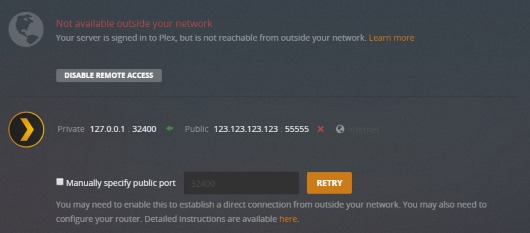
If incoming messages don’t become tickets, find the step that fails. In Freshdesk, send one email directly to the assigned Freshdesk forwarding address and another to the public support address. If only the direct route creates a ticket, check the public mailbox and its forwarding rules.
Freshdesk also documents other causes: spam placement, disconnected mailboxes, sender or recipient restrictions and loop prevention. Outgoing replies can run into separate authentication, filtering or delivery problems.
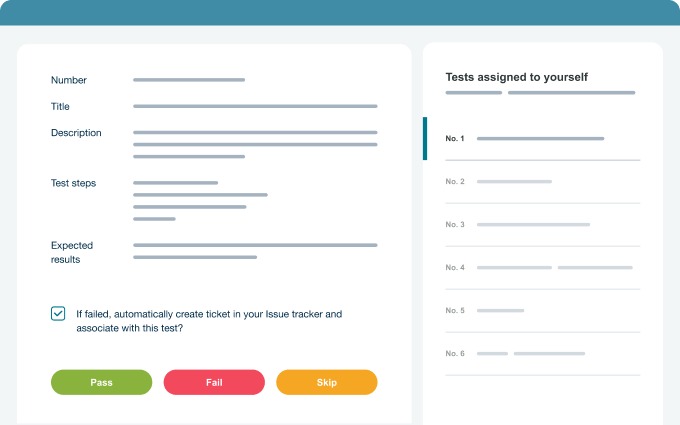
For a failed delivery, keep the message header or a screenshot of the error. Running two agents at once exposes duplicate replies and private-note leaks that a single-agent demo can’t. Move on only when the exchange works from both the customer’s side and the agent’s side, with ticket history and permissions intact.
Protect ticket history before migration
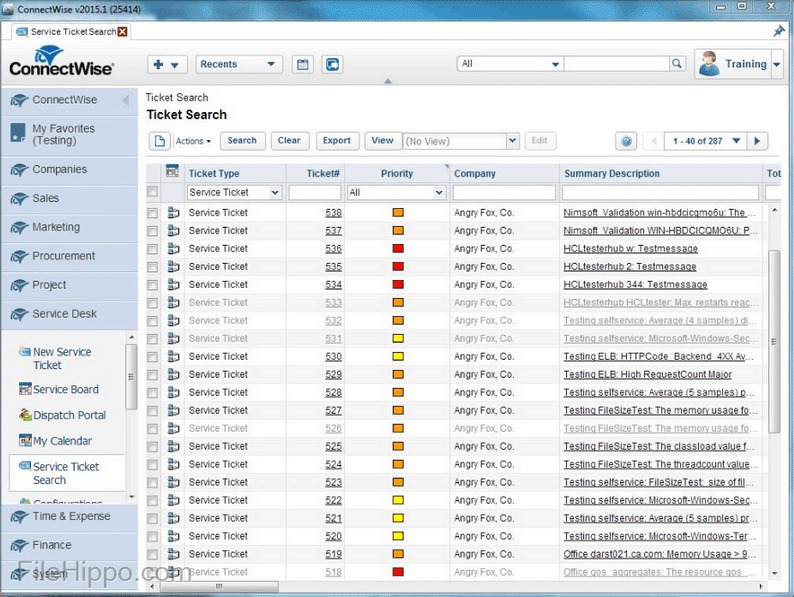
Cloud hosting means you no longer run the help desk’s application server. Keeping usable customer records after a move is a separate job: exports, retention, permissions and a way back to the old system if the switch fails.
A small manufacturing IT team raised the same concerns:
We’re a small shop – 2 techs for 75 users in a manufacturing company. Asset tracking and patch management is farmed out – we just need to support our internal users for the things we do ourselves. Right now we’re using SolarWinds’ Web Helpdesk. It’s hosted internally and works well enough, but there are issues that leads to us not loving the platform. I’d like to move our support to the cloud (so I don’t have to maintain the software), but still be able to customize the process to match our workflows. We want the data to remain our own – it’s not subject to sharing with others.
That’s internal IT, but a customer-support team needs the same control over history so past promises and correspondence survive the move.

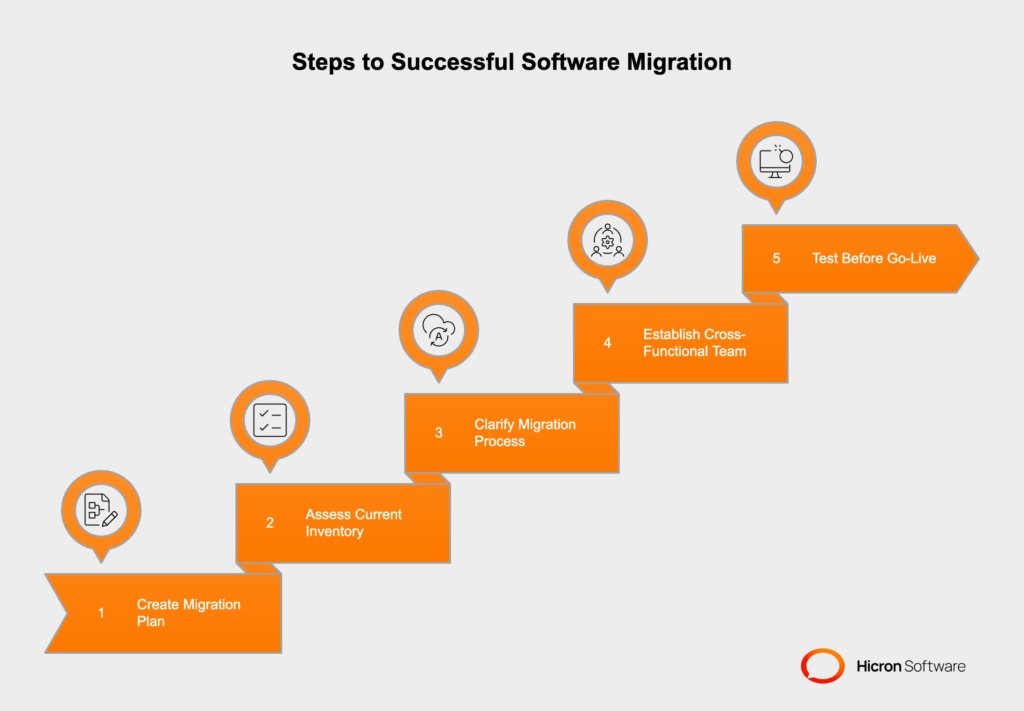
Before you switch the production mailbox, run an export and restore on a sample:
- Conversation continuity: Pick an open ticket with customer identity, message history and an assigned owner. Compare the restored record with the original.
- Attachments and private notes: Include both and check that internal notes stay hidden from the requester.
- Permissions: Find out who can view tickets, administer the system and run exports on your plan.
- Retention: Confirm the export format, the excluded fields and the vendor’s cancellation and deletion terms.
- Switch and rollback: Name who changes the mail routing, keep access to the old system during the transition and write down how to reverse the switch.
Count the open conversations in the sample and match each one to its restored record. Decide what to do about any missing fields, attachments or permissions before you migrate production.
A restored thread can show every customer message and still miss the private note about a promised refund. The next agent then replies without that context.
Which route should your team take after the trial?
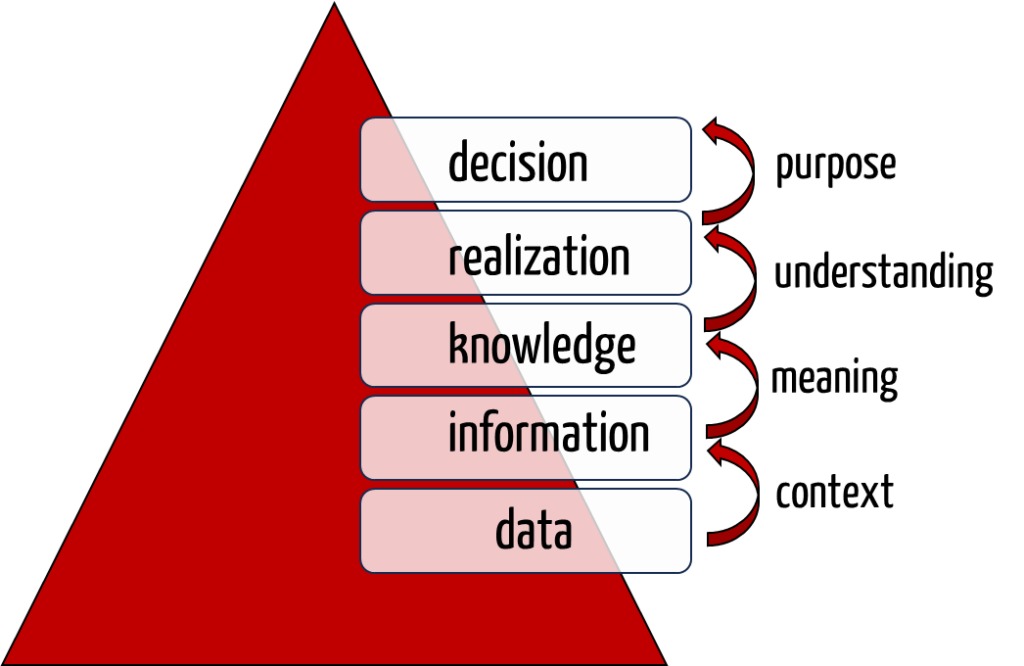
Use the trial’s conversation history to see what agents can retrieve after a handoff or an export. Where the team needs formal ownership beyond the shared mailbox, the help-desk versus shared-inbox decision describes the extra ticketing structure.
Speak Your Mind