For a small retailer, the cash register is only one part of choosing POS software. Receiving stock, refunding customers, coordinating online sales and handling an outage can rule out an apparently inexpensive tier. Have staff perform the same seven tasks on each configured system before comparing the first-year bill.
Which type of retail POS fits your store?
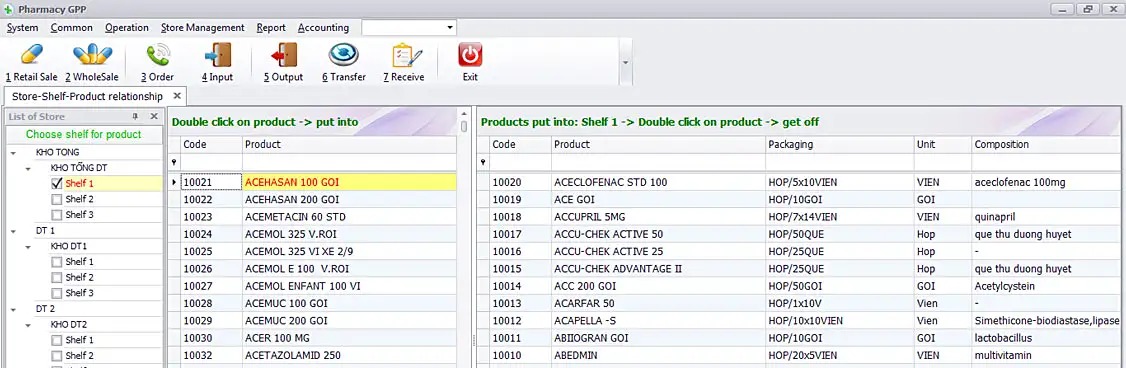
Your store type decides which workflows matter most. Before you compare Square for Retail, Shopify POS, Lightspeed Retail or Clover, name your store type and the three workflows that would rule out an otherwise good system. The table below maps common store types to the first requirement to check. Full test steps for returns and reserved stock: how to test stock reservations, returns and unavailable-item paths.
Compare Square, Shopify POS, Lightspeed and Clover by retail fit
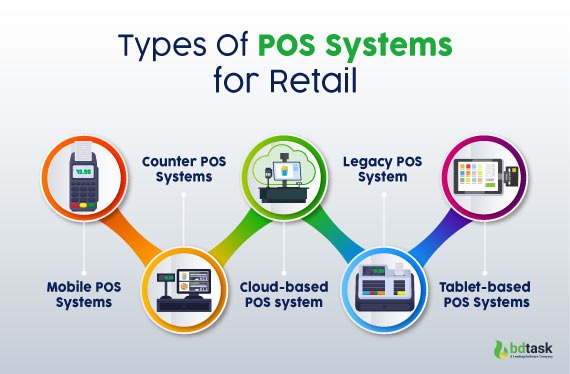
A simple checkout screen won’t help if staff can’t receive a partial shipment, correct a variant count or find out why the last item is reserved online.
| Store situation | What to check first | Worth testing |
|---|---|---|
| Single-register gift shop | Simple sales, returns, staff setup and equipment cost | Square for Retail; Clover Retail Growth when itemized returns are required |
| Clothing or accessories boutique | Size/color variants, barcodes and stock adjustments | Square for Retail, Lightspeed Retail |
| Bookstore or merchandise-heavy shop | Supplier POs, partial receipts and label printing | Lightspeed Retail, Square for Retail |
| Store with online sales | Reservations, shared availability and order handling | Shopify POS, Square for Retail |
| Seasonal stall or pop-up | Portable devices, connectivity and payment continuity | Square for Retail, Shopify POS, Clover |
If you ship online orders from the same shelf you sell from, you need to know how availability is counted across channels.
Which configuration qualifies?
| Platform | What you get | What to check |
|---|---|---|
| Square for Retail | Retail POS with several software tiers and its own card-processing terms | Confirm the edition, transaction types and supported equipment in the quote |
| Shopify POS | Physical checkout connected to Shopify ecommerce; POS Pro adds location-based charges | Granular POS roles are available at POS Pro locations; inventory and offline features depend on your configuration |
| Lightspeed Retail | Retail editions with separate X-Series and R-Series documentation | X-Series hardware guidance does not establish an R-Series feature or compatibility result |
| Clover | Retail hardware and software packages with distinct commercial terms | The published Starter retail configuration excludes itemized returns/exchanges and the item/category inventory functions shown in Retail Growth packages |
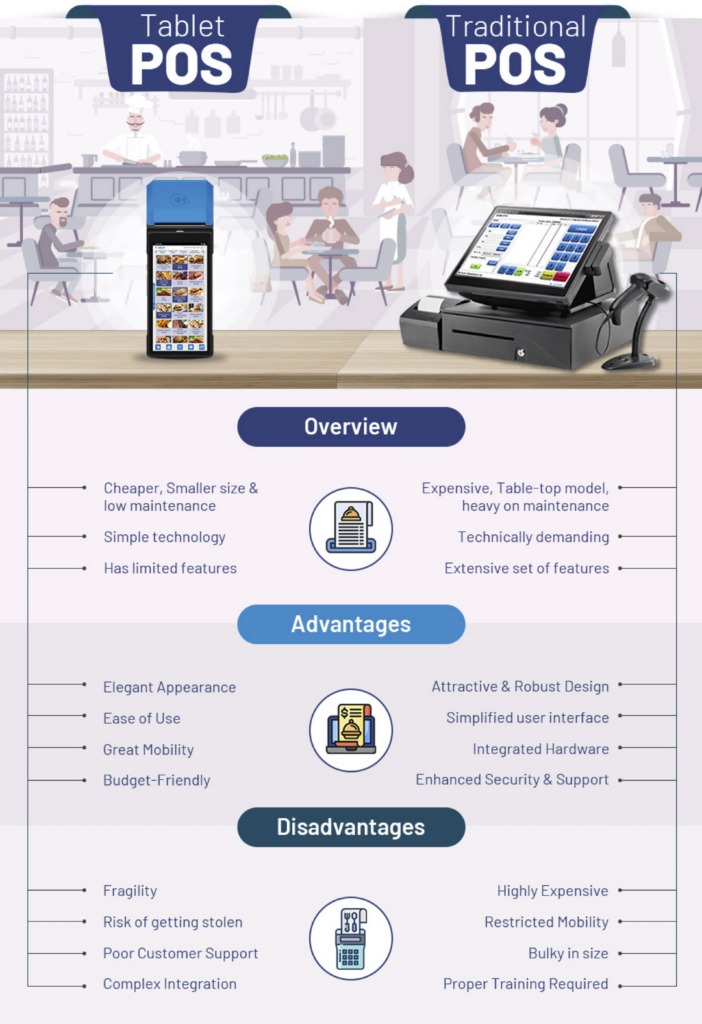
If you need those Clover functions, the Starter configuration is out immediately.
Inventory receiving and labels can decide the purchase
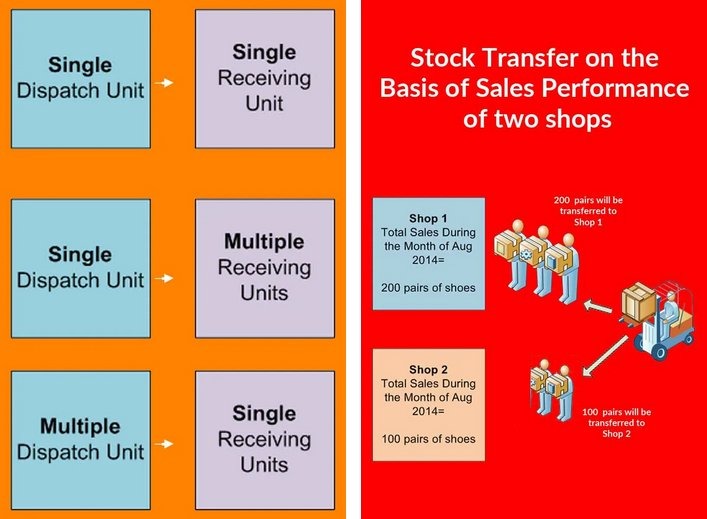
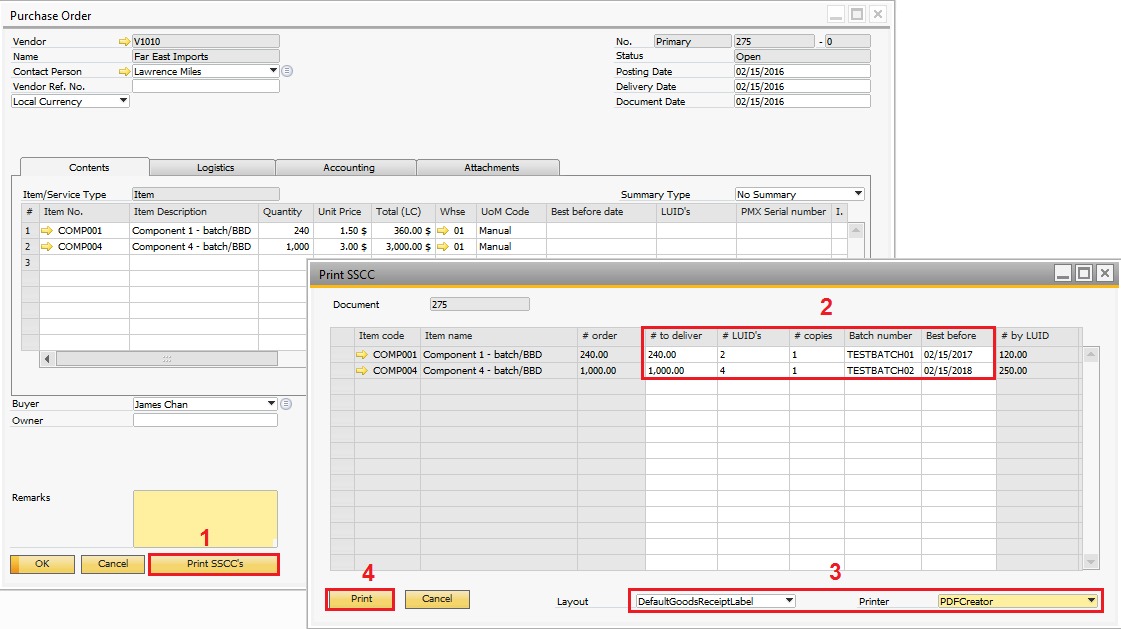
For a shop with regular deliveries, the feature that counts is a complete supplier-to-shelf process. It starts with what you ordered, records what arrived and ends with sellable quantities and labels that match the goods received.
A developer helping a small pottery shop described two separate rounds of manual data entry in its KORONA setup:
I’m a software developer and have been helping a friend who owns a small pottery store get set up with a new POS (they’re using KORONA). In the process, I’ve been watching their inventory workflow and I’m a bit stunned by how manual it is. When they get a purchase confirmation from a vendor (usually a PDF via email), they have to sit down and manually type every single item, SKU, quantity, and cost into the POS to create a purchase order. Then, when the shipment arrives, they pull up that PO and go through the packing slip to update the “quantity received” for each item before the inventory is officially added to their stock.
What a receiving workflow needs to preserve
- Product identity: Keep the SKU or barcode attached to the correct item and size/color variant.
- Ordered versus received quantity: Handle a partial delivery while keeping the open purchase order easy to read.
- Unit cost: Record a cost change without silently overwriting unrelated quantities.
- Labels: Print usable barcode or shelf labels for the goods received.
- Inventory correction: Make a mistaken receipt or transfer traceable so staff can fix a negative or wrong count.
Lightspeed’s R-Series support documentation covers negative stock caused by several transaction and receiving situations.
Shopify discontinued Stocky after August 31, 2026. Its inventory migration guidance covers Shopify admin workflows and historical Stocky records. Receiving transfers directly in Shopify POS requires a POS Pro location and the right staff permissions.
Shopify POS transfer receiving does not print barcode labels during receipt. If you use that workflow, you need a separate supported labeling process.
If you get only a few simple deliveries, some back-office entry may be fine. With frequent deliveries or costly stock discrepancies, the same manual steps become a real purchasing constraint.
Check the last item, online orders, returns and reserved stock
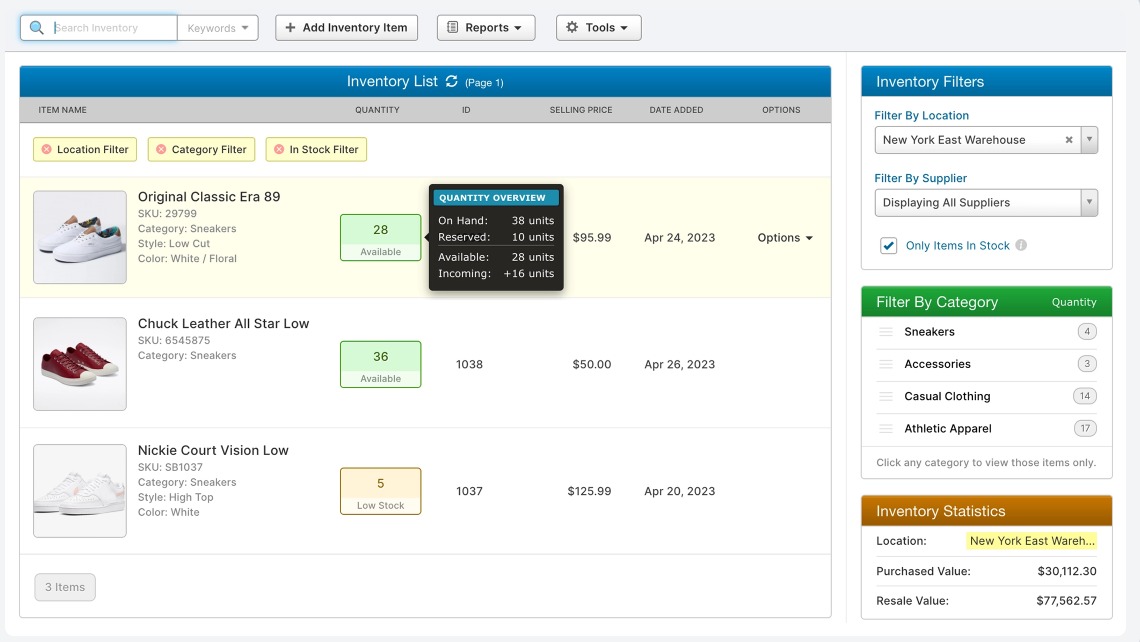
On-hand inventory is what the store physically has. Reserved inventory is committed to an existing customer or order. Available-to-sell inventory is what is still free for another sale.
A shop can have three copies of a book on the premises while two are already committed to subscribers. One copy is available for a new customer.
A periodicals retailer on Shopify POS reported a checkout problem caused by apps that reserve stock for subscribers:
I run a retail store with a physical storefront and Shopify POS as well as an online store with connected inventory. We mostly sell periodicals, and have hundreds of subscribers we hold and invoice orders for. There was a recent Shopify update that has resulted in pop ups after every item we scan that is “out of stock”. Previously, this pop up occurred at the very end of the checkout process. Now, it’s after every item scanned. The problem is, these items aren’t actually out of stock. The are kept in the Reserve Quantity thanks to another app we use that uploads our inventory and automatically reserves customer orders.
In 2025 this store ran third-party apps for reservations and draft orders. The app held the stock in reserve, so every scan triggered an out-of-stock warning. The case shows what happens when a connected app and the register disagree about availability. It doesn’t point to a general fault in Shopify POS.
A genuine out-of-stock warning can also protect the store from selling merchandise already committed elsewhere. Ask when a hold reduces available inventory, how both channels synchronize and whether staff can see the reason for a conflict.
Returns add another inventory decision. A resellable item can go back into available stock, while a damaged one should stay unavailable; an exchange may also involve discounts and manager approval. The transaction record has to keep those states distinct.
Which checkout operations work during an internet outage?
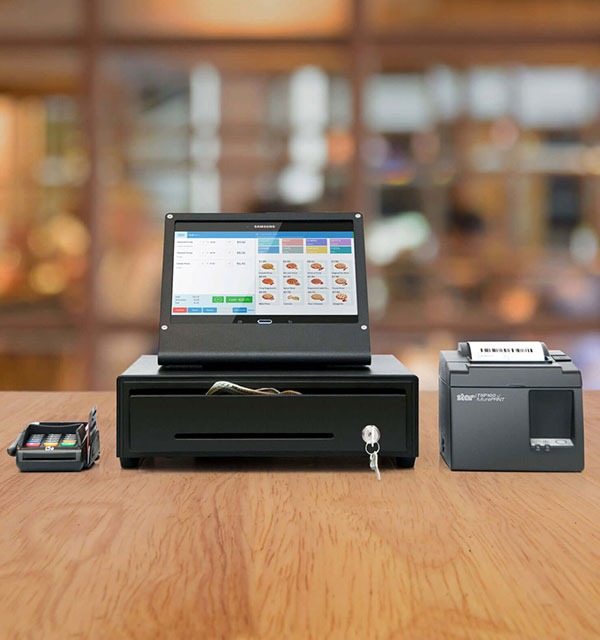
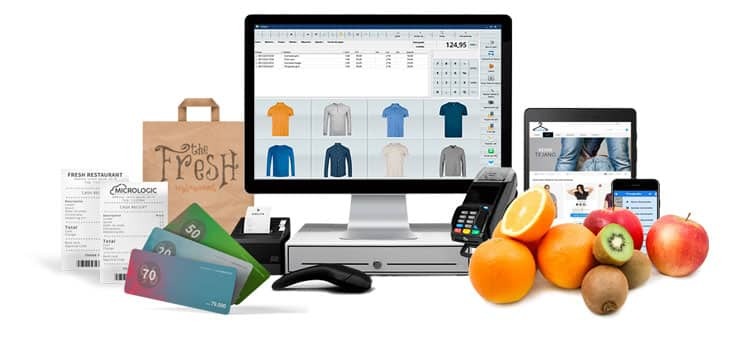
Offline capability covers cash checkout, card acceptance, returns, order fulfillment and stock synchronization. A device that queues a card payment can still fail to complete a refund or update the online catalog until it reconnects.
Shopify’s offline features documentation lists what is unavailable while offline. The table summarizes it.
| Operation | Shopify POS offline |
|---|---|
| Cash checkout | Check the permitted disconnected checkout configuration |
| Offline card transaction | Qualified methods and hardware can queue payments for later processing |
| Return or exchange | Unavailable offline |
| Void | Unavailable offline |
| Order and inventory sync | Cannot sync with Shopify admin while offline |
| Store-pickup fulfillment | Buy-online-pick-up-in-store fulfillment unavailable offline |
| Stock administration | Connected inventory operations require reconnection |
Square permits card transactions offline on supported modes and devices. Its offline-payment instructions set a 72-hour limit for uploading pending payments. Certain reader and stand configurations have a 24-hour offline acceptance session; Register, Terminal and Handheld each have their own documented conditions. Manually keyed card payments and Tap to Pay on phones are excluded from Square’s offline workflows.
A queued card payment stays pending until it goes through. If it later declines or expires, you may absorb the loss, depending on the processor’s terms.
Write down an outage procedure. It should separate locally recorded transactions from payments that must be uploaded after reconnection, say which tasks pause, and list the records staff reconcile when service returns: pending, expired and declined charges. Internet failure, local hardware failure and a provider outage are different incidents.
Calculate full first-year POS cost
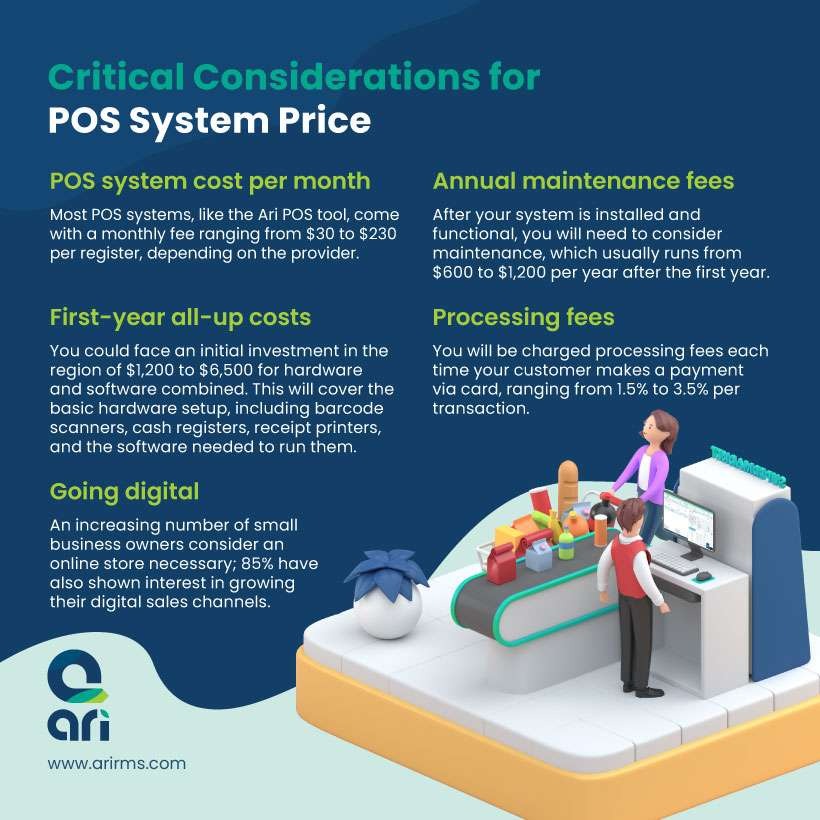
Software fees are only part of a comparable US quote. A low subscription can be outweighed by transaction fees, extra register or location charges, hardware commitments and required apps. More on total cost: how to calculate the Full Cost of Warehouse Inventory Software.
A prospective owner of a books-and-chocolate shop described comparing Square and Lightspeed amid shifting hardware promotions, subscription add-ons and uncertain impressions of support:
Opening a shop here in a few month, and we’re in the process of choosing to which devil we’re gonna chain ourselves. From my research so far, I’ve narrowed the choices to square and lightspeed. Main differences are: lightspeed is a lot more expensive monthly but integrates fidelity and quickbooks integration as a basic (starts at 60$/month for square, which narrows the montly difference quite a bit) upfront costs for square cashier material is double lightspeed’s (there’s a 40% offer until february) Merchant using square around here seems generally happier about their POS than lightspeed’s users (they say support is integrated but doesn’t seem very efficient from hearsay)
The prices, the promotion and the support impressions are what one prospective buyer saw in 2024.
Use the same payment mix and contract assumptions
For percentage-plus-fixed processing plans, first-year cost adds up these parts:
- Annual software charges
- For each payment channel, volume × percentage rate
- For each payment channel, transaction count × fixed fee
- Hardware, setup and add-ons
- Location or staff charges
- Any contractual costs
Fee breakdown: how Much Do POS Payment Processing Fees Add Up To.
Interchange-plus and tiered plans need the complete quoted fee structure or statement-based costs, including pass-through interchange and card-network charges where they apply. A processor’s markup is one component of an interchange-plus total.
For a monthly software plan without a partial-year promotion, annual software charges equal 12 times the monthly amount. Cash sales carry no card-processing fee.
| Cost category | What to put in the quote | Watch for |
|---|---|---|
| Software | US plan, billing term, registers and locations | Plan-gated functions and location add-ons |
| Card-present processing | Sales volume, rate and transaction count | Percentage plus fixed per-transaction component |
| Online or keyed processing | Separate volumes, counts and applicable rates | Different transaction types can carry different fees |
| Hardware | Terminal, scanner, printer, register and cash drawer | Purchase, lease, financing and ownership terms |
| Optional or required services | Inventory, accounting, loyalty and onboarding | Some functions need paid software or an integration |
| Agreement | Minimum term, cancellation and processor terms | Early-exit and other contract-specific costs |
Average ticket size matters because a fixed fee applies to each eligible transaction. Two stores with the same card sales can pay different fixed-fee totals if one processes far more small purchases.
Ask each finalist for a written itemized US quote using identical sales volumes, card-present and online transaction counts, register locations, hardware needs and billing terms. Add taxes, chargebacks, refunds and special processor charges where your agreement makes them relevant. A longer equipment commitment calls for a multi-year comparison as well.
Staff permissions, supported hardware and data portability
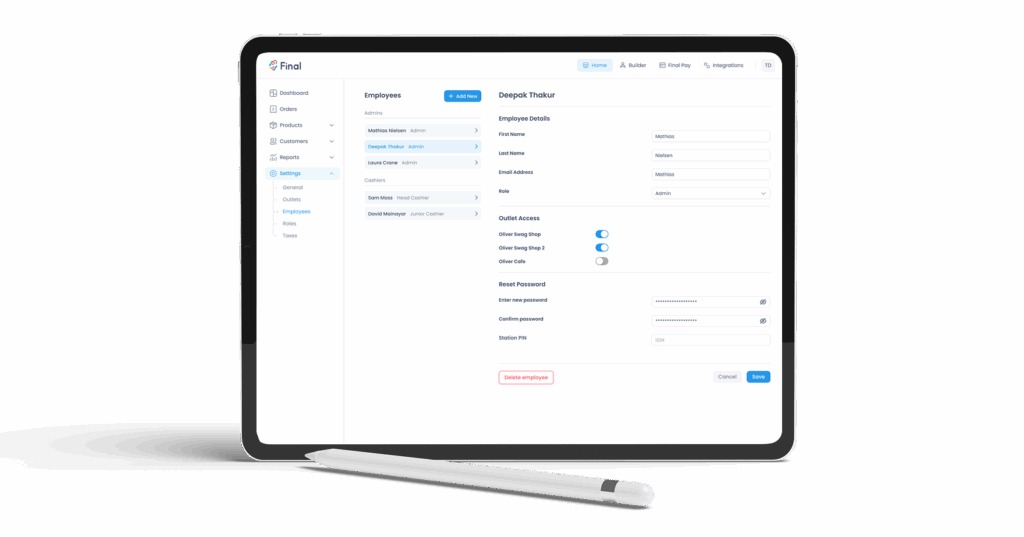
Cashier permissions, physical peripherals and exportable records decide whether you can control daily operations and eventually move to another system.
Shopify documents granular POS roles at locations subscribed to POS Pro, including selected checkout permissions and manager approvals. If you need restricted refunds, include POS Pro in your software and cost assessment.
Check hardware just as closely. A scanner can plug in and still not be on the supported-device list. Lightspeed’s X-Series hardware documentation separates equipment compatibility from direct support, and an R-Series setup needs its own documentation.
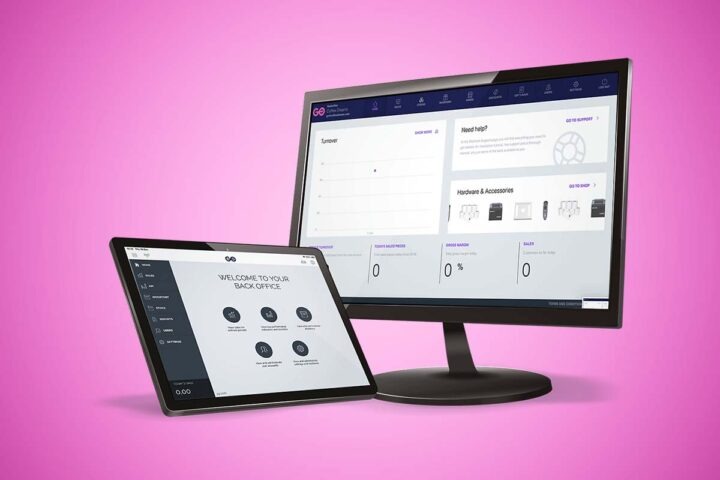
Portability covers several record types: SKUs and variants, supplier and purchase-order information, permitted customer data, historical sales, discounts and inventory totals. An export that drops the identifiers linking those records can force you to rebuild them by hand after migration.
Before migrating, approve a record mapping, compare historical reports and decide on a rollback if key identifiers don’t transfer. Document who authorizes the cutover and how the old register stays accessible during reconciliation.
The PCI Security Standards Council explains that PCI DSS can apply to merchants of any size. Outsourcing card processing does not automatically remove your responsibilities; validation depends on your acquirer and service arrangement. Keep cardholder data inside the approved payment provider’s tools.
Run the seven-task POS demo, then decide

The strongest comparison comes from making each finalist handle the same store tasks. A quick sample sale is easy to demonstrate. Partial deliveries, stock holds and exceptions show the work your staff will face after purchase.
Record the exact vendor, software edition, register device, operating system, connected apps and test conditions. Give each finalist these seven exercises:
- Create a product: Enter a size/color SKU, barcode and initial quantity, using the same inputs for every candidate.
- Receive goods: Create a ten-line supplier purchase order, receive part of the shipment, check a changed cost and produce labels.
- Handle the last unit: Attempt a store sale of a unit with an online hold or order, and check both channels’ available quantities.
- Complete an exchange: Process a partial return or exchange with the right restock status, discount and manager approval.
- Test disconnected behavior: Run a permitted non-live cash transaction while disconnected, and document the separate offline card requirements and reconnection steps.
- Switch permissions: Compare cashier and manager rights for refunds, stock adjustments and record exports.
- Reconcile records: Export the day’s sales data, check the resulting inventory totals and confirm records after an authorized reconnection or sample migration.
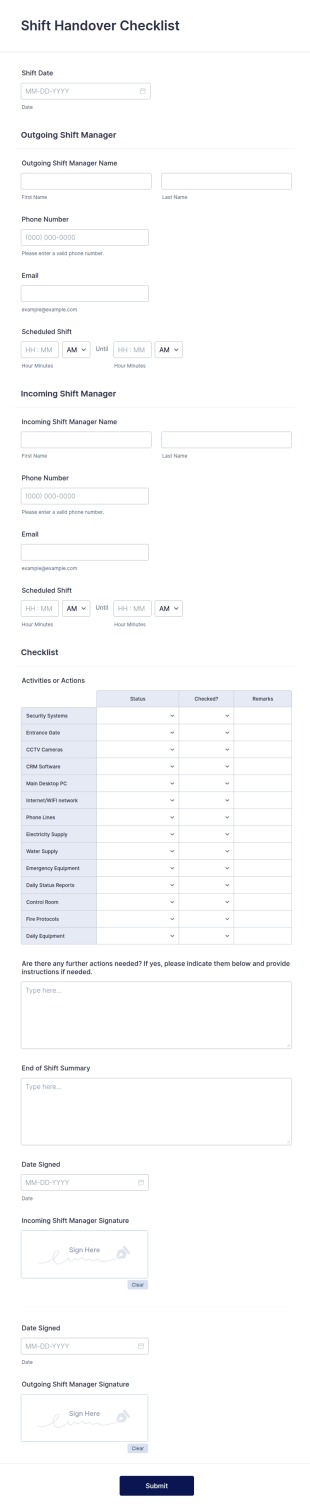
Score each task with one of three outcomes:
- Pass: The exact proposed setup completes the required operation, with a repeatable result.
- Fail: A mandatory operation can’t be completed under the agreed conditions.
- Not verified: The required device, edition, integration or transaction wasn’t demonstrated.
Take a one-location gift shop with 600 SKUs, three cashiers and occasional online orders. Its critical questions would be whether a partial shipment updates the correct products and whether a held final unit stays unavailable across channels.
Keep the gift shop’s seven-task results alongside the outage and support terms. A busy-season failure matters more than a smooth demonstration on a quiet day.
Speak Your Mind