A software launch succeeds or fails in employees’ ordinary work, not in the setup screen. Have the people responsible for data, permissions, transactions and support demonstrate the tasks they will perform on day one. A small standalone tool may need a brief pilot; connected systems need a rehearsed cutover and a workable way back when a critical check fails.
Build a readiness checklist that records proof, not just progress
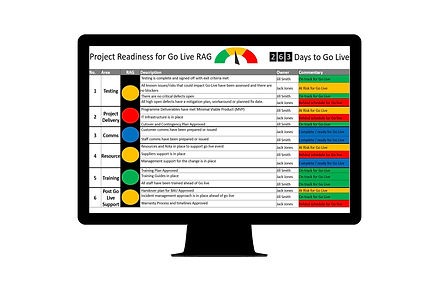
A useful software implementation checklist shows what passed, who checked it, and which failures can stop the launch. Start with one readiness ledger that follows each critical business task from setup to final approval. Use workflow-first software selection to translate those operational checks into a software shortlist.
Take a small service company replacing separate customer, scheduling, and invoicing tools. Its first-release tests might look like this.
| Phase and task | Owner | Expected result | Observed proof and status | Severity / release blocker | Sign-off or fix owner |
|---|---|---|---|---|---|
| Data: active customers | Office manager | Correct customer, owner, and open quote | Customer 1042 and linked quote match source; Passed | None open | Office manager signs off |
| Billing: accounting sync | Finance lead | Test invoice reaches accounting with correct details | Invoice missing in accounting; Blocked | Critical: full-launch blocker | Implementation lead fixes; finance lead retests |
| Scheduling: customer reminder | Office lead | Test customer receives the expected notice | No notice received; Blocked | High if reminders are essential; otherwise check for a workaround | Office lead owns fix and retest |
| Access: staff roles | Operations lead | Assigned employees can perform required tasks | Representative role tests passed | None open | Operations lead signs off |
The invoice failure blocks the full launch. The finance lead can point to the failed transaction, the implementation lead owns the fix, and the sponsor has a clear reason to hold off.
Give each record a state: Not started, Testing, Passed, or Blocked. Link to the evidence, such as a test record, defect ticket, screenshot, or a comparison of source and destination results. Keep task status separate from the overall go/no-go decision.
The Microsoft Dynamics 365 go-live checklist covers acceptance testing, migration readiness, operational support, and stakeholder approval. A small business can apply the same principles with far less documentation than an enterprise deployment.
A standalone task app needs a single page of evidence. Software that handles orders, financial transactions, sensitive records, or several integrations needs more detailed checks. Put the strongest controls on the work your business can’t afford to interrupt.
Define the work, first-release scope, and people responsible
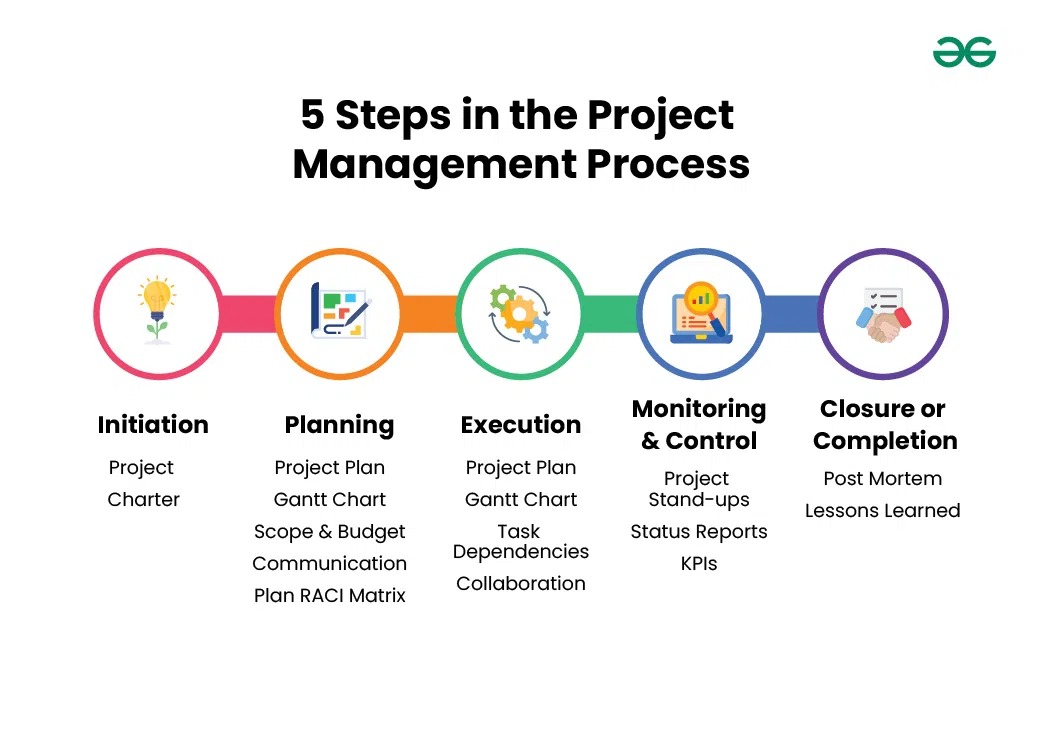
Define the first release around the work people must complete after the switch. Give the implementation one accountable business sponsor and assign a functional owner to each essential process.
For the service company, first-release success means creating a customer record, booking an appointment, preparing a quote, and issuing an invoice. An improved dashboard or advanced automation can follow once those daily transactions work.
The scope should cover five things:
- Critical workflows: Identify the customer, financial, and administrative transactions that must survive the change.
- Business sponsor: Name the person who can approve, limit, or postpone the release.
- Functional owners: Assign people who can recognize a wrong result in their area.
- Deferred features: Record what is planned for later and who can change first-release scope.
- Dependencies: List old records, external services, available staff, implementation help, and dates when disruption would cost the most.
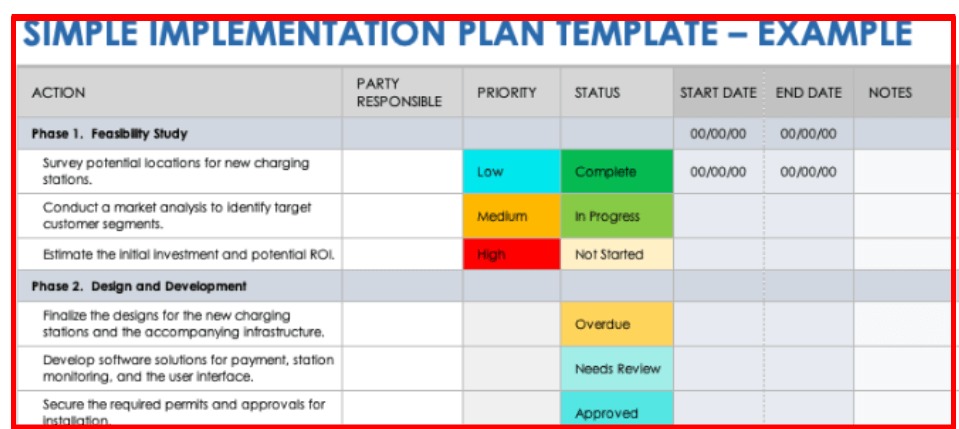
A two-person business may have one person in several roles. A larger team can use a RACI chart to show who performs each task, who approves it, who is consulted, and who is informed.
Testing sometimes exposes a requirement that planning missed. If the current software can’t perform a necessary transaction, the sponsor must reconsider the release scope. A request for a different dashboard color can wait in the improvement backlog.
Implementation effort also includes work outside the subscription: data preparation, staff time, configuration help, and any temporary method for keeping operations running. These costs decide which launch plan the business can realistically support.
Check the old records before you trust the imported data
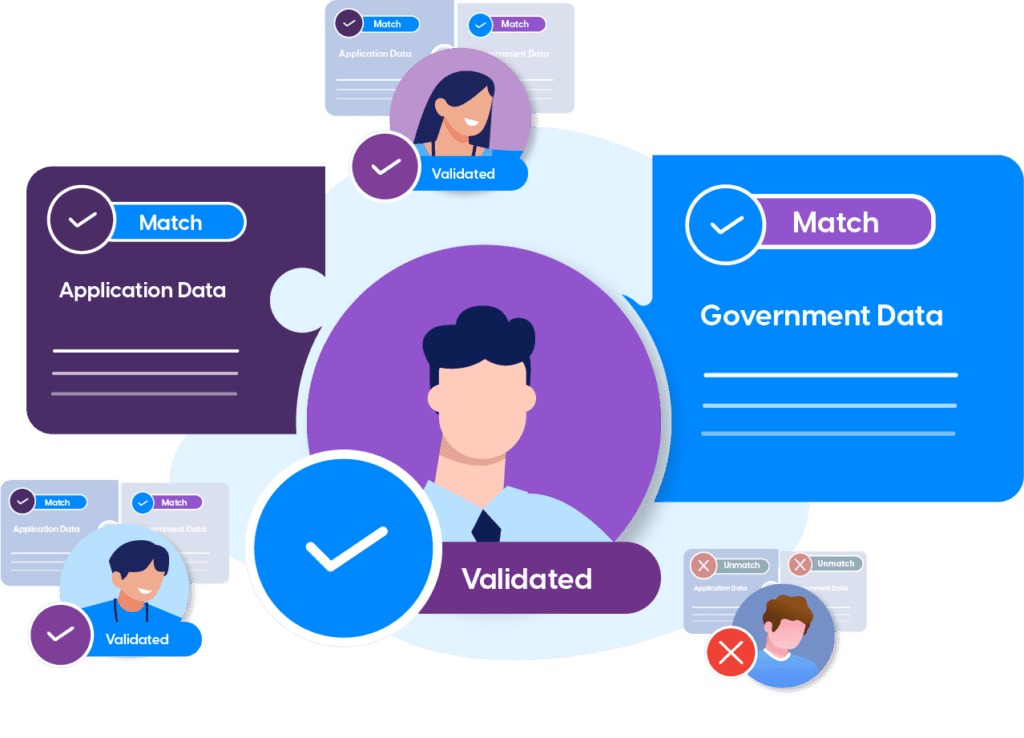
Verify migrated records by comparing the information employees depend on in both systems. Check the relationships between records as well as individual fields.
For the service company, begin with customers, open quotes, appointments, and invoices. Other applications may also need suppliers, employees, historical attachments, configuration settings, or categories. Identify the original system and the person responsible for accepting each important record type.
Suppose customer 1042 has an active quote in the old system. The office manager opens customer 1042 in the new application, checks the email address and assigned owner, and confirms the same open quote is attached. The quote’s items and status match too, so the record is accepted.
A different result could expose a missing attachment, a wrong customer relationship, an altered amount, or a record left inactive. Log the discrepancy against the migration task and assign the fix to the responsible owner.
Microsoft’s data migration guidance separates configuration information from data being moved into the new system. Its source mapping and validation approach shows why a completed import still needs business review.
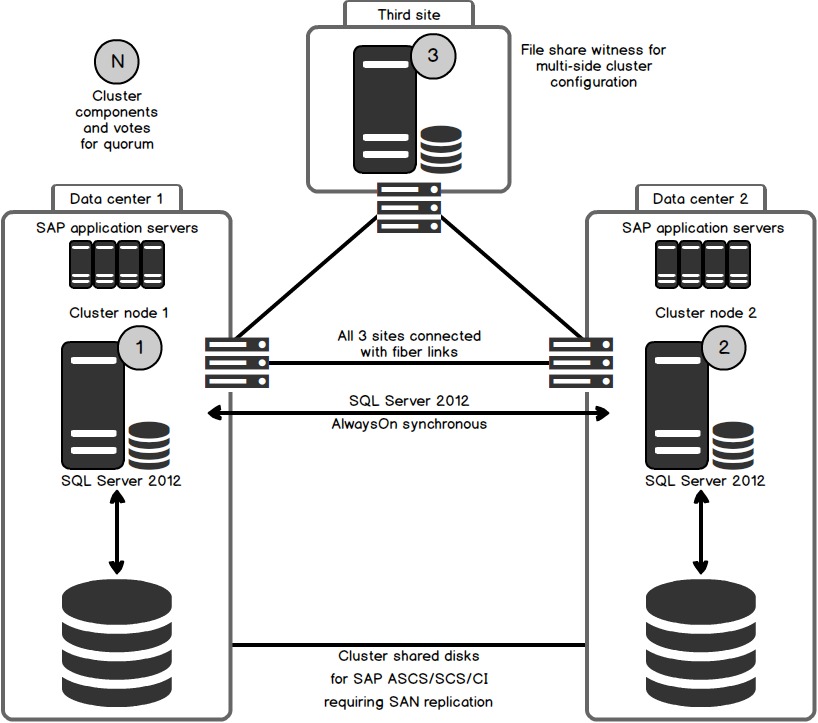
Plan how you will retrieve records you still need after the switch. That can mean keeping legitimate access to the old application, preserving an export, or arranging an archive under the applicable service and retention terms.
For data the company controls, prepare a recoverable copy and test the recovery method. The NIST small-business cybersecurity guidance recommends protecting backups and testing recovery.
Export and restoration capabilities vary between applications. Confirm which data can be recovered, where it can be restored, and what changes you could lose if you return to an earlier system.
The data owner should accept the representative record comparisons before the migration task is marked Passed. A detailed historical migration needs its own procedure; this check covers only the records the first release requires.
Prove permissions and integrations work end to end
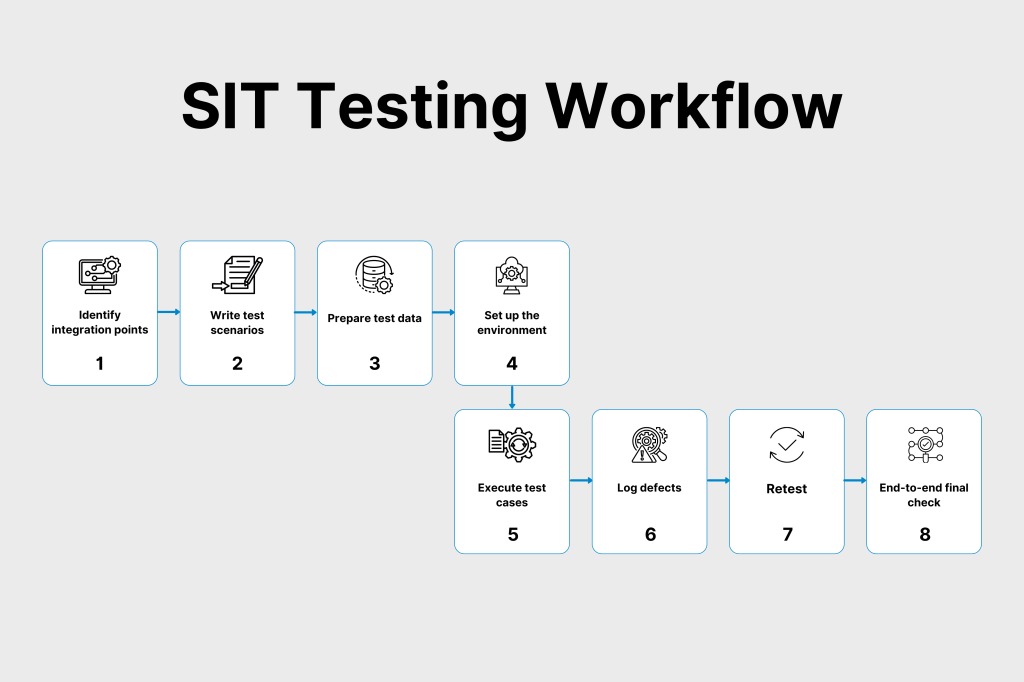
Test a complete business transaction through the connected applications and inspect the result where it should arrive. Use an ordinary employee account with the permissions assigned for that job.
For invoicing, the office employee creates or approves a test invoice following the normal process. The finance lead checks the invoice in the accounting system and compares its customer, amount, and status with the originating record. Here, the accounting system has no matching invoice. To check for duplicate records and conflicting updates, see how to check Record Matching, Duplicates, and Conflicting Updates.
Other transaction paths include scheduling appointments and updating calendars, orders flowing into billing, or customer notices sent from a service application. Choose the paths that support your first-release workflows.
Check the receiving end. An invoice can look correct in the source application while its destination record is missing or wrong. A notification can be queued and never reach the test inbox.
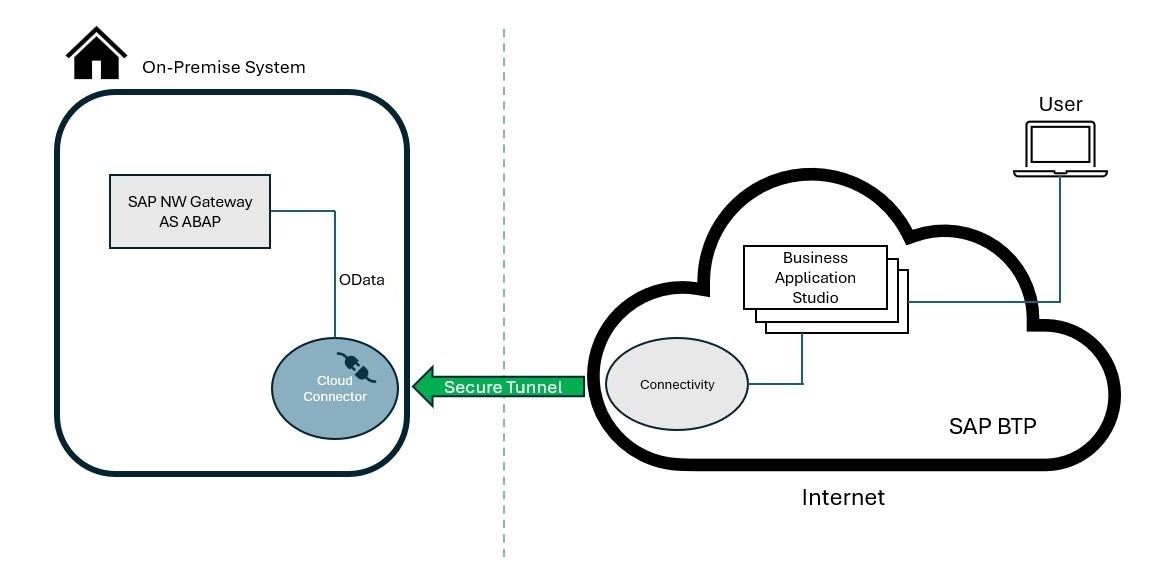
Permissions need their own check within the transaction. An administrator may complete a task that a receptionist can’t. Have the employee use the intended role and confirm the application allows the required work without granting unnecessary access.
Protect accounts and sensitive information with controls that suit your business, including multifactor authentication where supported. Access security and transaction accuracy cover different risks, and both belong in the release review. To review which accounts and integrations have access, see how to audit access, accounts, and integrations.
When a connection fails, keep the source and destination records, the affected workflow, and the name of the fix owner. Retest the same transaction after the correction. Settings changes and software updates can alter integration behavior, so retest after material changes.
Let real users complete acceptance tests before launch
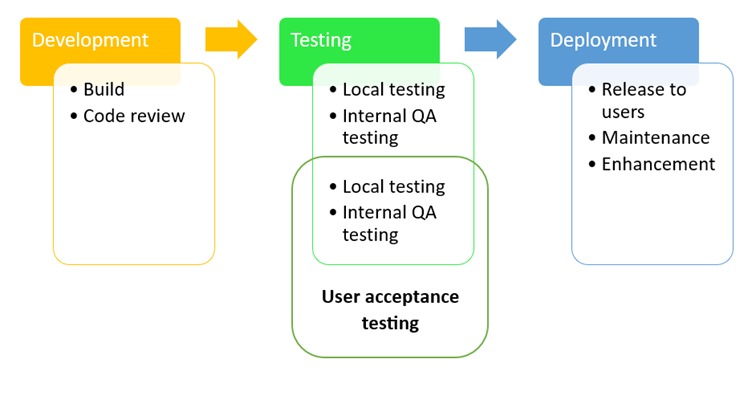
User acceptance testing, or UAT, shows whether employees can do their real work in the new system. Give each representative role a task, an expected result, and a clear way to record what happened.
Use the permissions and information the employee will have after launch. A receptionist reschedules an appointment, a salesperson updates a quote, and a finance employee finds an approved invoice. Each covers a distinct business responsibility.
| Case / role | Task and expected result | Observed result | Severity and status | Fix / acceptance owner |
|---|---|---|---|---|
| U01 / Receptionist | Reschedule a booking; calendar and required customer notice update | Calendar changed; notice did not arrive | Failed; high if notice is essential | Office lead corrects and accepts retest |
| U02 / Sales employee | Update a customer quote; correct changes remain accessible | Saved quote matches expected details | Passed | Sales lead accepts |
| U03 / Finance employee | Locate an approved invoice inside the new application | Invoice found with correct customer and amount | Passed; separate accounting sync is blocked | Finance lead accepts UAT; sync defect remains open |
U03 passes even though the accounting sync is blocked. The finance employee can do the task inside the new app. Whether the invoice reaches accounting is a separate release requirement, and the readiness ledger tracks it as its own test.
For a failed case, record the test reference, the observed problem, the business severity, the fix owner, and the person who will accept the retest. That keeps an unresolved task visible to everyone involved.
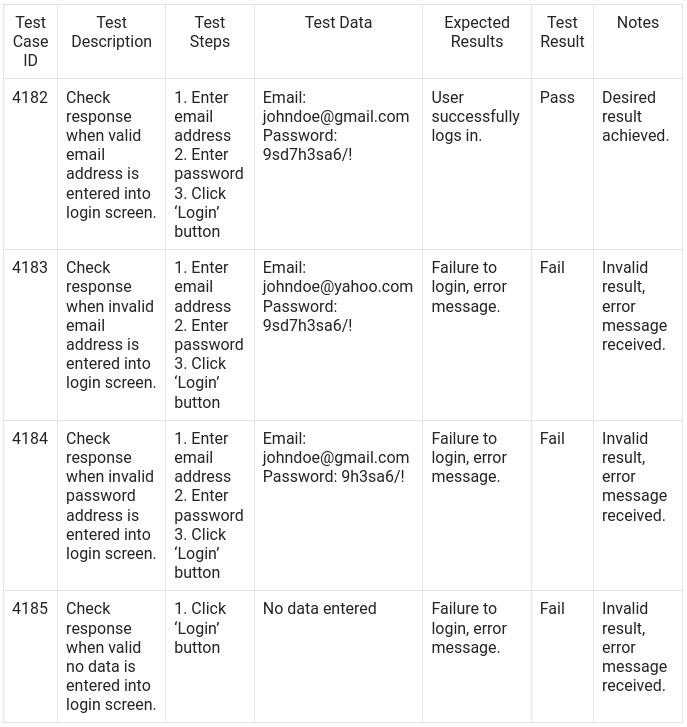
An ERP implementation project manager described what acceptance testing looks like on a larger project:
100+ use cases, a dozen+ customer end users and roles
A small software rollout usually has a much shorter list. The discipline is the same: each important failure needs a test case and an outcome the affected business owner can accept.
Microsoft Dynamics 365 implementation guidance treats user acceptance testing separately from integration and other technical testing. A small team can follow that split with a short set of realistic role-based tasks.
Include a representative exception case when it could interrupt business. For example, a customer changes an appointment after the original reminder was prepared. The test should show how the employee handles the change and what notice the customer receives.
Where performance or security risks are serious, add the relevant specialist tests alongside role-based UAT.
Train for the actual job—and give users a way to get help
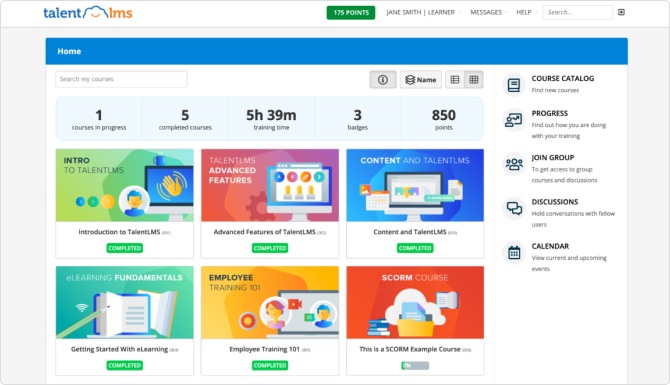
Train employees on the tasks they will perform with their normal permissions. A receptionist should be able to book and change an appointment, recognize a wrong result, and follow a short written procedure. Give staff one clear route for reporting work-stopping issues and name the person who responds. Include employees whose work or accessibility needs differ from the pilot group’s.
Choose a pilot, phased rollout, or full cutover based on the risks
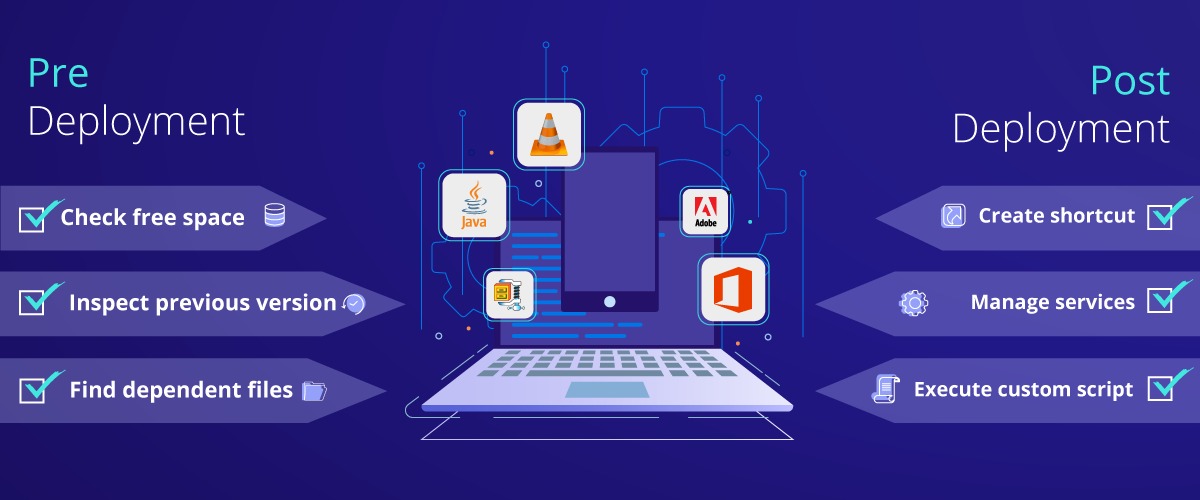
Choose the rollout pattern based on business impact, dependencies, and how easily you can reverse a change. A small pilot suits a task you can separate safely. Tightly connected financial or operational processes may need a coordinated switch.
The main approaches are:
- Pilot: A limited, representative group uses the new application for real tasks before wider release.
- Phased rollout: Teams, locations, features, or workflows move across in planned stages.
- Single cutover: Interdependent work switches at a coordinated point, with the affected business processes ready together.
| Situation | Rollout | Key consideration |
|---|---|---|
| Standalone, low-impact task app | Pilot with a small group | Work can be separated and access problems contained |
| Several teams adopting one tool | Phased rollout or representative pilot | Different roles and training needs may appear |
| Linked accounting and inventory | Coordinated cutover | Transactions and balances must remain consistent |
| Critical workflow with difficult recovery | Rehearsed cutover with contingency | Continuity and recovery capability decide |
Running both systems in parallel is risky for connected records: transactions can be entered twice, missed in one system, or changed independently. Agree which application is authoritative and how overlap will be reconciled.
A CRM user described how their implementation plan changed after looking at the work involved:
the main bottleneck was always going to be data cleanup and team adoption
The poster had questioned a six-week CRM implementation proposal and later described a phased transition. Unfinished data preparation and user adoption shaped the plan.
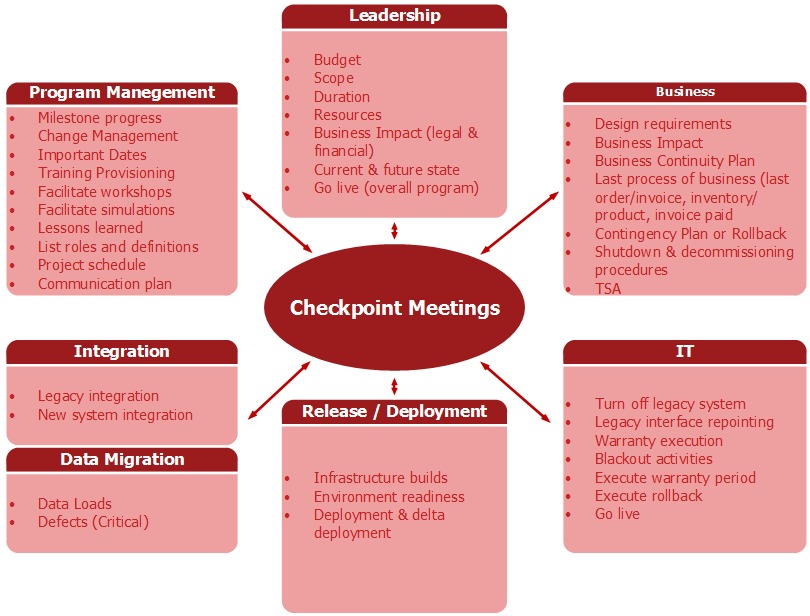
For a coordinated cutover, rehearse the sequence: finish or pause the relevant transactions, transfer final data, activate the new workflow, run the essential checks, and tell affected staff the operating decision. Avoid busy billing periods, and schedule the change when people who can resolve problems are available.
The Microsoft cutover strategy guidance covers rehearsals, responsibilities, issue handling, and the move to operational support.
Record whether returning to the previous system is technically and operationally feasible. Some changes can’t be reversed and need a controlled workaround or a repair in the new system, because transactions have already diverged or an application can’t restore its previous state. Give the contingency a named owner before the switch begins.
Make the go/no-go decision before the deadline makes it for you
The business sponsor should authorize launch against pre-agreed conditions, backed by the results already recorded. A scheduled date can guide preparation, but a critical unresolved transaction failure calls for a deliberate release decision.
Potential blockers include incorrect financial totals, missing active customer records, inability to issue an essential invoice, staff locked out of required work, and failure of a customer notice the business depends on. The consequence sets the severity. A cosmetic preference can wait for later when the affected work remains usable.
The service company has completed several checks but still cannot transfer a test invoice into accounting:
| Requirement | Evidence reviewed | Outstanding condition | Owner | Decision |
|---|---|---|---|---|
| Customer records | Customer 1042 and linked quote match | None | Office manager | Passed |
| Essential invoicing | Source invoice created; destination record missing | Critical accounting sync failure | Finance lead and implementation lead | No-go for full launch |
| Employee access | Representative role tests passed | None | Operations lead | Passed |
| Customer reminders | U01 failed; no notice received | Retest or approved safe workaround required | Office lead | Open |
Overall decision: No-go for the full release. The sponsor should postpone it until the essential invoice workflow passes its retest and the other material conditions are resolved. A narrow pilot is possible only if it safely excludes the affected financial process and the business has an acceptable way to operate.
The sponsor may accept a minor issue when its business consequence is understood, a viable workaround exists, and the limited release conditions are recorded.
One change-management poster described leaders who went ahead despite project warnings:
Leaders refused to move the Go Live date
The poster reported incorrect Salesforce account assignments, missing quotations, and integration problems after that launch. Their account shows why a project needs an agreed route for escalating a critical defect before leadership authorizes release.
If the business is already live and an essential process fails, contain the affected work and notify the accountable owner and implementation support. Use the prepared contingency when continuing would create more incorrect records or financial consequences.
The signed decision should state its scope, the evidence considered, unresolved blockers, accepted exceptions, and who is responsible for the decision. Any later approval requires a review of the relevant failed tests.
Confirm the software works after launch—not just on launch day
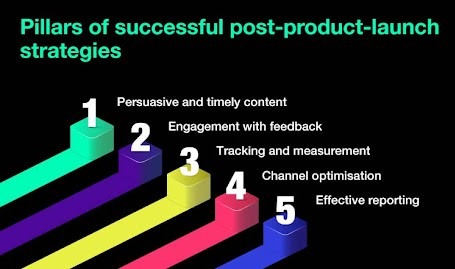
After release, monitor completed business work and the problems employees run into. The implementation lead should know which transactions succeed, which defects remain serious, and who is resolving them.
In the service-company example, the office manager can review whether customer invoices are being completed, the scheduler can confirm appointment changes and notices, and the finance lead can spot failures affecting accounting. Track unresolved issues and any manual workaround that has become routine.
Temporary intensified support is sometimes called hypercare. Its length depends on workload, the severity of outstanding problems, and how ready the business is for normal support. The end point is an accepted operating process with continuing ownership of remaining issues.
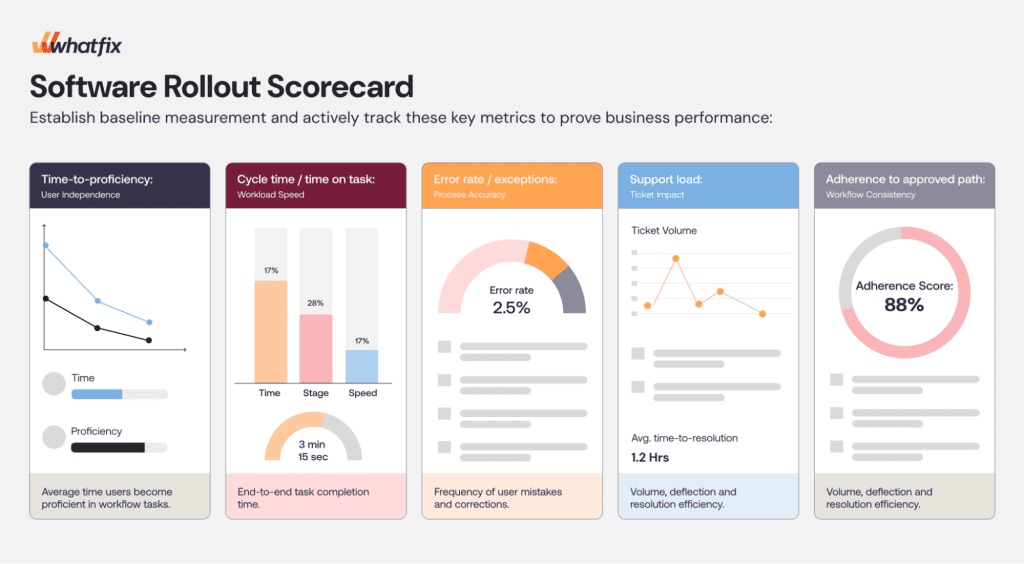
At the agreed stabilization review, the sponsor examines essential transaction outcomes and the unresolved defect record. Work-stopping failures keep getting attention; minor accepted items move into ordinary support with an owner and a defined follow-up.
The handoff from launch support to normal operations is complete when critical work runs reliably and every remaining issue has an owner.
Speak Your Mind