‘Free’ field-service software needs to cover the full job, not just create an appointment. ServiceM8 is one starting point for solo work, Zoho FSM Free has activity limits and no Crew or offline access, and Yardbook focuses on lawn care. Recreate a busy-month job cycle, including mobile use and export, before trusting the free tier with customer records.
Are these tools really free?
A permanently free tier and a time-limited trial should not appear in the same price comparison. A trial temporarily exposes paid features; the $0 plan is the configuration you can continue using after the trial ends.
Free offers come in several forms:
- Permanent free plan: Ongoing access with no recurring software subscription, under the vendor’s published conditions.
- Freemium plan: A continuing free plan that limits users, jobs, appointments, invoices or advanced features.
- Free trial: Temporary access to paid features, followed by a decision to subscribe or downgrade where a downgrade is offered.
- No-license-cost software: Software with no license fee, though hosting, setup, administration or maintenance can cost money.
Kickserv’s pricing listed Start, Run and Scale paid plans with a 30-day trial. Workiz advertised a seven-day trial. Neither offered an ongoing $0 plan, so neither is in the main comparison.
Zoho FSM works differently. After the trial, the account can continue on a Free Edition, though some trial functionality is restricted after the downgrade.
Before you register, check the vendor’s US plan description or subscription FAQ for what happens when the trial ends, which features stay in the free plan, and whether a card or subscription commitment is required.
The free plans that can run field-service jobs
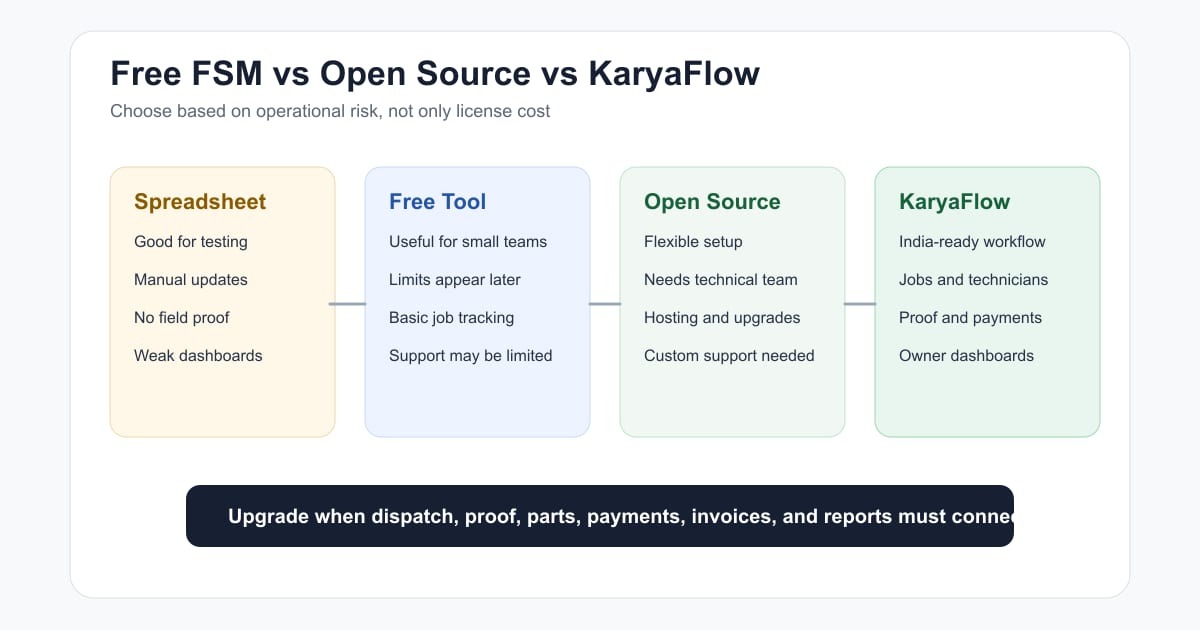
ServiceM8, Zoho FSM and Yardbook are the main ongoing-free candidates, each suited to a different kind of field-service work. Other free products cover scheduling, construction collaboration or appointment booking.
| Software | Free offer and documented functions | Best-fit situation | Qualification |
|---|---|---|---|
| ServiceM8 Free | Customer records, jobs, quotes, scheduling and invoices; 1 user, 30 new jobs/month | Solo tradesperson | Job-credit rules and device-specific limits |
| Zoho FSM Free | Requests, work orders, estimates and service appointments; up to 20 users | Small team that works online | 30 appointments and 30 invoices/month; no Crew feature or offline data access in Free |
| Yardbook Starter | Customer management, scheduling, estimates, invoicing and landscaping workflow functions | Lawn and landscape maintenance | Built for one industry; ads and premium features |
| Connecteam Small Business | Workforce scheduling and time-management tools for qualifying small teams | Crew with separate customer billing | Covers only part of FSM; the free plan limits who qualifies |
| Fieldwire Basic | Construction field tasks, project records and sheet collaboration | Construction site coordination | Project and sheet caps; full client invoicing not stated |
| Square Free (Appointments) | Appointment booking and payment-related capabilities without a monthly subscription | Appointment-led service business | Payment processing fees; narrower FSM scope |
| Odoo One App Free | One application with unlimited users under the vendor’s offer | Business evaluating modular software | Complete no-subscription FSM setup not confirmed |
Choose by the work you do. A handyman needs estimates and job cards, a service office needs access for several staff, and a landscaper spends much of the time on recurring property visits.
ServiceM8’s Free Plan description covers jobs, customers, quoting and invoicing. It allows one user, so your team structure matters even if your job volume is low.
Zoho FSM allows more users and sets separate activity limits in its edition comparison. Its Free edition has no dedicated Crew function, which some team assignments need.
To compare candidates on equal terms, run each one through the same sequence:
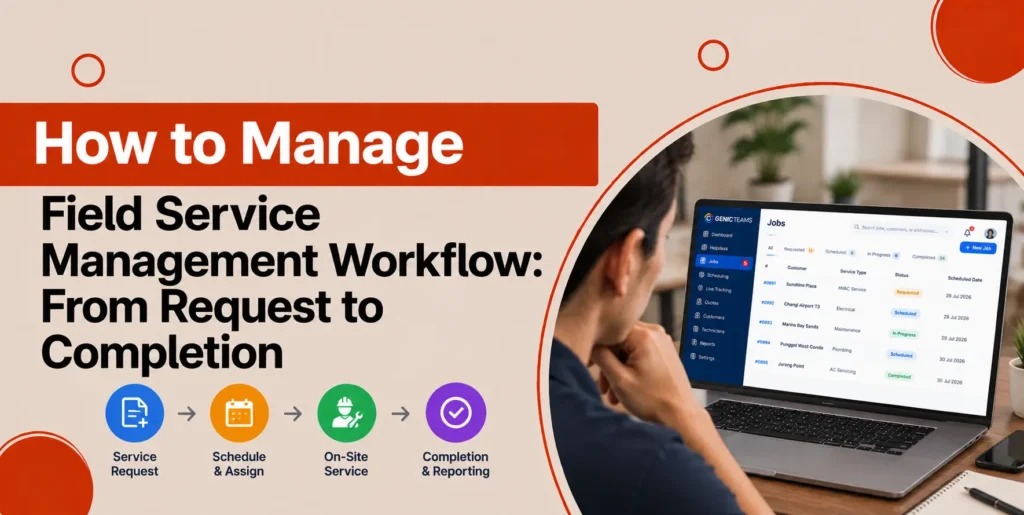
Customer inquiry → estimate → accepted job or work order → scheduling and dispatch → field notes → invoice → payment status → customer history.
When is free software enough?

Free software can be enough if you complete a manageable number of jobs, handle the admin yourself and keep simple customer records. It gets harder once several technicians need shared scheduling, job updates or approvals.
One solo landscaper described moving from basic office tools to a more specialized setup:
Been running solo landscaping business for about 3 years now and went through this exact same struggle. Started with just Google Calendar and Excel spreadsheets because I thought spending money on software was waste, but man that got messy real fast when I hit like 15-20 clients
Ended up trying ServiceTitan first but that thing is overkill for solo operation – felt like using bulldozer to plant flowers. Now I use Acuity for scheduling (around $15/month) and just simple invoicing through Wave which is free.
This landscaper ended up with two small tools, Acuity for scheduling and Wave for invoicing, instead of a full FSM suite.
Customer count alone doesn’t tell you when to adopt FSM software. Repeat visits, shared scheduling and approvals create plenty of work even with a short customer list, so look at which operations you need and who has to do them.
Four situations help you choose:
- Owner-managed appointments: A calendar and a simple invoicing tool can give you reliable records with little handoff work.
- Growing customer history: Estimates, repeat requests, notes and past invoices become more useful when they sit under one customer.
- Multiple field workers: Shared appointments, permissions and live job status decide whether a free plan is usable.
- Subcontractor-heavy work: Invoice reconciliation, approvals and payment tracking can become the deciding workflow.
Where the free limits show up
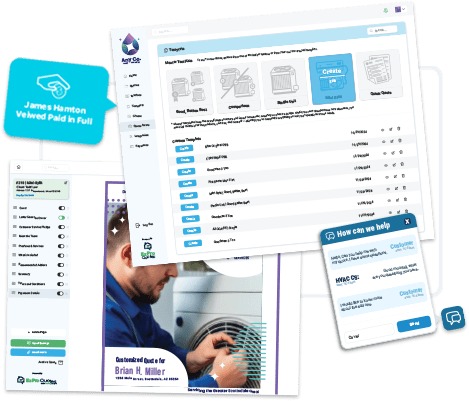
Free-plan limits use different units. A new job, a service appointment and an invoice are separate events, so you can stay inside one allowance and exceed another.
| Free edition | Users | New jobs/month | Appointments/month | Invoices/month | Other restriction |
|---|---|---|---|---|---|
| ServiceM8 | 1 | 30 base credits | Not stated | Not stated | Bonus job credits with conditions |
| Zoho FSM | Up to 20 | Not stated | 30 | 30 | Crew and offline data access unavailable in Free |
| Connecteam Small Business | Up to 10 active and archived | No equivalent quota stated | No equivalent quota stated | Full FSM invoicing not stated | One Job Schedule and one Time Clock allowed |
| Fieldwire Basic | 5 | No equivalent quota stated | Not applicable | Full FSM invoicing not stated | 3 projects and 100 sheets |
A team expecting 60 monthly service appointments would exceed Zoho FSM Free’s 30-appointment allowance even though it fits the user count. Zoho counts appointment usage by the distinct dates on time sheets linked to a service appointment, so your calendar entries can differ from the number the plan counts.
A solo handyman creating 20 new jobs per month stays within ServiceM8’s 30 base job credits, as long as the one-user account and the functions you need fit.
ServiceM8’s additional job credits
ServiceM8 lets you earn extra free-plan job credits through qualifying card payments in its integrated Stripe workflow. In the vendor’s example, 15 qualifying payments earn 15 extra credits and raise the total from 30 to 45. The extra credits depend on those transactions, which can carry payment-processing charges.
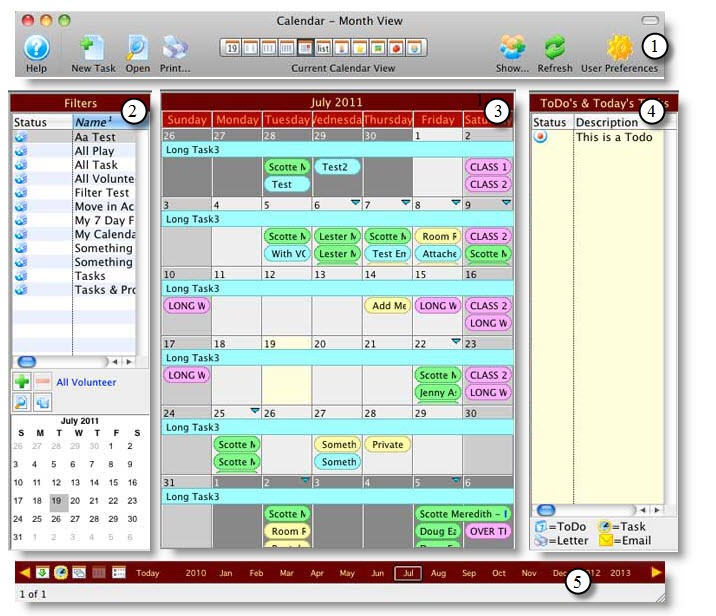
Per the job-credit explanation, converting a quote into a work order doesn’t use another new-job credit. That matters if you send quotes before booking work and need to estimate volume.
ServiceM8 overage detail: The Free Plan FAQ describes a seven-day grace period after you exceed your included job credits, followed by a reset or upgrade process.
To compare capacity, write down your busiest typical month: users, new jobs, appointments counted and invoices. Check each figure against the matching allowance, using the vendor’s counting rules. The first limit you exceed tells you whether to upgrade or switch tools.
Free all-in-one versus a tool stack
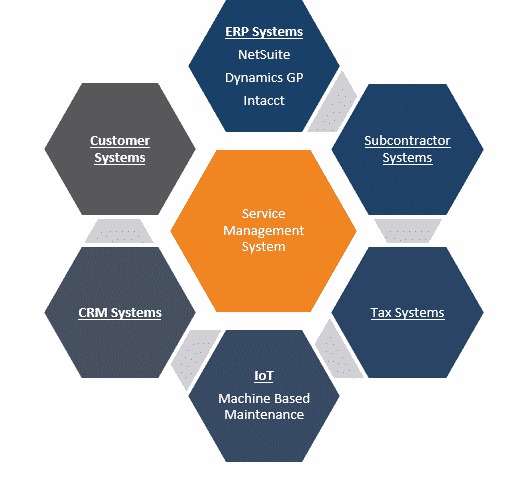
An all-in-one FSM app keeps several parts of the customer process in one place. Separate tools work well when you already have a reliable way to move information between scheduling, job notes and billing.
One handyman described a setup built on Microsoft apps and Wave:
Appointments or job scheduling is done through Outlook and Bookings
Client Contant info is a Sharepoint List that syncs with Outlook Contacts via PowerAutomate
Notes and details about jobs are done in OneNote with a section for each client or property
I make my estimates in Word with a template.
Payments and invoicing is the one thing Microsoft doesn’t handle, so I do all that through Wave.
Each task has its own application. Add up any subscription costs for the combination.
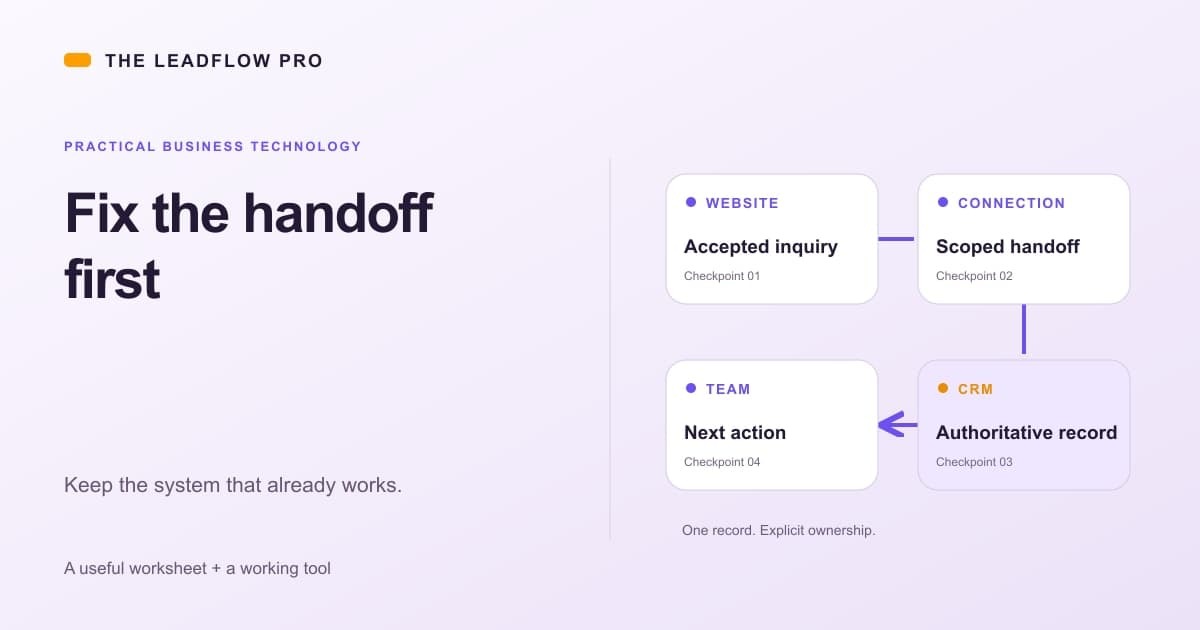
Several free offerings cover only one part of that arrangement.
Connecteam’s Small Business Plan fits staff scheduling and time tracking when you invoice customers elsewhere. Active and archived users both count toward its limit of ten.
Fieldwire Basic is aimed at construction collaboration and allows five users, three projects and 100 sheets. It covers field tasks and drawings; a full client estimate-to-payment process isn’t confirmed.
Square Free (Appointments) can supply the booking and payment piece, with transaction charges.
Odoo One App Free advertises one app with unlimited users. Odoo says the selected free app’s required dependencies come with no additional app subscription. Whether they provide a complete no-subscription Field Service workflow isn’t confirmed. If you’re unsure what this kind of software covers, read what field service management software manages.
The deciding question for a tool stack is where each record lives. Map customer contacts, the appointment calendar, field notes, estimates, invoices and payment status to the app responsible for each. Mark which handoffs are automatic, which are manual, and which information has no reliable home.
A solo operator can handle occasional manual transfers. A crew that needs shared records and coordinated changes has less room for them.
Which free app works on my phone?
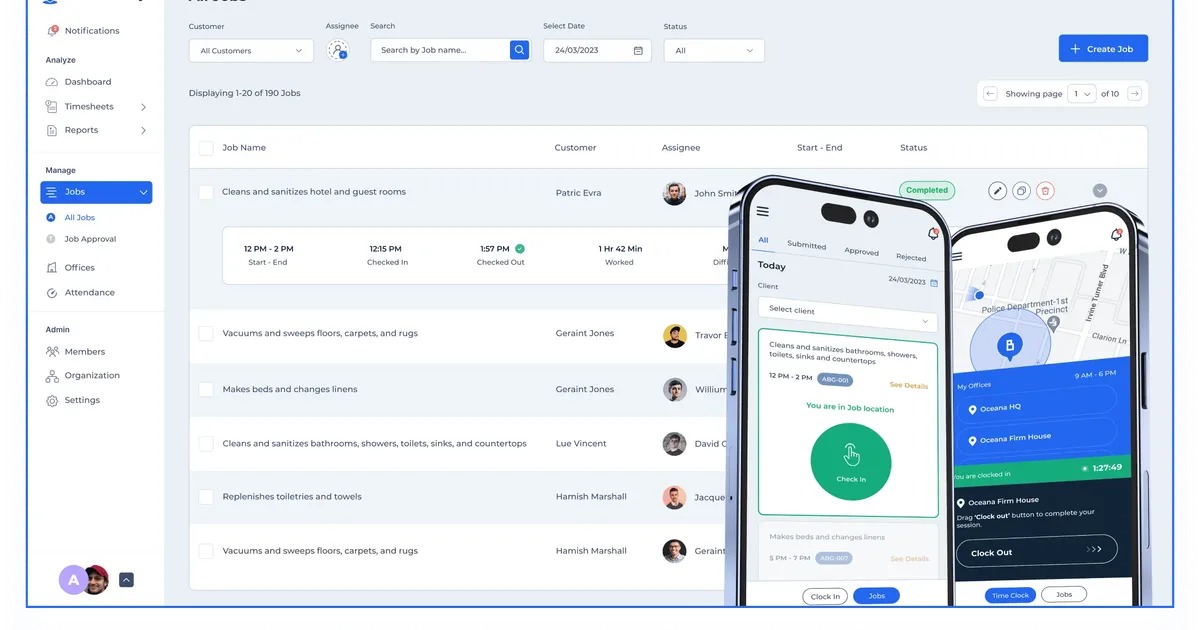
Mobile compatibility depends on the work your technicians do in the field. ServiceM8’s Android documentation describes broad job-management functions.
According to ServiceM8’s Android help documentation, the Android app supports job scheduling and updates, notes, quotes, invoices, client and job history, and payment workflows including deposits. It differs from iOS in certain augmented-reality features, diagrams, PDF editing and camera-tagging functions.
The Android app requires Android 8 or higher. Tap to Pay needs an eligible NFC-capable device running Android 13 or higher, plus account activation. Which payment or management functions you get in ServiceM8 Free depends on your plan entitlements and user permissions, and for payments on Android, on your device’s payment eligibility.
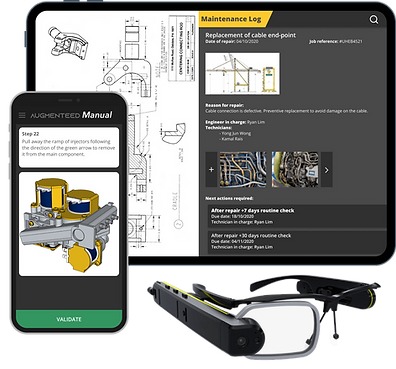
Zoho FSM Free gives field technicians mobile access, but its edition comparison excludes Offline Data Access and the dedicated Crew feature. If your team works where connectivity is poor, the missing offline access can rule it out.
To check mobile fit, use your actual device, role permissions and a Free account to try each task you need away from the office, including attachments, signatures, invoicing or payment collection where they are essential. Record any missing control and the conditions under which each task works.
The real cost of free software

A $0 subscription can still come with SMS charges, payment-processing fees, add-ons and companion apps. The total depends on the services and transactions you use.
ServiceM8’s US Free Plan documentation lists SMS at $0.10 per message. Card payments through its integrated workflow carry processing charges, even though they can earn extra job credits.
Yardbook’s free core is partly supported by advertising, with optional premium services. Square Free keeps the plan cost at $0 but charges payment-processing fees.
One handyman who worked with subcontractors explained why the billing process mattered as much as the software subscription:
It’s all great until I get to the invoicing, billing, and paying. Right now my process is:
1.) receive invoice from sub. 2.) enter the info into my own invoicing system, manually and add a 25% markup. Also add invoice to spreadsheet to track the payables and 1099 info
3.) send my invoices in weekly 4.) get paid, but through various forms, I have to manually track each invoice… because having my clients pay through the app I use (Joist) costs 3.5%!!! 5.) payout my subcontractors.
The 25% markup and 3.5% payment charge are this contributor’s own figures.
A monthly operating-cost worksheet
| Component | Input | How to calculate or record it |
|---|---|---|
| Software subscription | Recurring plan charge | $0 for a qualifying free edition |
| SMS | Messages sent and applicable fee | Message count × per-message charge |
| Card processing | Transaction counts, amounts and processor terms | Sum the applicable charges for those transactions |
| Add-ons | Required paid features or services | Sum recurring add-on charges |
| Companion software | Scheduling, accounting or other subscriptions | Sum recurring charges for required applications |
| One-time setup | Implementation or migration expenses | Record separately from the monthly total |
| Manual administration | Time spent transferring and reconciling records | Record minutes or hours separately |
Your recurring monthly total is the plan charge plus SMS fees, payment-processing charges, recurring add-ons and companion subscriptions.
Free lawn care software
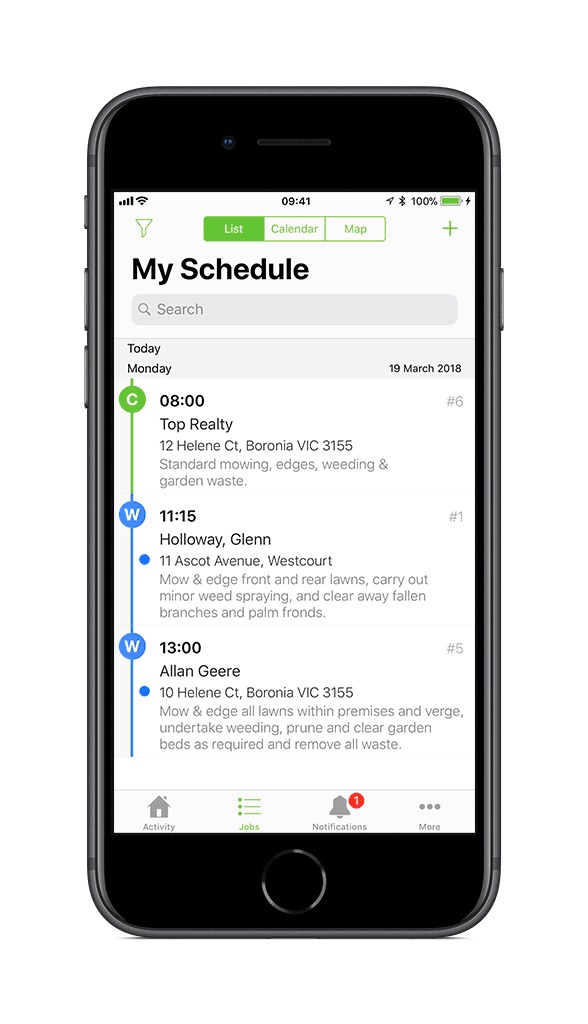
Yardbook Starter is built for lawn and landscape maintenance. Its free core covers customer records, scheduling, estimates, invoices, routing and expense functions. For a maintenance route, the question is whether the edition handles recurring property visits, your route order and consistent billing across those properties.
Can you export your records before you outgrow the plan?
Export matters once customer and job records have built up in one application.
Zoho FSM’s data-export documentation lists CSV exports for modules including Contacts, Companies, Assets, Services and Parts, Requests, Estimates, Work Orders, Service Appointments and Equipment. The Free Edition limits exports to 5,000 records per module. Related records may use separate export options or limits, and permissions or personal-information settings can affect the data a user can export. The export process sends a notification with a download link valid for 10 days.
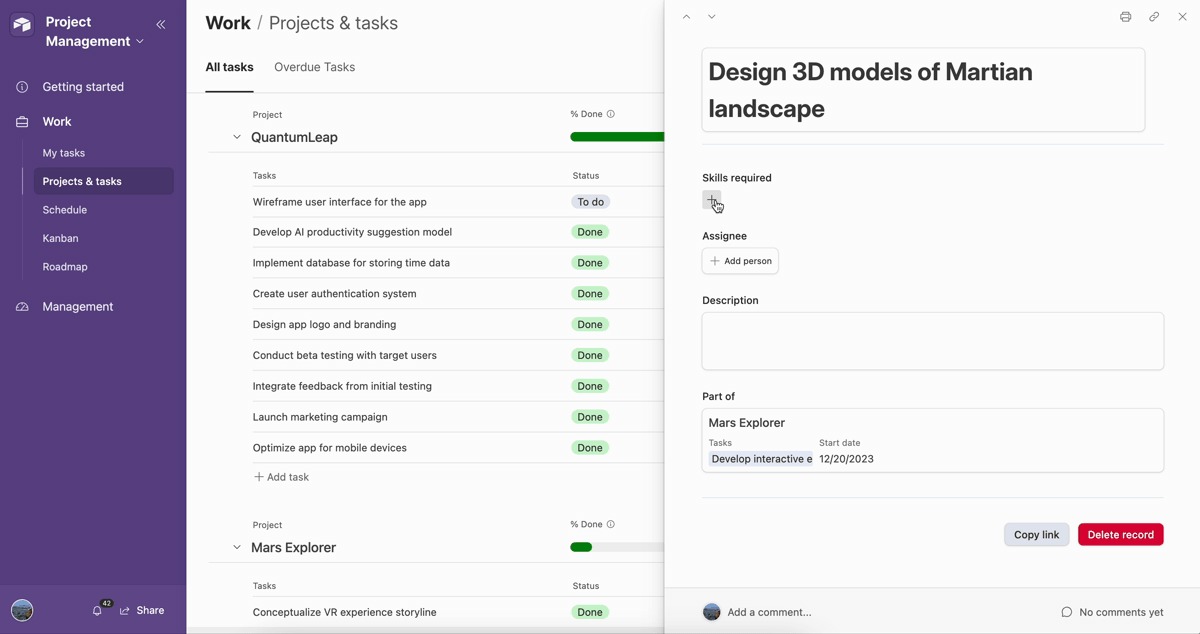
A contact list is only part of a service-business migration. You may also need service history, linked work orders, appointment details, invoices and notes. For setup and migration costs, see what setup and migration may add.
Run a small export test with one customer, request, work order, appointment and invoice, where the plan supports them. Check the CSV files for missing fields, broken relationships and anything another application would need.
Yardbook’s general FAQ says you can export and back up your data locally. File types, individual fields and whether relationships survive migration aren’t confirmed. Export scope for the other candidates isn’t confirmed either, and importing records into a new product needs its own compatibility test.
A one-week job-cycle test before you commit
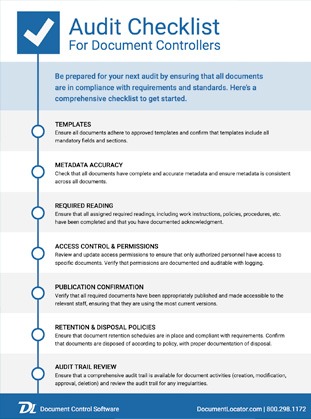
A one-week pilot gives you a practical test window before you move your customer database. It shows whether the required tasks work in your account and on your device. Long-term reliability takes longer to judge.
Run one representative job through the sequence above on the candidate’s Free account, including the phone tasks you need, and record a result for each category.
| Test item | What the result must show | Record |
|---|---|---|
| Free eligibility | Ongoing $0 plan keeps the features you need | Pass / Fail / Unknown |
| Job workflow | Essential steps finish without an unavailable function | Pass / Fail / Unknown |
| Workload and users | Peak-month activity and role requirements fit | Pass / Fail / Unknown |
| Tool handoffs | Required records reach the next application reliably | Pass / Fail / Unknown |
| Mobile operation | Required actions work on your device and account | Pass / Fail / Unknown |
| Operating costs | Necessary charges and companion subscriptions are known | Pass / Fail / Unknown |
| Data exit | Required records can be retrieved with useful fields and relationships | Pass / Fail / Unknown |
Keep your account conditions and the vendor terms with the results.
Stop condition: A failed essential workflow, an exceeded required quota or an unusable data exit is enough reason to hold the migration. An unknown on a must-have item needs more checking first. A missing nonessential feature can be acceptable.
A free tier needs to be tested against the actual crew and jobs, not a generic feature checklist. Start with field-service requirements by business type when deciding which work and roles must fit inside the plan’s limits.
Speak Your Mind