Jobber is the simpler starting point for crews focused on scheduling, estimates, invoices and customer contact. ServiceTitan enters the conversation when dispatch, pricebooks and reporting justify a more involved system. Follow an identical job through each, including accounting sync, and compare the actual implementation demands and 12- and 24-month proposals.
Both platforms serve field-service contractors, but the buying process is different. Jobber publishes Core, Connect, Grow and Plus plans with team-size and billing selectors. ServiceTitan lists Starter, Essentials and The Works, priced per technician, and asks you to request personalized pricing. What matters is what your staff can do with the configuration you buy.
Which one fits your shop size and office capacity?
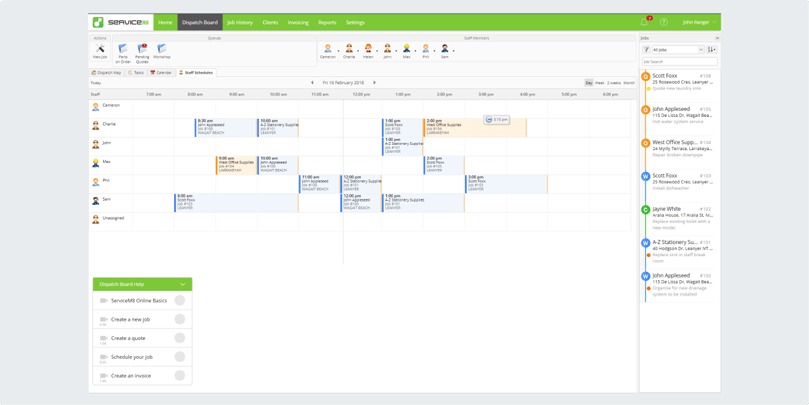
Five technicians backed by a dispatcher, an office manager and a bookkeeper run differently from five technicians whose owner answers the phone between appointments. Office capacity matters as much as crew size, and no technician count decides the choice on its own. For the numbers, see a cost example for five technicians and two office users.
Jobber’s pricing page offers team-size choices of Just me, 2 to 5, 6 to 10, 11 to 15 and 16 or more. ServiceTitan’s inquiry asks about technicians, office staffing and work type. A small company can still run complicated maintenance agreements or several office roles.
A two-person HVAC shop weighed the trade-off after a ServiceTitan demo:
Got on a demo with servicetitan and the product looks powerful but it’s clearly built for big shops, and half the features don’t apply to a 2 man operation and the setup process alone looked hard. Per tech pricing on top of a long contract, it just doesn’t make sense at our size.
Another small contractor with equipment histories, recurring visits and a dedicated office manager might put different requirements first.
| Shop situation | First evaluation | Dealbreaker |
|---|---|---|
| Solo owner handling routine estimates and invoices | Jobber | A required function is missing from the selected plan |
| Two-person HVAC service team | Jobber, with specialty needs checked | Maintenance or equipment history needs exceed the proposed setup |
| Four-technician plumbing shop considering a switch | Both, measured against the existing Jobber workflow | The replacement doesn’t solve the problem or costs too much |
| Office-led company with dedicated dispatchers | Both, examining ServiceTitan’s specialist functions | The quoted package can’t support your roles or advanced workflows |
| Contractor performing major home additions | Assess construction-project needs separately | Neither field-service system has the project controls you need |
| QuickBooks-dependent service business | Compare each accounting integration and its version | Invoice, payment or status updates can’t be reconciled |
| Business switching with extensive historical records | Check data portability for either system | Essential job, equipment or financial records can’t be preserved or accessed |
Write three columns for your company: must work, nice to have and unnecessary. Fill them with real job types, field and office roles, service locations and processes you won’t give up. Use the list as your filter for the rest of the comparison. Before you rank features, read the field-service functions that must work together.
What does ServiceTitan cost compared with Jobber?
Jobber publishes selectable plans and billing options on its pricing page, and the amounts shown depend on your selections and promotional terms. ServiceTitan publishes a per-technician package structure but posts no standard dollar price, so you need to request a quote.
A four-technician plumbing owner in North Carolina ran into the problem of pricing a replacement with no numbers:
Hey everyone, small plumbing company owner here (4 techs) in North Carolina. We’re currently using Jobber but honestly, it’s becoming a nightmare as we grow. ServiceTitan keeps coming up in conversations, and their sales team has been persistently reaching out.
I can’t get a straight answer about actual costs. The sales rep is pushing hard for a demo but won’t give me concrete numbers without one, and I’d rather hear from real users first.
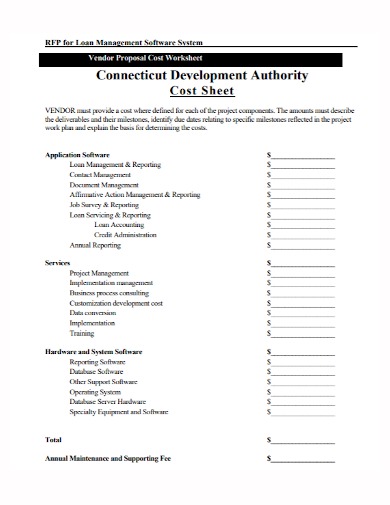
For that owner, the real number covers four technician licenses, the office staff who need access, any modules needed to replace the current process and the billing commitment. Both proposals should list the same components.
| Cost component | Jobber input | ServiceTitan input | How to compare |
|---|---|---|---|
| Subscription and licenses | Selected tier, people covered, billing interval | Written technician pricing and package | Calculate charges for the same period |
| Office users | Included seats or extra-seat rate | Included access or additional licensing terms | Count the same dispatcher and administrative roles |
| Setup, migration and training | Quoted fees and staff time from each vendor | Separate one-time from recurring costs | |
| Required add-ons | Modules and third-party services from each vendor | Include only what your process needs | |
| Usage fees | Processing and communication charges that apply | Use the same estimated usage for both | |
| Renewal and exit | Renewal, notice and termination conditions in writing | Price each committed term and any exit charge | |
Total months 1 through 12 from the written proposals, then months 1 through 24. Put one-time fees in the period they are billed and add any documented post-promotion or renewal change. Treat an unknown charge as an open question, never as zero.
Run the numbers for your current company, then model growth scenarios of one, five and ten technicians if you expect to grow. A five-technician company with two office employees needs to know whether the price covers five field workers, seven total users or some other licensed setup.
Can both products handle the same service job, booking through payment?

Test both proposed setups with one identical job, during a demo or pilot. Take a residential HVAC customer who books maintenance, changes the appointment, requests two estimate options, approves one and pays the final invoice. The office and the technician should work from the same customer, property and job history.
| Work step | Pass condition |
|---|---|
| Create customer and service property | Customer is linked to the correct location |
| Book and assign an appointment | Dispatcher and technician each get the information they need |
| Reschedule an urgent visit | Assignment and notices update together |
| Prepare and revise two estimate options | Approval and revised price are recorded |
| Generate an invoice | Invoice stays linked to the approved job |
| Record payment and reopen history | Payment and previous service remain identifiable |
Score each step pass, fail or untested for each platform, and note the technician’s role, the quoted plan and any workaround. If your service area has poor cellular coverage, include the relevant mobile task. A polished demo of unrelated features doesn’t excuse a failure at a must-have step.
Jobber can handle ordinary service work and still fall short on larger projects, as one construction-industry user put it:
We currently use an application called Jobber, it’s great. However, I still feel that once we get into larger projects, such as a home additions, it really lacks features we need. For our service work and office to field communication, it’s wicked.
Home additions may call for construction scheduling, dependencies and project controls beyond a routine service visit.
How do dispatchers and technicians see the day’s work?
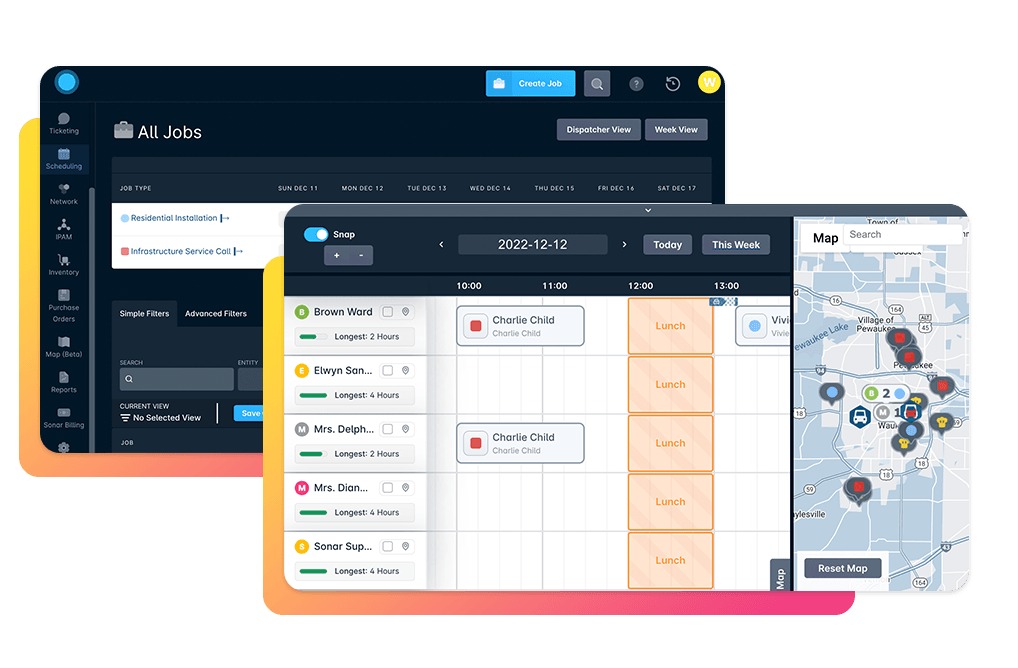
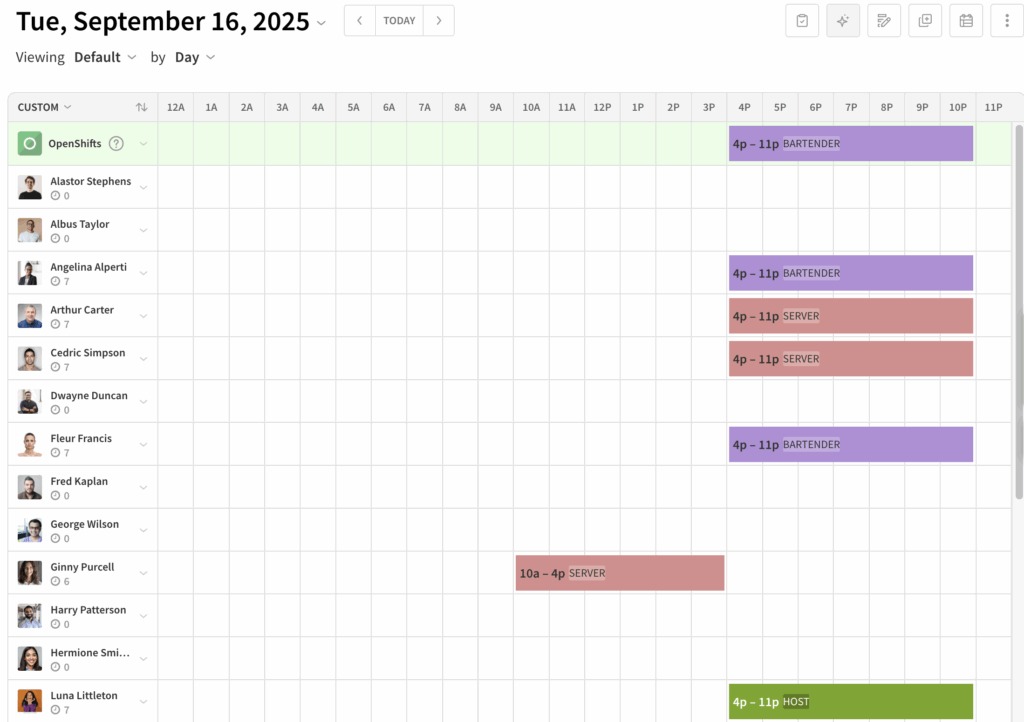
Dispatch works only when each person sees what the job needs. A dispatcher may need to rearrange appointments across crews, while a technician needs accurate location, customer and assignment details. Company policy and configured permissions control what each person sees.
A ServiceTitan technician described what a hidden schedule does to a workday:
We use service titan and I’m unable to see my schedule for the day under the guise of “the schedule is constantly changing” Kind of a BS reason and I can’t plan my day around not knowing how many or where my calls are going to be. Yesterday I had friends coming over at 6 and I’ve been regularly getting 2-3 calls a day for the last month. So 6pm is a reasonable time to get home.
On each platform, sign in as a dispatcher and as a technician. Reassign one visit and compare what shows on both screens: address, notes, changes, ETA and other scheduled work. If technicians must call customers without exposing personal phone numbers, check the business calling setup too. A trade practitioner in the Heating Help community raised that concern.
When do pricebooks, maintenance agreements and reporting change the choice?
Specialized functions matter when your trade has a repeatable process that needs them. For a maintenance-heavy HVAC contractor, equipment history, renewal dates and pricebook consistency matter far more than an extra general-purpose customer field.
ServiceTitan’s package overview lists scheduling, dispatching, call booking, invoicing and a pricebook in Starter. It lists mobile estimates and payroll management among Essentials capabilities, and The Works adds advanced reporting, commission tracking and customizable memberships.
Jobber presents Core, Connect, Grow and Plus as different levels of access. Its plan descriptions list QuickBooks Online synchronization in Connect, job costing in Grow, and additional reporting and onboarding-related capabilities in Plus. Check advanced-plan functions against your user count and billing choice.
Take an HVAC company that sells annual maintenance agreements. The records that matter link a customer and property to a specific air-conditioning unit, past service notes, the next visit and a renewal. Test those links and the actions that keep them current.
Pricebook control raises its own question: who can update parts, labor and service options, and which approved prices do technicians see? For reporting, define the business question first. Revenue by technician, callback cost and labor-and-material profitability each need different fields.
For each specialty requirement, name the exact record or report and ask for a demo under the package you would buy. Mark it included, additional-cost, unavailable or untested. If you are still sorting out what type of operation you run, read which kind of field service business are you running.
How do the QuickBooks integrations differ in 2026?
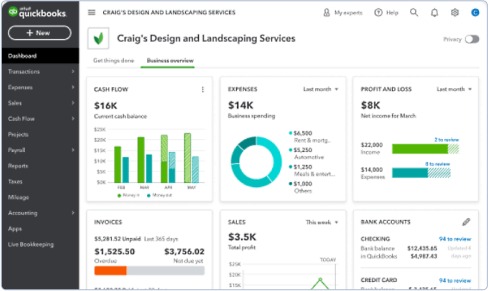
Jobber has two QuickBooks Online integrations, a new one and a legacy one. The new integration, described in documentation updated October 29, 2026, was rolling out to selected accounts and plans. It treats Jobber as the continuing source of truth for the documented client and product/service information, and syncs from Jobber to QBO on an ongoing basis. Existing customers may use the legacy integration, which follows different rules.
A first-time connection to the new integration offers an optional initial import of clients and products or services from QuickBooks into Jobber. A customer migrating an existing legacy connection to the same QBO company skips that import, because the records already exist in both systems. After either setup path, ongoing sync follows the new integration’s Jobber-to-QBO rules.
| Record or event | Jobber new QBO | Jobber legacy QBO | ServiceTitan documented QBO |
|---|---|---|---|
| Clients and products/services | Optional first-connection import, then one-way ongoing sync to QBO | Manually initiated sync; clients and products/services can sync both ways, with QBO authoritative for legacy product/service fields | Requires integration setup and mapping |
| Invoices | Jobber to QBO under new settings | Manual sync from Jobber to QBO | Export pathway documented with configuration |
| Payments | Supported with configurable options | Manual sync from Jobber to QBO | Confirm the selected transaction setup |
| Invoice marked paid in QBO | Paid status does not sync back to Jobber | May update Jobber invoice status on manual sync, without creating a Jobber payment or correcting the remaining balance | Confirm the relevant mapping and process |
| Returns and inventory adjustments | Check relevant sync settings and supported record types | Check relevant legacy behavior | These transaction types do not export through the documented QBO path; create corresponding entries manually in QBO after the ServiceTitan batching/bypass steps |
ServiceTitan documents accounting paths for QuickBooks Online, QuickBooks Desktop, Sage Intacct, Xero and CSV, and a connector name doesn’t guarantee the same transaction coverage. Its QuickBooks Online guidance specifies manual procedures for returns and inventory adjustments.
Jobber’s migration instructions say an account migrated from the legacy QuickBooks integration cannot go back to the old version. Existing Jobber customers should plan for that.
Find out which integration your account can use. Then trace one client, one product or service, an invoice and its payment across both applications, including any expected reverse updates. Reconcile the entries, record which system owns each field and resolve every exception before you migrate an established accounting connection.
What will implementation and staff adoption require?
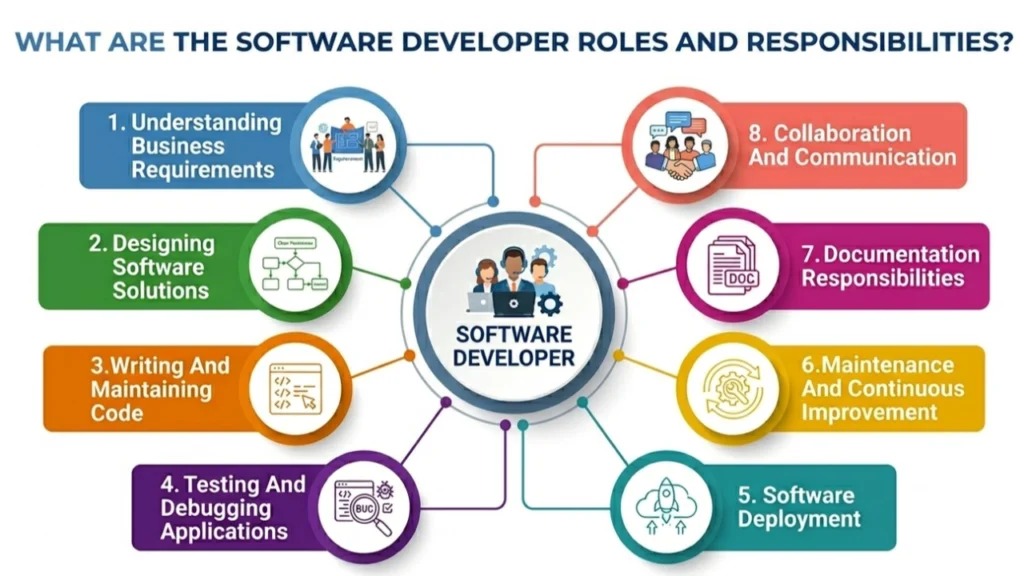
A field-service platform needs an implementation owner and people who keep the procedures running after setup. The effort depends on your existing data, staff, work types and purchased functions, so plan staffing for your own shop whatever the vendor says about a quick rollout.
In an owner-led company one person may handle dispatch, estimates and billing. A larger operation may split those jobs between the office and the accounting department. Give each task an owner:
- Implementation lead: Coordinates vendor questions, decisions, sequence and completion criteria.
- Office and dispatch: Configure customer properties, appointment types, staff roles and schedule exceptions.
- Field technicians: Learn the required customer-history, estimate and job-completion actions.
- Accounting lead: Sets up the approved integration and owns reconciliation and exception review.
- Long-term administrator: Maintains permissions, pricing, forms, reports and escalation contacts.
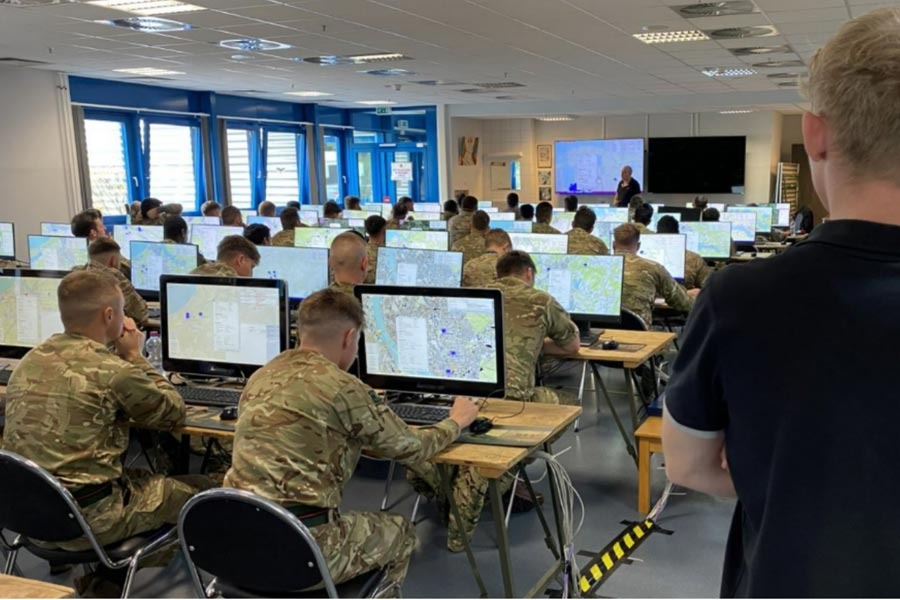
A four-technician plumbing shop may have one owner making most office decisions. Even a well-designed pricebook needs someone to update parts and labor settings when the business changes.
Set three acceptance checkpoints: a dispatcher books a call independently, a technician completes the mobile estimate task and a bookkeeper finds the expected accounting record. Also write down the training and support the vendor promises for your package.
Can you migrate records, honor the contract and leave safely?
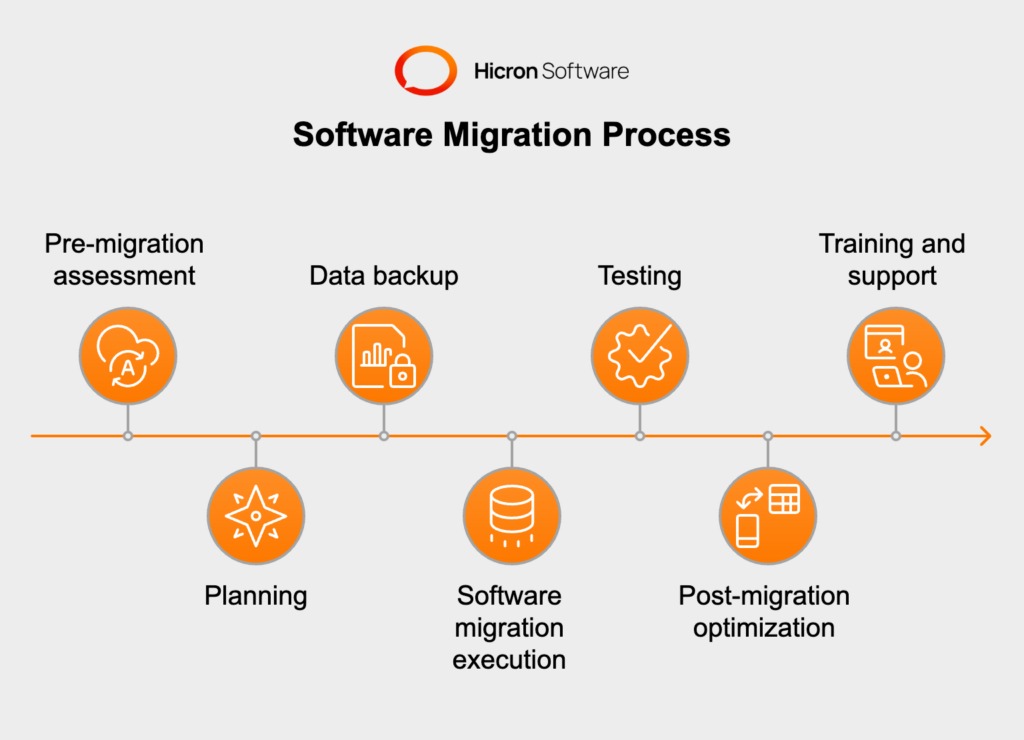
Before switching, separate the data you can export from the relationships you need after import. Customer contacts, service addresses, equipment histories, estimates, photos, open invoices and payment identifiers each do a different job, and your exit plan should cover every one.
Jobber documents client export in CSV and vCard formats on selected plans, with administrator or qualifying team-member permissions. Its CSV process can split large exports into files of up to 1,500 rows. Those cover client data only, so check job, attachment and payment histories separately.
ServiceTitan documents several accounting integration and CSV options. Historical service records, attachments and contract exit conditions depend on your configuration and written terms.
- Customer and property records: Confirm identifiers, service addresses, contact methods and property associations.
- Service history: Preserve technician notes, completed work, photos and equipment relationships when supported.
- Open work: Track pending appointments, estimates, memberships and recurring commitments.
- Financial records: Reconcile invoice IDs, credits, payments and open balances.
Export a representative sample and import it into the new system. Compare record counts, follow one customer’s equipment history and trace an unpaid invoice back to the right customer. Note any missing fields, attachments or relationships, and how old records stay accessible during cutover.
Read the contract’s renewal, cancellation, notice, termination-charge and post-cancellation data-access terms. Keep the existing system available under agreed terms until the new records and accounting balances reconcile.
ServiceTitan or Jobber: which should you choose?
The quote should describe the configuration that passed the team’s job trial. A lower price has little value when the tested dispatch, pricebook or accounting capability sits outside that edition.
Speak Your Mind