Jobber fits businesses whose estimates, scheduling and invoices flow smoothly through its lower-cost configuration. Housecall Pro may justify the switch when dispatch, flat-rate pricing or proposals are the deciding tasks. Put the same job through both; equipment history, billing details and data transfer can make an otherwise attractive option unsuitable.
Neither product wins for every crew. A solo cleaner, a five-person service team and an electrician who bills in stages ask different questions of the available plans. Start with the version of the work the staff actually perform, not the broad promise of an all-in-one platform.
Jobber vs Housecall Pro: the short decision
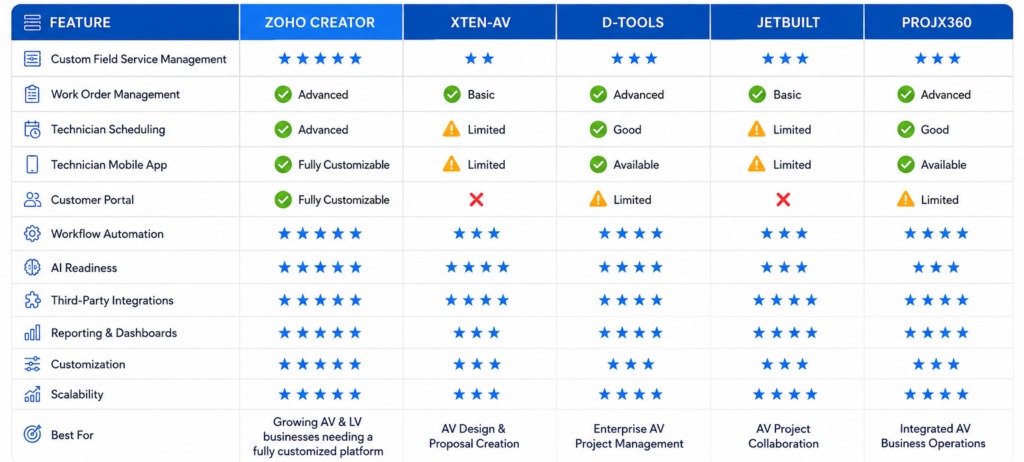
Write down three tasks the software must handle and one failure that rules it out. A solo operator might pick sending a quote, scheduling a visit and collecting payment. A growing crew may care more about staff access and dispatch. Choose the plan that passes without an unacceptable compromise.
What each plan costs for your crew
Cost depends on the features you need, the number of users and your billing commitment. Jobber lists separate solo and team plans. Housecall Pro’s standard plans include different numbers of users, and its trade-specific packages are priced differently.
The amounts below are US monthly equivalents for specific plans. Jobber’s introductory offers vary, and annual-billing amounts are paid under an annual commitment. Tiers differ in features and included users. For more on monthly billing and annual equivalents, see monthly billing versus annual payment commitments.
| Product and plan | Monthly equivalent | Included users and billing basis | Decision detail |
|---|---|---|---|
| Jobber Core | $24 introductory for 12 months; $29 afterward | 1 user; annual prepaid offer | No-commitment monthly option: $49. |
| Jobber Connect | $120 introductory for 12 months; $149 afterward | 5 users; annual prepaid offer | Same tier name as the 10-user plan below. |
| Jobber Connect | $184 introductory for 12 months; $229 afterward | 10 users; annual prepaid offer | Priced separately from the five-user offer. |
| Housecall Pro Basic | $59 annual-billing equivalent; $79 monthly | 1 user; standard plan | Solo entry plan. |
| Housecall Pro Essentials | $149 annual-billing equivalent; $189 monthly | 5 included users; standard plan | Routing and flat-rate pricing features are listed here. |
| Housecall Pro MAX | $299 annual-billing equivalent; $329 monthly | 8 included users; standard plan | Standard add-on user charge: $35 per month. |
At the nonpromotional annual-billing equivalent, five-user Jobber Connect and five-user standard Housecall Pro Essentials both cost $149 per month. The included features differ, so compare what each plan supports for your work. Jobber’s first-year promotional amounts vary by signup route.
Housecall Pro also sells industry-tailored packages. A July 2026 HVAC pricing description listed five-user Essentials at $299 per month and eight-user MAX at $649 per month, with trade-specific features. Those prices apply only to the HVAC package, not to the standard plans above.
Tiers gate features as well as seats. Jobber Connect includes reminders, checklists, QuickBooks Online syncing and time or expense tracking. Grow includes richer quotes, optional items, two-way SMS and custom automations. Housecall Pro Essentials has flat-rate pricing and QuickBooks Online, and MAX adds a sales proposal tool and traffic-aware route optimization.
Ask each vendor for first-year and later-year prices in writing, for your headcount and feature list. Build a worksheet with the plan, included users, add-ons, setup, payment-processing terms, taxes, billing commitment, renewal terms and cancellation conditions. If a price depends on a sales quote, leave it blank until the quote arrives.
Plan details are on the Jobber pricing page and Housecall Pro pricing page.
Can each system handle the estimate-to-invoice job you sell?
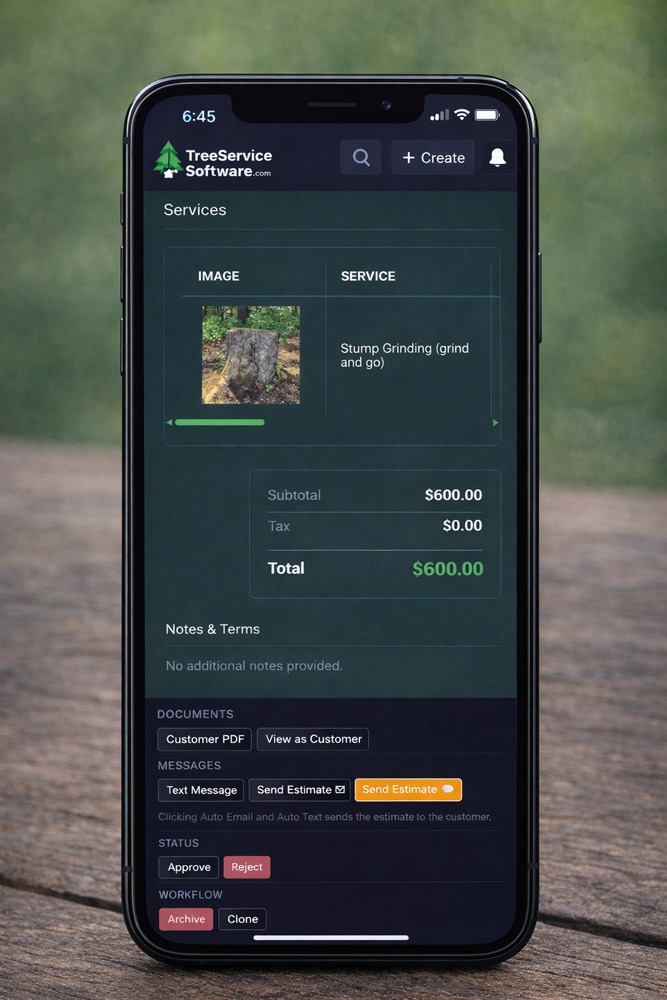
A good estimating tool keeps the approved scope intact through scheduling, field changes and final billing. A service visit with two optional repairs tests one thing. An installation with deposits, a second phase and a change order tests another. For background on this software category, read what field service management software manages.
Both products offer quotes and invoices. Jobber Grow adds more elaborate quote customization and optional line items. Housecall Pro Basic includes quotes and a price book, Essentials adds flat-rate pricing, and MAX adds a sales proposal tool. Each function applies only to the plan named.
| Stage | What must carry through | What a trial should reveal |
|---|---|---|
| Customer request | Property and service details | Whether the office starts with the required information |
| Estimate | Prices, optional work and scope | Whether line items and price books suit the job |
| Approval | Customer’s accepted work | What the customer sees and what gets recorded |
| Scheduling | Approved work transferred to a visit | Whether scope is preserved for the technician |
| Field changes | Revisions, deposits or staged completion | How the office handles changes and balances |
| Final invoice | Completed work and remaining payment | Whether the billed amount matches the accepted work |
The gaps show up when a customer picks an option, an electrician adds work during a second visit, or the office applies an earlier deposit. A price-book integration may solve part of the task, with separate fees and maintenance.

Build the same estimate in each product, with an optional service. Get a test approval, convert it to scheduled work, record a deposit or change where relevant, and check that the final invoice shows the accepted items and the right remaining balance.
Scheduling, route sequencing and traffic optimization
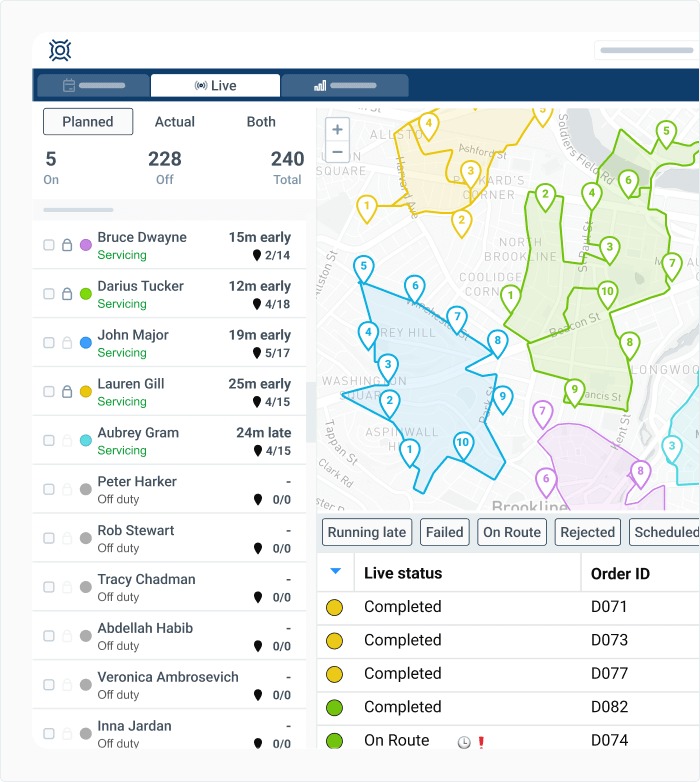
Assigning a technician, arranging stops and optimizing a route are three different dispatch functions. The difference shows up when the office adds an urgent call or a job runs late.
| Function | What it means for the crew | Housecall Pro tier |
|---|---|---|
| Scheduling | Assigning jobs, people and appointments | Scheduling features |
| Route grouping and stop sequencing | Showing one worker’s jobs together and arranging the order of visits | Routes in Essentials |
| Traffic-aware optimization | Reordering visits using drive time and traffic | Route optimization in MAX |
| Field location information | Helping dispatchers and technicians locate work | GPS-related functions in Essentials |
Jobber presents built-in routing as an advantage in its own vendor comparison.
For the technician in the truck, the schedule helps only if it shows the current address, access instructions, photos and job notes. Office staff and technicians often need different permissions or views.
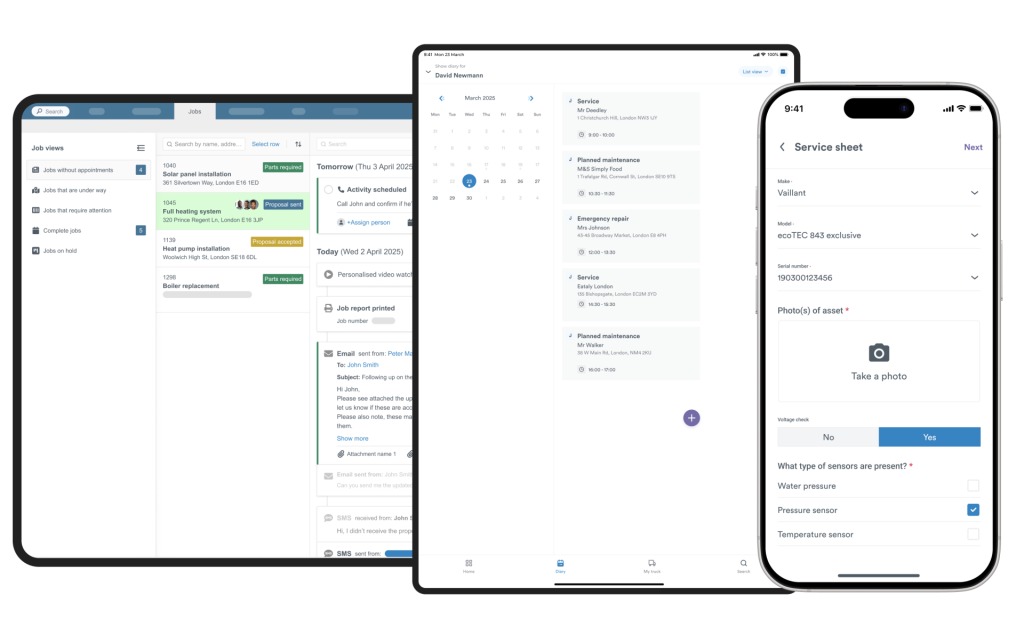
Housecall Pro lists offline viewing. Offline editing and syncing after reconnecting are separate requirements.
Set up five sample stops in each product. Delay one appointment, change its assignment and check the result from dispatcher and technician accounts. At a weak-signal location, see which notes and photos stay available and what the app lets the technician save for later sync.
Customer communication and reviews from the customer’s view
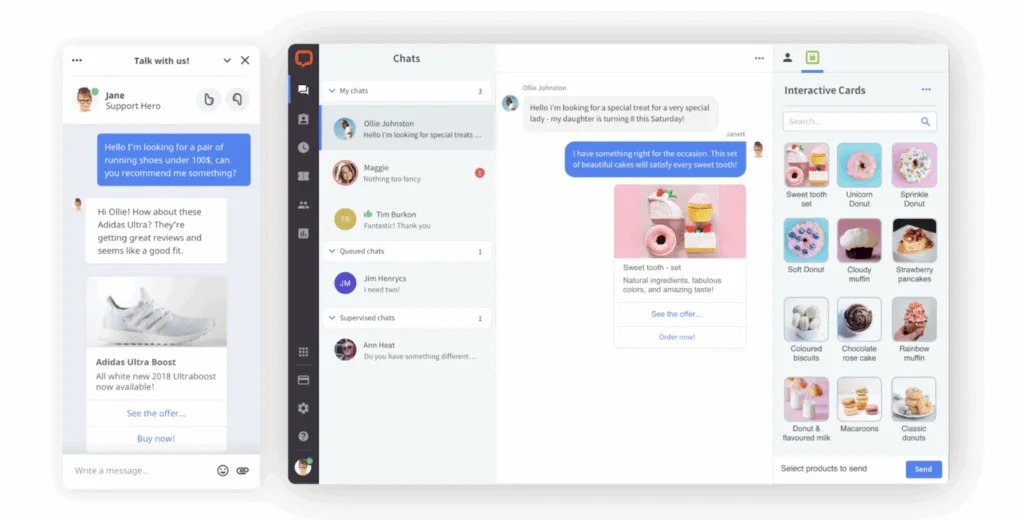
An appointment reminder works when the customer gets the right time and address. A review invitation works when its link opens the right page after the job ends.
Both vendors offer customer messaging and review tools, with access depending on the plan or add-on services. Jobber Grow includes two-way SMS and custom automations. Housecall Pro lists review management in Basic and checklist automations in Essentials.
Picture a customer who approves an estimate, gets a visit reminder, reschedules once and then receives a review request. The messages have to follow the real job status. A stale appointment time or a misplaced review link creates extra work for the office.

Test with consenting addresses and phone numbers. Compare the sender, wording, links, timing and opt-out handling in the paid plan you are considering.
QuickBooks Online: version and direction of synchronization
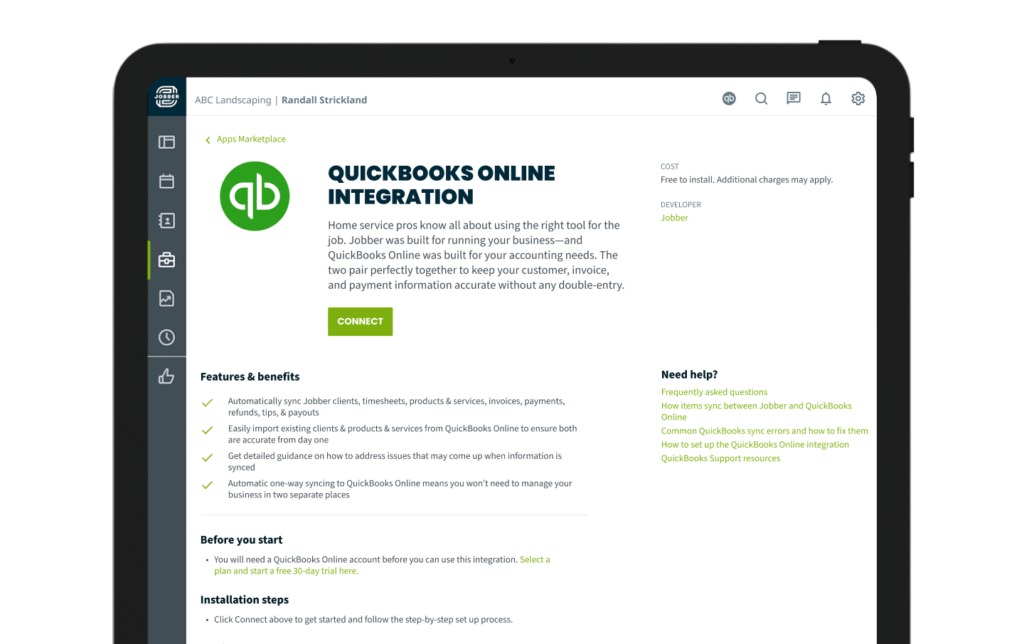
QuickBooks integration matters when office staff rely on both systems to update customers, invoices and payments. Each team needs to know which application owns the original record and which changes flow to the other.
Jobber’s FAQ for its new QuickBooks Online integration, updated October 29, 2026, describes a gradual rollout to selected accounts. It covers an optional one-time import of client and product information from QuickBooks Online into Jobber, followed by ongoing one-way synchronization from Jobber to QuickBooks Online.
Under the new integration, Jobber is the source of truth for client, product and service information. Paid-status changes made in QuickBooks Online no longer update the invoice in Jobber. You can configure selected sync conditions during setup.
So an accounting clerk who changes payment status in QuickBooks and a dispatcher who checks the Jobber invoice can see different states. Set a rule for where staff record and correct each kind of information.
Jobber keeps separate documentation for its legacy connection. The Jobber new QuickBooks integration FAQ covers the replacement integration and its account and plan eligibility. Housecall Pro lists QuickBooks Online sync in Essentials. Its field-by-field sync directions for a given account are not documented here.
Before connecting production records, find out which integration version and plan your account has. In a supervised test ledger, create a uniquely named customer, one invoice and one payment, then check both applications for record direction, discrepancies and duplicates.
When neither product matches your work
A shop that completes single repair calls needs quick dispatch, notes and invoices. A contractor running multi-phase installations also has to track deposits, approved changes, later visits and the balance left after each stage.
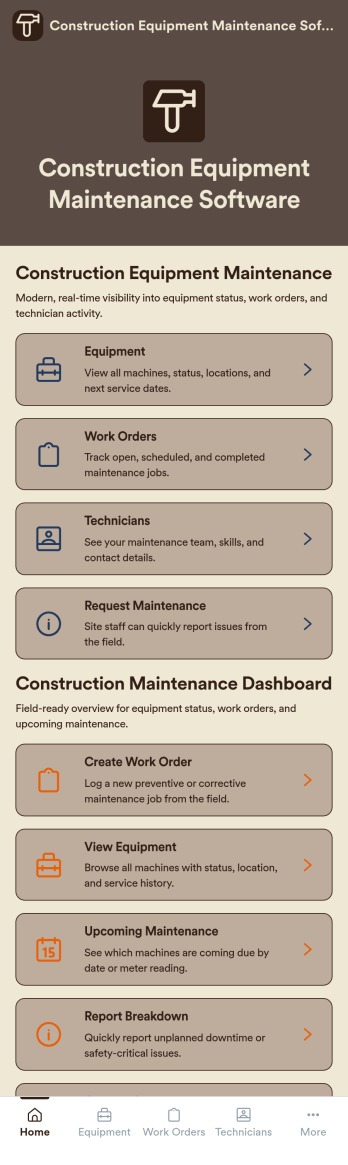
Equipment history is another requirement. A technician returning to a property needs to find the right unit and see earlier service, parts and maintenance notes. Housecall Pro’s HVAC-specific offering includes equipment tracking, though record depth and standard-tier access still need confirming for your plan.
For commercial HVAC work, Housecall Pro also lists progress invoicing for large jobs billed in stages. Deposits, change orders and plan access belong on the dealbreaker list below.
Build a dealbreaker card for the work you sell:
- Equipment records: Can staff link work to the correct unit and revisit its history?
- Staged billing: Can a project carry its deposit, interim charges and final balance?
- Changes to scope: Can an approved change appear in the work and the final bill?
- Price-book maintenance: Can the responsible employee keep common tasks and materials up to date?
- Acceptable workarounds: Does any missing function have a demonstrated fix with manageable extra fees and steps?
If a dealbreaker fails on the plan you would buy and the workaround is unacceptable, rule the product out. Broader field-service or project software may suit you better.
Before switching, test what imports and exports
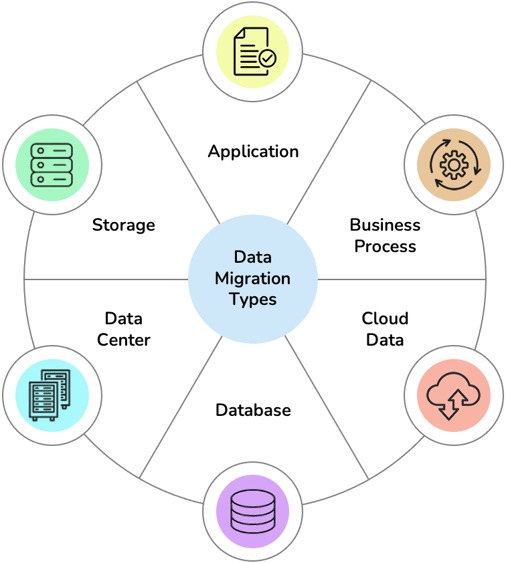
A customer spreadsheet holds only part of the history you need to run a service business. Relationships between business accounts, service addresses, active jobs, equipment and payments need separate attention in a move.
Jobber’s client-export documentation, updated October 29, 2026, describes CSV and vCard options for a full list or a filtered subset. CSV export handles up to about 1,500 rows per file and creates multiple files for larger lists. Export access depends on your plan and account permissions.
Job history, attachments, estimates and payments need separate export tests.
The Housecall Pro import and export instructions describe customer and job imports using a field-mapping wizard and error review. Unmapped fields are discarded. The process accepts one customer level by default, so a business with nested subcustomers must restructure those records before import.
Housecall Pro also documents assisted MAX imports covering specified customer, job-history, equipment and price-book records. Complicated formatting or assistance may add fees.
Make a small, non-sensitive sample of five deliberately different records: an individual, a company account, a parent/subcustomer relationship, a custom-field record and a second service address. Import the sample, check each mapped field and linked job, and compare the results to the original data. If an import goes wrong, keep the error details and follow the vendor’s support process before deleting or repeating records. If you are still sorting out your own business type, use which kind of field service business are you running.
Keep access to the original system until active work and essential customer information pass the check.
A fair trial for the final decision
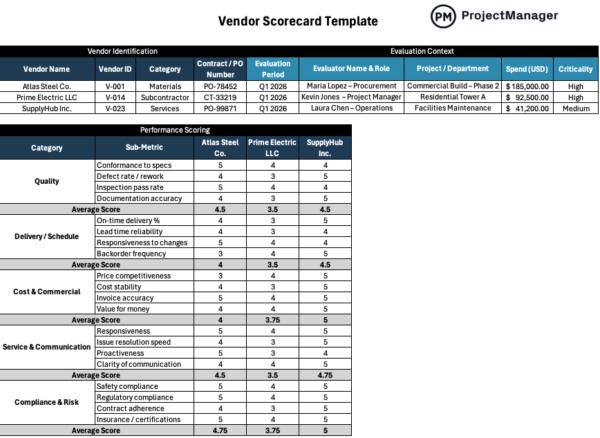
Put both products through the same essential tasks on the plan you might buy. The scorecard records what office and field staff can complete and where a paid feature, integration or manual workaround changes the result.
Housecall Pro offers a 14-day trial with MAX-level features. If you test route optimization or proposal tools, confirm that Essentials or Basic include them before you assume they do.
| Decision test | Jobber | Housecall Pro |
|---|---|---|
| Estimate, approval and invoice | Pass / Partial / Fail | Pass / Partial / Fail |
| Dispatch and technician completion | Pass / Partial / Fail | Pass / Partial / Fail |
| Customer communication and reviews | Pass / Partial / Fail | Pass / Partial / Fail |
| Required accounting records | Pass / Partial / Fail | Pass / Partial / Fail |
| Equipment or phased-work requirement | Pass / Partial / Fail | Pass / Partial / Fail |
| Data import and history | Pass / Partial / Fail | Pass / Partial / Fail |
| First-year and later written cost | Quote / Unknown | Quote / Unknown |
“Partial” needs a precise reason: the workflow requires an extra subscription, an administrator has to step in, or a needed feature sits in a higher tier. When both products pass, documented costs and your staff’s experience settle the tie.
The shortlist should close with evidence from the same crew, job and paid editions, together with quotes that include the features actually used during testing.
Speak Your Mind