An HVAC dispatch board faces its toughest test when emergency calls arrive, jobs run over and the next technician needs the right qualifications. Recreate that busy-day pressure in the actual subscription tier. Advanced scheduling deserves its price only when it handles these conflicts better than the simpler alternative.
A replacement job runs long. The office has already promised two afternoon arrival windows when another customer calls about an air conditioner that has stopped cooling. The schedule looks tidy. Someone still has to decide who takes the call, how to protect the booked appointments, and who tells the customer about the change.
HVAC scheduling vs. dispatch: what the software must do
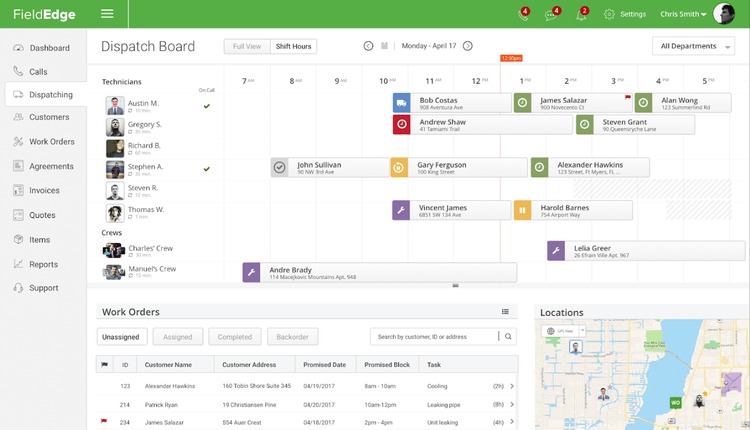
An appointment can fit on a calendar without a qualified technician being available to perform it. Dispatch has to account for the person, travel, existing commitments and the changes that arrive during the day.
An HVAC work order usually carries an address, job type, expected duration, customer arrival window, and any special skills or parts requirements. Assignment rules use those fields to flag conflicts before the dispatcher commits.
Suppose the office has maintenance work, two repairs, and a new no-cool call. Dropping the new visit into an open-looking slot is easy. Getting the right person to that customer without breaking another promise is the hard part.
Find the actual problem in your current workflow first: booking, assignment, travel, changes during the day, or messages to the field. A shop with steady, low-volume appointments can keep a simple calendar and phone calls. Software can reveal a capacity shortage, but it can’t supply another qualified technician.
Match dispatch controls to your HVAC work mix

Two contractors with five technicians can have very different dispatch needs. What decides it is how often their jobs collide, change, or need more than one worker.
| Work mix | Scheduling pressure | What to check | Early disqualifier |
|---|---|---|---|
| Owner-operated residential maintenance | Mostly planned, repeatable calls | Calendar, work orders, customer communication | Appointments or job details don’t reliably reach the worker |
| Residential repair and no-heat/no-cool calls | Urgent work interrupts promised arrivals | Capacity, territory, skill-based assignment, reassignment | Emergency insertion breaks a fixed window without warning |
| Replacement and installation crews | Paired workers and multi-day commitments | Shared crew capacity, continuity, manual planning of complex jobs | A committed installer shows as free |
| Commercial preventive maintenance | Repeat visits, sites, equipment history | Recurring schedule, location or asset context, agreement visibility | Required return visits or site records can’t be represented |
A five-technician repair business may face an emergency-heavy afternoon. A maintenance contractor of the same size may have steadier routes. An installation that needs two technicians for two days adds another constraint: both workers must stay accounted for across the job.
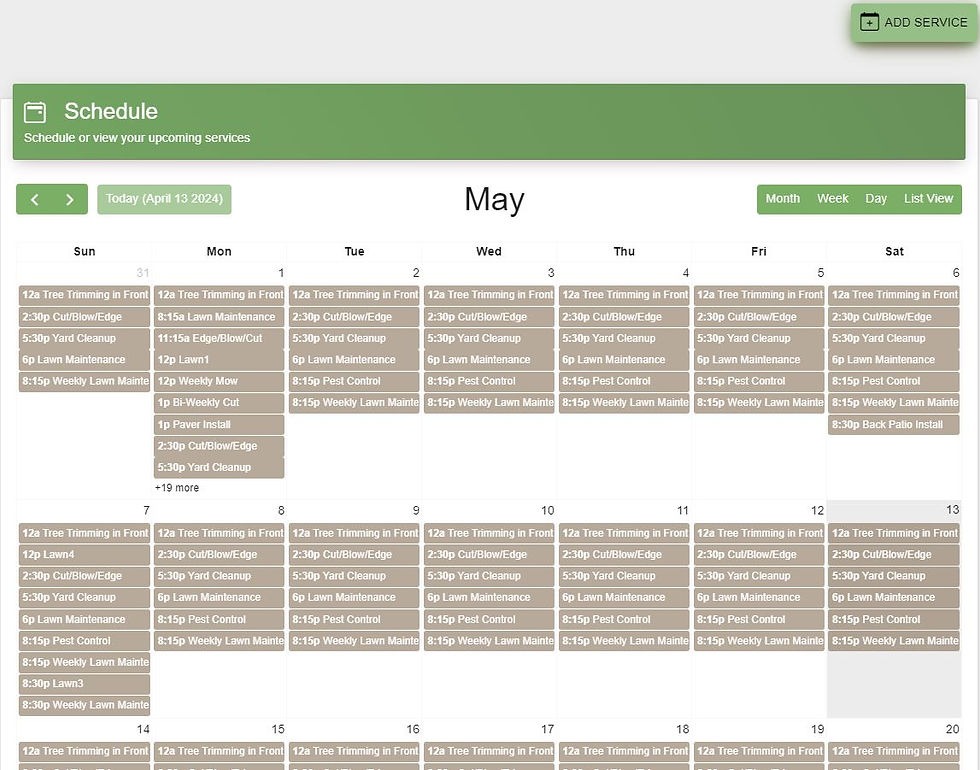
Sort your recent work into routine, urgent, installation, or recurring commercial service. Label each capability essential or optional before you compare subscriptions. That gives you the minimum feature set for both the office and the technician in the field. If some of your jobs repeat on an irregular cycle, read handling irregular recurring field-service jobs.
Screen for technician skills, territories, arrival windows, and real capacity

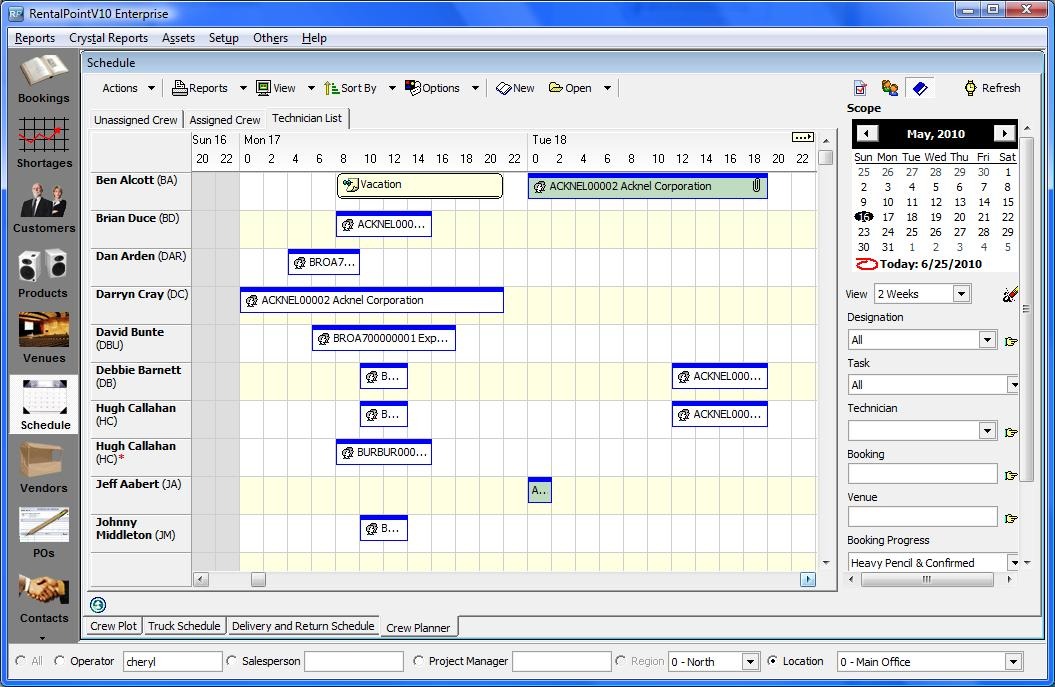
A technician can take a job when skills, working time, travel, and the customer’s arrival commitment all fit. A free-looking calendar slot can hide an existing assignment or an impractical drive.
- Job and skills: Match the call type and required qualifications to what the worker can actually do.
- Territory and travel: Count the previous job’s location and drive time before accepting the next arrival.
- Real availability: Account for absences, existing visits, shared installations, and realistic job duration.
- Customer commitment: Keep fixed arrival windows, or flag the conflict before the office confirms the reassignment.
Take a cooling call. Technician A has the right skills but is committed across town. Technician B is nearby but lacks a qualification the task needs. If the system is configured to enforce that requirement, a distance-first suggestion that sends B is a failure.
For qualifying refrigerant-related work in the United States, EPA Section 608 technician certification requirements apply according to the task and equipment involved. A skills tag in software is only an administrative input. It can’t establish a worker’s legal authorization, and state and local rules can add requirements.
Disqualifying assignment test: Create a call with a required skill and restricted territory. Try to assign an ineligible worker, then see whether the system blocks it, warns the dispatcher, or allows a traceable supervisor override. Accepting the invalid assignment without a word fails this requirement.
Run the busiest-day dispatch test before committing
A believable demo starts with a committed schedule and then breaks it. Use the eight hypothetical booked work orders below, a four-technician roster, and consistent travel assumptions.
For this exercise, Technician A handles cooling and maintenance in the west territory; B handles heating and maintenance in the east; C handles cooling and replacements in the west; D handles heating and maintenance in the east. Allow 20 minutes between calls in the same territory and 40 minutes across territories. Times below are planned service periods, with separate customer arrival windows where specified.
- Routine maintenance: A, west territory, 9:00 to 10:00 a.m., maintenance skill.
- First fixed-window repair: B, east territory, 1:00 to 2:30 p.m., heating skill, promised arrival between 1:00 and 3:00 p.m.
- Second fixed-window repair: D, east territory, 2:00 to 3:30 p.m., heating skill, promised arrival between 2:00 and 4:00 p.m.
- Standard service visit: A, west territory, 11:00 a.m. to 12:30 p.m., cooling skill, flexible arrival.
- Multi-hour replacement: C, west territory, 9:00 a.m. to 1:00 p.m., replacement skill.
- Return visit: C, west territory, 2:00 to 3:00 p.m., cooling skill and existing diagnosis history.
- Flexible appointment: B, east territory, 10:00 to 11:00 a.m., heating skill, movable within the day.
- Recurring maintenance visit: D, east territory, 9:00 to 10:00 a.m., maintenance skill and site history.
At 10:30 a.m., extend C’s replacement so it now finishes at 4:30 p.m. Add an incoming urgent no-cool call in the west territory that needs 90 minutes on site, with requested arrival by noon. Separately, make a required part unavailable on an existing repair and have the affected worker report the delay. Spare technician capacity sits outside the eight booked jobs.
One technician described waiting in a truck for a new call in a Reddit discussion: “I’ve been sitting in the truck for an hour waiting for something to pop up”. After a job stalls, how fast does the dispatcher get accurate information and a realistic reassignment option?
Watch the dispatcher board, technician handset, route, and customer status as you introduce each exception. If no qualified worker can meet the emergency arrival, the board should show the shortage and name any appointment that would have to move.
| Acceptance check | Pass | Conditional pass | Fail |
|---|---|---|---|
| Skills and required qualifications | Only qualified workers offered or assigned | Visible, controlled manual review | Skill rule broken without warning |
| Fixed arrival windows | Promises kept | Conflict flagged for customer contact | Window changed without warning |
| Capacity and overlapping jobs | No hidden double-booking | Dispatcher resolves a visible conflict | Incompatible assignments accepted |
| Travel feasibility | Sequence allows realistic travel | Route needs a visible manual fix | Impossible sequence shown as feasible |
| Override and no-capacity handling | Changes traceable; lack of capacity clearly shown | Documented manual resolution | Change disappears or invalid job is forced |
| Field and customer updates | Changed work reaches the right people | Manual contact task created | Critical update vanishes with no way to recover it |
Record a result for every criterion in the edition being offered to you. A failure on a non-negotiable condition rules out that configuration. Put a conditional pass into your operating procedure and contract discussion. When no valid assignment exists, a clearly displayed lack of qualified capacity is the correct result.
Check routing rules: fixed appointments are not anytime visits
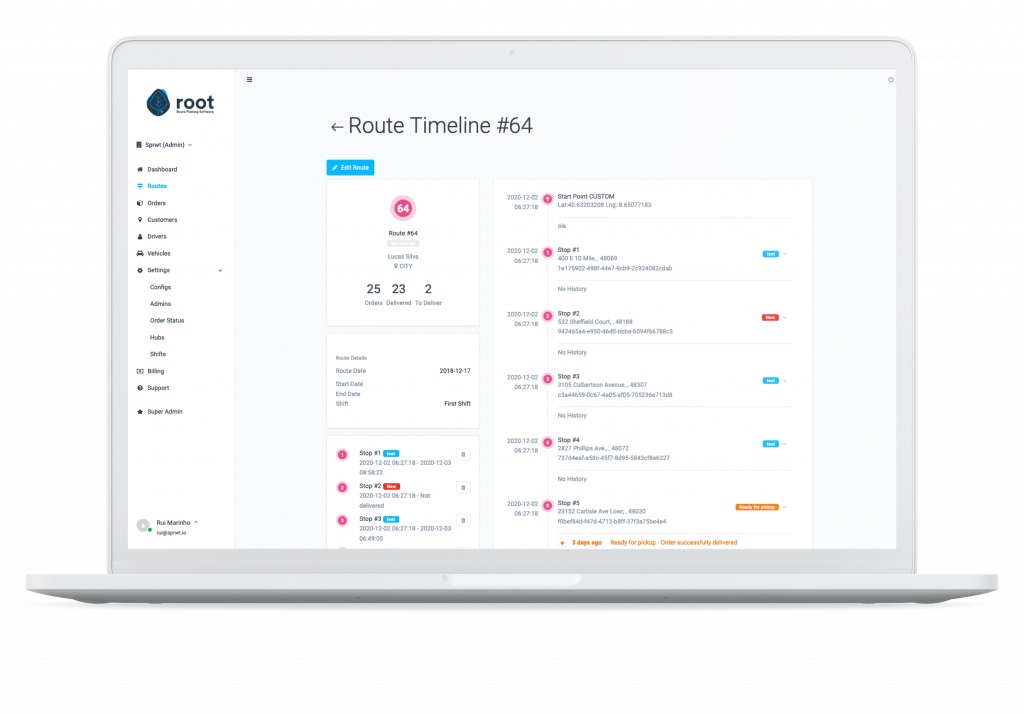
Route optimization has to work within the arrival promises the office has already made. An anytime visit gives more scheduling flexibility than a fixed customer window, even when both sit on the same map.
Jobber’s New Schedule route-optimization documentation, dated July 31, 2026, describes optimization of anytime visits on Connect, Grow, and Plus plans. An administrator runs it on the web, and it covers at most seven days at a time.
Jobber also documents a separate master-route workflow in Settings for Legacy Schedule accounts. Its October 29, 2026 documentation separates that interface from New Schedule: accounts created on or after November 12, 2025 use New Schedule and don’t have that Settings route control.
Imagine a flexible maintenance stop and a repair promised between 2:00 and 4:00 p.m. A route tool can rearrange the flexible work without pulling the fixed appointment into the same optimization. A shorter drive only helps if the resulting schedule still works.
Ask the vendor to put both kinds of appointment on a single route. Check which visits the optimizer includes, who can run it, and what changes in the subscription tier you’re quoted.
AI dispatch, automation, and the human override
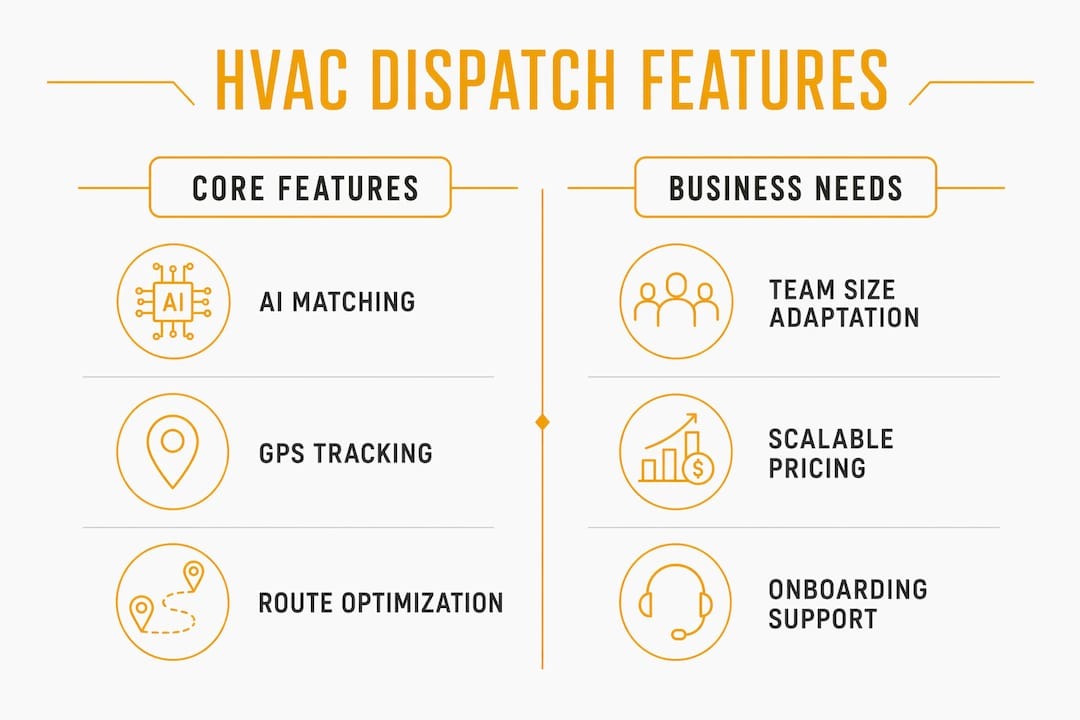
Automated dispatch follows its inputs, constraints, and objective. As an HVAC buyer, ask which business outcome the system optimizes and what the dispatcher does with a recommendation that clashes with the job’s history.
ServiceTitan’s Dispatch Pro documentation describes assignment rules and inputs such as job type, technician skills, historical performance, predicted job value, and travel considerations. Optimizing predicted business value can produce a different recommendation than minimizing drive time.
The Dispatch Pro overview also describes a configuration default. A job type with no assigned skill requirements can be treated as open to any technician, and technicians with no skills assigned can qualify for job types that likewise have none. Configure the skill restrictions you intend before relying on that matching.
A technician has diagnosed a problem and is expected to return when a replacement part arrives. An automated suggestion might assign someone else. The dispatcher needs enough information to decide whether continuity or the recommendation serves that repair better.
ServiceTitan documents exclusions for certain multi-technician and multi-day jobs in Dispatch Pro’s automatic assignment workflow. Those jobs need another planning path in your operating process.
During the evaluation, change one technician-skill value or job-type field on purpose. Review the recommendation, correct it manually, and confirm the corrected assignment holds and comes with a usable explanation. You’ll see whether automation stays controllable when its inputs are wrong.
Technician app, job status, and recovery when the signal drops
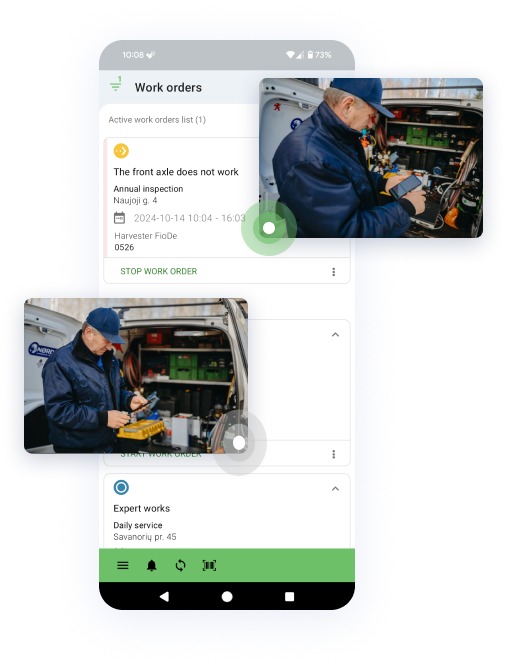
A changed appointment helps a technician only when the handset shows the right customer, location, scope, and instructions. The office also needs to see what the worker has done with the assignment.
A field worker may mark a job arrived while the dispatcher still sees it as en route. Another may be unable to finish because a part is unavailable. These status mismatches are worth testing in the real mobile app and the subscription edition you would buy.
Reports in r/HVAC describe individual frustrations with field-app editing and workflows, including experiences involving ServiceTitan. Use them as test cases for the app version and account you’re considering.
Open an assigned work order on the device your technicians will use. Save notes, a parts update, and a status change, cut the connection, then reconnect. Compare the handset with the office record and check whether queued edits, duplicate changes, or conflicts show up. A clear recovery path matters when a technician can’t stay online through a visit.

If your service workflow needs field invoicing or description corrections, include one such edit in this test to confirm the records stay consistent. Keep the edit small, since the goal is record consistency. Not sure what kind of field service shop you run? Read which kind of field service business are you running.
Customer arrival updates and the communication fallback
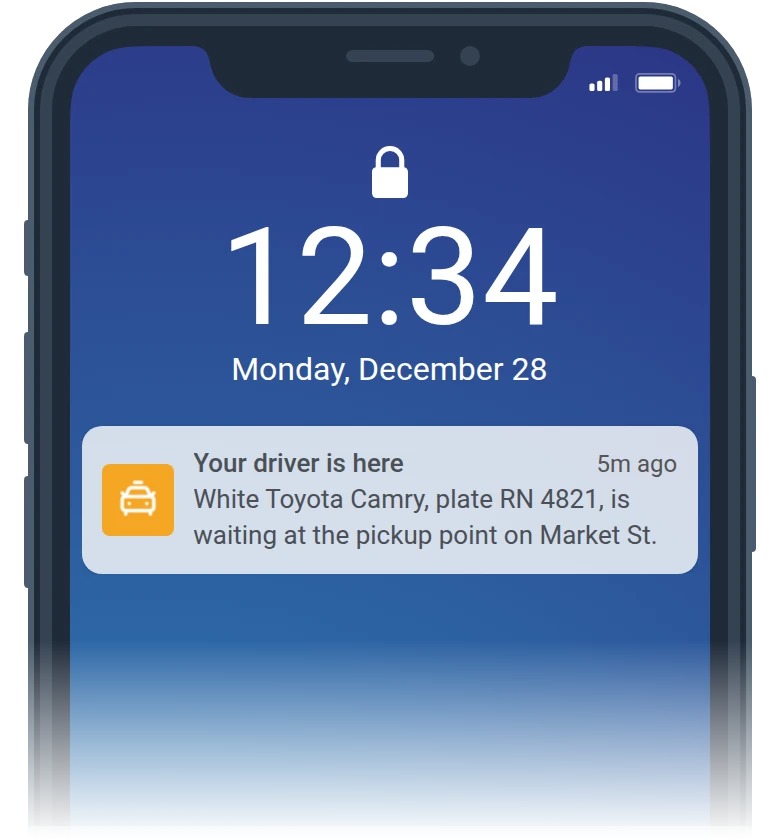
Rescheduling a technician and telling the customer are two separate events. The office should know whether a customer notification was offered, sent, skipped, or replaced by a phone call.
Jobber’s New Schedule documentation describes a prompt when you move a single visit: you can send a text or email notification or skip it. The prompt doesn’t apply to bulk reassignments or assessments. Sending a message also doesn’t confirm the customer received it.
A technician describing an unhappy customer in an r/HVAC discussion put it simply: “Dispatch apparently didn’t call.” The technician arrives and the customer doesn’t know about the visit.
Test a changed visit for a customer with no usable SMS or email contact. Decide who makes the phone attempt, where it’s recorded, and whether the technician can see the contact status. Customers who have opted out of a channel need a valid alternative under your company’s applicable messaging rules.
Should technicians see the full day or only their next call?
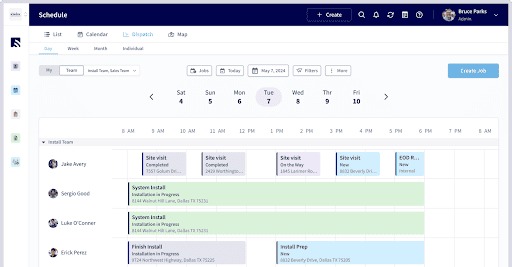
A March 2019 discussion on Heating Help involved a small contractor with roughly three or four technicians debating whether workers should see every assignment or get calls one at a time. Some favored next-job dispatch because emergencies and job lengths change. Another preferred the full route to plan parts pickups and cut unnecessary travel.
The right policy depends on how much autonomy your field staff have and how much the day shifts. Decide whether technicians should see the next call, confirmed future jobs, or tentative work, then check that the plan you’re considering supports that choice without letting them reassign themselves by accident.
Build a shortlist around dispatch workflows

Start your shortlist with the failures your shop can’t tolerate. Jobber, ServiceTitan, Housecall Pro, FieldEdge, FieldPulse, Service Fusion, Workiz, and ServiceTrade are candidates to investigate, each with different questions attached.
Jobber’s New Schedule optimizer and ServiceTitan Dispatch Pro’s automatic-assignment scope give you concrete restrictions to check. For the other vendors, run the same demo before you compare results. Housecall Pro also publishes its own HVAC product comparison, which is vendor-authored material.
| Candidate | Known starting point | Still to confirm | Record from the demo |
|---|---|---|---|
| Jobber | New Schedule optimization covers documented anytime visits on eligible editions | Fixed-window routing in your workflow; alternative controls | Which visits move, who starts the change, and the edition used |
| ServiceTitan with Dispatch Pro | Documented optimization inputs and automatic-assignment exclusions | Complex jobs and override continuity on the quoted configuration | Manual steps required and what the dispatcher sees |
| Housecall Pro | Vendor-published comparison exists; no independent test result | Skill restrictions, notifications, mobile changes, and the plan needed | Each essential check: completed, conditional, or failed |
| FieldEdge, FieldPulse, Service Fusion, Workiz, ServiceTrade | Plan capabilities and restrictions not yet verified | For each plan: fixed windows, skill restrictions, crew jobs, mobile changes, notification fallback, and module cost | Pass, conditional pass, or fail on each essential check in the same eight-job test |
Cut the field to two or three subscriptions that cover your essential work mix. Ask each supplier to demonstrate the exact edition and any paid add-on you would need. The comparison should end in a shortlist, a conditional trial, or a rejection. Don’t invent a winner.
Read the full dispatch quote, including modules and restrictions
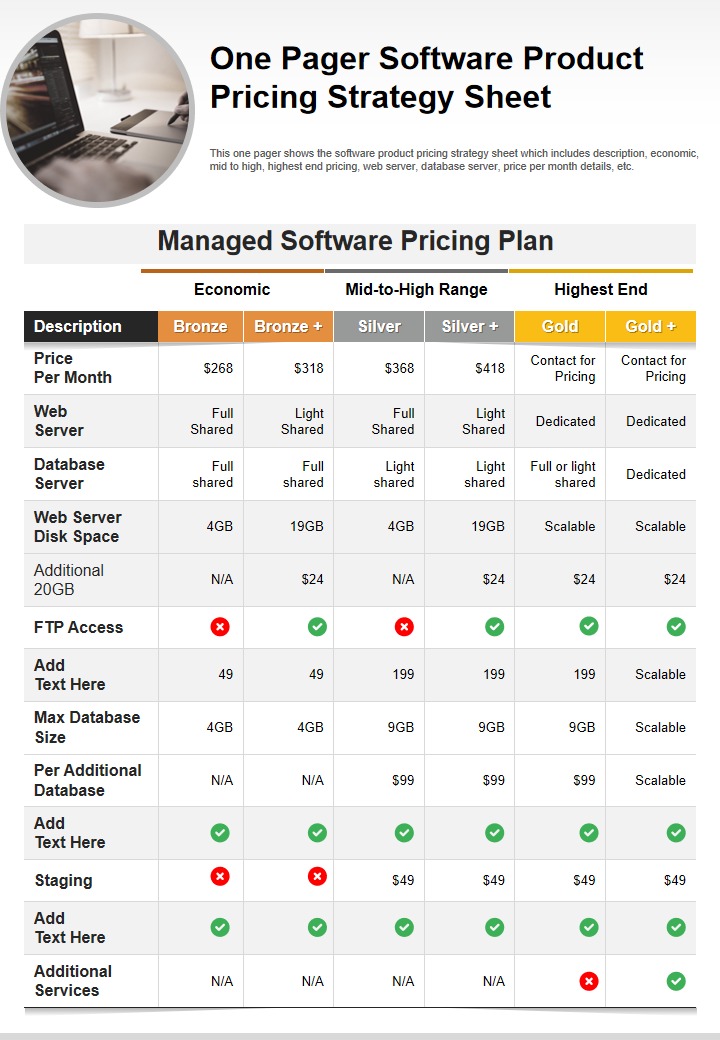
An advertised dispatch add-on and the full field-service platform are separate costs. ServiceTitan’s platform pricing information points buyers toward a quote with technician-based pricing, while Dispatch Pro has a separately advertised offering. A standalone add-on price isn’t the subscription total. The number that counts is the commitment in the written proposal, with your actual count of paid users and every capability you need.
| Quote line | Information to obtain | Budget treatment |
|---|---|---|
| Core seats | Billable technicians or users, rate, minimum seats | Seat count × agreed rate × committed months |
| Dispatch module | Included edition or separately licensed add-on | Add stated recurring or one-time amount |
| Onboarding and training | Implementation scope and required setup fees | Add contracted one-time charges |
| Customer messages | Text/email terms, usage limits, other charges | Add stated allowances or usage amounts |
| Routing and GPS | Feature eligibility, license scope | Include quoted charge where applicable |
| Integrations and exports | Accounting connection, data access, export format | Include setup, subscription, or exit charges if quoted |
| Support | Included level and paid service tiers | Add contracted support cost |
| Renewal and cancellation | Term, notice, renewal, access after cancellation | Record obligations and exposure |
For a hypothetical 12-month comparison, total the contracted recurring charges across those months and add the one-time fees. Use the actual term if the proposal differs. Leave unknown dollar amounts blank until the vendor supplies them. For the extra charges a low sticker price tends to leave out, see field-service fees beyond the advertised plan price.
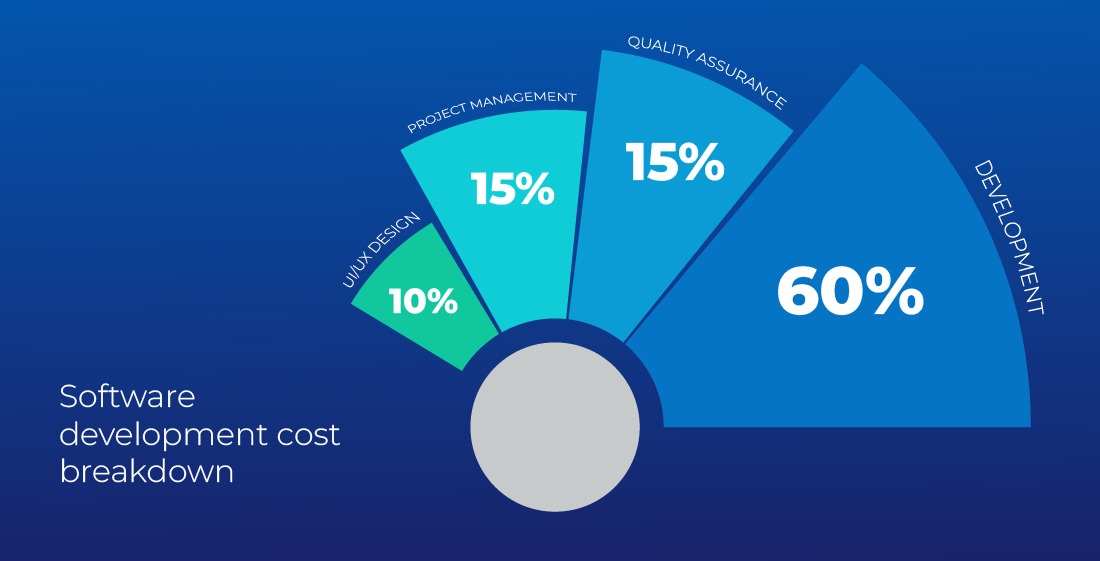
Get an itemized proposal that names the edition, seats, dispatch capability, required integrations, and implementation and termination terms. Mark each line included, extra, or unknown, and calculate the full commitment before you sign.
Pilot, migrate, and make the final decision
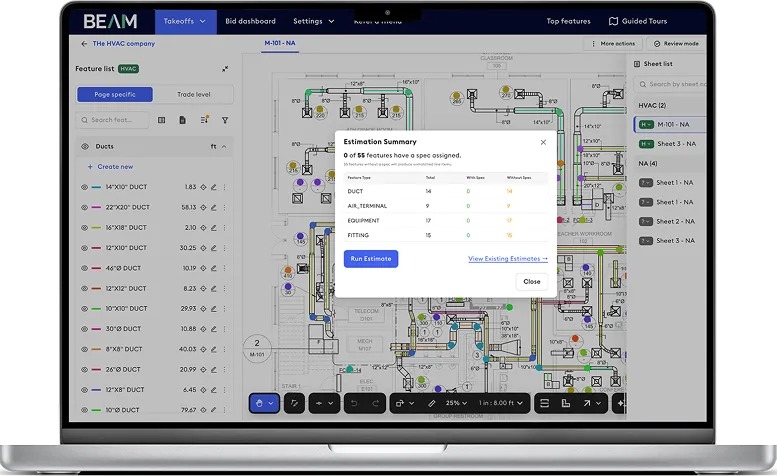
A clean vendor demo only screens candidates. A small pilot shows how the workflow behaves with your records and staff.
Give one person responsibility for dispatcher setup, one for technician onboarding, and one for customer-contact procedures. Run the pilot with one dispatcher and one technician, using privacy-safe sample customer records, parts notes, appointment statuses, and recurring visits, while your existing system stays available.
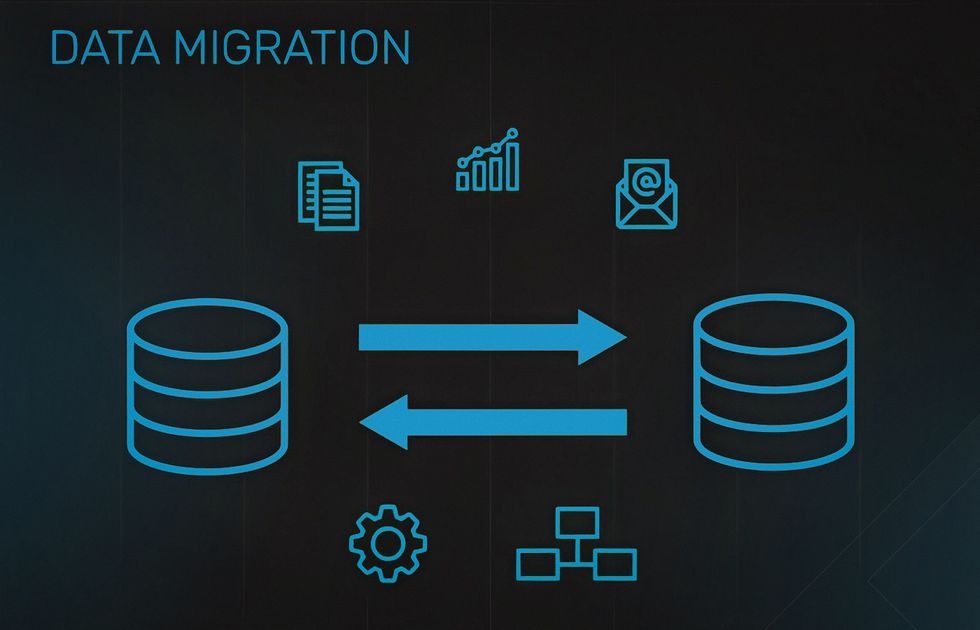
Before cutover, compare a sample of records in both systems: service addresses, appointment dates, completed-job history, technician ownership, and recurring schedules. Note the export method and any integration or reconciliation problems. Set rollback conditions, name the responsible staff, and list the defects that remain after configuration fixes.
A vendor can fix a missing technician skill by correcting the account’s data. A required arrival-window rule that your edition can’t represent is a different kind of failure. Record that distinction in the pilot sign-off, along with the decision: buy, extend the pilot, or reject.
An HVAC dispatch tool that cannot handle the busiest realistic day has failed the test that matters. Correct the setup or evaluate another configuration before moving the schedule.
Speak Your Mind