A school’s administrative platform may be a focused student information system or a broader product spanning admissions, finance and teaching. Start with the records, access rules and reports the school actually needs. Demonstrate them with synthetic student data on the proposed setup and compare the complete implementation scope.
The decisive questions arise after the demonstration: can a registrar transfer a student without losing past grades, will a required state report contain the necessary fields, and what can a parent see when family permissions change?
For US K-12 buyers, the answers depend on the school’s obligations and the applications it already uses. The method below turns those obligations into a short set of results a vendor can demonstrate.
What school administration software includes, and what an SIS does not
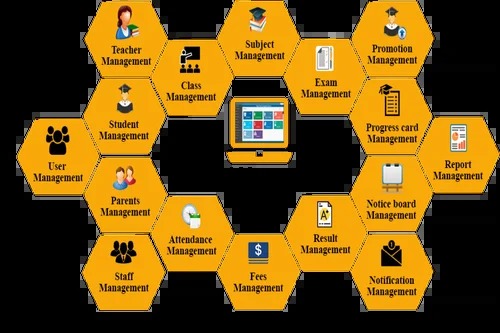
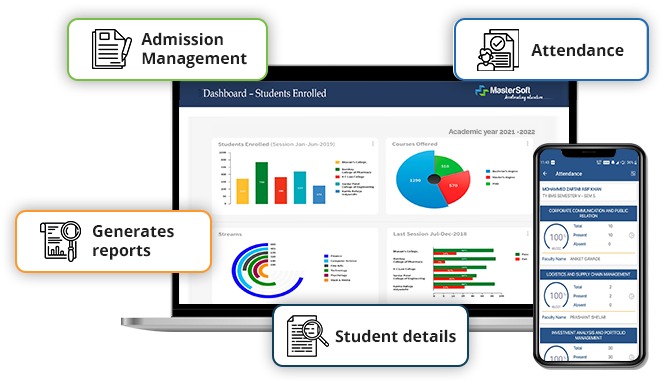
School administration software is an umbrella term. The SIS is the home for student records, enrollment, sections, attendance, grades, transcripts and scheduling. Depending on the vendor and edition, the package may also include admissions, billing, messaging or other administrative functions.
A learning management system (LMS), such as Canvas, handles teaching activities, assignments and course materials. The SIS keeps the official enrollment and academic records. An integration moves data between the two, and each system owns different objects.
Before you evaluate vendors, draw a simple map of which application owns student identity, section membership, grades, guardian relationships, tuition records and communications. If teachers enter coursework in an LMS while the SIS keeps official grades, show that handoff on the map.
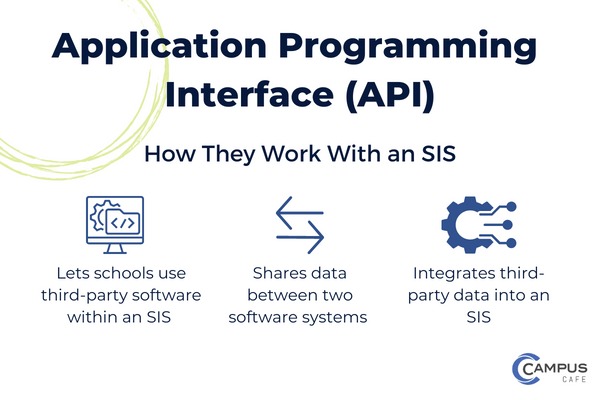
This boundary matters when you change one application and keep another. Replacing the SIS does not mean replacing Canvas, but it does need a new plan for roster provisioning and any supported grade transfer.
Vendors package these functions differently. A “school management” label doesn’t mean tuition, fundraising, parent messaging and LMS features all come in one subscription.
Which school profile needs what system?
Let school type, state obligations and administrative capacity shape the shortlist before enrollment size does. A 25-student private school buys very differently from a district running several campuses and state submissions.
A technology buyer for two small private schools described the problem in a public discussion:
I am looking to source a new SIS for a couple of really small private k-12 schools. One of them is 25 student or so and one of them maybe 100 students. I really need a good place to store grades and attendance and would obviously love many of the other features such as student info. Are there any decent ones that are considerably better than traditional databases and would be within a budget affordable by this size of school?
Schools with mandatory reporting, billing or governance requirements will choose differently.
| School profile | Start with | Potential disqualifier | Decision owner |
|---|---|---|---|
| Very small private school | Attendance, grade records, family contacts and manageable administration | Essential work needs more staff or expense than the school can support | Head of school or office administrator |
| Independent or boarding school | Academics, admissions, family experience and relevant finance handoffs | One department loses an indispensable workflow | School leadership with department heads |
| Public district | Multiple schools, scheduling, accounts, rostering and required state reporting | A mandatory report or integration cannot be demonstrated | District data and IT leads |
| Charter school | Student records plus applicable state and authorizer reporting | Required local or authorizer output fails validation | Operations and reporting lead |
Fill in a one-page profile: institution type, US state, campuses, students, administrative staff and must-have workflows. Skip a fixed student-count cutoff, because it hides differences in programs, integrations and staff.
Which everyday jobs must the system handle?
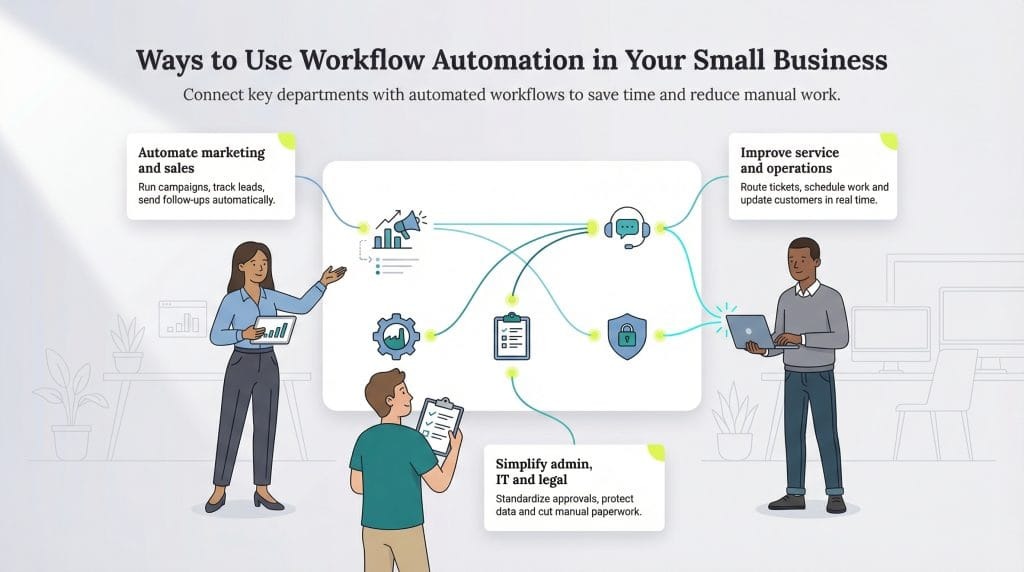
Ask the people who use the system what a good workday looks like. A registrar, teacher, IT administrator, family-services employee and business-office colleague can all agree a product has attendance features and still expect very different things from them.
Give each department an owner and its three must-do tasks. For each task, write down what it should produce, what history must be kept and which mistake would be bad enough to reject the software.
| Role | Representative job | Required outcome | Who accepts it |
|---|---|---|---|
| Registrar | Enroll a student or change a section | Correct active record and preserved academic history | Registrar |
| Teacher | Record attendance or submit grades | Correct student, course and term | Academic lead |
| Parent or guardian | Access a student portal | Authorized records for the correct child | Family-services lead |
| IT/data administrator | Provision, update or revoke access | Correct role permissions and connected-account state | IT lead |
| Reporting officer | Prepare an institutional submission | Required fields and accepted validation results | State reporting lead |
| Admissions or finance | Move an accepted applicant or account record | Accurate transfer to the designated receiving system | Department head |
A feature list only helps once a named employee can state the exact result they need. If the same outcome requires manual re-entry in two departments, count that as a workflow cost in your comparison. For a general testing method, see how to test the workflow that keeps the business running.
Is an all-in-one suite better than an SIS plus specialist tools?
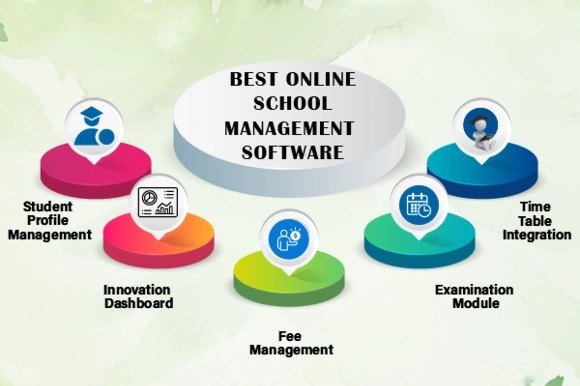
A unified platform cuts vendor handoffs, especially when admissions, student records and billing share the same information. Specialist applications give departments more choice, but you take on more integration and support work.
A technology decision-maker at a private boarding school described the debate inside the school:
Obviously, we’d like to trim the number of different services we use down, and our head of school wants us all on one system. My perspective is this: no system is going to be perfect for every department, and the focus needs to be on user friendliness for our paying customers (i.e. students + parents), followed by the people primarily serving them (teachers + admissions). The other systems just need to have feature-parity with what we currently have, even if they’re not the industry favorite. Those of you using Veracross, how has your experience been? Blackbaud? What others should I be looking at?
The school reported using FACTS for its SIS, Canvas for learning, Blackbaud products for development and finance, and separate admissions and communications tools.
Follow one student across departments: accepted application, enrollment, class assignment, family account and any tuition obligation. Find each new record, each duplicate entry and the person responsible when information fails to arrive.
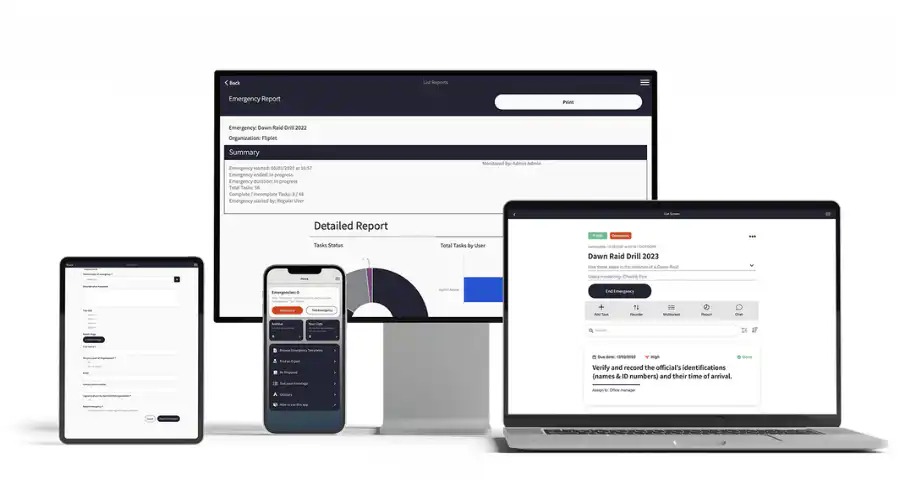
A single suite wins if its modules pass those handoffs and your staff can run them. If the integrations are dependable, a working SIS paired with a stronger specialist finance or LMS product can be the less disruptive choice.
Will rosters, grades and accounts synchronize correctly?
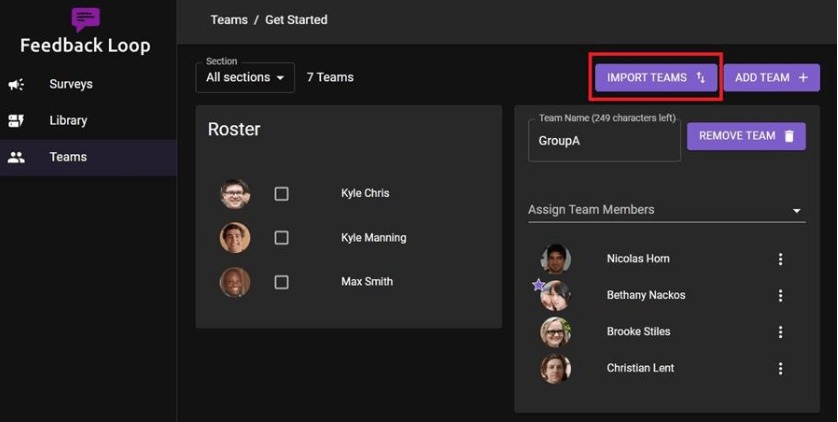
“Integrates with our LMS” should lead to a precise transfer diagram. Student and class membership start in the SIS, while coursework and grades may live in the LMS. Specify the direction and supported records for each.
The 1EdTech OneRoster 1.2 specification documents exchange through CSV and REST and treats rostering and gradebook as separate services. Support for the standard does not guarantee every field, a two-way transfer or every feature in a given pair of products.
Instructure documents its Canvas and PowerSchool pairing using OneRoster 1.1. PowerSchool supplies roster information to Canvas, and supported assignment and grade information can flow back to PowerSchool.
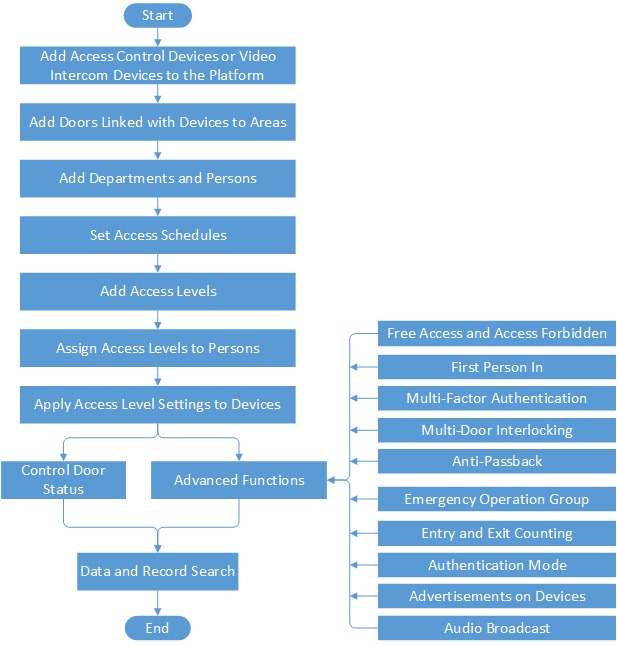
Account provisioning adds another layer. Clever, ClassLink or Apple School Manager may be part of your setup, and you need to specify their roles and identifiers for the products involved. A student changing sections is a good edge case: if the process fails, an old roster, duplicate identity or misplaced grade can stay visible.
For each required transfer, your IT owner should record the originating system, receiving system, connector and version, fields, timing, expected result, and the error messages or retry records staff can see. Include withdrawn and re-enrolled students if your school has them. Test failed or delayed transfers as well as clean ones. A silent failure that leaves a student in the wrong section does more damage than a clear rejection the registrar can correct.
Can it produce the reports your state requires?
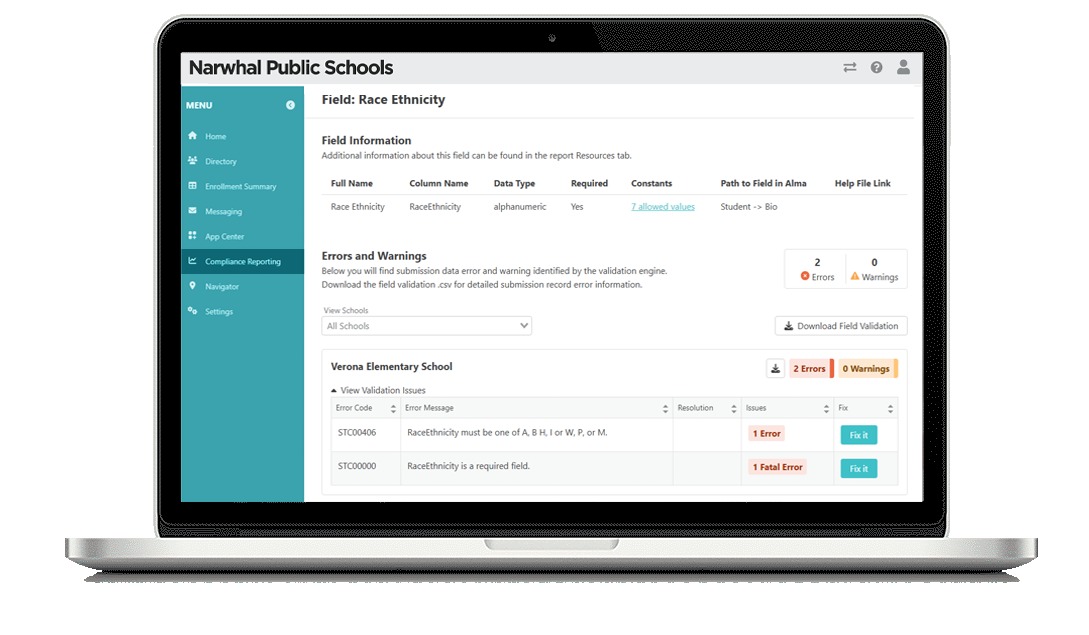
Don’t accept a reporting promise until your reporting lead can generate an output that passes your state or authorizer specification. Requirements vary by state and by whether the institution is a district, charter or private school.
The NCES Common Education Data Standards offers a voluntary vocabulary for education data and helps staff understand fields and mappings. Your state’s submission format, validation rules and required definitions decide what you actually have to file.
Have your reporting owner produce a mock export from synthetic enrollment and attendance records. Check its term codes, required fields, file format and rejection messages against the specification. If the vendor can’t demonstrate an essential output, record a purchasing disqualifier until they show a working fix.
How should the school check student-data privacy and vendor access?
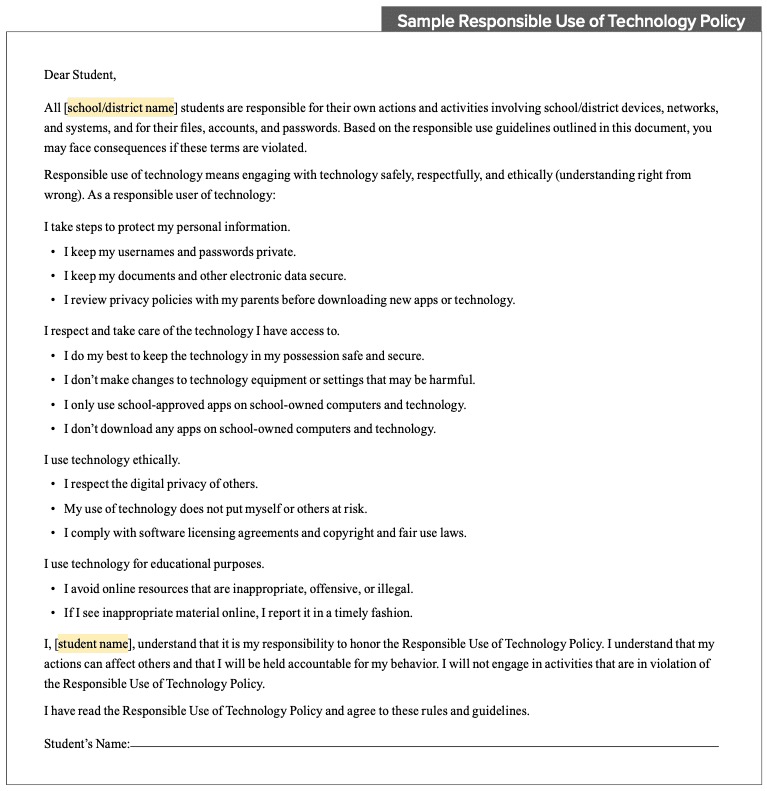
A school administration system holds education records and family relationships, so access has to be assigned deliberately. Before you sign, your procurement or privacy reviewer needs to know what data is processed, how it may be used and what happens when access or the contract ends.
FERPA applies to educational agencies and institutions that receive funds under programs administered by the US Department of Education. Most private and parochial elementary and secondary schools do not receive those funds and fall outside FERPA’s coverage. Institutions covered by FERPA may use the school-official exception for qualifying outsourced functions when its conditions are met.
The Department of Education’s school-official guidance addresses direct institutional control, legitimate educational interests, restrictions on use and redisclosure, and notification criteria. Whether an arrangement qualifies depends on the institution, the records, the contract and the vendor’s actual practices.
Use a vendor screening sheet with these fields:
- Records and purpose: student, guardian, staff and account data collected; why it is needed; and any onward use.
- Permissions: staff, family and vendor-support roles; account changes; audit activity and access removal.
- Third parties: subcontractors and connected services that receive records.
- Lifecycle: retention, export, return and deletion during or after the contract.
- Incidents: notification contacts, reporting process and responsibility for investigation.
COPPA raises a different question for operators of children’s online services. The FTC’s COPPA guidance describes a limited route where a school can authorize collection for its own educational use and benefit, with no other commercial purpose. Covered operators keep their notice and compliance responsibilities.
Run access tests on synthetic families, never on identifiable records of real children.
What should the vendor demo prove with sample students?
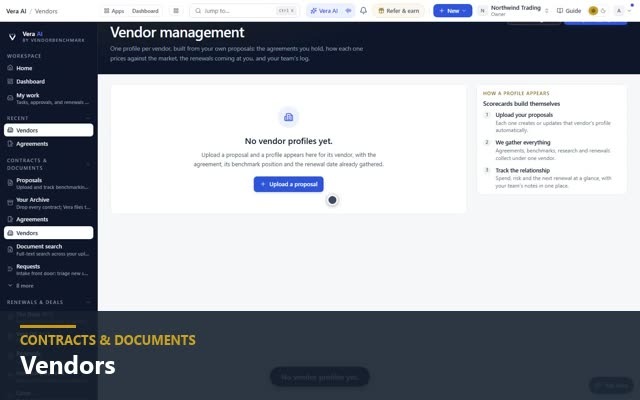
Give every shortlisted vendor the same tasks, synthetic records and acceptance criteria. Have a named reviewer record what actually happens, failures included, so you can compare vendors. For integrations, API and documents, see how to run a Pre-Purchase Acceptance Test With Sample Records.
The matrix runs on two synthetic students: Student A is enrolled and assigned a section, and Student B changes sections. Private schools should add admissions or tuition handoffs. Districts should add state reporting and multi-campus movement.
School Administration Software Demo Acceptance Matrix
In your working sheet, record the vendor, product and edition, institution, state, configuration, demo date, source and destination systems, and evidence reference. After you run each scenario, mark the row Pass, Fail or Unresolved. Unresolved means you lack the evidence to accept the outcome. The rows below are examples with no measured results.
| Synthetic test | Acceptance criterion | School owner | Severity | Evidence to retain | Result |
|---|---|---|---|---|---|
| Student A enrolled and assigned a section | Correct active roster and linked guardian | Registrar | Critical | Record and roster view | Not run |
| Teacher records attendance | Correct student, date and section, with expected record history | Academic lead | School-defined | Attendance report | Not run |
| Student B transfers to another section | Correct current membership; required previous grades remain available | Registrar | Critical | Before/after record | Not run |
| Grade returned from LMS to SIS | Supported grade reaches the right student, course and term; errors are visible | IT and academic leads | Critical if required | Transfer log and grade record | Not run |
| Guardian accesses student portal | Only permitted synthetic student records appear | Family-services lead | Critical | Permission view | Not run |
| Required state or authorizer report | Export passes the applicable schema and validation | Reporting lead | Critical if required | Export and validation output | Not run |
| Historical student record imported | Identifiers, terms, transcripts and relevant history reconcile with source | Data and registrar leads | Critical if required | Reconciliation record | Not run |
| Applicant or tuition record handed off | Information arrives accurately in the designated administrative/finance system | Admissions or finance lead | School-defined | Receiving-system record | Not run |
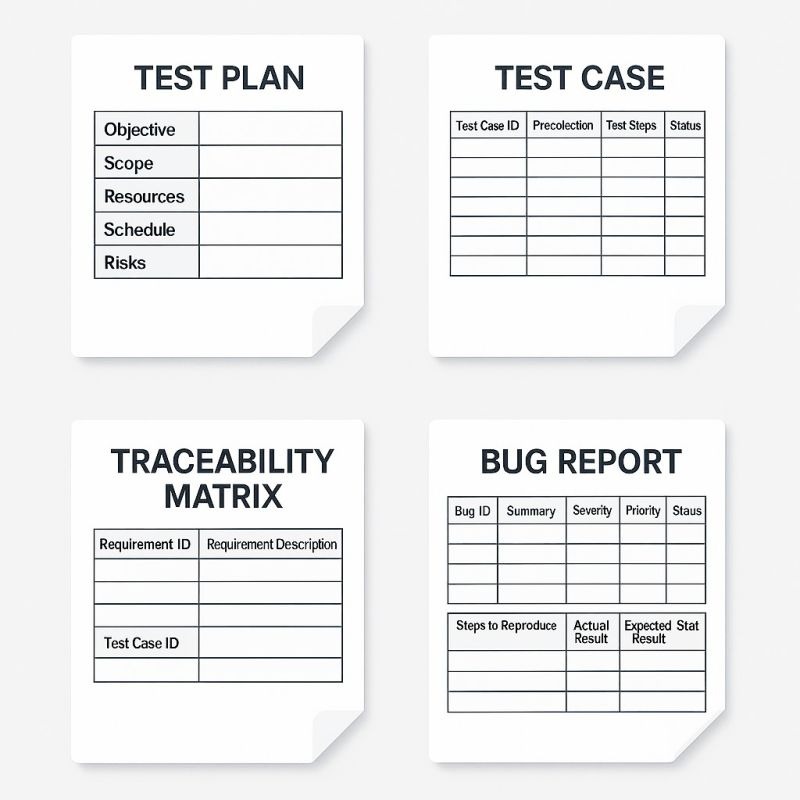
Keep the responsible reviewer’s decision with the screenshot, report, log or vendor ticket for each critical row. One clean run proves the scenarios worked once. Production reliability, legal obligations and historical migration need separate checks.
When should you replace a homegrown SIS, and what does migration involve?

A homegrown system can serve a school well until support, records, reporting or integrations get too hard to maintain. Replace it when those problems outweigh the effort of converting.
A technologist at a small private school explained why a working custom database was nearing that point:
Hi all, We are looking to transition from a homegrown SIS system to something a little more robust but being a small private school our enrollment is only ~120 students K-6 which is why we have lasted so long on a small Filemaker based solution. Members of the admin team came to me with Rediker as their solution to all the problems, I seem to remember reading issues about them though in the past in this sub. What are people’s experiences with Rediker? We are looking for an SIS solution that works with Apple School Manager, Clever, and School Messenger? An admissions module, as well as development, would be great too. TLDR; Looking for an SIS suggestion for a small private school that has outgrown the homegrown solution.
Before cutover, run a migration rehearsal on representative data. Reconcile student IDs, guardian and sibling relationships, active enrollments, academic years and terms, attendance, historical grades and transcripts. Document counts and exceptions against the source system, then assign each exception to the employee who can accept or correct it. If attendance, scheduling or staff drive your choice, see how should you compare employee scheduling software costs.
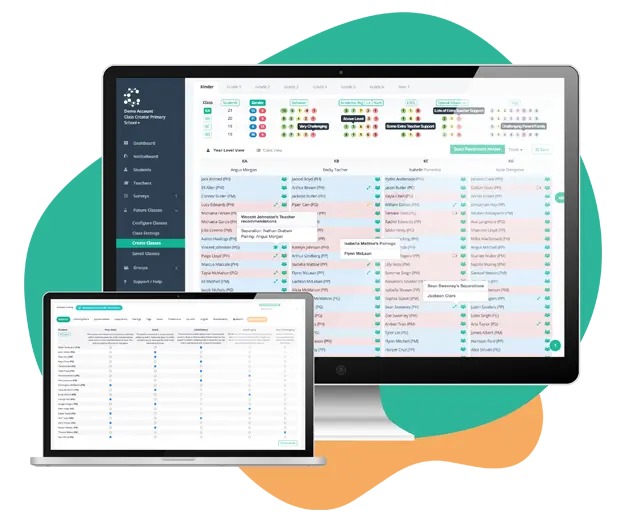
Instructure’s SIS conversion guidance describes professional services and identifier remapping that may be needed when you change integrations. Instructure says midyear Canvas SIS conversions create duplicate course shells. Importing content into the new shells leaves the original grades and submissions in the old courses. Cross-listing new sections into the original courses can preserve those records, but may create duplicate sections and affect grade passback.
Schedule the rehearsal and cutover around your terms, reporting dates and staff training. If historical records or connected apps can’t be reconciled, document a continuity plan before you retire the old system.
Migration also takes people’s time. A Pennsylvania-based commenter reported roughly 30 training and consultation meetings about six months into an ongoing SIS transition. Many lasted three hours.
What does school administration software cost over time?
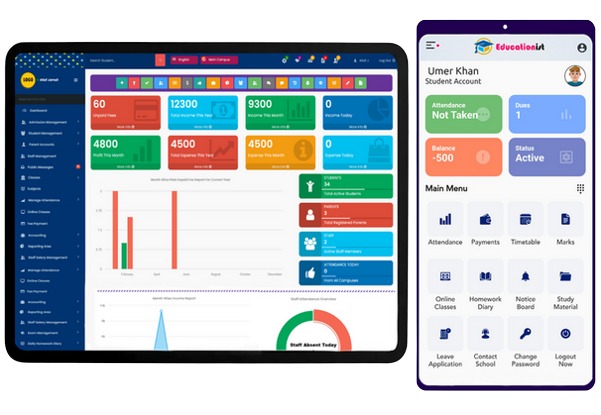
Compare written quotes for the same school profile and scope over 12 and 36 months. An entry subscription that leaves out required modules, integration, data history or staff support is not comparable to a complete implementation.
Vendors price by student count, included modules, institutional size, contract term or a negotiated mix. Gradelink’s published options and historical-record transfer arrangements show why you should separate core data imports from separately scoped historical conversion work.
| Cost line | Quote detail required | 12-month total | 36-month total |
|---|---|---|---|
| Core SIS access | Billing basis, institution size, covered students/users and term | Vendor quote | Vendor quote |
| Administrative modules | Admissions, tuition, messages or other required modules | Vendor quote | Vendor quote |
| Integrations | Connectors, APIs, provisioning, maintenance and support | Vendor quote | Vendor quote |
| Migration | Current versus historical records, conversion and reconciliation | Vendor quote | Vendor quote |
| Implementation and training | Configuration, training sessions and school-side workload | Vendor quote | Vendor quote |
| Support and renewal | Included support, add-on services and contract changes | Vendor quote | Vendor quote |
| Exit and data access | Termination terms, data export/return and assistance | Contract terms | Contract terms |
| Total (USD) | Sum priced items; keep unpriced contract terms separate | Sum 12-month amounts | Sum 36-month amounts |
Use the same assumptions for enrollment, add-ons and billing period in both vendor columns. Enter each priced charge for the 12- and 36-month periods, count one-time work once per period, and sum each column. Record staff time separately if you have a defensible estimate. Ask for exclusions, renewal conditions and the historical-export scope in the written proposal.
How to make the final school software decision
The school’s signed acceptance record should include the implementation scope and every unresolved critical result. A partial demonstration is not permission to migrate student records.
Speak Your Mind