Church software carries records that affect real people: giving, volunteers, household details and check-in. A replacement must make those tasks easier without compromising data integrity or adding needless administration. Use sample records and a short, staff-led trial before deciding whether to leave the current system.
One congregation may have reliable giving and email tools but an outdated directory; another may own an integrated system that volunteers avoid using. The comparison should focus on the records and Sunday tasks that actually fail in each setting.
Ask what has to work: a child linked to the correct household, a gift credited to the right donor and fund, a replacement greeter assigned when someone is absent. Those tasks tell you more than a long feature list.
Do you need a ChMS, or would better-connected tools do?
Church management software (ChMS) puts congregation records and ministry operations in one shared system. Depending on the product, that covers people and households, donations, groups, events, volunteers, and children’s check-in. A church can also run these jobs through separate tools that work well.
One volunteer weighs the switch:
I am a volunteer. We use ConstantContact for emails and SimpleGive for donations and pledges. We have a directory that is out of date, too. Some have suggested we use SMS and MMS to send texts so I began a search. We have a longtime administrator and an aging congregation. Our minister is fairly tech savvy, so I expect he’d adapt. It seems like it could take time and lots of determination to make a big change like that. Is it worth it? Would it streamline things to use one app for all of it? Would it save money and time to have a Church Management System? It could combine a lot of things. What is the learning curve like? Do you have stories to tell about how it went?
Moving records cuts repeated entry and inconsistent household information. It also adds migration work, permission management, and training for the office and ministry teams.
- Keep the current stack: The records agree, people finish their tasks, and you can fix problems inside the existing tools.
- Repair one weak connection: Giving works, but directory changes never reach the email list. Fixing that transfer may be all you need.
- Evaluate a ChMS: Several ministries cannot rely on shared people records, access controls, volunteer coordination, or donor history.
Write down three recurring workflow failures and who handles each one. Use those three failures to define the required integration behavior.
Match the software model to your church’s ministry work
Shortlist only systems that can do the jobs your congregation needs.
| System | How it is priced or sold | Test it if |
|---|---|---|
| Planning Center | Modular products; People is free | You need Groups, Services, Check-Ins, or Giving in specific combinations |
| ChurchTrac | Integrated subscription with people-based tiers | Your office needs household, contribution, and ministry records together |
| Tithely Church Management | Church management package; broader All Access option | You want to assess a bundled offering and your existing giving services |
| ChMeetings | Active-person tiers including a restricted free plan | Small congregation: find out who counts as a user and where the plan limits stop |
| Rock RMS | No conventional license fee; donation-supported model and deployment costs | Your church has the technical capacity to manage configuration and operation |
If you need service teams, groups, check-in, and giving together, start with the matching Planning Center modules. If office records and contributions come first, compare ChurchTrac and Tithely Church Management.
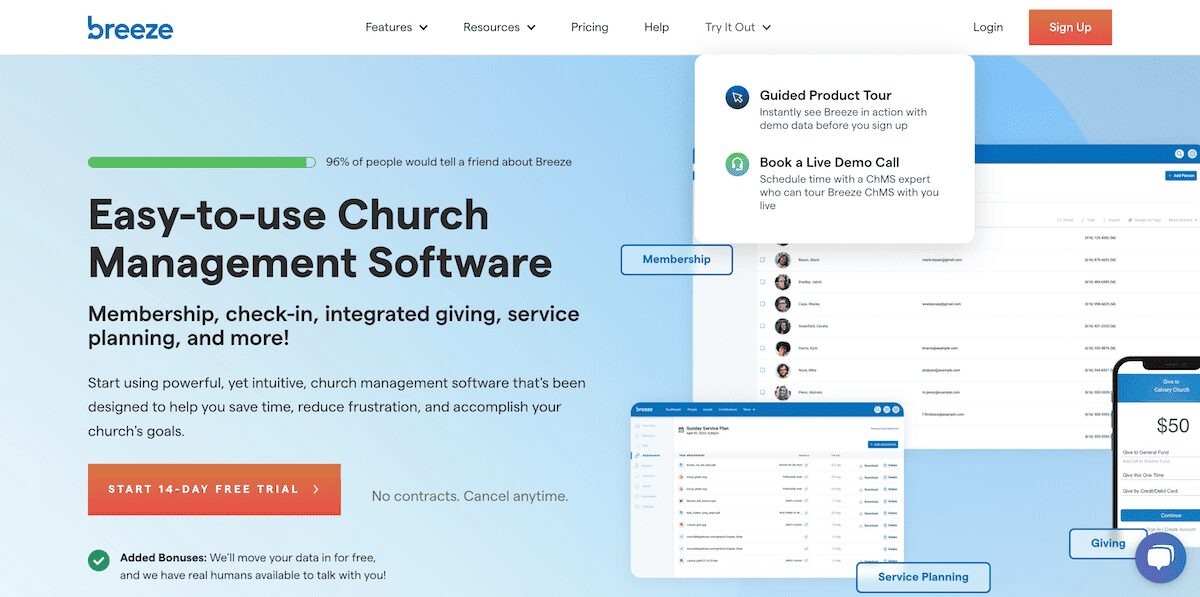
Breeze is the earlier product name associated with Tithely Church Management, so treat it as the same product lineage in a comparison. Before you settle reporting, automations, and contacts, see checking what can be exported before switching email platforms.
A church weighing a move to Planning Center lists its pain points with groups, events, and reporting:
Our church currently uses Breeze ChMS (through Tithely, not Elvanto). It’s functional, but honestly starting to feel too limited compared to what Planning Center offers. A few pain points we’ve noticed: • ChMS: Breeze works, but the automations, workflows, and reporting are pretty basic. • Groups: Managing small groups is a big part of our ministry, and Breeze/Tithely doesn’t handle it nearly as well as Planning Center seems to. • Events & Registrations: Okay but clunky — especially when it comes to payments, check-ins, and volunteer coordination.
The same Breeze user also wondered whether Planning Center Publishing should replace the church’s website and app. That is a separate purchase decision: a congregation can evaluate its people system while keeping a functioning mobile-friendly website.
Build a must-have versus can-wait list by ministry. Assign each must-have workflow to a named module, integrated feature, or tool you will keep, and drop any candidate that cannot do a must-have task.
What will church management software cost as you grow?
Church software prices against different measures: people in a database, active participants, donations processed, rooms scheduled, or team members using a module. Sunday attendance is a poor stand-in for the number a vendor bills against.
The vendor-listed rates below are examples. An itemized quote for your church depends on its configuration and usage.
| Product or component | Published example or billing basis | Cost question that matters |
|---|---|---|
| Planning Center People | Free people database | Which other modules and capacity tiers does the church need? |
| Planning Center Giving, Services, Groups, Check-Ins | Different measures: monthly donations, team members, active-group members, busiest-day check-ins | What capacity is needed for each module? |
| ChurchTrac | $29/month for up to 75 tracked names; $79/month for up to 500 | How many adults, children, visitors, and donors are tracked? |
| Tithely Church Management | $72/month church management; $119/month All Access | Which functions and processing costs are in the chosen package? |
| ChMeetings | Free tier for up to 50 people | How does it count active records and charge for add-ons? |
| Rock RMS | No standard license fee; suggested contribution model of $4.45 per average weekend attendee per year | What donation commitment, hosting, implementation, and staff work are involved? |
The Rock RMS pricing explanation describes the model as a suggested contribution or pledge, and cloud hosting and implementation carry their own costs.
Planning Center’s module pricing shows why the estimate shifts as a congregation adds products or reaches higher usage levels. One prospective customer ran those numbers before starting a trial:
For those who have used Planning Center in the past, or have been using it for years: We are considering migrating from our current ChMS (IconCMO) to Planning Center. I’ve yet to test our their free trial period, though I plan to. One thing that I think will keep me from fully embracing it is the pricing. I see us using most of their modules, and the sliding scale fee on every various module just seems like things add up quickly. As it stand right now, after adding up the various pricing for the various tiers on the various modules, and then adding on the transaction fees (which are low, thankfully), their cost/year lands them in the middle. But that is based on an estimate right now. It doesn’t feel very friendly to growing.
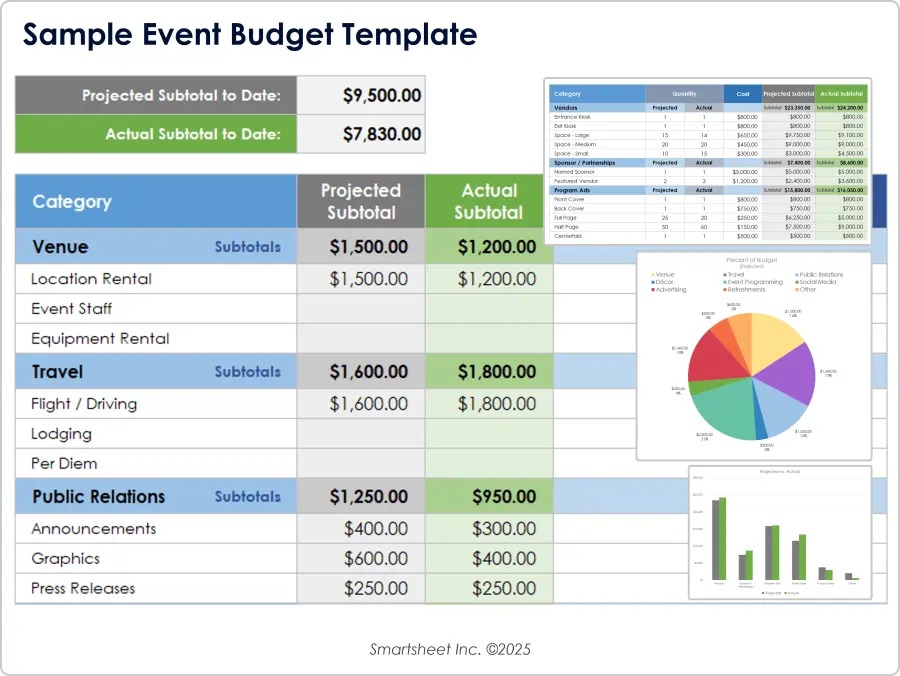
A 12-month comparison needs the same desired functions for each vendor. Record these costs for every one:
- Subscriptions and capacity tiers
- Card and ACH processing
- Text messaging
- Setup and import assistance
- Hardware
- Hosting
- Internal support time
Mark unknown items “quote needed,” then ask each vendor for an itemized estimate. Compare complete setups, including how an extra group, event, database profile, or donation changes the bill.
Get people, households, and duplicates right
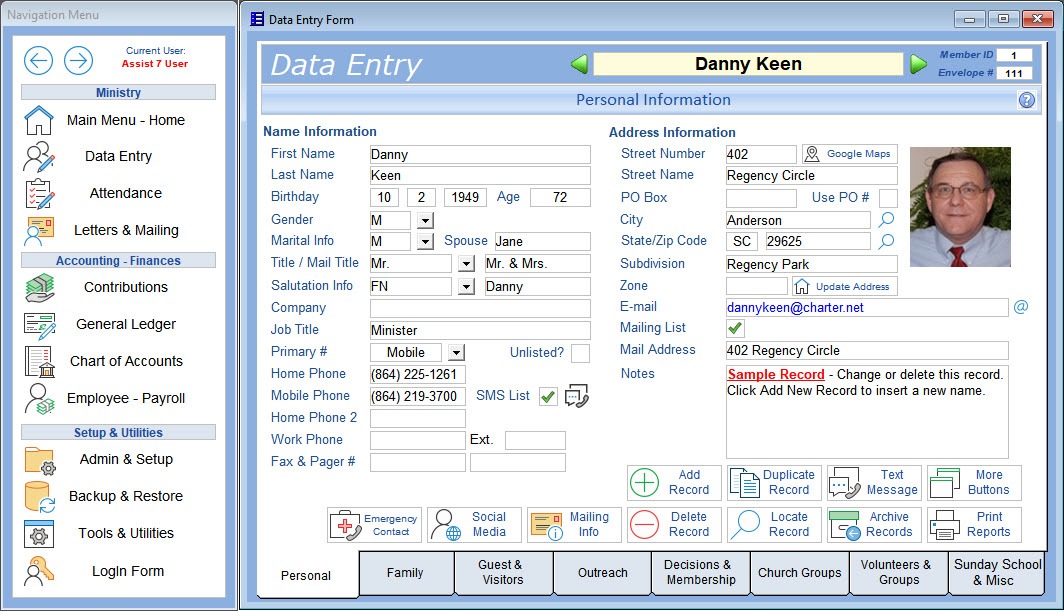
A church database must distinguish a visitor from a member, a donor from a regular attendee, and a child from an adult with pickup authority. Each record also needs the right household links and the right visibility for staff and volunteers.
A duplicate profile can carry a different donation history, group assignment, or family relationship from the record it resembles. A merge that picks the wrong identity causes errors elsewhere in the system. Churchteams documents record types, merging, and archival behavior, including the consequences for member and contribution records.
Run a trial directory with sample records: two adults in one household, a child, and a donor who is not a member. Duplicate one adult and merge the copy, then confirm the household still makes sense and the original contribution associations survive. Finally, archive an inactive person without deleting information that must stay accessible.
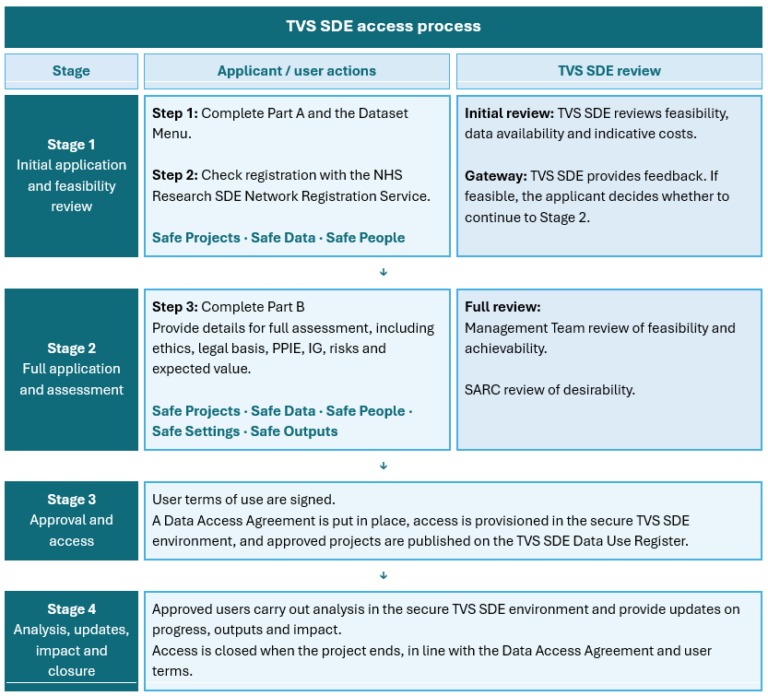
Repeat the check under each role: office administrator, finance volunteer, ministry leader, and child check-in worker. Each role should see the data its job needs, and sensitive details should stay with authorized staff.
Giving records, donor statements, and accounting do separate work
Taking a donation is one step. The church also has to attach it to the right donor, assign a fund, account for processor charges, and produce a usable contribution record. The general ledger and the donor’s year-end acknowledgment serve different purposes.
A card gift can appear as a gross contribution in a ChMS while the processor deposits a smaller amount after fees. The accounting entry has to reconcile that difference, and the donor record should keep the contribution and fund designation. An ACH gift, a pledge, a processor payout, and a general-ledger posting also mean different things.
Planning Center’s donation-history importer uses a mapped remote ID and other matching fields to link gifts to people. An unmatched donor leads to a new person profile, and multiple possible matches produce an import error. The tool does not import in-kind gifts as ordinary donations, and other non-donation transactions need separate handling.
To claim a deduction for an individual qualifying contribution of $250 or more, a donor must obtain a contemporaneous written acknowledgment. A charity’s disclosure obligation for certain quid-pro-quo contributions over $75 is a separate rule, explained in the IRS guidance.
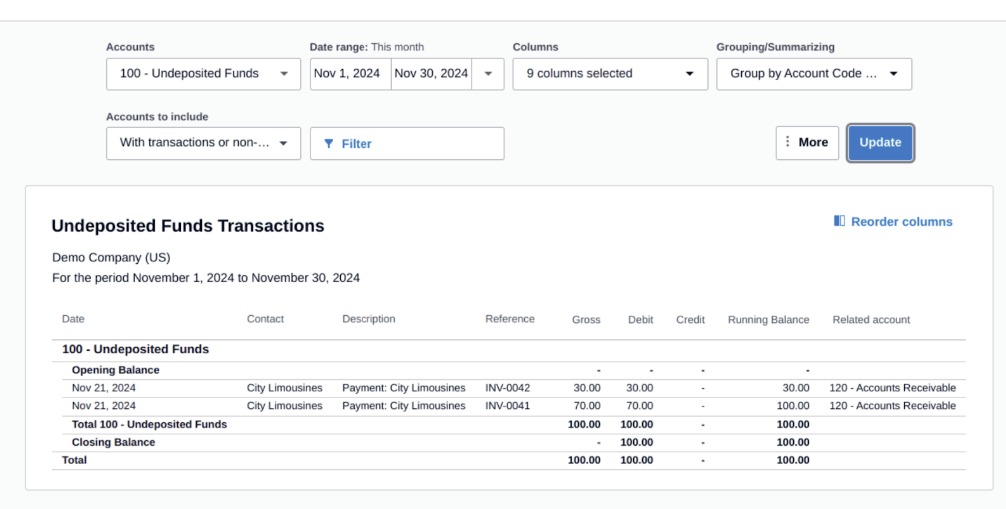
Use three sample gifts, including one directed to a designated fund, and follow them through processing charges, payout, accounting entry, and donor statement. Reconcile the source totals to those records. Have a qualified finance reviewer inspect the fund allocations and statement fields before you trust the historical donation records.
Volunteer scheduling differs from knowing who arrived
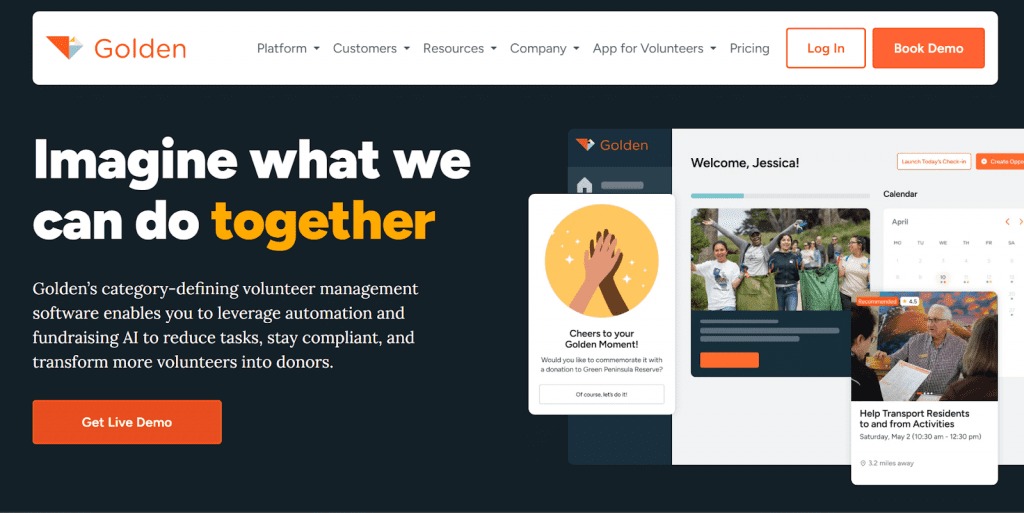
A schedule names expected helpers. An arrival record shows who is present. A day-of-service assignment shows where each person is placed. A busy church can need all three.
A church running three services describes the lobby problem:
We have three services and about 30 ushers/greeters per service. They come in 30 minutes before service time and need to check in with team lead and get assigned to a door or location. Problem is between 2nd and 3rd service it is very crowded in lobby and having them check in there while previous team is talking to people coming out of the last service is difficult. We have a green room but it is a little far away and not easy to dedicate one of the team leads there for assignment Does anyone use any app or tech to have people check in on their phone or iPad and then get an assignment for location?
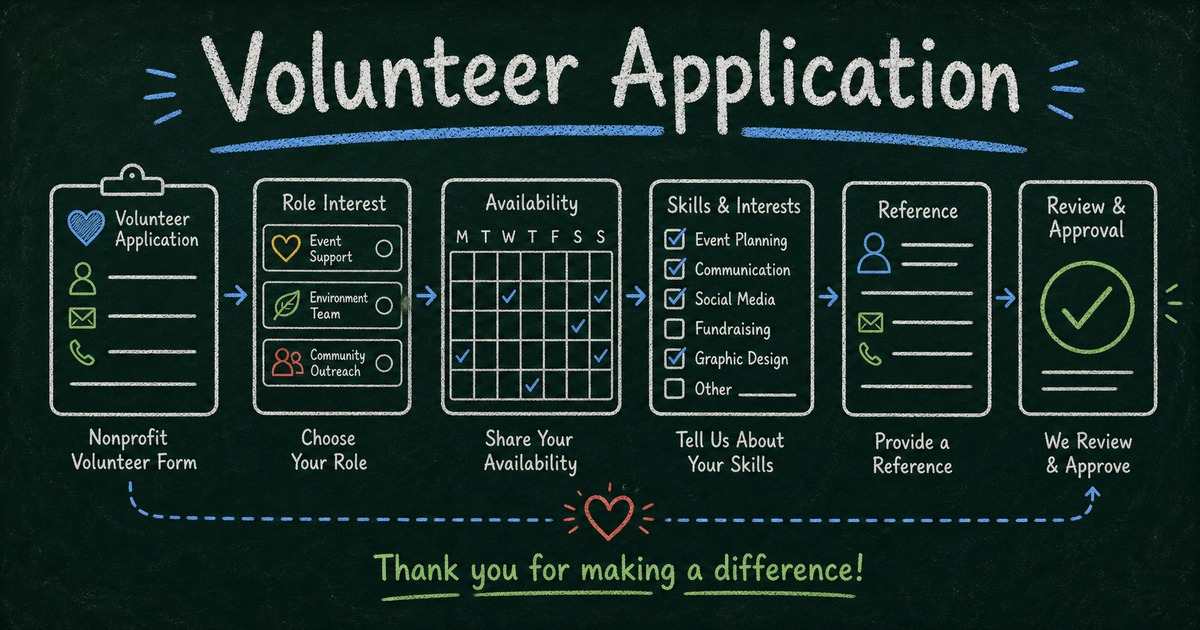
Schedule three volunteers, mark one absent, check another in from a phone or tablet, and reassign the open door. Watch whether your team leader can do each step in the system or needs a workaround.
A church that assigns fixed roles in advance has a much simpler requirement. Another may depend on arrival-based assignment because late volunteers and no-shows routinely change the plan.
Children’s check-in needs a pickup and privacy procedure
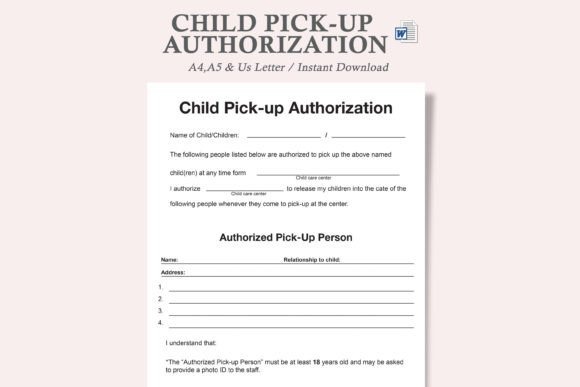
Child check-in has to connect the child to a household, identify authorized pickup adults, and restrict what a volunteer can see. Matching labels and codes help staff enforce that process.
Planning Center Check-Ins documents household adults, Trusted People, and Not Authorized contacts. Its security label carries a changing four-character code. The documented lost-label procedure requires separate authorization, so staff cannot simply reprint a missing security label.
Picture an adult arriving without the label, another adult whose authorization is unclear, and a printer failure just before dismissal. Your procedure needs a clear answer for each.
Rehearse normal pickup, missing-label verification, unauthorized pickup, restricted volunteer access, and a printer or internet outage with sample records. Your safeguarding leader must approve the actual procedure, including when a volunteer stops, brings in an authorized supervisor, and keeps control of the child.
Which church records will transfer when you switch?
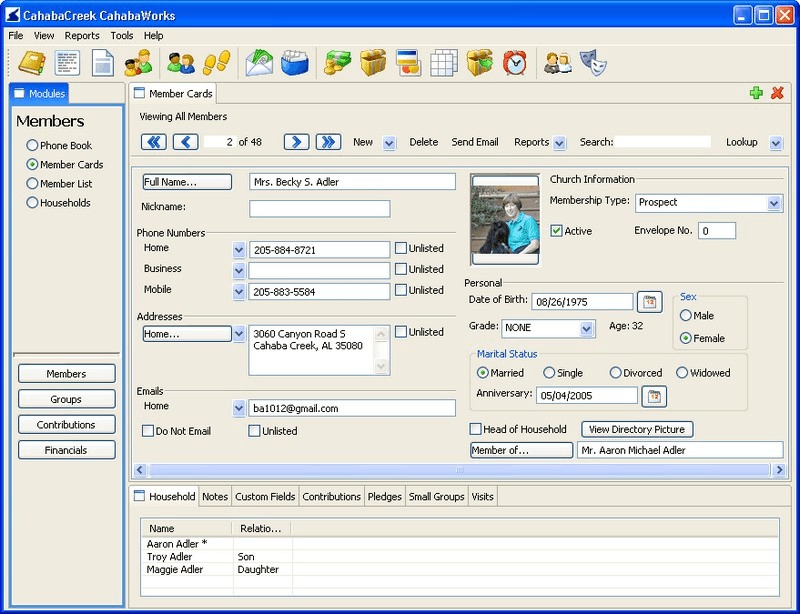
A people database may import cleanly while past registrations, group rosters, or attendance history need manual work. The direction of the move matters. Planning Center documents specific ways to bring records into its products. Exporting from Planning Center or switching between other vendors follows separate import and export rules.
| Data family | Planning Center incoming migration path | What needs checking |
|---|---|---|
| People and households | Documented CSV import | Fields, relationships, status, and duplicate records |
| Giving history | Documented donation-history CSV import | Donor matches, amounts, funds, and excluded gift types |
| Group rosters | Manual setup; no ordinary Groups-data import | Membership and leaders recreated correctly |
| Past registrations | Past signups recreated manually | Historical registrations remain accessible if needed |
| Attendance history | Contact support for historical attendance | Which histories support can handle |
| Calendar events | iCal import described | Event details and suitability of imported items |
| Permissions and recurring payments | Product-specific setup or separate authorization | Approvals and payment continuity |
The Planning Center switching guide is specific about which histories need extra work.
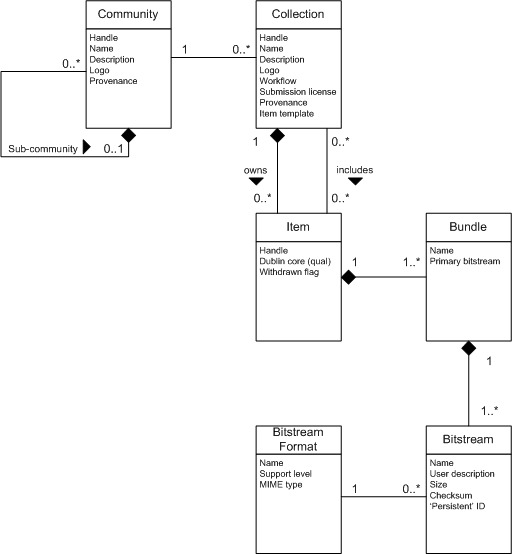
Run a dry import with sample adults, a child, a donor-only record, a designated gift, and an event registration. Map the required fields, compare record counts and selected contribution totals before and after the import, and note which historical items stay in the old system. Name who owns the cutover, the backup, and the rollback decision if records fail validation.
A staged move can keep your working website or giving processor in place while the member database changes. For records that cannot migrate, settle the terms for continued access to the former system.
Plan for staff adoption and campus complexity

A system works only if the people assigned to run it can finish their normal work. Name an administrator and a backup. Give office staff and volunteers role-specific tasks to complete without coaching. A multi-campus church should also test shared household records, campus permissions, reporting, and the staff tools that must keep working.
Use a short trial to choose a workable system
Ask every shortlisted candidate the same must-pass questions. Record the evidence you observe, the plan you selected, and whether the result is a pass, a workable exception, or an unacceptable failure.
| Requirement | Evidence to record | Decision |
|---|---|---|
| People and donor integrity | Household links, duplicates, gift totals and permissions | Pass or blocking problem |
| Child pickup, if applicable | Authorized pickup and exception handling | Pass or blocking problem |
| Volunteer and ministry work | Complete arrival and assignment sequence | Pass, workaround or failure |
| Migration | Field crosswalk, histories and rollback ownership | Acceptable plan or blocking risk |
| Full cost | Modules, billed quantities, services and vendor estimate | Affordable, unresolved or excessive |
| Adoption | Independent task completion by intended users | Supported rollout or training concern |
A product that fails on child release or donor integrity needs a real fix before its optional conveniences matter. If several candidates pass the essentials, weigh daily workflow quality, administrative workload, and cost together. For the general method behind these trials, see how to test the workflow that keeps the business running.
A church system must preserve reliable giving and child check-in records before optional conveniences enter the decision. Let the people handling those records sign off on the trial.
Speak Your Mind